
Health & Medical App Store Screenshot Templates
Present care journeys with calm, practical visuals that reassure patients and caregivers.
Build trust and credibility for your health and medical platforms. Showcase online doctor consults, patient charts, and symptom logs in a clean, compliant design.
 Play Store Screenshot Templates
 Fitness & Diet App Play Store Screenshot Template – Workout Planner & Health UI
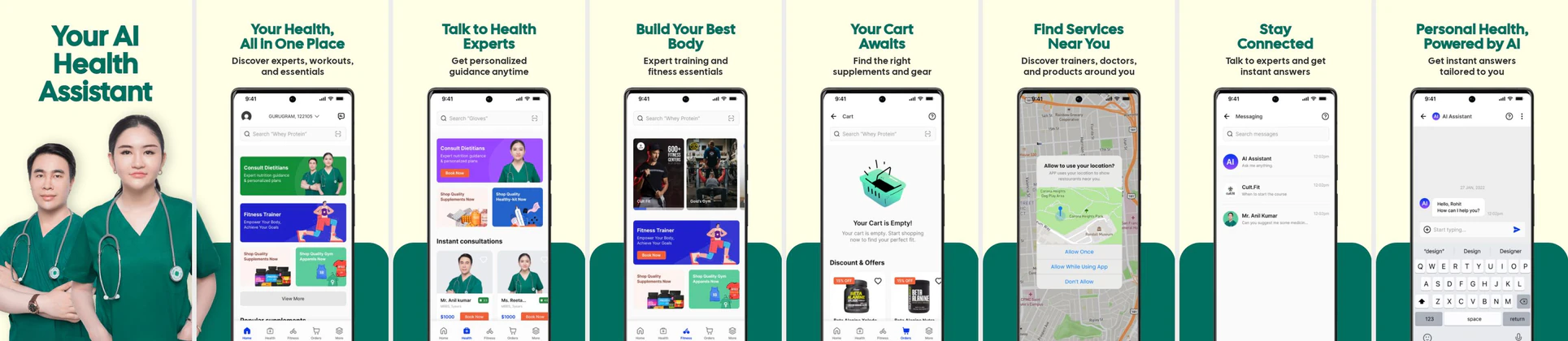 AI Health & Fitness App Play Store Screenshot Template – Telehealth, Workout & Wellness UI
 Doctor Appointment App Play Store Screenshot Template – Medical & Telehealth Mobile UI Screens
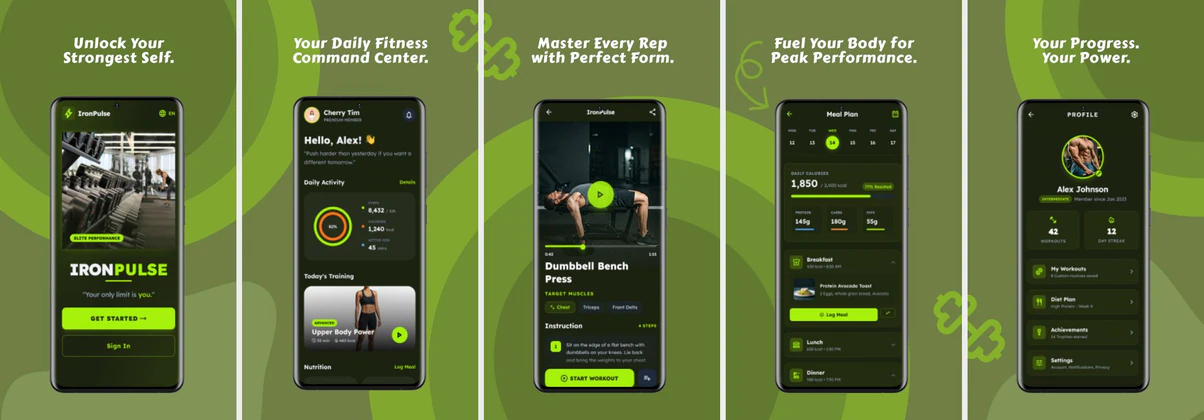 Fitness Play Store Screenshot Template – Workout & Health App Design
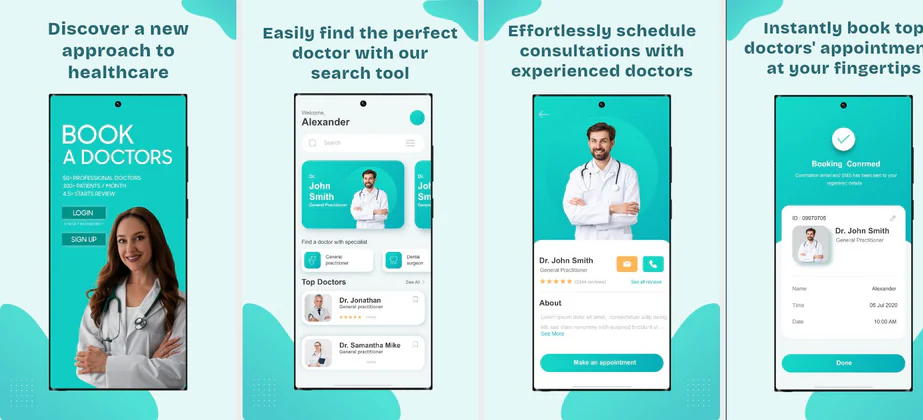 Play Store Template for Health & Appointment Apps
✨ App Mockups, Ads & ASO Marketing Graphics
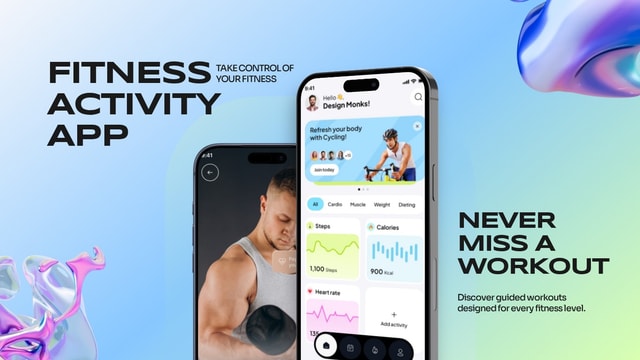
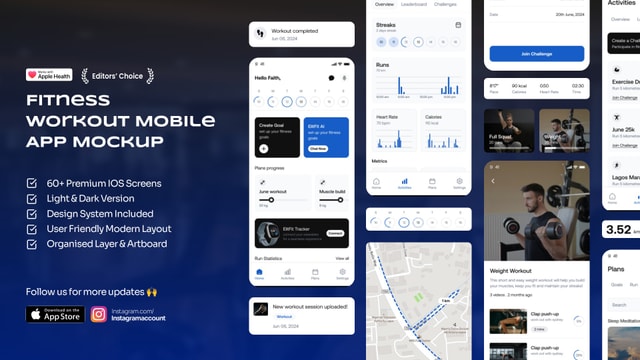
Modern Fitness Activity App Mockup for Workout & Health Tracking AppsModern Fitness Workout App UI Mockup for iOS Health & Gym Apps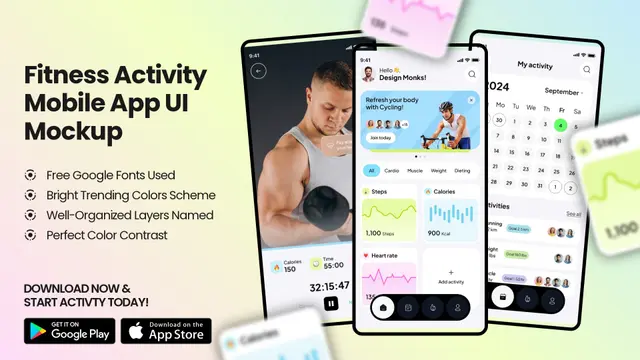 Fitness Activity App UI Mockup – Workout Tracker & Health Dashboard Design
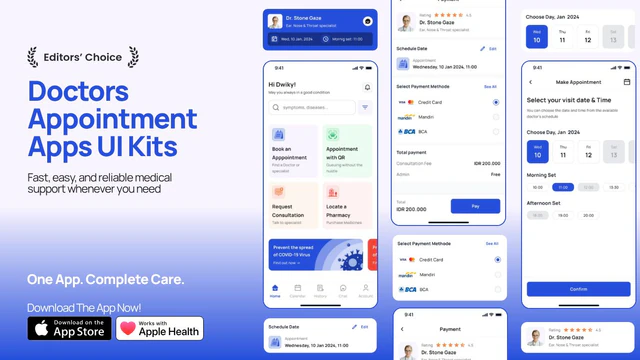 Doctor Appointment App Promo – App UI Kit Mockup with Medical Booking Screens
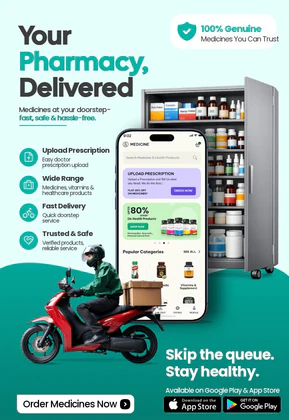 Online Pharmacy & Medicine Delivery App Ad Template
 Healthcare App Promo – Doctor Booking & Mobile UI Mockup
 Healthcare App Advertisement – Medicine Delivery & Prescription App Promo
 Professional Nutrition and Calorie Tracker App Promo | Modern Health UI Design Template
 Doctor Appointment Mobile App UI – Modern Healthcare Booking App Design
 Clinic App UI for Patients – Modern Healthcare Mobile App Design | Clinicare
 Healthcare & Wellness Mobile App UI Kit – Health Tracker, Hydration, Calorie, Steps & Blood Pressure UI Design Template
 Your Health Is Important – LinkedIn Cover Template for Healthcare
 Stunning YouTube Poster Cover for Medical Channels
ASO Guide: Conveying Trust in Health & Telehealth App Listing Screenshots
Health app screenshots should feel clear and supportive under stress. Lead with immediate care access, then show record continuity, reminders, and secure communication. Users in this space often evaluate apps during urgent moments, so readability and trust cues must come first. Keep medical terminology plain and avoid overloaded dashboards in early frames. A calm visual sequence makes complex care workflows easier to understand before installation.
Listings in this category improve when claims are concrete and grounded in visible UI states. AppTweak benchmarks in health and wellness segments point to better conversion when screenshot copy emphasizes task completion over broad promises. Show what users can actually do today, such as book, check, message, or track. Nakxi helps teams build clinically responsible storefront creatives that remain adaptable across iOS and Android campaigns.
Medical and health tracking apps need to prioritize safety and privacy in their messaging. Showcase features like easy booking, virtual video consultations, secure health charts, and encrypted data. Choose soft, clinic-inspired color palettes like teal, soft blue, and white.
Avoid cluttered charts; instead, use simple, friendly vector mockups and clear, bold captions. Highlight credentials or security certifications to reassure users their health records are fully secure.
Health teams commonly streamline storefront production in Nakxi by keeping a reviewed template library and swapping journey modules for telecare, monitoring, or medication adherence campaigns.
Frequently Asked Questions
What designs convey trust for health and telehealth apps?
Generous whitespace, calm pastel colors, clean sans-serif typography, and warm, smiling doctor avatars make telehealth screens feel professional and reassuring.
Should I show active video calls in my medical screenshots?
Yes, featuring a mock screen showing a friendly doctor on a video call ('Talk to a Doctor 24/7') instantly communicates the value of telehealth services.
Should health apps show clinical data in screenshots?
Yes, but only the most relevant data and with clear labels. Dense clinical views can overwhelm general users in listing contexts. Show one metric per frame when possible and explain its value briefly. This approach balances credibility and usability.
How can health screenshots improve trust quickly?
Use calm visuals, practical outcomes, and explicit privacy or support cues. Patients want confidence that actions are straightforward and secure. Keep copy precise and avoid sensational health claims. Trust improves when every frame feels clear and responsible.
How do I create health app screenshots with Nakxi?
Pick a health template from this page, open it in Nakxi's editor, swap in your UI captures, write outcome-led captions, and export App Store and Play Store sizes from one canvas. Most teams ship a first draft in under an hour without a design agency.
What screenshot sizes do health apps need in 2026?
Apple's required iPhone class is 6.9-inch (1320 × 2868 px, with 1290 × 2796 px and 1260 × 2736 px also accepted). If the app runs on iPad, the 13-inch class is required (2064 × 2752 px, 2048 × 2732 px also accepted). Google Play screenshots must be 320–3840 px per side, with the long side at most twice the short side. The feature graphic is exactly 1024 × 500 px. Nakxi exports both store formats from a single design.