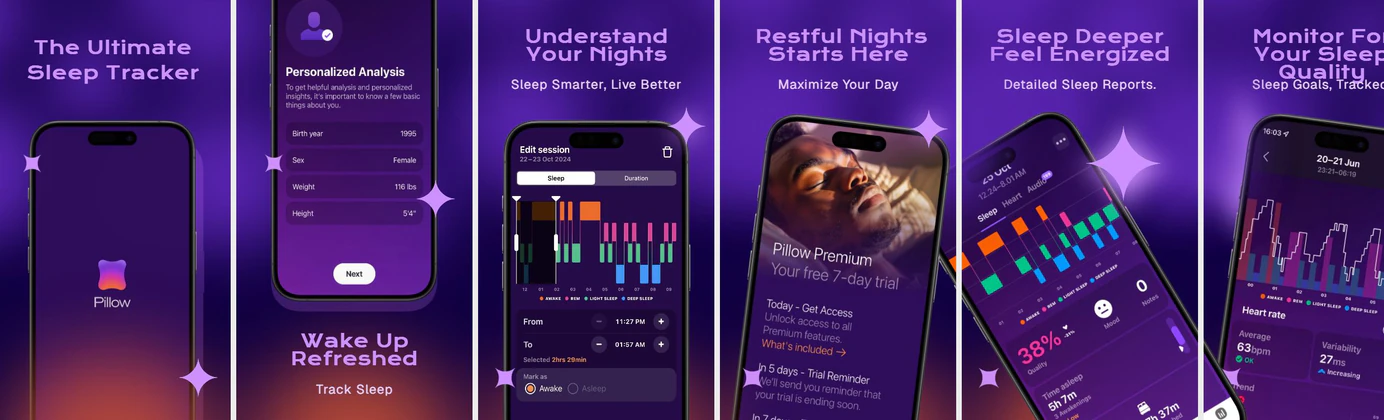
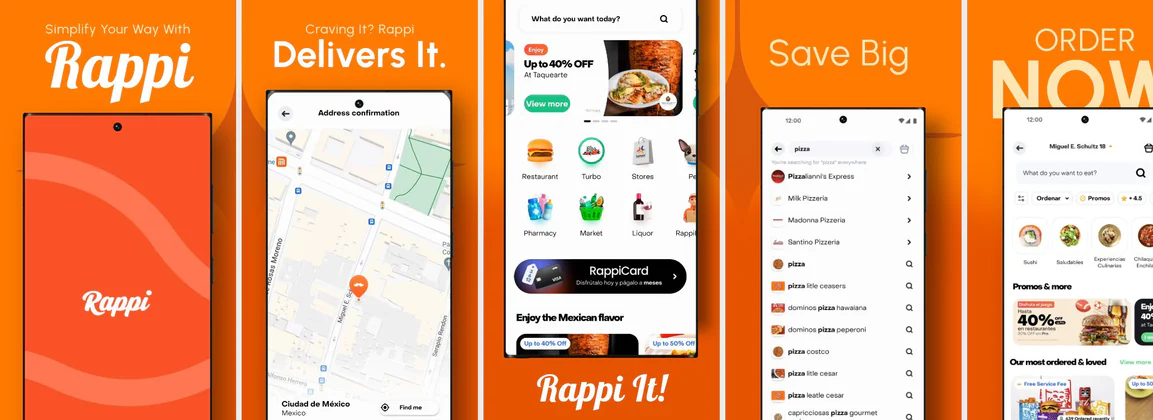

Can I create Android phone screenshots?
Yes. Design for the common 1080 × 1920 (9:16) phone slot. Play enforces 16:9 or 9:16 — not iPhone-style 9:19.5 crops. Frames stay current so listings do not look dated.
Nakxi is an AI-powered Play Store screenshot generator for creating professional Android phone and tablet screenshots with templates, device frames, and automatic resizing — ready for Google Play Console.
Pick a template. Drop in your screenshots. Export every required Play Console size.
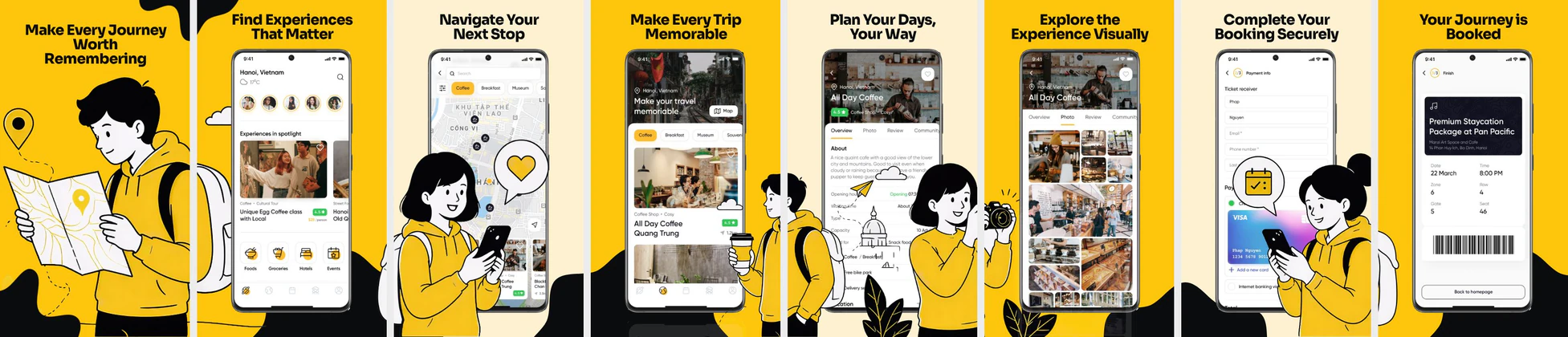 Travel & Booking App Play Store Screenshots – Trip Planner UI Template
 Baby Tracker App Play Store Screenshots – Parenting & Daily Care UI
 E-Learning App Play Store Screenshots – Online Course & Education UI
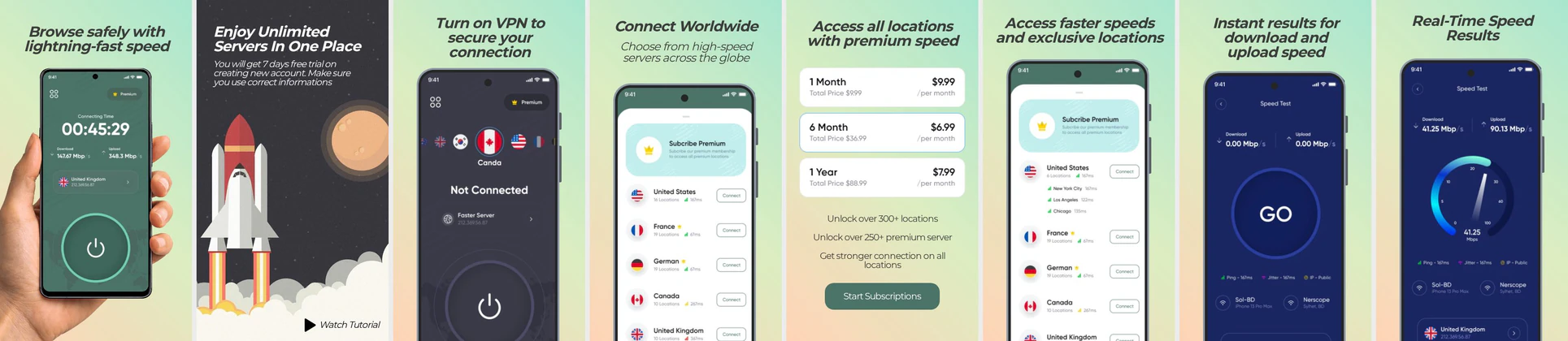 VPN App Play Store Screenshot Template – Secure & Fast Connection UI
 Fashion E-commerce Play Store Screenshot Template – Clothing App UI
 Diet & Nutrition App Play Store Screenshots – Calorie Tracker UI Template
 Home Service and House Cleaning Play Store Screenshot
 Fitness & Diet App Play Store Screenshot Template – Workout Planner & Health UI
 Food Delivery App Play Store Screenshot Template – Order Food, Meals & Restaurant UI
 Modern Dating App Play Store Screenshot Template – Match, Discover & Chat UI Kit
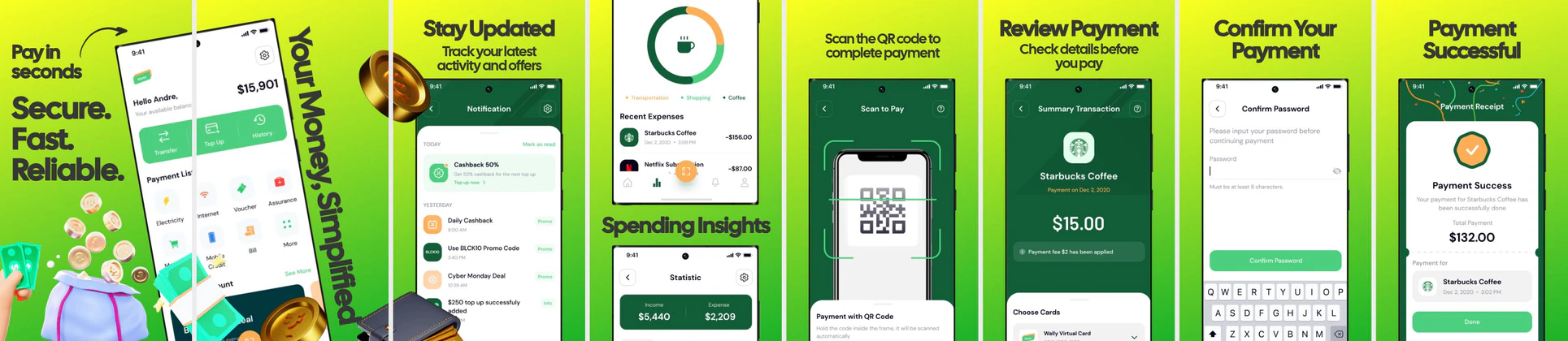 Fintech Play Store Screenshot Template – Payment App, QR Pay & Expense Tracker UI
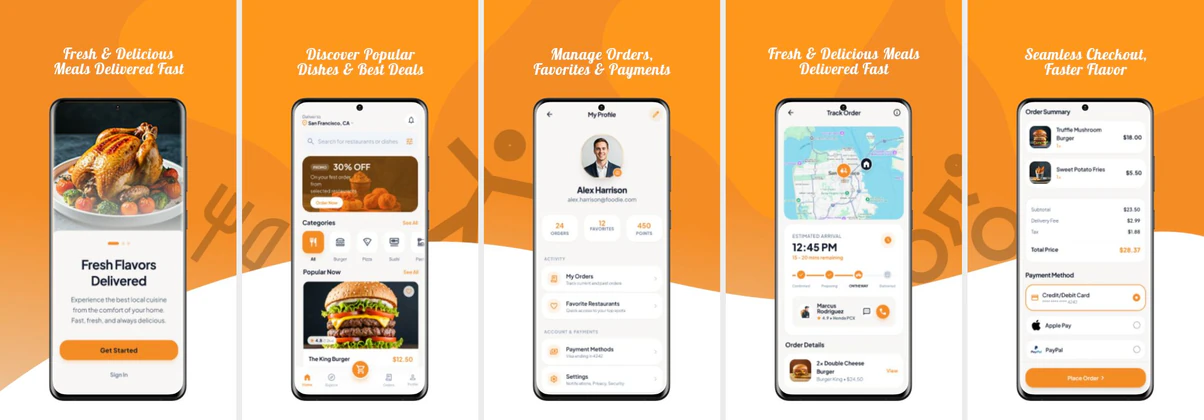 Food Delivery App Screenshot Template – Play Store Design
Start blank or from a template, design the set, preview it the way shoppers see it, then export every Play Console size — including the feature graphic.
Upload 3–10 screenshots and Nakxi's AI App Screenshot Generator picks your strongest screens, writes benefit-led headlines, and designs every Play Store slide for you — fully editable afterward in Screenshot Studio.
One Play Store screenshot generator built around Google Play Console — not a generic design canvas.
Current Galaxy, Pixel, and generic Android frames so Play listings never look dated.
The 1024 × 500 banner Google Play shows above your screenshots — design it in the same project as your carousel.
Export phone, tablet, and feature graphic together without rebuilding layouts screenshot-by-screenshot.
Start from professionally designed screenshot layouts built for ASO, not generic social posts.
RTL-ready for Arabic, Persian, Hebrew, Urdu, and more — localize captions without duplicating whole projects.
PNG and JPEG at the dimensions Play Console expects — upload without another conversion step.
A Play Store screenshot generator — also called a Play Store screenshot maker or Android screenshot creator — is software for building the marketing images on your Google Play listing. Those images are often the first visual a shopper sees in search. Nakxi is built for that job: current Android frames, Play Console sizes, a feature graphic, templates, AI, and one-click resize in a browser editor.
Yes. Design for the common 1080 × 1920 (9:16) phone slot. Play enforces 16:9 or 9:16 — not iPhone-style 9:19.5 crops. Frames stay current so listings do not look dated.
Yes. Optional 7-inch (1200 × 1920) and 10-inch (1920 × 1200) slots keep tablet users from seeing a stretched phone crop. Smart Resize adapts one design across those canvases.
Yes. The 1024 × 500 feature graphic is built in the same project as your screenshot set, so search and merchandising art match the carousel.
Yes. Smart Resize takes one design and adapts it across phone, tablet, and feature-graphic dimensions. You are not rebuilding captions and frames screenshot-by-screenshot.
Yes. Upload real app screens and Nakxi can draft a sequenced set with benefit-led headlines. You keep full edit control. Prefer to start from a layout? Use templates instead — see the AI App Screenshot Generator.
Yes. Export PNG or JPEG at the sizes and aspect ratios Play Console currently expects. Localization clones the same set into extra languages, including RTL, without a second design pass.
Google Play enforces minimum dimensions and a strict 16:9 or 9:16 aspect ratio. Design for the common phone slot, then export the rest with Smart Resize. This page is the generator — the full walkthrough lives in the Play Store screenshot guide.
| Asset | Size (px) | Notes |
|---|---|---|
| Phone (recommended) | 1080 × 1920 | 9:16 portrait — min 320 px short side, max 3840 px long side |
| 7-inch tablet | 1200 × 1920 | Optional but recommended for small tablets |
| 10-inch tablet | 1920 × 1200 | Landscape is common for larger tablets |
| Feature graphic | 1024 × 500 | Fixed size used in search and merchandising |
Count, file format, and Store Listing Experiments: how to create Play Store screenshots (2026).
Try our App Store Screenshot Generator — iPhone and iPad frames, App Store Connect sizes, and Smart Resize from the same workflow.
Direct answers about creating Play Store screenshots with Nakxi.
A Play Store screenshot generator is a tool for designing the preview images on a Google Play listing. Nakxi lets you start from templates or your own app screens, add Android phone and tablet frames, write captions, build the 1024×500 feature graphic, and export the sizes Play Console expects — without Photoshop or Figma.
Yes. Start free with no credit card. Browse templates, open the editor, and build a full screenshot set including the feature graphic. Export limits apply on the free plan; upgrading unlocks higher-resolution exports, Smart Resize, and localization.
Yes. Design phone screenshots (commonly 1080×1920), plus 7-inch and 10-inch tablet slots. Smart Resize adapts one layout across those sizes so you are not rebuilding each device by hand.
Yes. Upload PNG or JPG captures from your app, drop them into a template or a blank canvas, wrap them in current Android frames, and edit headlines around the real UI.
Yes. Exports match the dimensions and 16:9 / 9:16 aspect ratios Play Console currently expects, including the 1024×500 feature graphic. Confirm the latest values in Play Console before you submit.
Yes. Upload 3–10 real app screens and Nakxi can sequence the story, draft benefit-led headlines, and lay out each slide. Every AI pack stays fully editable. You can also skip AI and design from templates.
Yes. Clone a finished set into additional locales, including RTL languages such as Arabic, Persian, Hebrew, and Urdu. Caption length and layout are adjusted so you do not duplicate every artboard by hand.
Yes. Nakxi includes current Samsung Galaxy, Pixel, and generic Android frames so listings look like the device shoppers actually hold. Frames update as new models ship.
Yes. Design once and export iPhone and iPad sizes from the same project. For iOS-first work, use the App Store Screenshot Generator.
No. Nakxi runs in the browser. Templates, device frames, Smart Resize, the feature graphic, and Play Console–ready exports are built in — no design software or installs required.
Google Play allows 2–8 screenshots per device type. The recommended minimum is 4–5. Your first two are the most important — they appear in Play search before users tap through to your listing.
Professional templates. Every Android size. Feature graphic included.
Create Screenshots FreeAlso explore: Play Store templates · App Store screenshot generator · Screenshot localization · How to create Play Store screenshots