
Meditation & Sleep App Store Screenshot Templates
Help users feel calmer before install with gentle, clear, and confidence-building visuals.
Convey peace and mindfulness. Highlight meditation timer screens, sleep sound libraries, and breathing exercises in a modern, calming layout.

 App Store Screenshot Templates
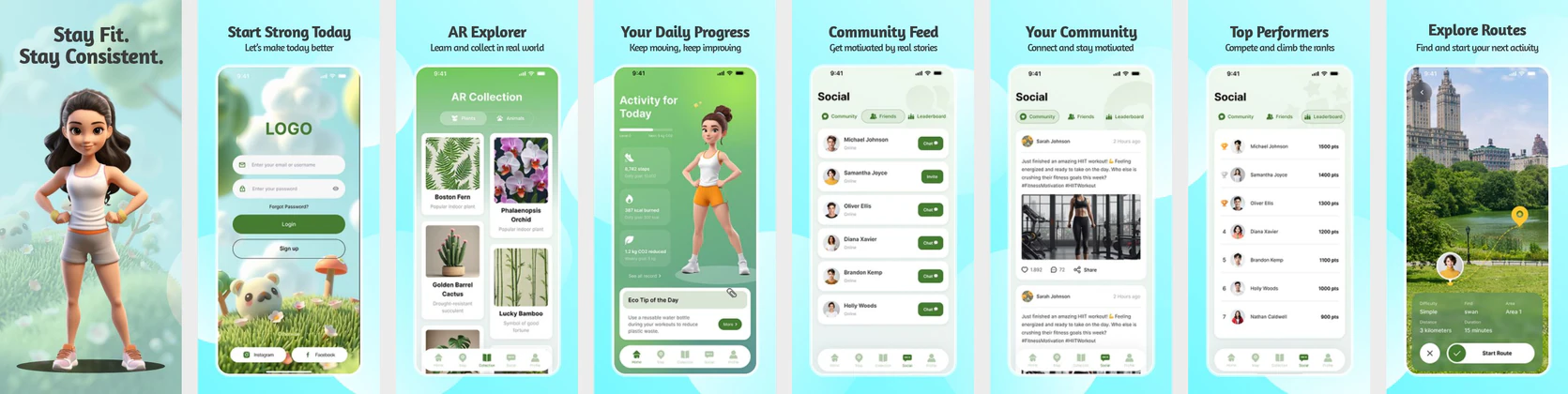


 Play Store Screenshot Templates

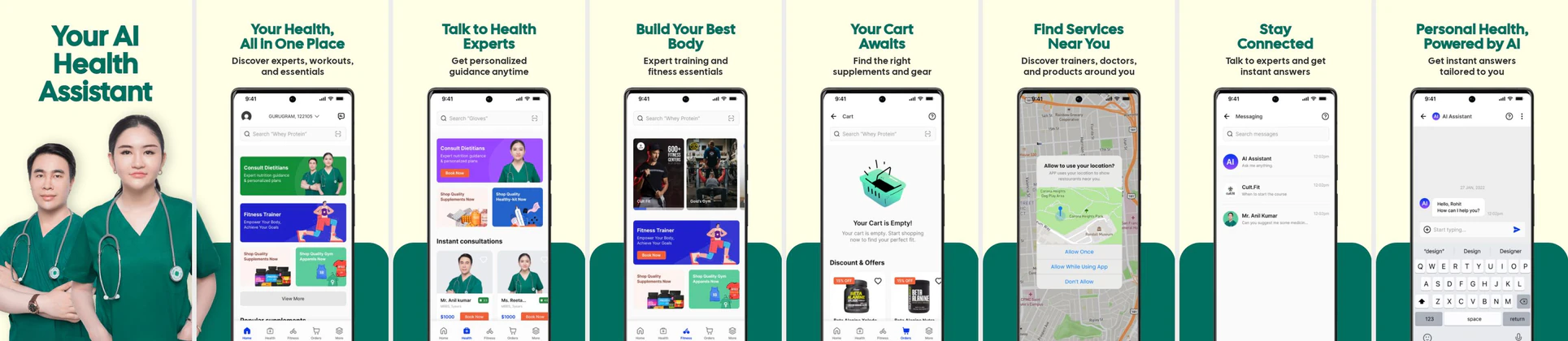

✨ App Mockups, Ads & ASO Marketing Graphics
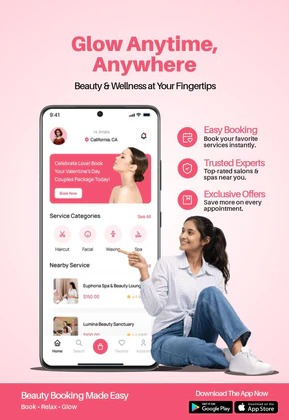
Beauty Salon App Promotion – Spa & Wellness Booking Mobile DesignMeditation and Mindfulness UI Kit Healthcare & Wellness Mobile App UI Kit – Health Tracker, Hydration, Calorie, Steps & Blood Pressure UI Design Template
 YouTube Thumbnail for Yoga Studio Channel
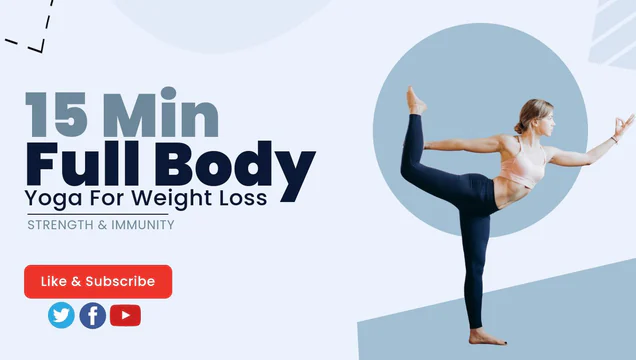 Light Blue Yoga and Workout Youtube Channel Art
 A Clean, Modern Meditation Flyer Template
ASO Guide: Creating Relaxing Visuals for Meditation & Sleep Listings
Meditation screenshots should deliver emotional tone and practical guidance at once. Begin with immediate relief use cases like quick breathing or sleep support, then show session variety, progress tracking, and consistency tools. Keep spacing generous and copy minimal so visuals feel calming rather than crowded. Users in this category often decide based on whether the app feels supportive in the first glance, not on feature quantity.
Conversion usually improves when frames connect specific problems to clear session outcomes. AppTweak benchmarks indicate better performance for wellness listings that foreground concrete daily scenarios over abstract inspiration. Use believable promises like five-minute reset, bedtime wind-down, or focus break. Nakxi helps teams maintain a unified calm visual language while testing different intent-led narratives for sleep-first, stress-first, or productivity-first audiences.
Mindfulness, calm, and meditation apps require visual breathing room. Do not crowd the screenshots; use clean margins, soft backgrounds (like night skies or nature elements), and elegant typography. Display key screens like meditation player circles, audio playlists, and progress stats.
Since sleep is a major feature, feature at least one high-contrast dark-mode screenshot showing sleep sounds or dreamscapes. Pair it with relaxing captions like 'Fall Asleep Fast' or 'Reduce Daily Stress'.
Meditation brands usually get the cleanest output in Nakxi by setting one calm baseline design system and swapping intent-specific modules for sleep, stress, or focus campaigns.
Frequently Asked Questions
Which style works best for meditation screenshots: light or dark?
A mix of both is best. Start with a soft, clean light-mode screen for daytime meditation, and transition to a deep dark-mode design to highlight sleep sounds.
What icons should I include to represent mindfulness?
Subtle icons representing sound waves, moon/stars, breathing loops, and lotus flowers help instantly establish the app's category.
Do meditation apps need progress metrics in screenshots?
Yes, but metrics should be lightweight and supportive. A simple streak or minutes tracked can reinforce commitment without making the app feel competitive. Keep these cues secondary to emotional reassurance. The core message should remain ease and consistency.
How many screenshots are ideal for mindfulness listings?
Five to six screenshots is usually enough for mindfulness apps. This covers immediate value, content depth, and retention features without visual fatigue. Ensure each frame represents a distinct use case. Consistency in tone across the set is more important than sheer count.
How do I create meditation app screenshots with Nakxi?
Pick a meditation template from this page, open it in Nakxi's editor, swap in your UI captures, write outcome-led captions, and export App Store and Play Store sizes from one canvas. Most teams ship a first draft in under an hour without a design agency.
What screenshot sizes do meditation apps need in 2026?
Apple's required iPhone class is 6.9-inch (1320 × 2868 px, with 1290 × 2796 px and 1260 × 2736 px also accepted). If the app runs on iPad, the 13-inch class is required (2064 × 2752 px, 2048 × 2732 px also accepted). Google Play screenshots must be 320–3840 px per side, with the long side at most twice the short side. The feature graphic is exactly 1024 × 500 px. Nakxi exports both store formats from a single design.