Metadata AI · Listing copy + screenshot captions
AI App Store Description Generator
Draft App Store and Google Play titles, subtitles, descriptions, and screenshot captions from research — competitor terms and listing opportunities first, then generate, review, and apply inside store character limits. AI writes the first pass. You stay the editor.
- Character counters
- No auto-publish
- No ranking promises
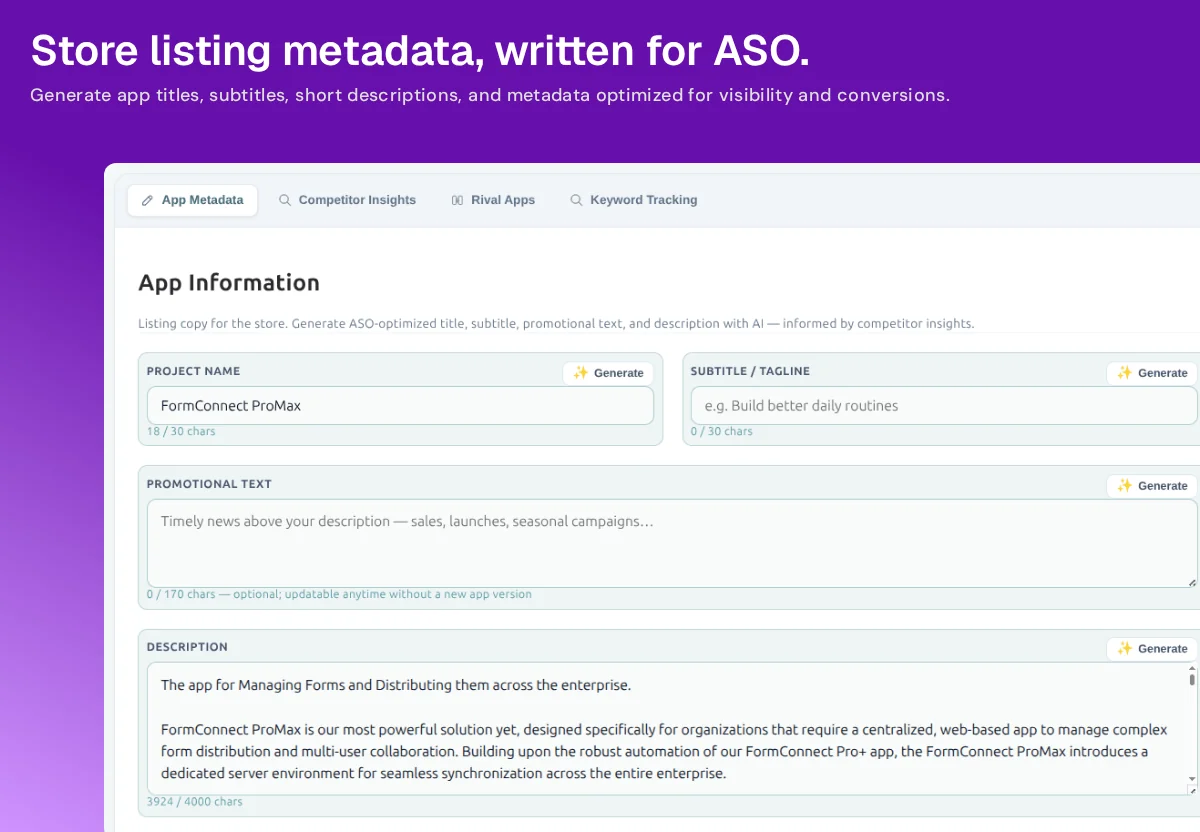
Listing metadata
Store listing copy, written to the fields that exist
Metadata AI is an App Store description generator inside the listing project — not a blank chat box. It drafts the App Information fields you already have to fill: name, subtitle, promotional text, and description, with live character counts.
-
Title / name
30 characters on both stores. Lead with the searchable name people already use — not a slogan that burns the field.
-
Subtitle / short description
App Store subtitle is 30 characters; Google Play short description is 80. This is the benefit line next to the icon.
-
Promotional text
App Store only, 170 characters. Optional, and you can update it without a new app version — sales, launches, seasonal notes.
-
Description
Up to 4,000 characters. First lines do the conversion work; the rest can cover features, who it is for, and store-safe claims.
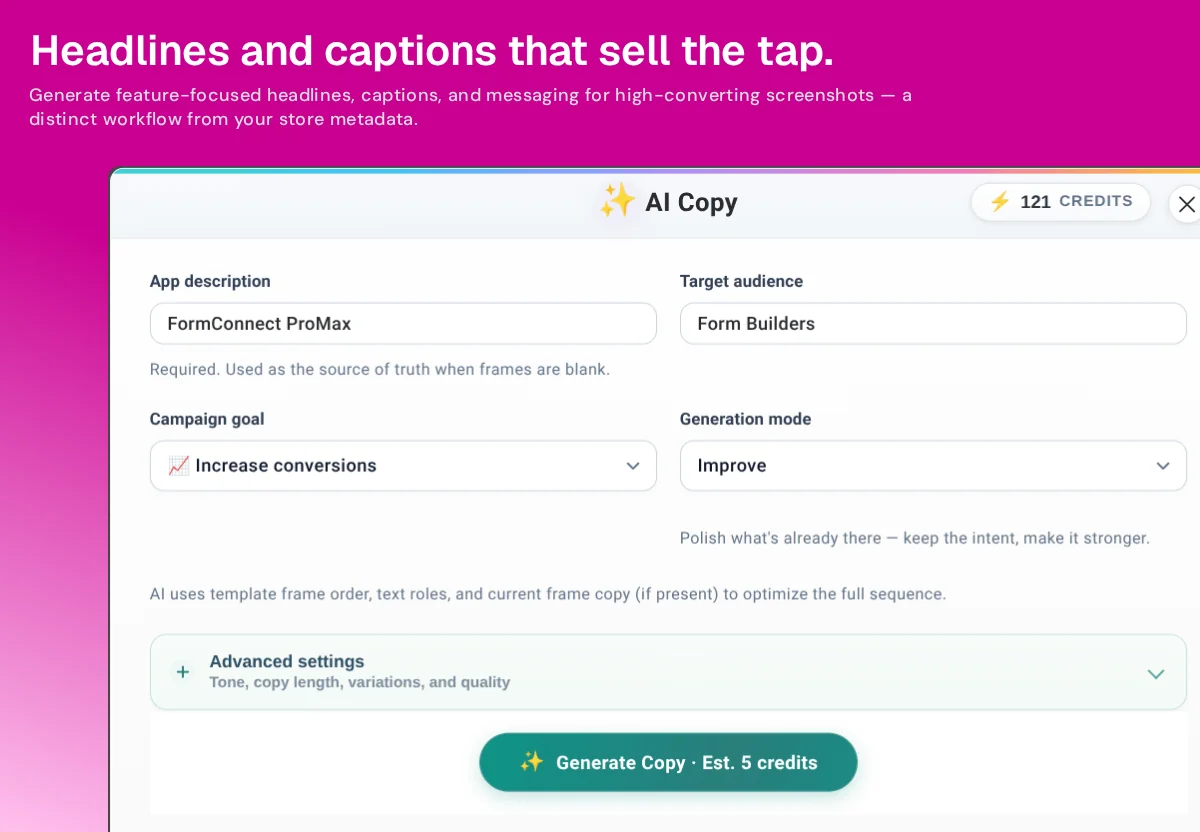
Screenshot captions
A second pass for headlines that sell the tap
Screenshot captions are not the description shrunk onto an image. Screenshot Copy AI writes headlines and captions for the sequence — using template frame order, text roles, and whatever copy is already on the slide.
Use Metadata AI when you are filling App Store Connect or Google Play Console fields. Stay in Screenshot Studio when you need captions that match hierarchy on each frame. If you still need the slides themselves, start from the AI app screenshot generator. Copy and screenshots both belong in AI App Store Optimization; they are not the same job.
How to use it without shipping generic copy
-
Start from the app, not a prompt
Project context and competitor insights sit next to the fields, so drafts can reflect the category instead of a template slogan.
-
Generate field by field
Title, subtitle, promo, and description each have their own Generate control — you do not have to accept a whole listing in one blob.
-
Edit for honesty
Cut claims the product cannot support. Keep keywords that Competitor Insights shows as real gaps.
-
Check length, then localize
Use the free metadata audit if you want a URL-level length check, then clone into other languages with AI Localization.
Draft the listing. Keep the last word.
Free AI credits to try. Every field stays editable before you publish.
Metadata AI FAQ
Listing copy vs screenshot captions — and what AI will not do.
What is Metadata AI?
Metadata AI is Nakxi’s App Store description generator. It drafts titles, subtitles, promotional text, and descriptions for App Store and Google Play listings — inside the character limits those stores actually enforce. You edit every field before anything is published.
Is screenshot copy the same as listing metadata?
No. Metadata is the indexed listing text (title, subtitle, descriptions). Screenshot Copy AI is a separate pass for headlines and captions on each slide, using frame order and text roles so captions fit the visual — they are not pasted from the description.
Does AI copy guarantee more downloads?
No. Better copy can make a listing clearer; it cannot guarantee rankings or installs. Treat drafts as a starting point. Check claims against the product, then use the free metadata audit if you want a length check before you paste into the consoles.
Is Metadata AI included on the free plan?
The free plan includes AI credits so you can try generation. Creator unlocks Metadata AI and Screenshot Copy AI as ongoing listing tools. Character counters work on every plan so you stay inside store limits either way.