Play Store Screenshot Templates
Browse Play Store screenshot templates for Android phones and tablets — sized for Google Play Console, optimized for ASO, and ready to customize in Nakxi's browser editor. Export every required dimension from a single design using the Play Store screenshot generator.
Play Store Screenshot Templates
Free Google Play screenshot templates for Android. Customize layouts and export the sizes Google Play Console needs.
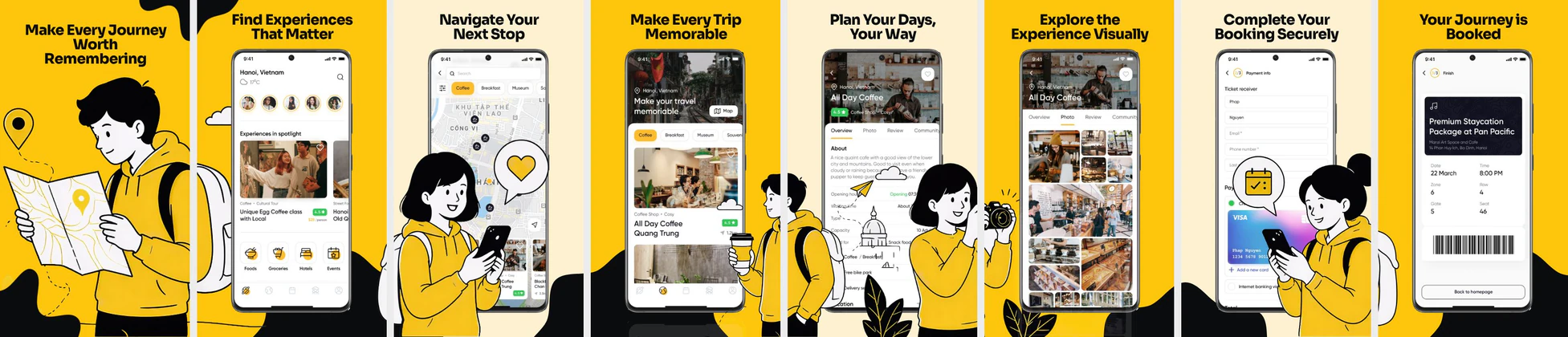 Travel & Booking App Play Store Screenshots – Trip Planner UI Template
 Baby Tracker App Play Store Screenshots – Parenting & Daily Care UI
 E-Learning App Play Store Screenshots – Online Course & Education UI
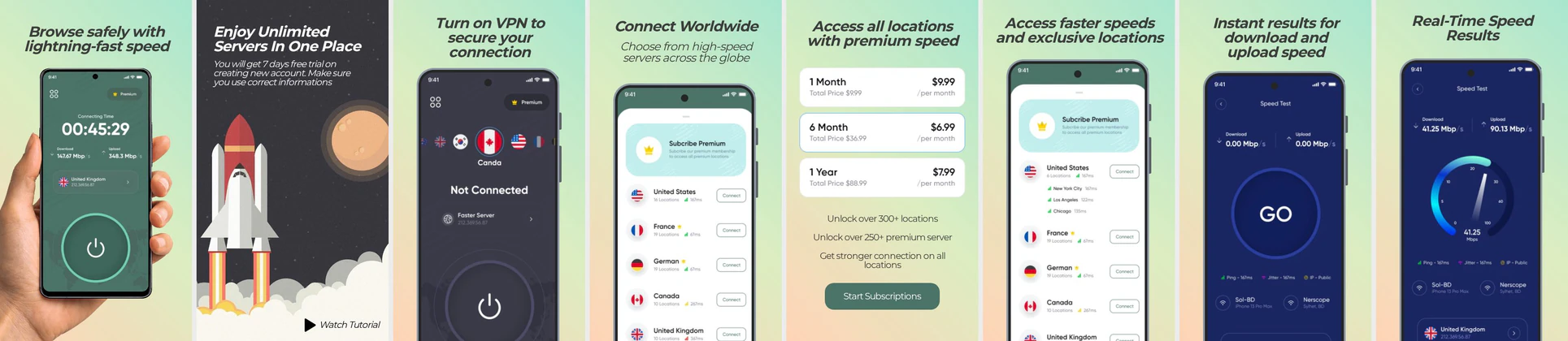 VPN App Play Store Screenshot Template – Secure & Fast Connection UI
 Fashion E-commerce Play Store Screenshot Template – Clothing App UI
 Diet & Nutrition App Play Store Screenshots – Calorie Tracker UI Template
 Home Service and House Cleaning Play Store Screenshot
 Fitness & Diet App Play Store Screenshot Template – Workout Planner & Health UI
 Food Delivery App Play Store Screenshot Template – Order Food, Meals & Restaurant UI
 Modern Dating App Play Store Screenshot Template – Match, Discover & Chat UI Kit
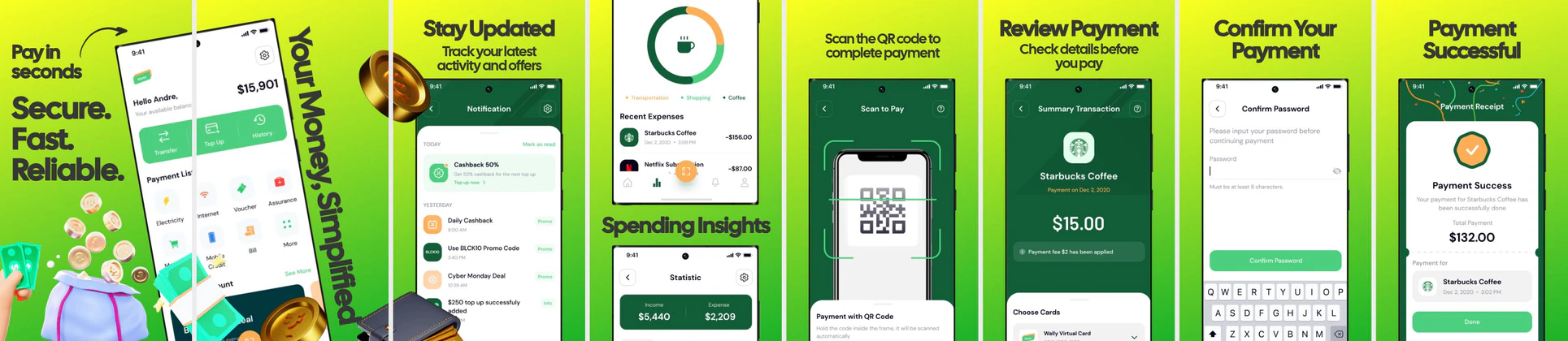 Fintech Play Store Screenshot Template – Payment App, QR Pay & Expense Tracker UI
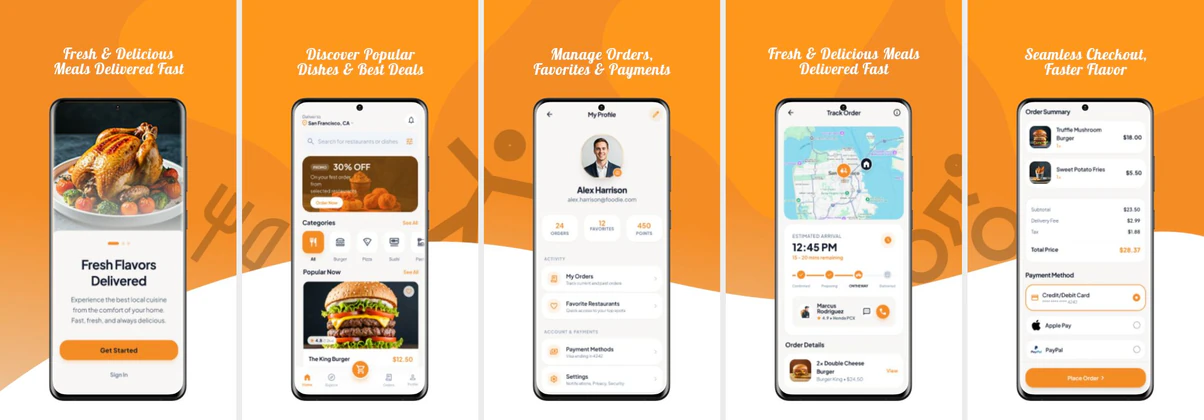 Food Delivery App Screenshot Template – Play Store Design
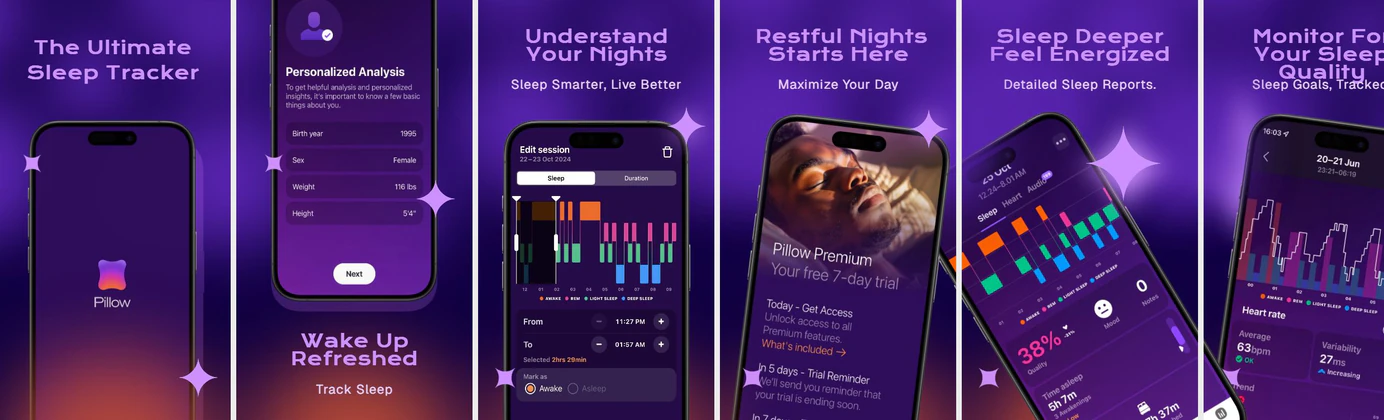 Purple colored with a shade of Orange Template for Android Playstore Screenshots
 AI Video Editor App - Play Store Screenshots
 Fashion Shopping App Play Store Screenshots – E-commerce Deals & Wishlist UI
Play Store screenshot templates in Nakxi are sized for Google's published specifications and laid out around the visual hierarchy patterns that Android users respond to. Google Play accepts phone screenshots at 1080×1920 px and up to 1080×2400 px for modern display ratios, a feature graphic at 1024×500 px (required for apps promoted on the Play Store front page), and tablet screenshots at 1600×900 px or 2560×1600 px.
These Play Store screenshot templates are built for Android developers launching on Google Play, ASO teams running conversion rate experiments, and agencies producing visuals for multiple clients. Unlike device-agnostic tools, Nakxi's Play Store screenshot templates natively handle Android device frames — Pixel, Galaxy, and generic Android bodies — so screenshots look native to the platform, not repurposed from iOS.
Each template opens in the browser editor where you can change backgrounds, swap device frames, edit captions, adjust typography, and update brand colors in minutes. Layout structures follow the benefit-first, feature-second ordering Google's documentation recommends for maximizing first-frame impact. Export at the correct pixel dimensions and upload directly to the Play Console.
Use the Play Store screenshot generator to export every required Android size from one design. Read the complete Play Store screenshot guide for sizing rules, frame counts, and copy strategy. If you also publish on iOS, see the App Store screenshot templates — Nakxi's smart resizer handles both platforms in a single session.
What Google Play screenshot sizes do these templates support?
Templates cover phone screenshots (1080×1920 px, 1080×2400 px), feature graphic
(1024×500 px), and tablet sizes (1600×900 px, 2560×1600 px). Nakxi exports all
required dimensions from one design.
What is a Google Play feature graphic and do I need one?
The feature graphic (1024×500 px) appears at the top of your Play Store listing
when your app is promoted. It's optional but strongly recommended for apps
targeting featured placement. Nakxi includes feature graphic templates.
Can I use the same design for App Store and Play Store?
Yes. Design once in Nakxi and use Smart Resize to adapt to both platforms.
See App Store screenshot templates for
iOS-specific layouts.
Are these Play Store screenshot templates free?
Browsing and previewing templates is free. Exporting store-ready files
requires a Nakxi plan. View pricing.