App Store Screenshot Templates
Browse App Store screenshot templates for iPhone and iPad — sized for App Store Connect, optimized for ASO, and ready to customize in Nakxi's browser editor. Export every required dimension from a single design using the App Store screenshot generator.
App Store Screenshot Templates
Free App Store screenshot templates for iPhone and iPad. Swap in your screens, edit copy, and export store-ready sizes for App Store Connect.
 Fintech App Store Screenshot Template – Money Management, Payments & Finance Tracker UI Kit
 AI Trip Planner App Store Screenshot Template – Smart Travel & Itinerary Builder UI Kit
 Digital Wallet App Store Screenshot Template – Finance, Payments & Money Transfer UI Kit
 App Store Screenshot Template – Fitness, Cycling & Activity Tracking Mobile App UI Kit
 Habit Tracker Screenshot Template for iOS – Fitness, Routine & Productivity UI Kit
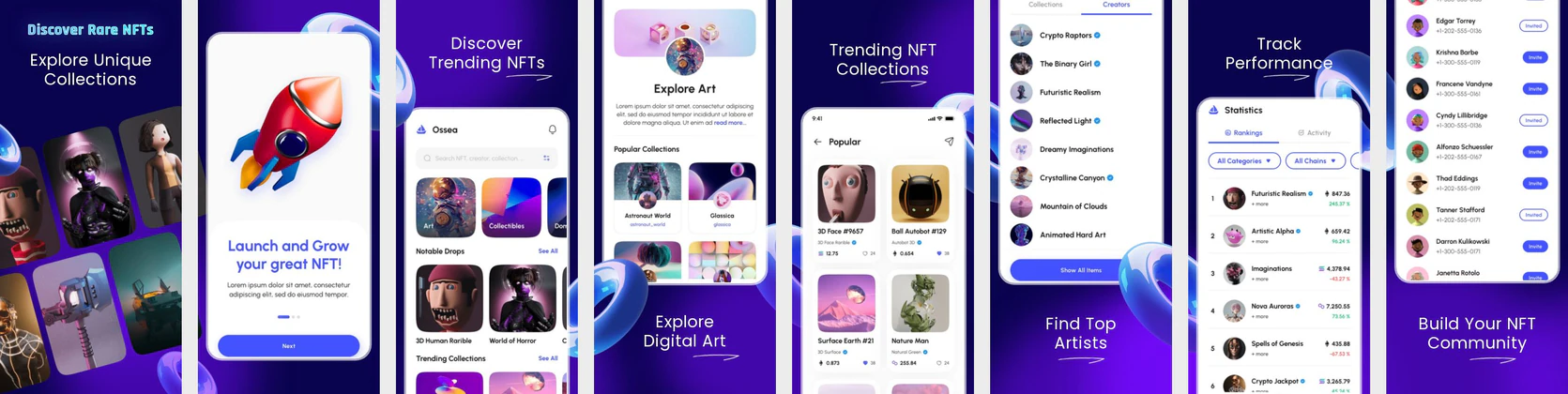 NFT App Store Screenshot Template – Crypto, Web3 & Digital Art Mobile UI Kit
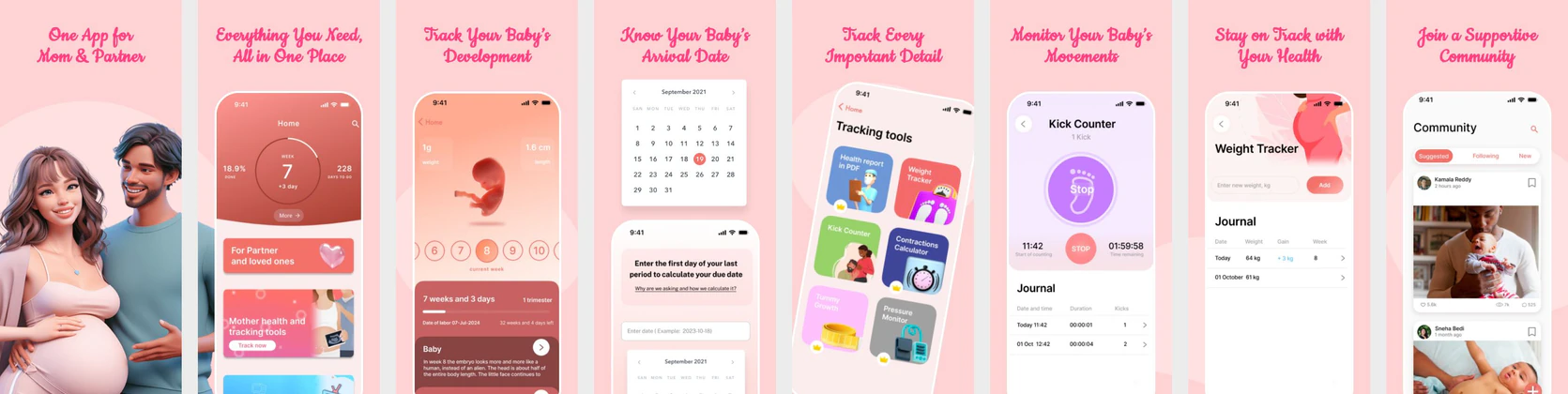 Pregnancy & Baby Tracker App Store Screenshot Template – Mom & Baby Care UI Kit (iOS & Play Store)
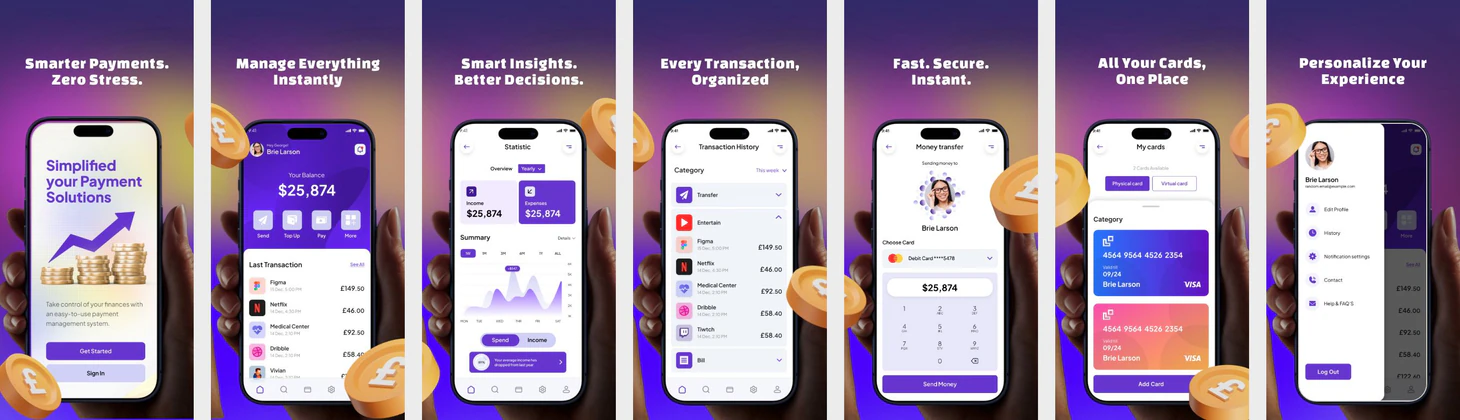 Finance & Payment App Store Screenshot Template – Purple Gradient Fintech UI
 Food Restaurant App Store Screenshot Template – Warm Orange & Teal UI
 Google-Inspired App Store & Play Store Screenshot Template
 App Store Screenshot Design - Minimal & Clean UI Template
 iPhone 16 App Store Screenshot Design – Sleek & Minimal Dark Theme Template
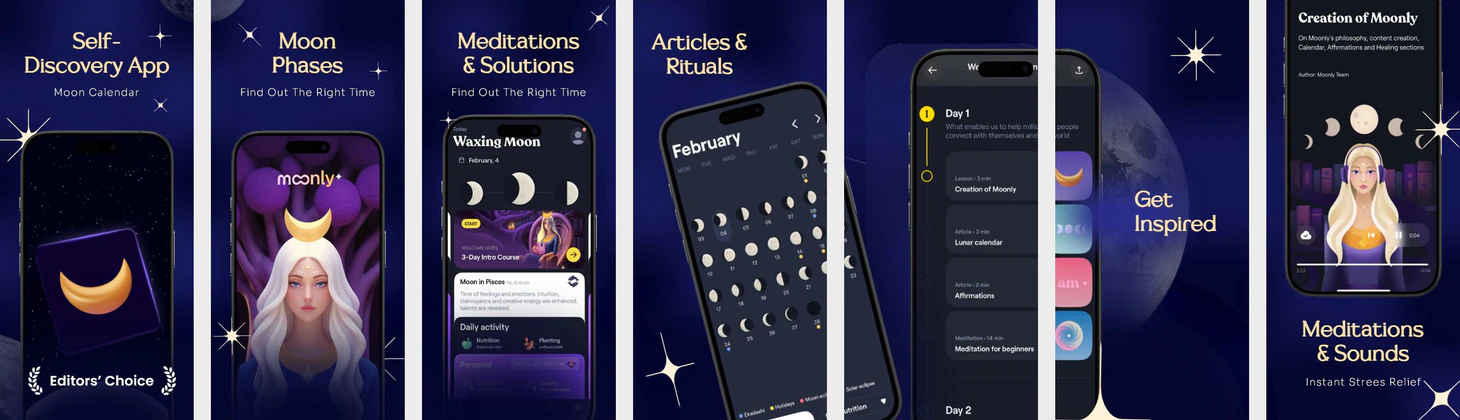 Moon Astrology App Template — iPhone 16 Pro Titanium Purple Blue Theme Appstore Screenshot Template
 A Green Themed Car Reselling Appstore Mockup
 iPhone 16 Yellow Themed Appstore Screenshot Template for Travel App
App Store screenshot templates on Nakxi are built around the exact dimensions Apple requires and the conversion patterns that actually move the install button. Every template covers the three required device classes: the 6.9-inch display (1320×2868 px, iPhone 16 Pro Max), the 6.7-inch display (1290×2796 px, iPhone 15 and 16 series), the 5.5-inch display (1242×2208 px, still required for older device support in many categories), and the 13-inch iPad (2064×2752 px, 2048×2732 px also accepted) for tablet users.
These templates are designed for indie developers who need store-ready visuals without a design team, ASO specialists iterating across A/B test variants, and mobile studios managing multiple titles on tight timelines. Nakxi's smart resizer generates every required dimension from a single design session — no rebuilding layouts for each device class from scratch.
Each App Store screenshot template starts from a proven layout structure: a benefit-led caption on frame one, a feature framing sequence across the middle frames, and a social proof or action-oriented close. Customize every element — fonts, colors, backgrounds, device frames, captions — directly in the browser with no installs required.
Export at the pixel dimensions App Store Connect requires, ready to upload without resizing. Use the App Store screenshot generator to export every required size from one design, or browse the App Store screenshot size guide and ASO screenshot best practices before you start. Also available: Play Store screenshot templates for Android listings.
What App Store screenshot sizes do these templates support?
Every template covers the four required device classes: 6.9-inch (1320×2868 px),
6.7-inch (1290×2796 px), 5.5-inch (1242×2208 px), and 13-inch iPad
(2064×2752 px). Nakxi's Smart Resize exports all sizes from one design.
Can I use these templates for both App Store and Google Play?
Yes. After designing for App Store, use Nakxi's resizer to adapt the same layout
to Play Store dimensions. See Play Store screenshot templates for
Android-specific layouts.
Do I need design skills to use these templates?
No. Every template is fully editable in Nakxi's browser-based editor — change
fonts, colors, device frames, captions, and backgrounds without Figma or Photoshop.
Are these templates free?
You can browse and preview all templates free. Exporting store-ready files
requires a Nakxi plan. View pricing.