AI Screenshot Generator · Apple & Google
AI App Screenshot Generator
For developers and ASO teams who already have app screens. Upload them and Nakxi drafts a store-ready App Store and Google Play screenshot set — headlines, layouts, and device frames — you can still edit before you export.
- Real app screens
- App Store + Google Play
- Fully editable
- No ranking promises
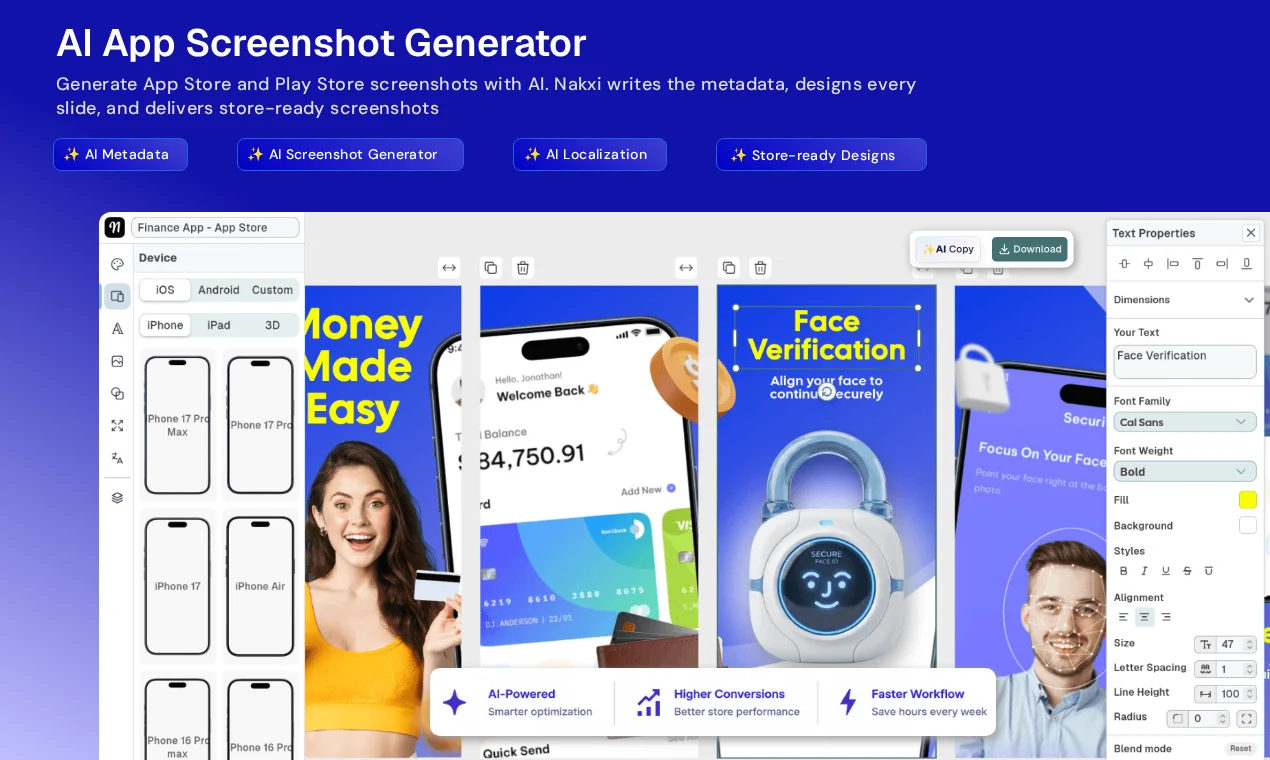
See it in action
Watch the AI App Screenshot Generator in 40 seconds
The exact flow inside Nakxi — upload, AI draft, edit, export.
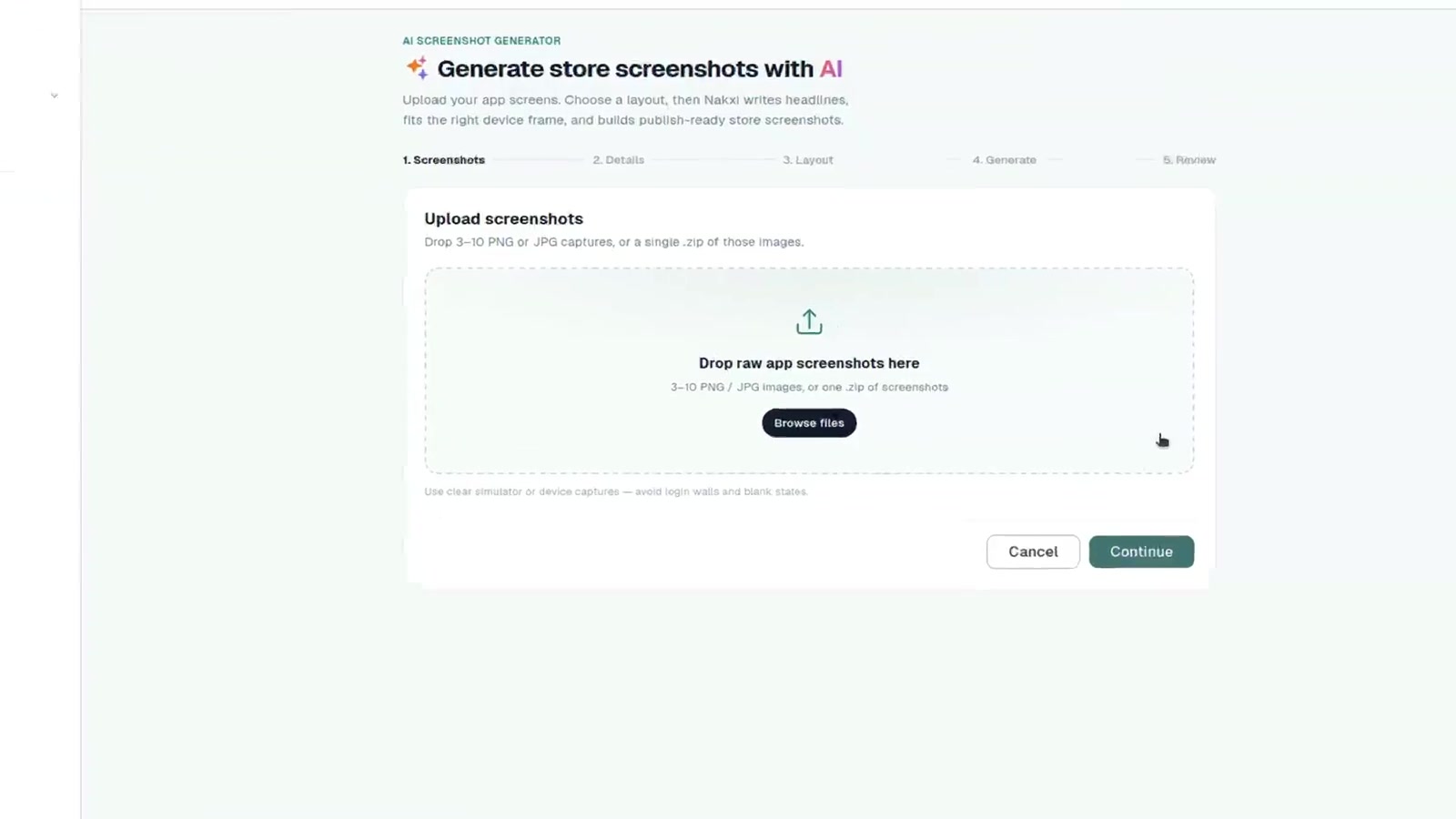
How it works
How the AI App Screenshot Generator works
Real screens → AI draft → your edits in Screenshot Studio → store export. You review every slide before anything reaches App Store Connect or Google Play Console.
Real example
From raw screenshots to store-ready design, by AI
Upload your raw app screenshots and Nakxi designs a polished, store-ready screenshot set in minutes — same screens, same order, nothing invented.
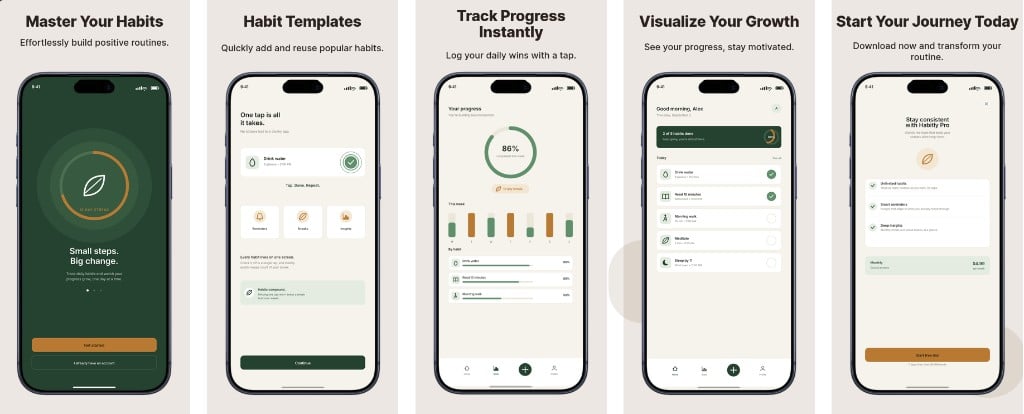
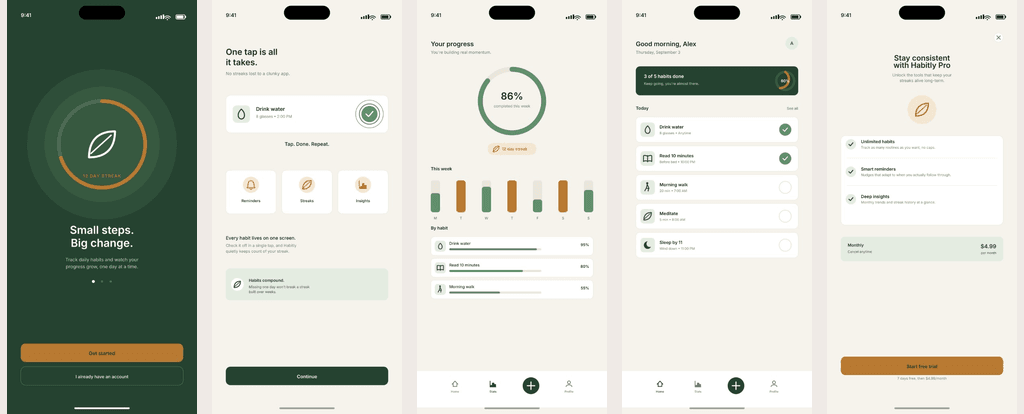
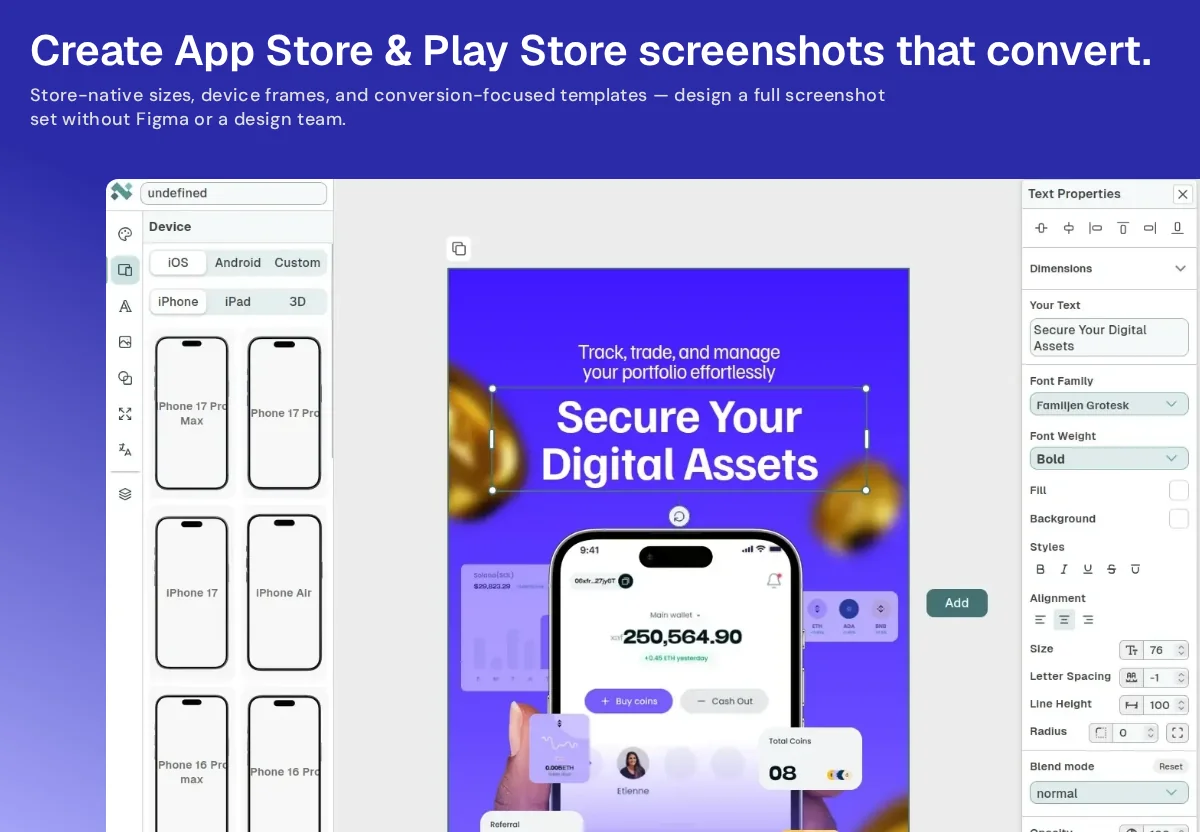
Nakxi added the headlines, captions, and device frames — you edit every slide before you export.
What you get
One upload — App Store and Google Play screenshots
An AI app screenshot generator turns real app screens into a store-ready screenshot set — not a picture invented from a text prompt.
Nakxi drafts a sequenced pack with benefit-led headlines and device frames, then exports the sizes Apple and Google actually require. Marketing mockups for websites or ads still belong on the app mockup generator.
-
Apple App Store
AI App Store screenshot generator
Drafts iPhone listing slides at current App Store Connect sizes, including 6.9-inch iPhone (1320×2868), plus iPad when needed. The first three frames get short, thumbnail-readable headlines — that's search-result real estate, not just decoration.
Prefer to place every frame yourself? Use the App Store screenshot generator.
-
Google Play
AI Play Store screenshot generator
Phone exports typically land at 1080×1920 portrait, with tablet sizes when you need them, plus a 1024×500 feature graphic in the same project. Screenshot captions stay separate from the 80-character short description.
Prefer a template-first Android set? Use the Google Play screenshot generator.
AI screenshot generator vs manual design
Figma and Canva can make listing graphics. Nakxi is built for the store workflow around those graphics.
| Workflow | Manual design | Nakxi AI-assisted workflow |
|---|---|---|
| Start from real app screens | Yes — you place them | Yes — upload 3–10 screens or a ZIP |
| Screenshot copy | Manual | AI-assisted headlines; you edit |
| Layout creation | Manual | AI drafts a coherent set |
| Device framing | Manual or plugin | Nakxi frames in Screenshot Studio |
| Multiple screenshots | Slide by slide | One sequenced pack |
| Store-specific output | You set artboards | Smart Resize for Apple and Google sizes |
| Editing | Yes | Yes — full Screenshot Studio |
| ASO workflow | Separate tools | Same platform as ASO, metadata, and localization |
AI is useful when you need a first pack from real UI. It is not a substitute for knowing which benefit belongs on slide one, or whether a claim is honest.
Who is Nakxi’s AI screenshot generator for?
-
Indie developers
Ship a professional listing without starting from a blank Figma file or hiring a designer for every release.
-
Product and SaaS teams
Turn existing product screens into launch or update creatives when the app ships faster than the design queue.
-
ASO professionals
Draft screenshot concepts inside the same workspace as keywords, metadata, and competitor listings — then iterate.
-
Agencies
Produce consistent App Store and Play Store sets across client apps, then localize and export from one project.
Explore more
Fits your ASO workflow and your app category
Screenshots work best next to the rest of your listing — same workspace, any category.
In your ASO workflow
Built for any category
Clearer screenshots can help people understand your app. Nakxi does not guarantee rankings, installs, conversion lifts, or App Store / Play Store featuring.
Generate the pack. Keep the last word.
Upload screens, review the App Store and Play Store set, export when it is actually ready.
Frequently asked questions
What an AI app screenshot generator is, what Nakxi actually does, and what it will not promise.
What is an AI app screenshot generator?
An AI app screenshot generator is software that turns real app screens into a promotional screenshot set for an App Store or Google Play listing. In Nakxi you upload 3–10 PNG or JPG screens (or a ZIP). AI sequences the story, writes benefit-led headlines, lays out each slide with device frames, and exports Apple and Google sizes you can still edit in Screenshot Studio.
How does Nakxi’s AI app screenshot generator work?
Upload your screens. Nakxi picks the strongest frames, drafts headlines, and designs a coherent pack instead of a single mockup. You open the result in Screenshot Studio — change copy, swap screens, move frames, or regenerate a slide — then export App Store Connect and Google Play Console sizes, or publish selected screens from Nakxi. Nothing is auto-published.
Can Nakxi create App Store and Google Play screenshots?
Yes. This flow is an AI App Store screenshot generator and an AI Play Store screenshot generator in the same project: one upload, two export targets, same story. Apple exports follow current App Store Connect sizes, including 6.9-inch iPhone (1320×2868) and iPad when needed. Google Play exports typically use 1080×1920 phone screenshots, plus tablet sizes and a 1024×500 feature graphic when you add one.
Can I start from my existing app screenshots?
Yes. That is the intended input. Upload 3–10 PNG or JPG captures of the real UI, or a ZIP of the same. Nakxi does not invent a fake interface from a text prompt. Fewer than three screens usually produces a thin pack; more than ten rarely improves the first three slides, which matter most in store search.
Can I edit AI-generated app screenshots?
Yes. Every pack opens in Screenshot Studio. Change headlines, swap screens, move device frames, regenerate copy, and export again. AI drafts the first version; you keep the last word.
Is Nakxi a generic AI image generator?
No. A generic image model creates a picture from a prompt. Nakxi’s AI app screenshot generator works with your real app UI and produces a sequenced listing set — headlines, frames, and store-required sizes — inside an ASO workflow. Marketing mockups for websites and ads still belong on the app mockup generator.
Are AI-generated screenshots accepted by the App Store and Google Play?
AI can help design promotional listing assets. The screens you upload should show the actual product, and the finished files must meet Apple and Google size, content, and representation rules. Nakxi does not certify that a given slide will pass review. Check claims against the product before you publish.
Can I localize AI-generated screenshots?
Yes, after the source pack exists. Generate the listing in your source language, then use Nakxi AI Localization to adapt screenshot captions and metadata in 40+ languages, including RTL. Review market-specific claims before you ship each locale.
Who should use an AI app screenshot generator?
Indie developers who do not want to start from a blank canvas, product teams turning existing screens into launch creatives, ASO specialists iterating screenshot concepts, and agencies producing consistent sets across client apps. If you already know the layout you want, the App Store and Play Store screenshot generators let you design from a template instead.
Does Nakxi guarantee more installs or rankings?
No. Clearer screenshots can help people understand the app, but Nakxi does not guarantee rankings, installs, conversion lifts, or featuring. Treat the pack as a starting point, check claims against the product, and publish when the listing is honest.