
Fitness & Workout App Store Screenshot Templates
Show users measurable progress and motivation from the first screenshot onward.
Highlight your app's tracking metrics, workout plans, and health stats. Design vibrant, high-energy screenshots that motivate users to click download.
 App Store Screenshot Templates
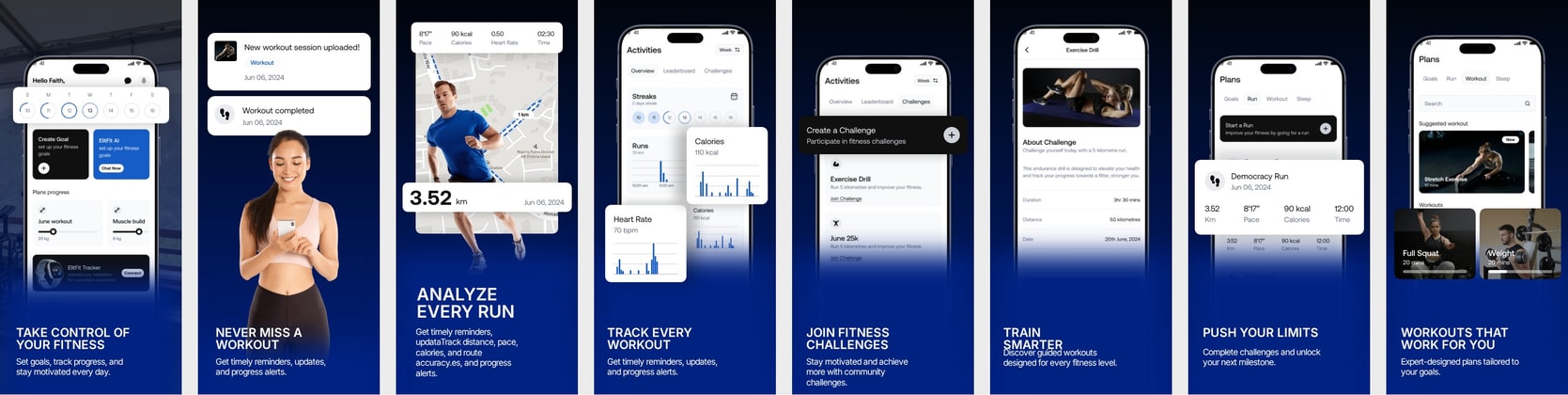 App Store Screenshots for Workout & Activity Tracker Apps - Dark theme
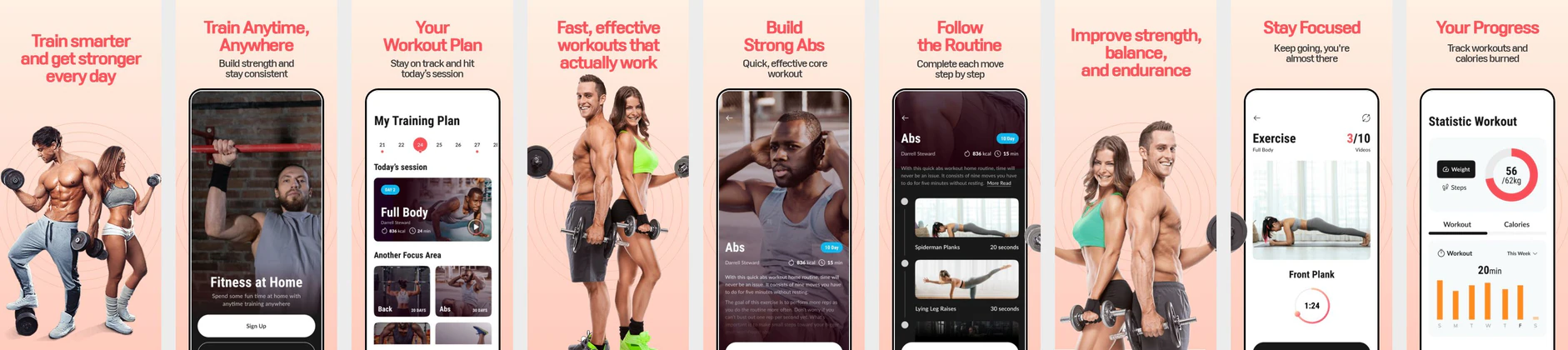 Fitness App Store Screenshot Template – Workout Plan, Training & Home Fitness UI Kit
 App Store Screenshot Template – Fitness, Cycling & Activity Tracking Mobile App UI Kit
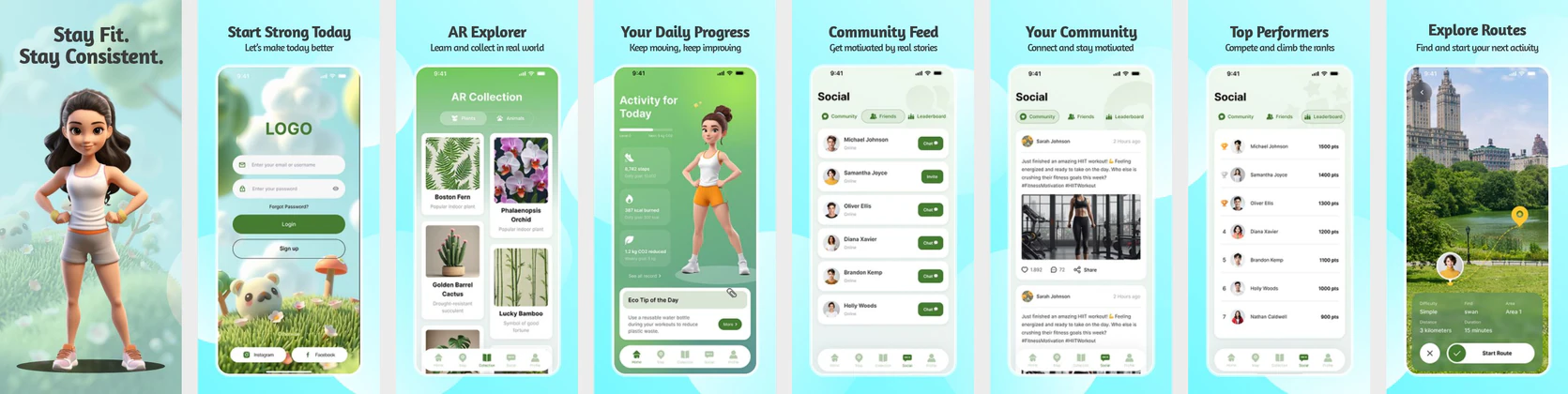 Fitness Habit Tracker Screenshot Template – iOS Wellness & Activity UI Kit
 Habit Tracker Screenshot Template for iOS – Fitness, Routine & Productivity UI Kit
 Women's Fitness Tracker App UI Kit – Daily Activity, Calorie Tracker & Social Fitness Template
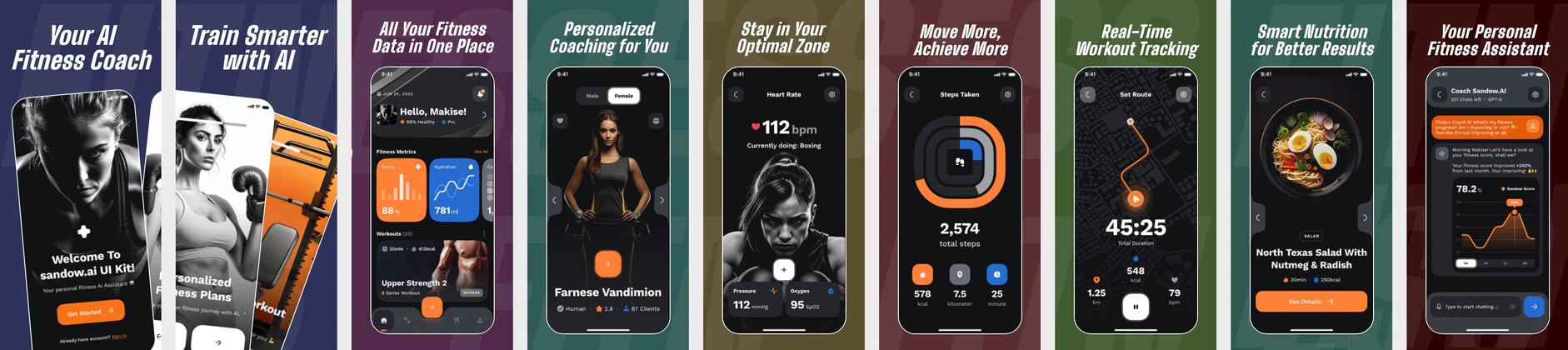 AI Fitness Coach App UI Kit – Workout Tracker, Heart Rate Monitor & Nutrition App Store Template
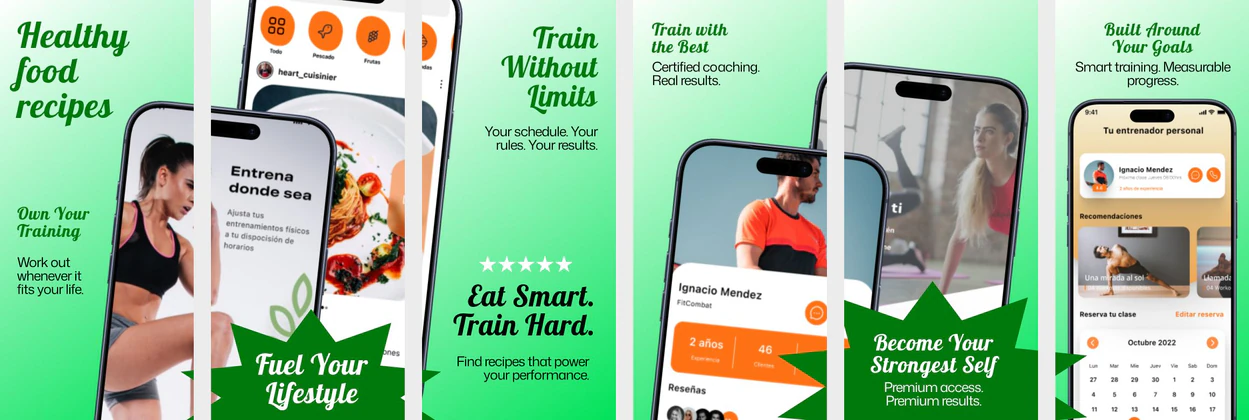 Fitness & Nutrition App Store Screenshot Template
 Fitness App Store Screenshot Template – Bold Blue Workout & Training UI Design
  Play Store Screenshot Templates
 Diet & Nutrition App Play Store Screenshots – Calorie Tracker UI Template
 Fitness & Diet App Play Store Screenshot Template – Workout Planner & Health UI
 Gym Fitness App Play Store Screenshot Template – Workout Tracker, Strength Training UI
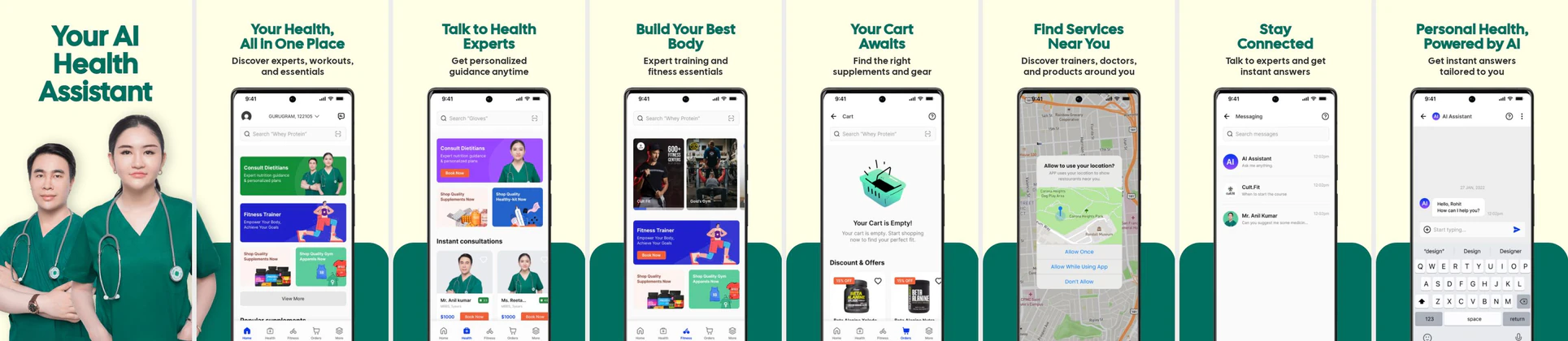 AI Health & Fitness App Play Store Screenshot Template – Telehealth, Workout & Wellness UI
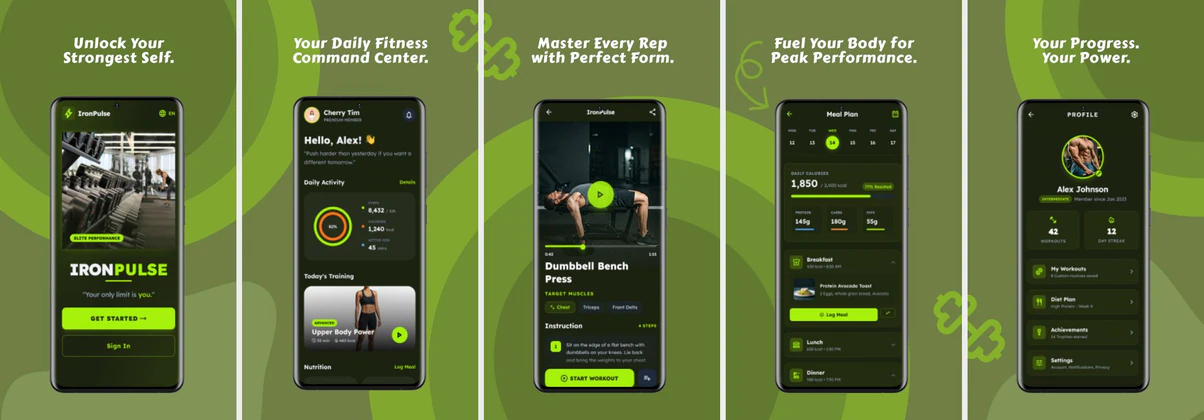 Fitness Play Store Screenshot Template – Workout & Health App Design
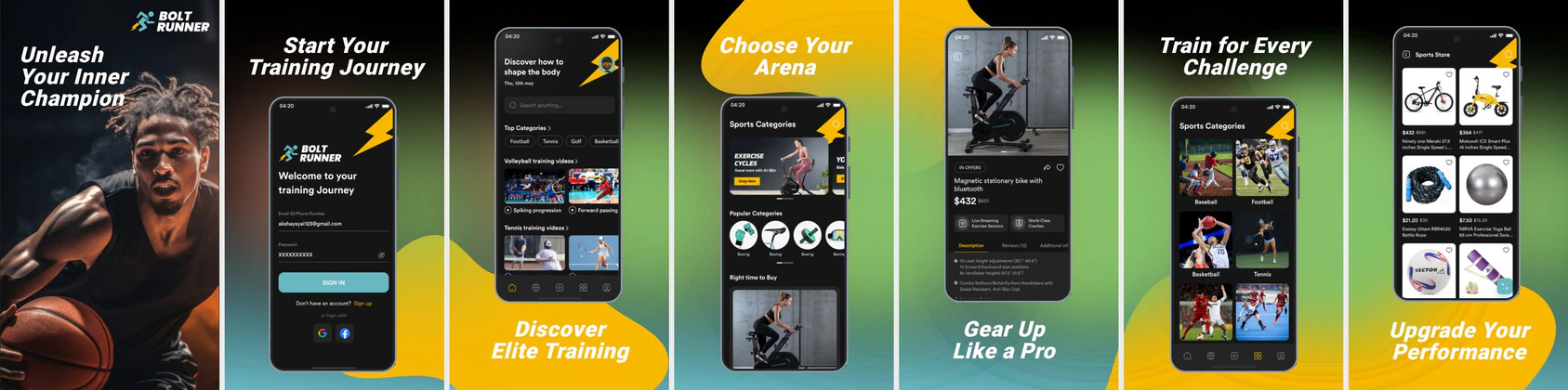 Sports Training App Play Store Screenshot Template – Dark & Dynamic Athletic UI
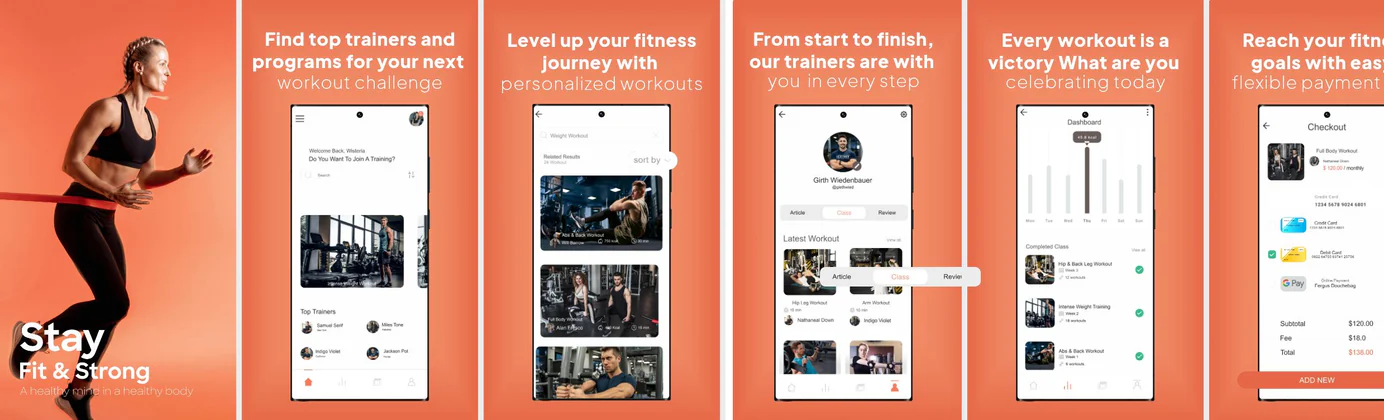 Stay Fit and Strong Gym App - Play Store Template
✨ App Mockups, Ads & ASO Marketing Graphics
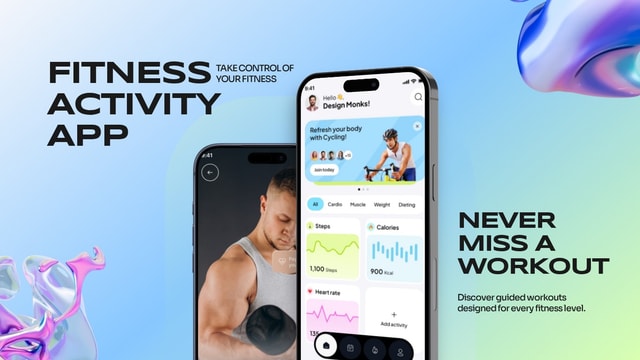
Modern Fitness Activity App Mockup for Workout & Health Tracking AppsModern Fitness Workout App UI Mockup for iOS Health & Gym Apps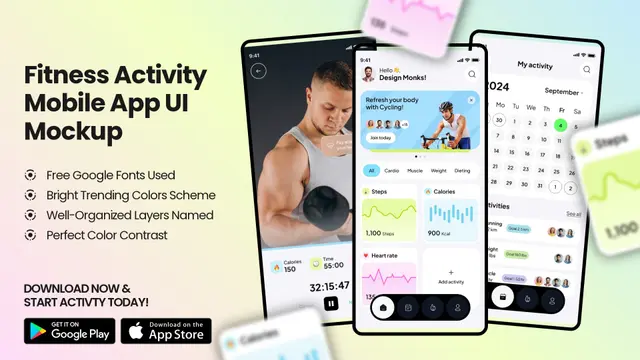 Fitness Activity App UI Mockup – Workout Tracker & Health Dashboard Design
 Professional Nutrition and Calorie Tracker App Promo | Modern Health UI Design Template
 AI Food Calorie Tracker App UI Mockup – Nutrition & Diet Mobile Design
 Diet & Fitness App UI Mockup Template – Workout & Meal Planner Design
 Fitness App Promo Template – Workout Tracker & Performance UI Mockup
 Motivational Gym Poster – Start Today Fitness Quote Template
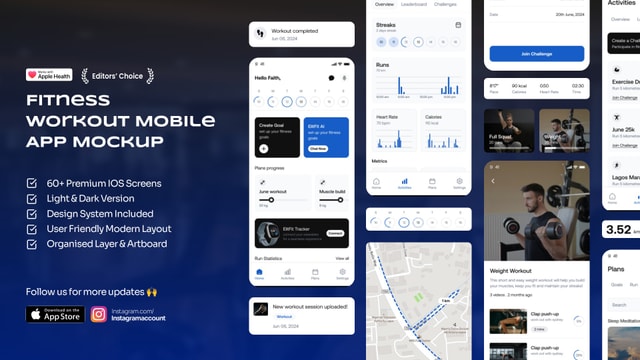
 Fitness App UI Mockup Template – Gym Workout Mobile App Design
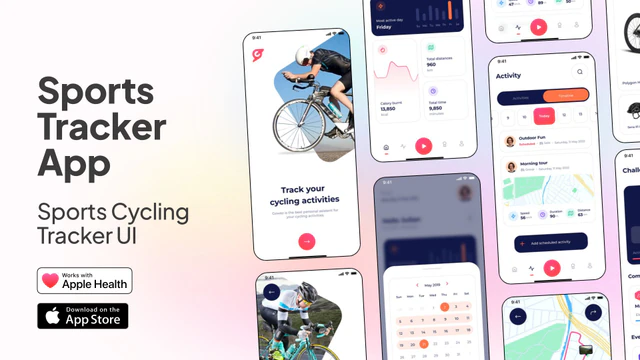 Sports Tracker App UI – Cycling Fitness Mobile App Template
 Fitness App UI Kit & Mockup – Gym Workout Tracker Mobile App Design
 Healthcare & Wellness Mobile App UI Kit – Health Tracker, Hydration, Calorie, Steps & Blood Pressure UI Design Template
 Stronger Starts Here – Gym Promo Template
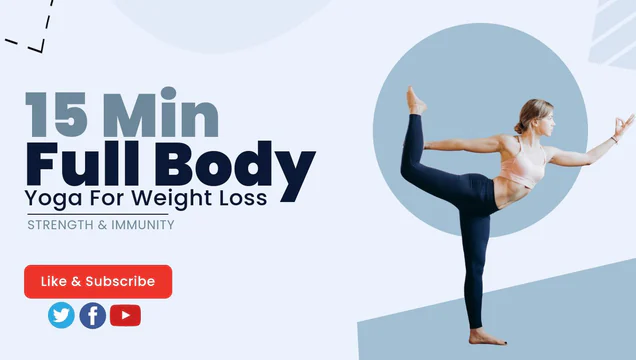 Light Blue Yoga and Workout Youtube Channel Art
 Fitness Program YouTube Thumbnail Template Design
ASO Guide: Designing Dynamic Screenshots for Fitness & Gym Apps
Fitness screenshot sequences should communicate momentum, not just interface variety. Start with a visible result metric, then move through training plans, session tracking, and routine consistency features. Apple screenshot guidelines favor legible hierarchy and focused messaging, so keep one goal per frame on iOS. Google Play listing best practices similarly reward clear benefit mapping and realistic use-case visuals. This structured flow helps users imagine starting quickly and sustaining a habit.
Because workout categories are crowded, creative differentiation often comes from outcome framing. Apple Search Ads reports around 65% of downloads begin with search, so intent-matched thumbnail clarity is essential. Use concrete value lines like track runs, build strength, or train at home, then back each claim with visible UI proof. Nakxi gives fitness teams a repeatable way to test goal-based variants while preserving consistent brand visuals across Android and iOS exports.
Fitness, running, and gym apps succeed on energy, progress, and motivation. Your screenshots should not just show static UI; they should display high-energy visuals, workout progress rings, and rich statistics. Using a dedicated fitness app screenshot maker allows you to overlay motivation-rich captions on top of active device frames.
Focus your screenshots on showing tangible results: active progress trackers, workout summaries, and diet/nutrition planners. Since fitness app users make quick visual decisions, bold headlines and high-contrast colors (like vibrant red, neon green, or electric blue) tend to perform extremely well.
Fitness teams usually use Nakxi most effectively by maintaining one journey-based template set, then rotating goal-specific hooks for fat loss, muscle gain, or endurance campaigns.
Frequently Asked Questions
Should fitness app screenshots use dark mode or light mode?
Dark mode is highly popular for fitness apps as it makes vibrant progress rings, heart rate charts, and workout plans look more energetic and premium. Light mode is excellent for clean diet/nutrition layouts.
What features should I put on the first screenshot for a fitness app?
Highlight the primary action: either active workout tracking, personalized training plans, or calorie counting. Use a bold caption like 'Track Your Runs Instantly' or 'Get Personalized Workout Plans'.
What should fitness apps highlight in the first two screenshots?
Show a clear outcome first, then show how users reach that outcome. This sequence balances motivation and credibility. Avoid starting with generic feature lists or settings pages. Users should understand both the promise and the path quickly.
Do transformation-style visuals improve installs?
They can help when claims stay realistic and evidence-based. Overpromising can reduce trust and lead to poor retention. Progress dashboards, streaks, and coaching feedback are often safer and still persuasive. Keep the tone encouraging rather than sensational.
How do I create fitness app screenshots with Nakxi?
Pick a fitness template from this page, open it in Nakxi's editor, swap in your UI captures, write outcome-led captions, and export App Store and Play Store sizes from one canvas. Most teams ship a first draft in under an hour without a design agency.
What screenshot sizes do fitness apps need in 2026?
Apple's required iPhone class is 6.9-inch (1320 × 2868 px, with 1290 × 2796 px and 1260 × 2736 px also accepted). If the app runs on iPad, the 13-inch class is required (2064 × 2752 px, 2048 × 2732 px also accepted). Google Play screenshots must be 320–3840 px per side, with the long side at most twice the short side. The feature graphic is exactly 1024 × 500 px. Nakxi exports both store formats from a single design.