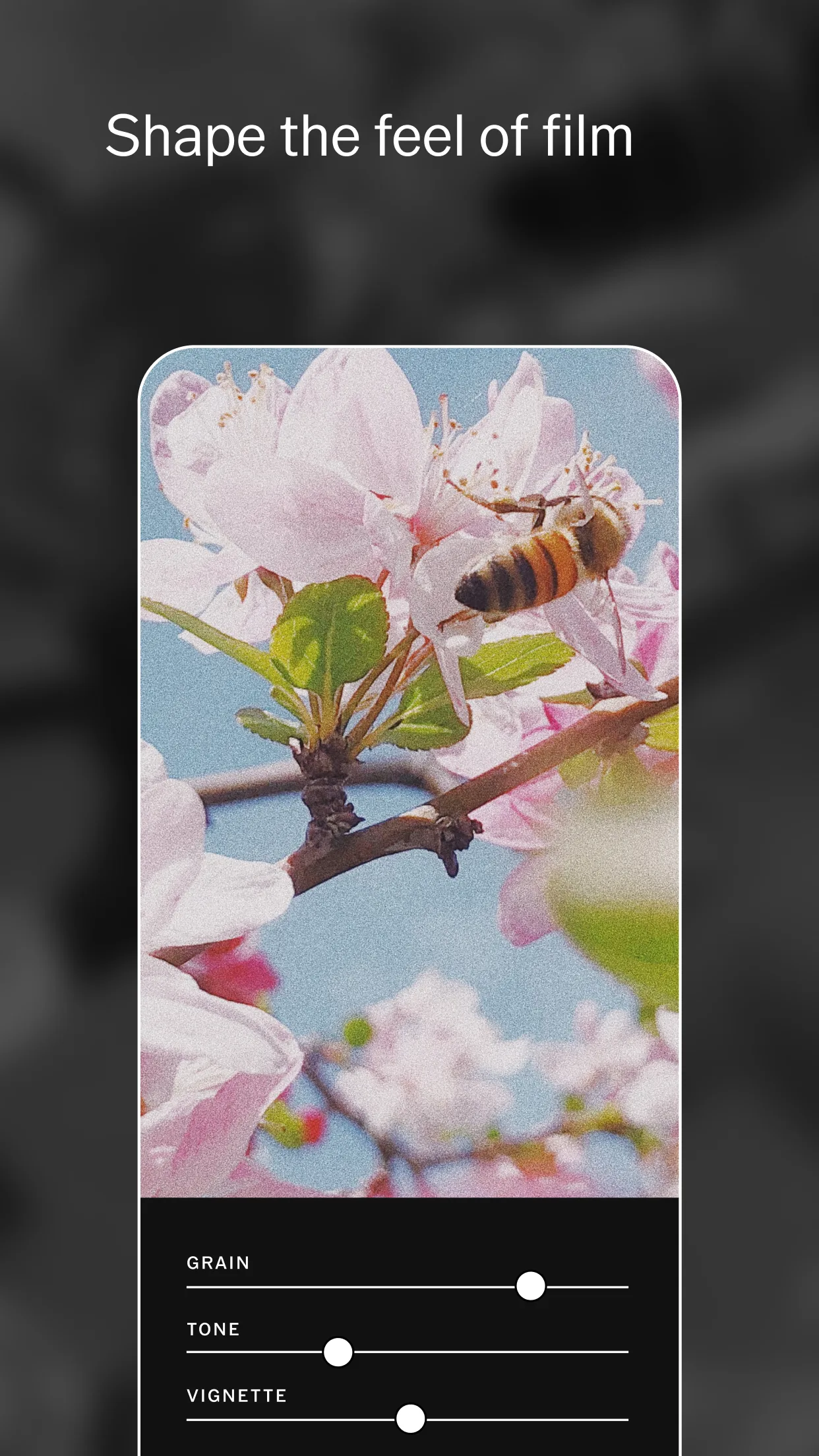
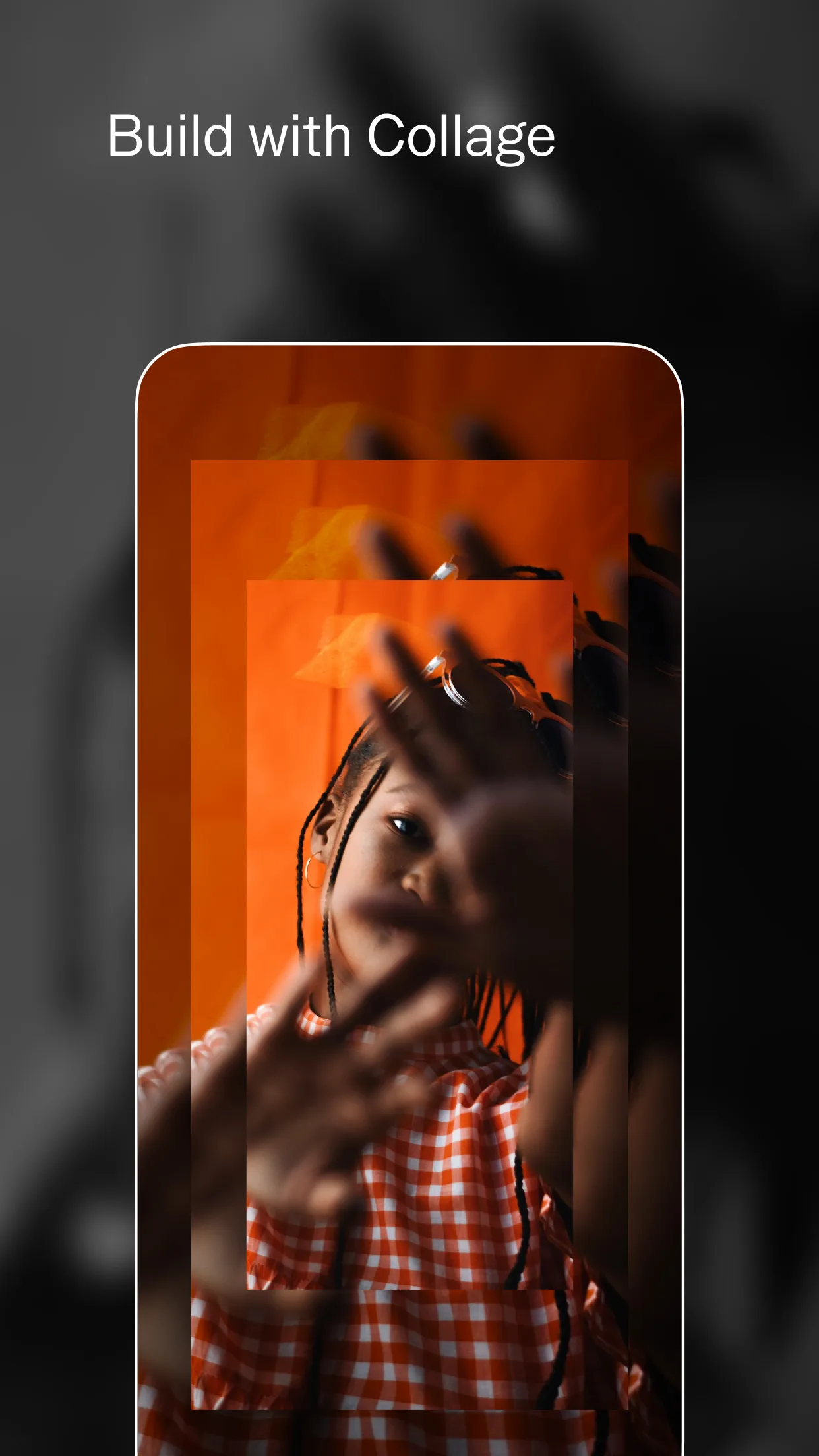
App Screenshot Inspiration Gallery
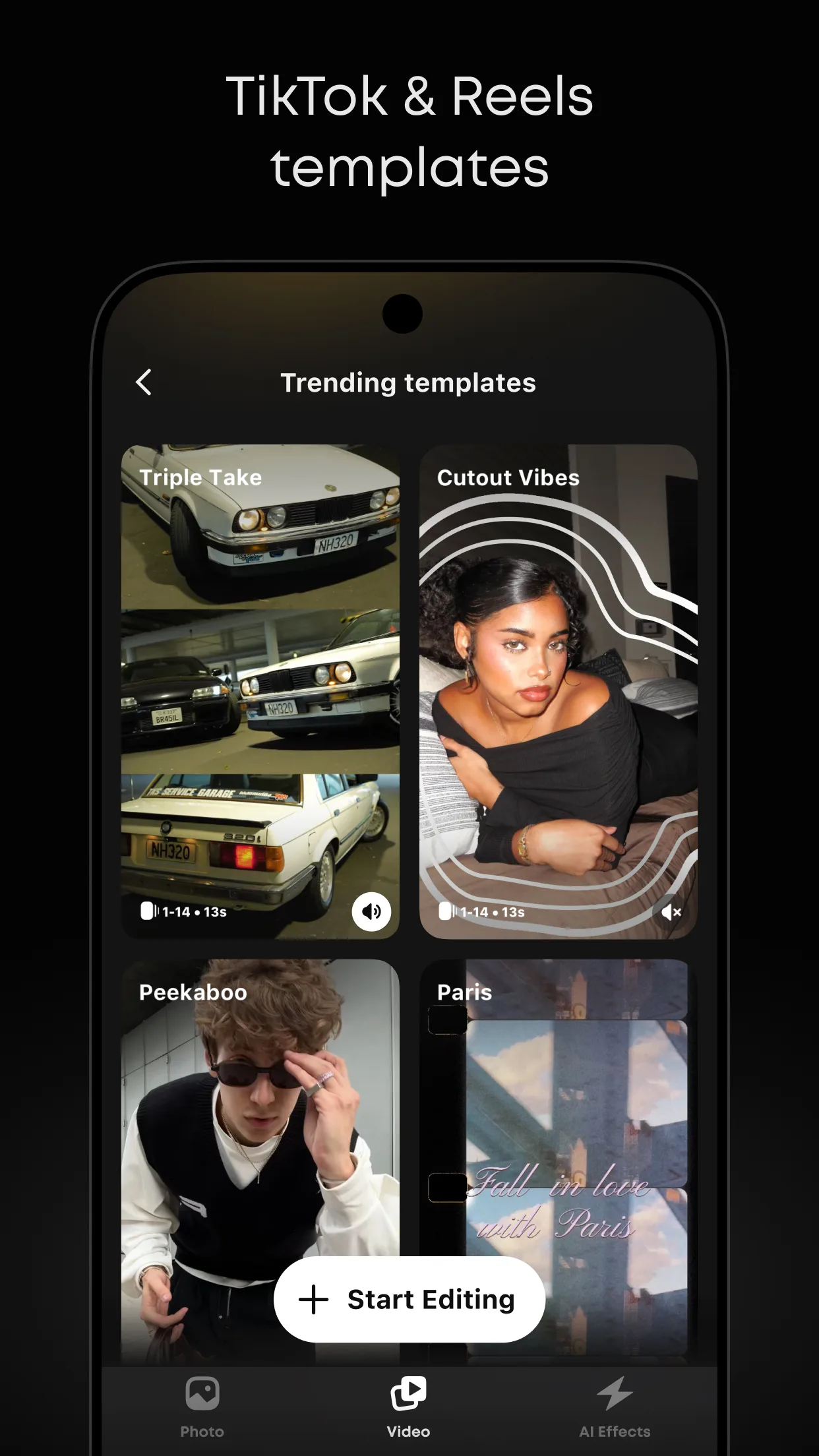
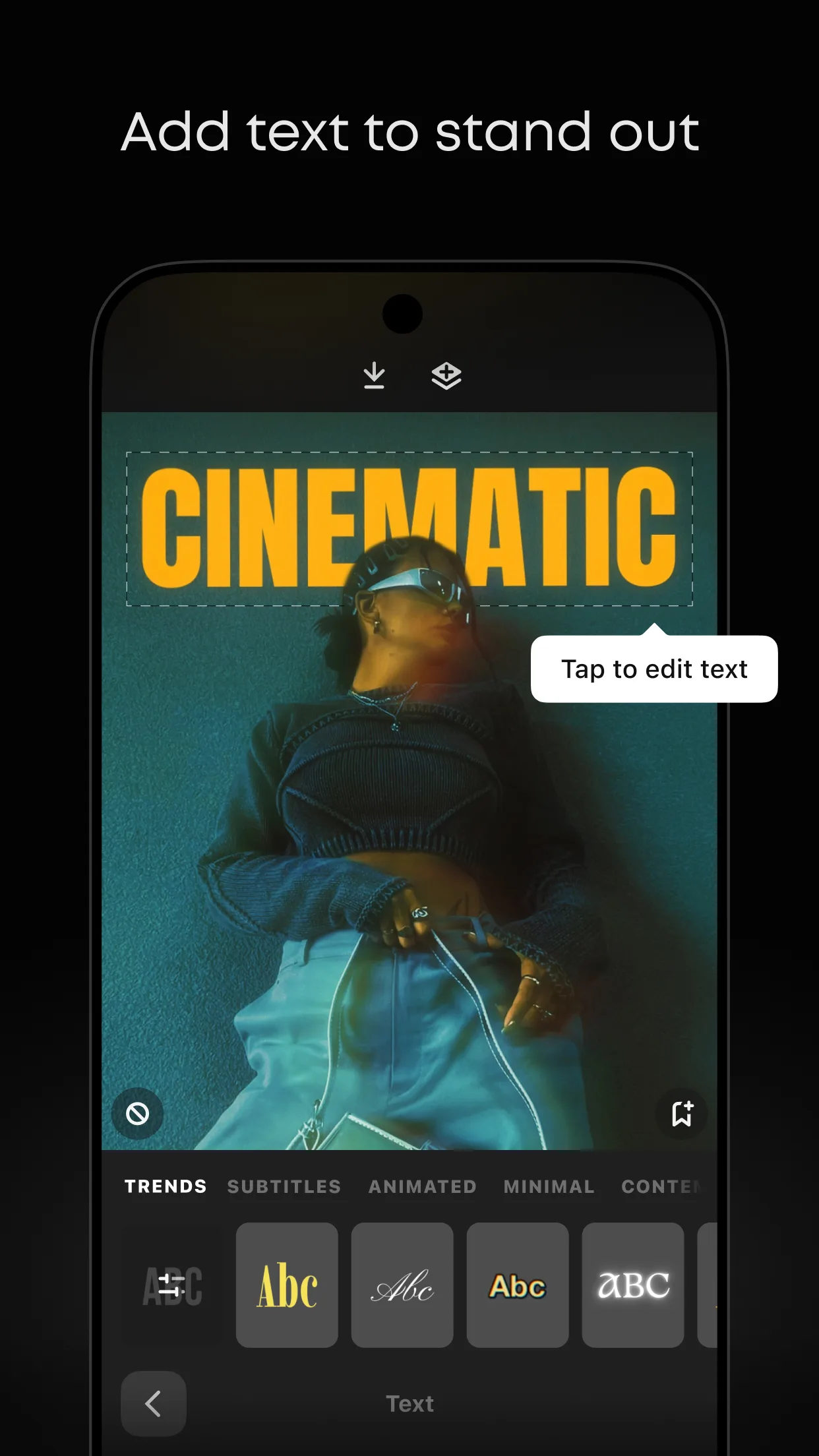
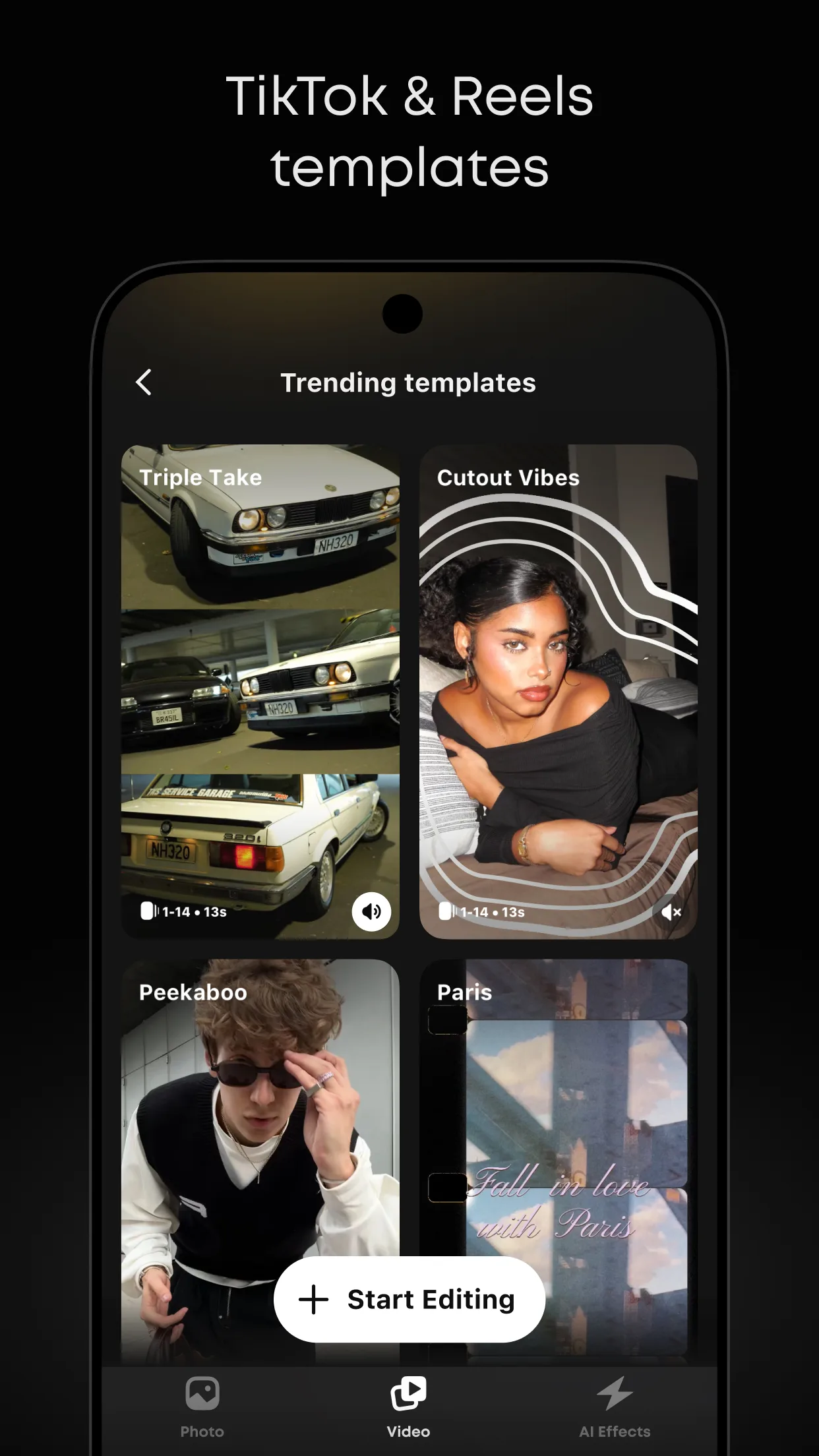
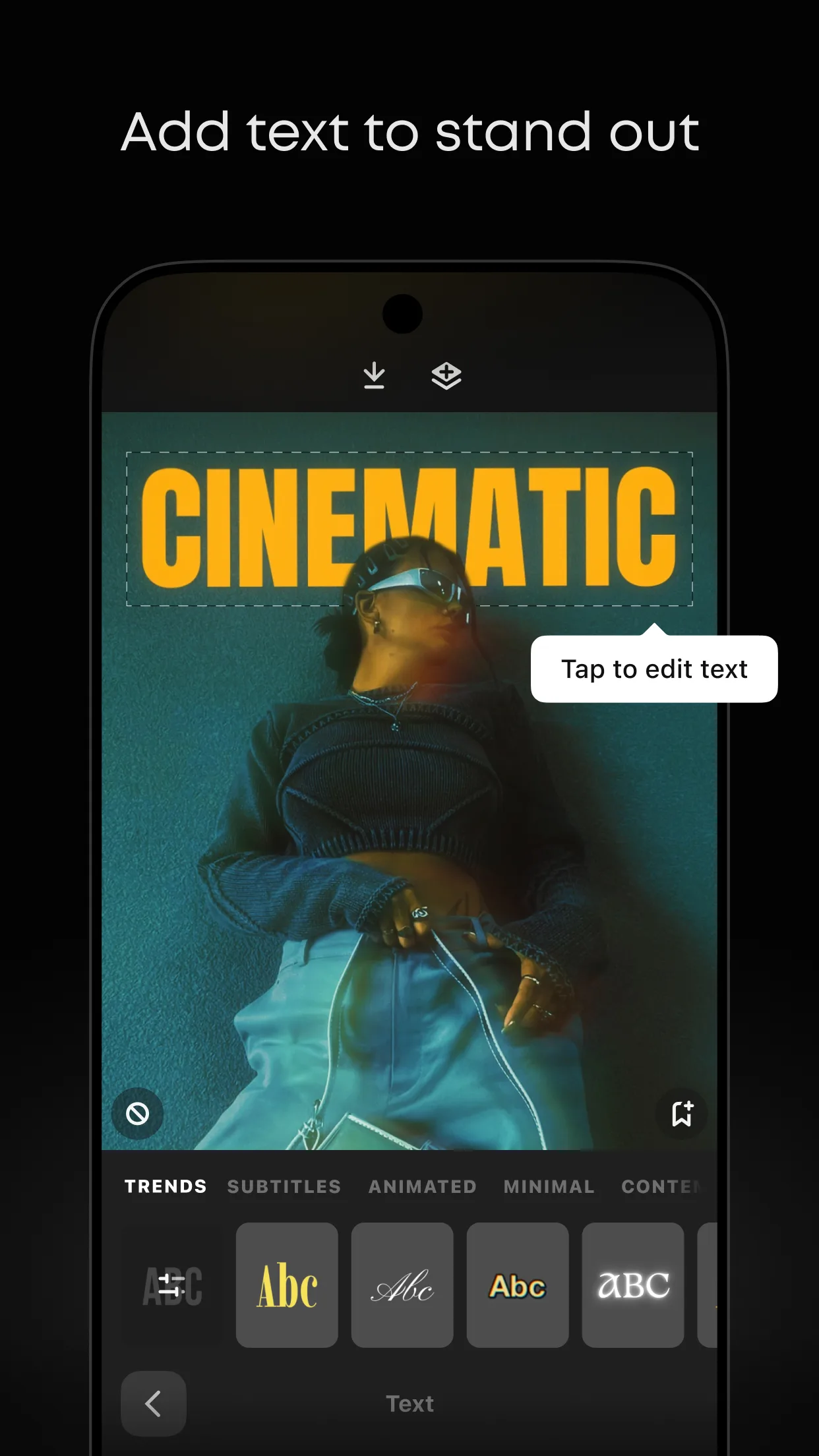
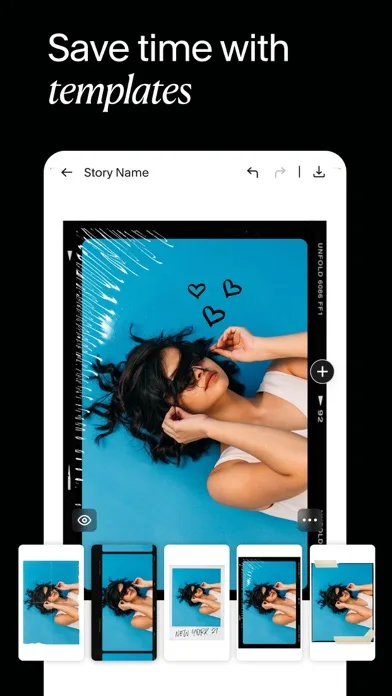
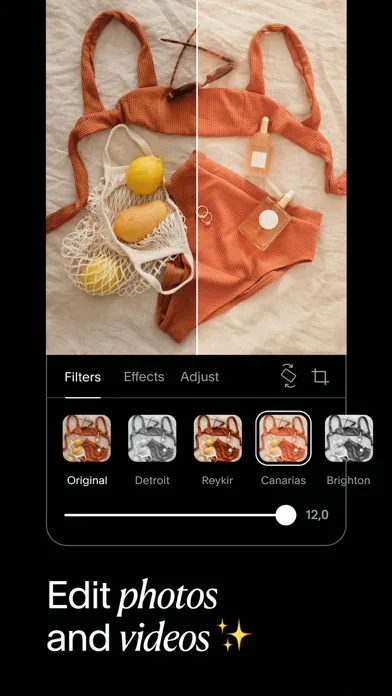
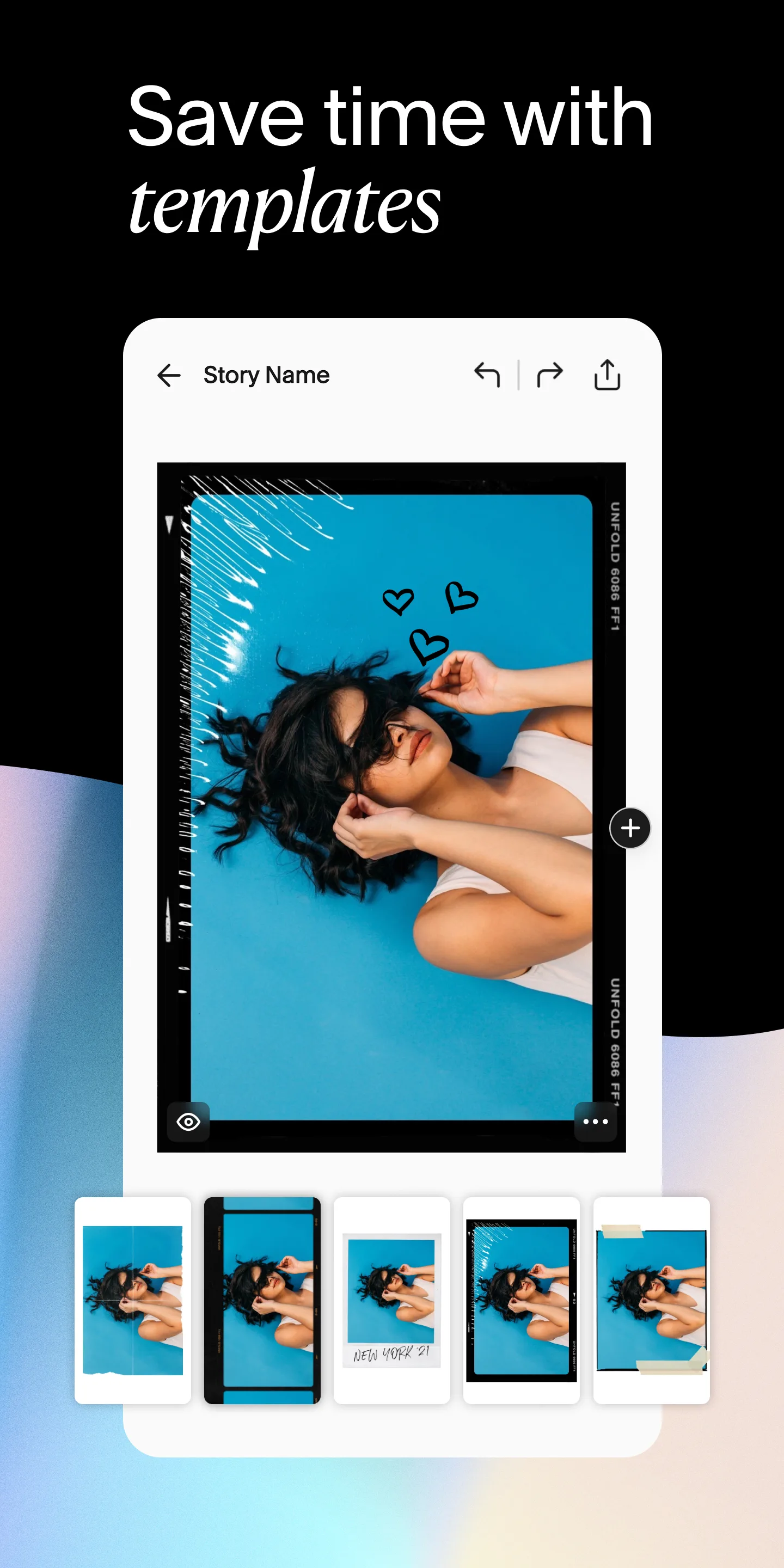
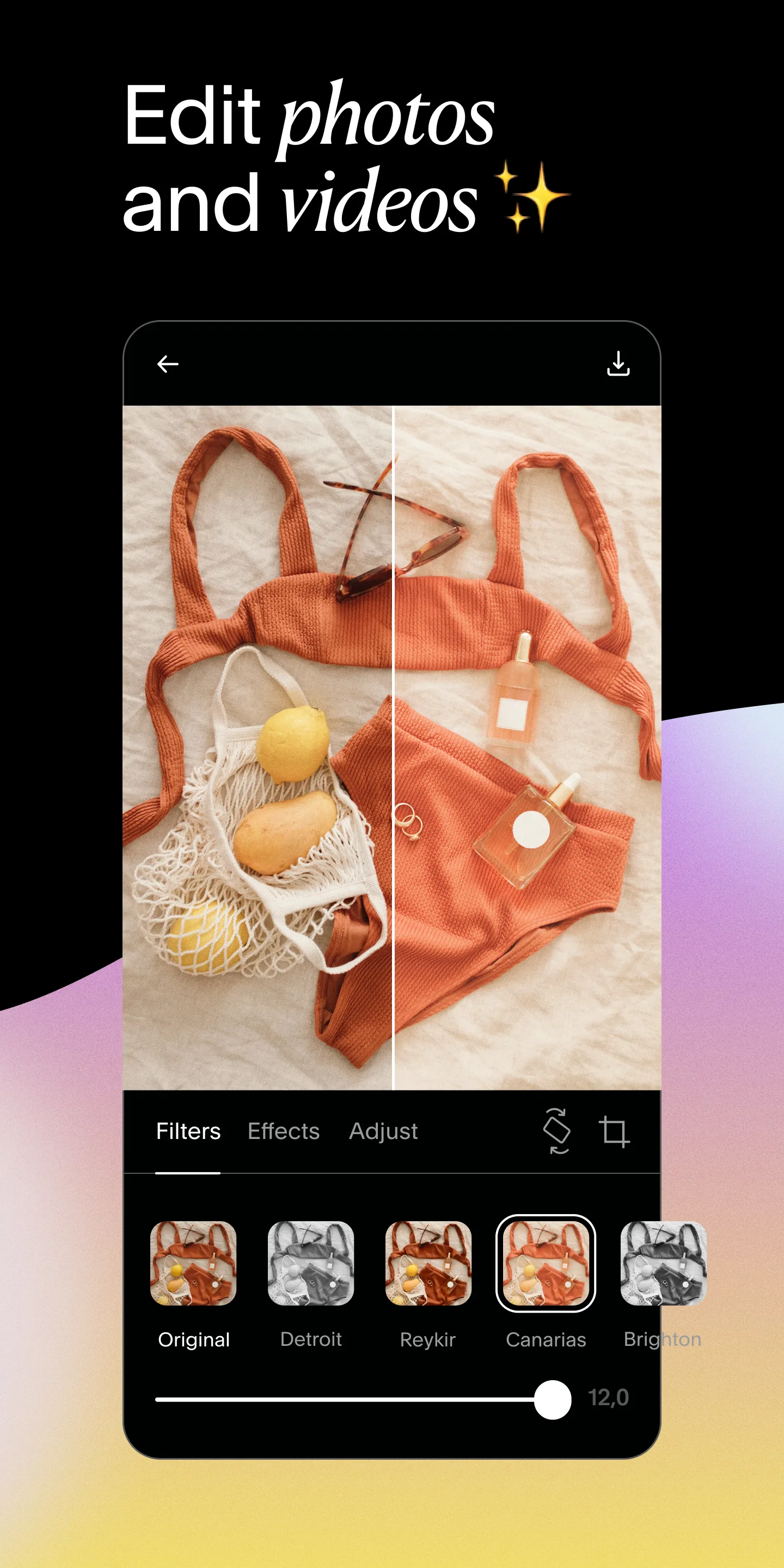
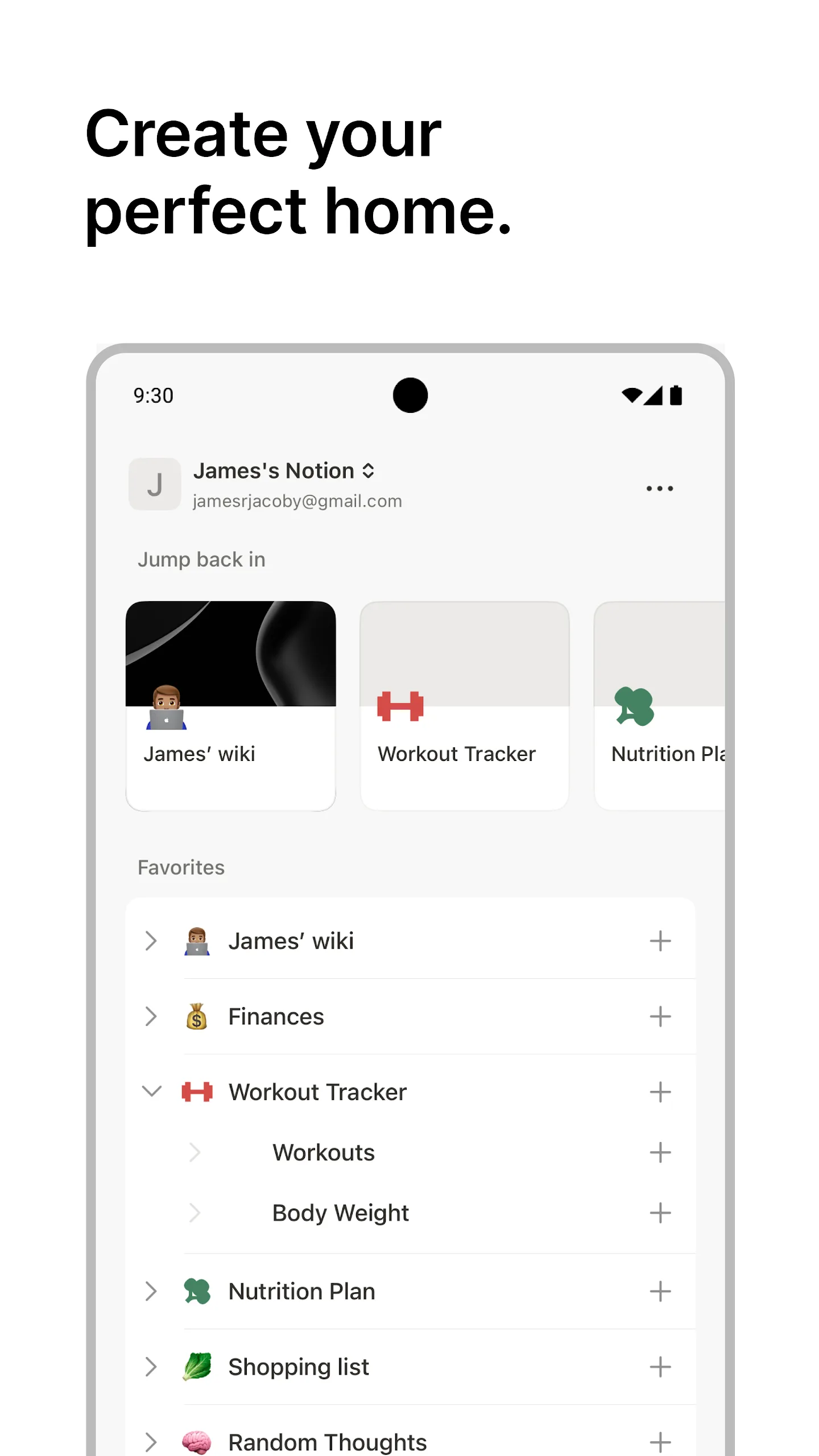
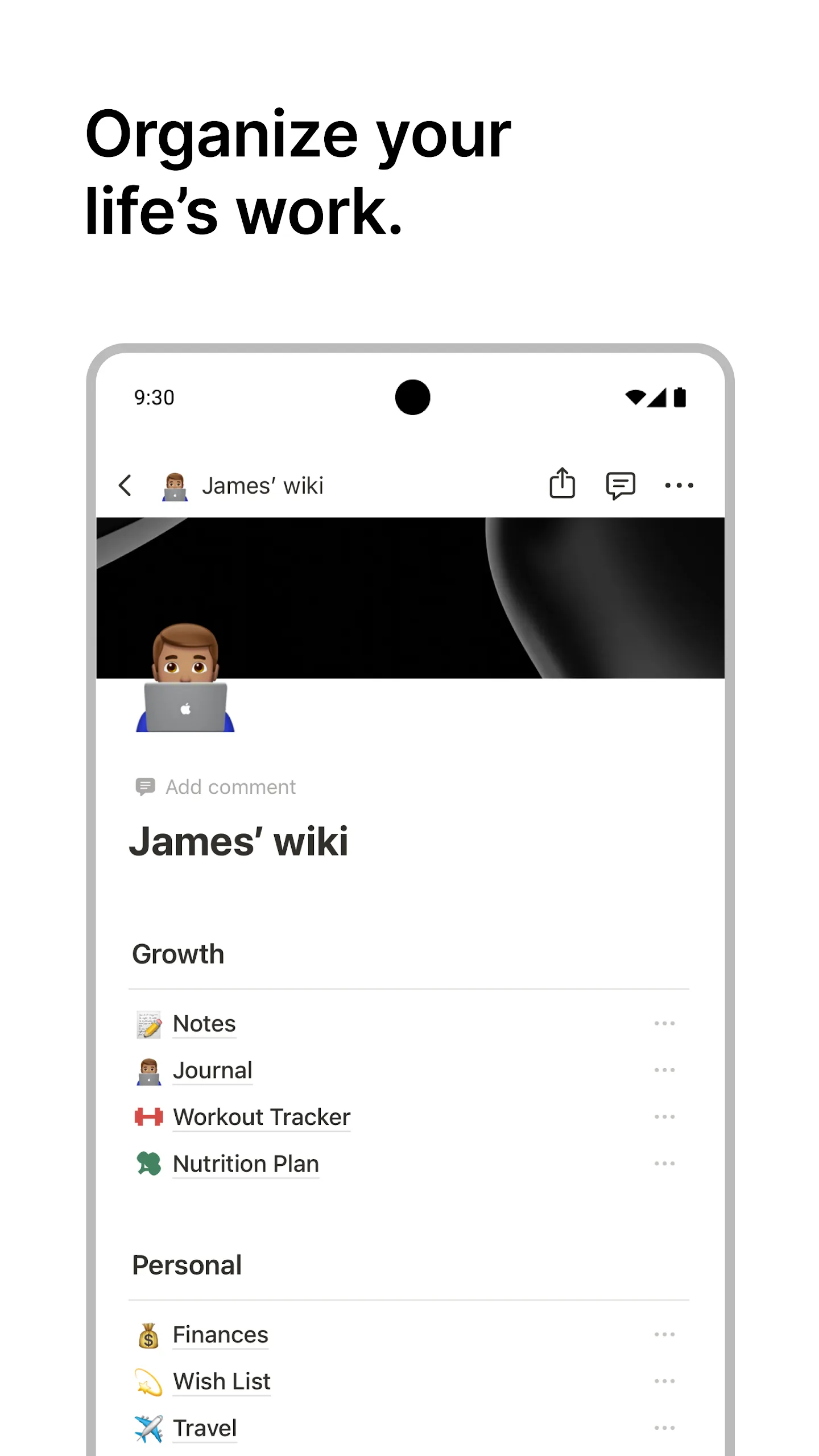
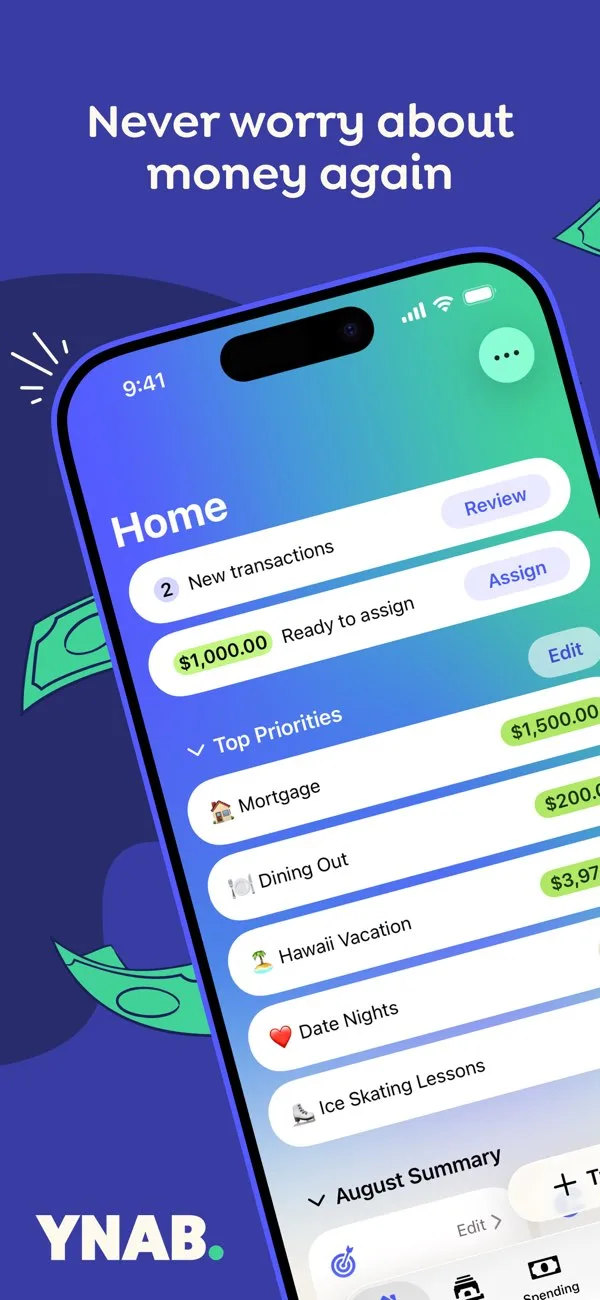
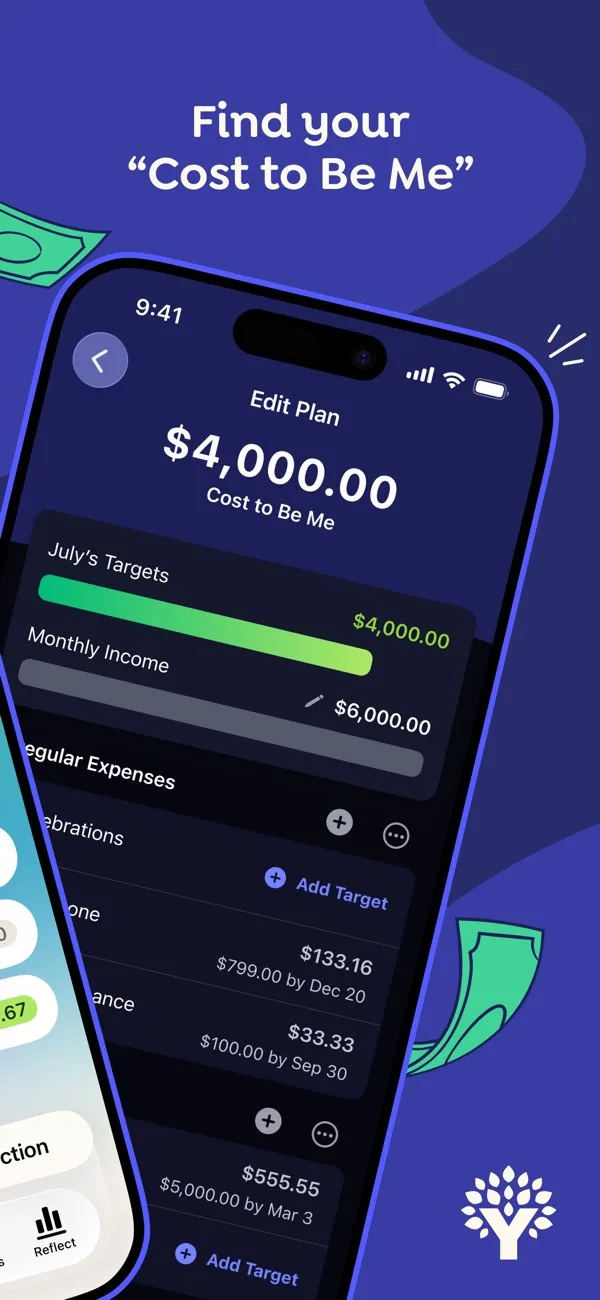
Browse a curated app screenshot inspiration gallery from the Apple App Store and Google Play Store. Study high-converting ASO screenshot examples—grouped by visual style from minimal and dark mode to storytelling and premium layouts—then analyze your own listing free. Each card includes real store screenshots so you can scan typography, layout, and composition patterns before you redesign.
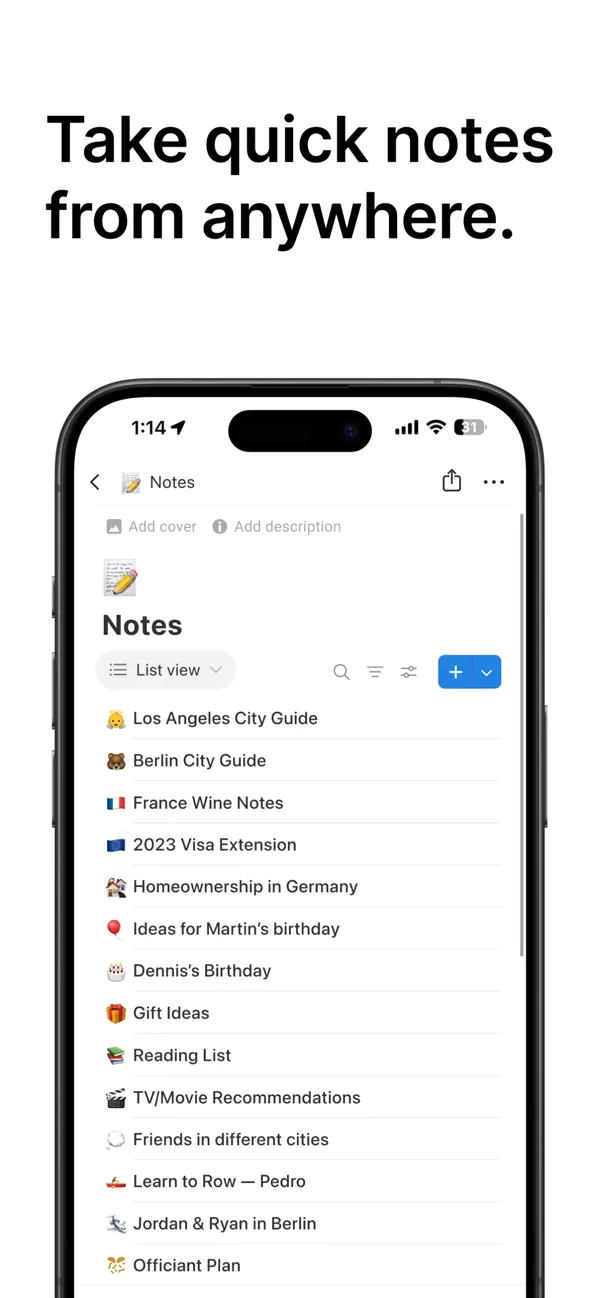
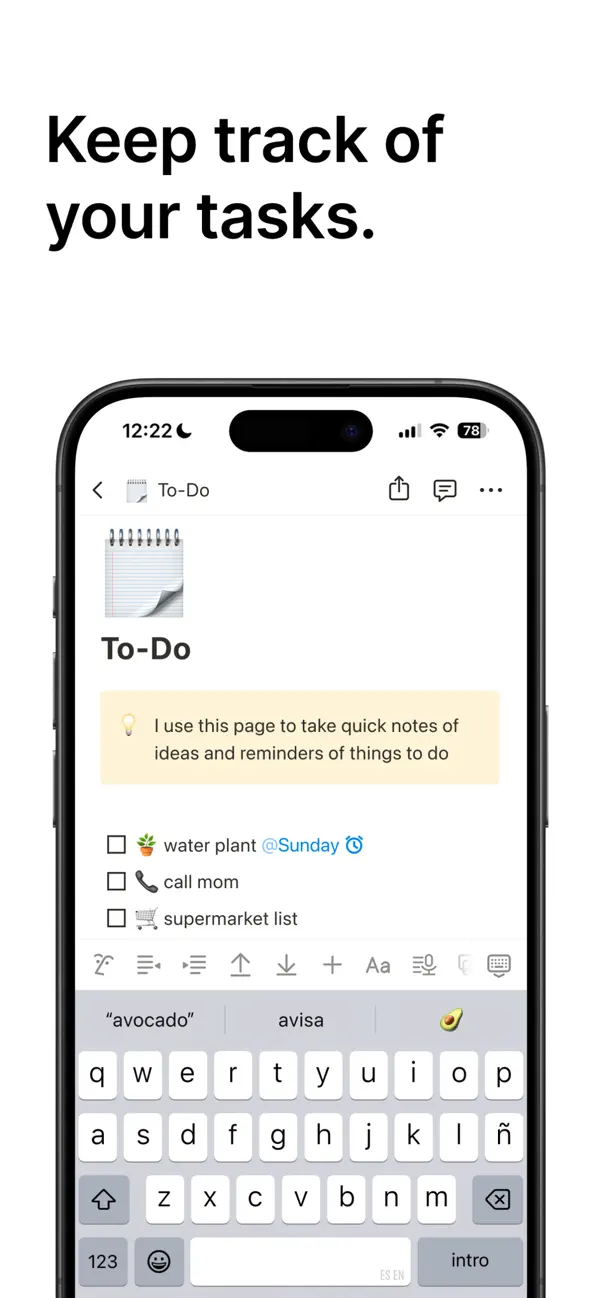
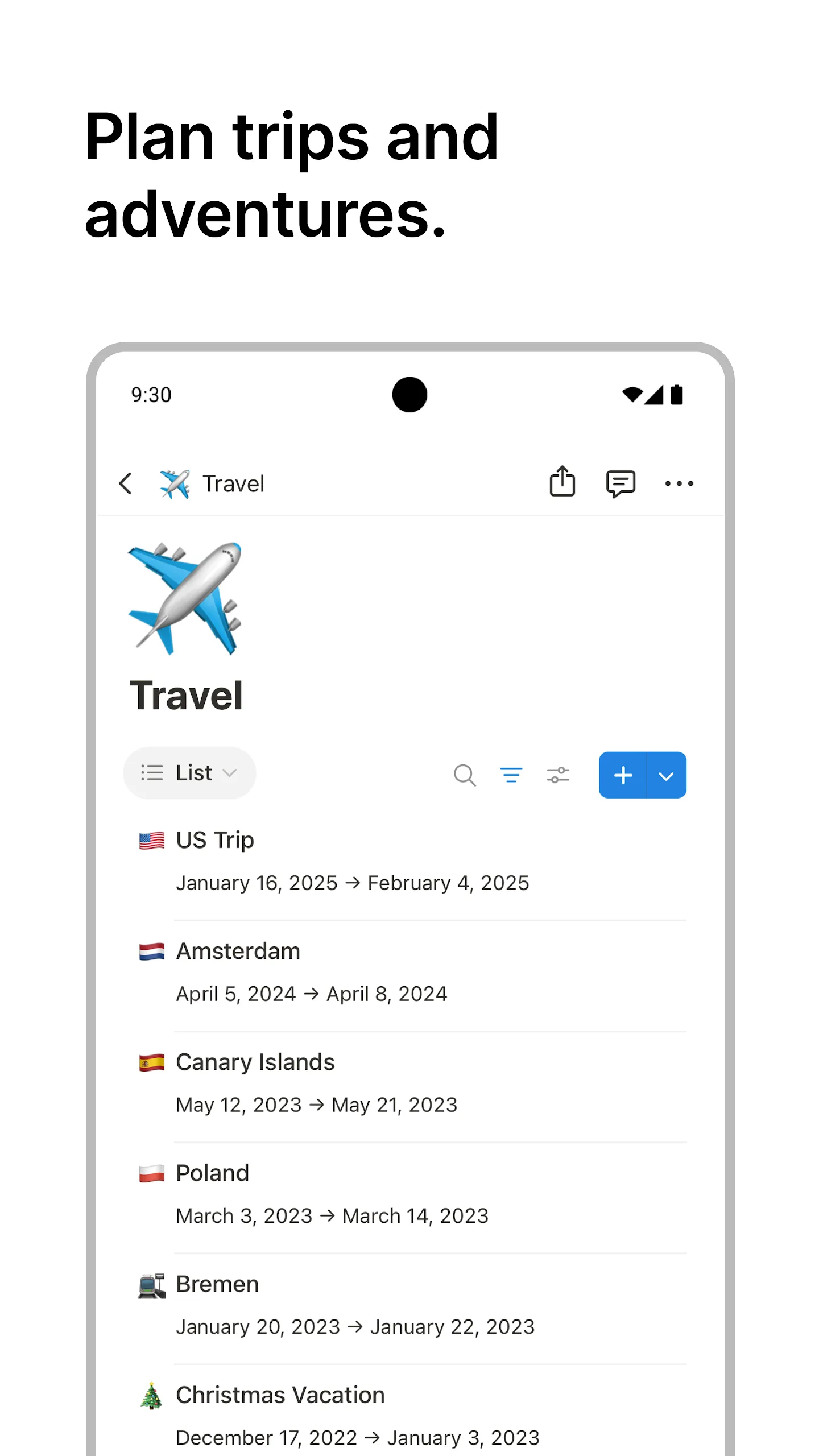
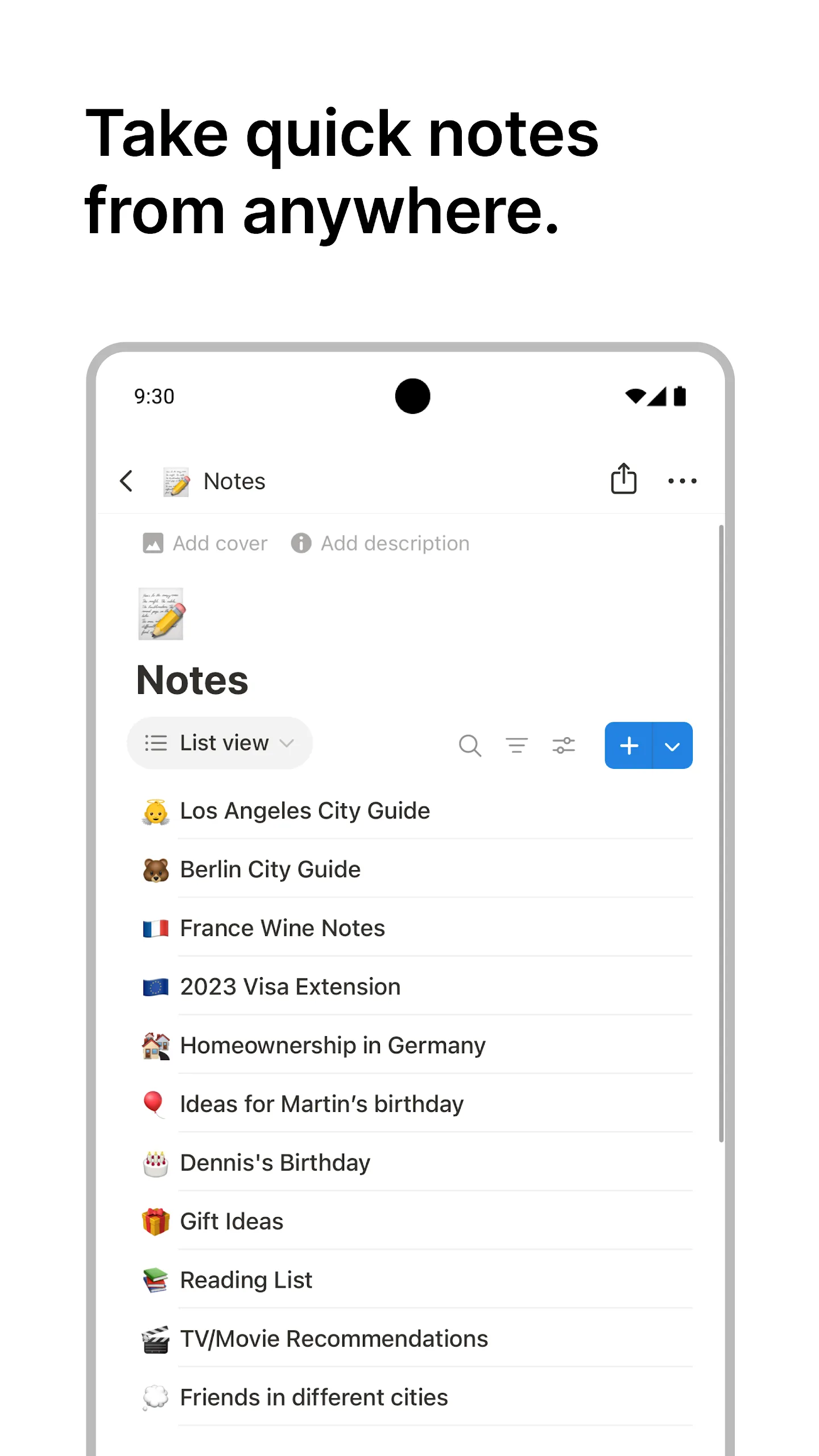
Minimal design
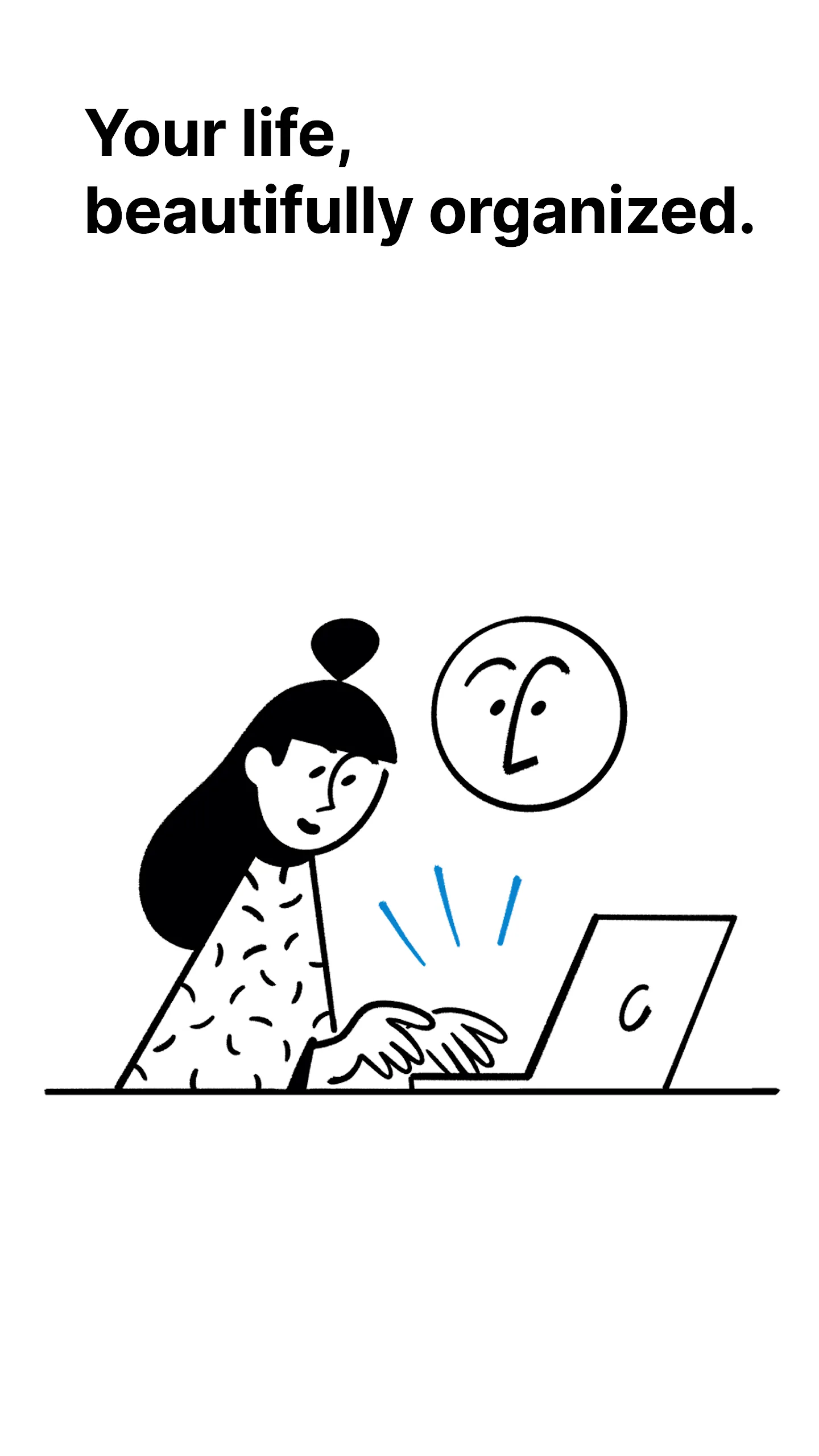
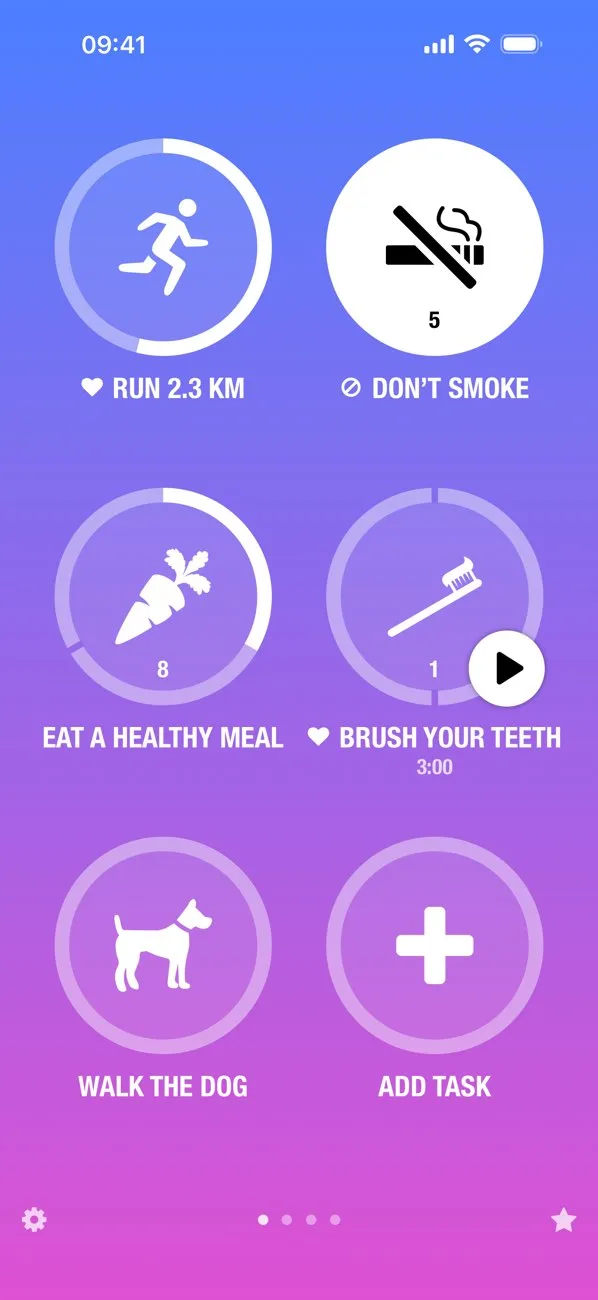
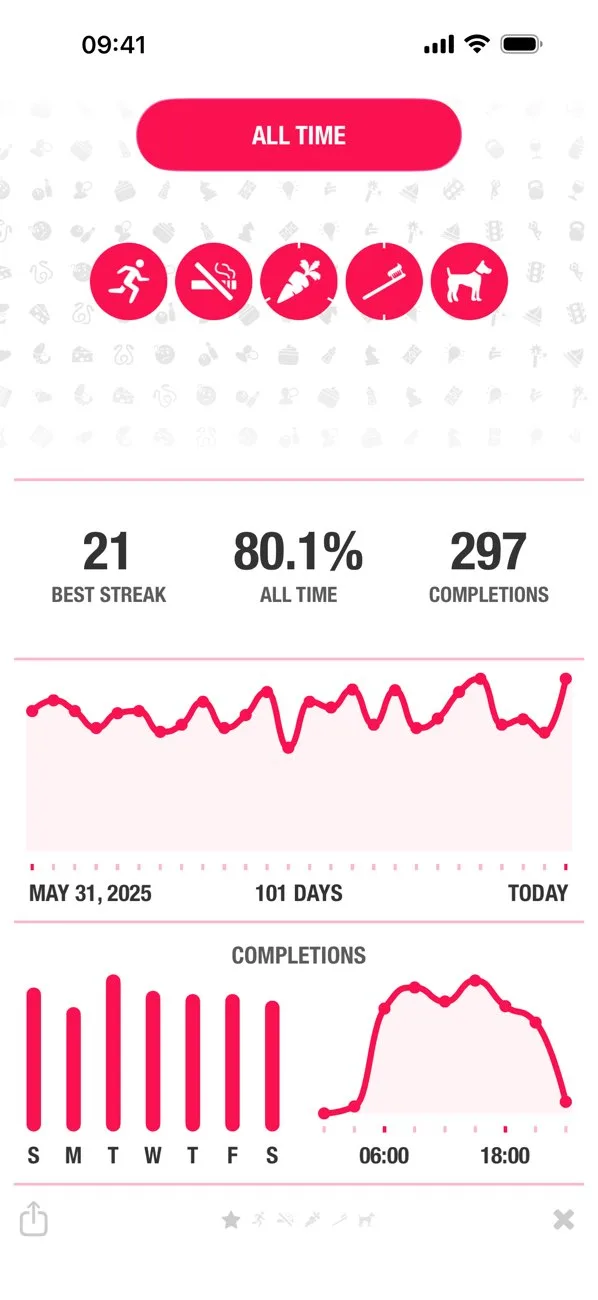
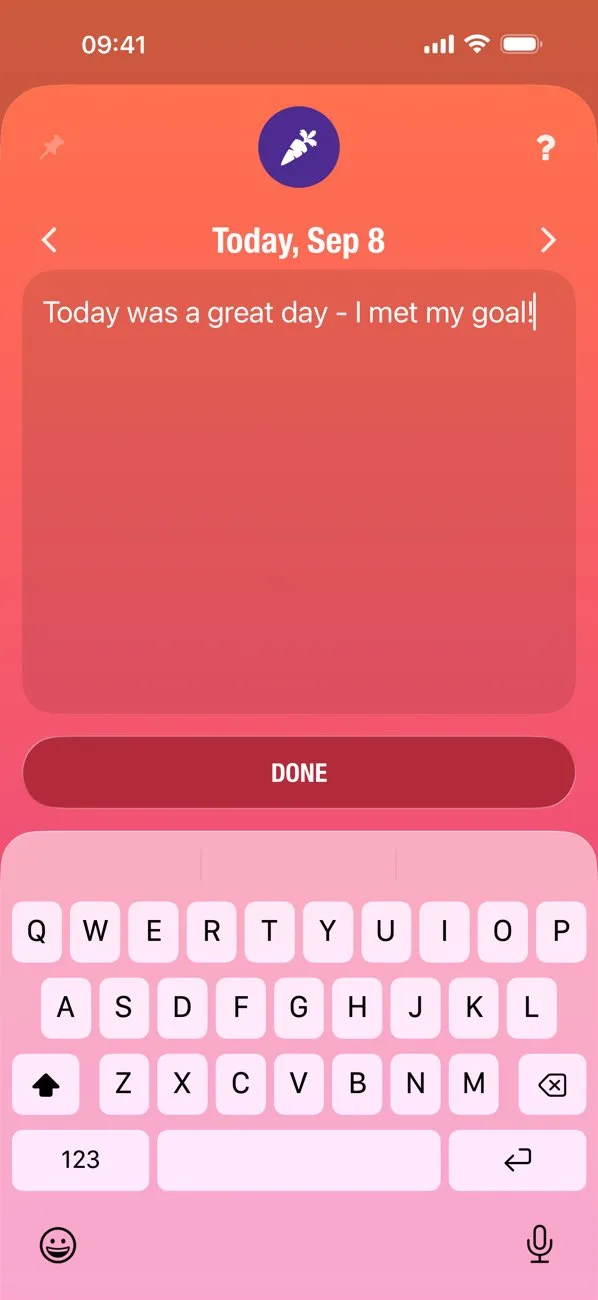
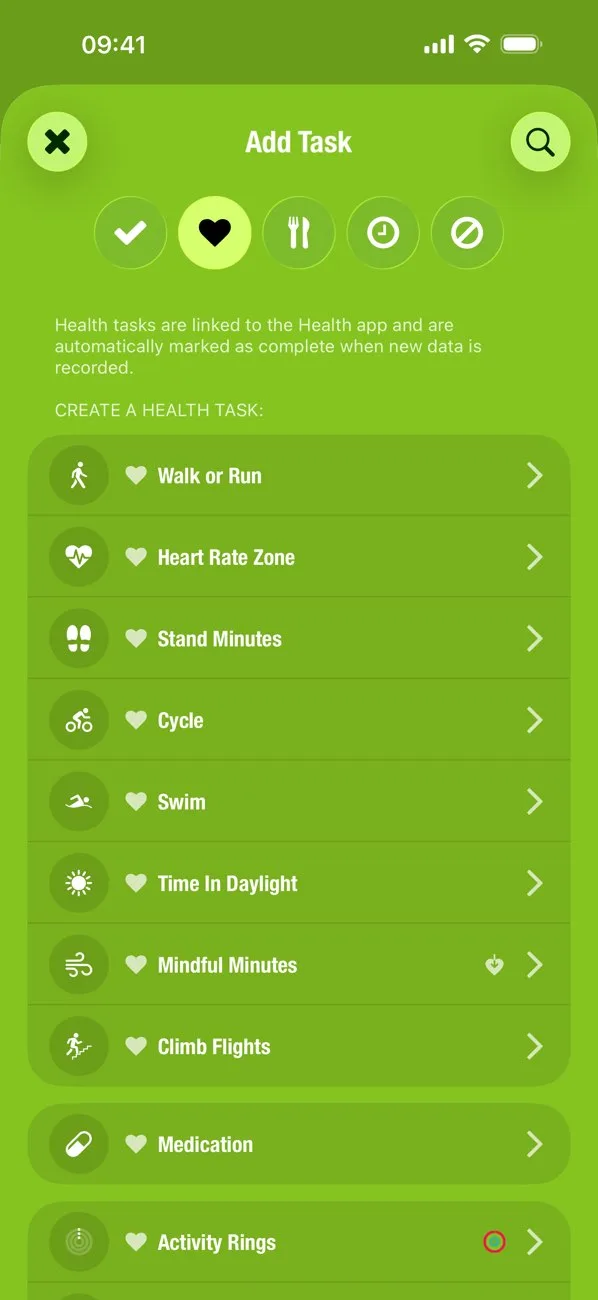
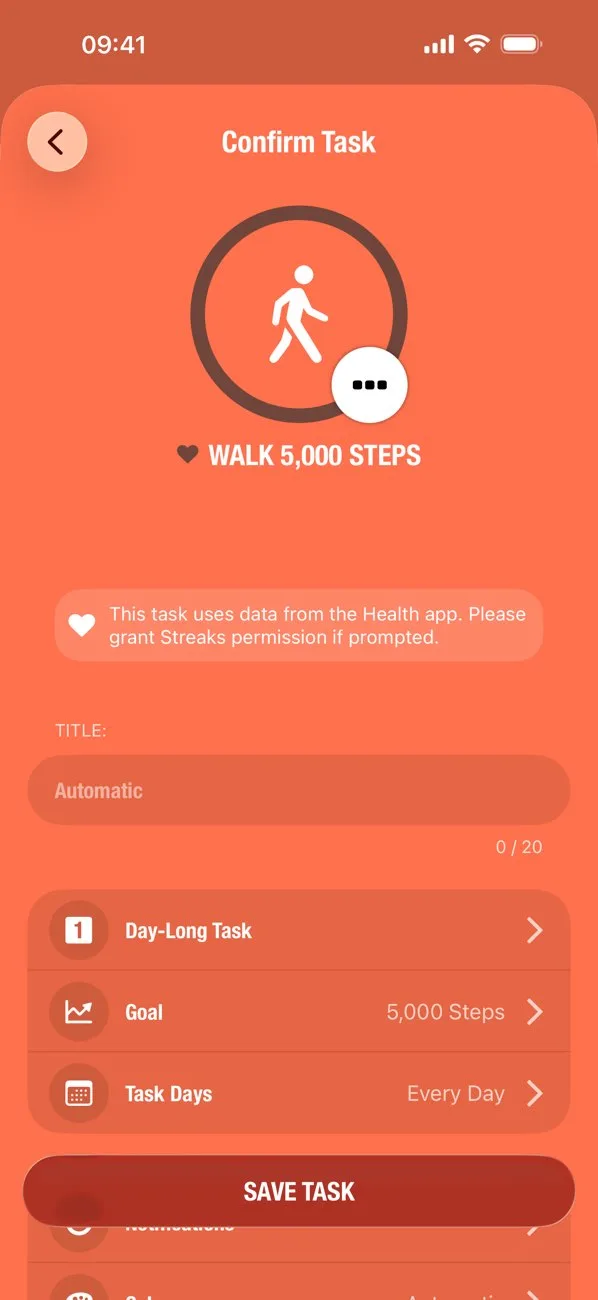
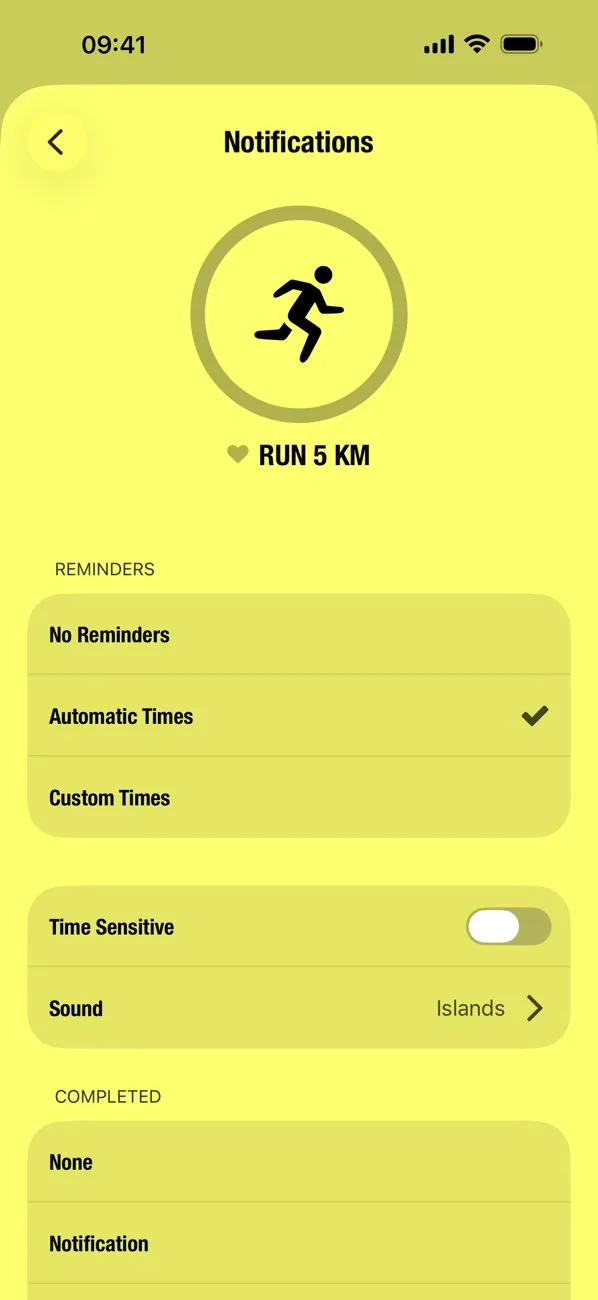
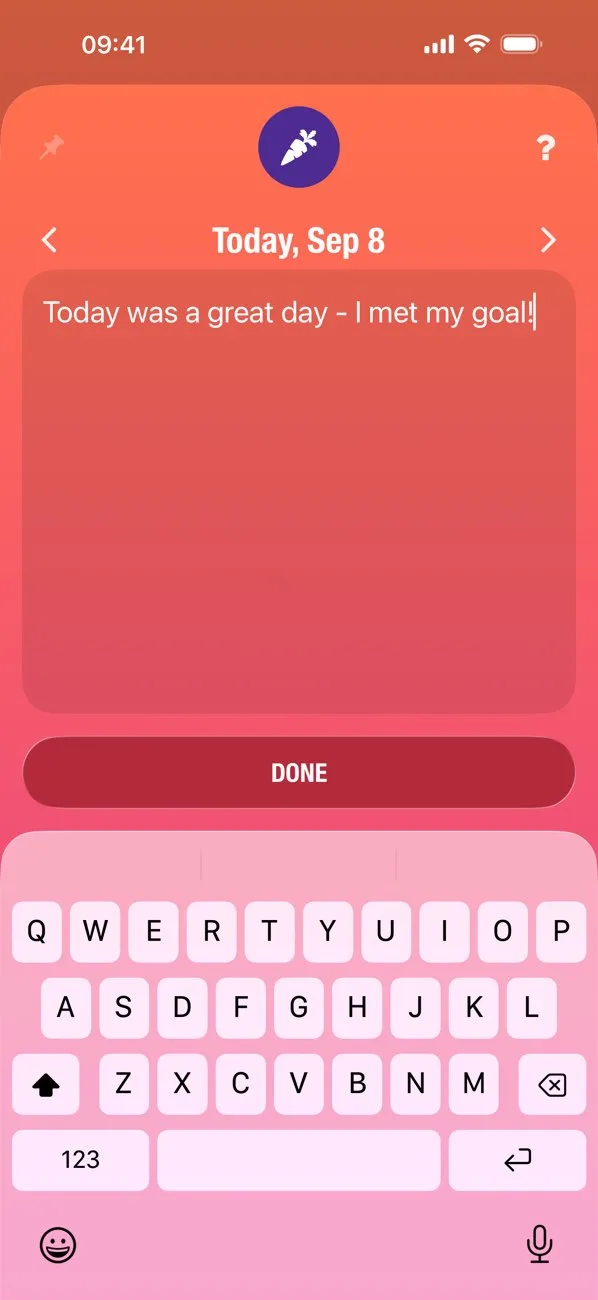
Whitespace, restraint, clear hierarchy. Great for calm, premium-feeling screenshot sets.
- NotionApp Store
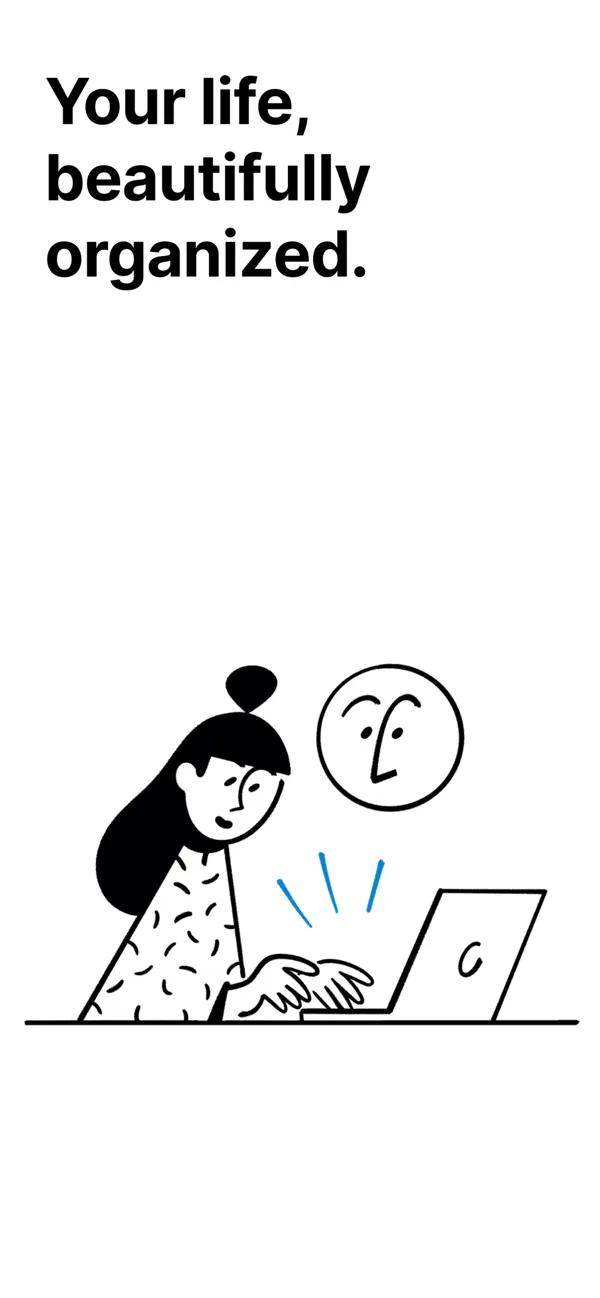
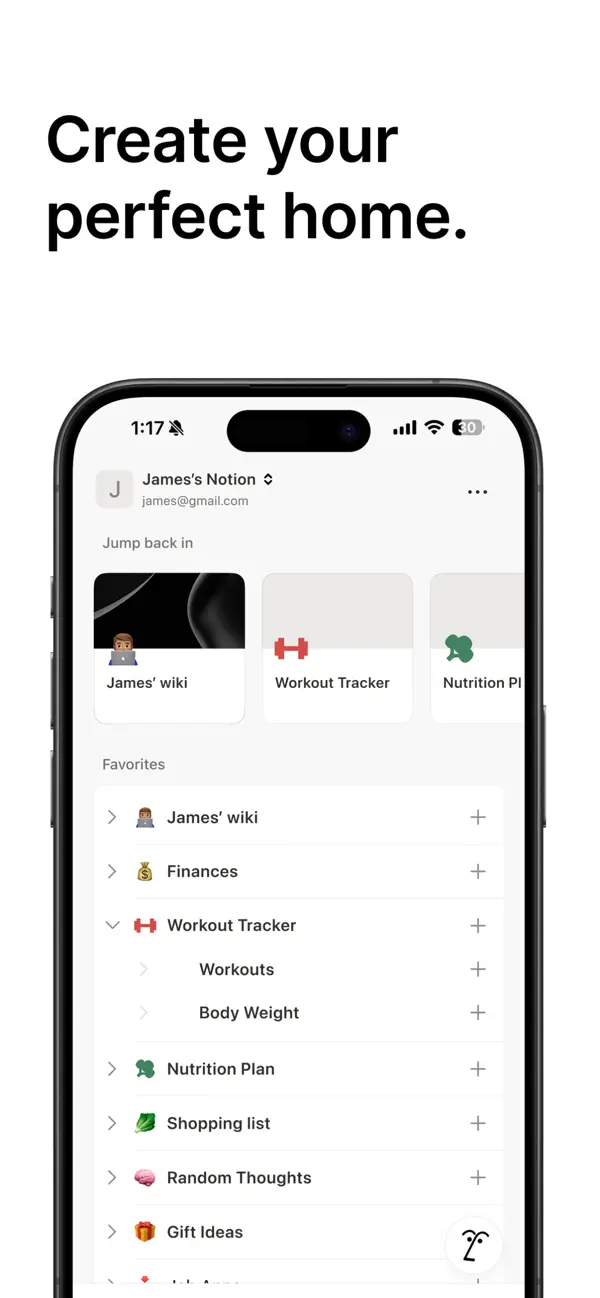
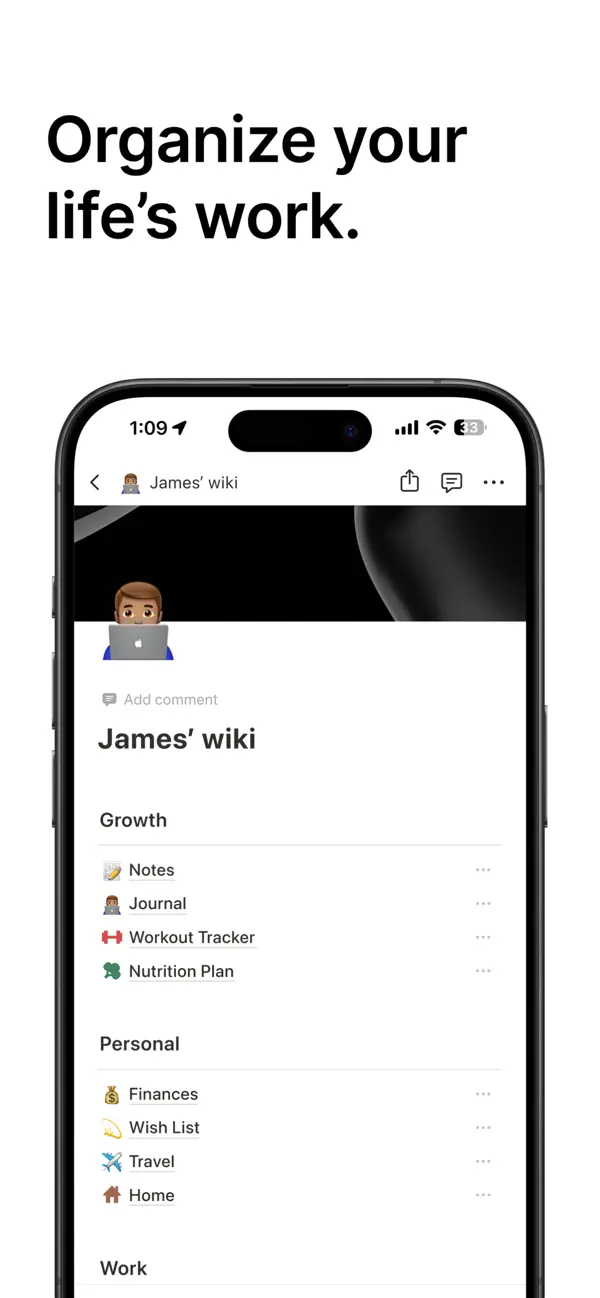
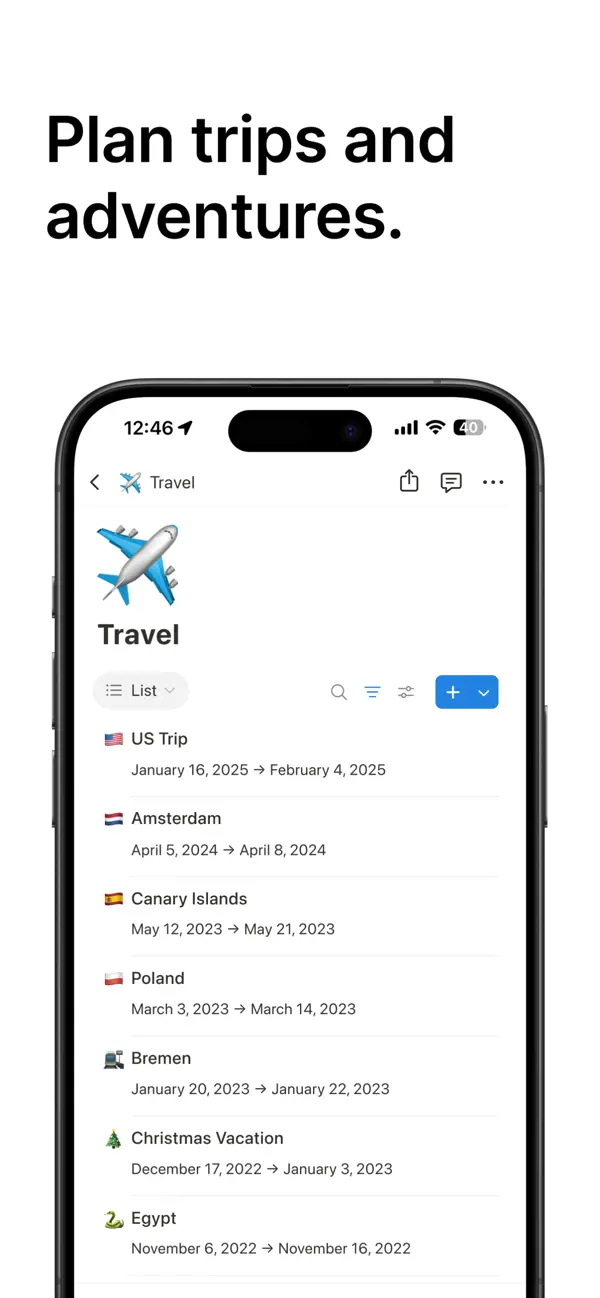
 Play Store
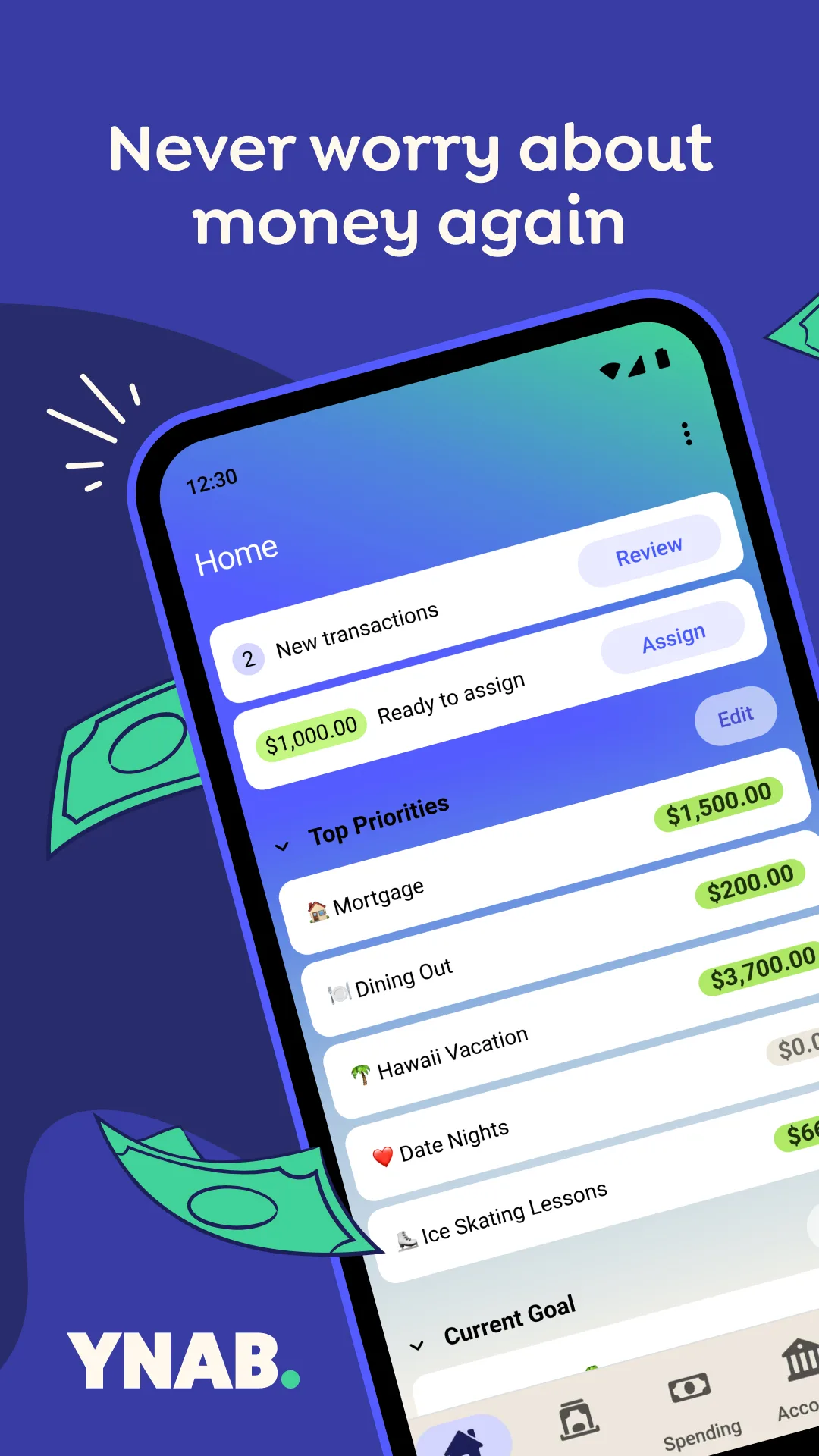
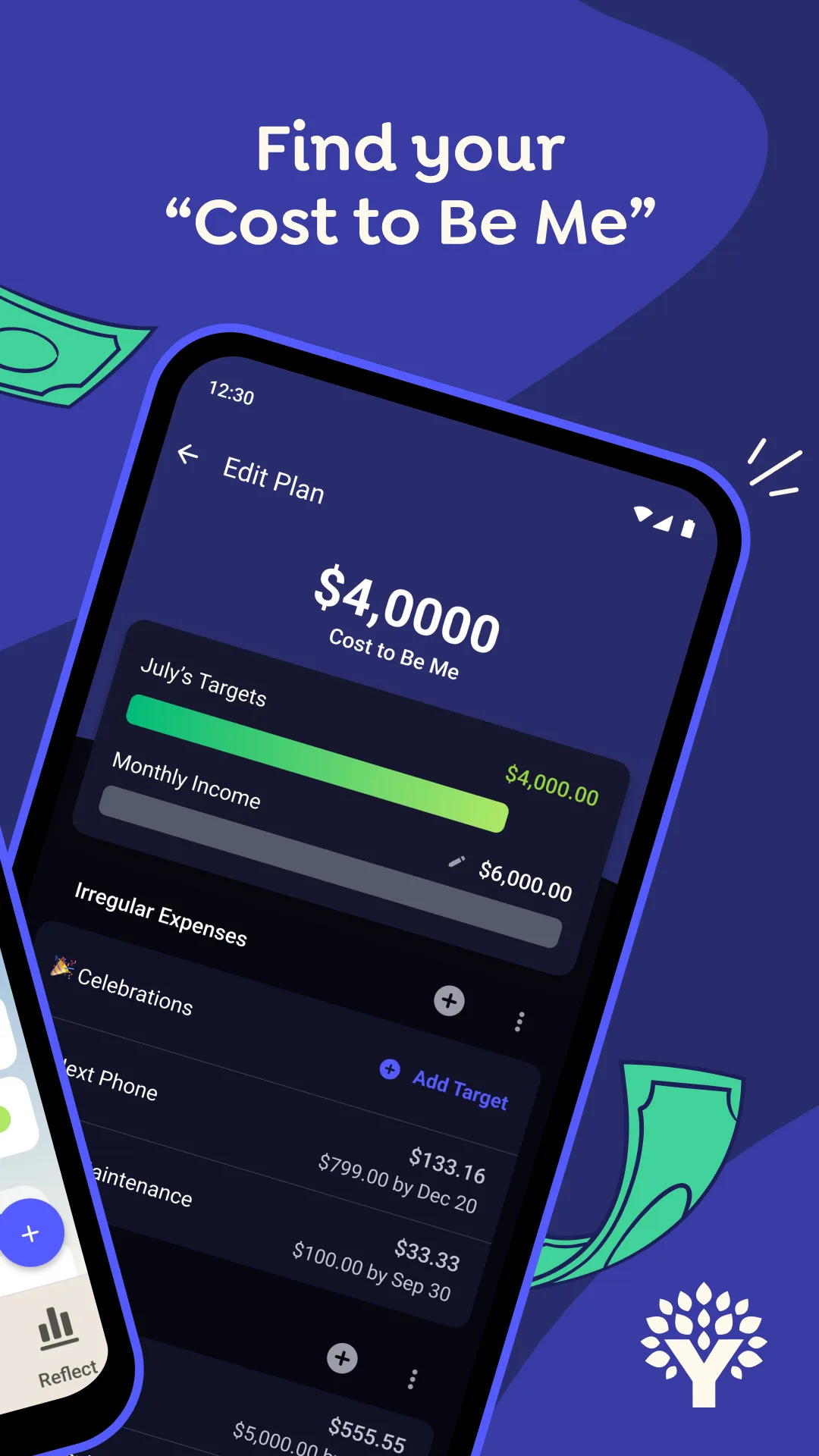
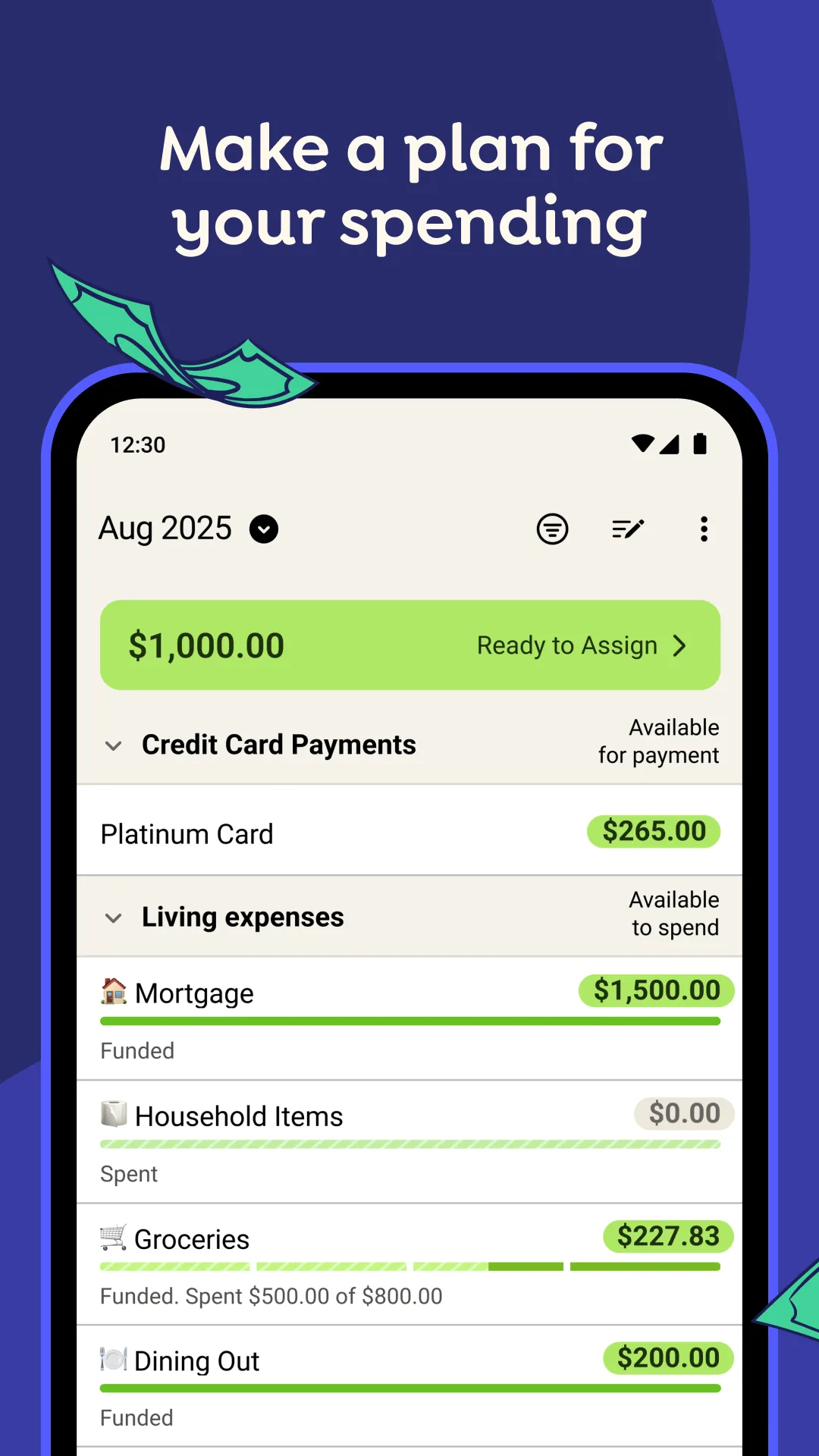
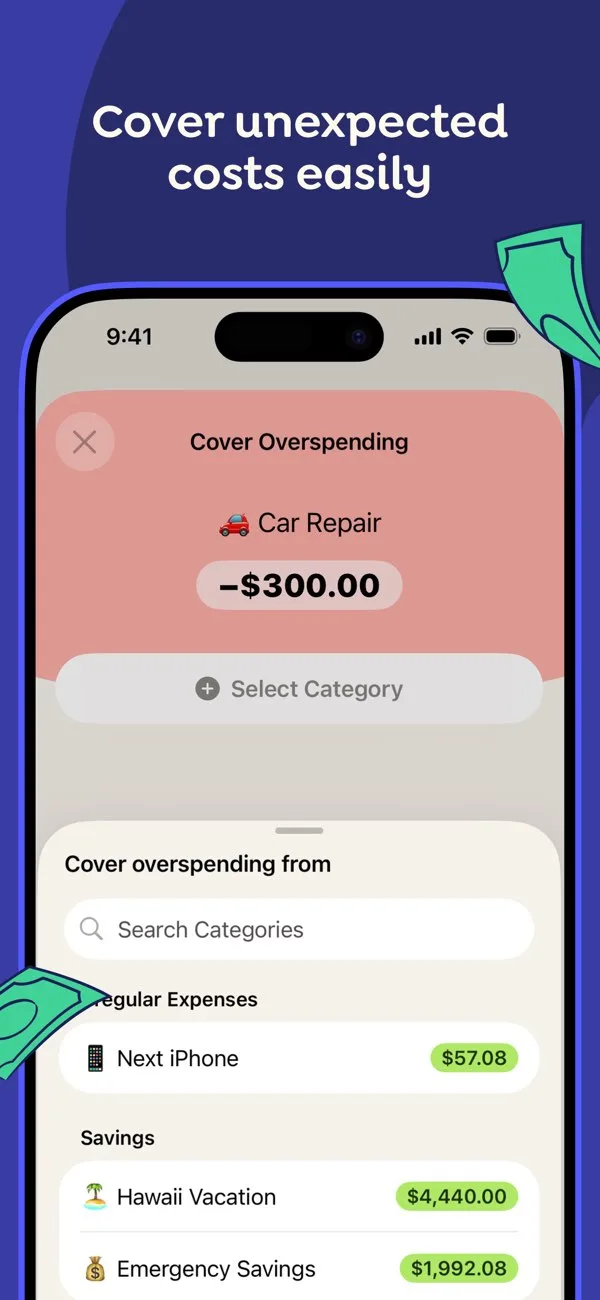
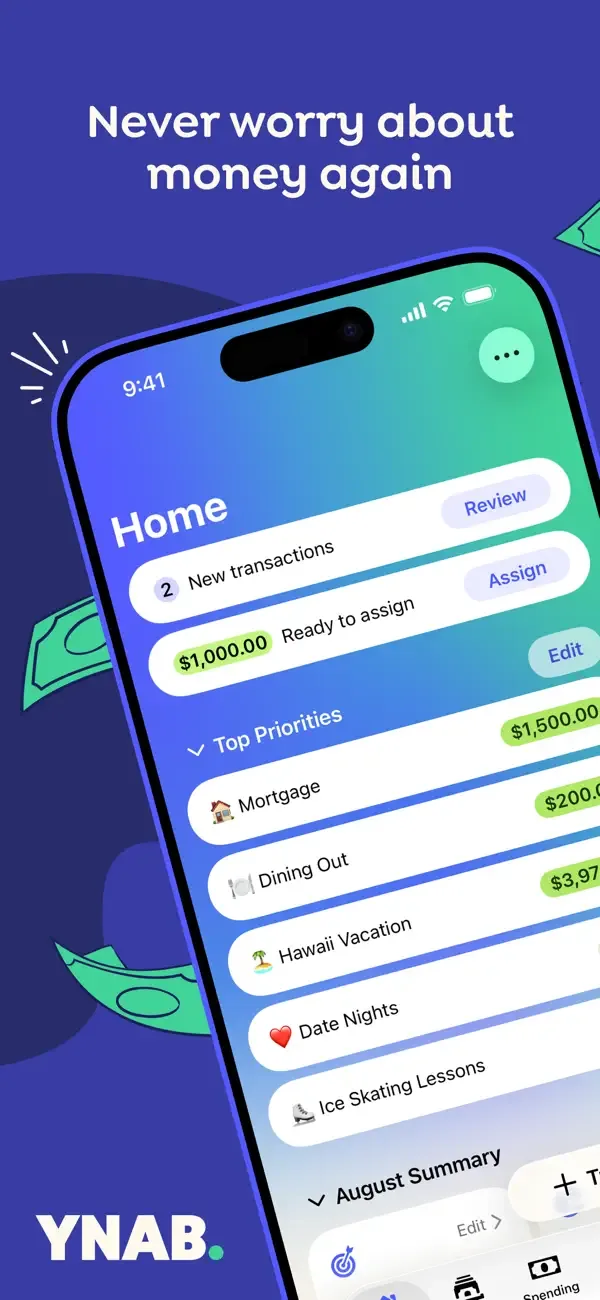
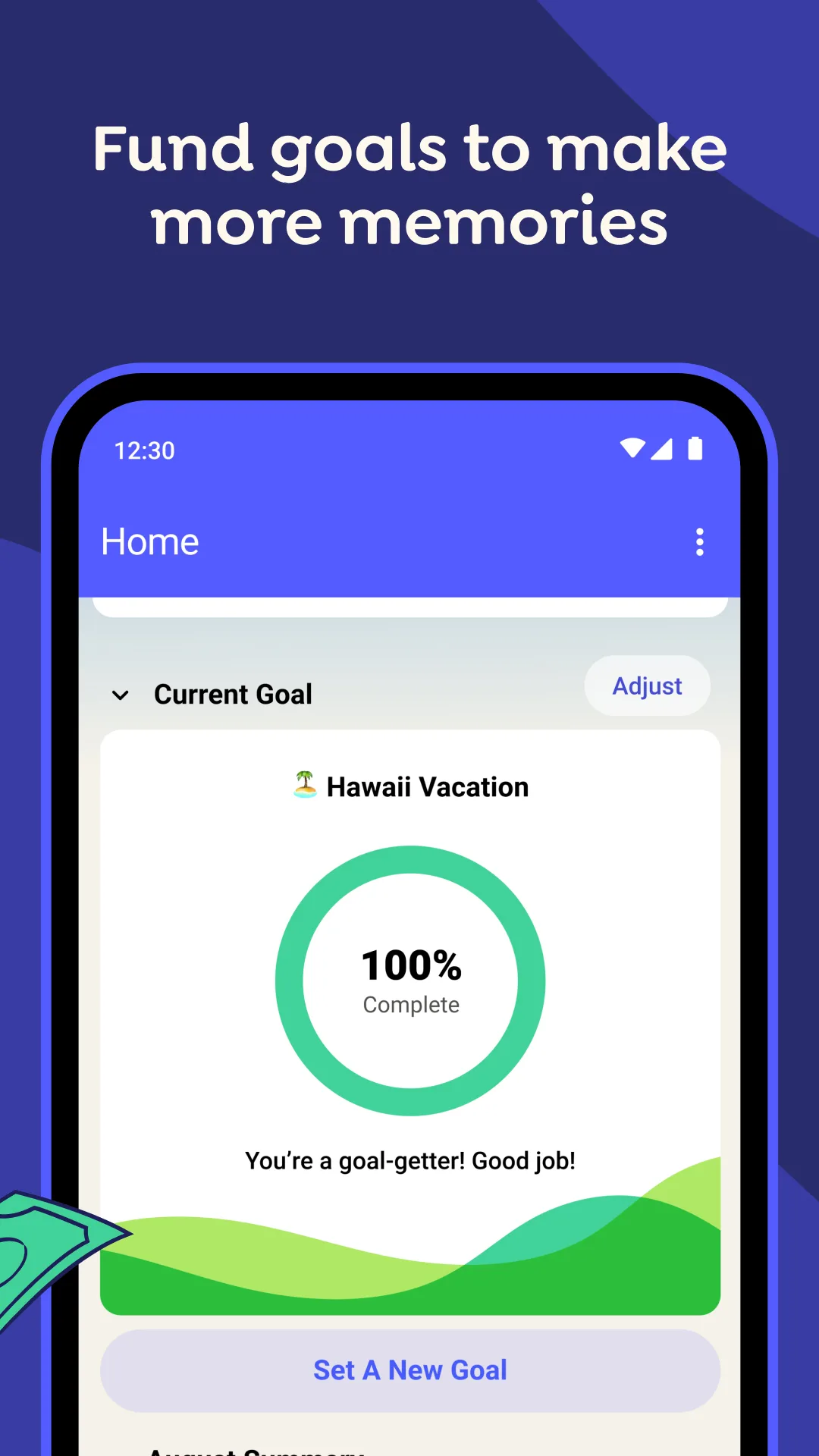
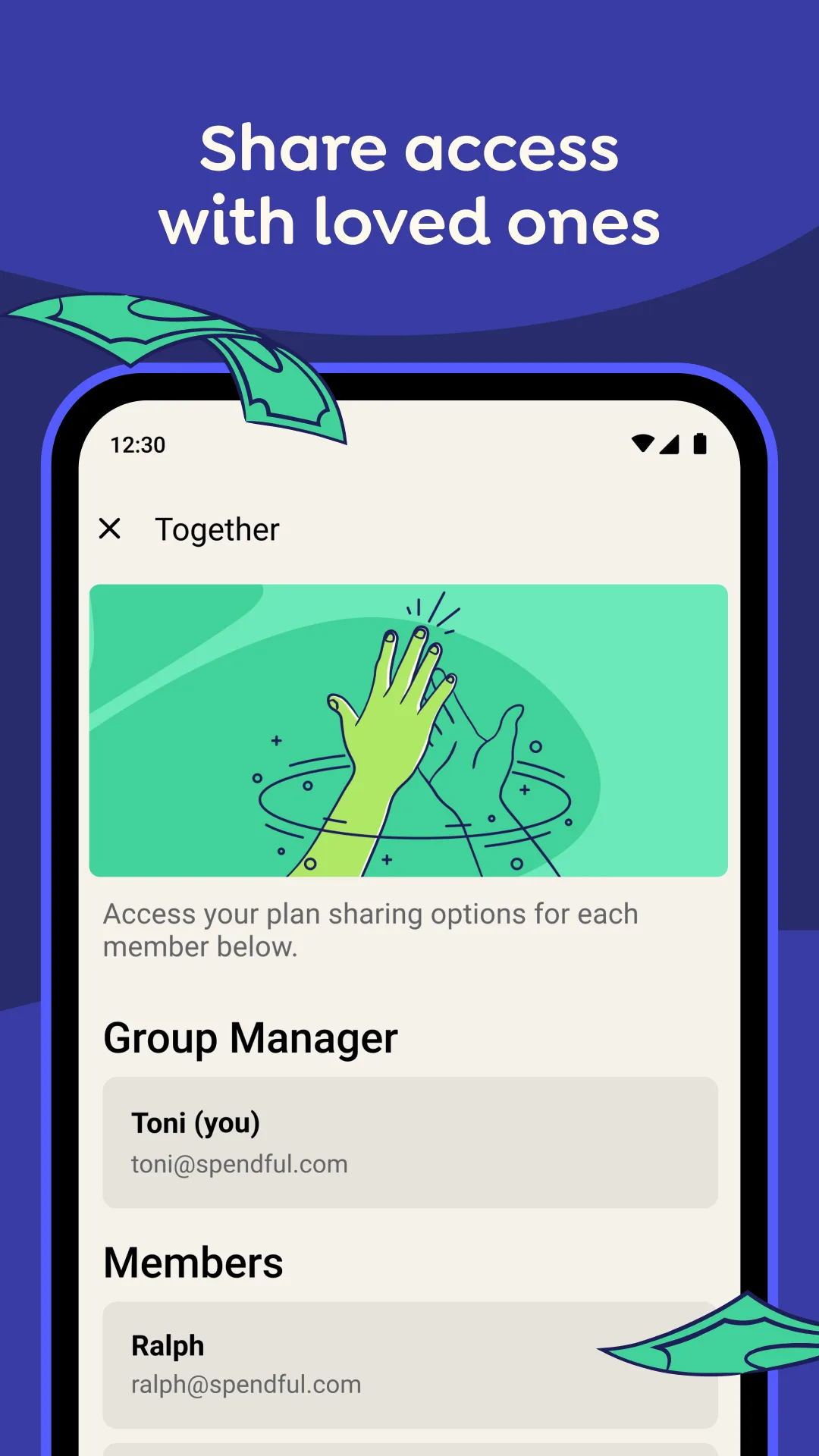
- YNABApp Store
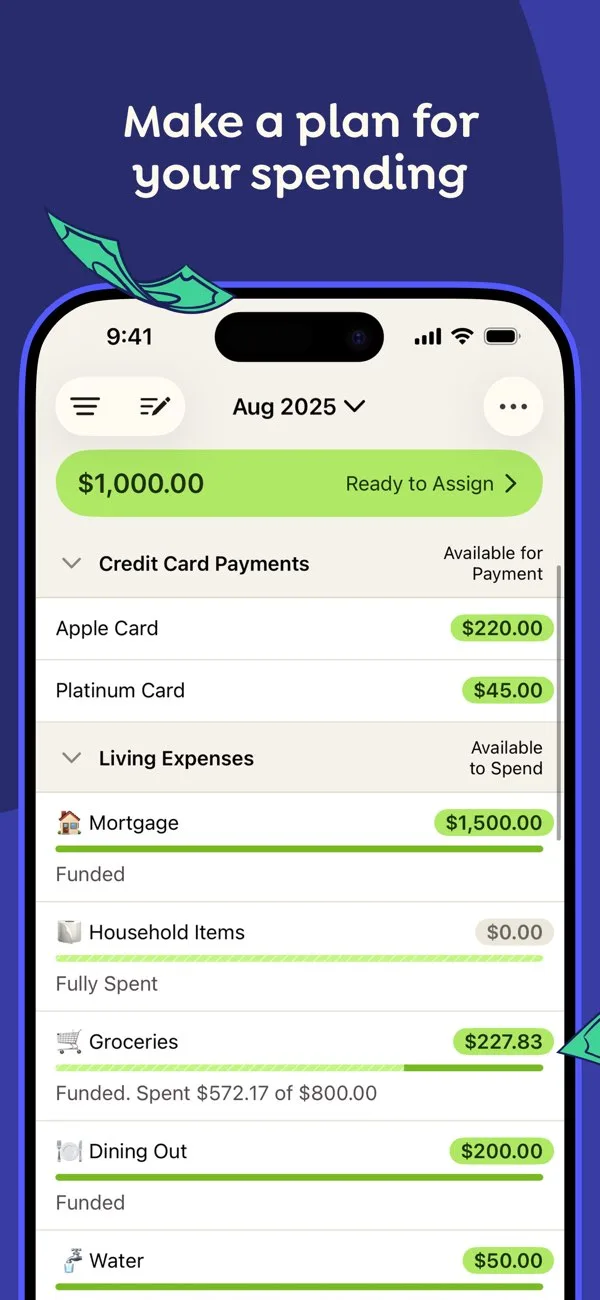
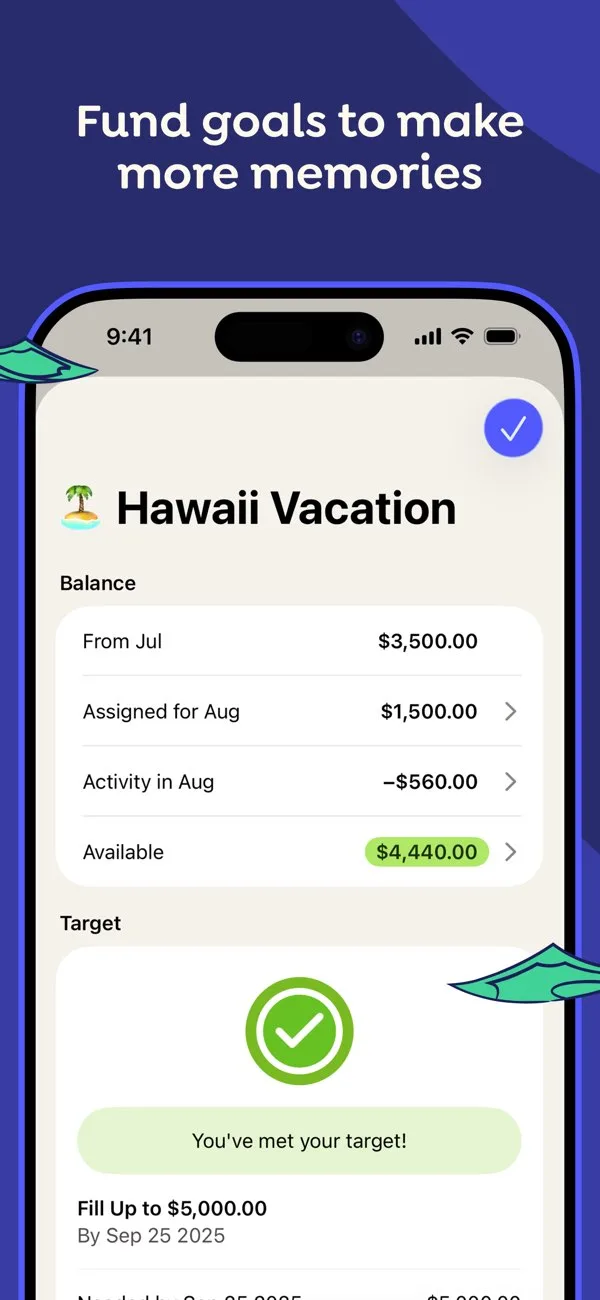 Play Store
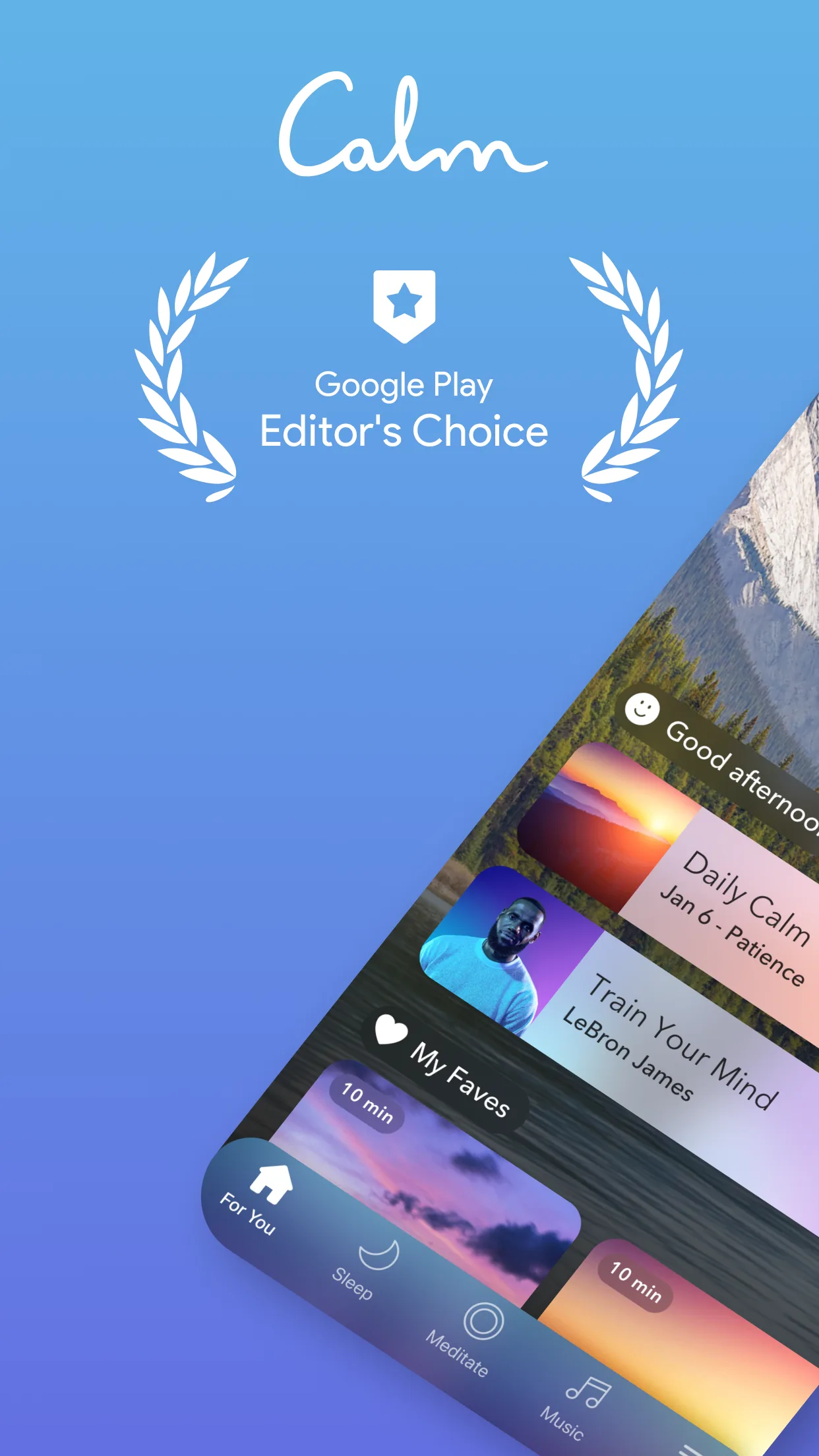
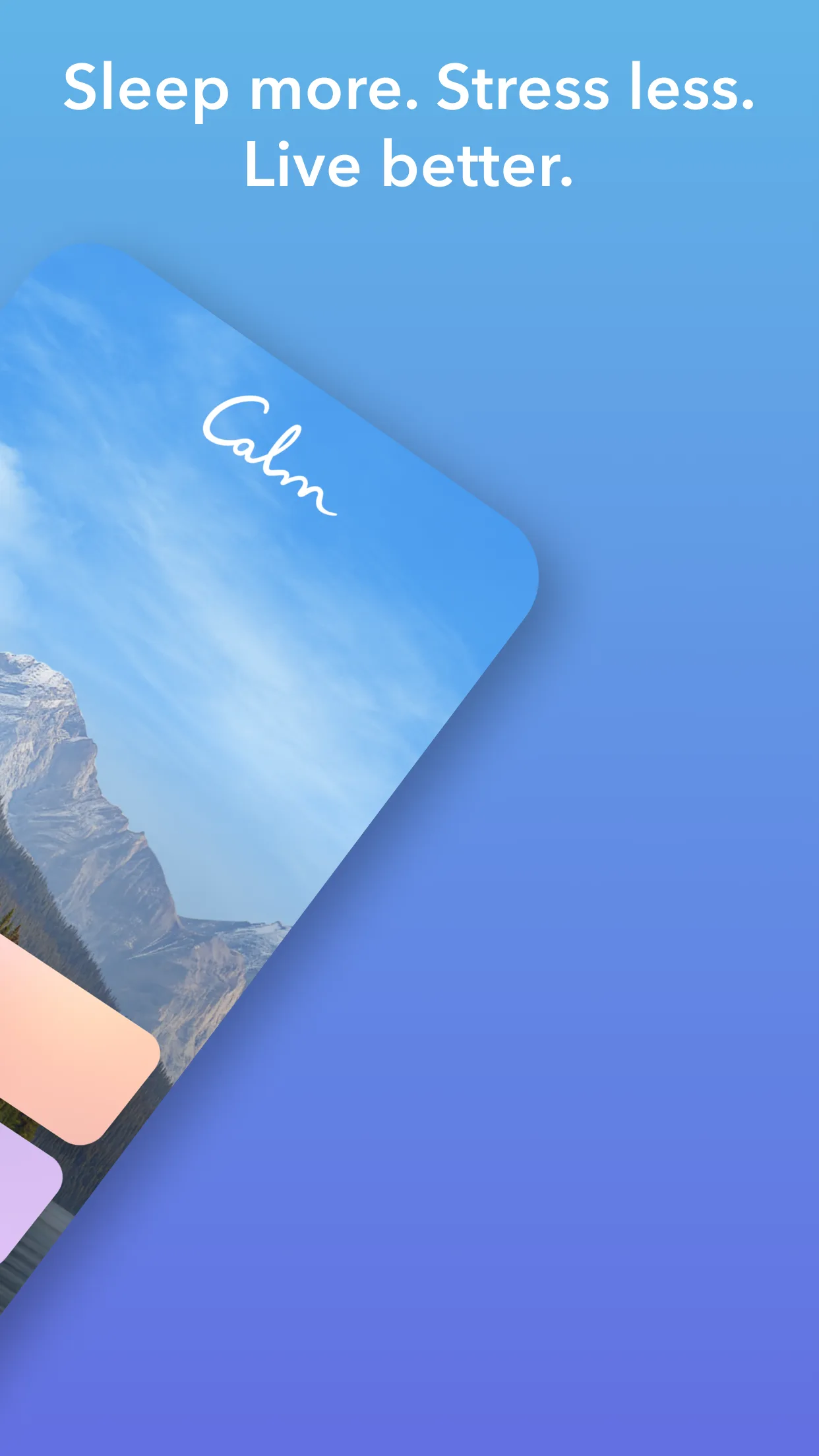
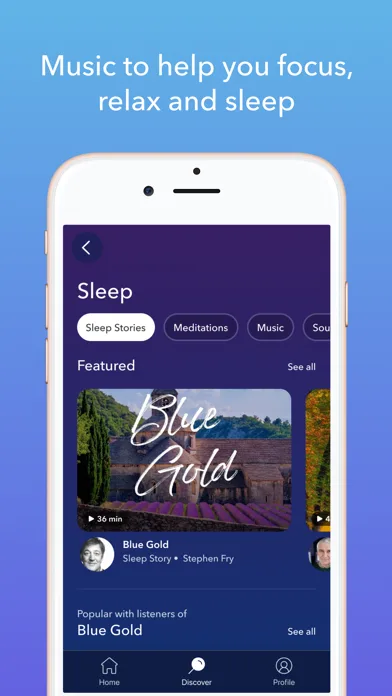
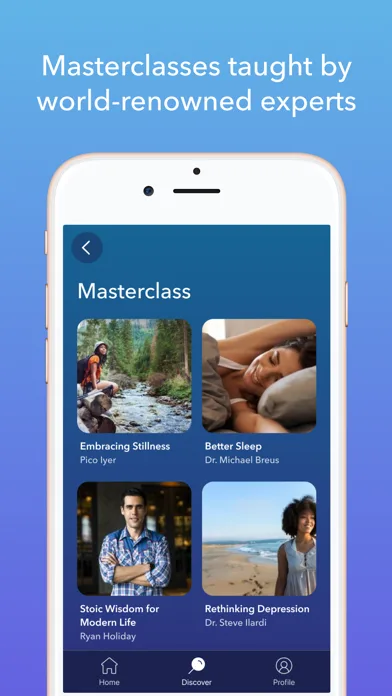
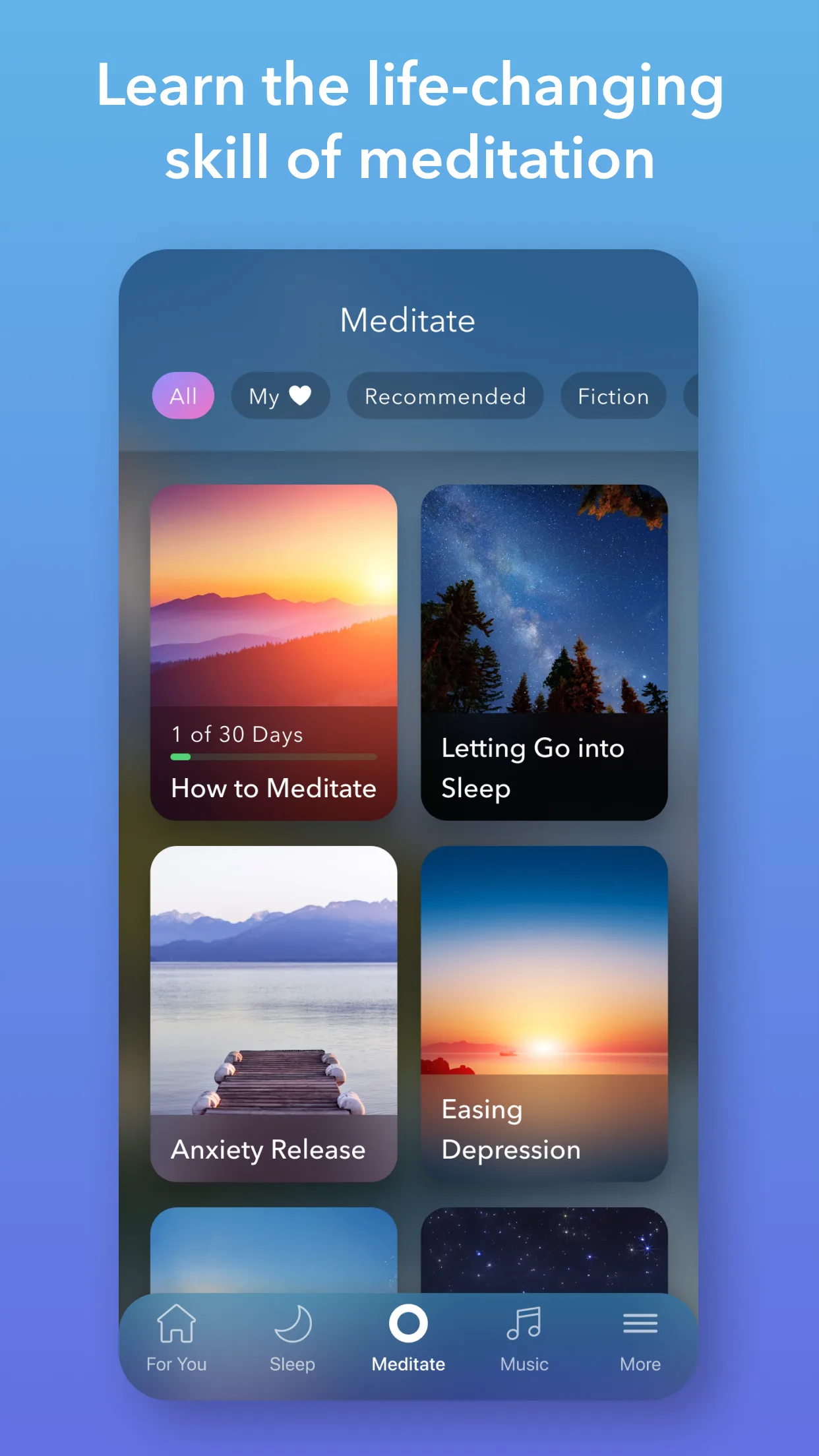
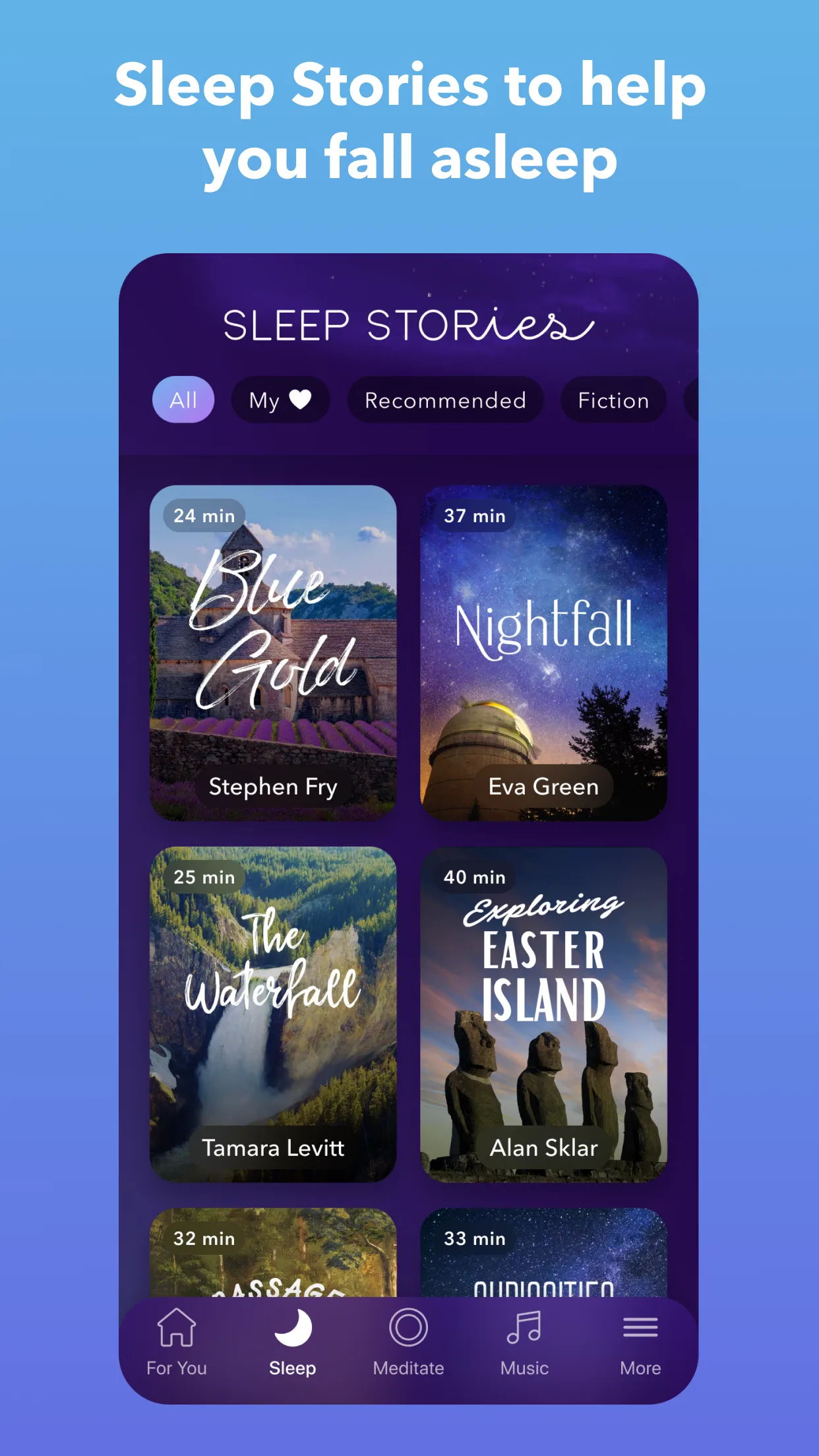
- CalmApp Store
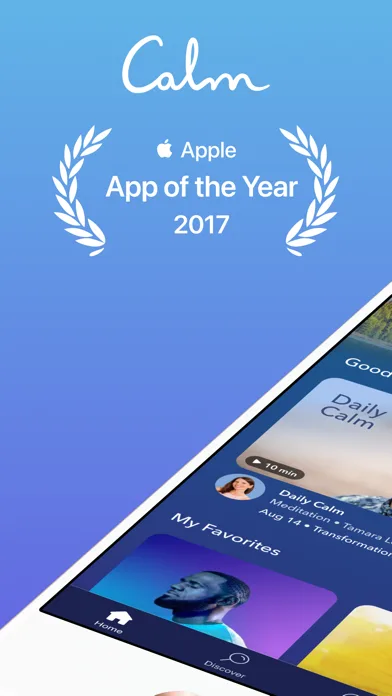
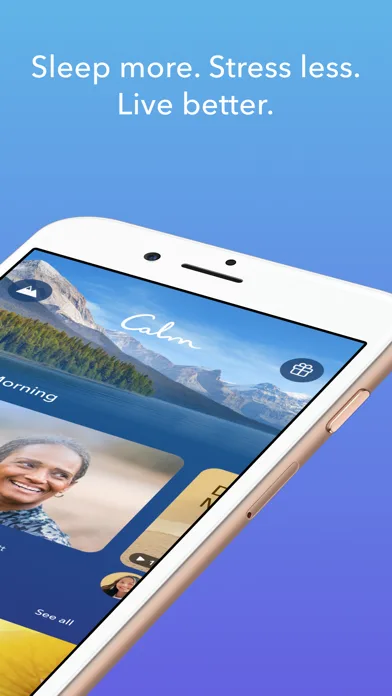
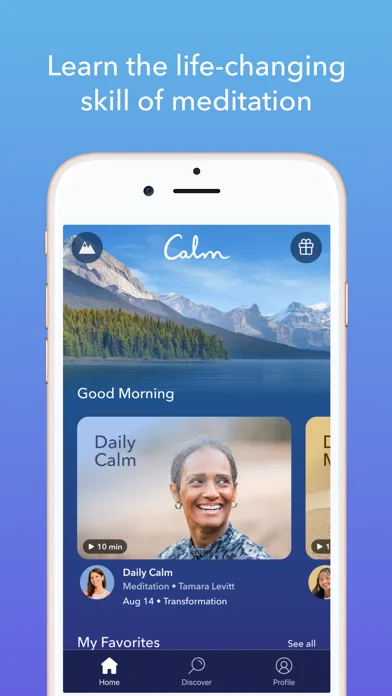
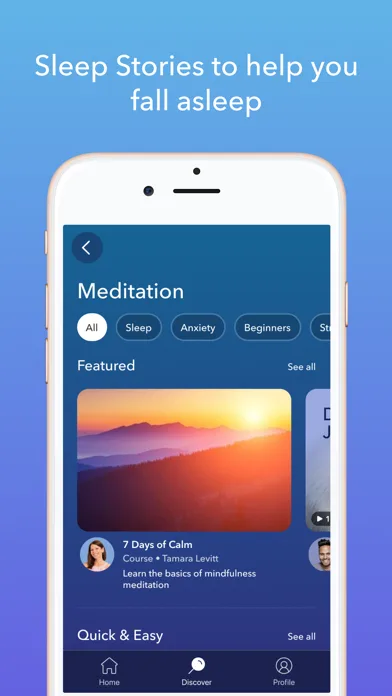 Play Store
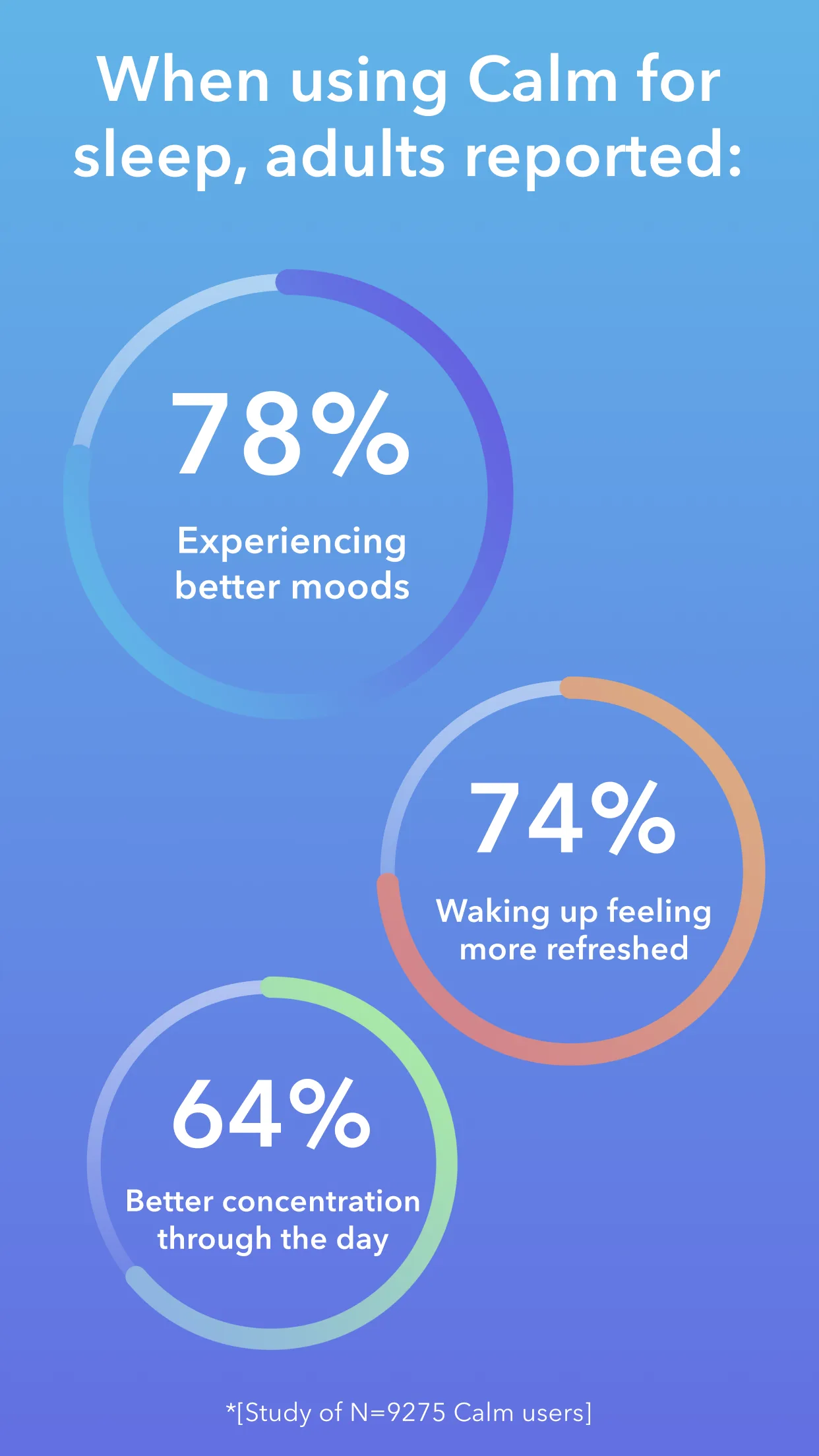
- HeadspaceApp Store
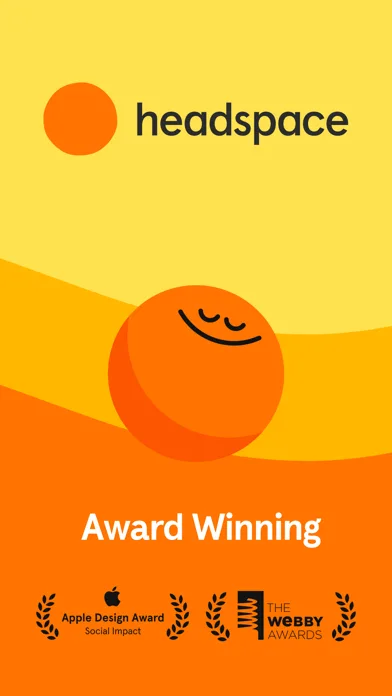
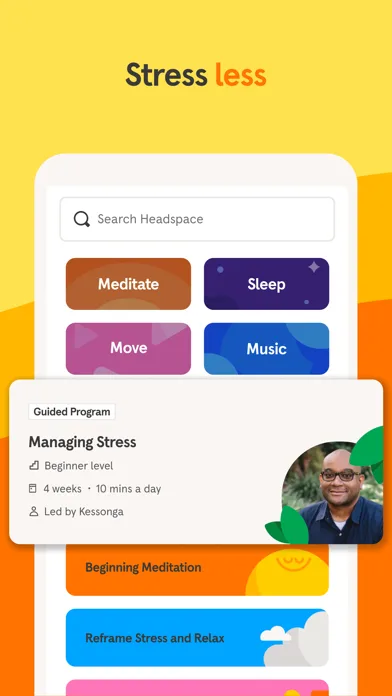
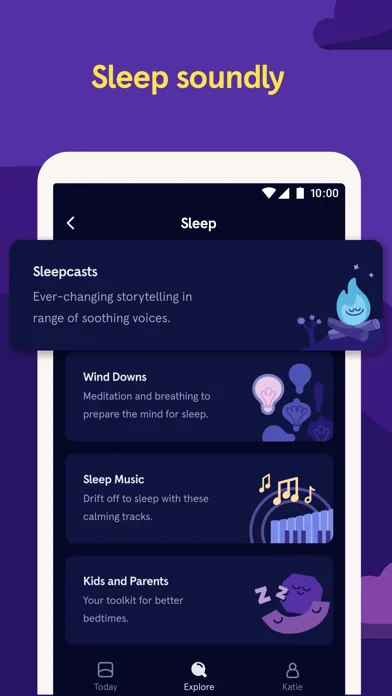
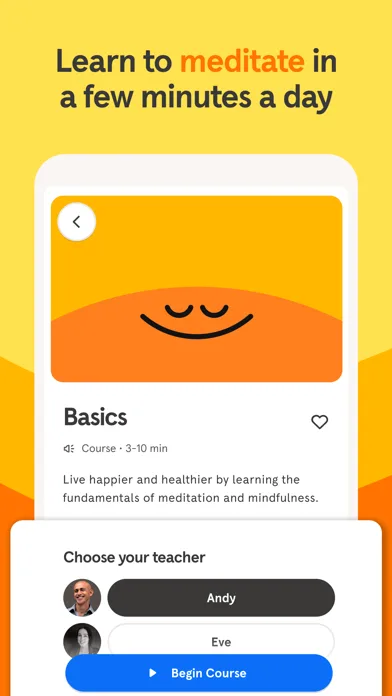 Play Store
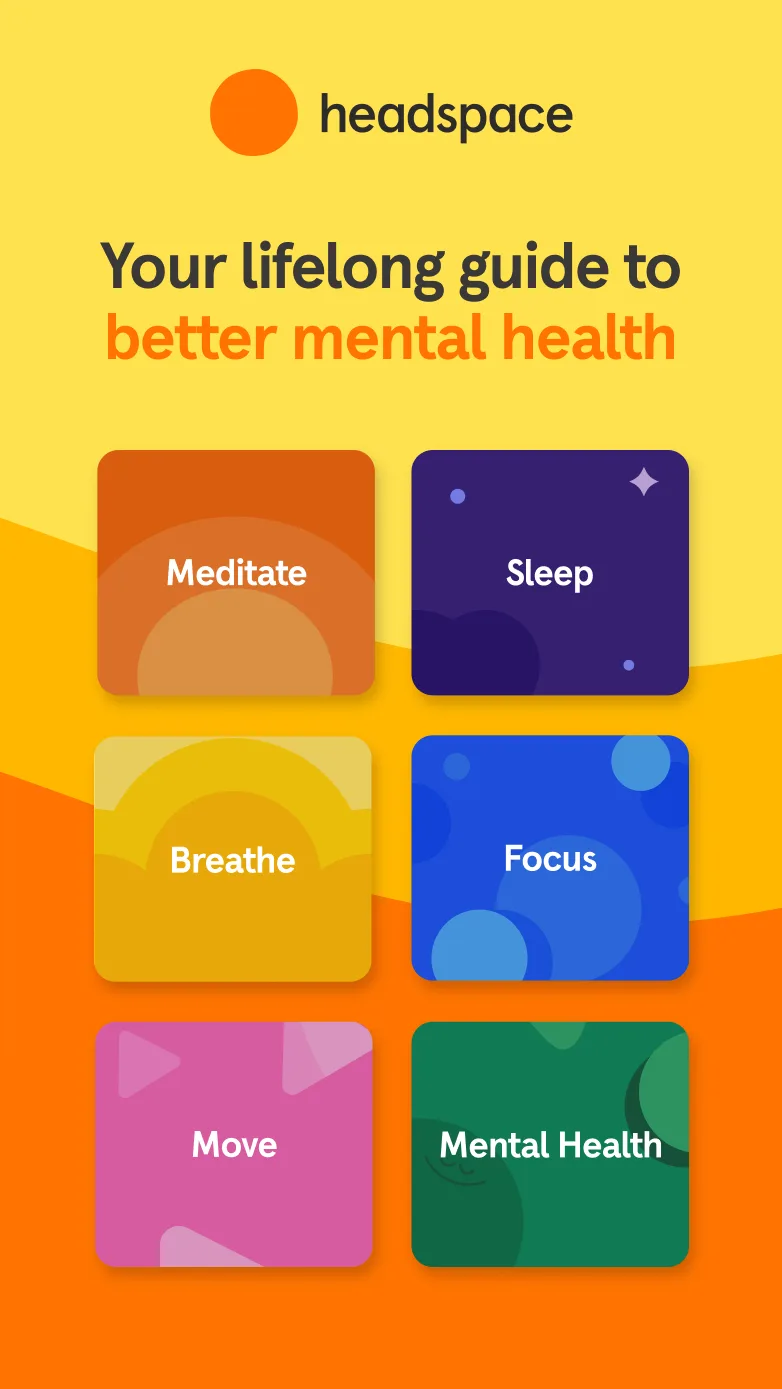
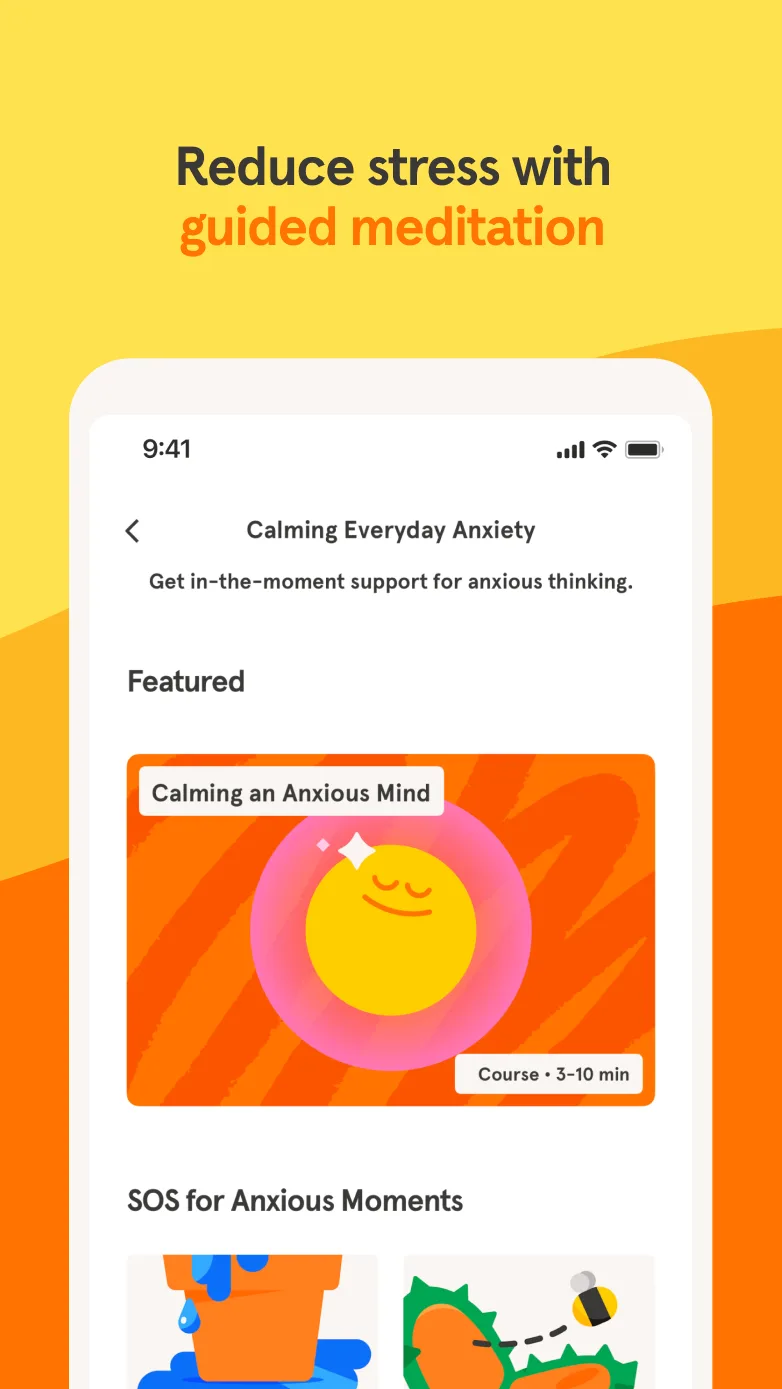
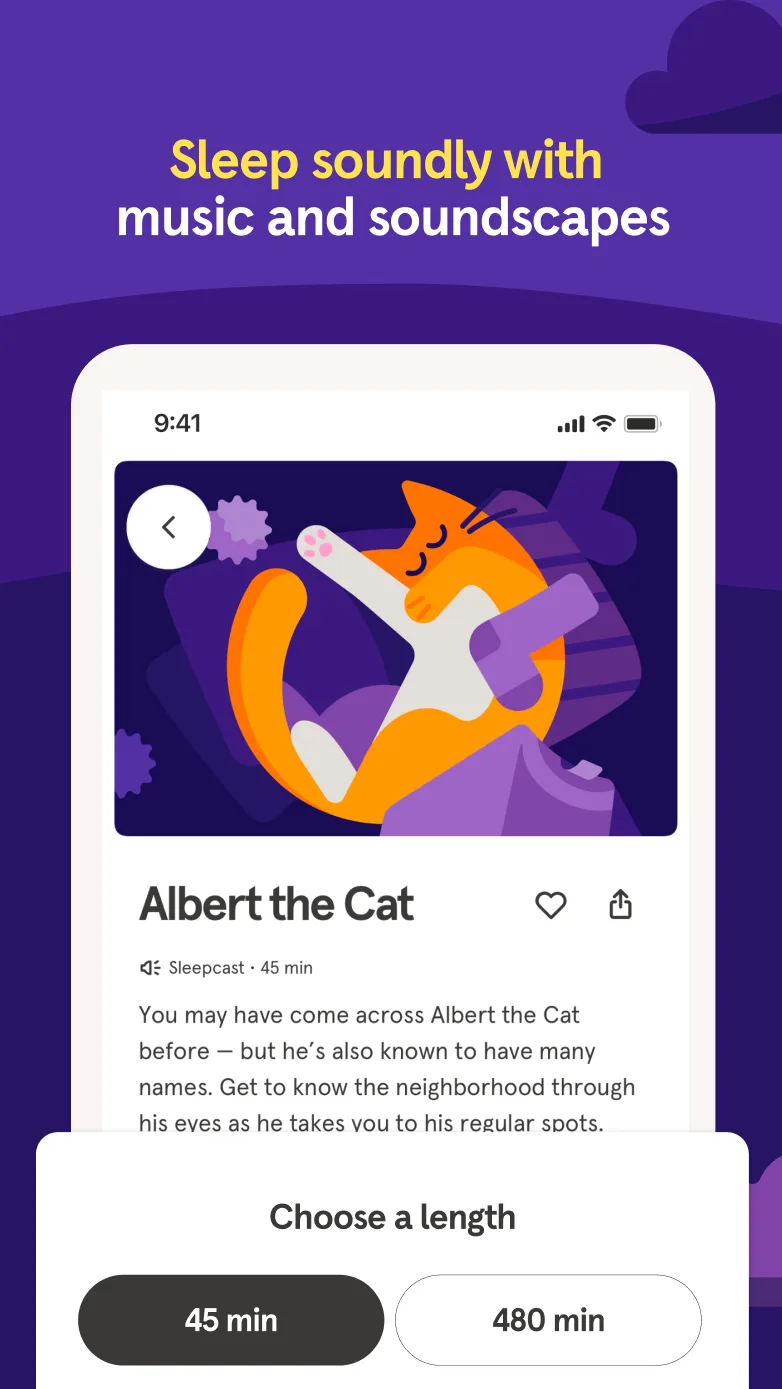
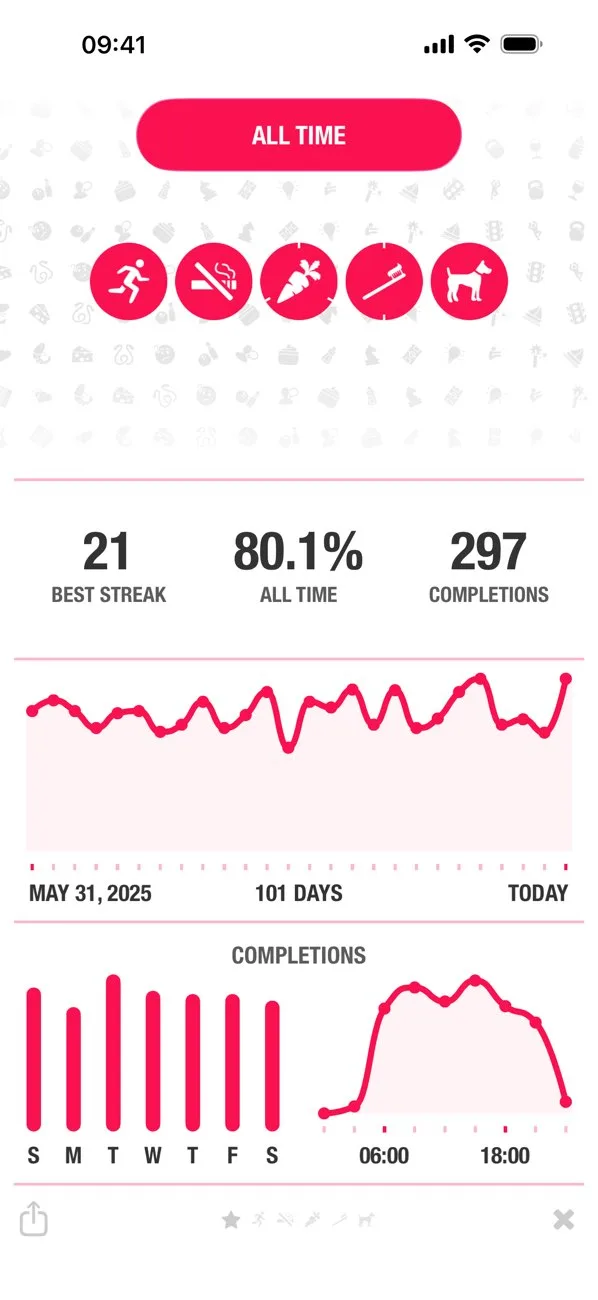
- StreaksApp Store
 Play Store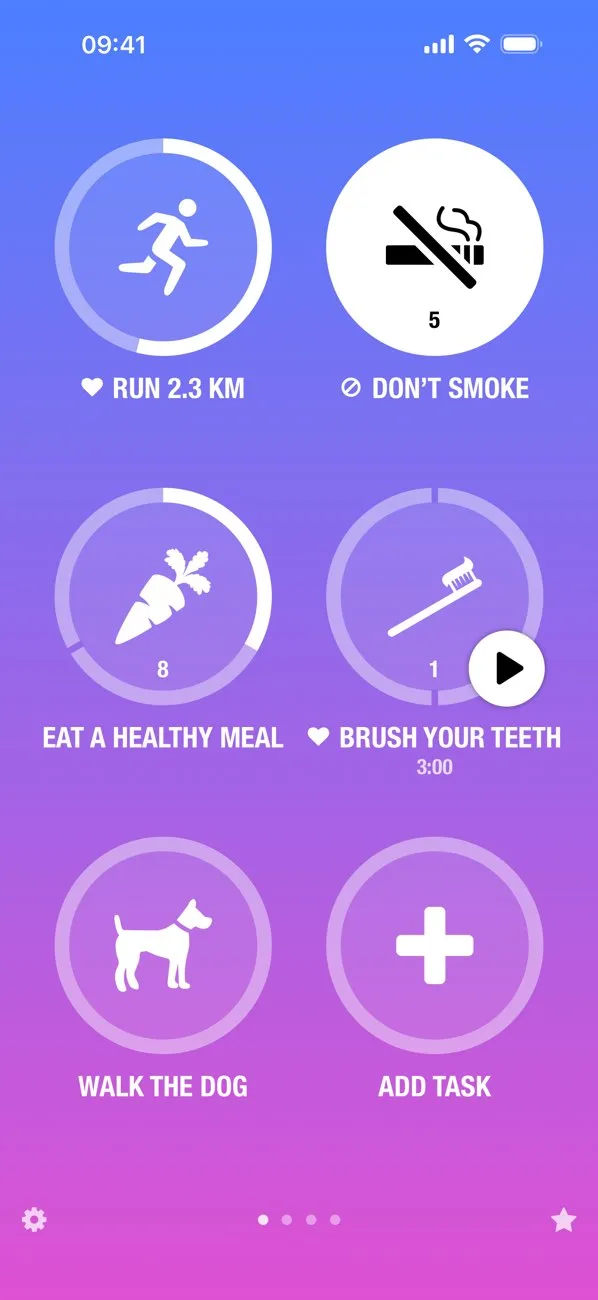
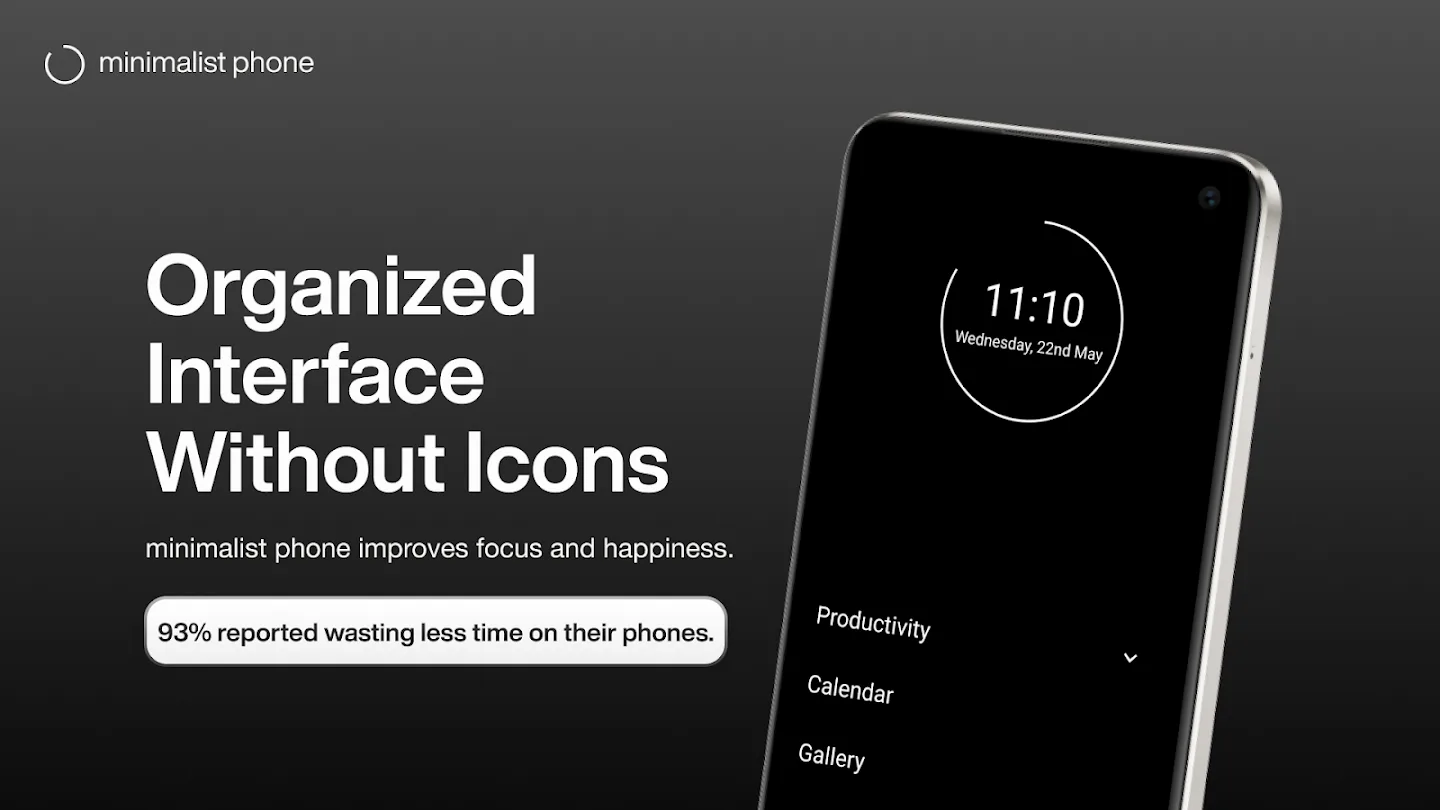
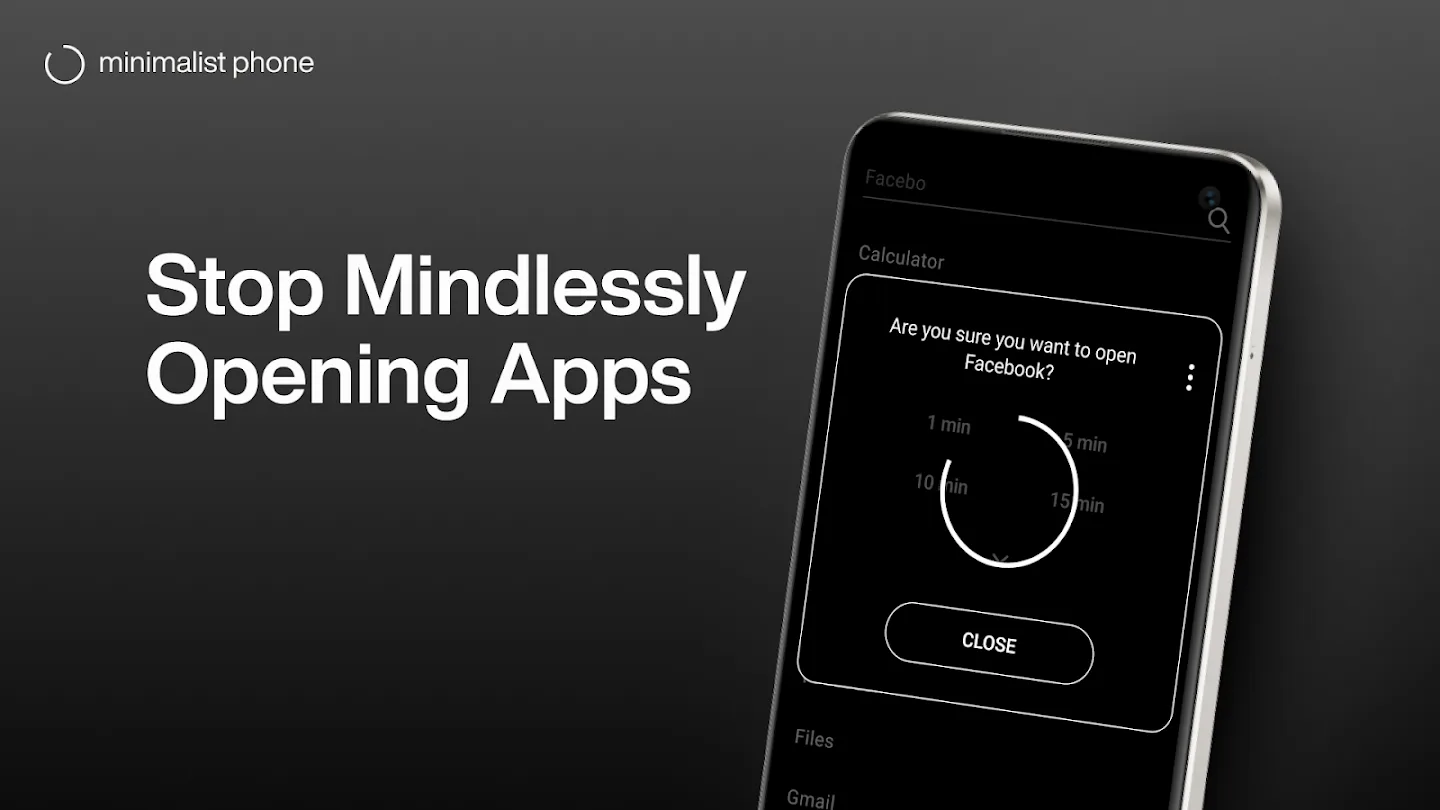
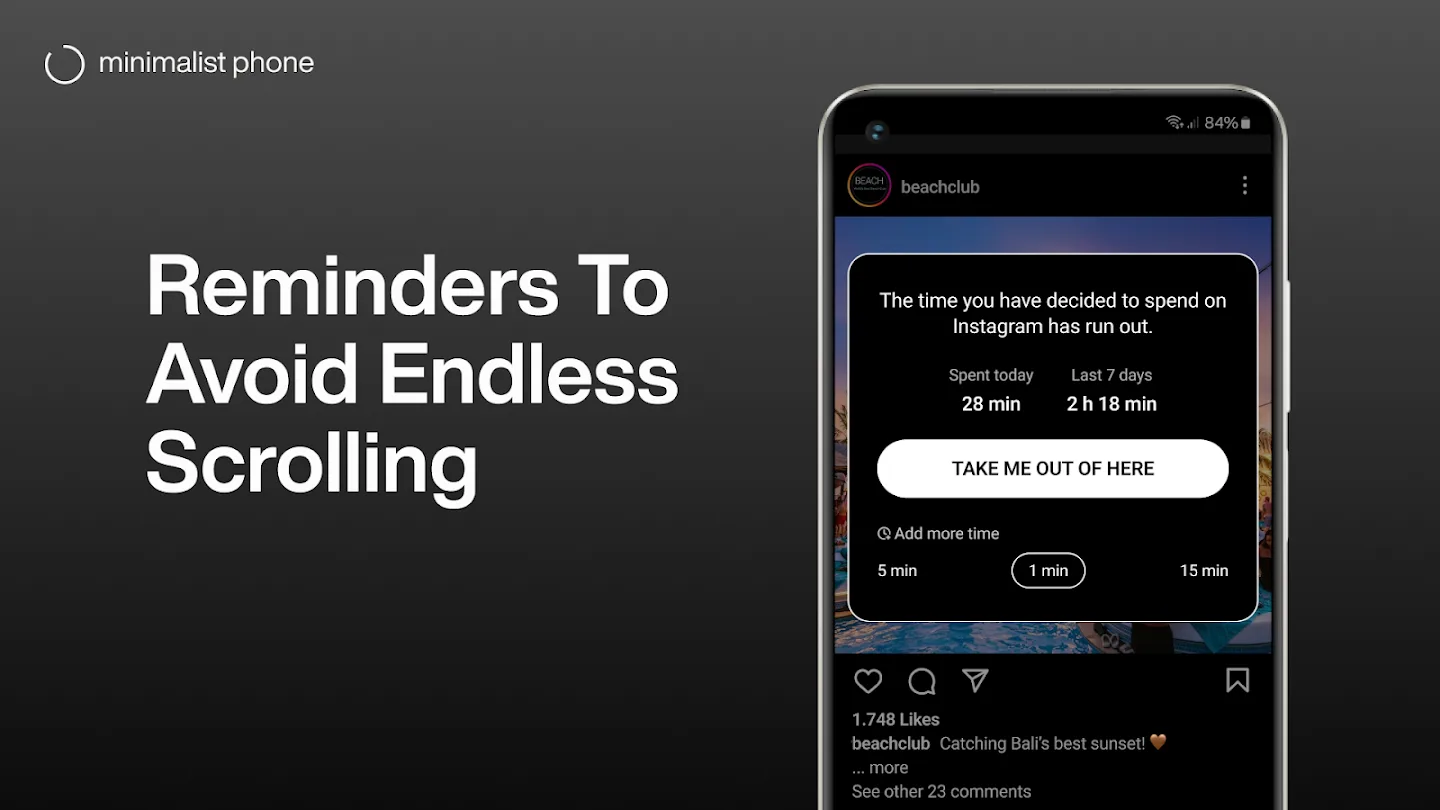
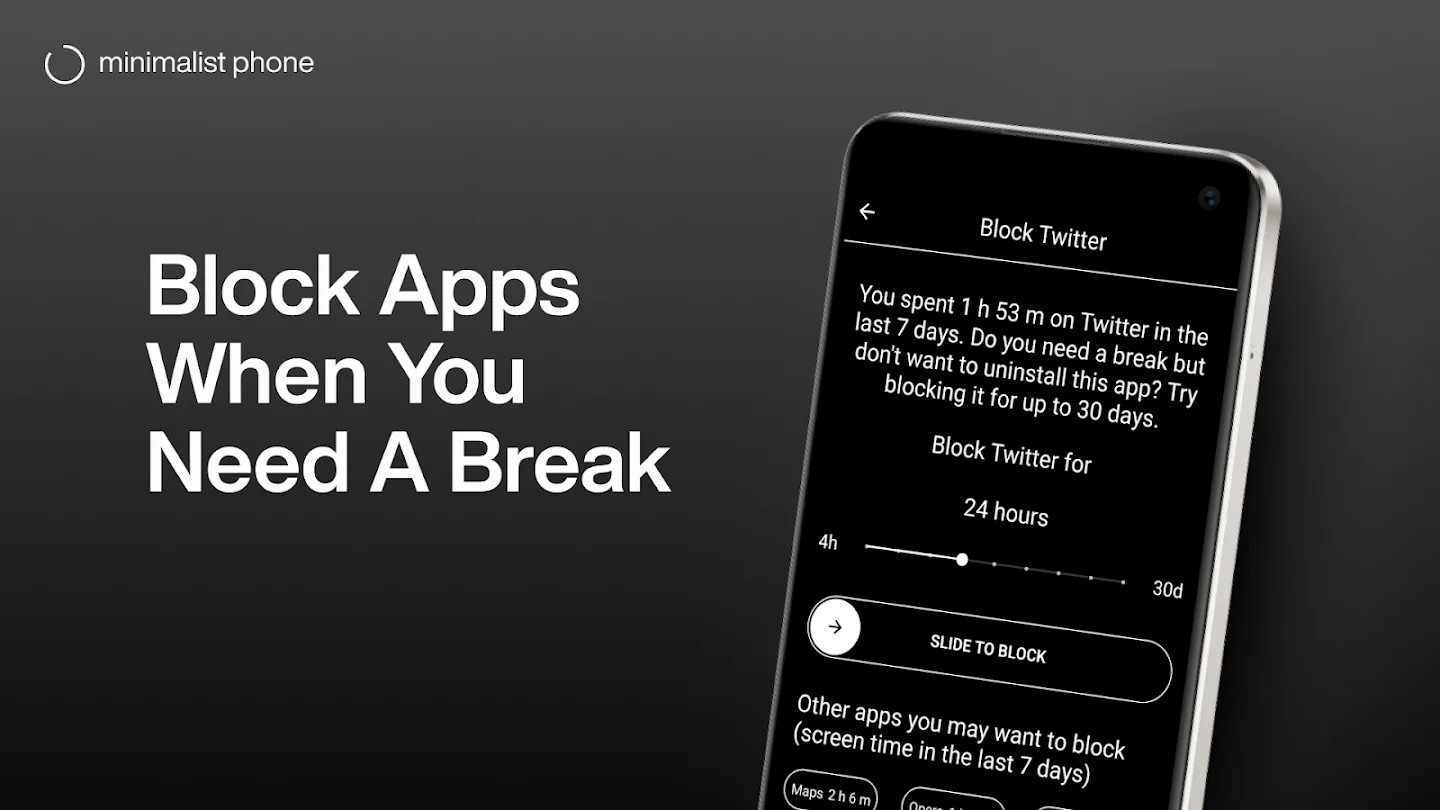
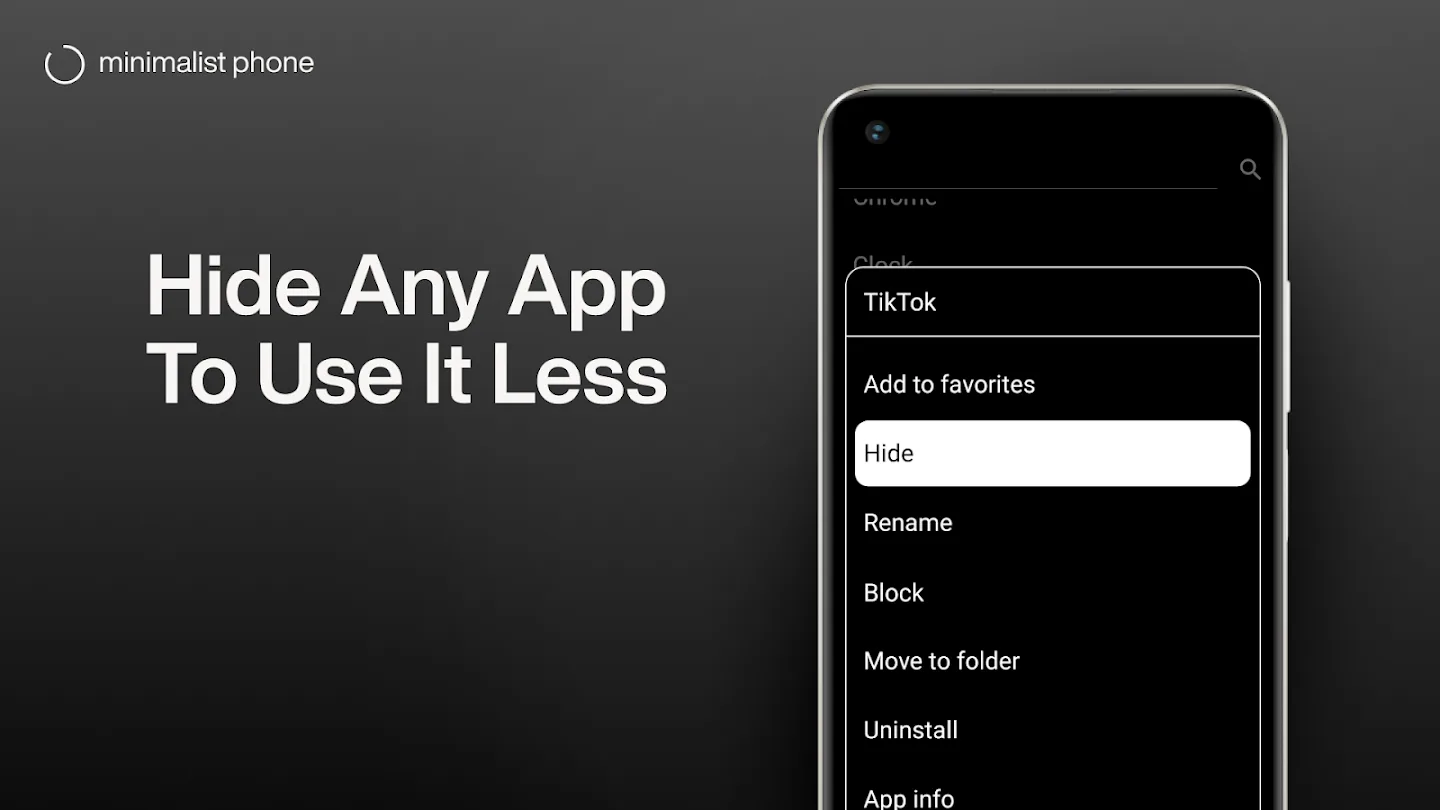
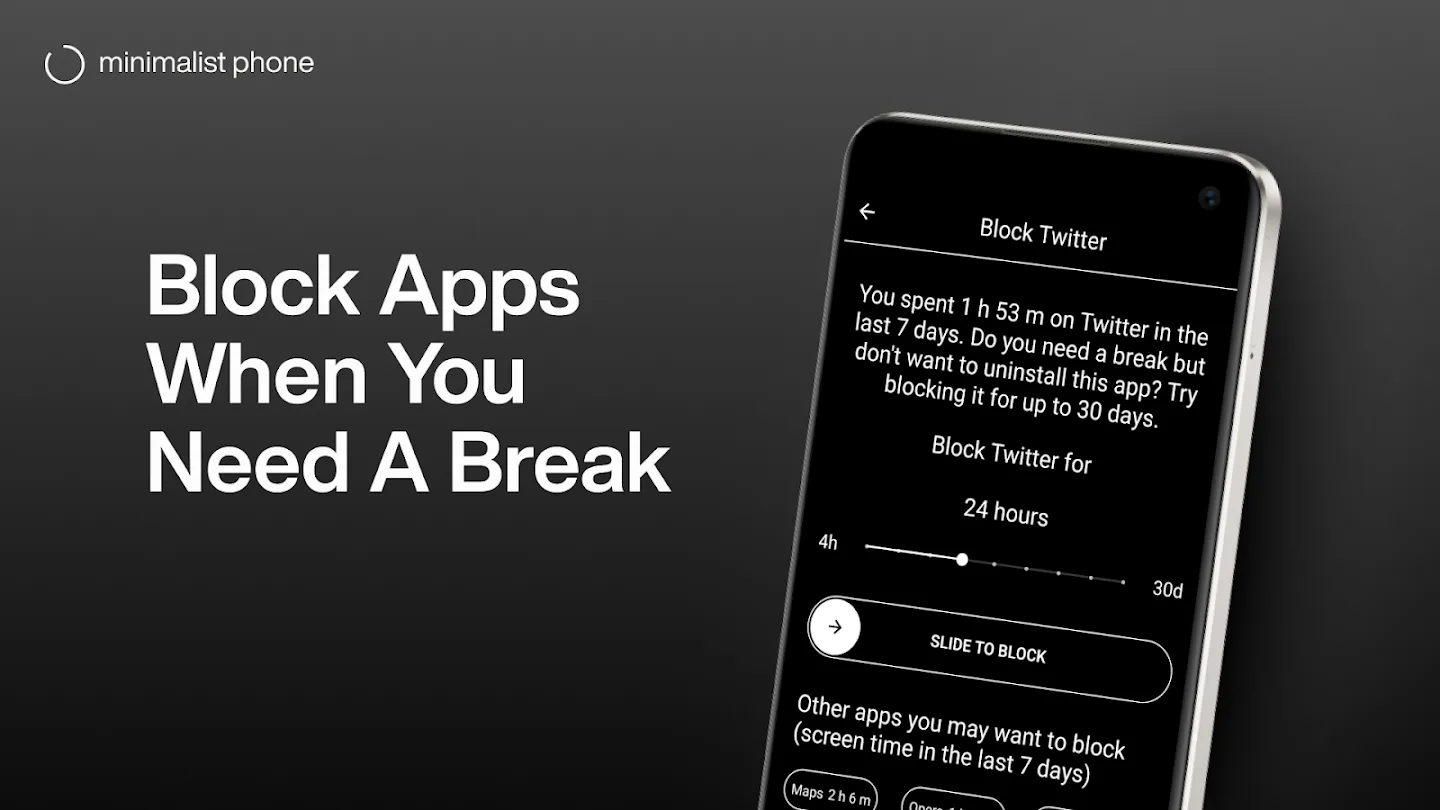
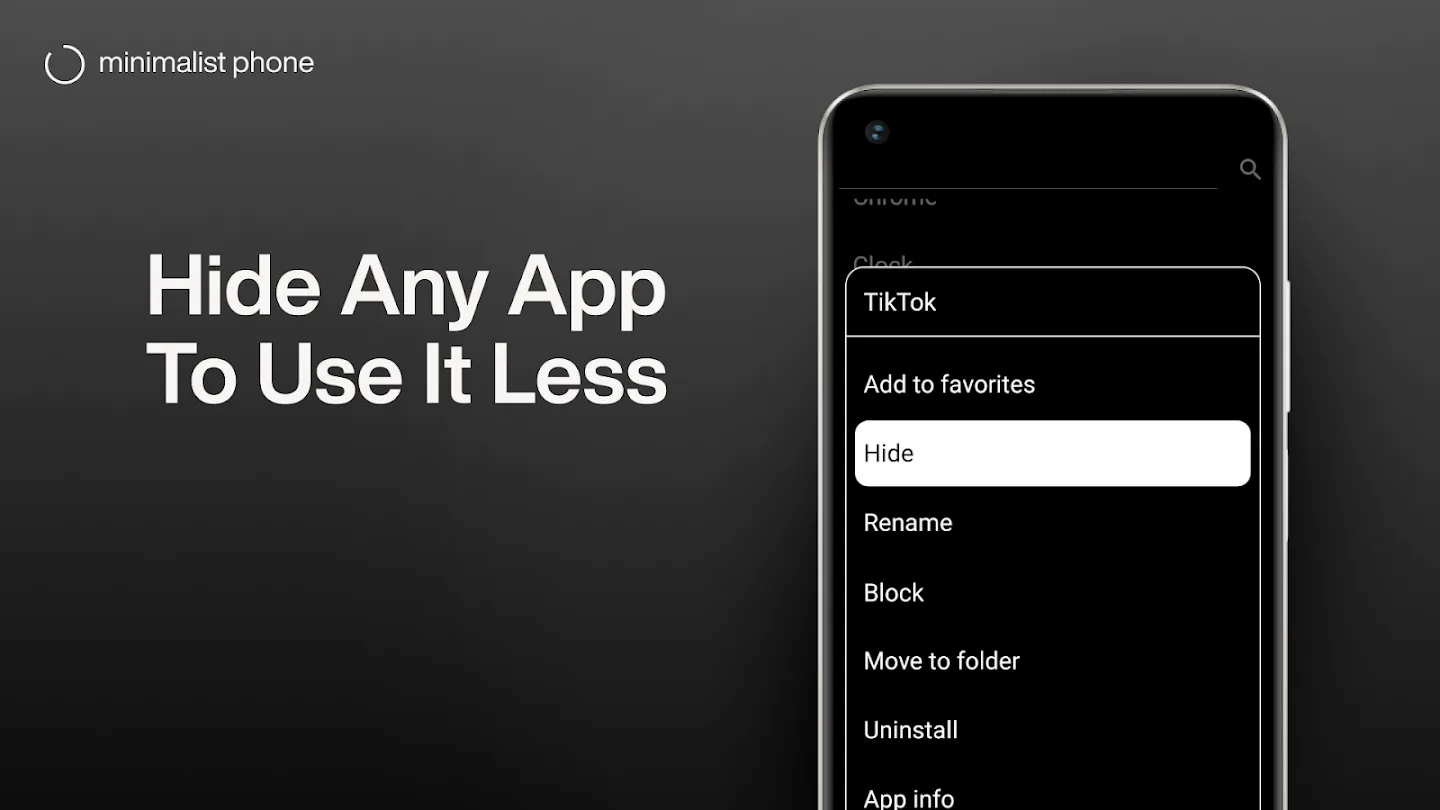
- Minimalist PhoneApp Store
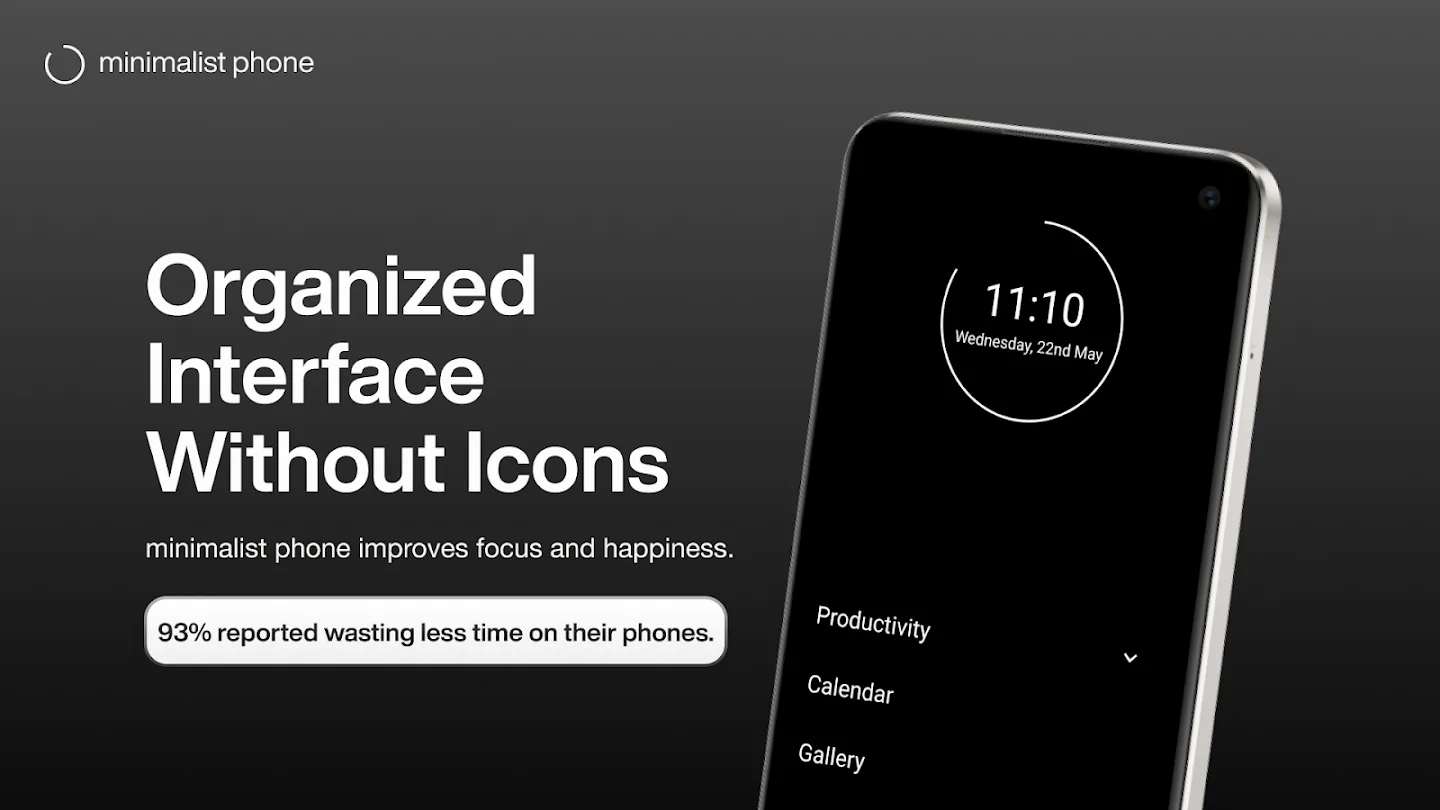
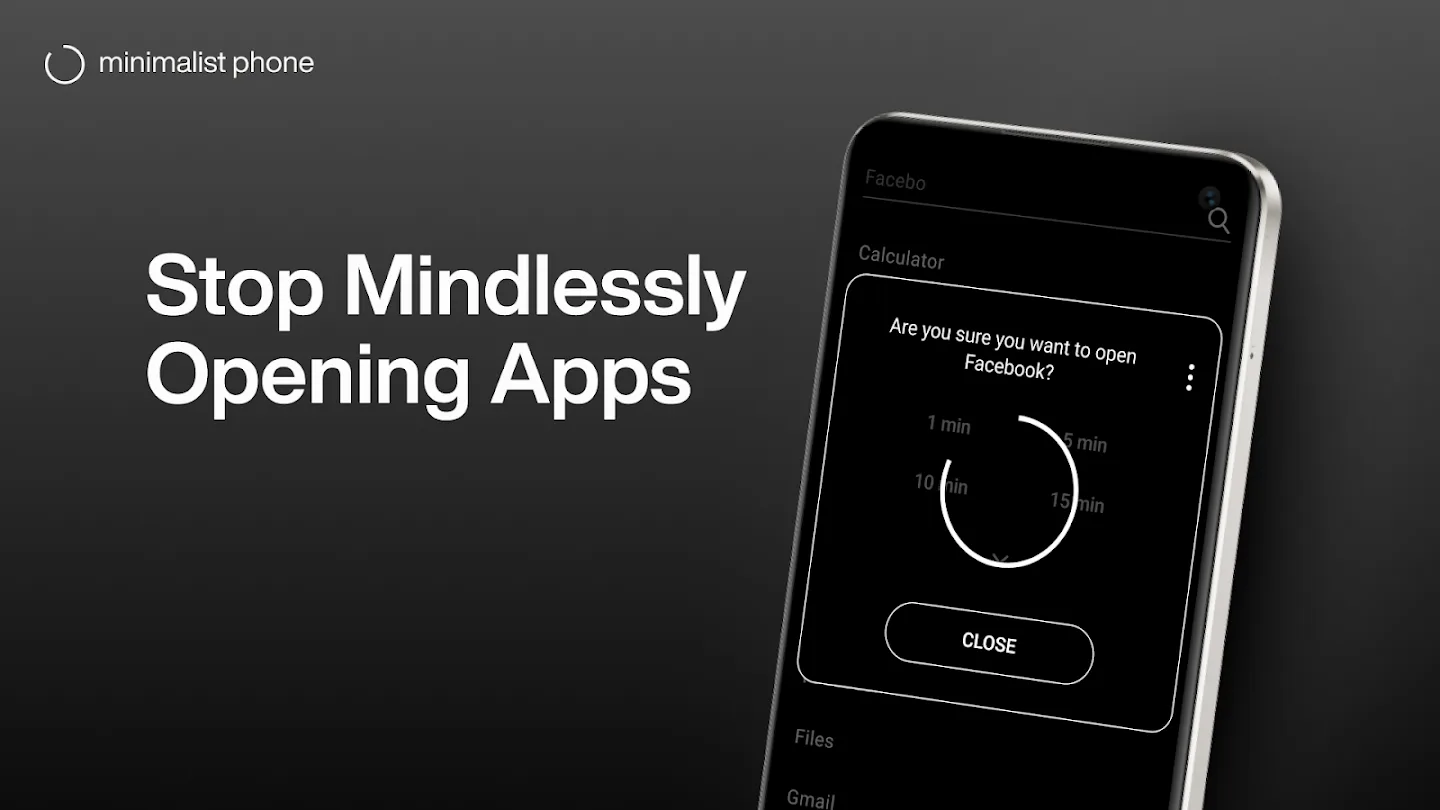
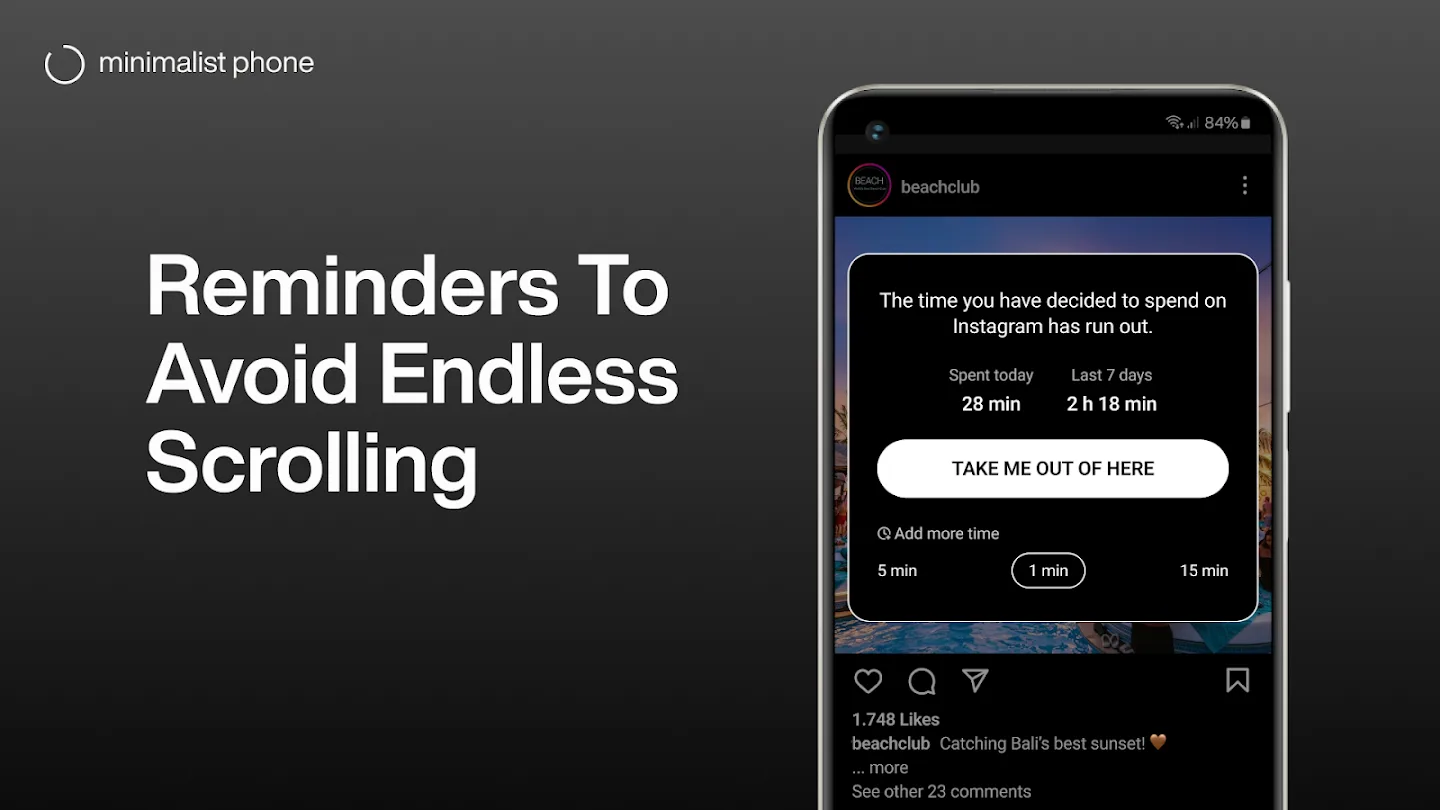 Play Store
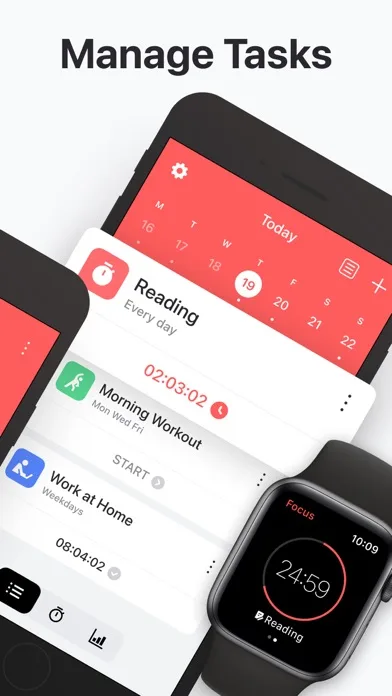
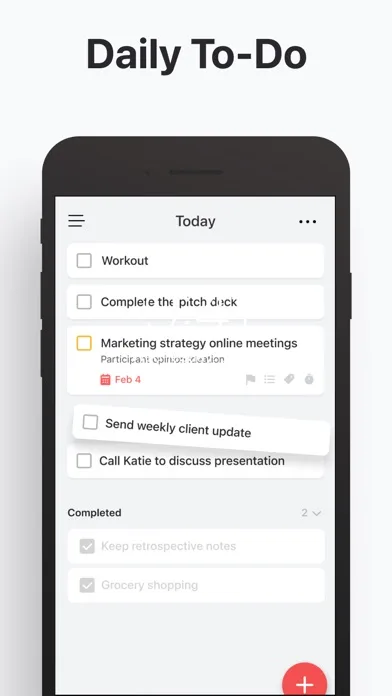
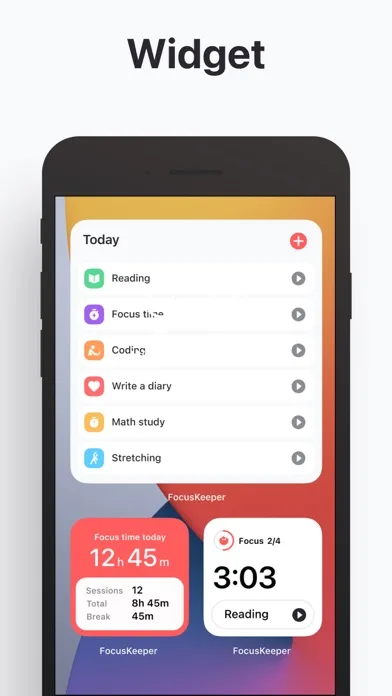
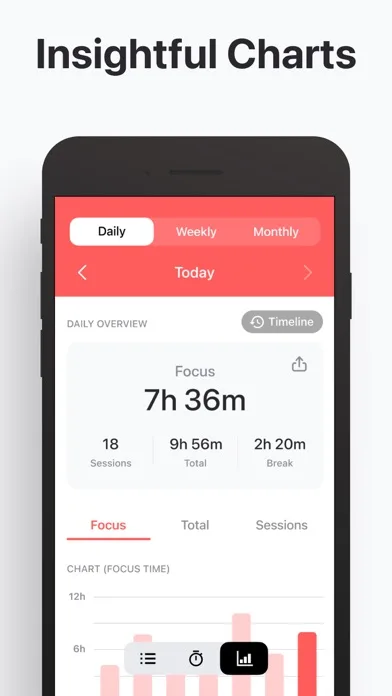
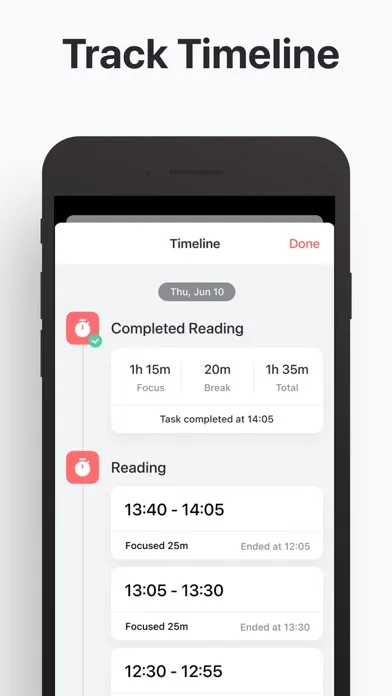
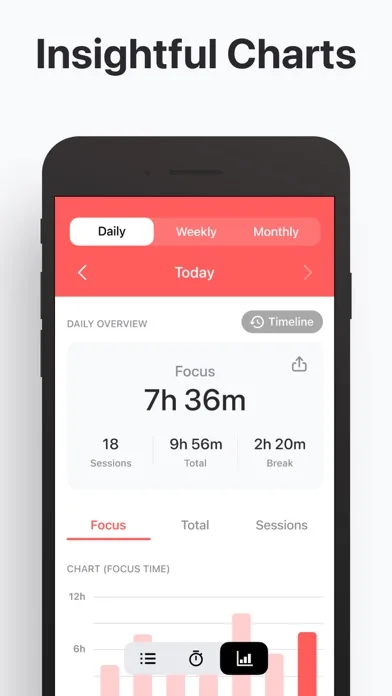
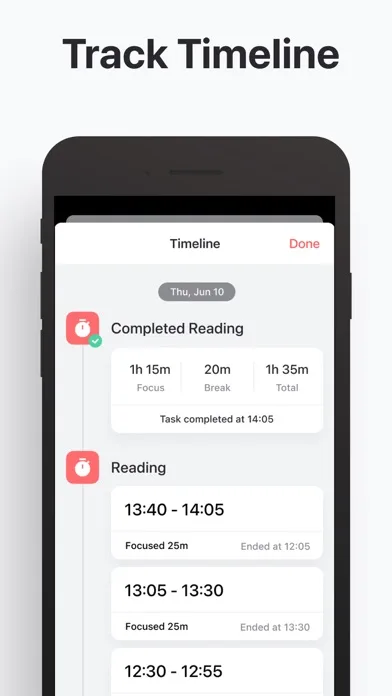
- Focus KeeperApp Store
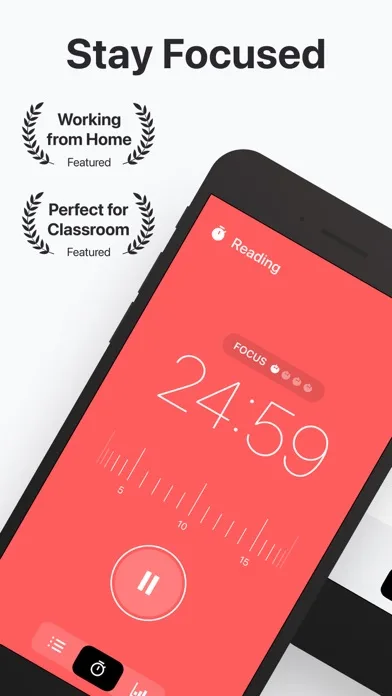
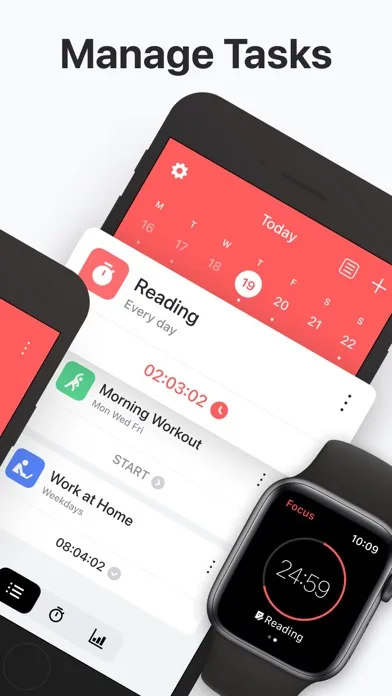
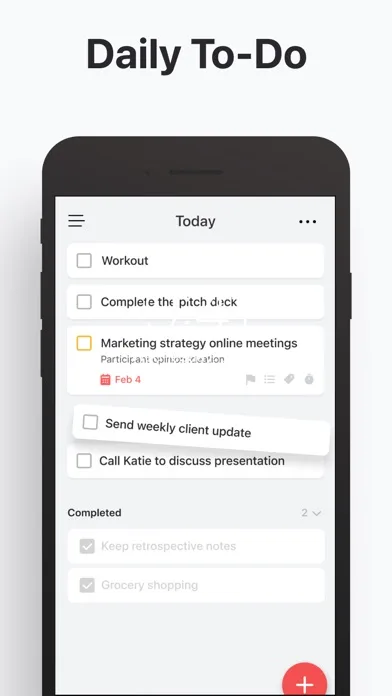
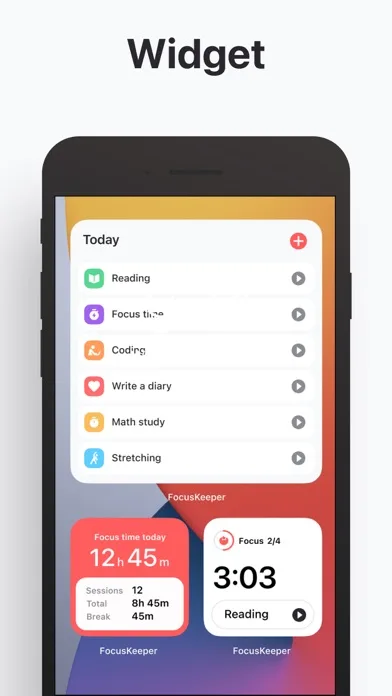 Play Store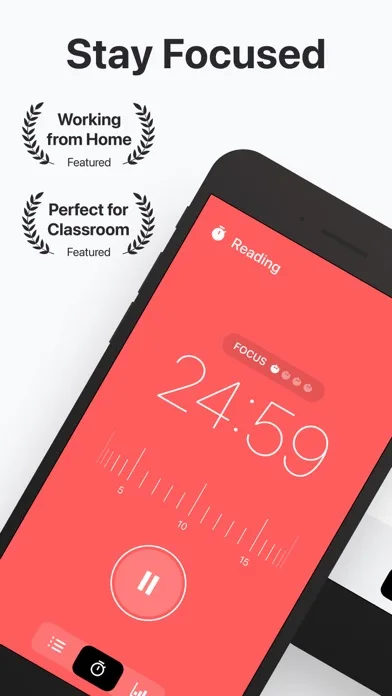
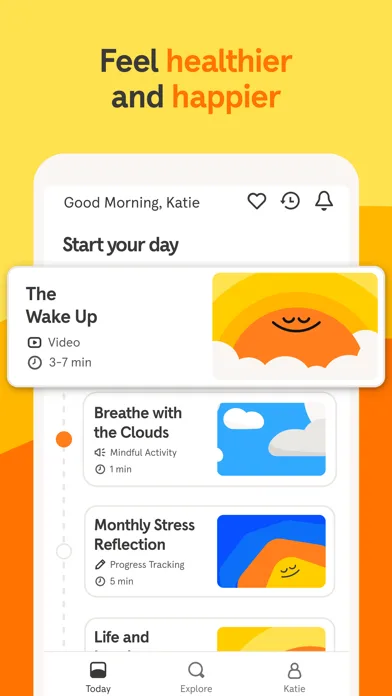
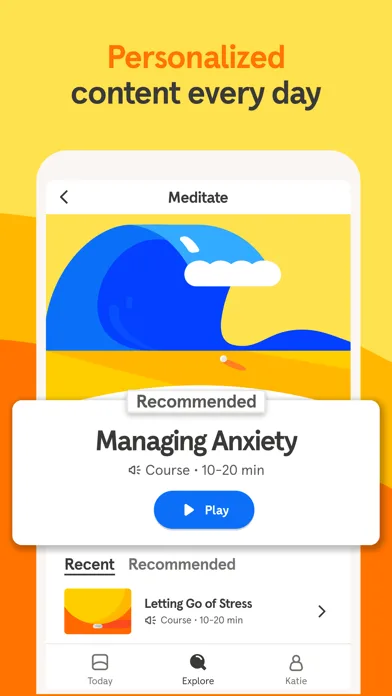
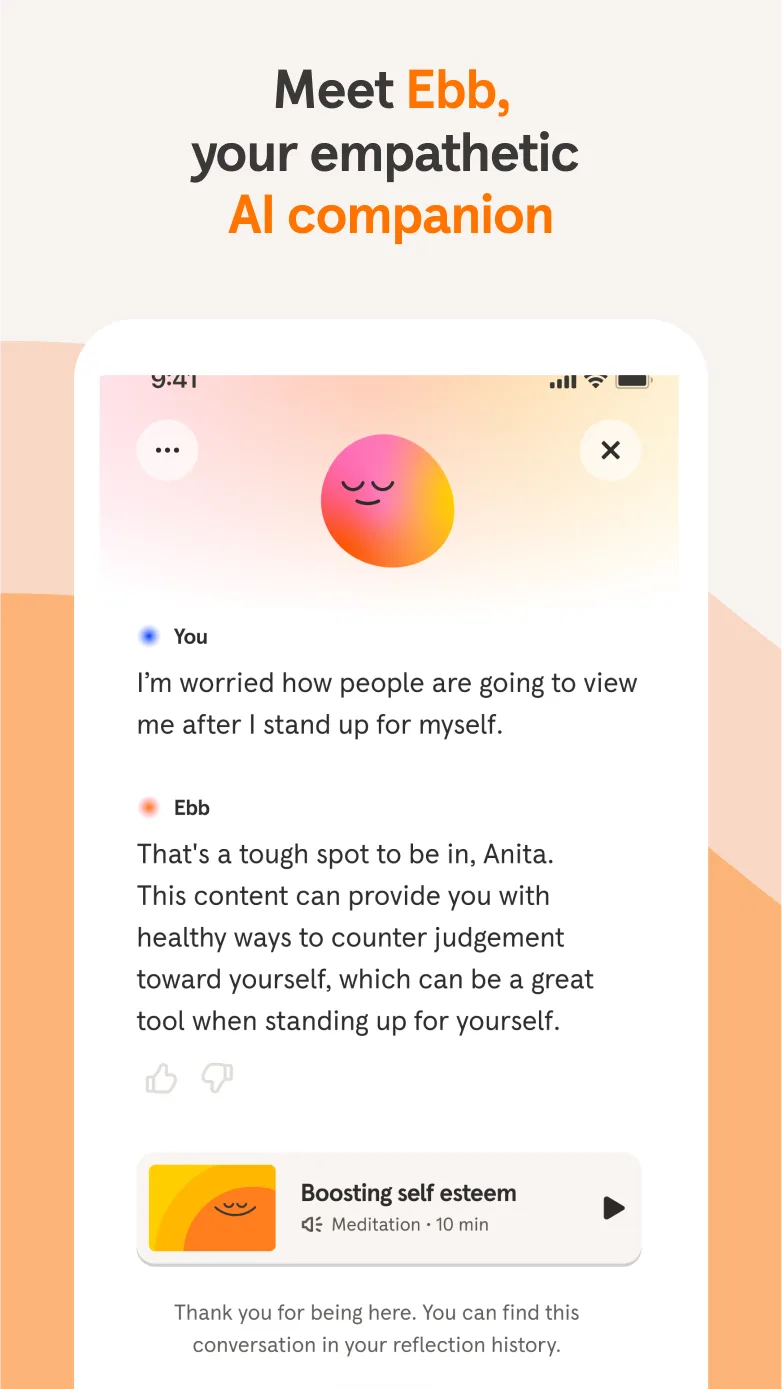
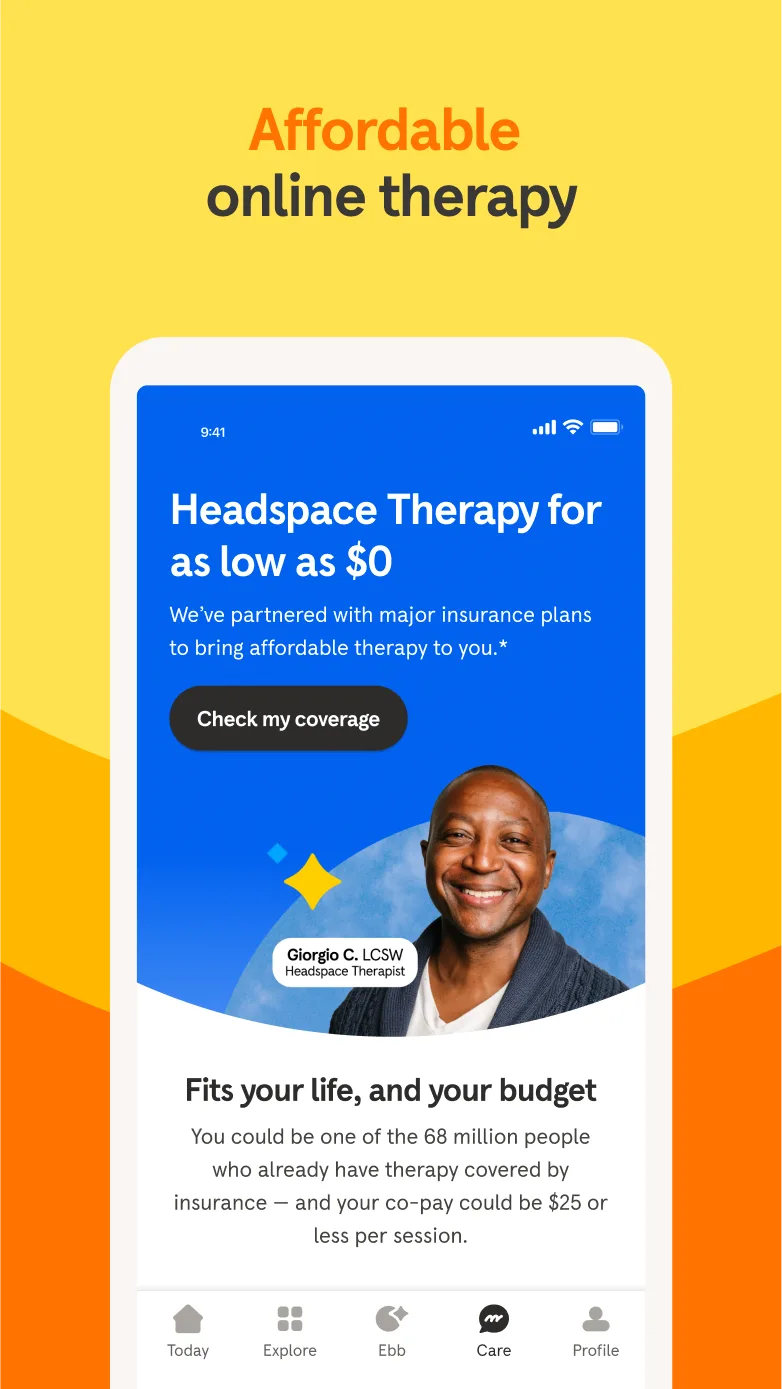
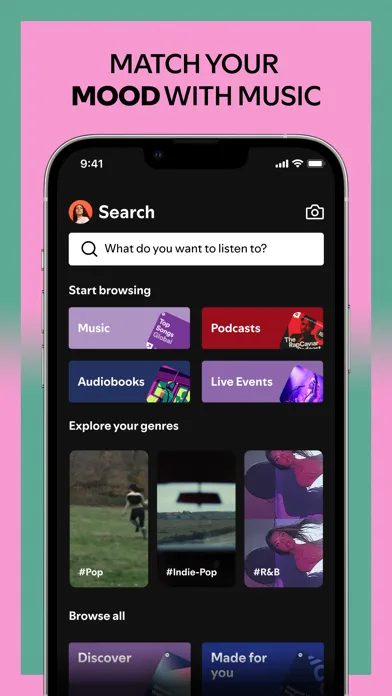
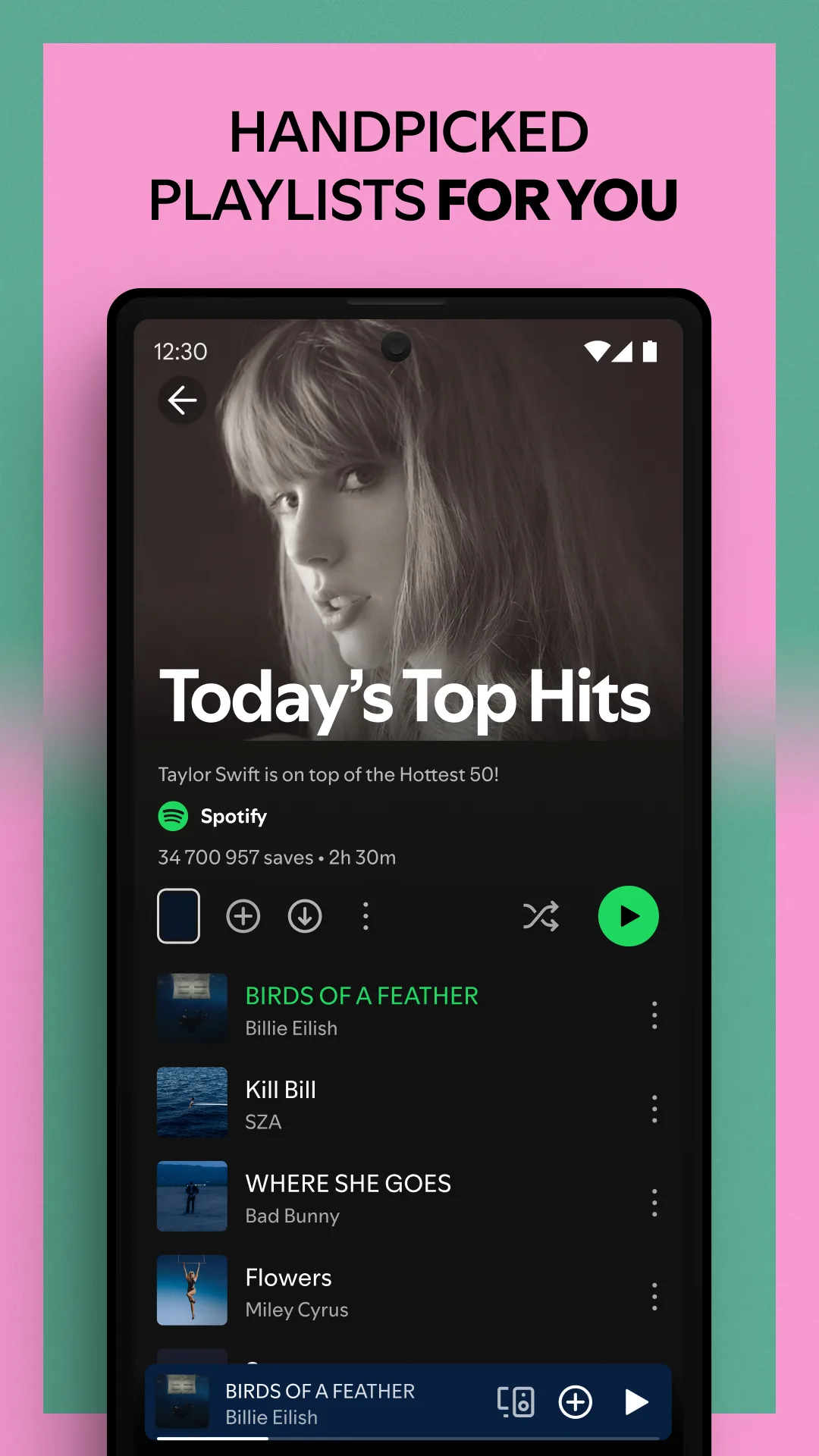
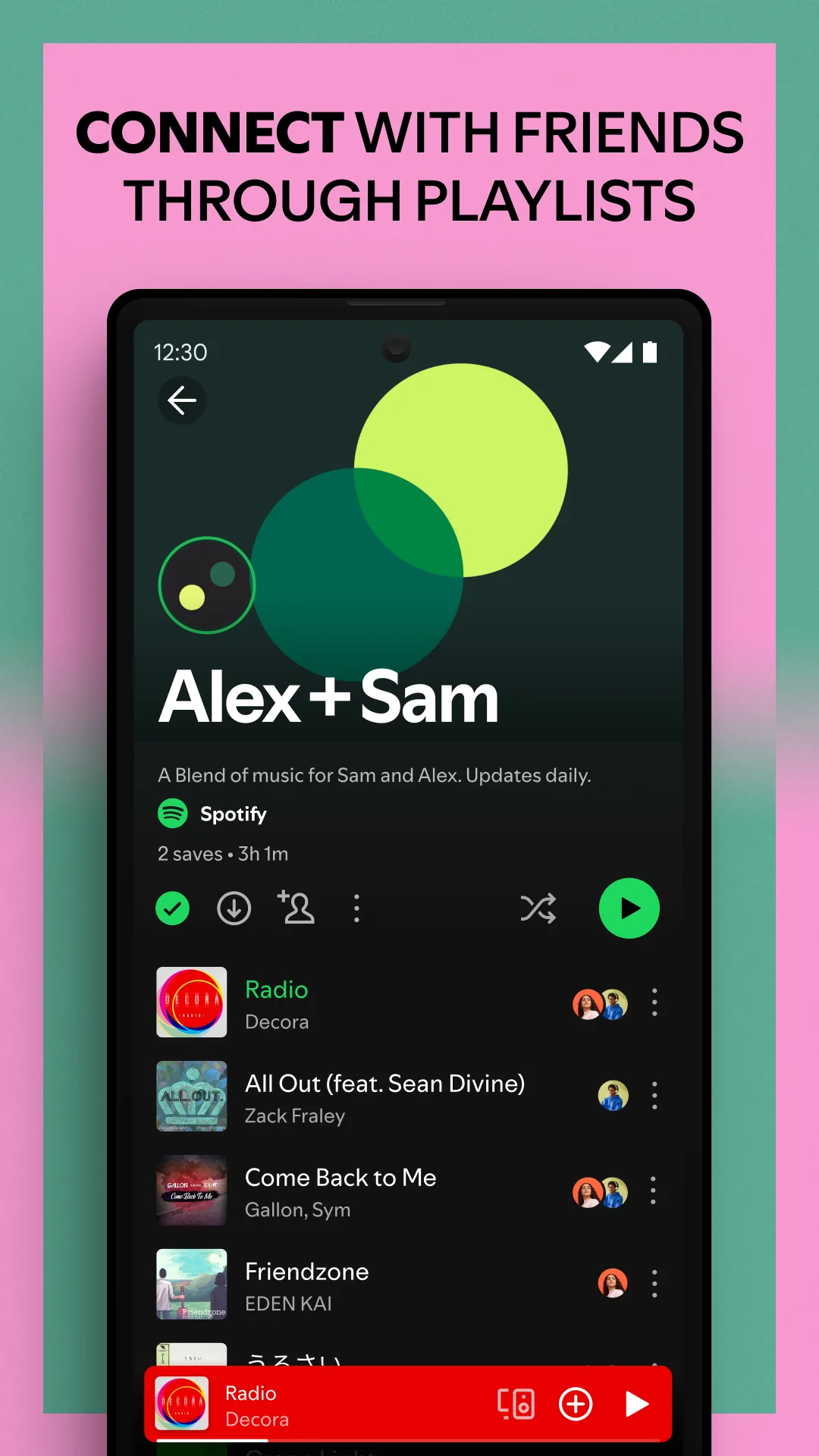
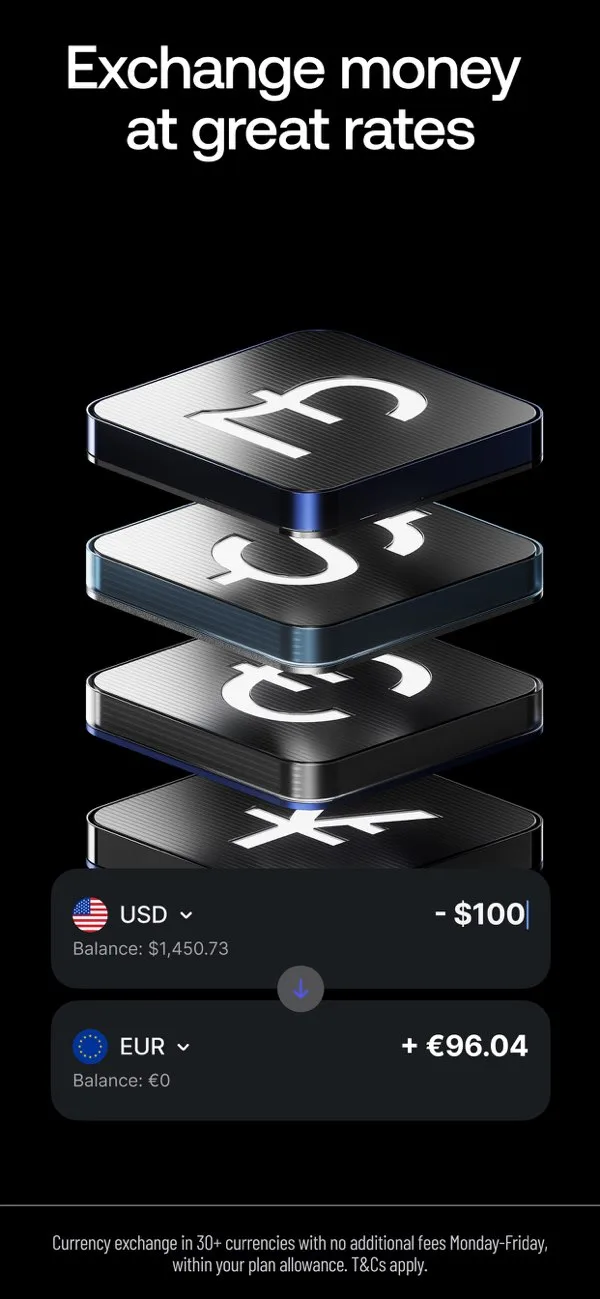
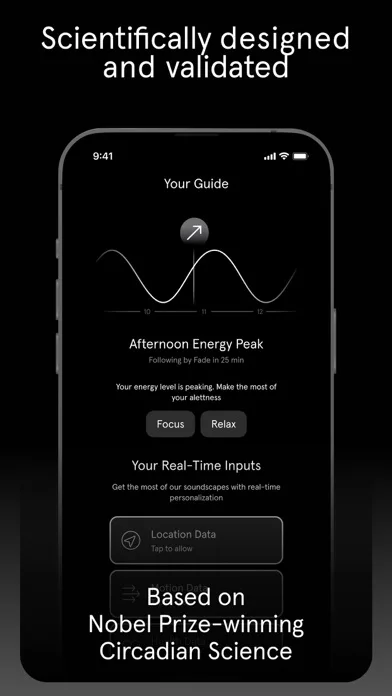
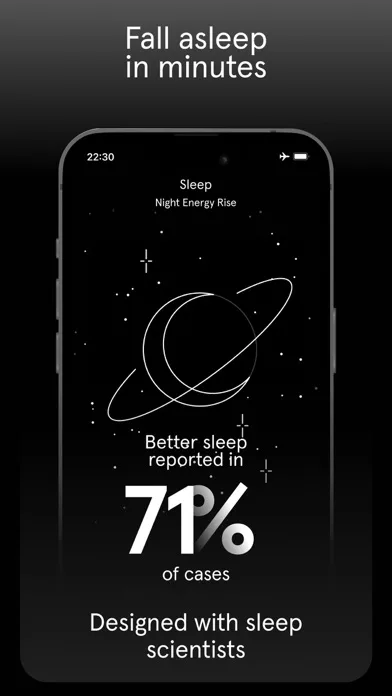
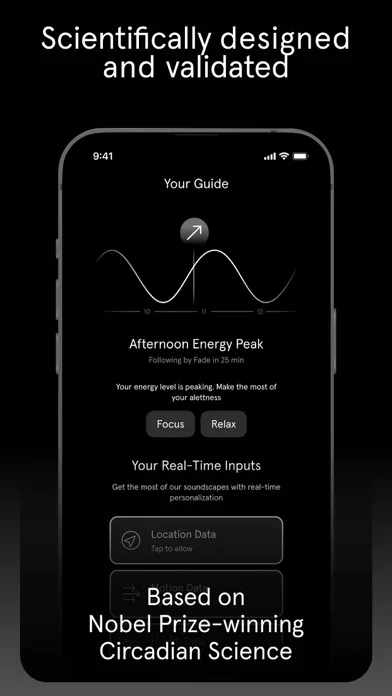
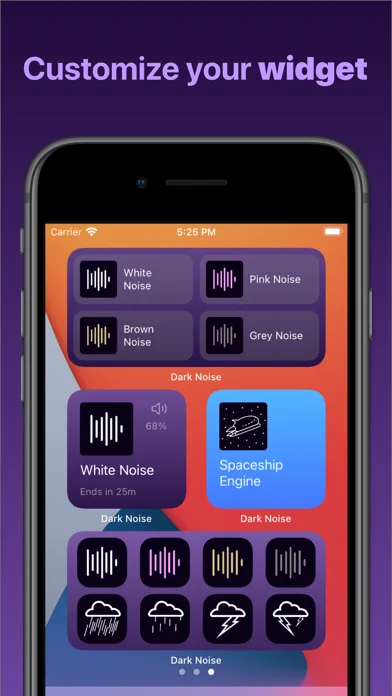
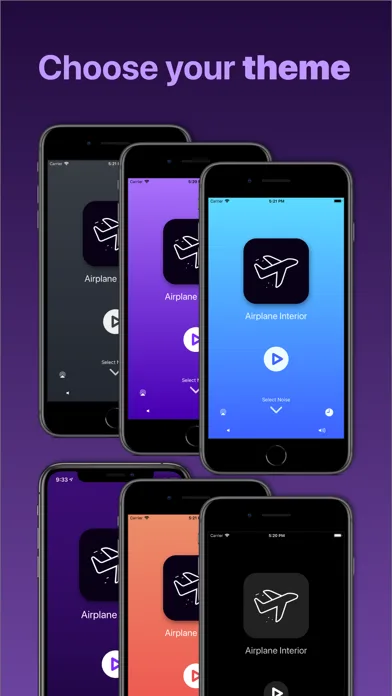
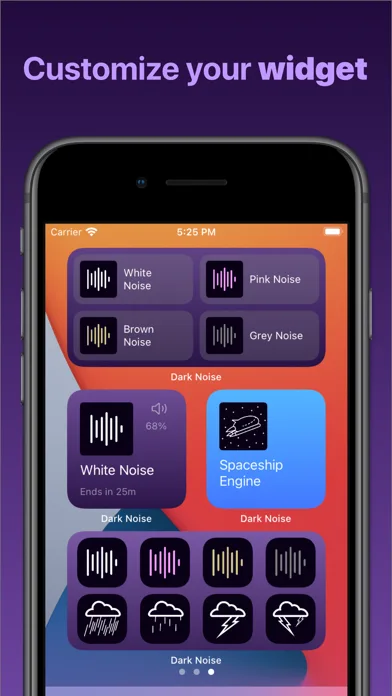
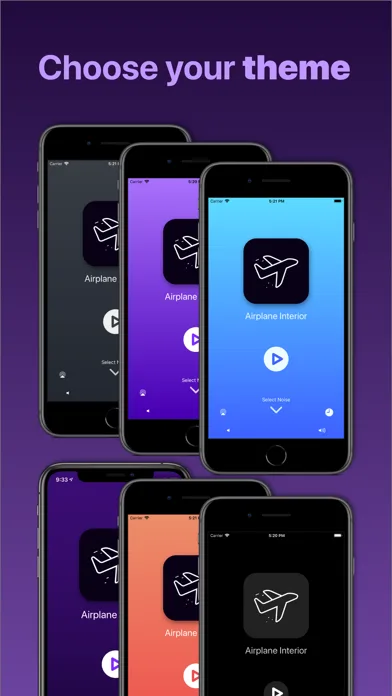
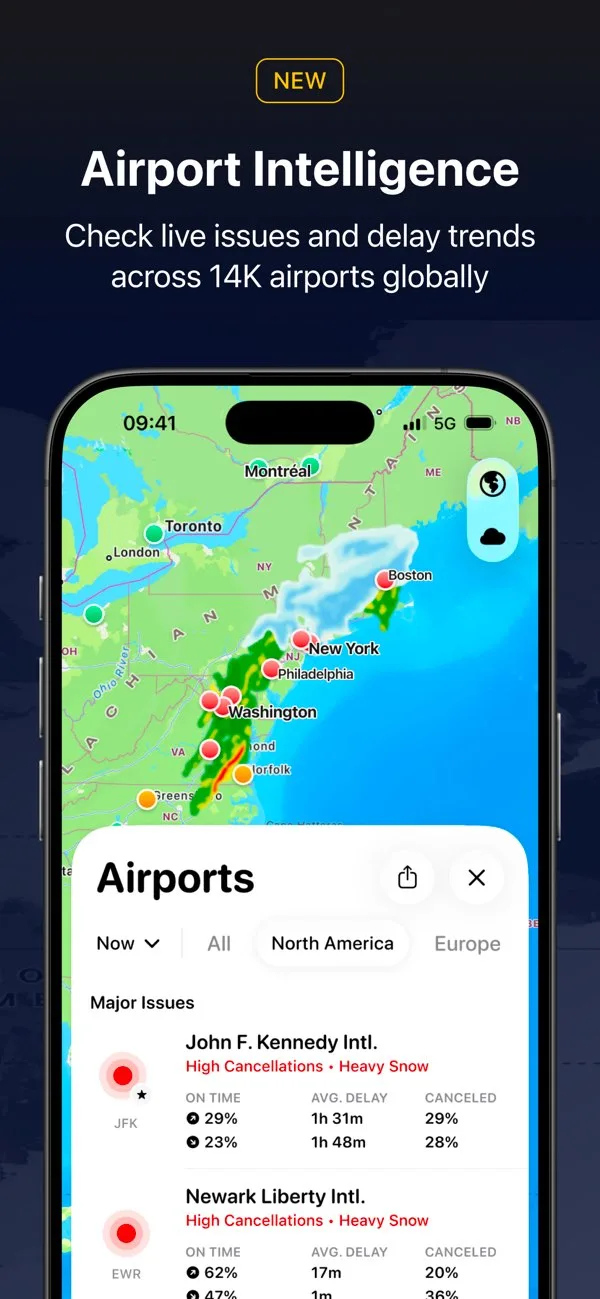
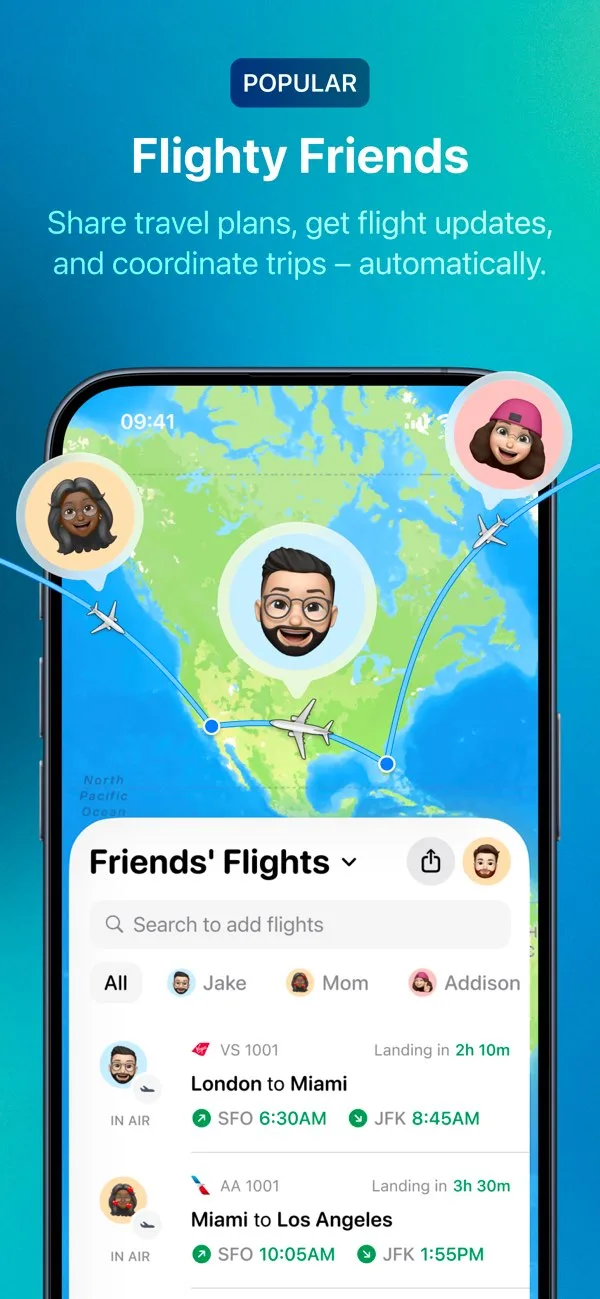
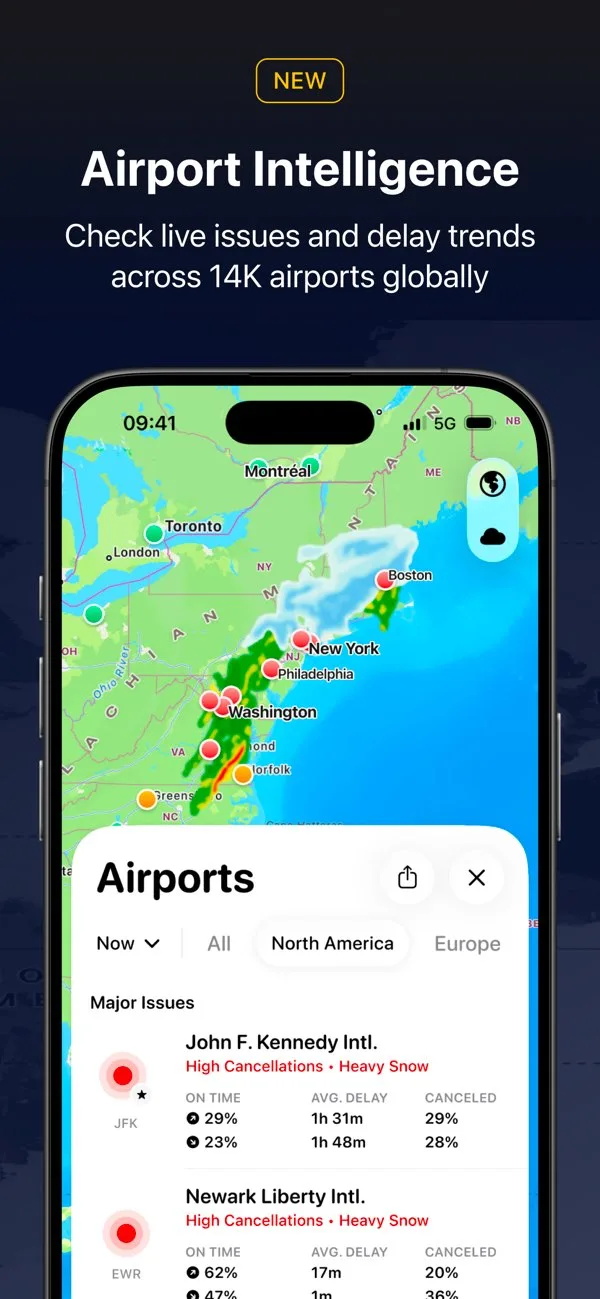
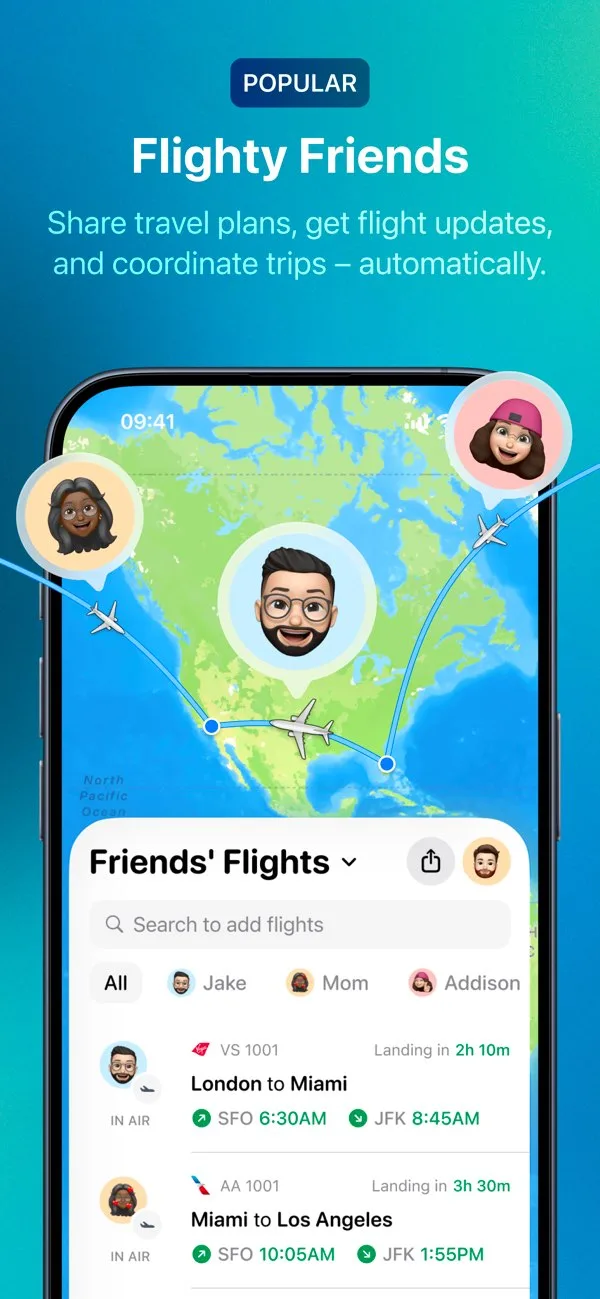
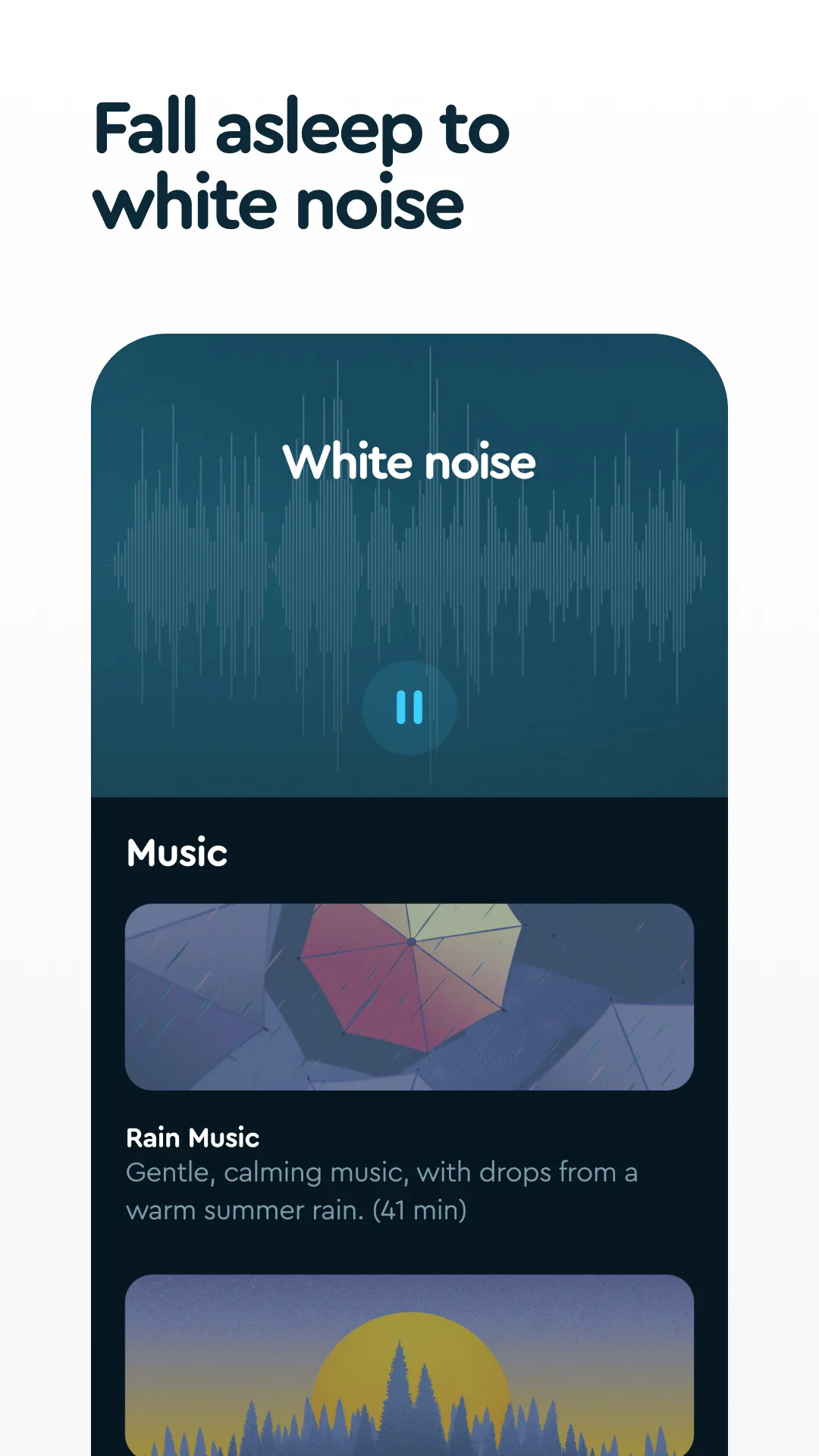
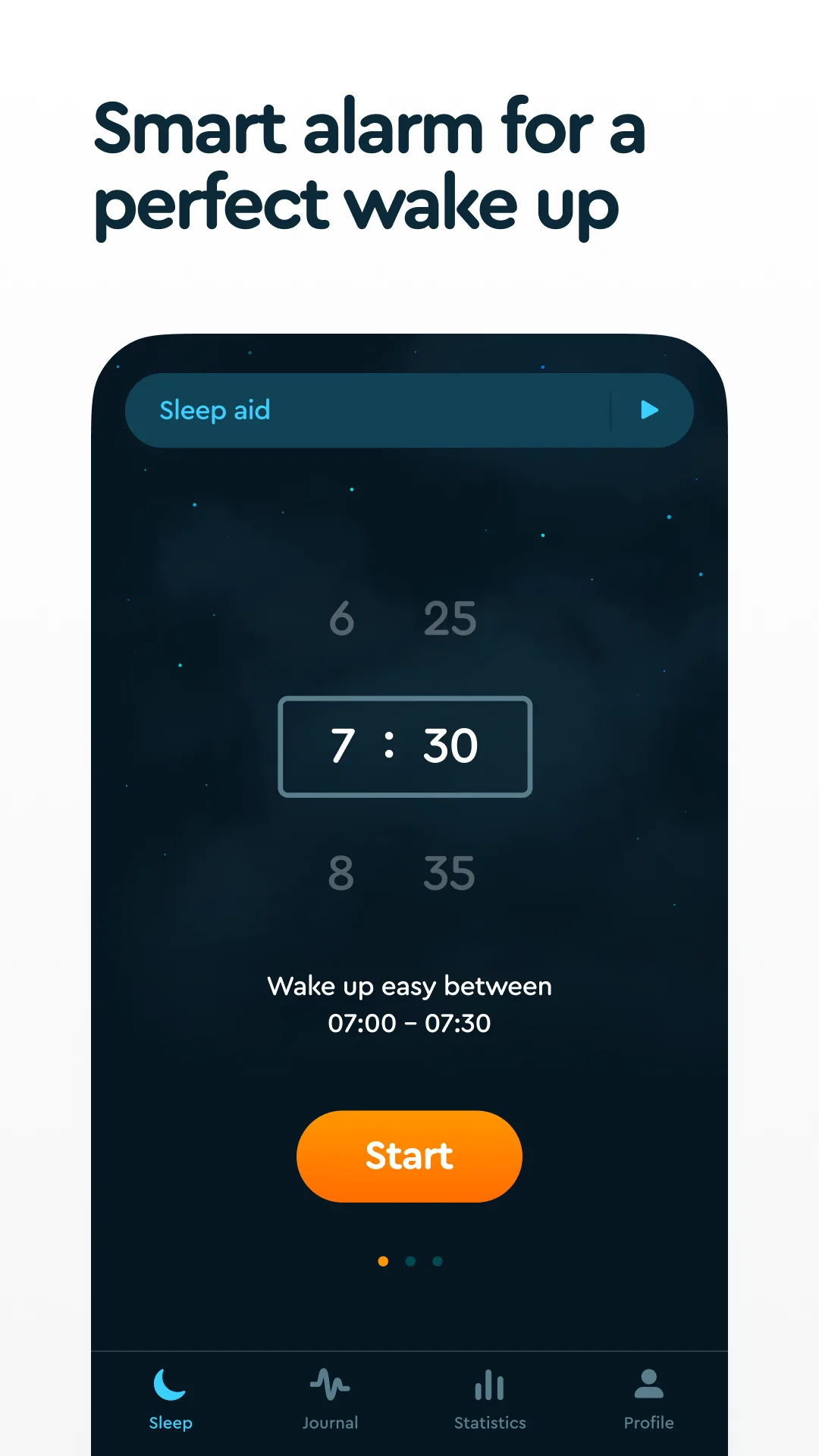
Dark themed
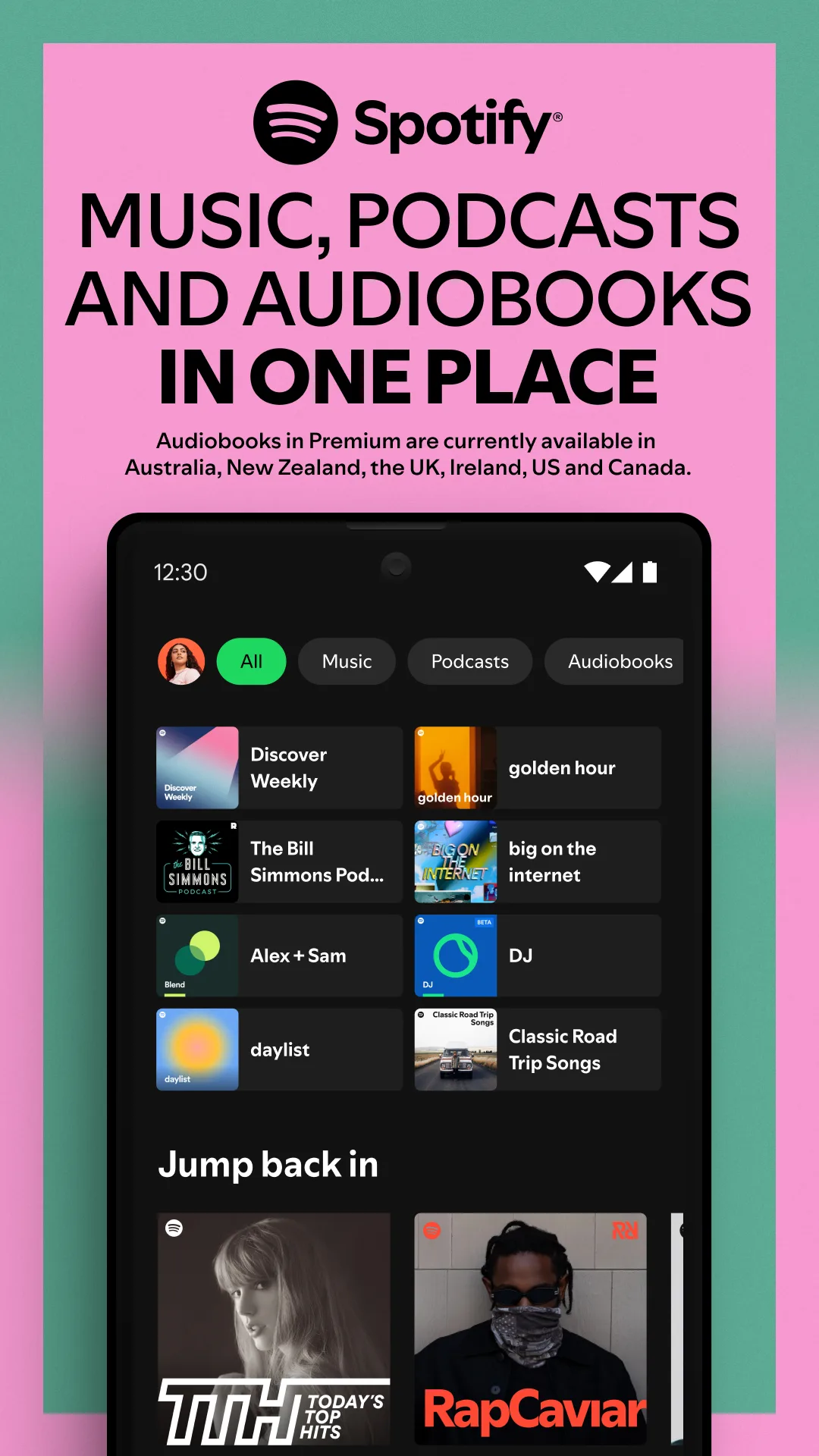
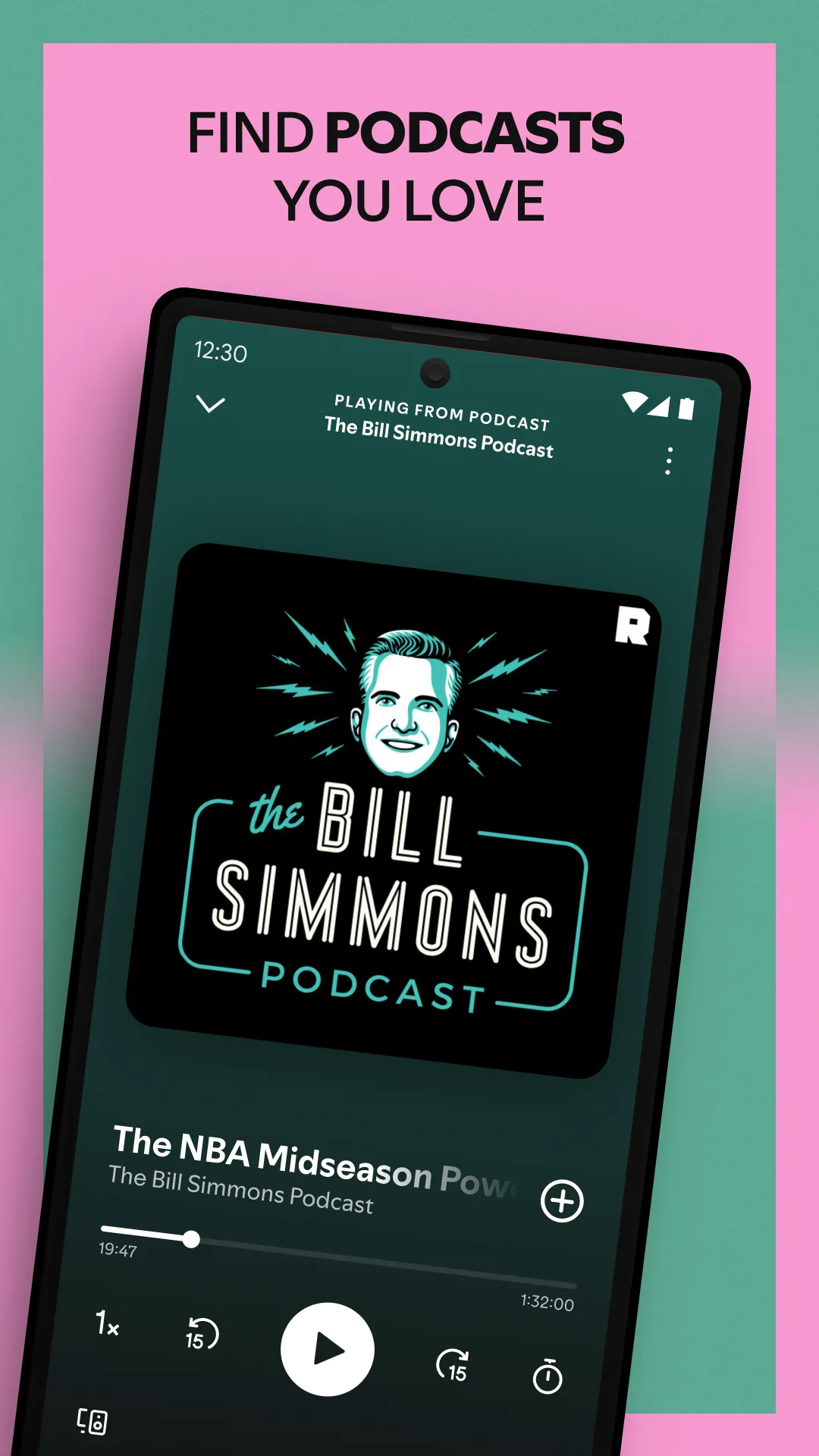
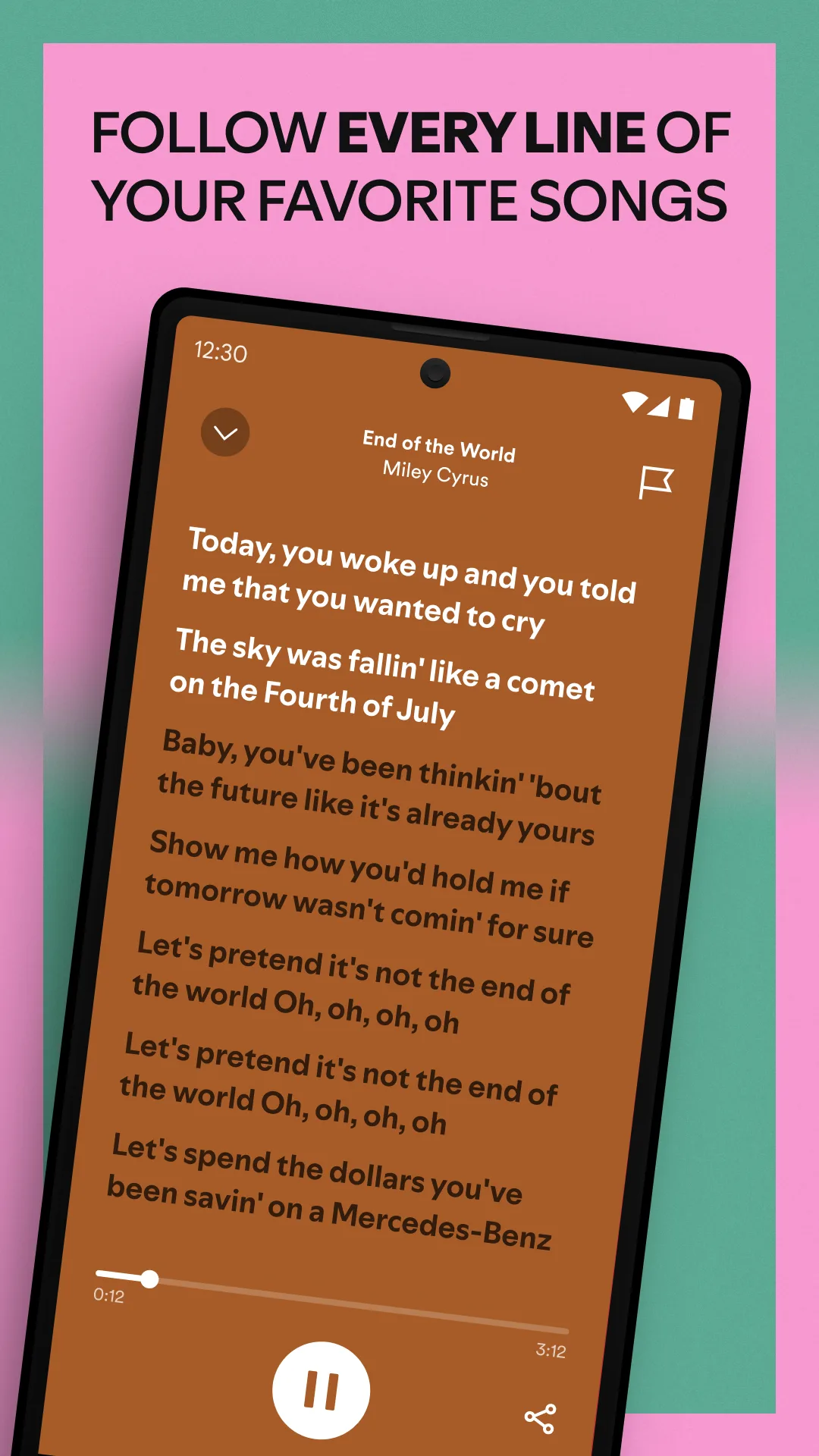
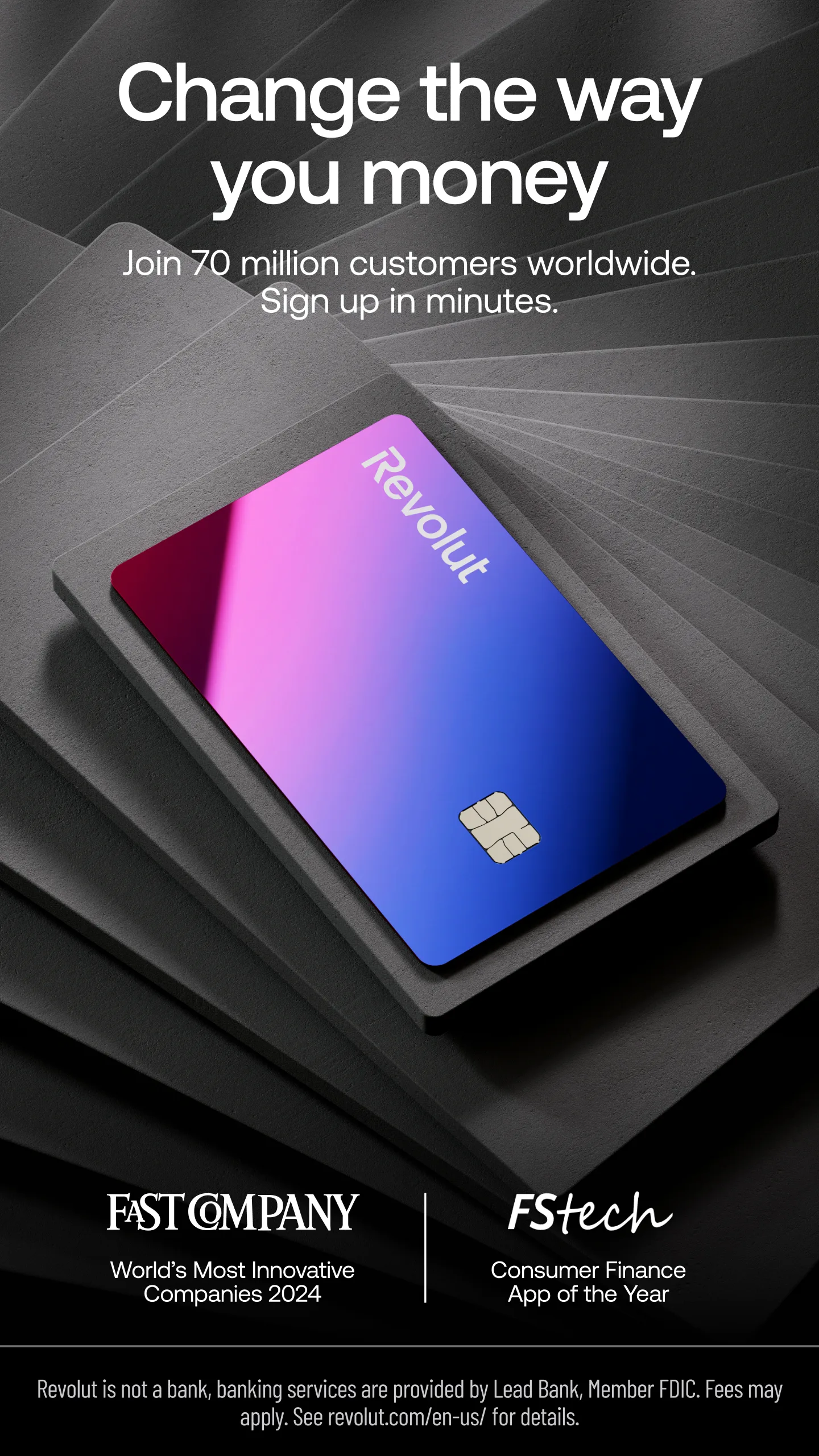
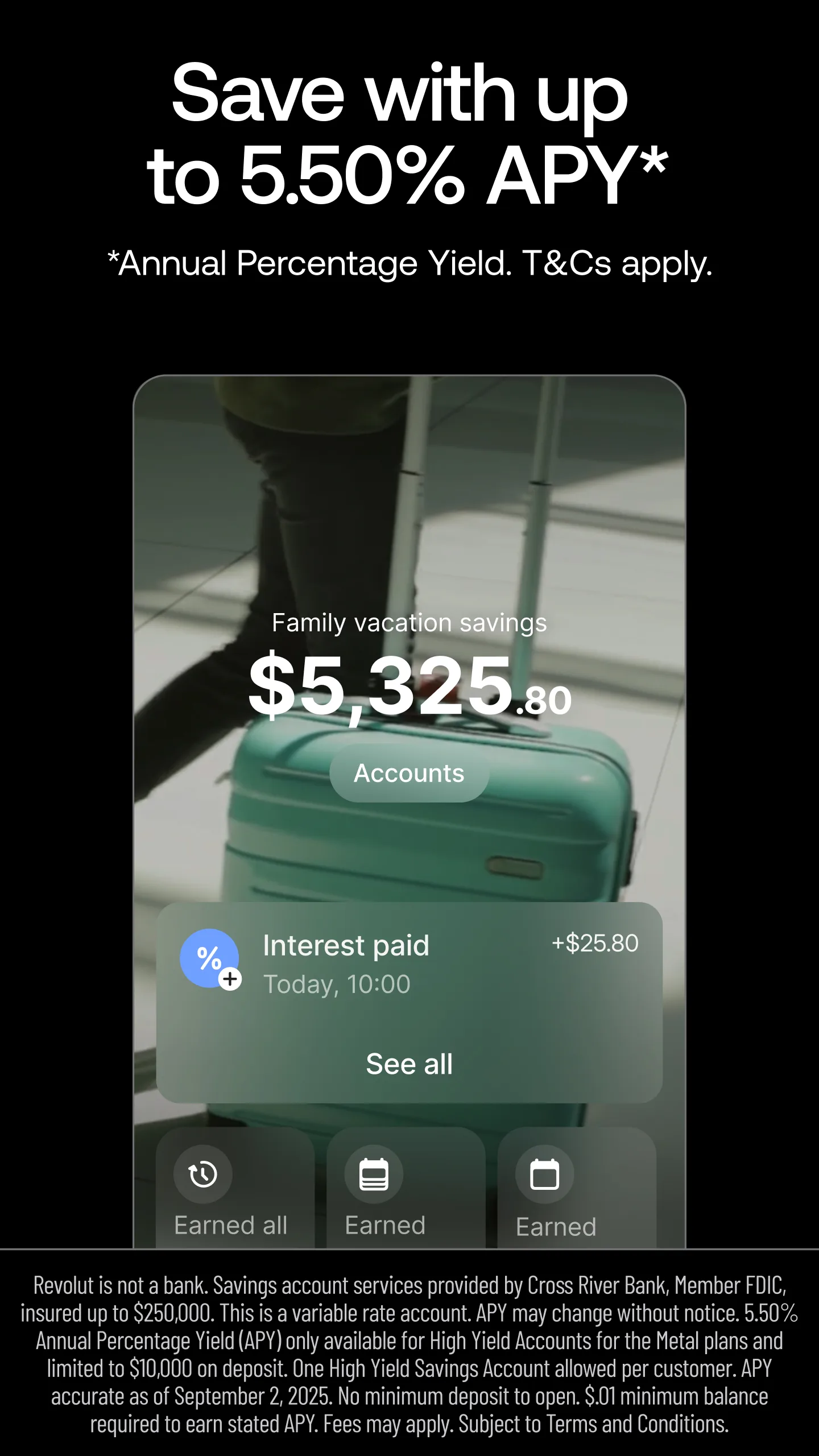
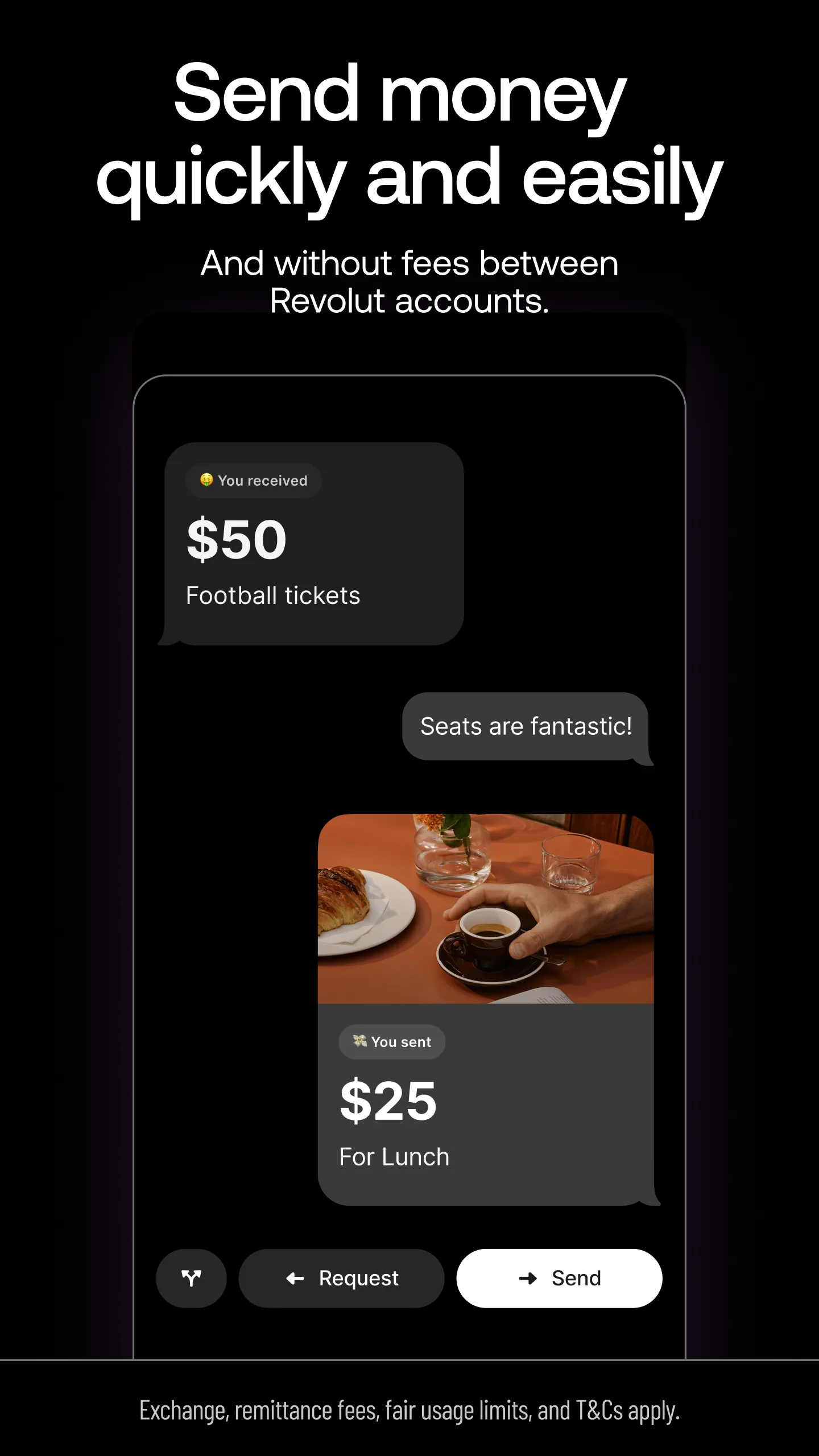
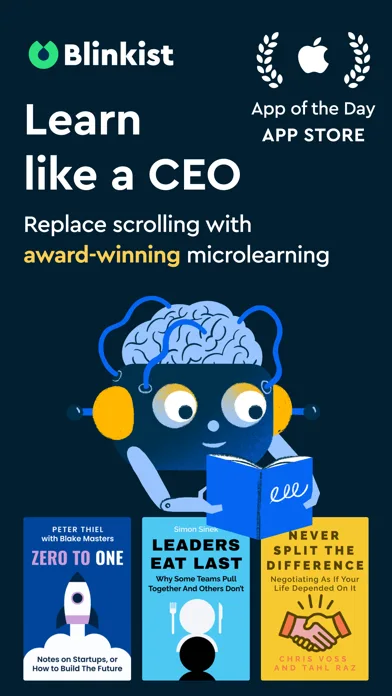
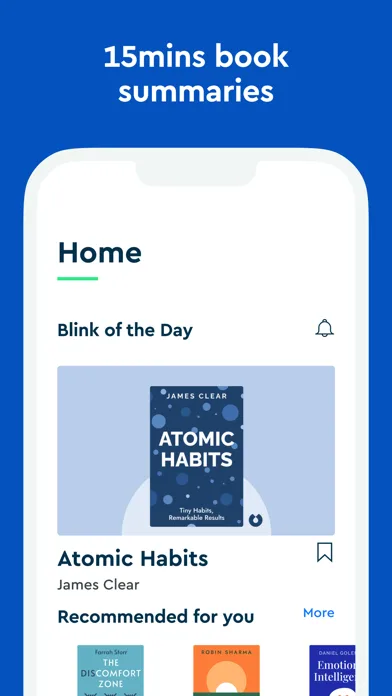
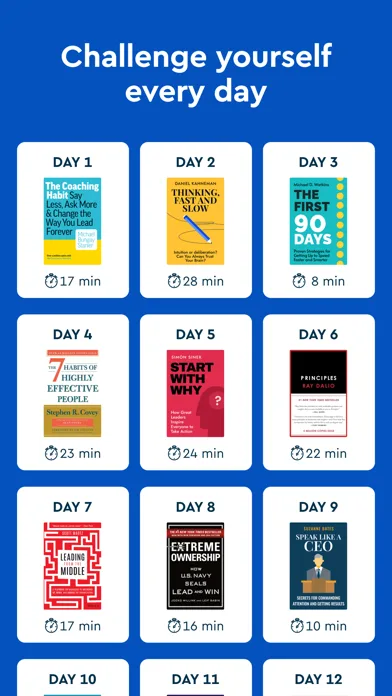
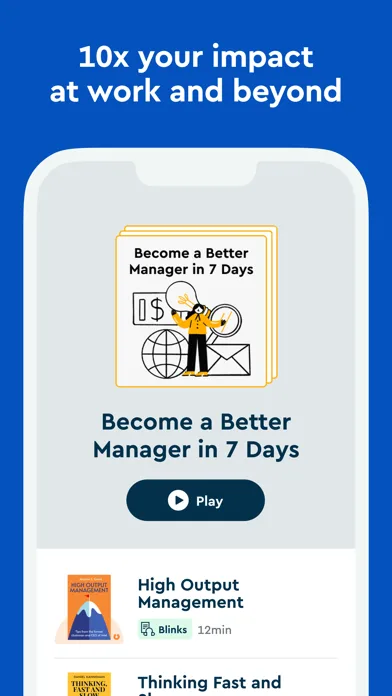
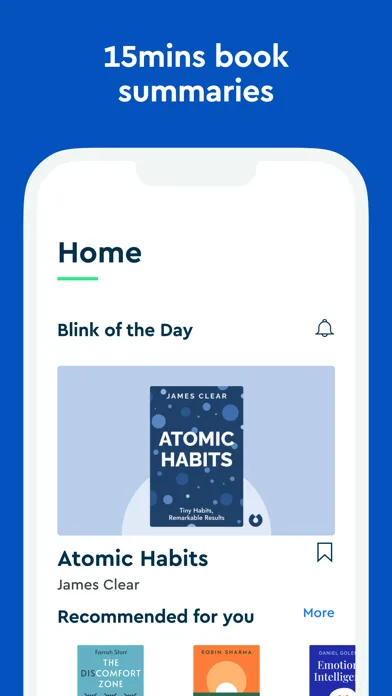
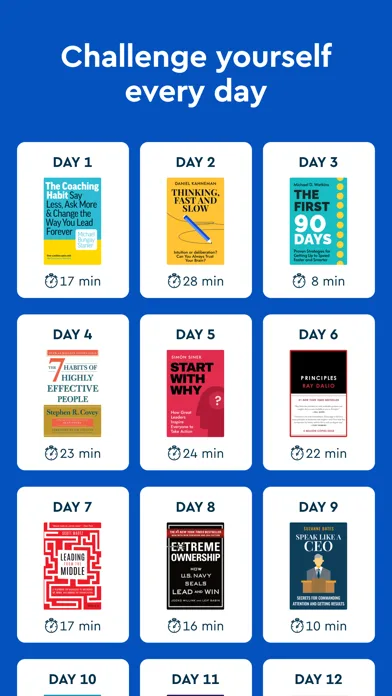
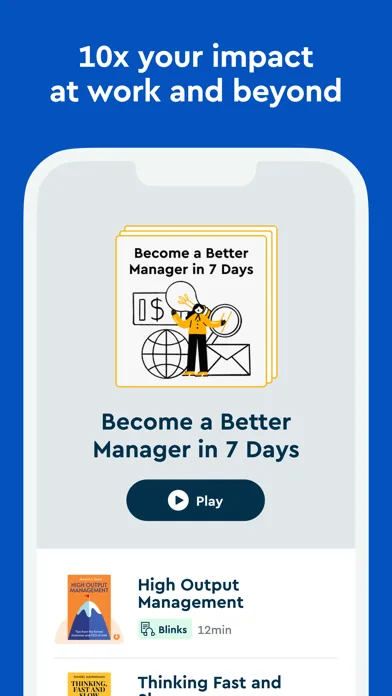
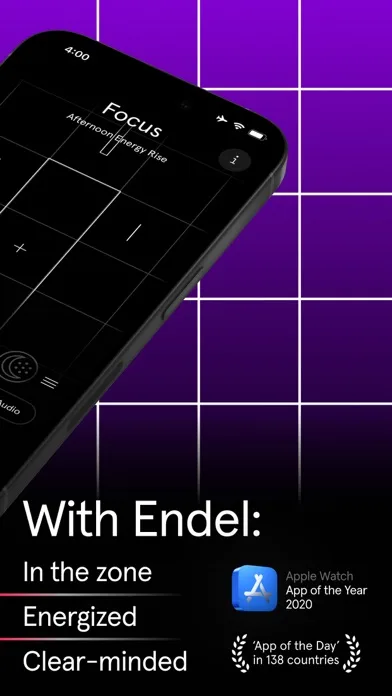
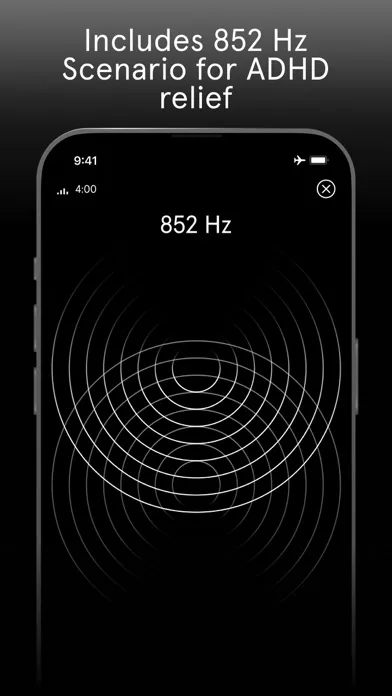
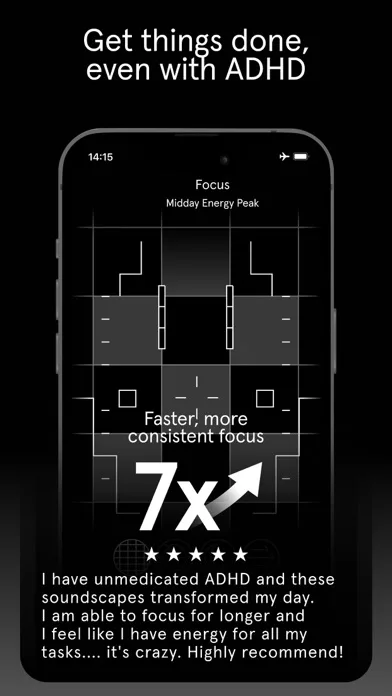
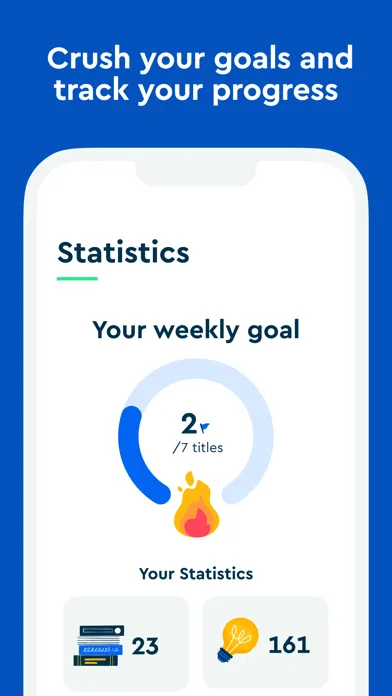
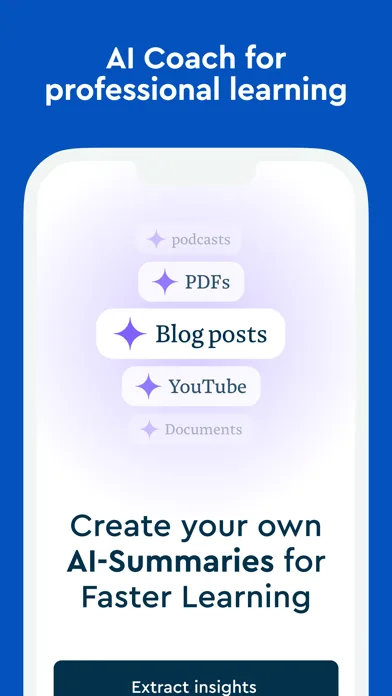
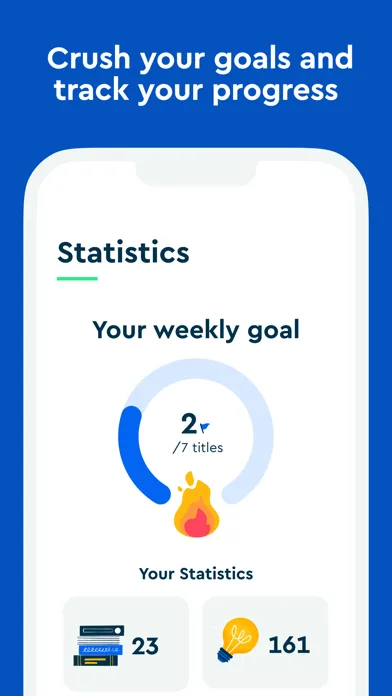
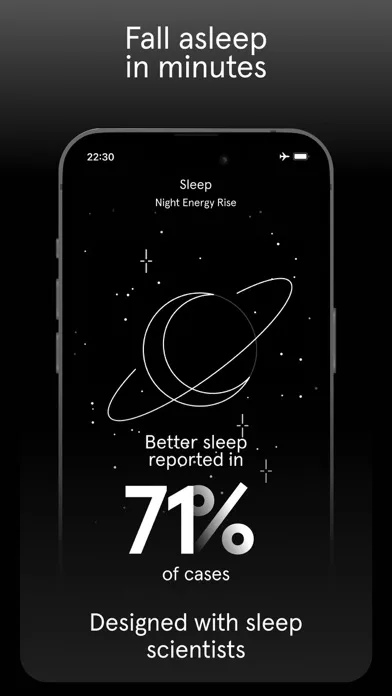
High contrast, controlled glow, and readable UI. Strong for “premium” + “focused” positioning.
- SpotifyApp Store
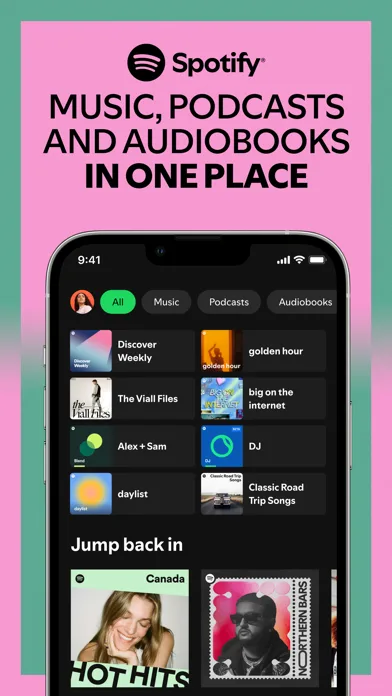
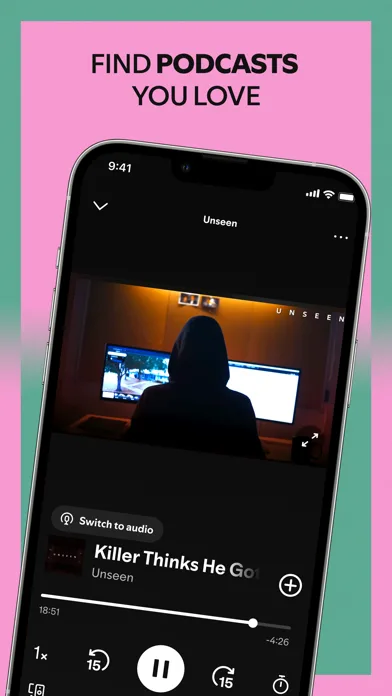
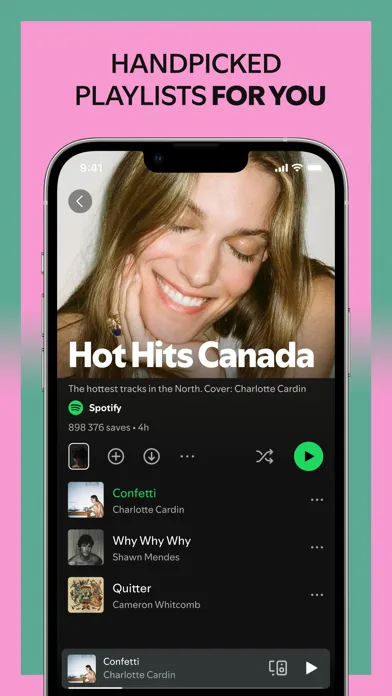
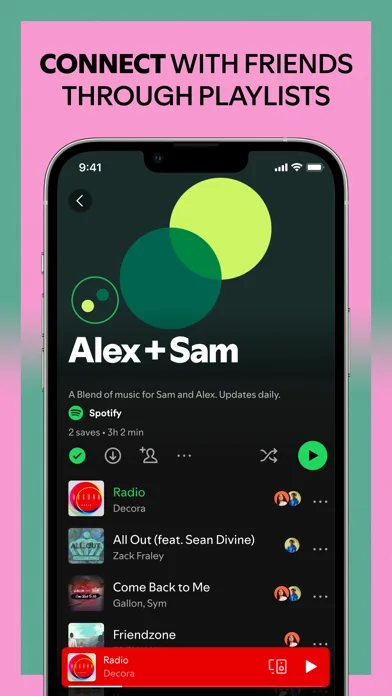 Play Store
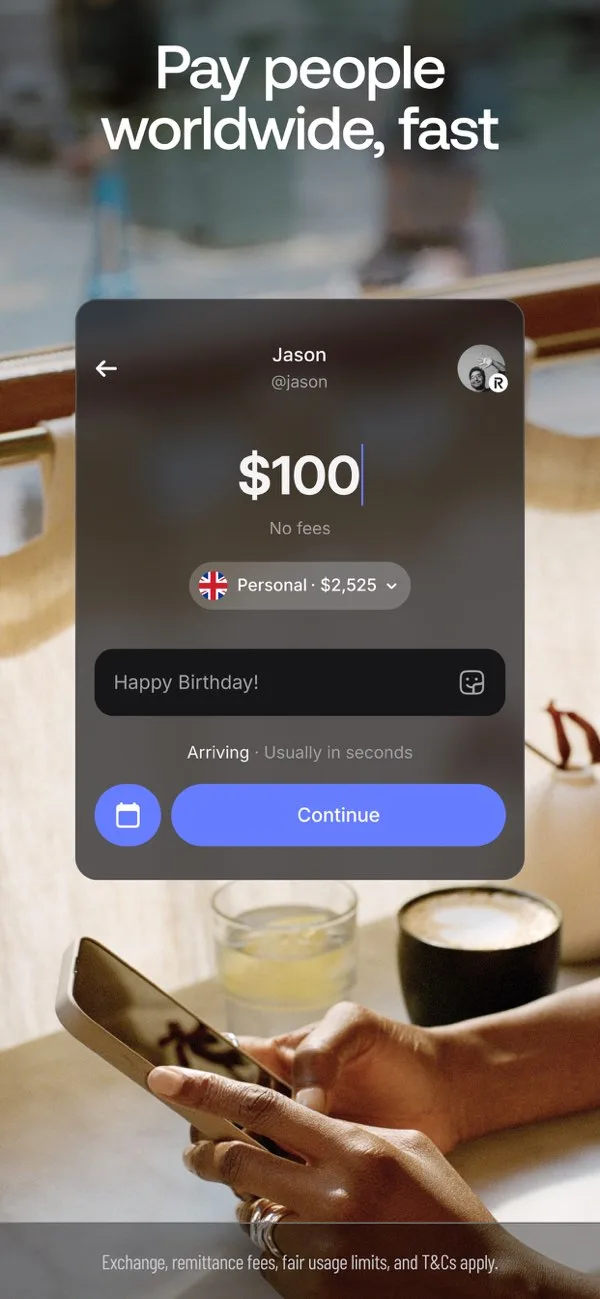
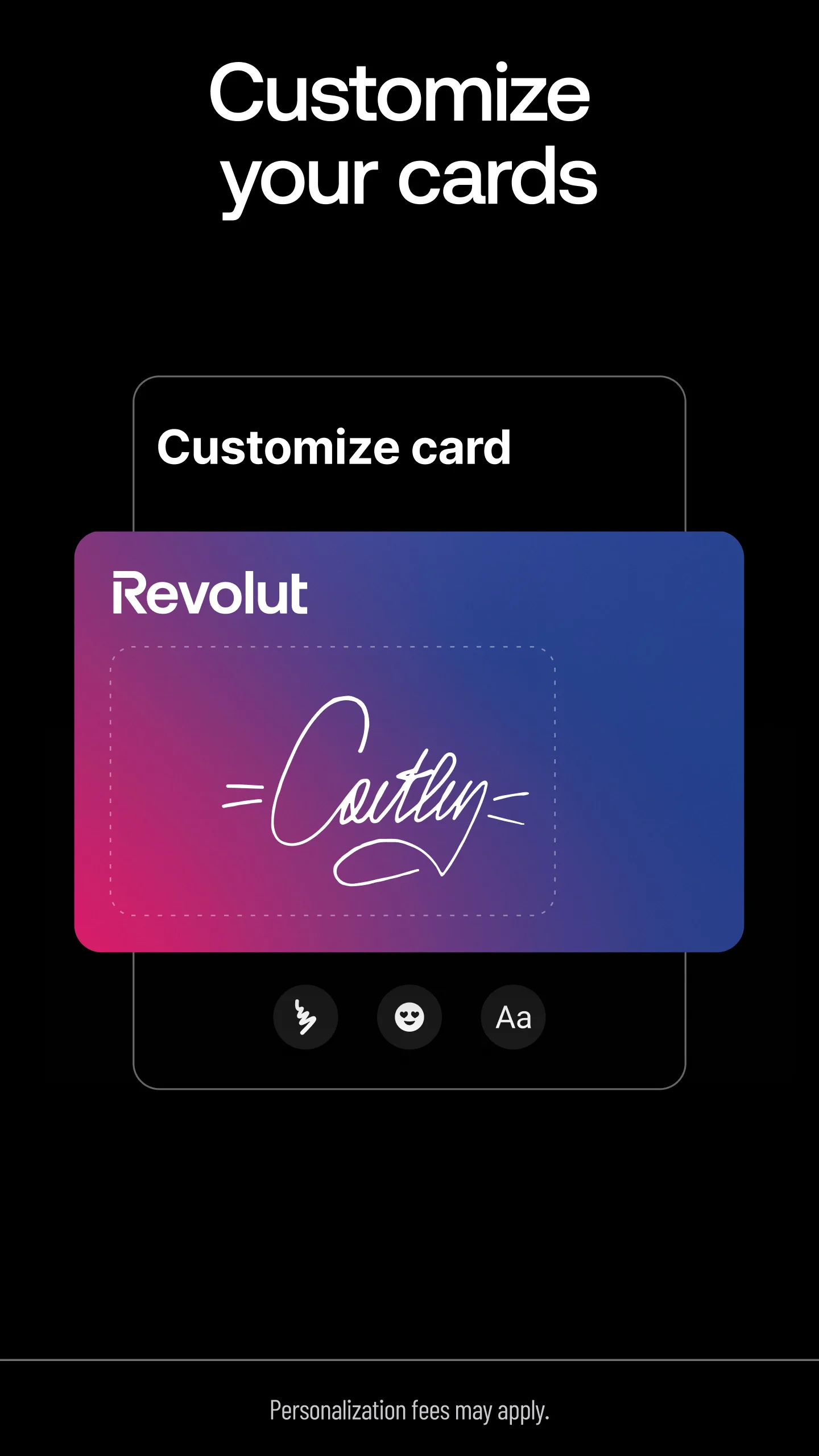
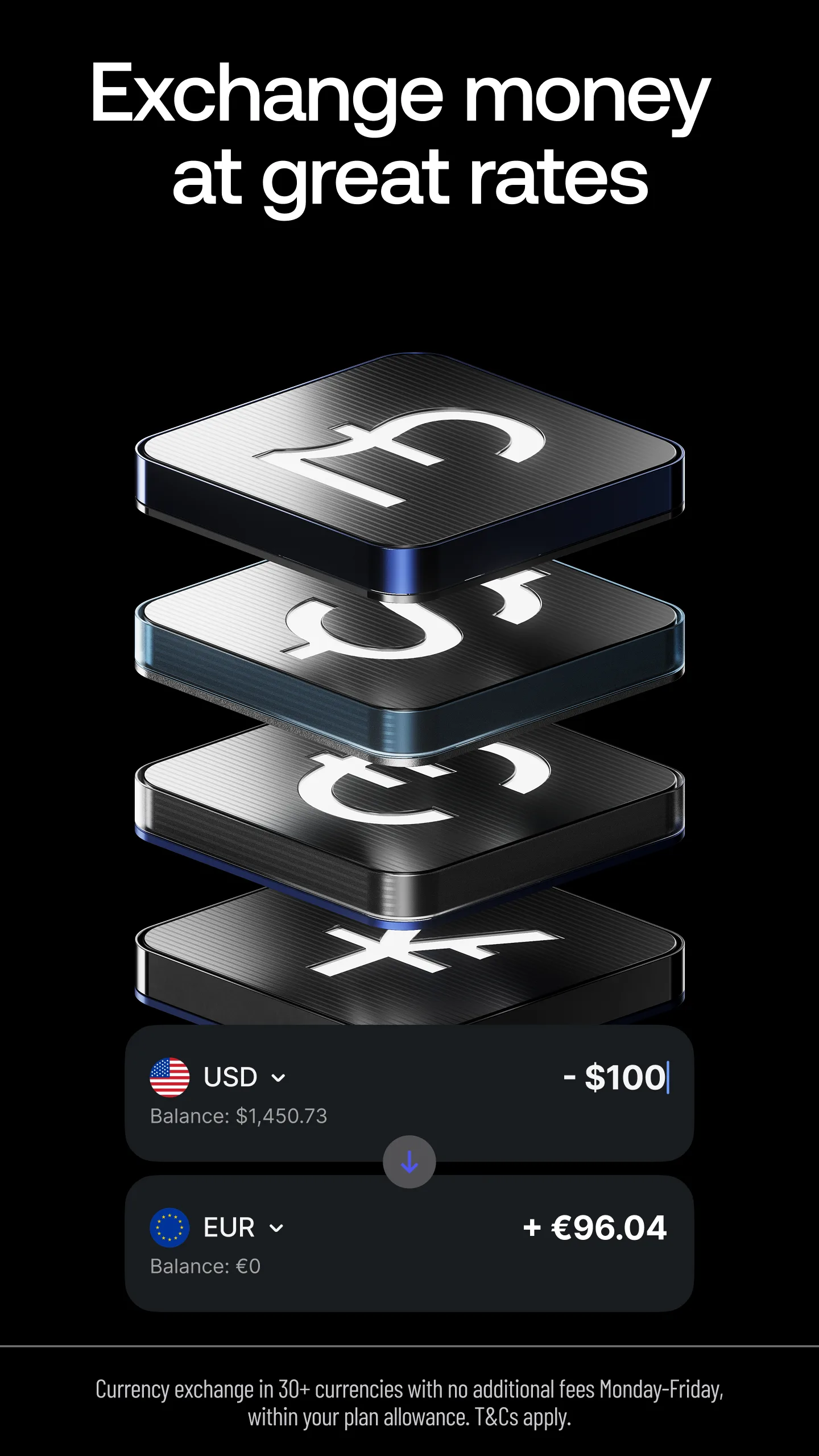
- RevolutApp Store
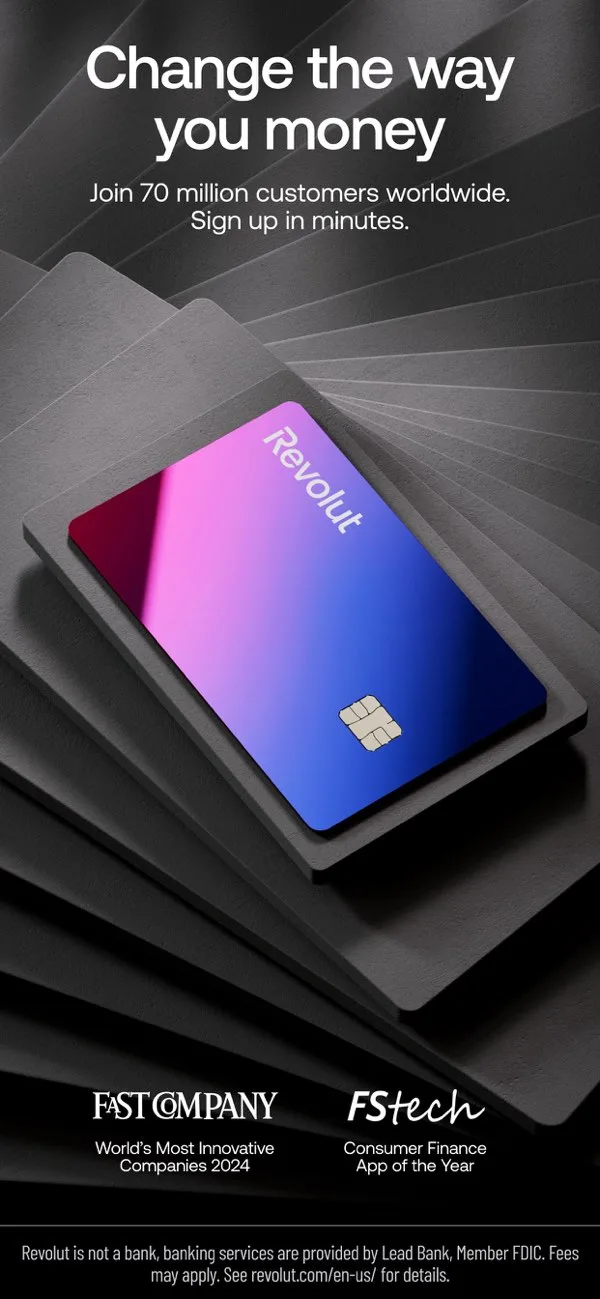
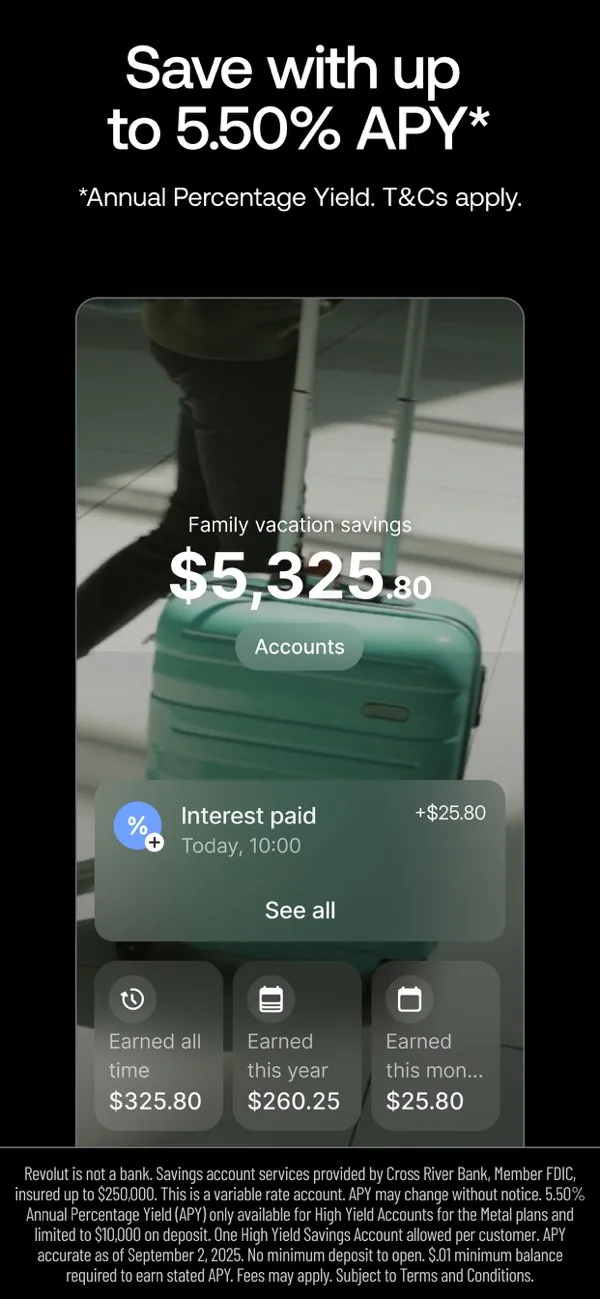
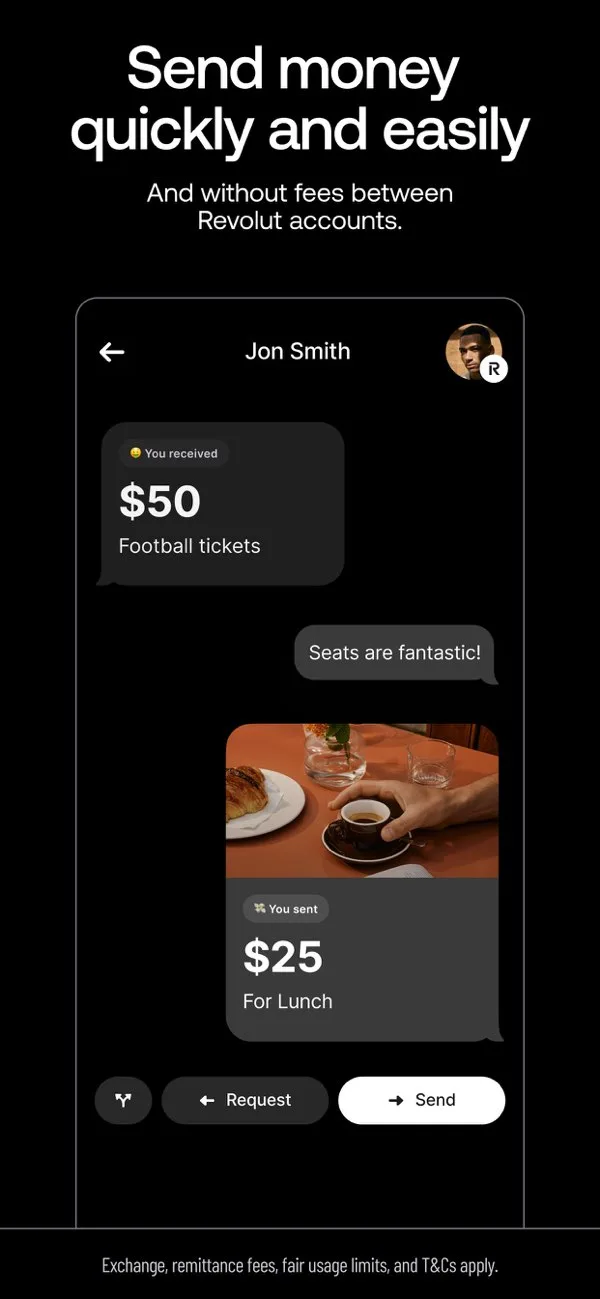
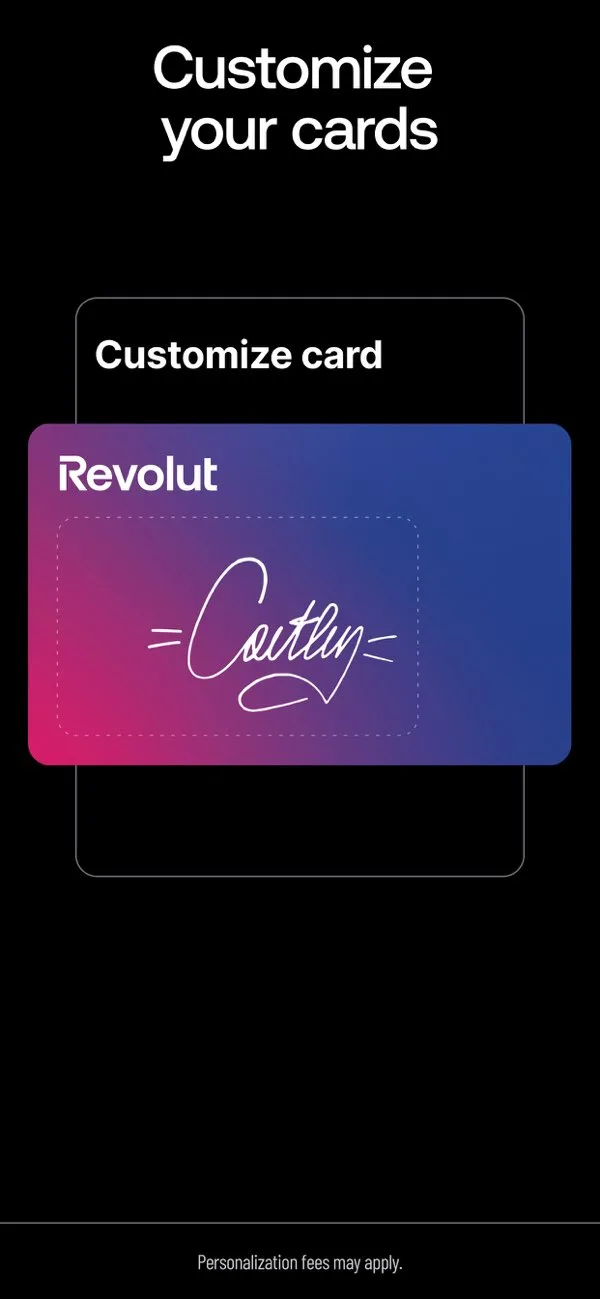 Play Store
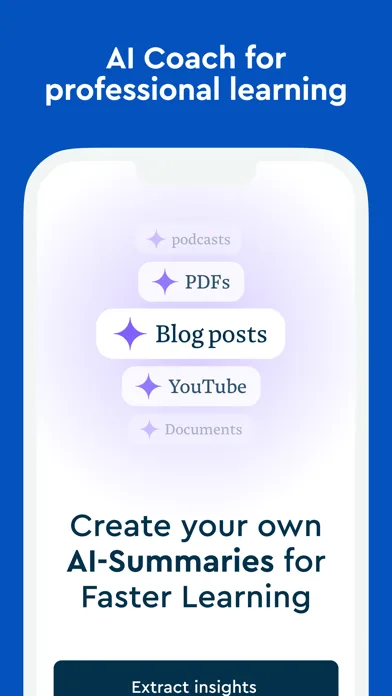
- BlinkistApp Store
 Play Store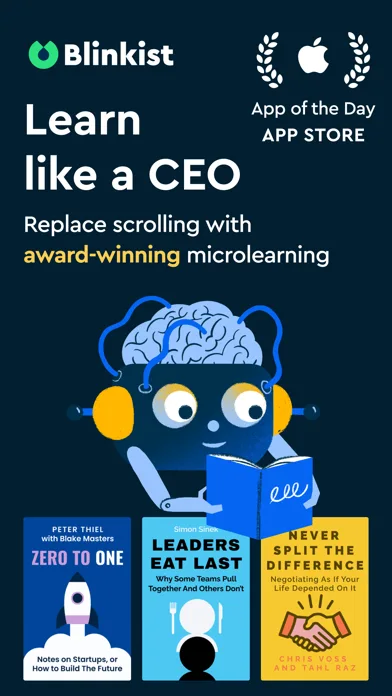
- EndelApp Store
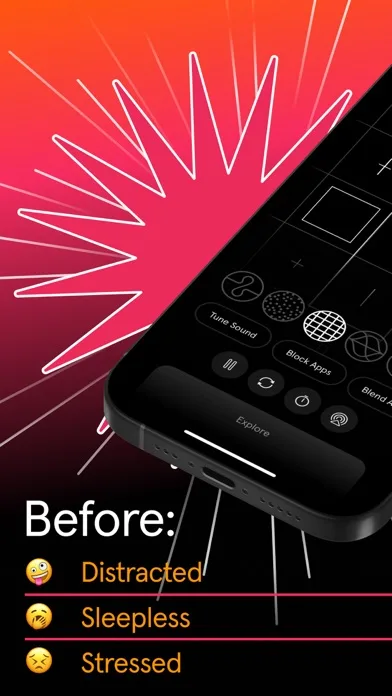
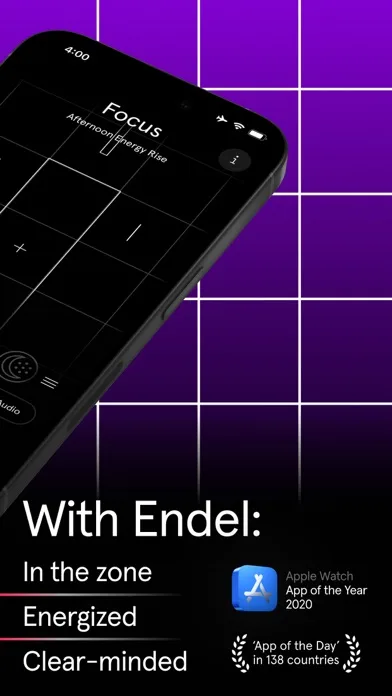
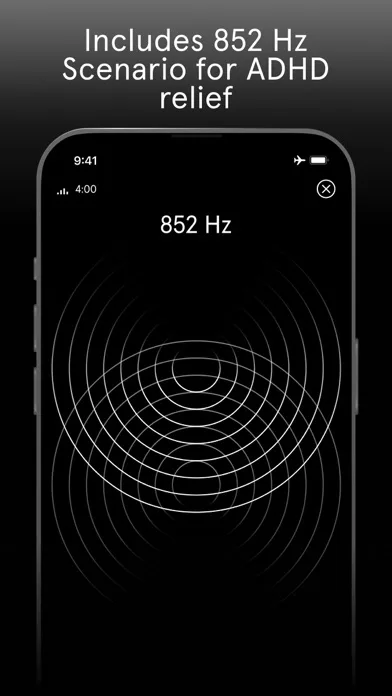
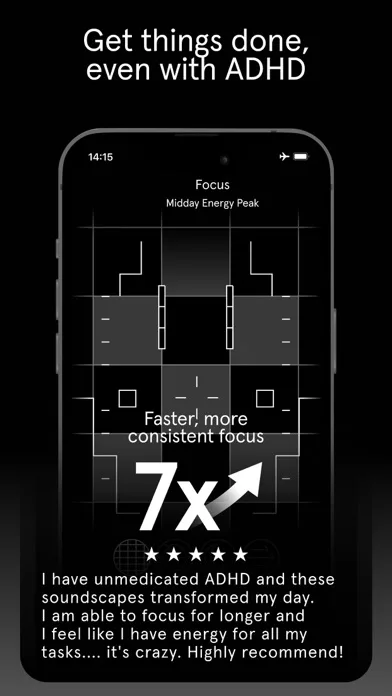 Play Store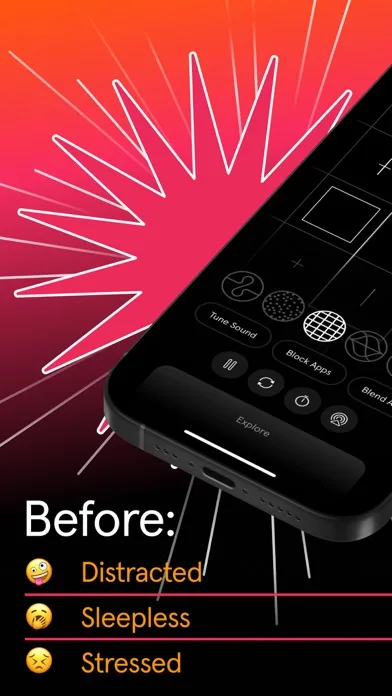
- Dark NoiseApp Store
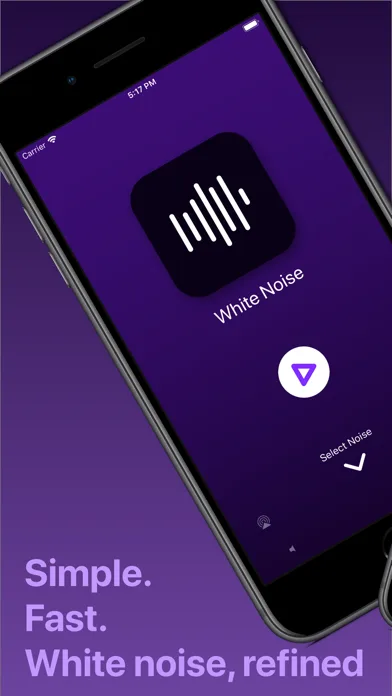
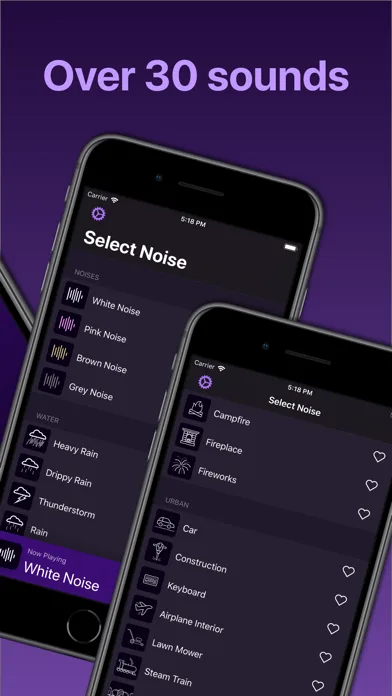
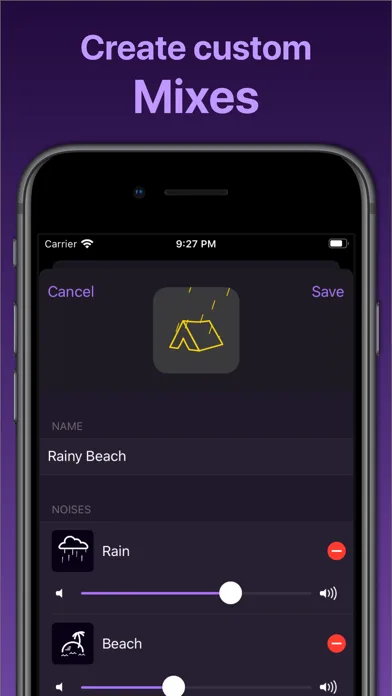
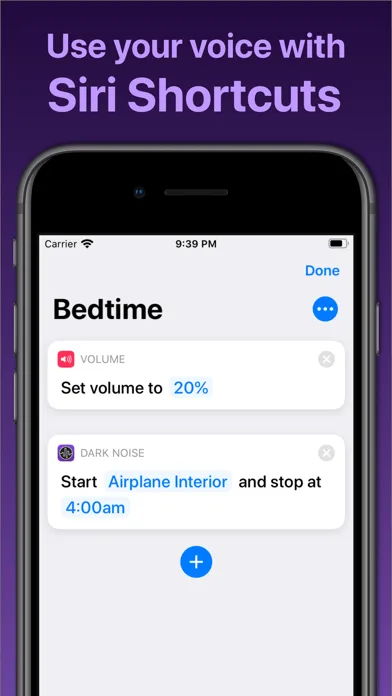 Play Store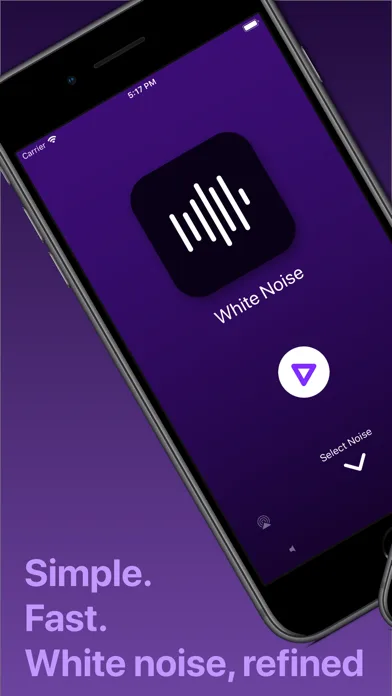
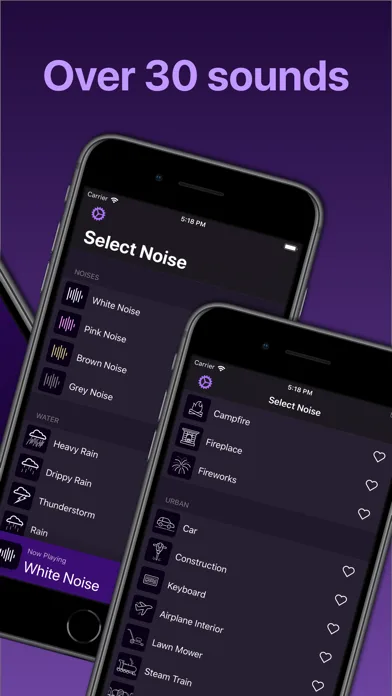
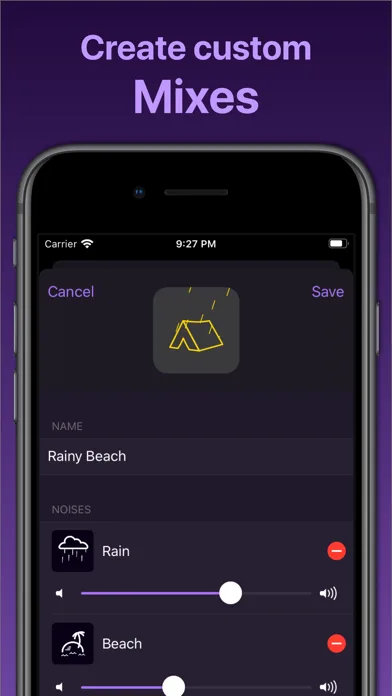
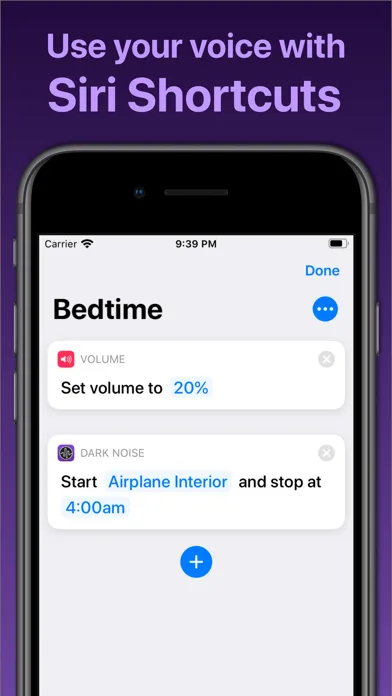
- FlightyApp Store
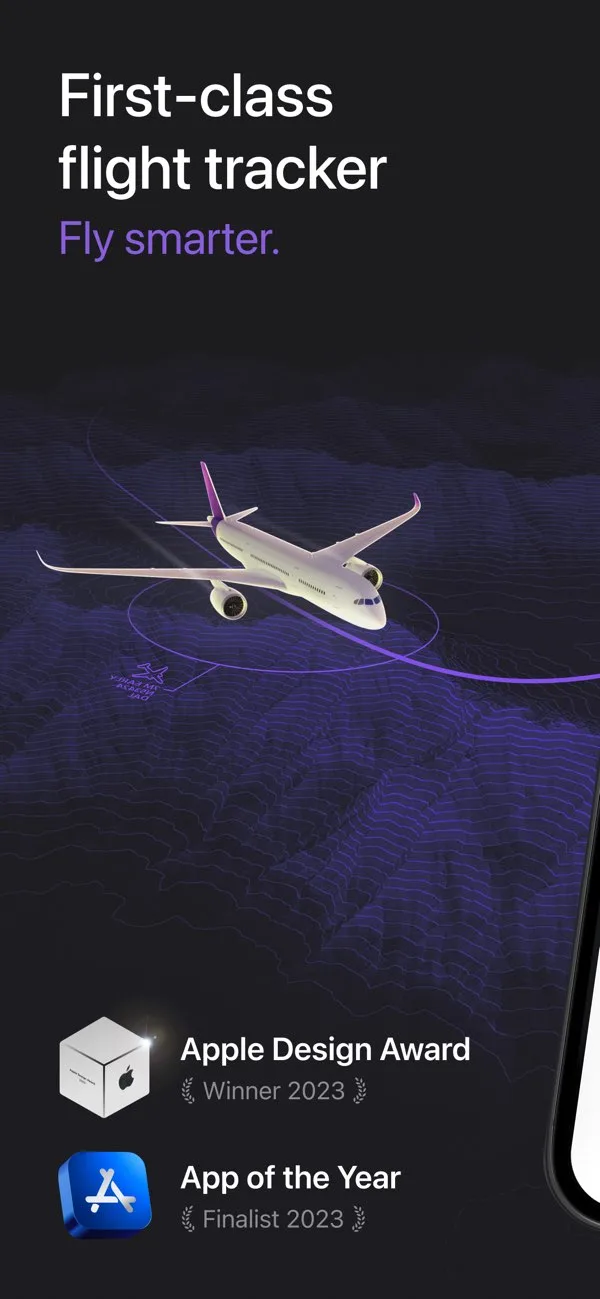
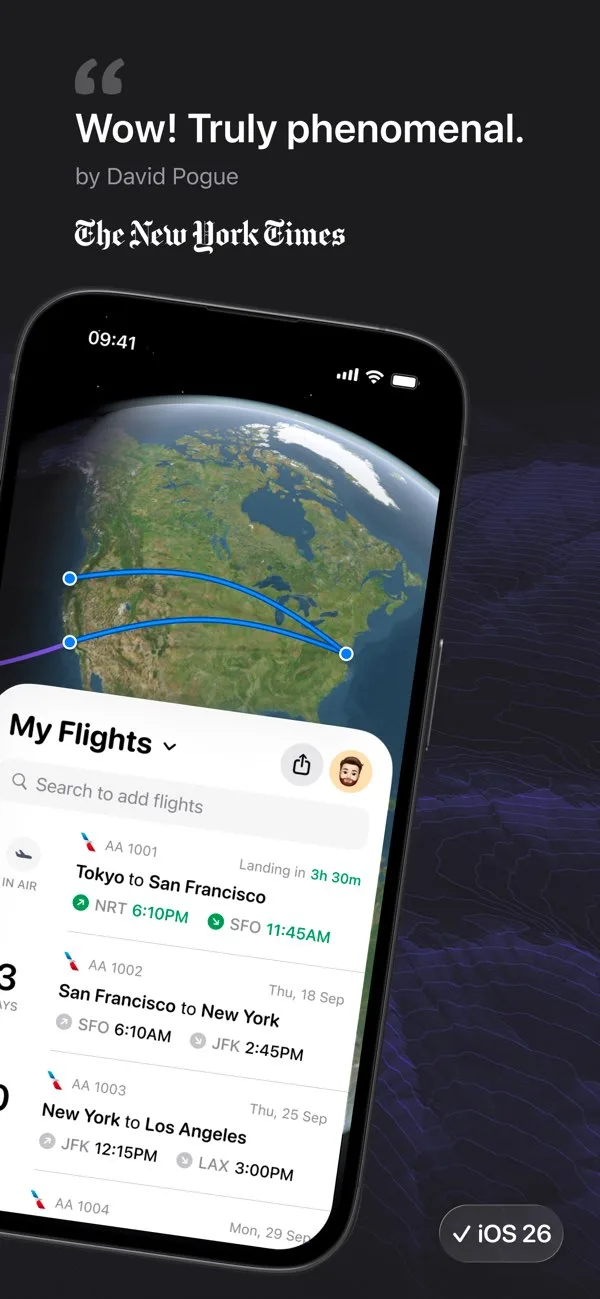
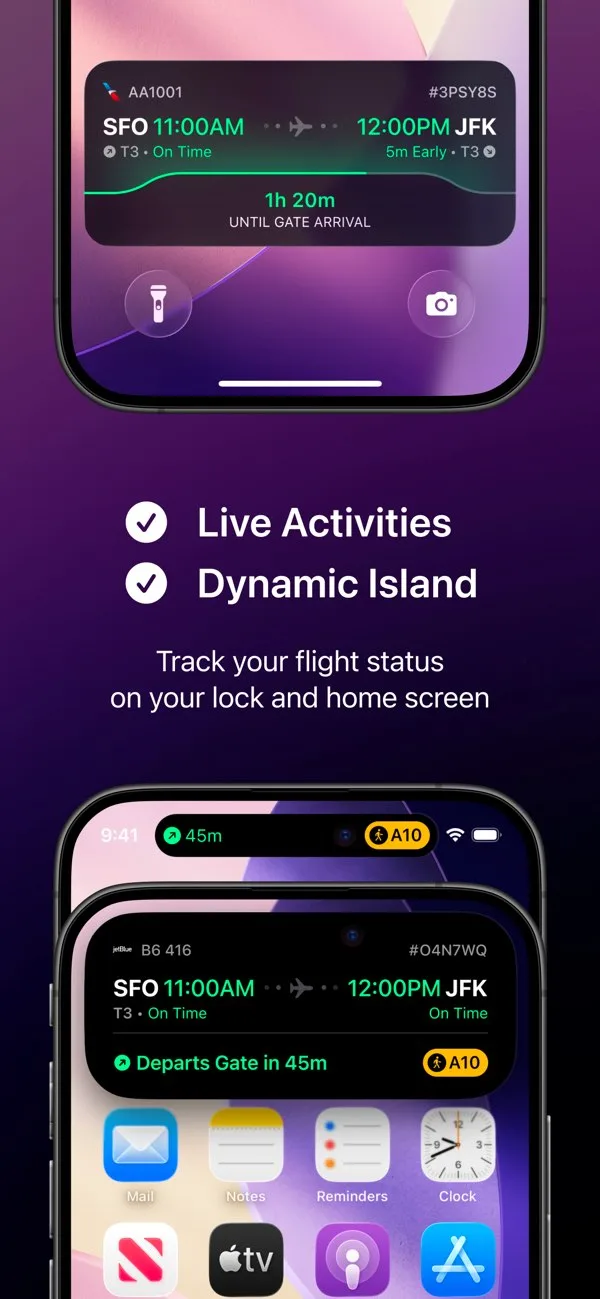
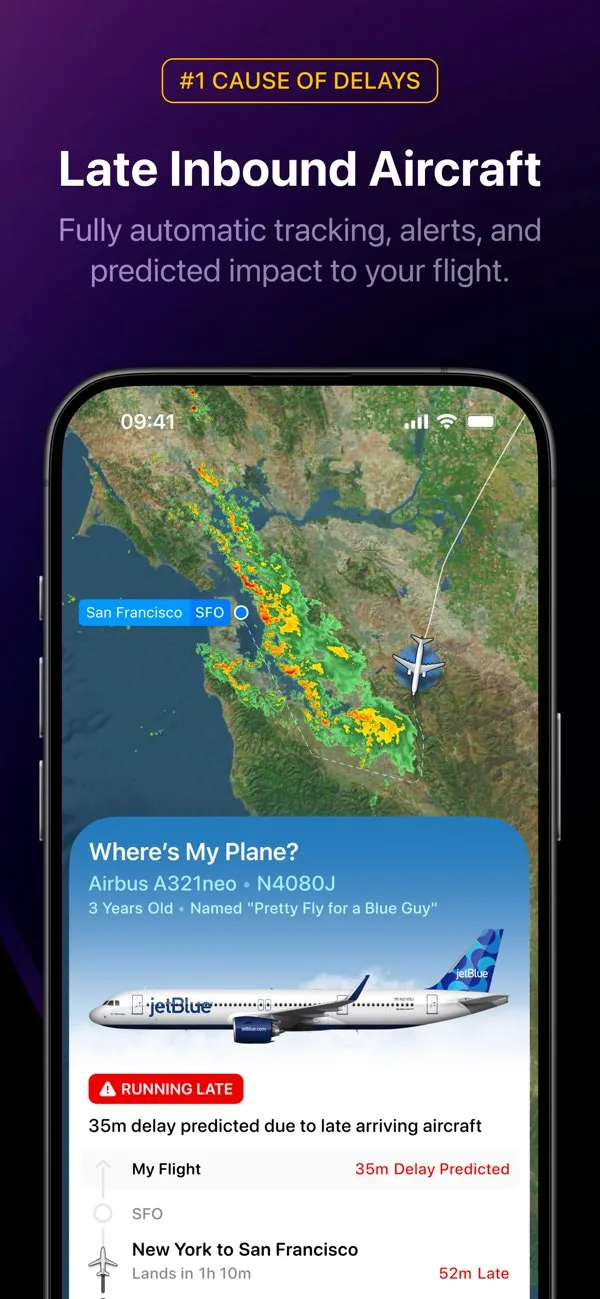 Play Store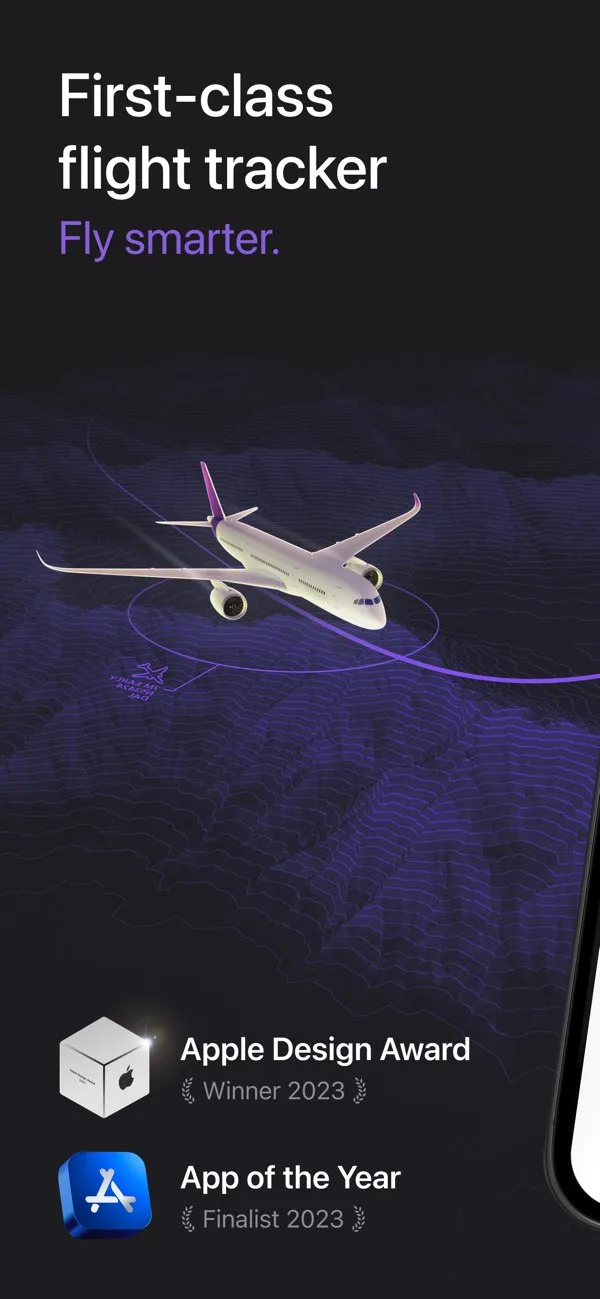
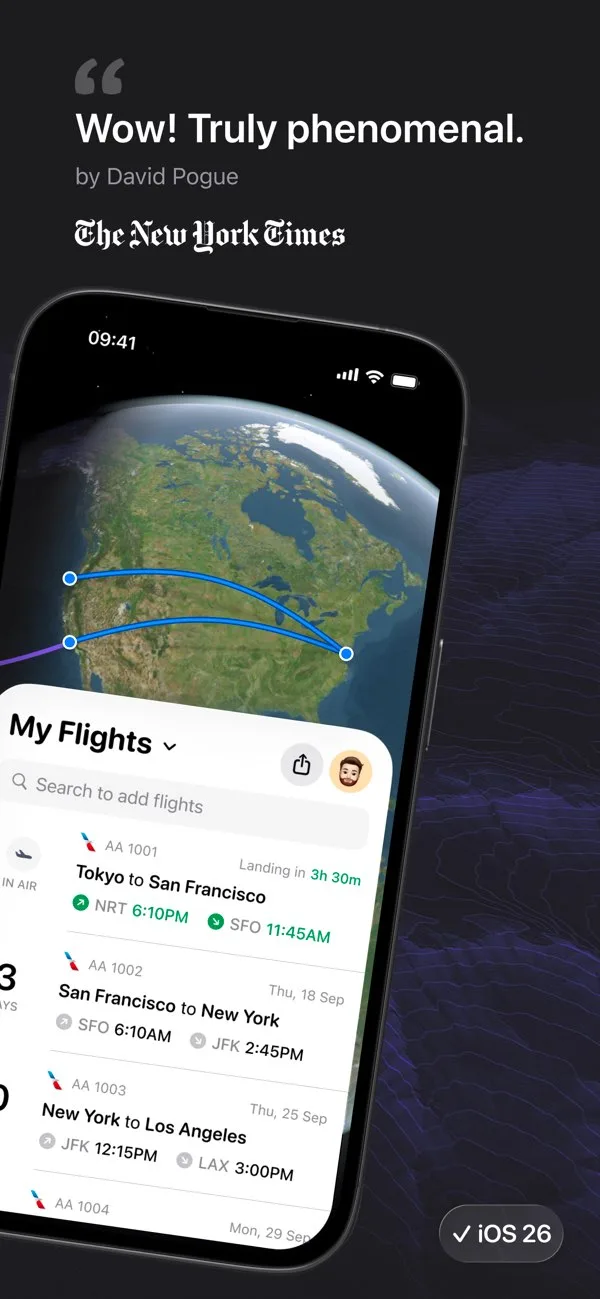
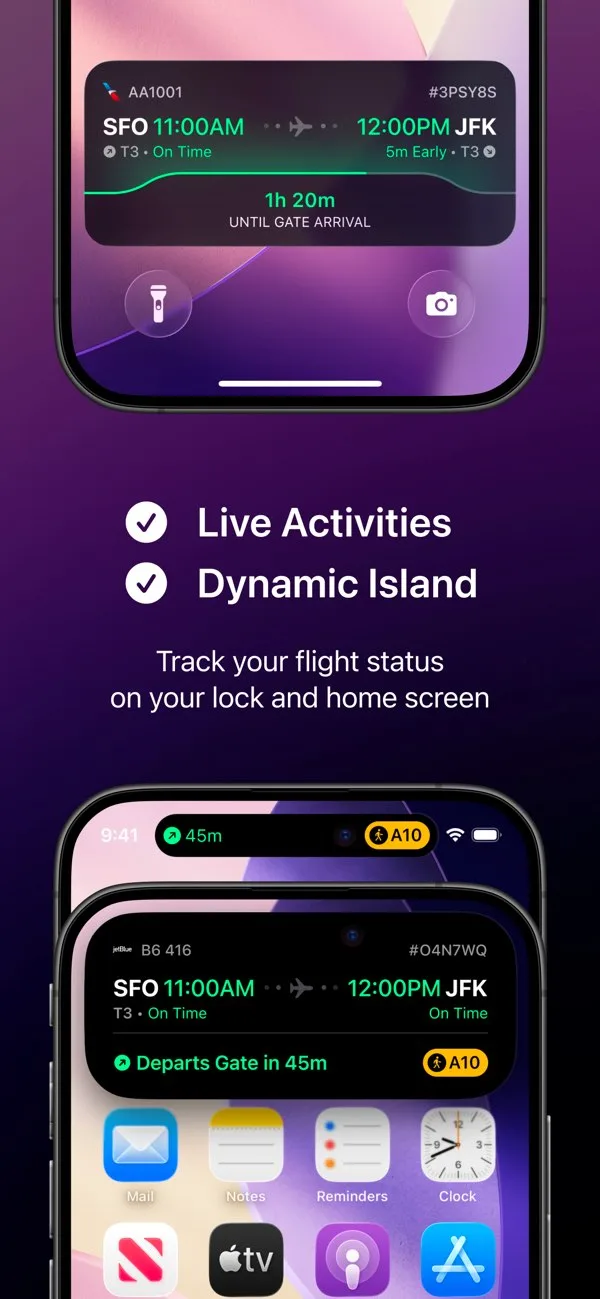
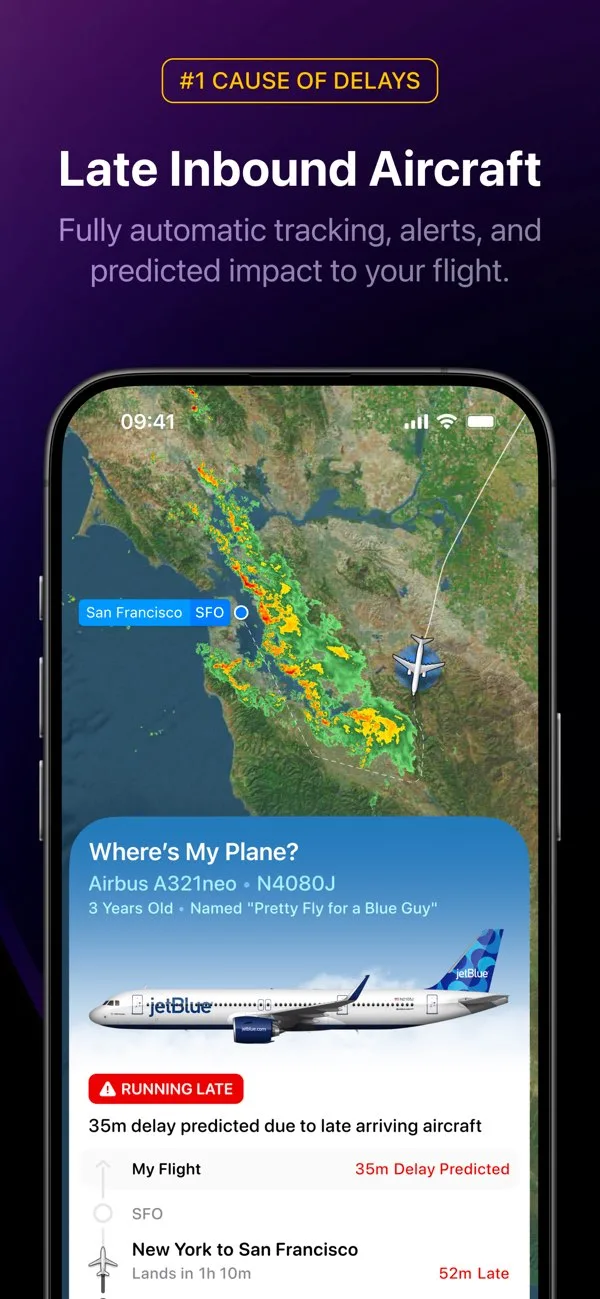
- Sleep CyclePlay Store

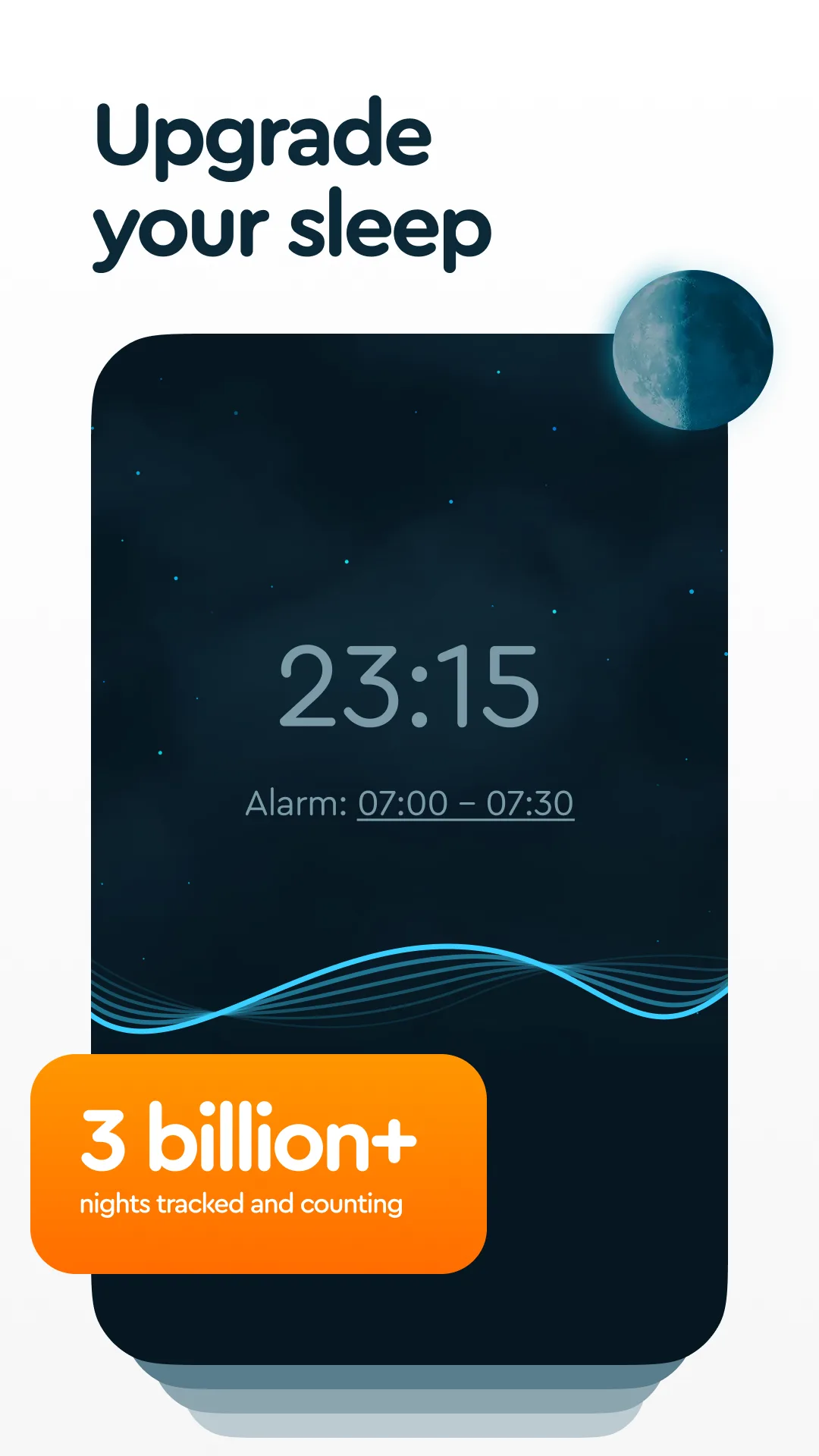
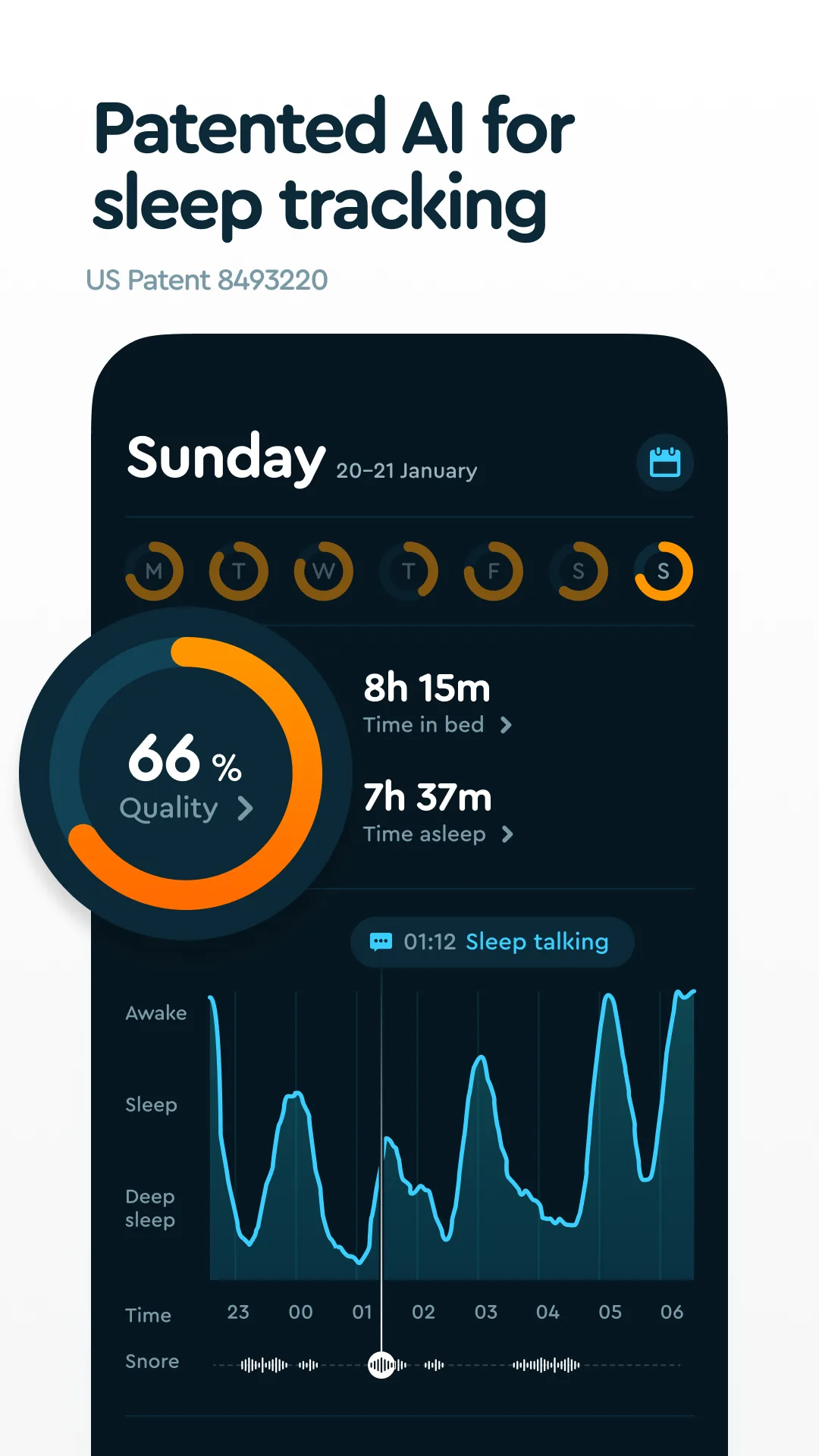
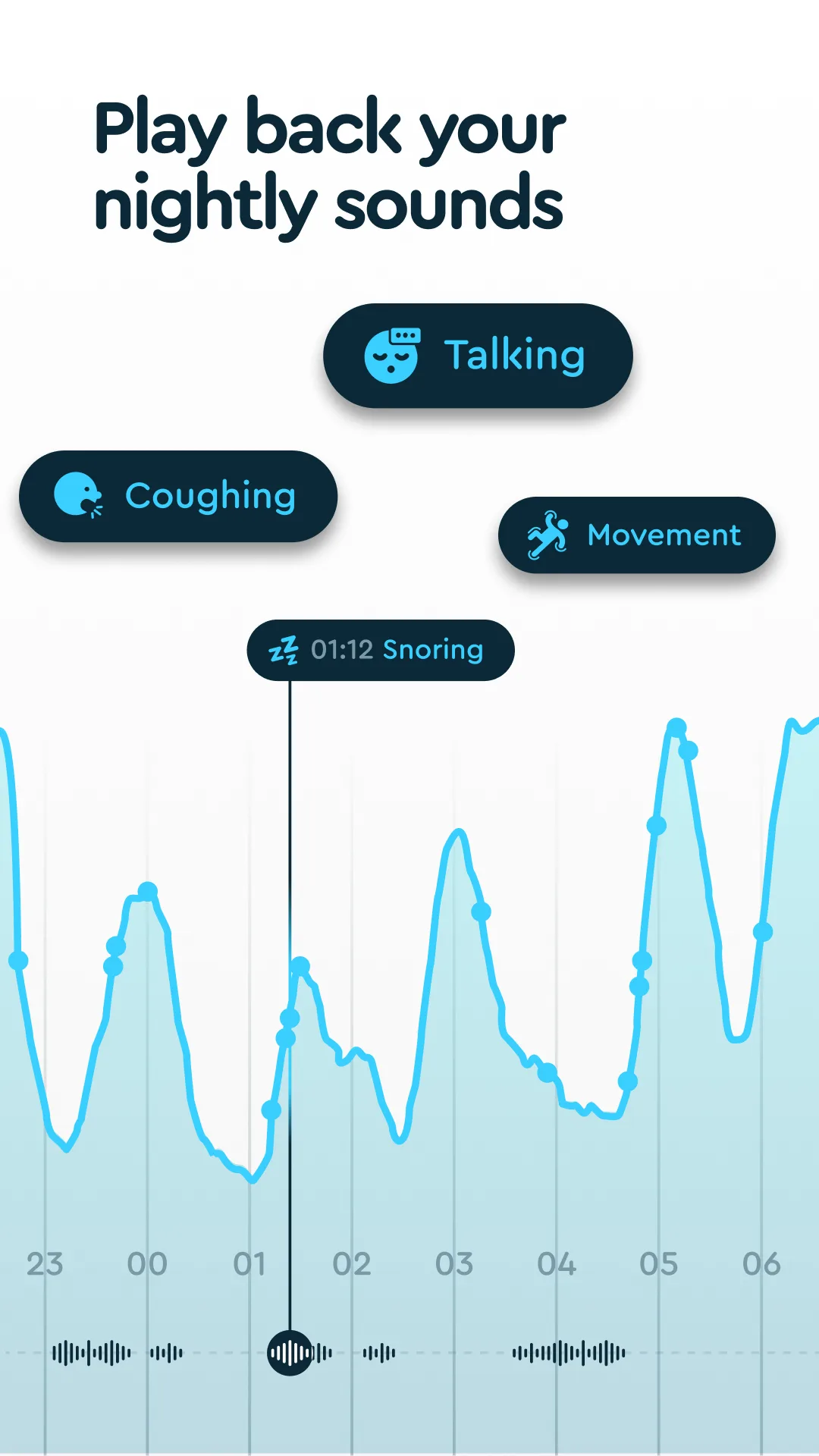
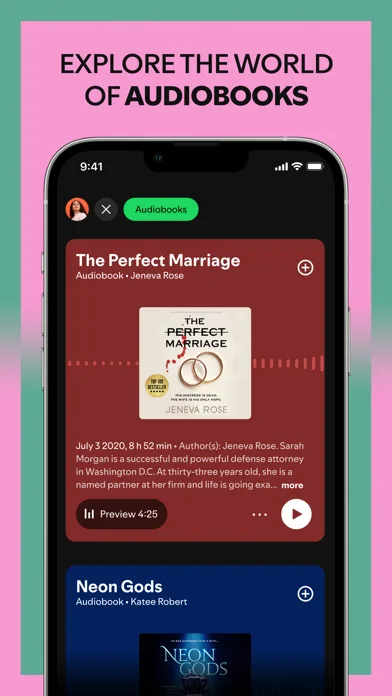
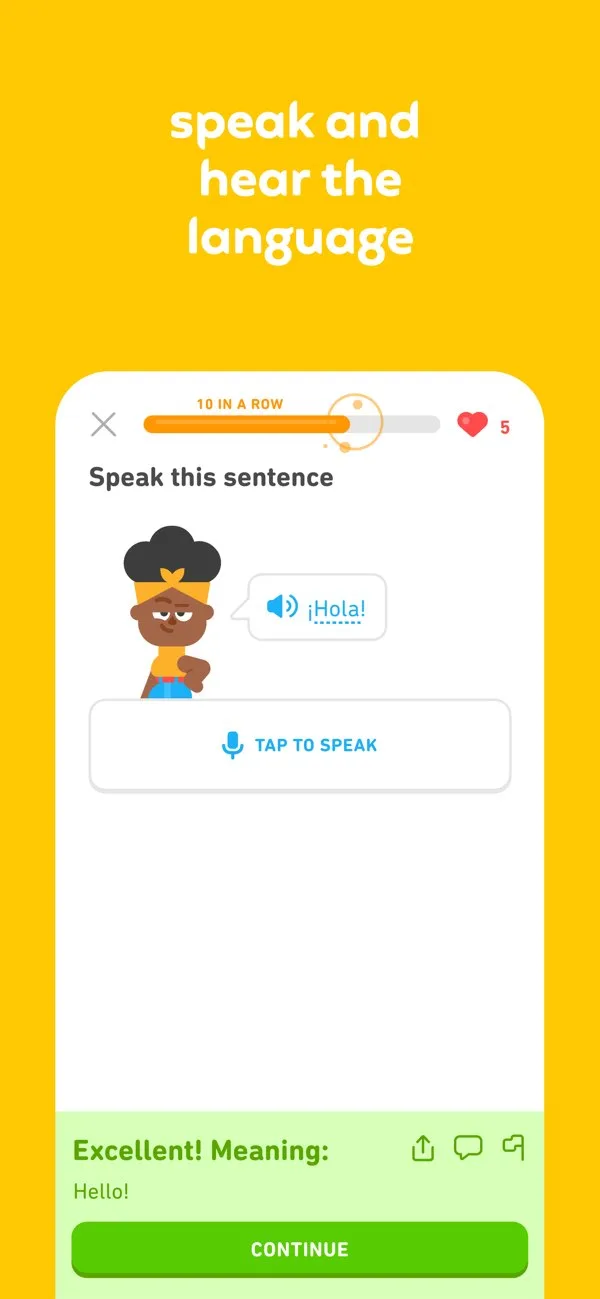
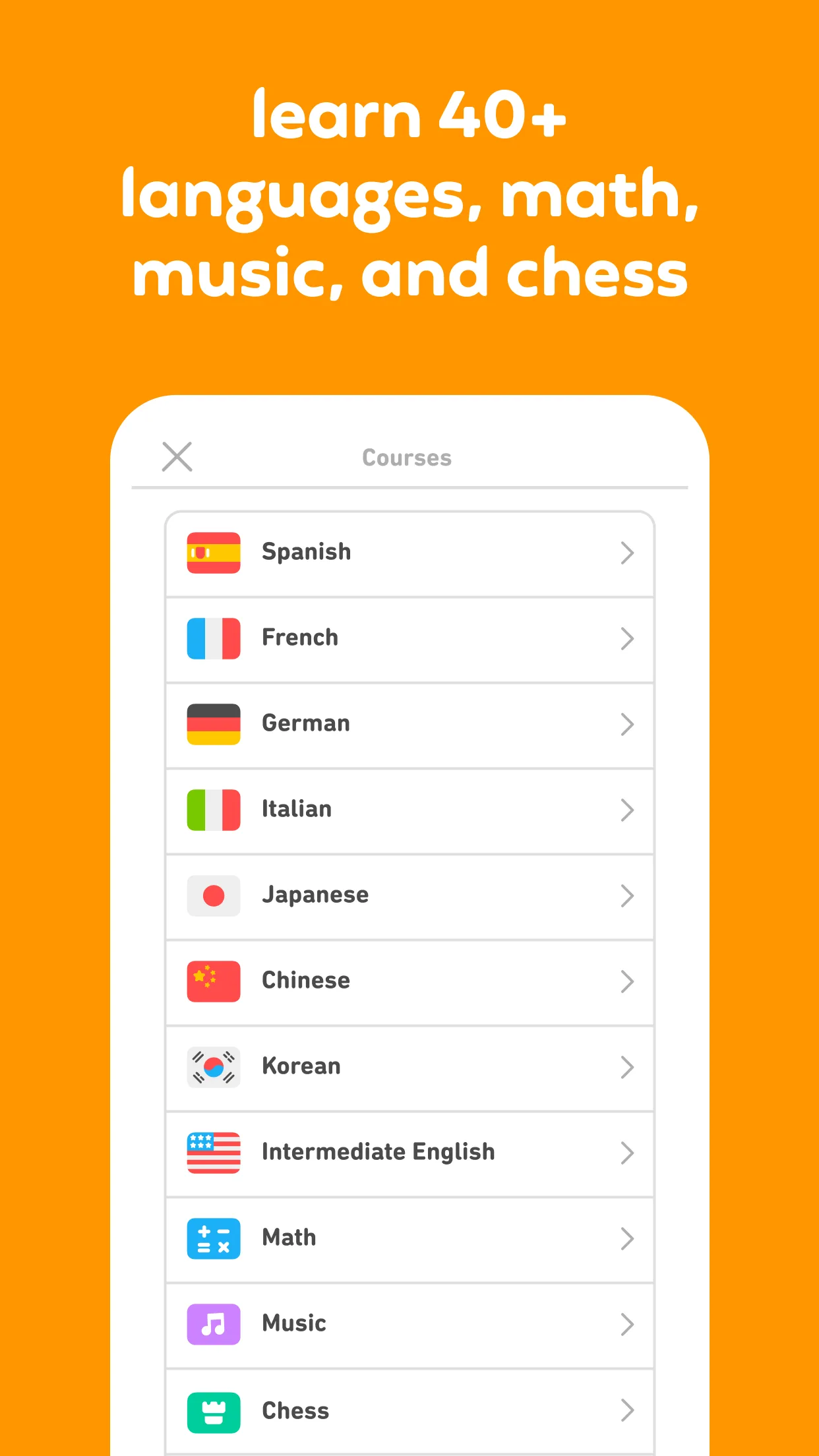
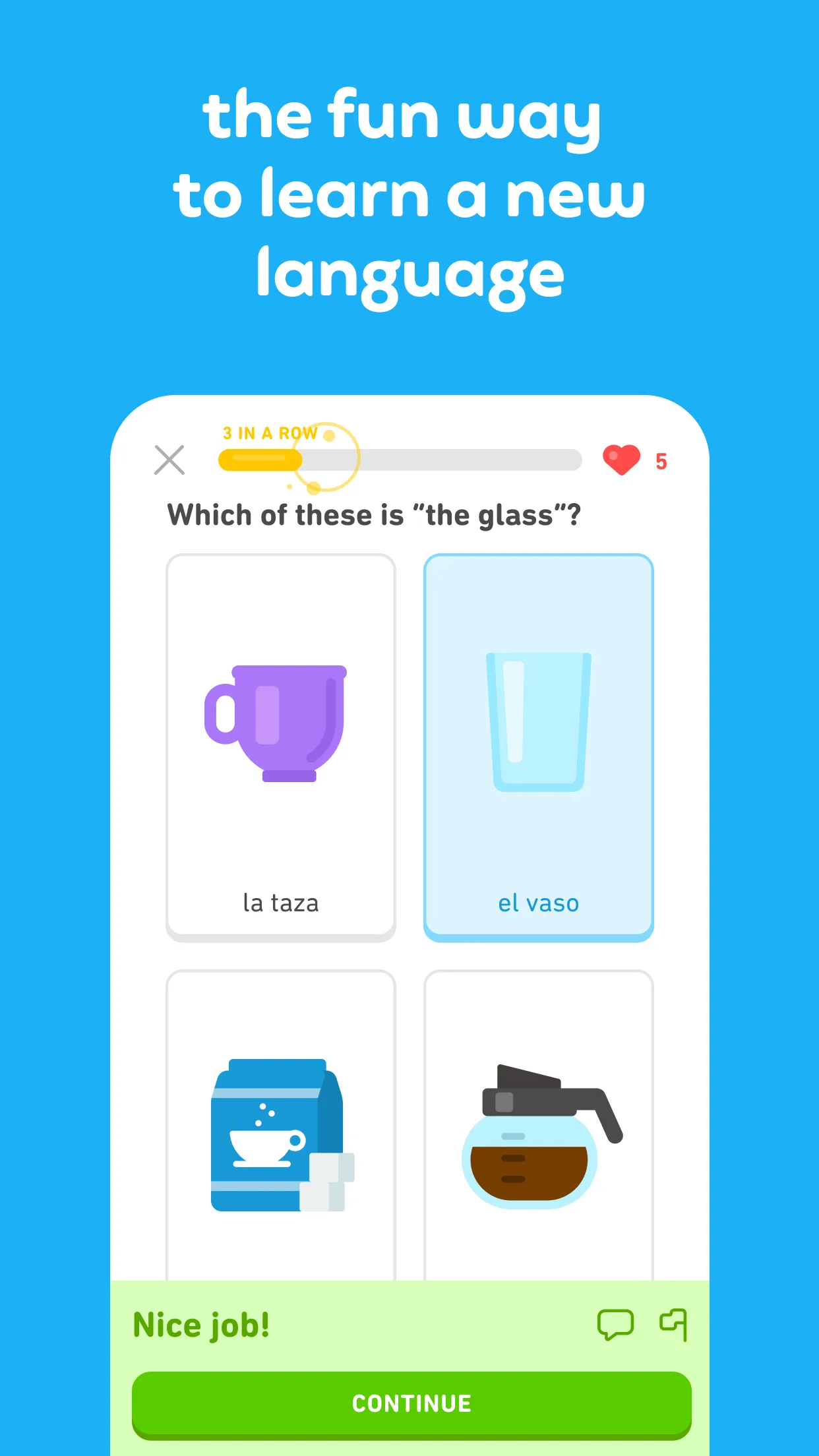
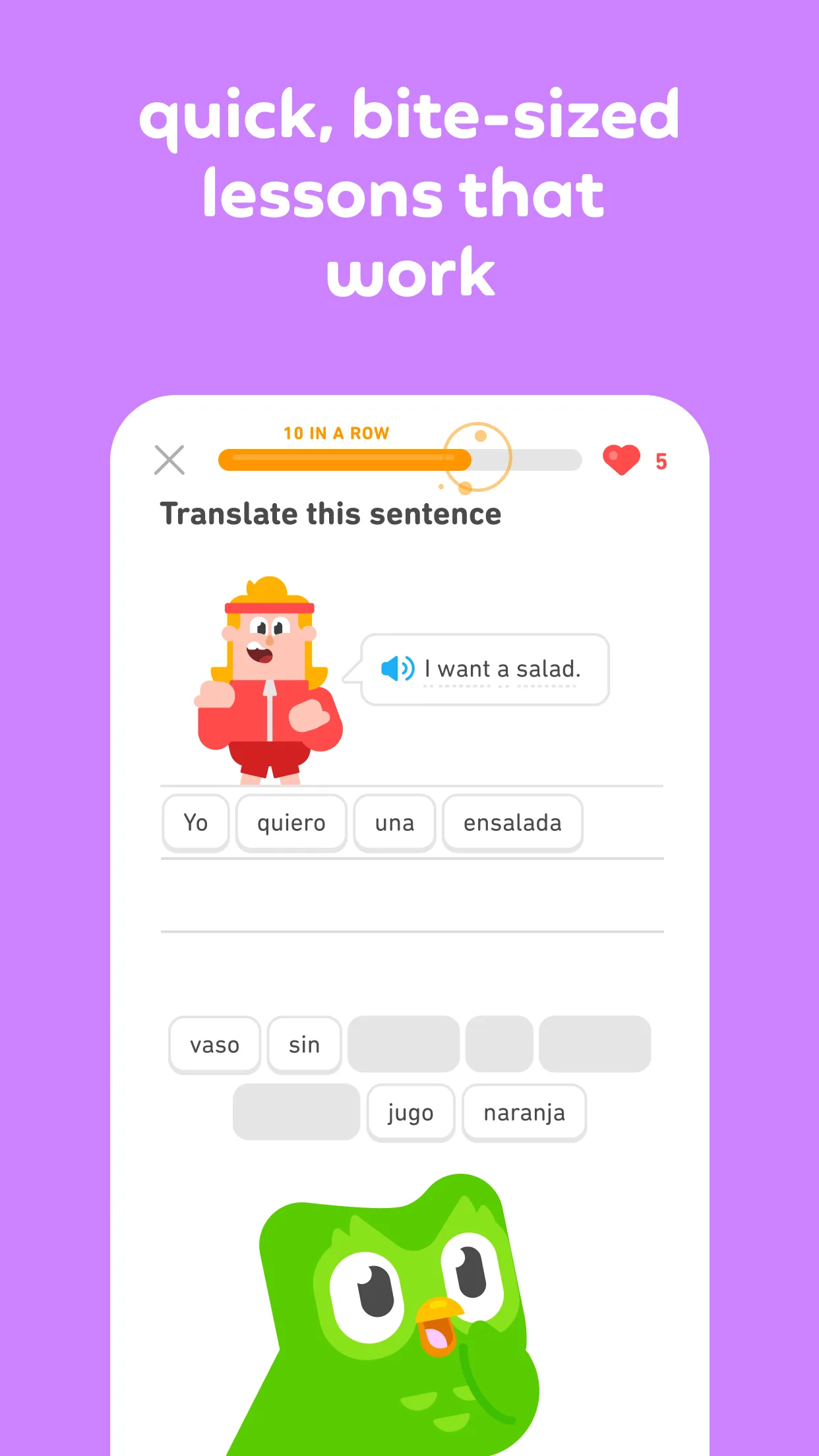
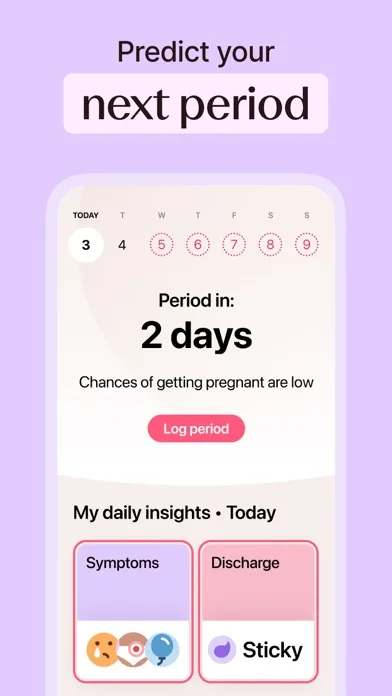
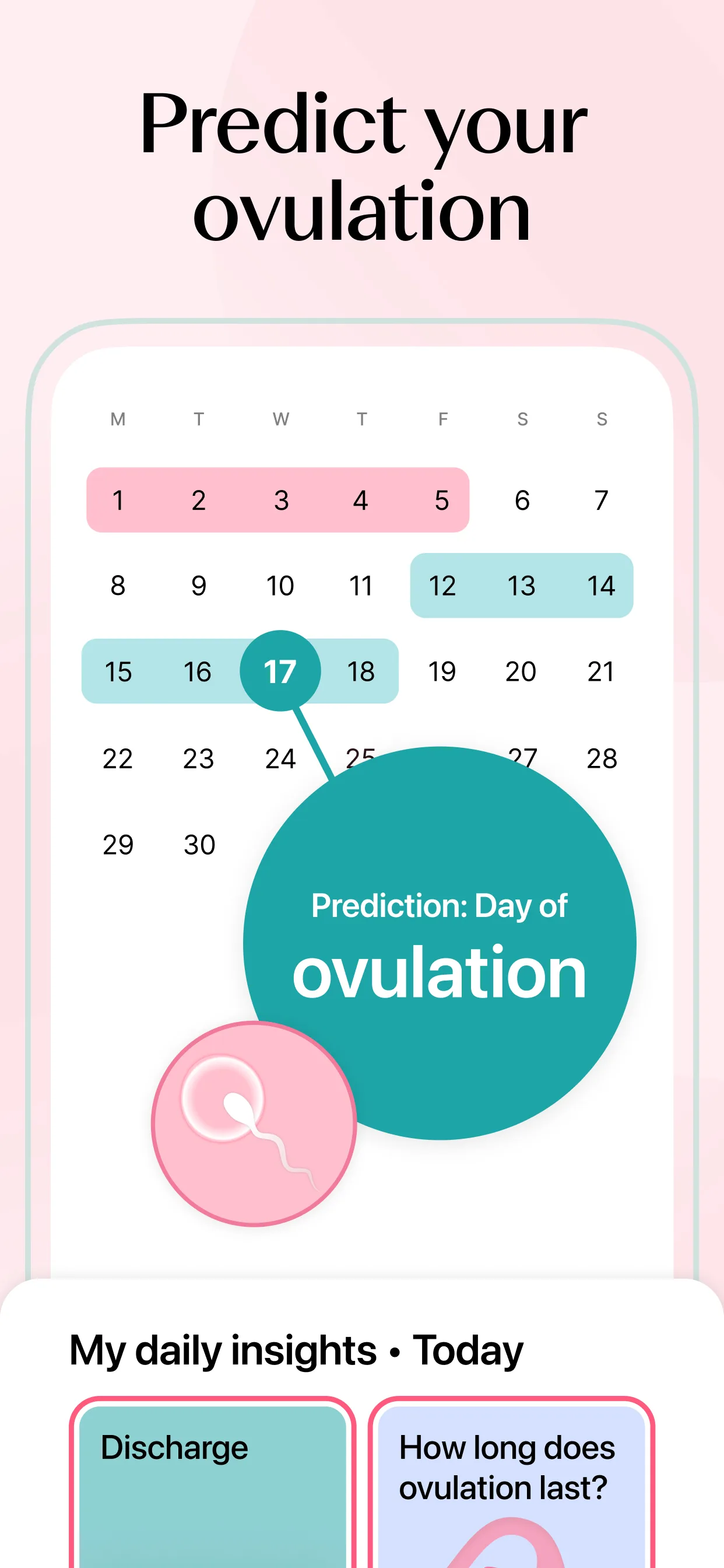
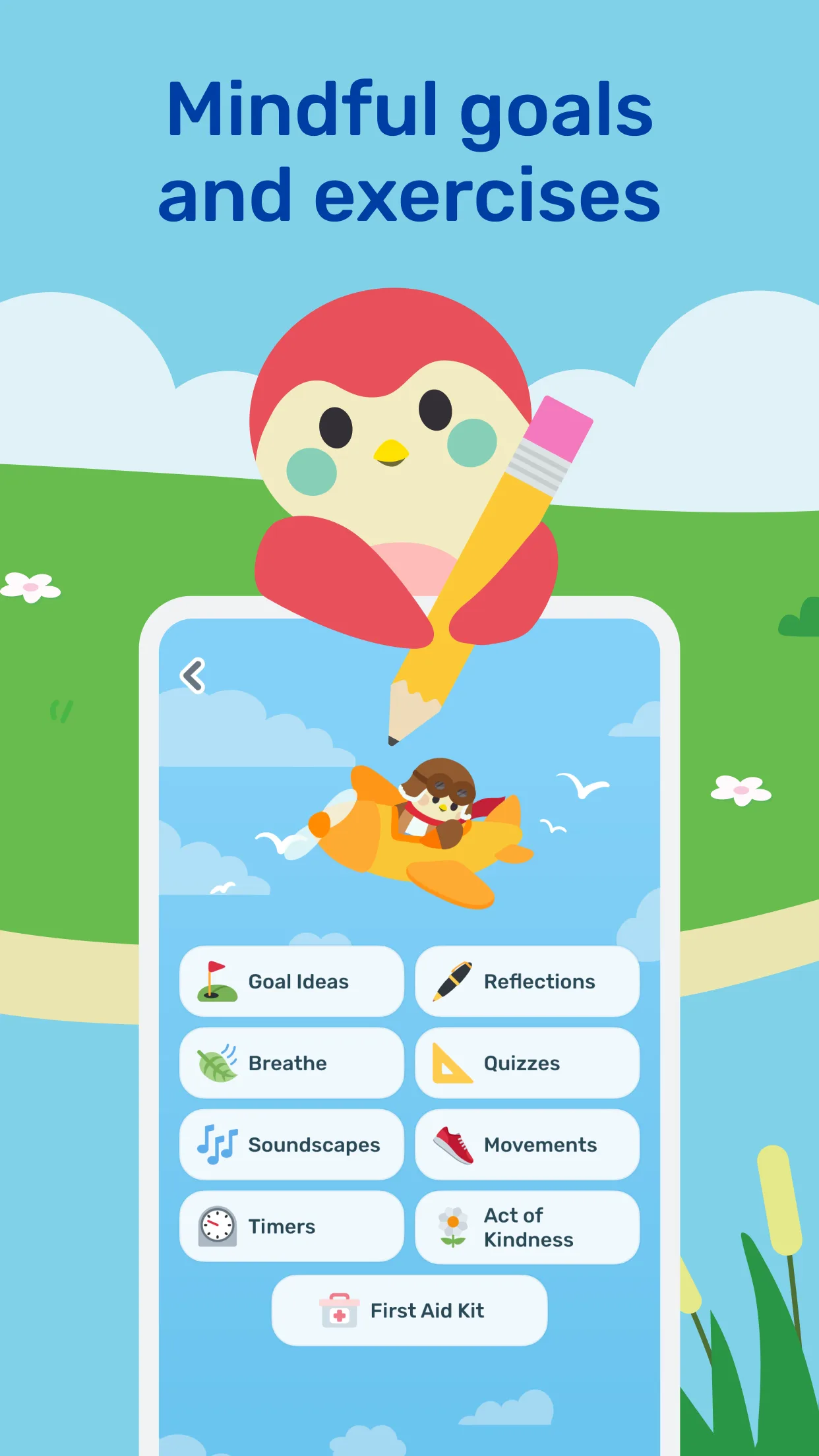
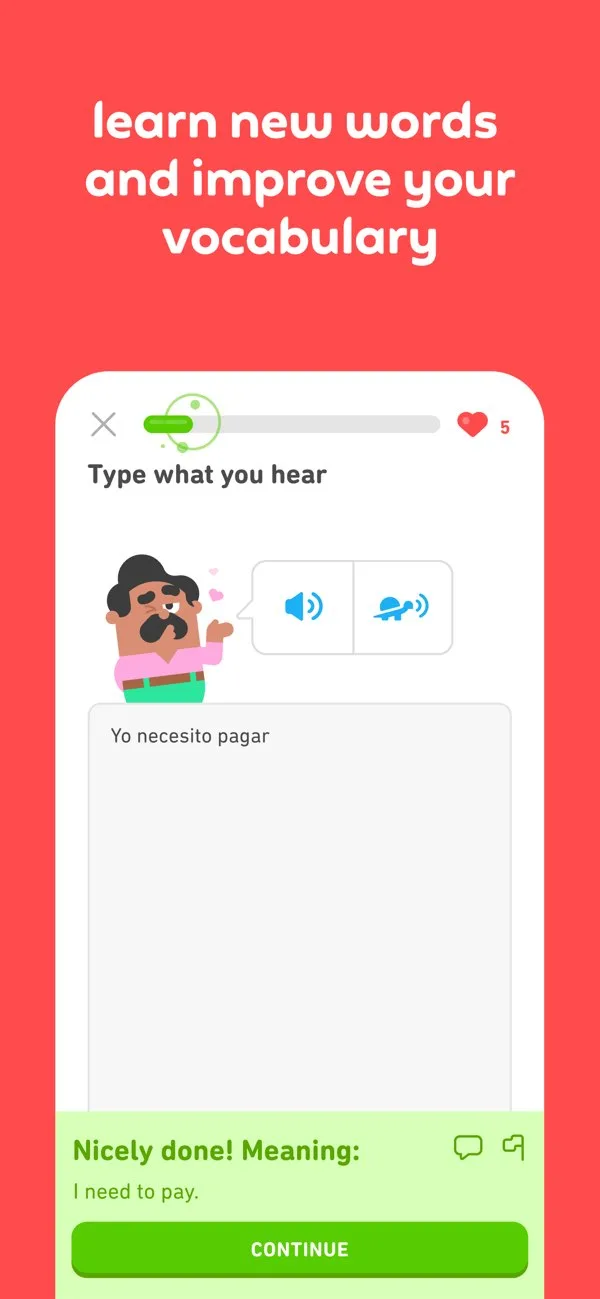
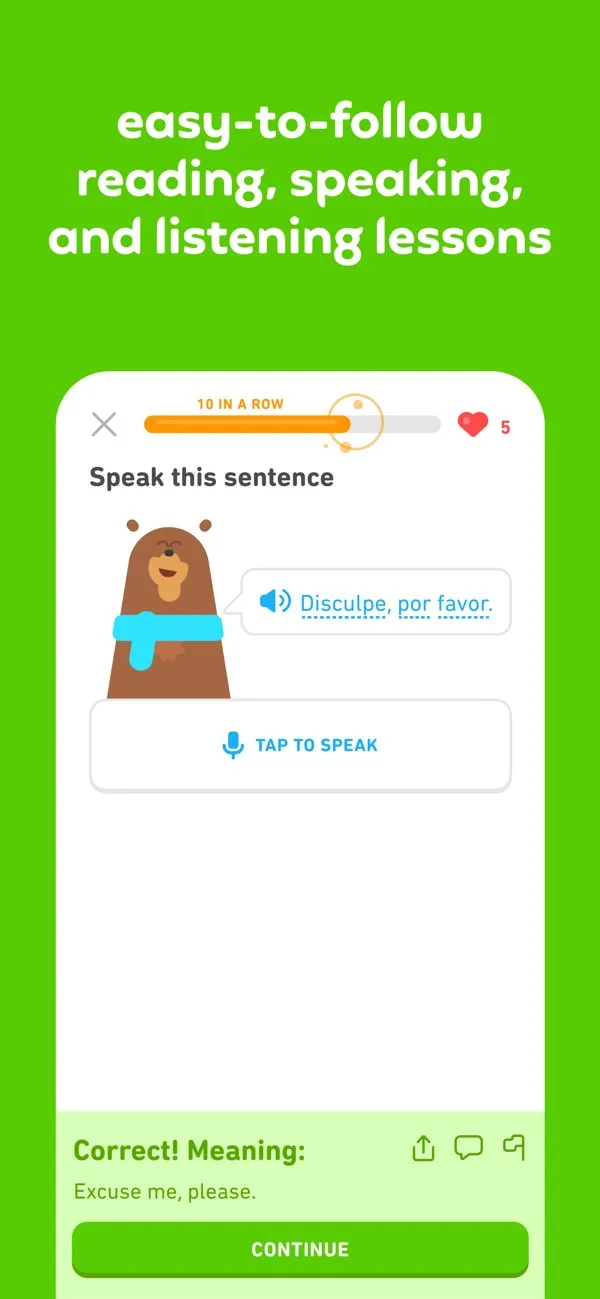
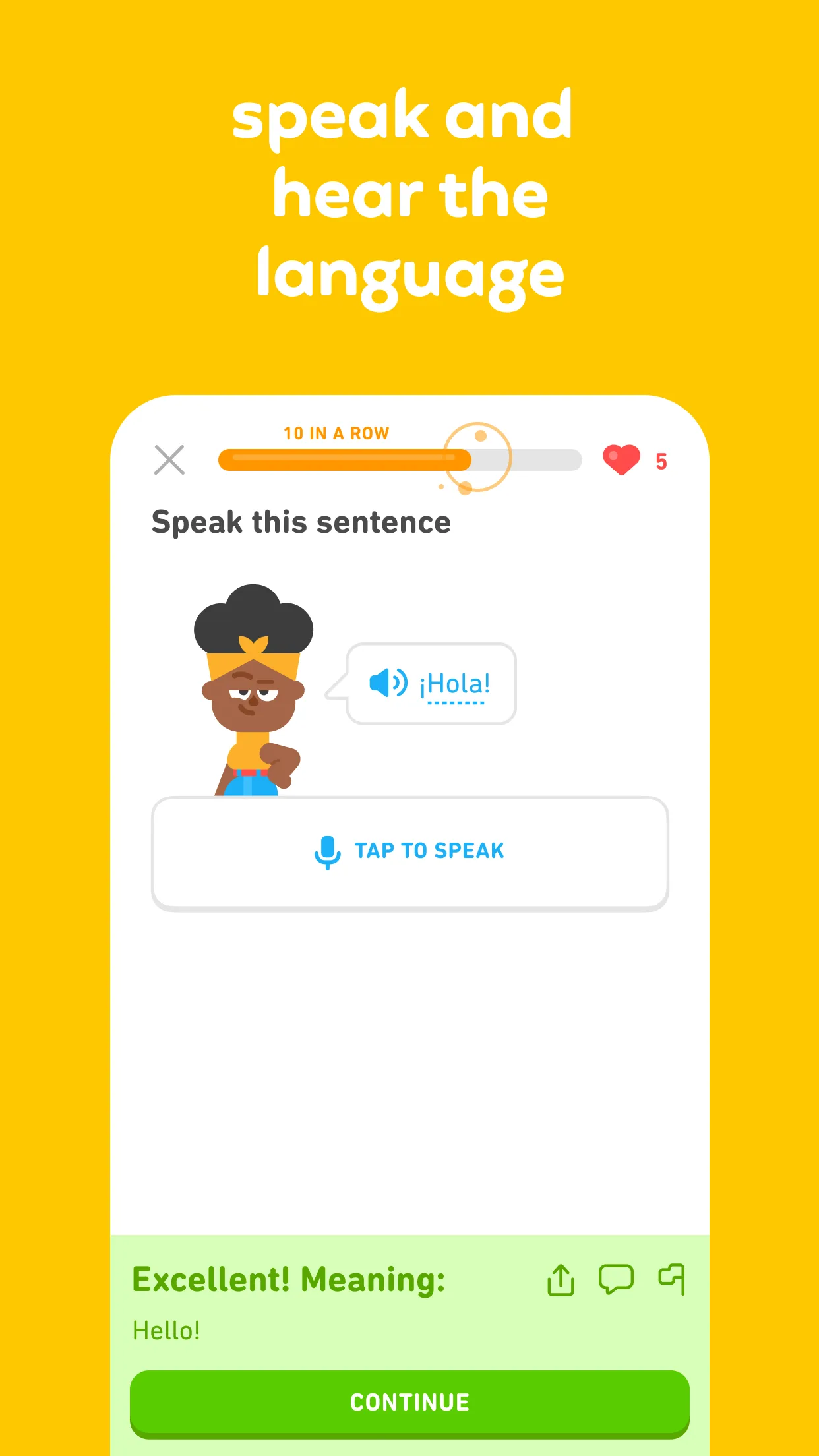
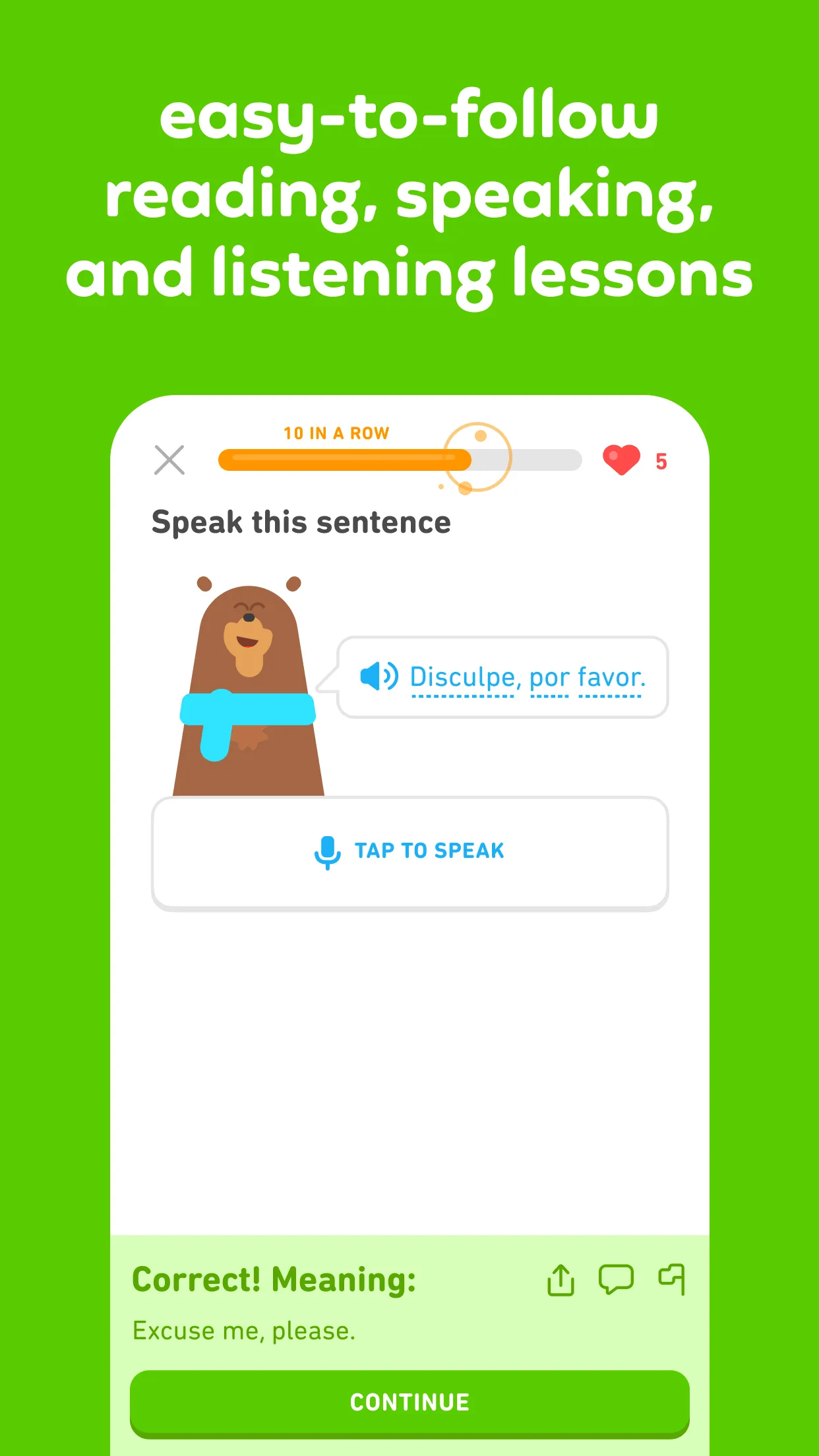
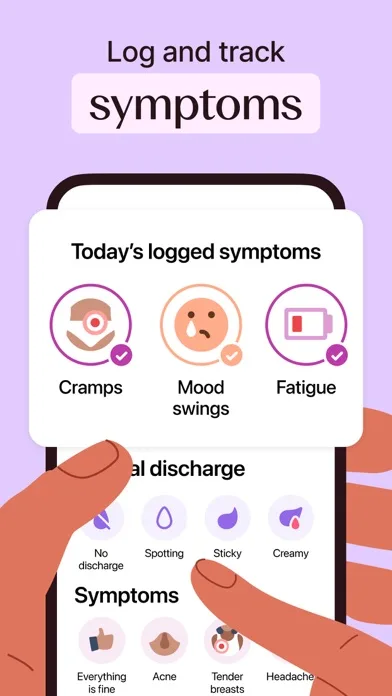
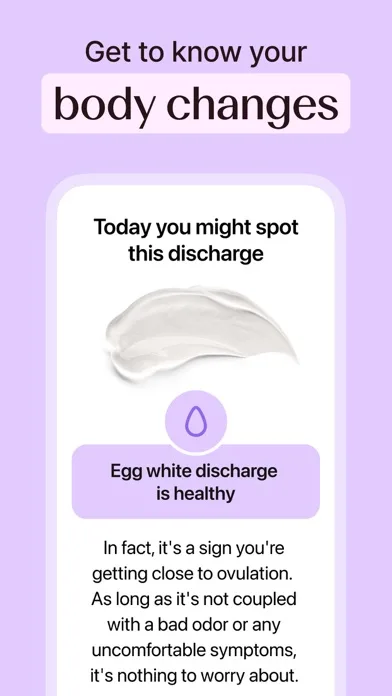
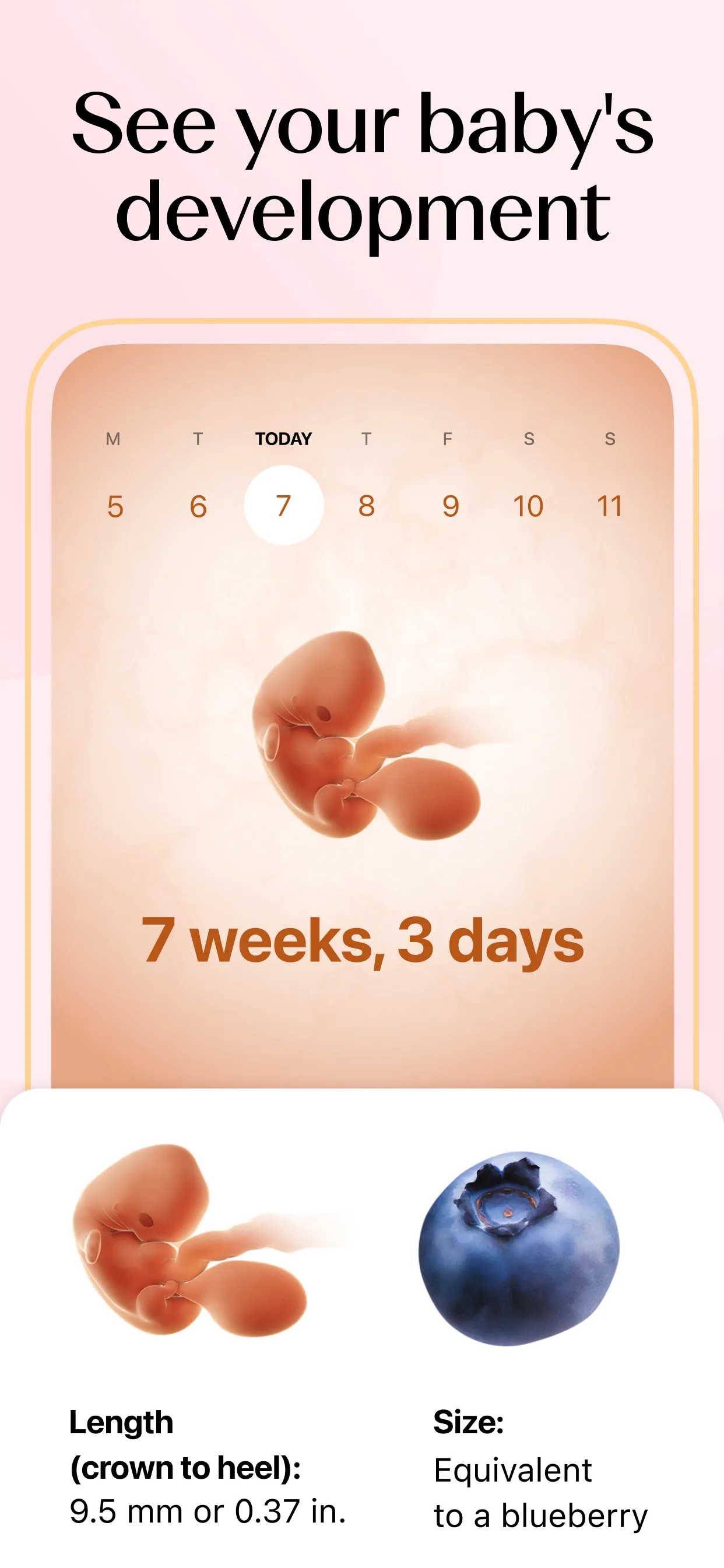
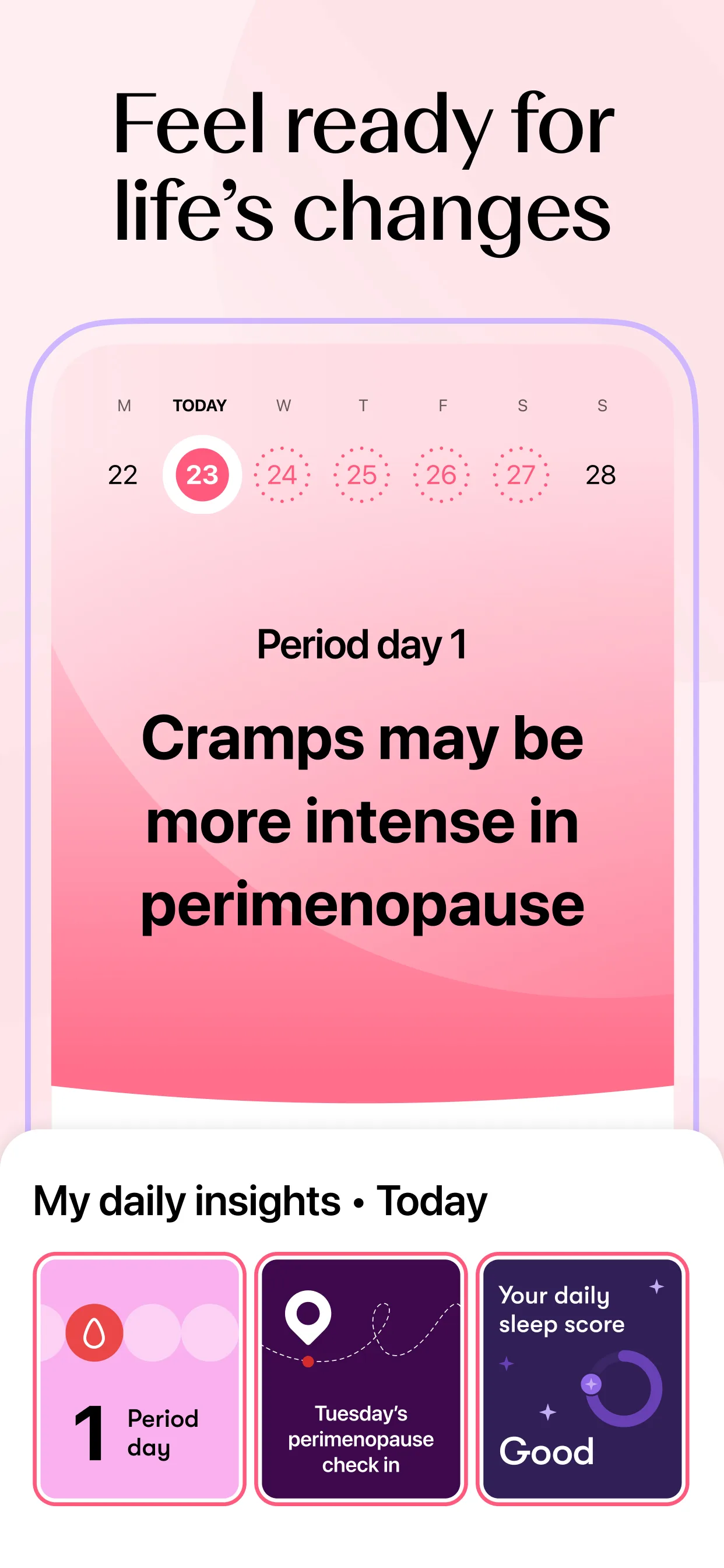
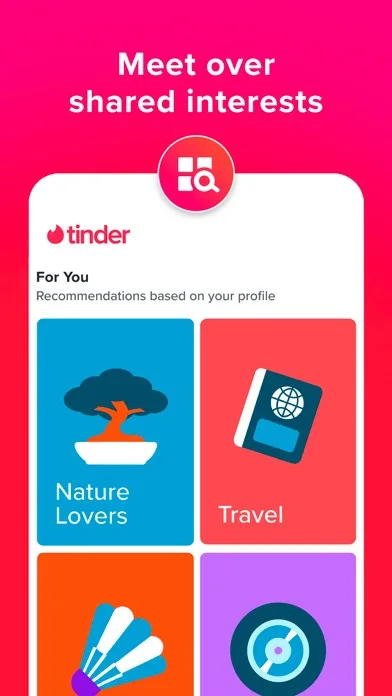
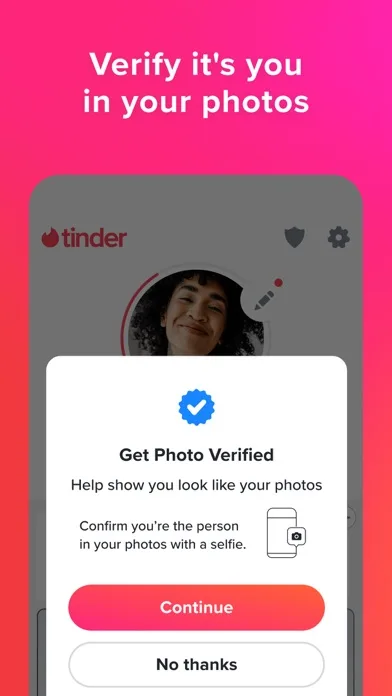
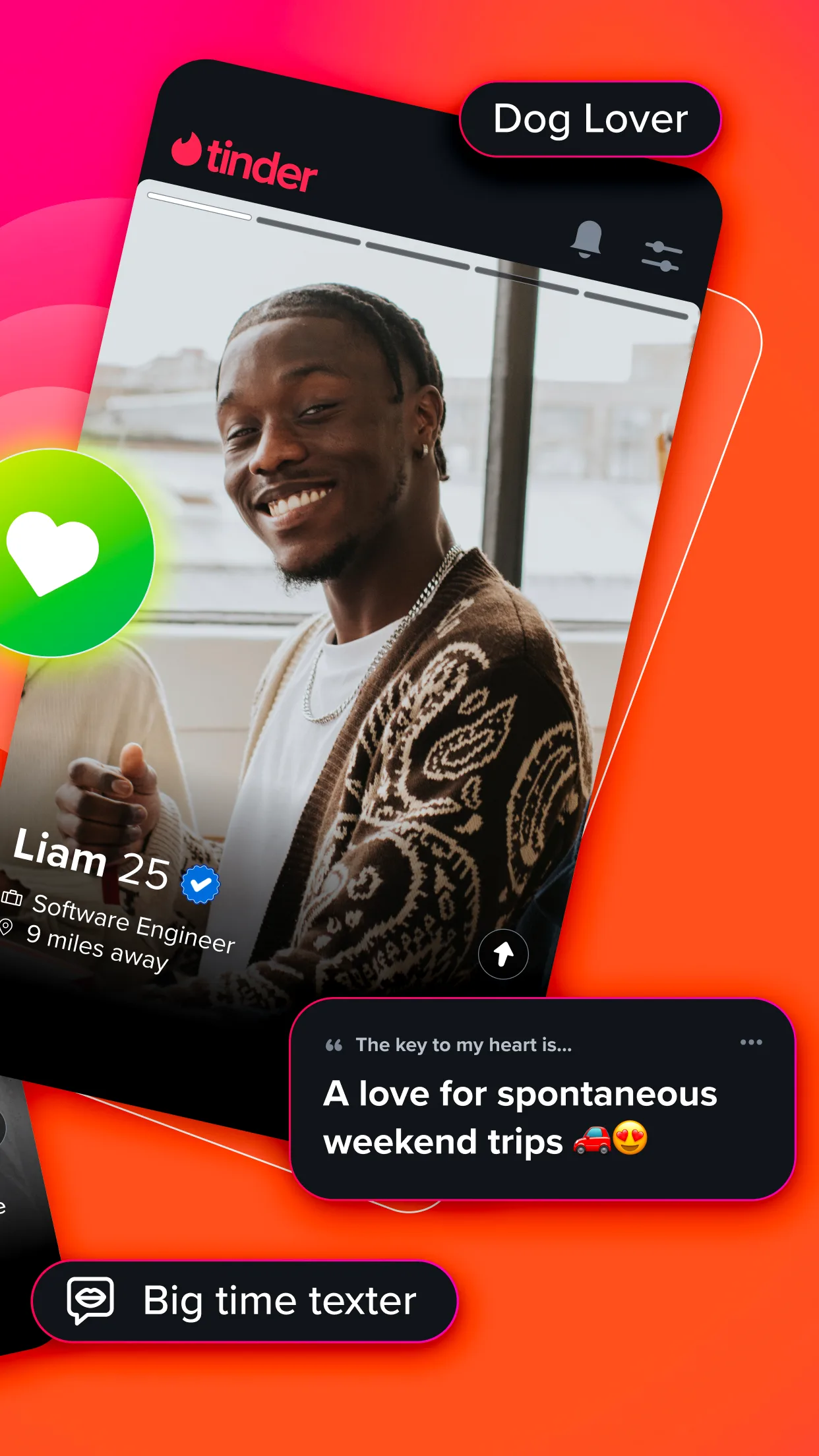
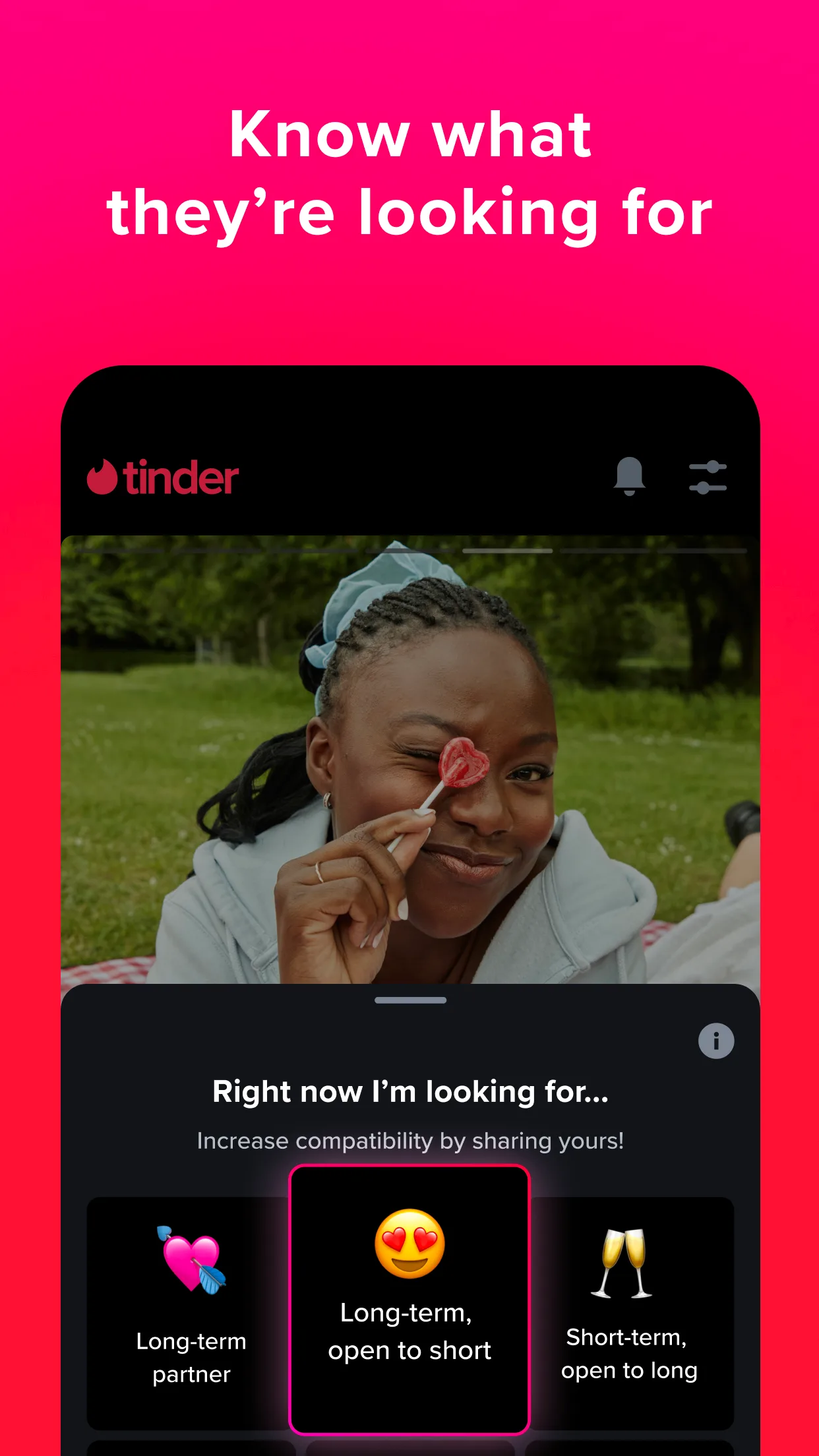
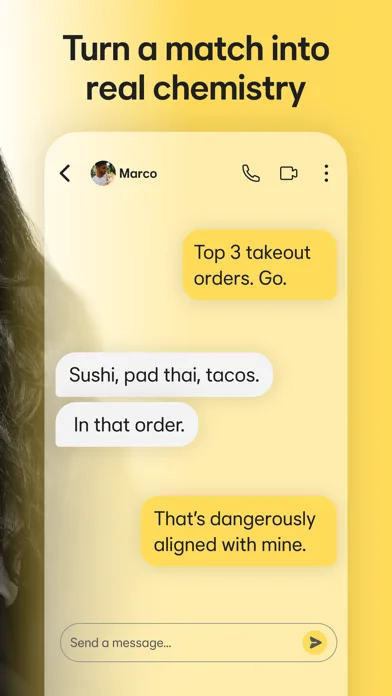
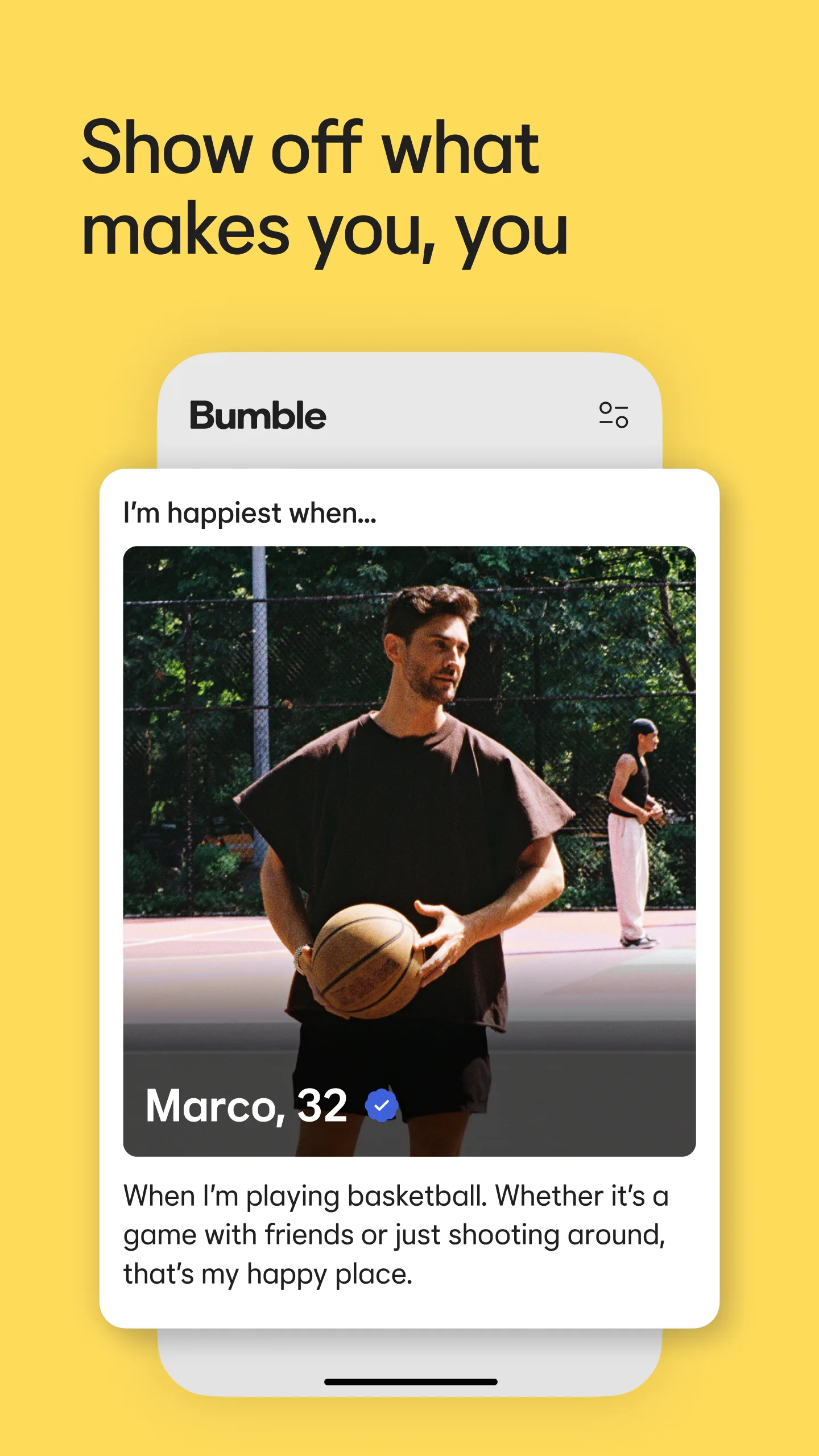
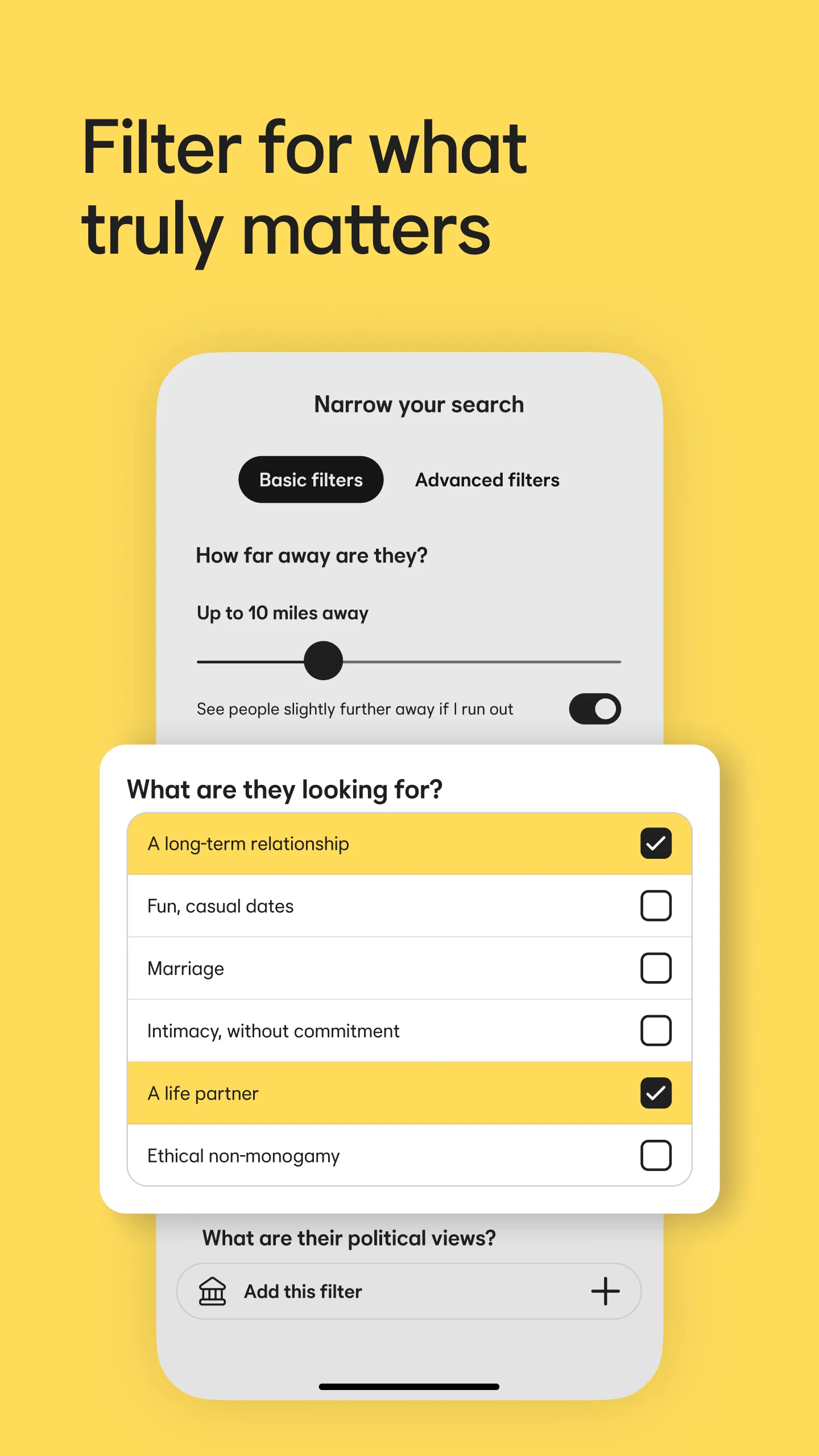
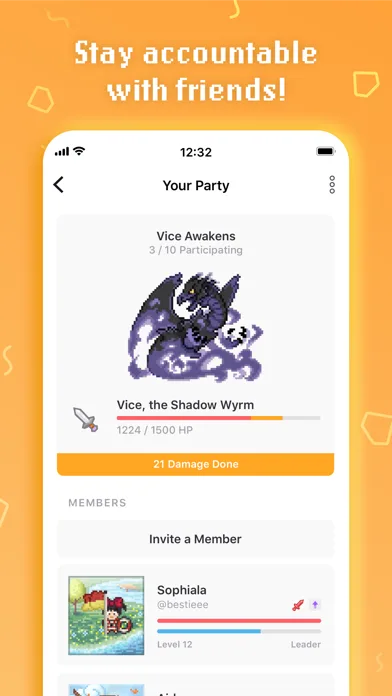
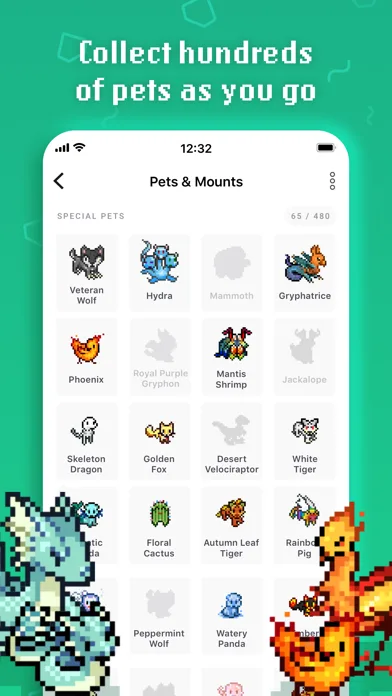
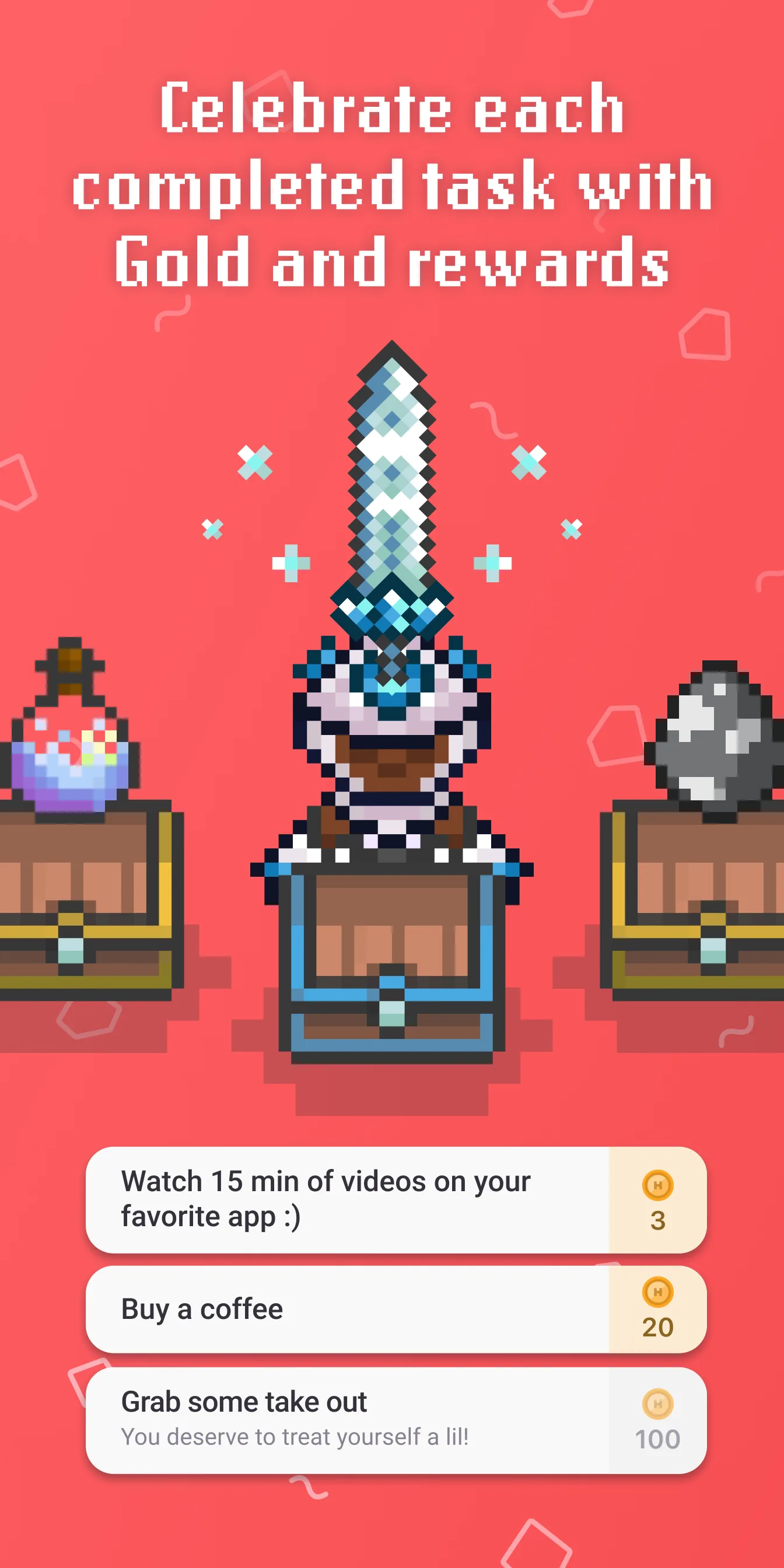
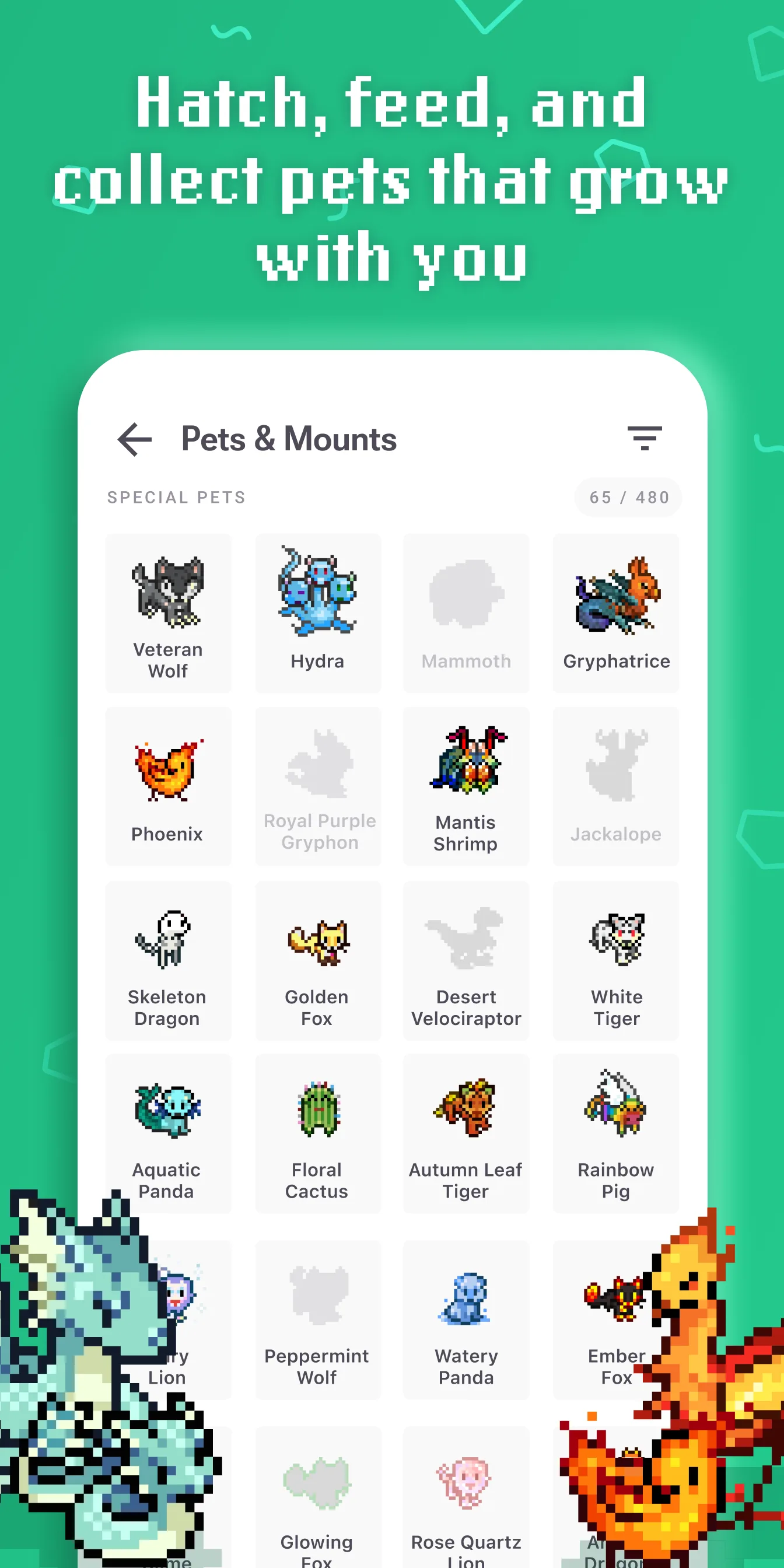
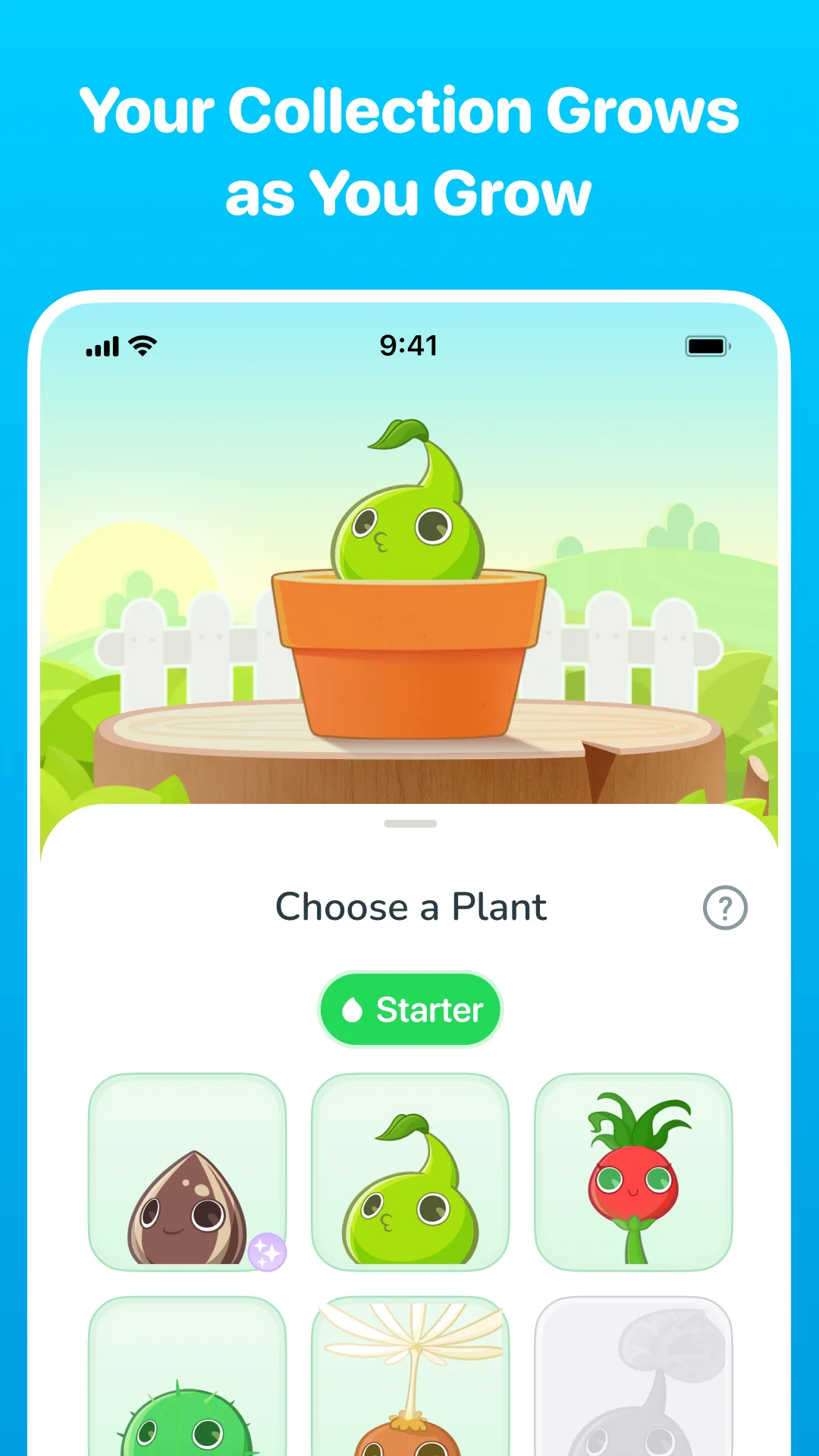
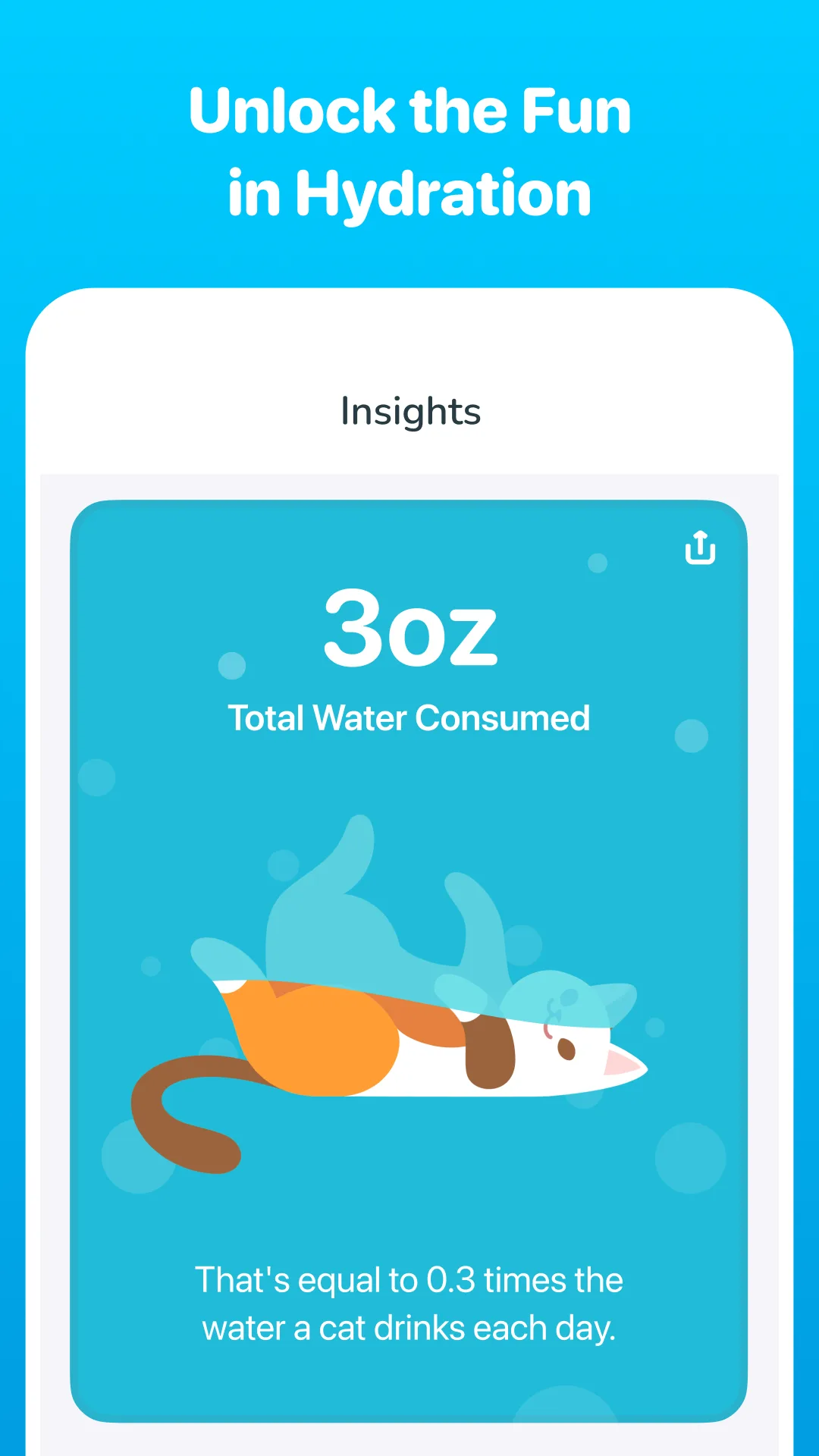
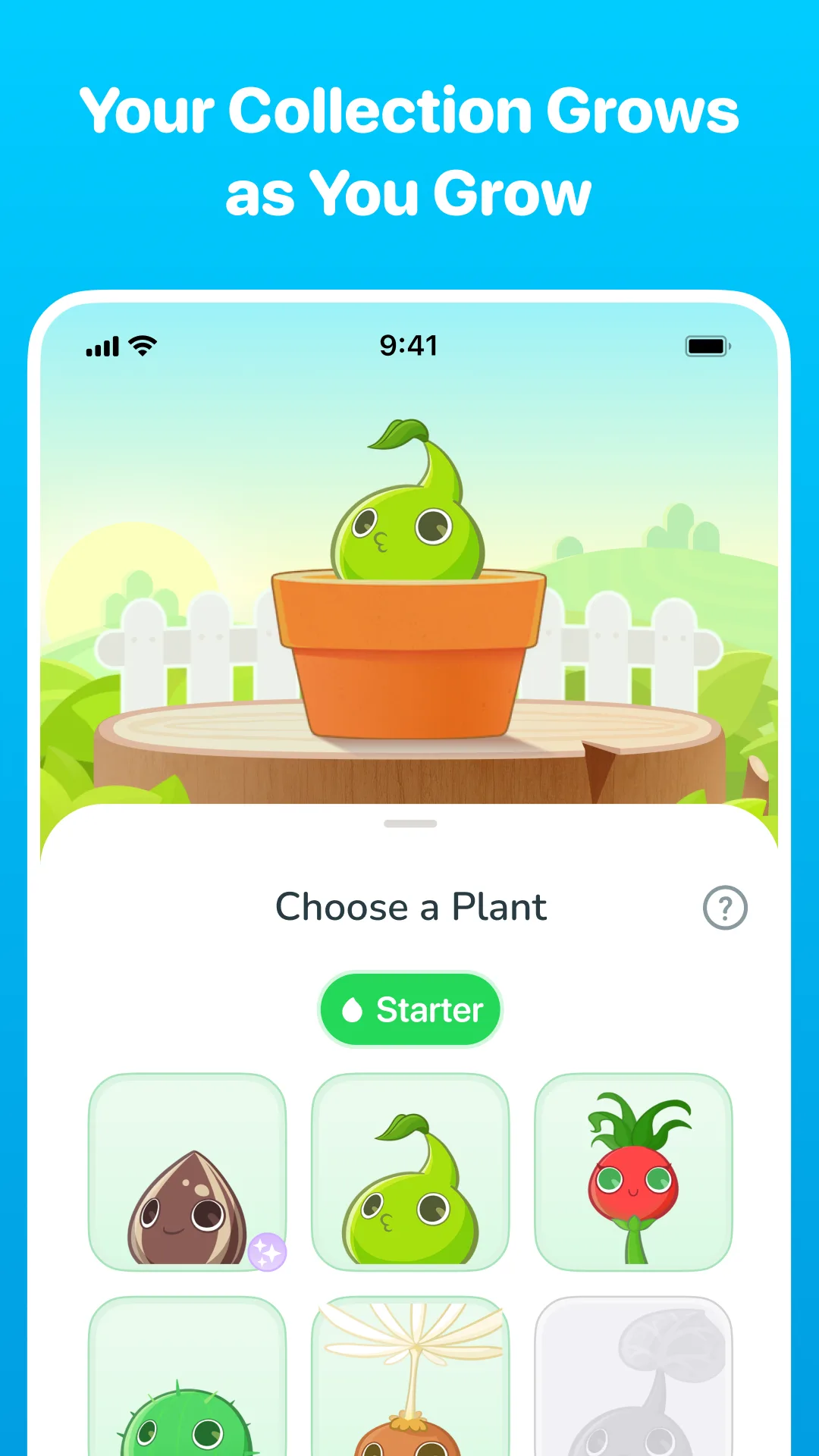
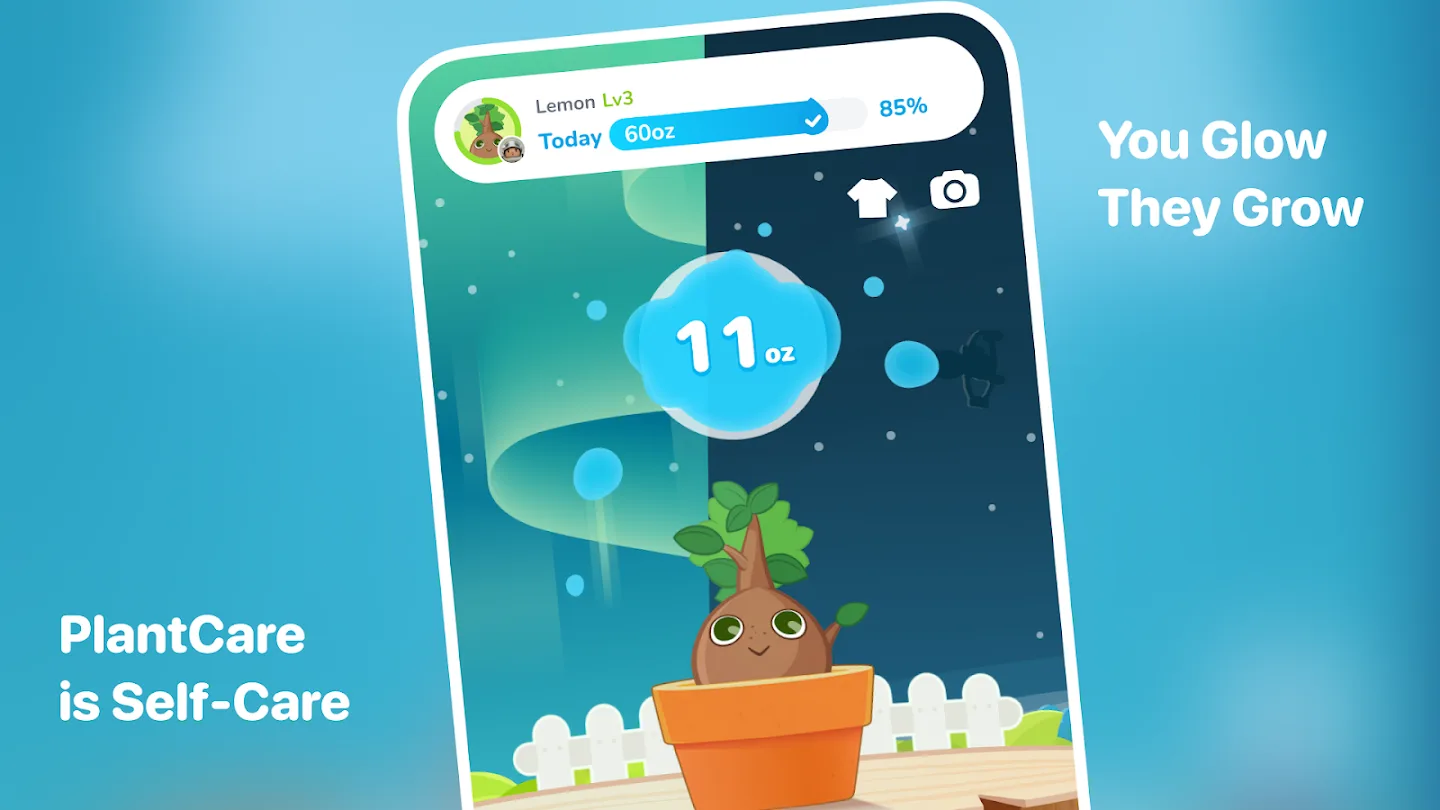
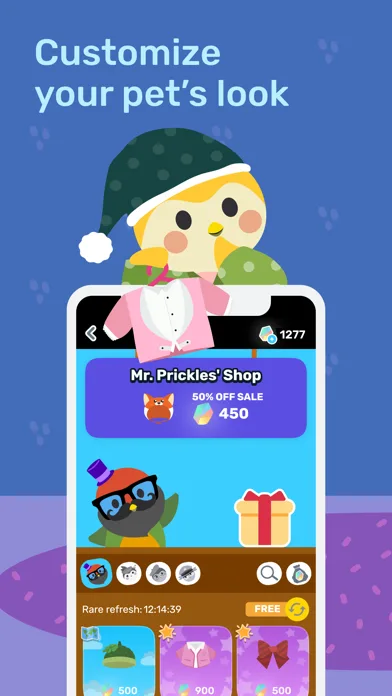
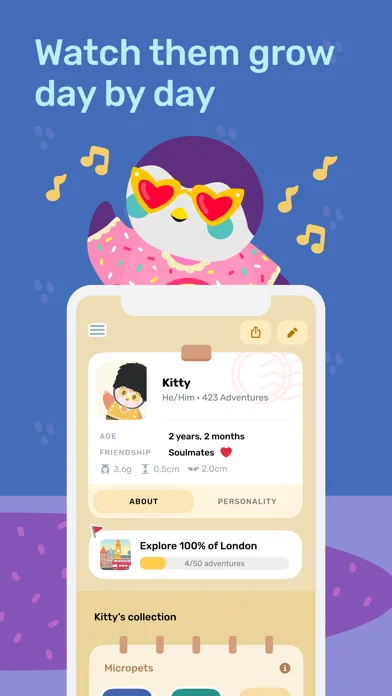
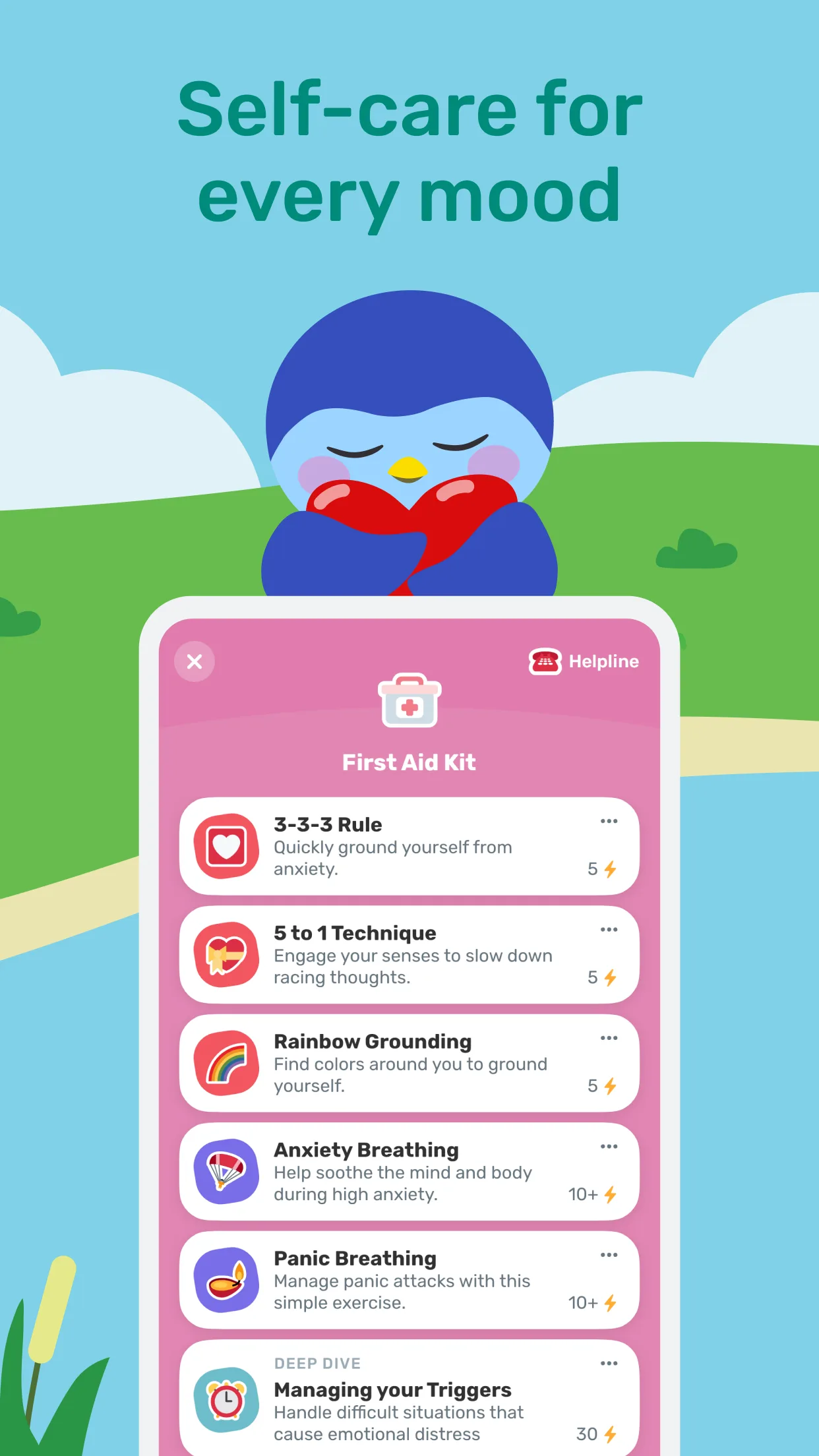
Colorful / playful
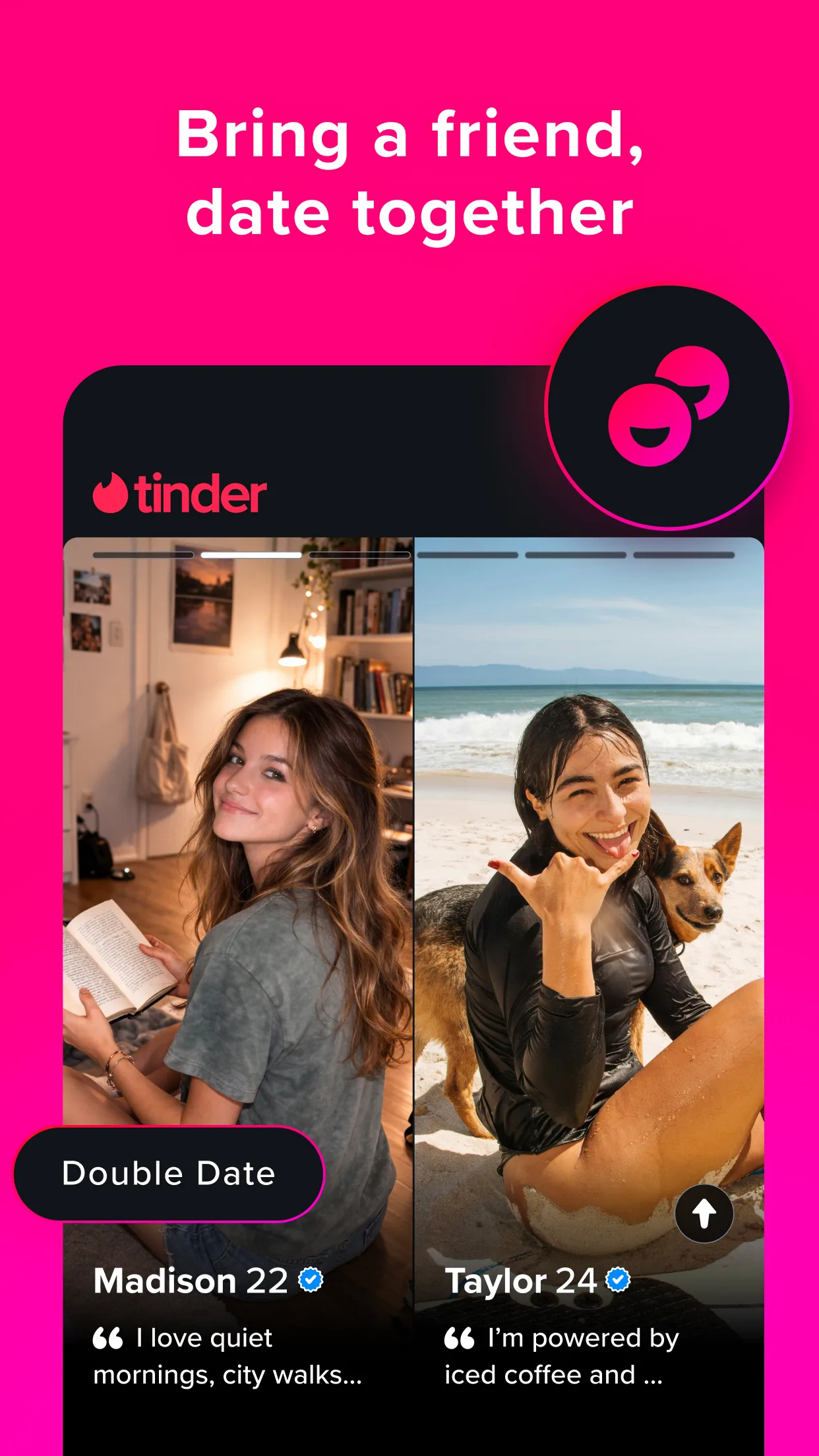
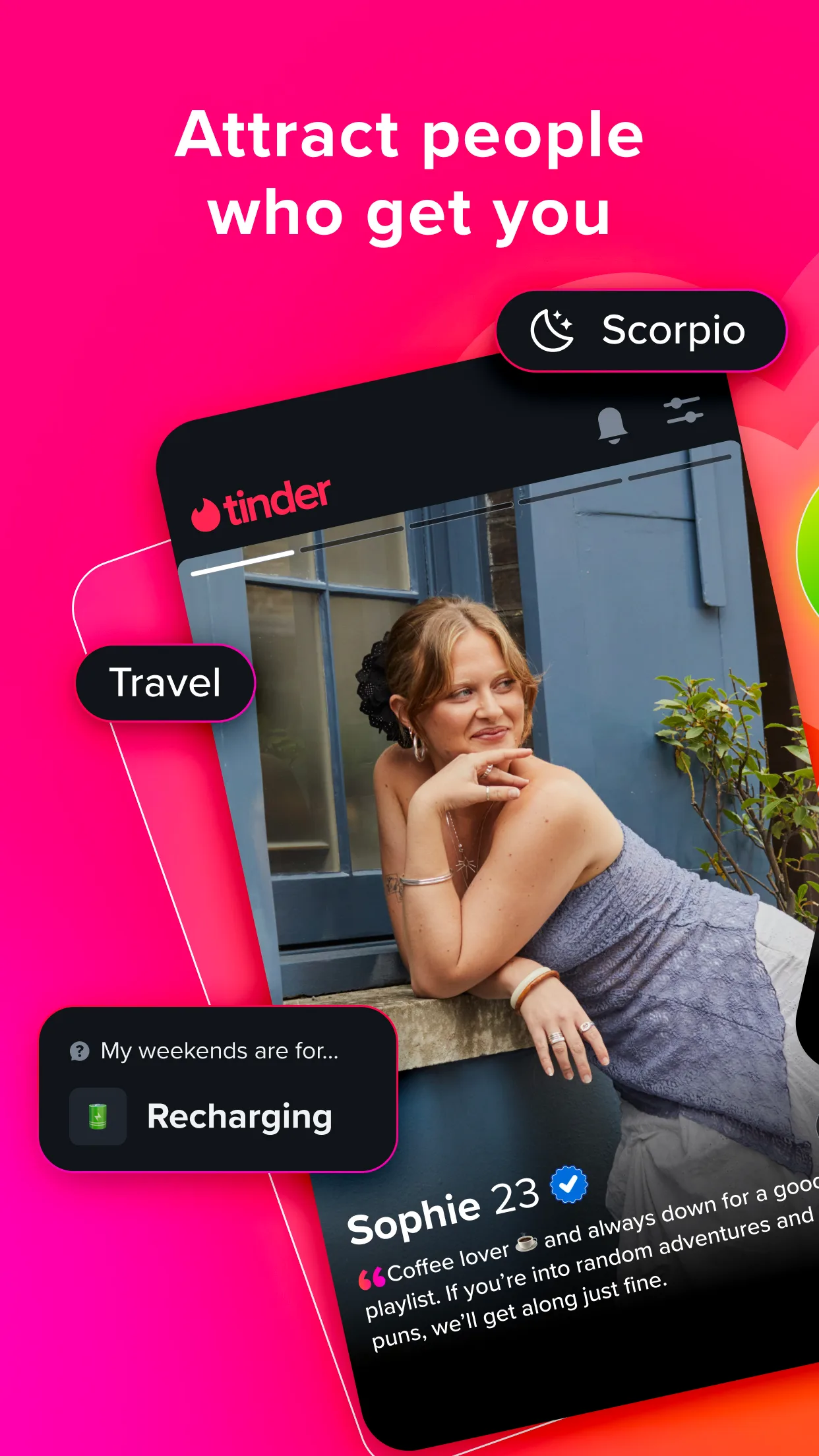
Big personality, bold color, and expressive characters—ideal for consumer apps and growth loops.
- DuolingoApp Store
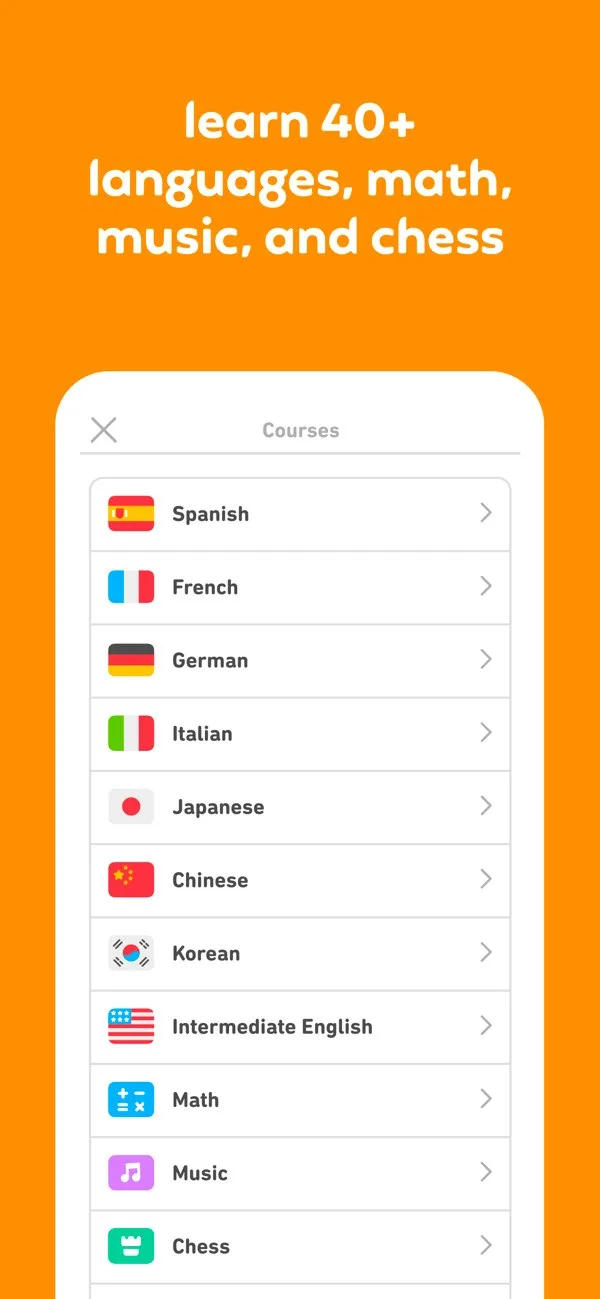
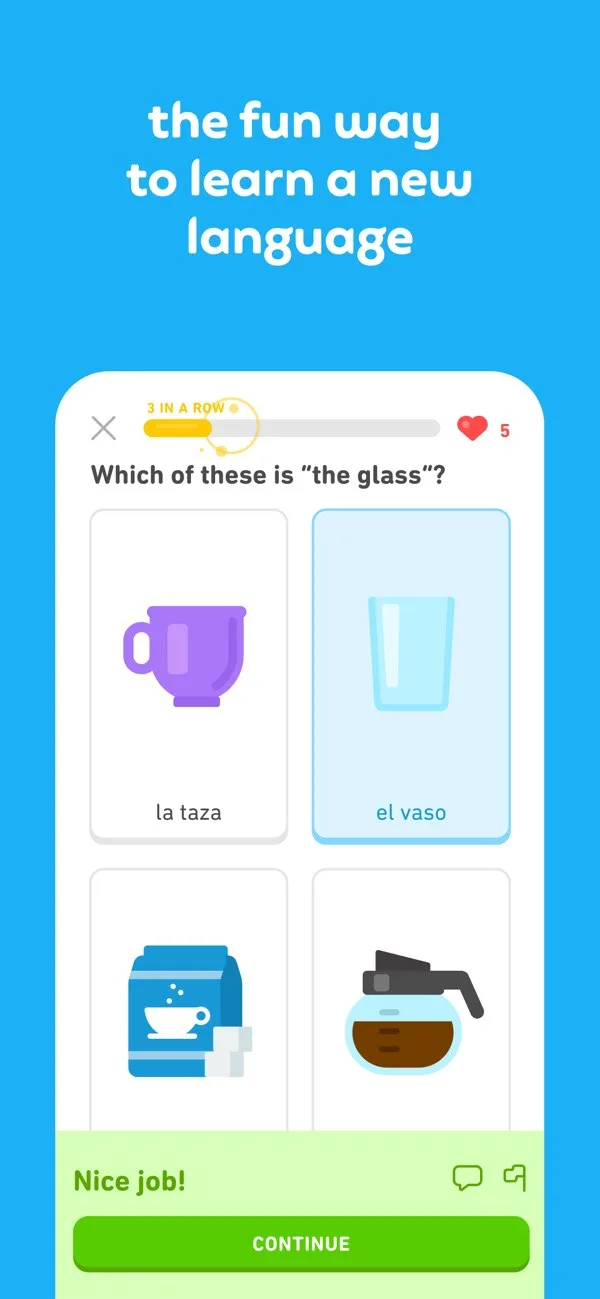
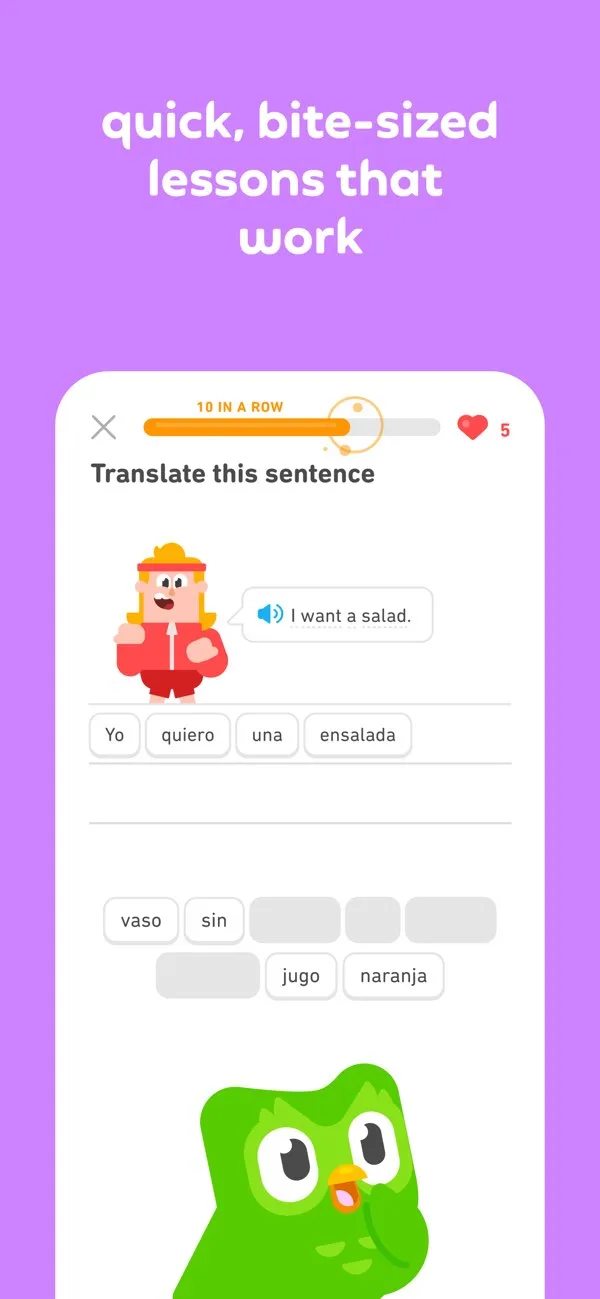
 Play Store
- FloApp Store
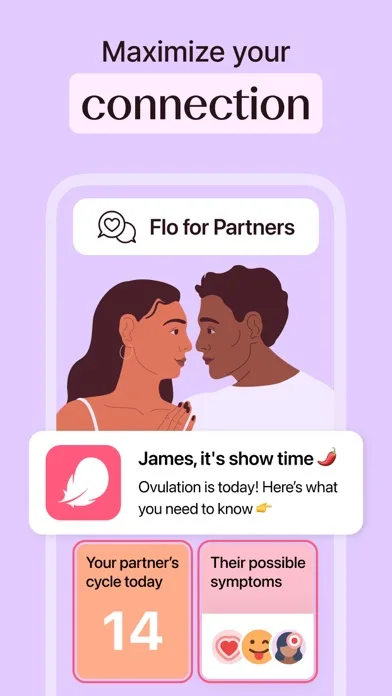
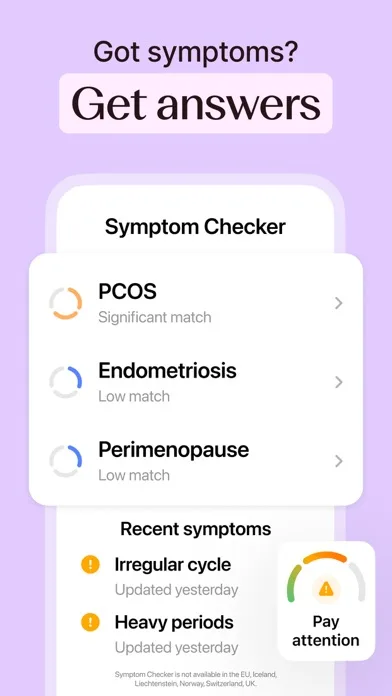
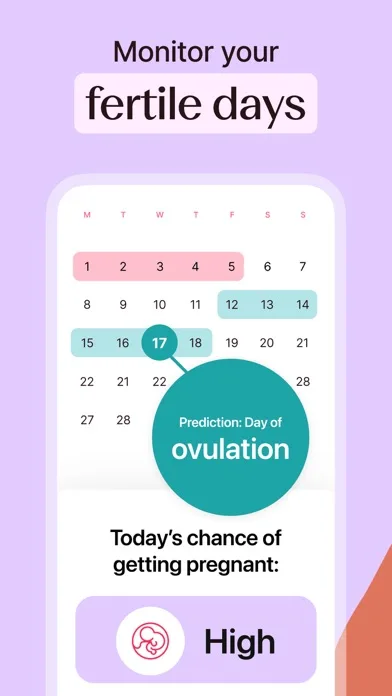 Play Store
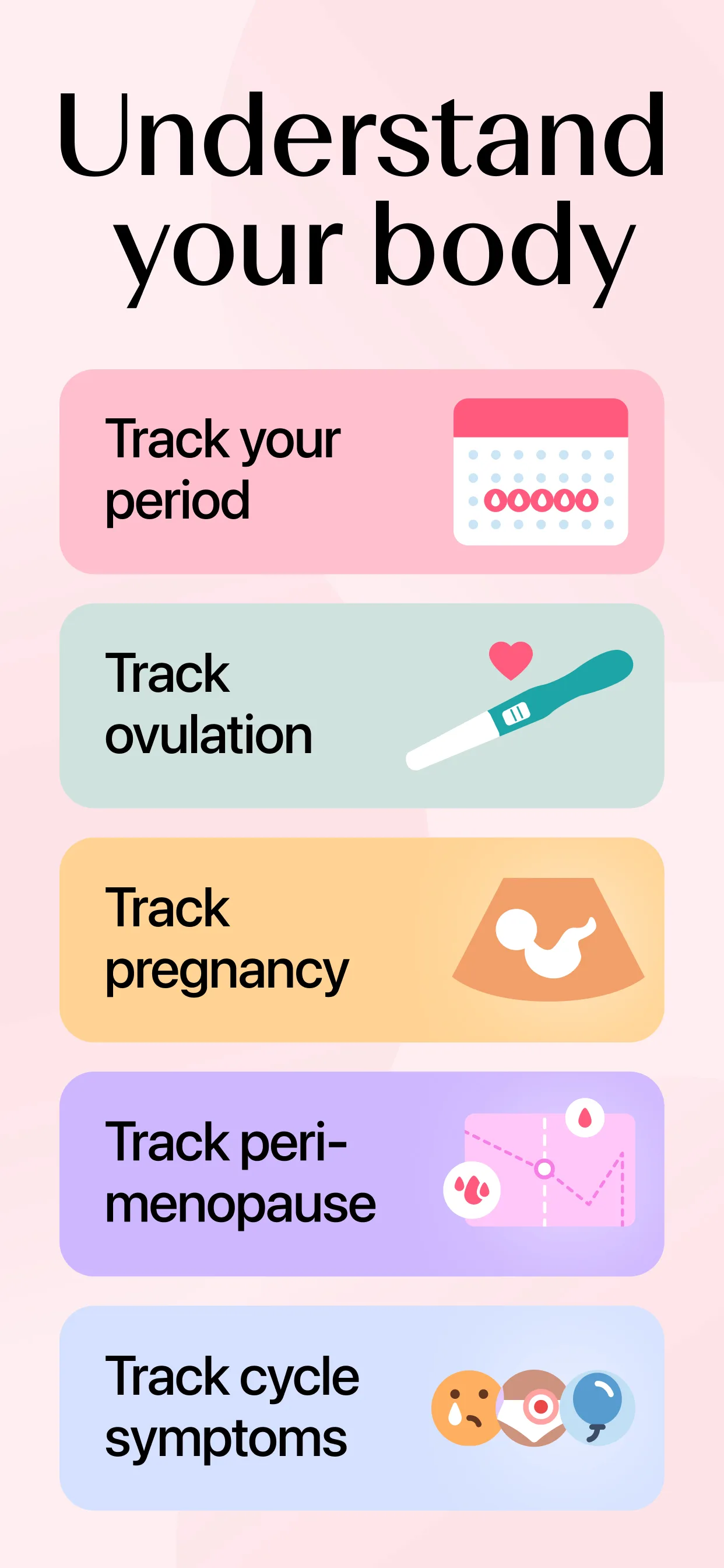
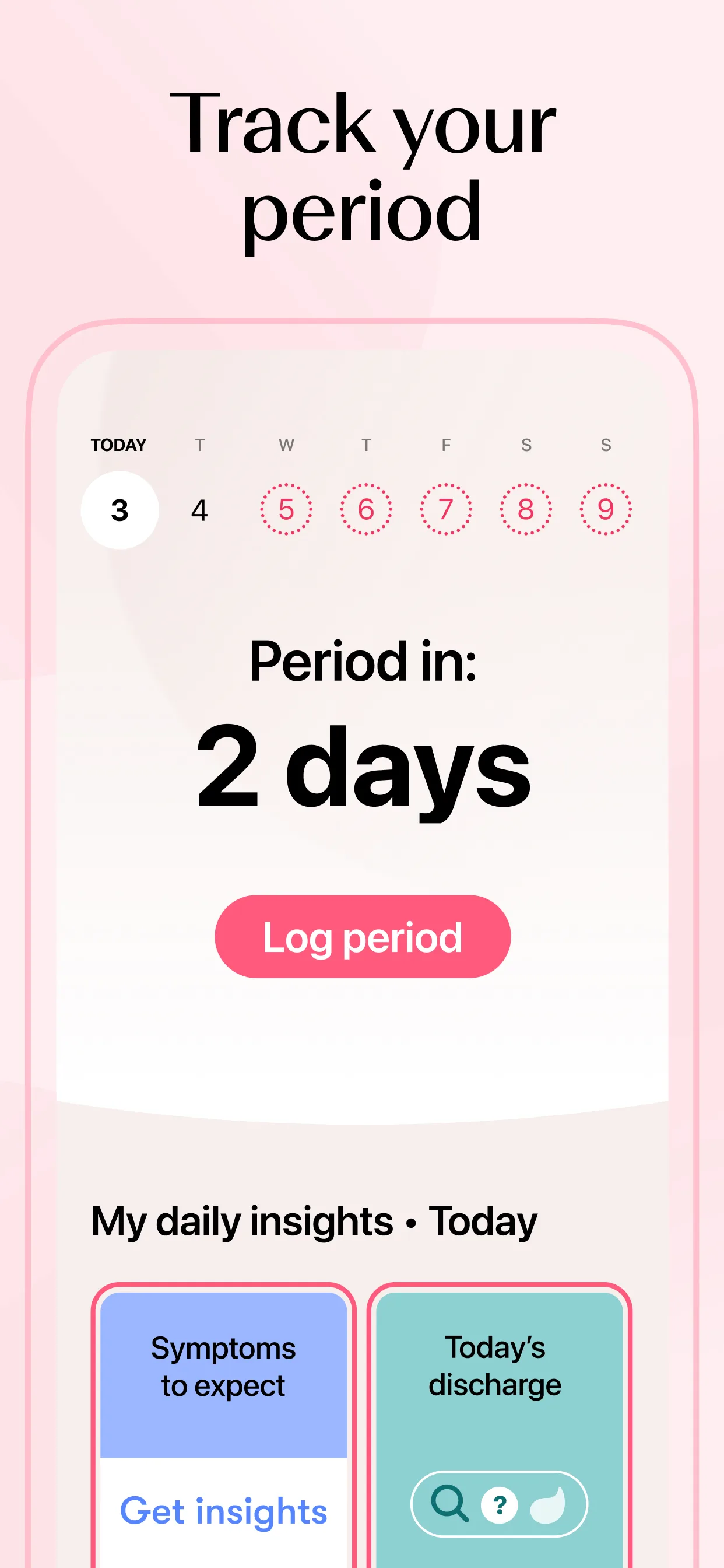
- TinderApp Store

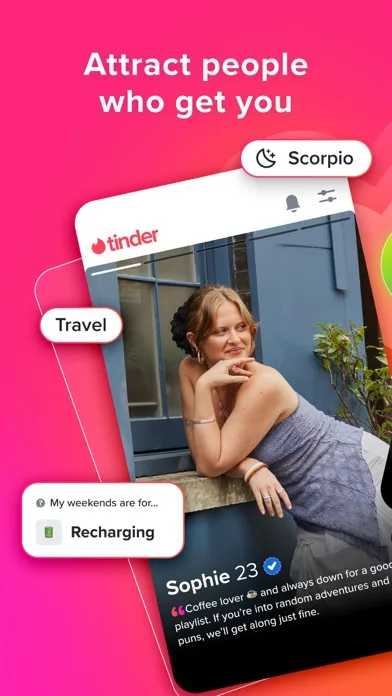
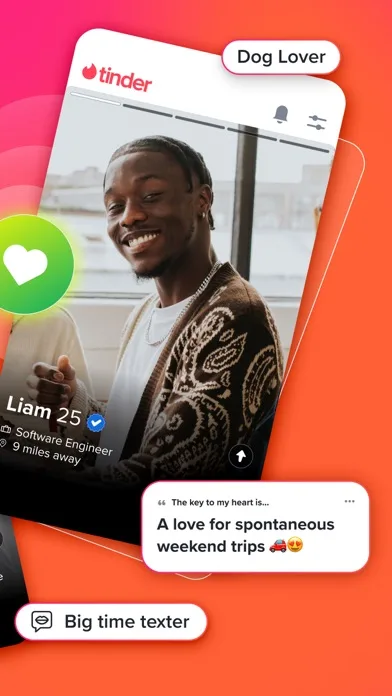
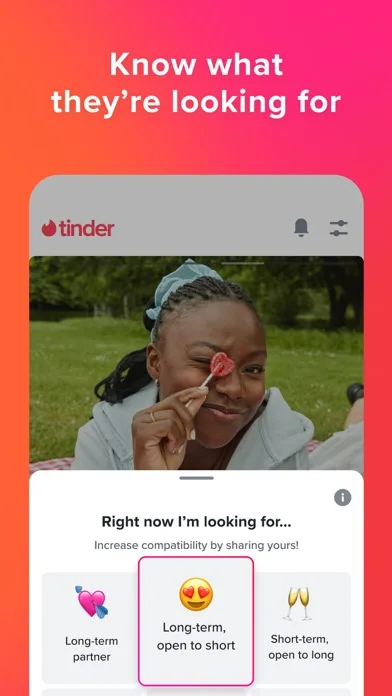 Play Store

- BumbleApp Store

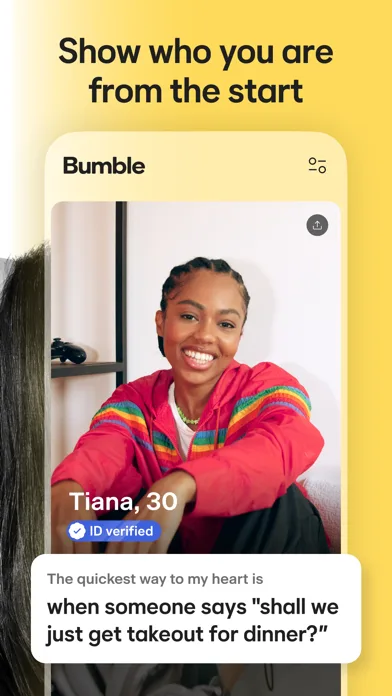
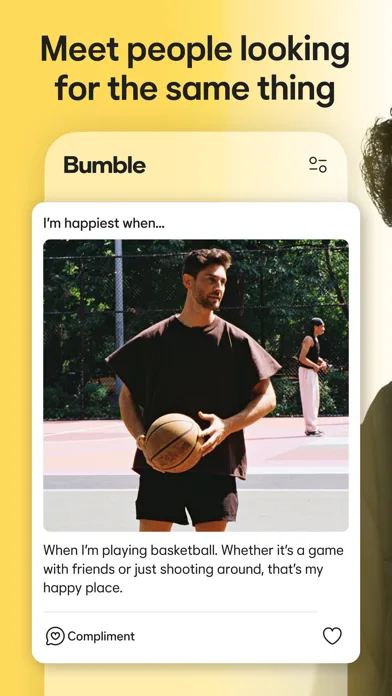
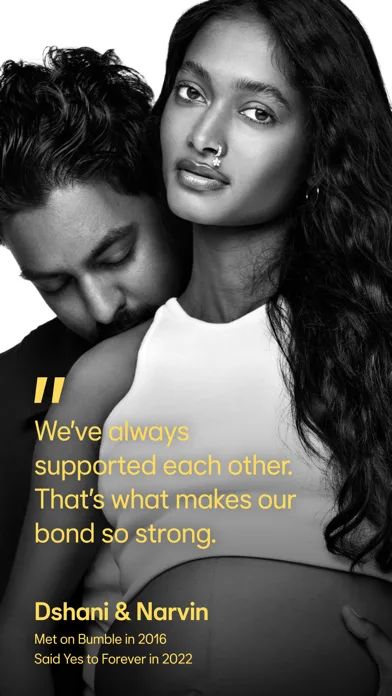 Play Store

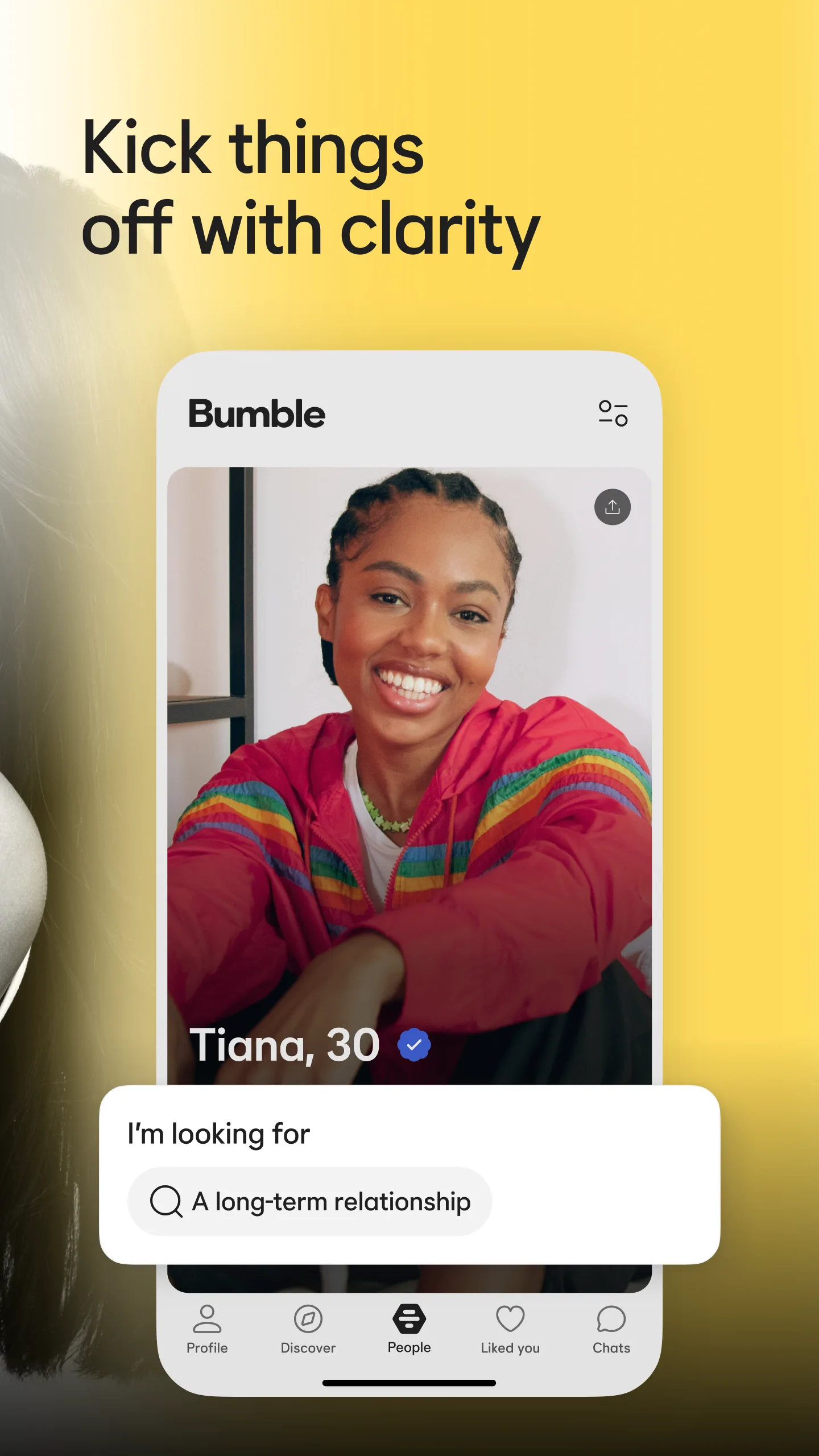
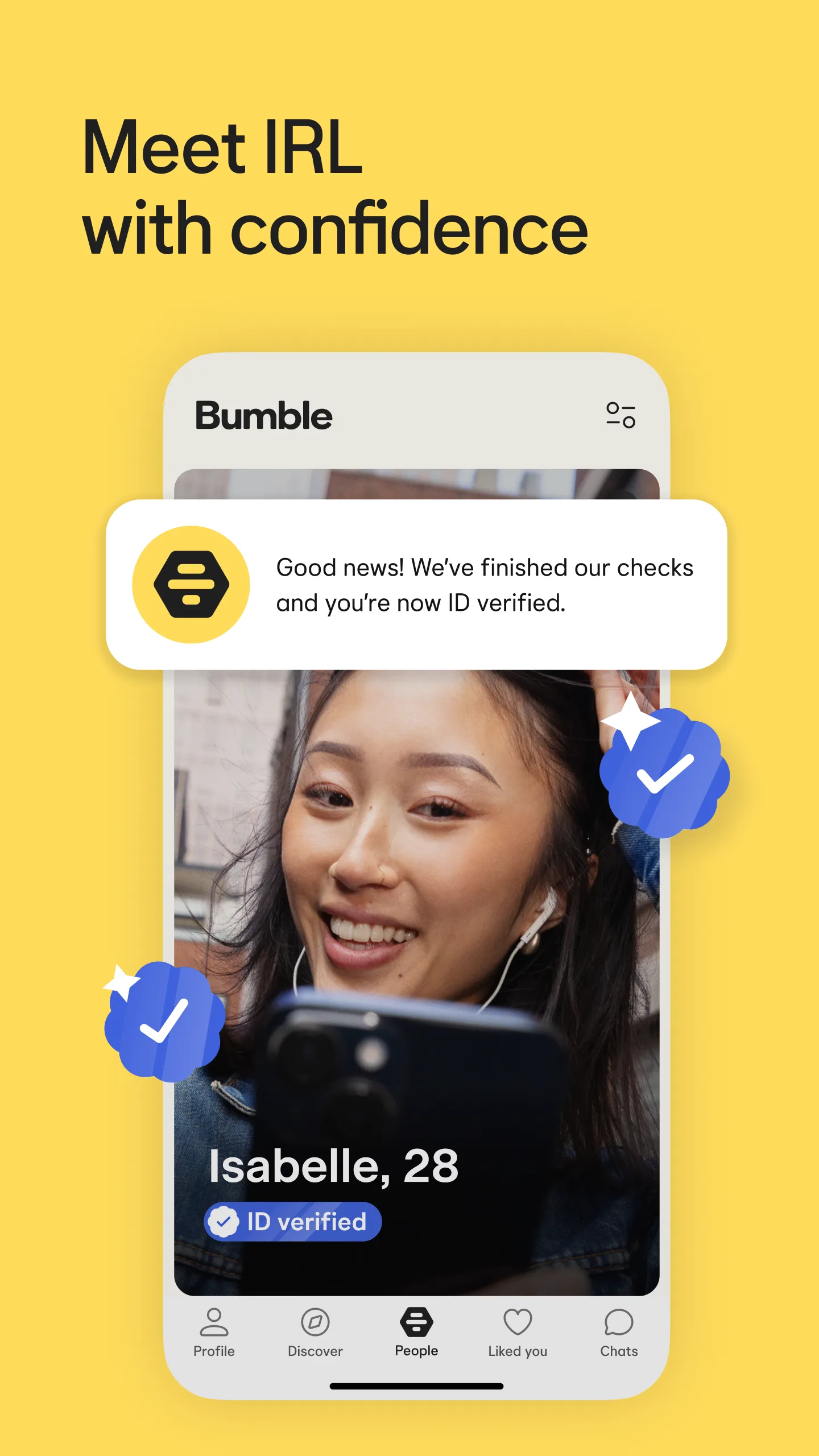
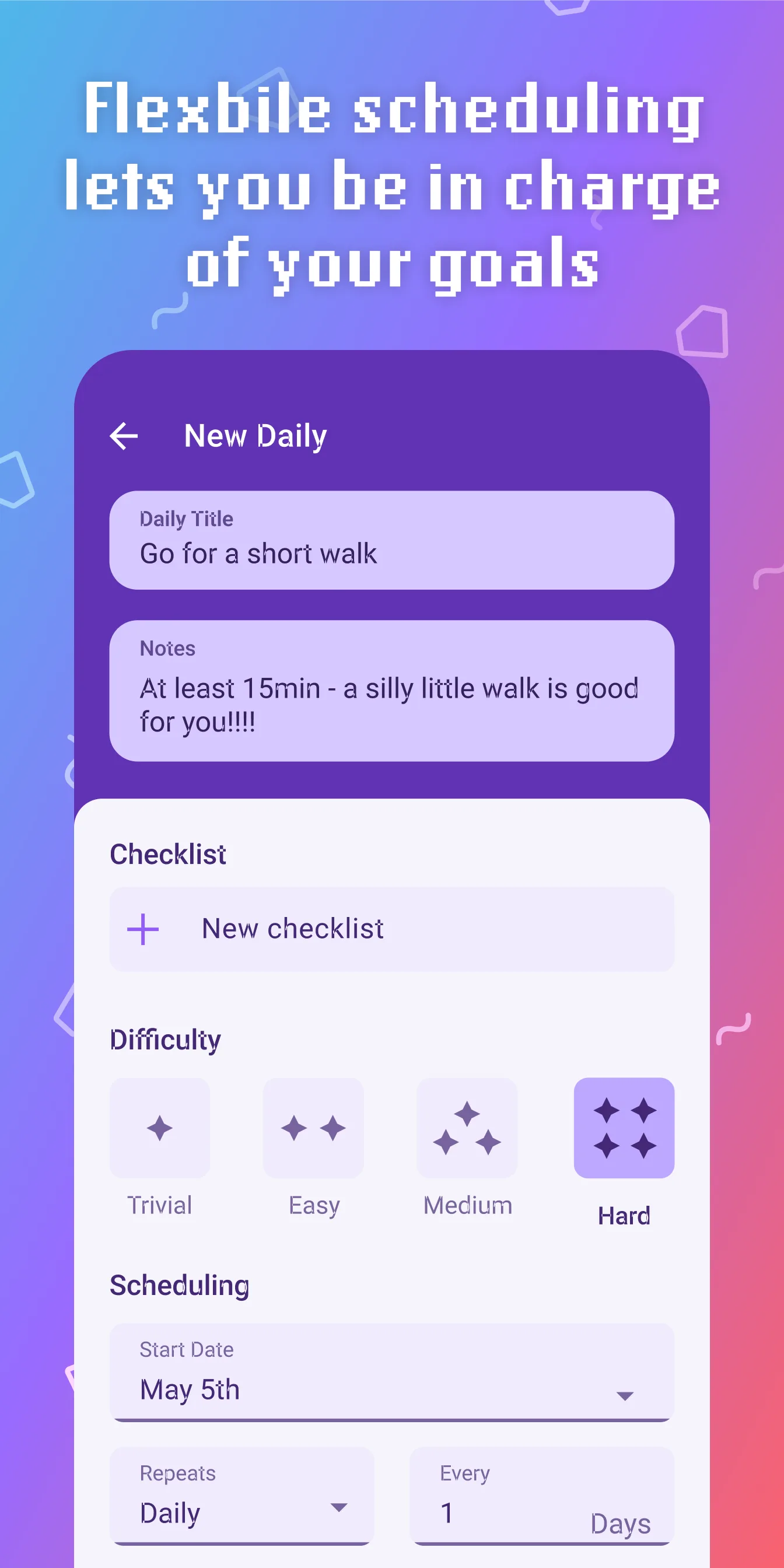
- HabiticaApp Store
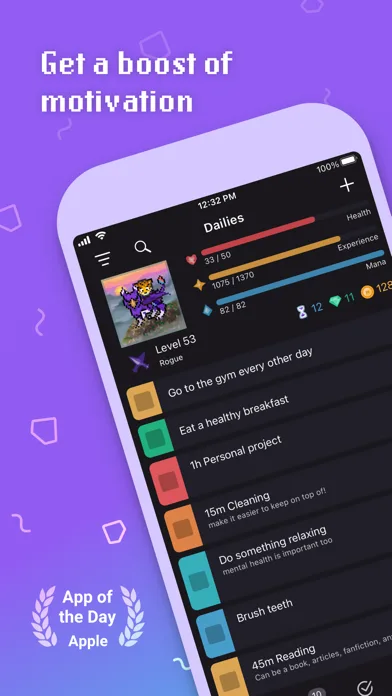
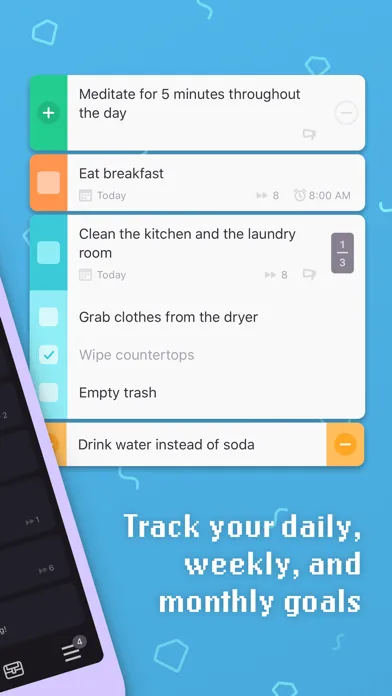
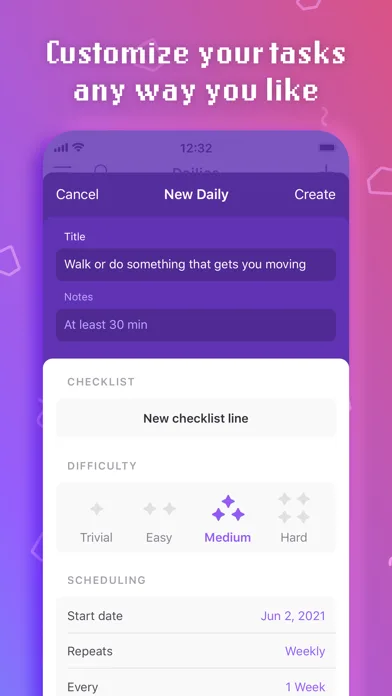
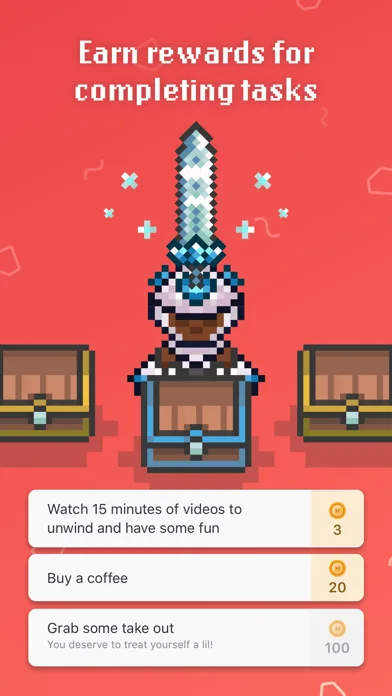 Play Store
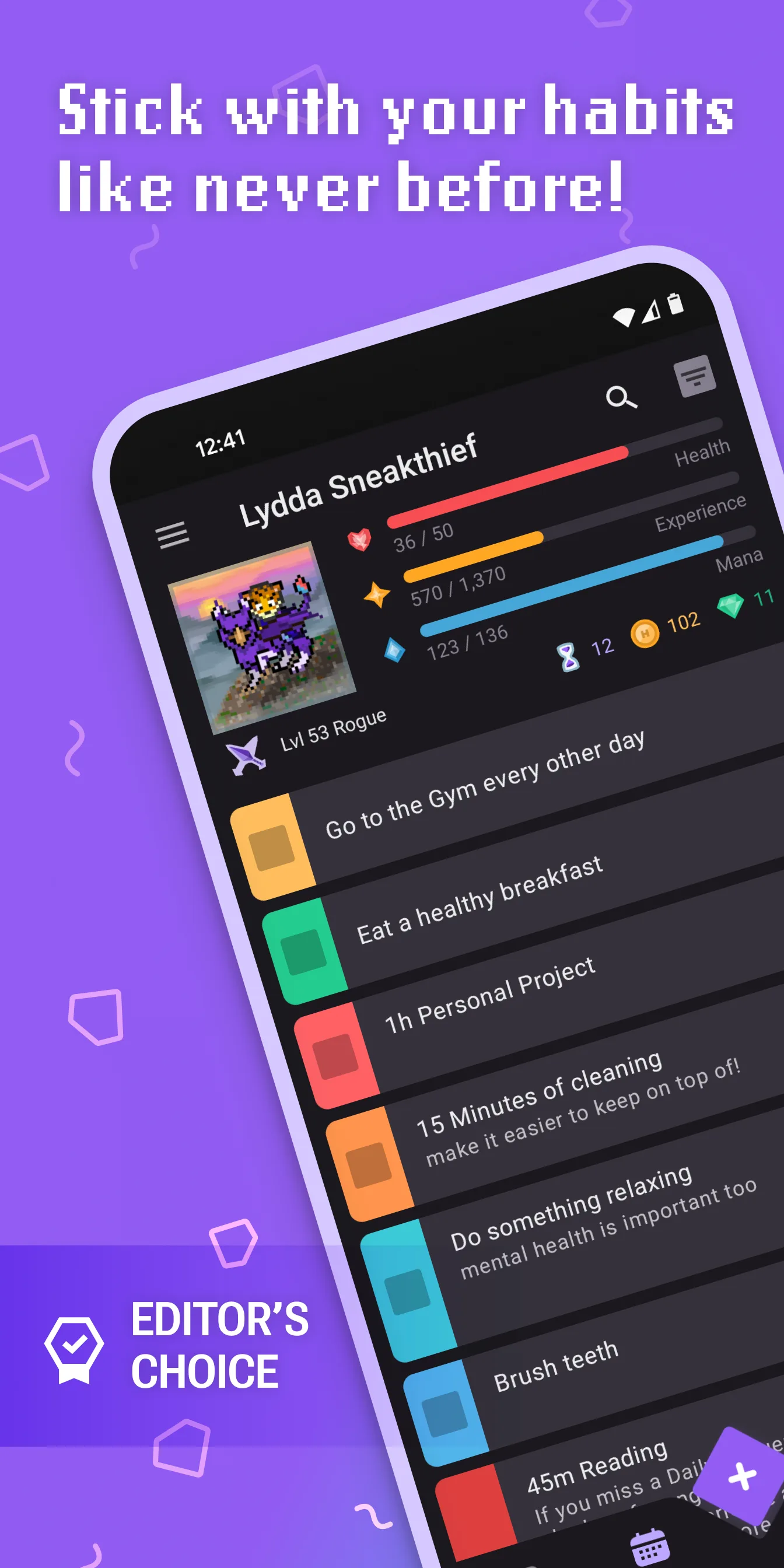
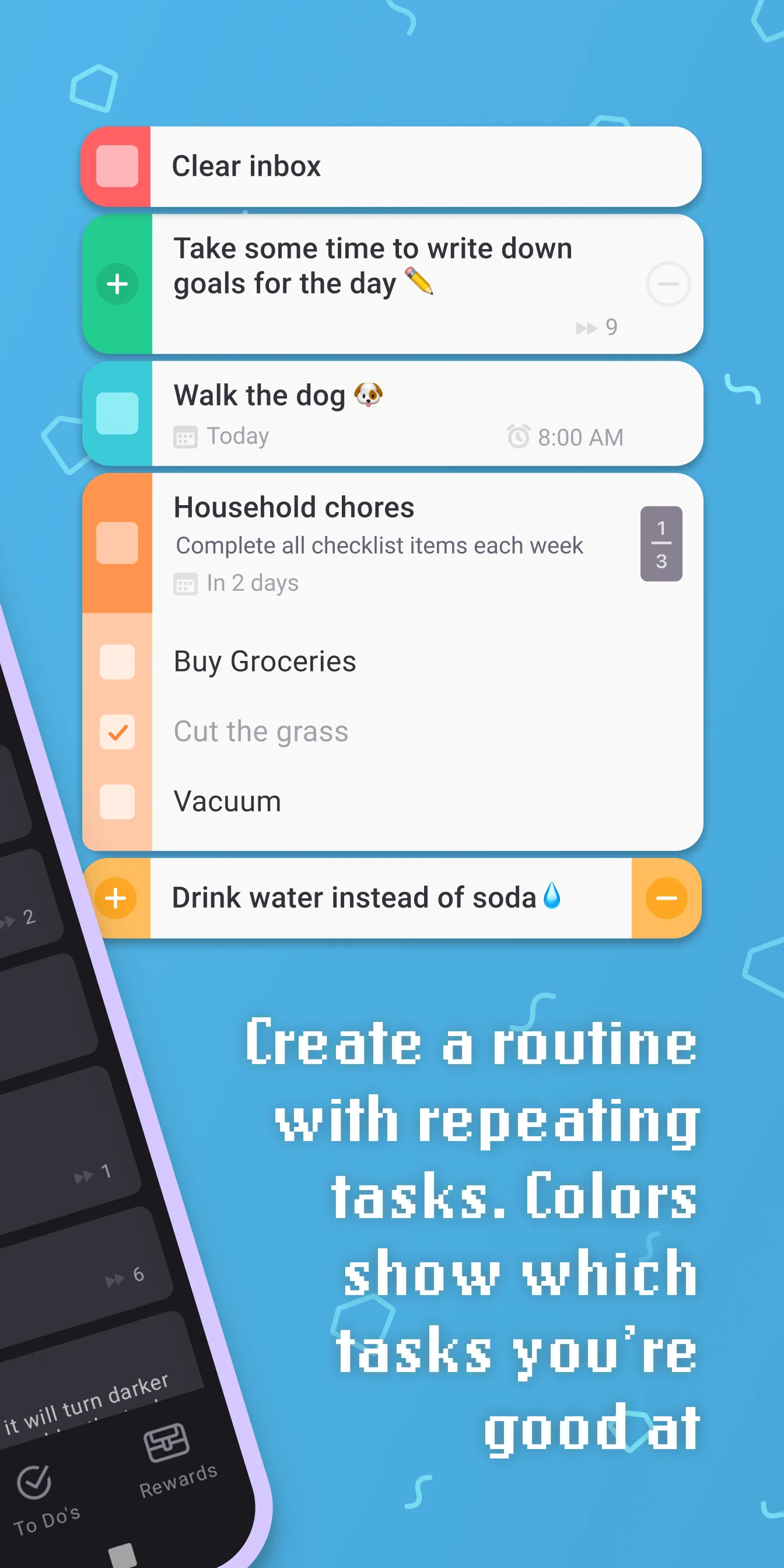
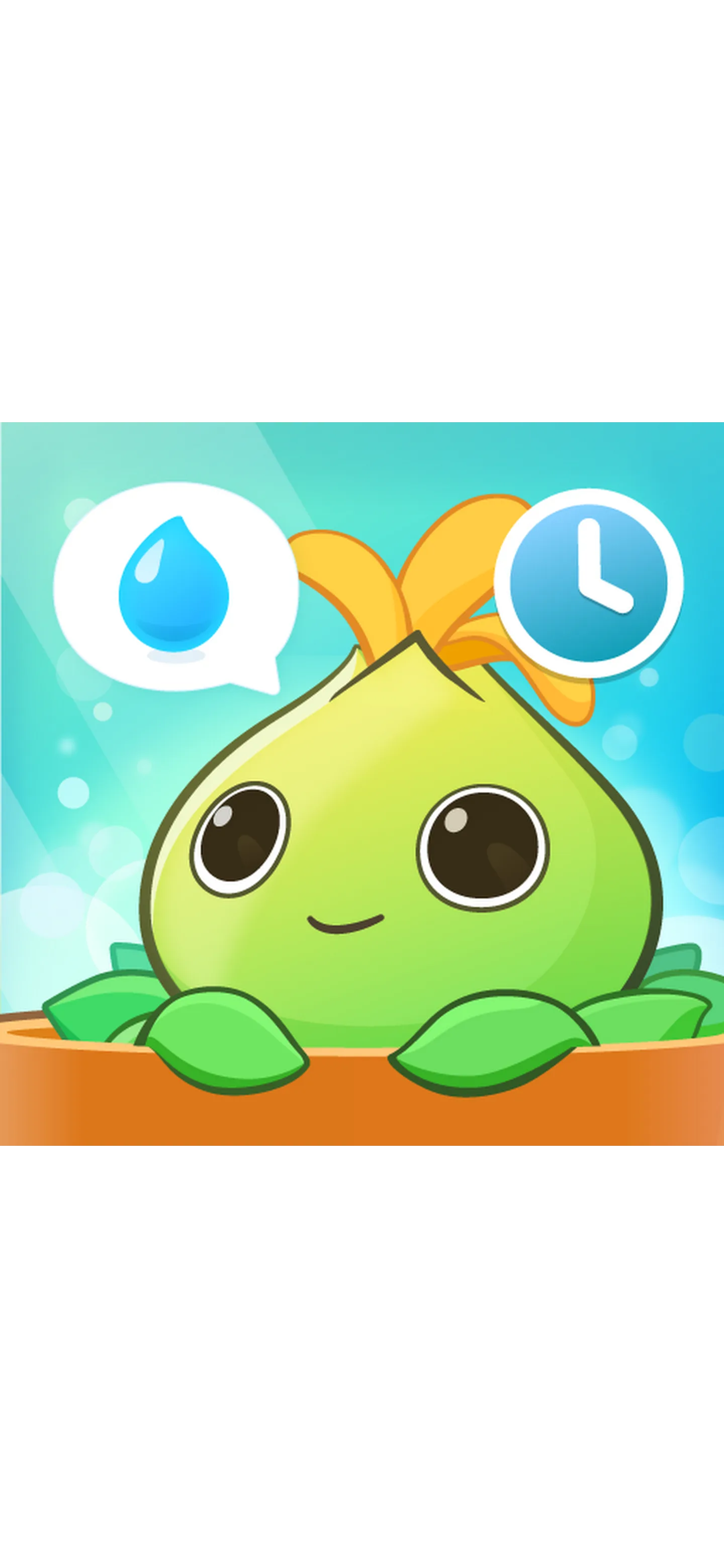
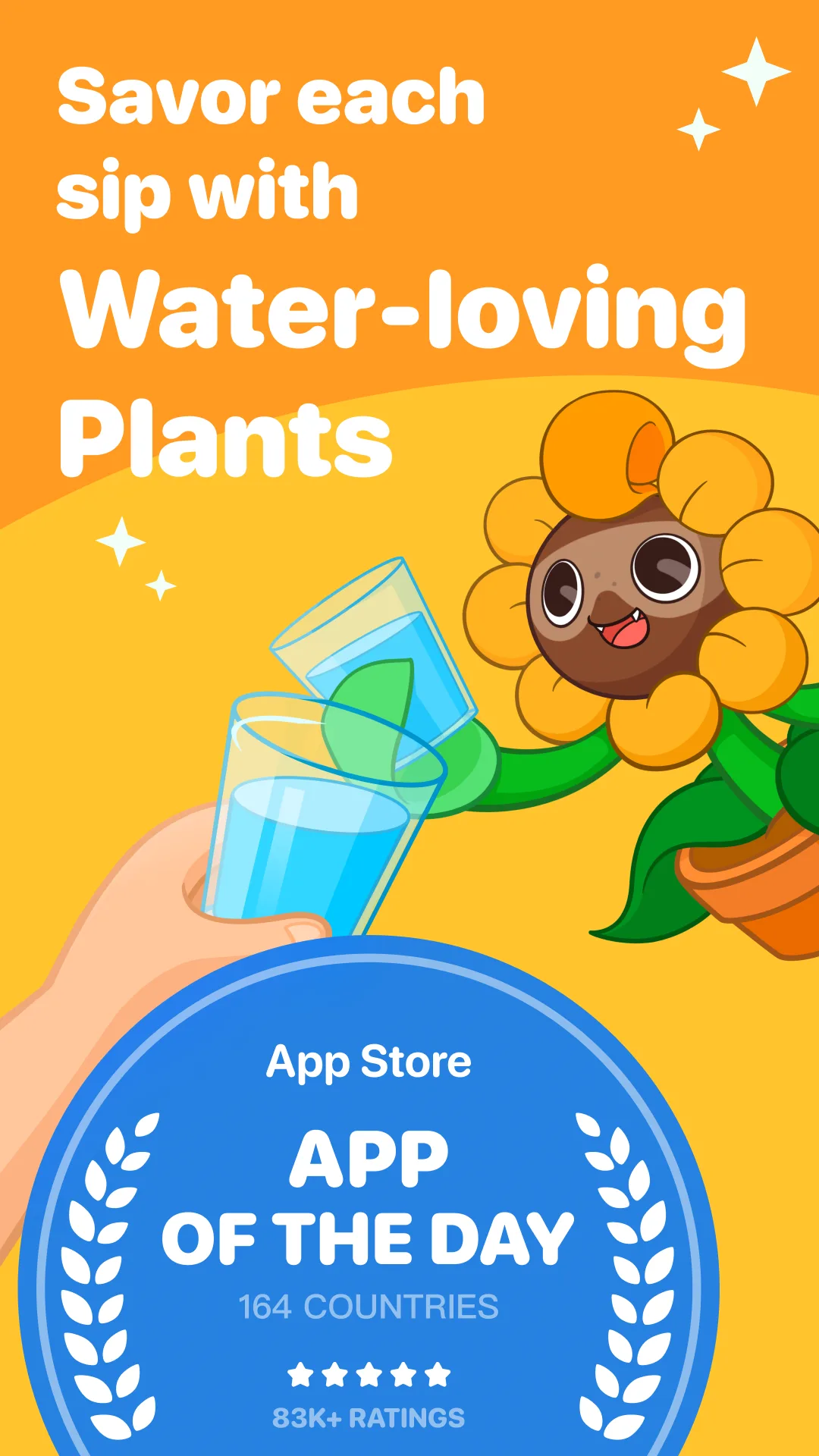
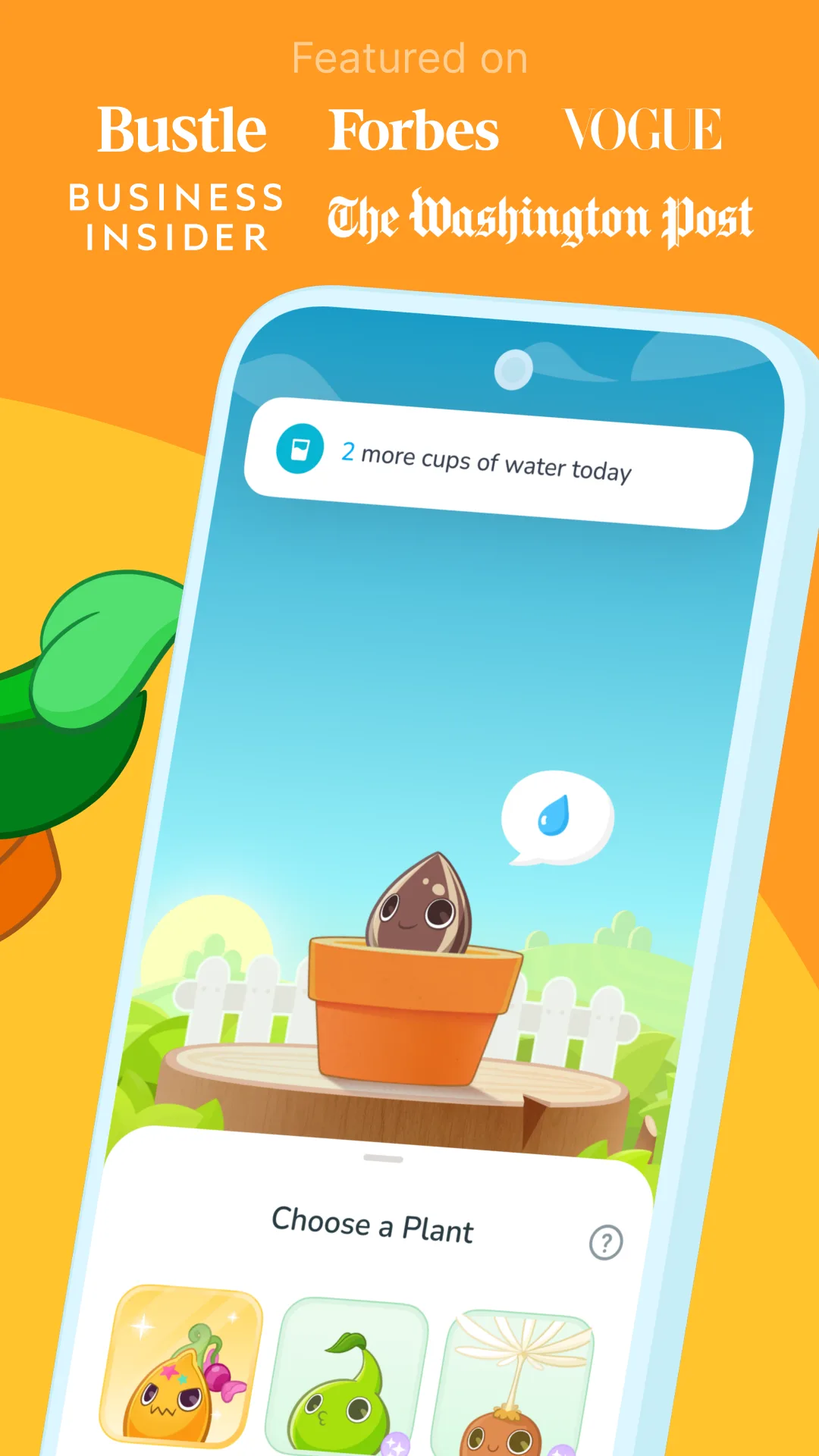
- Plant NannyApp Store
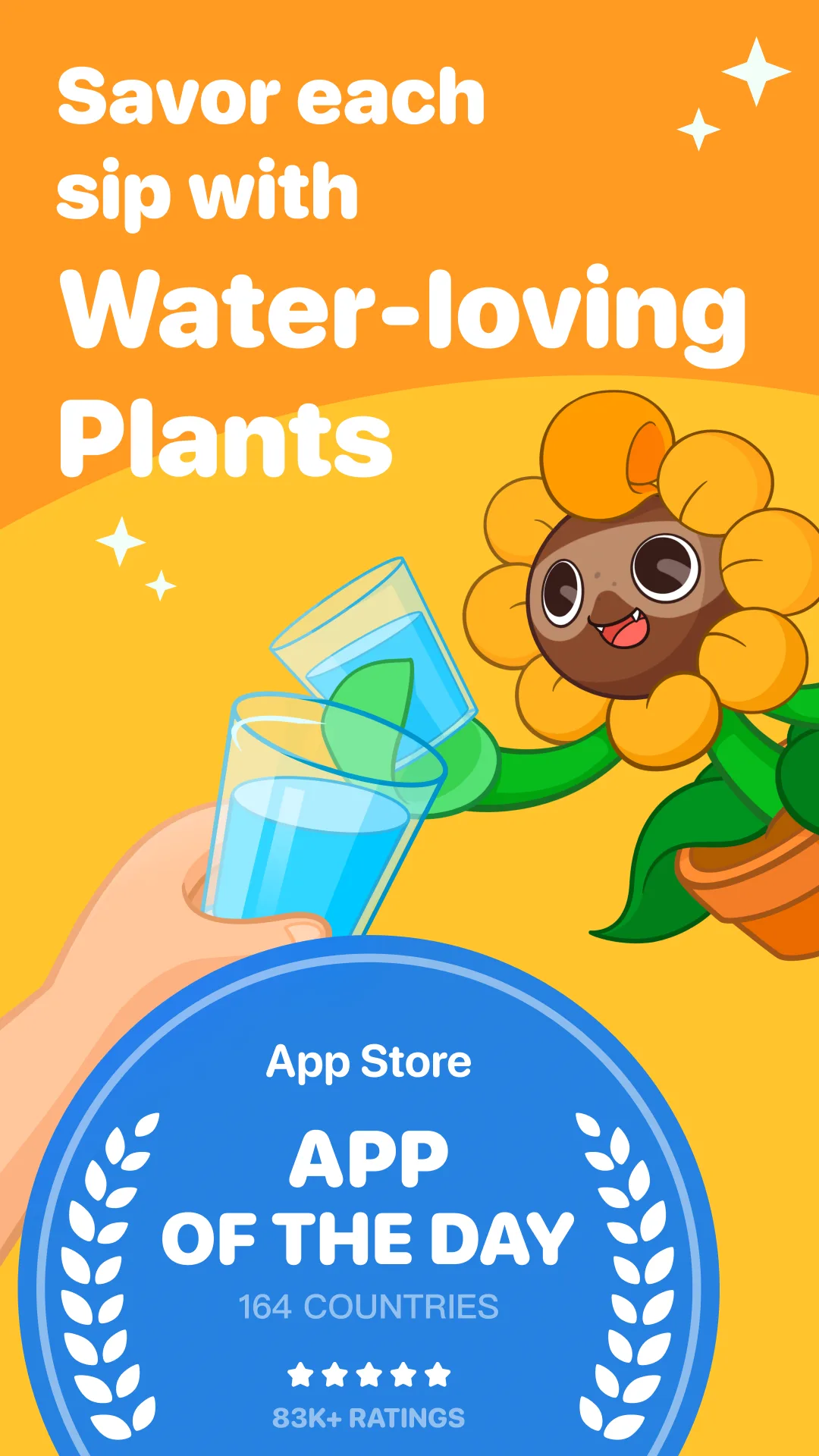
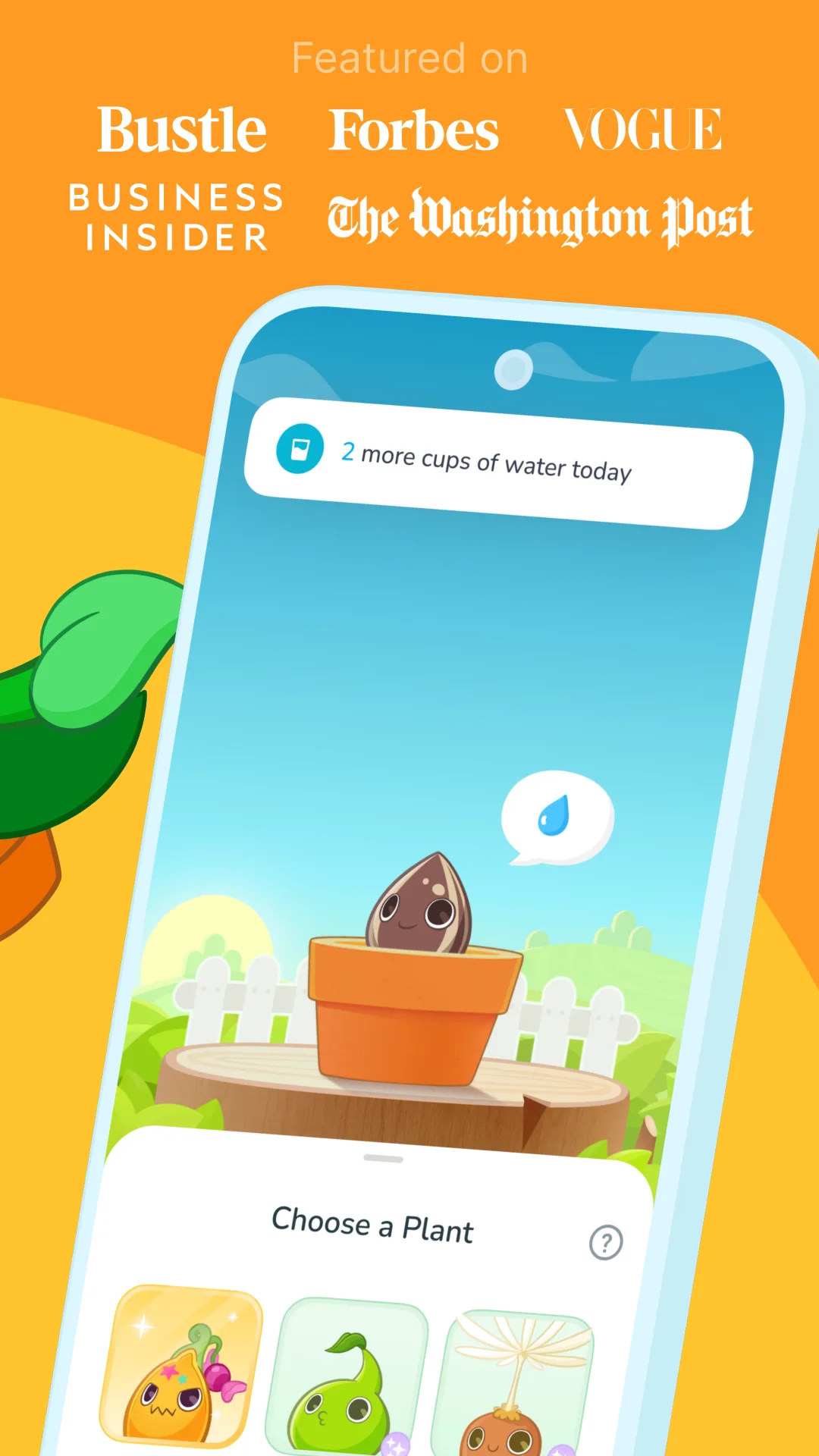
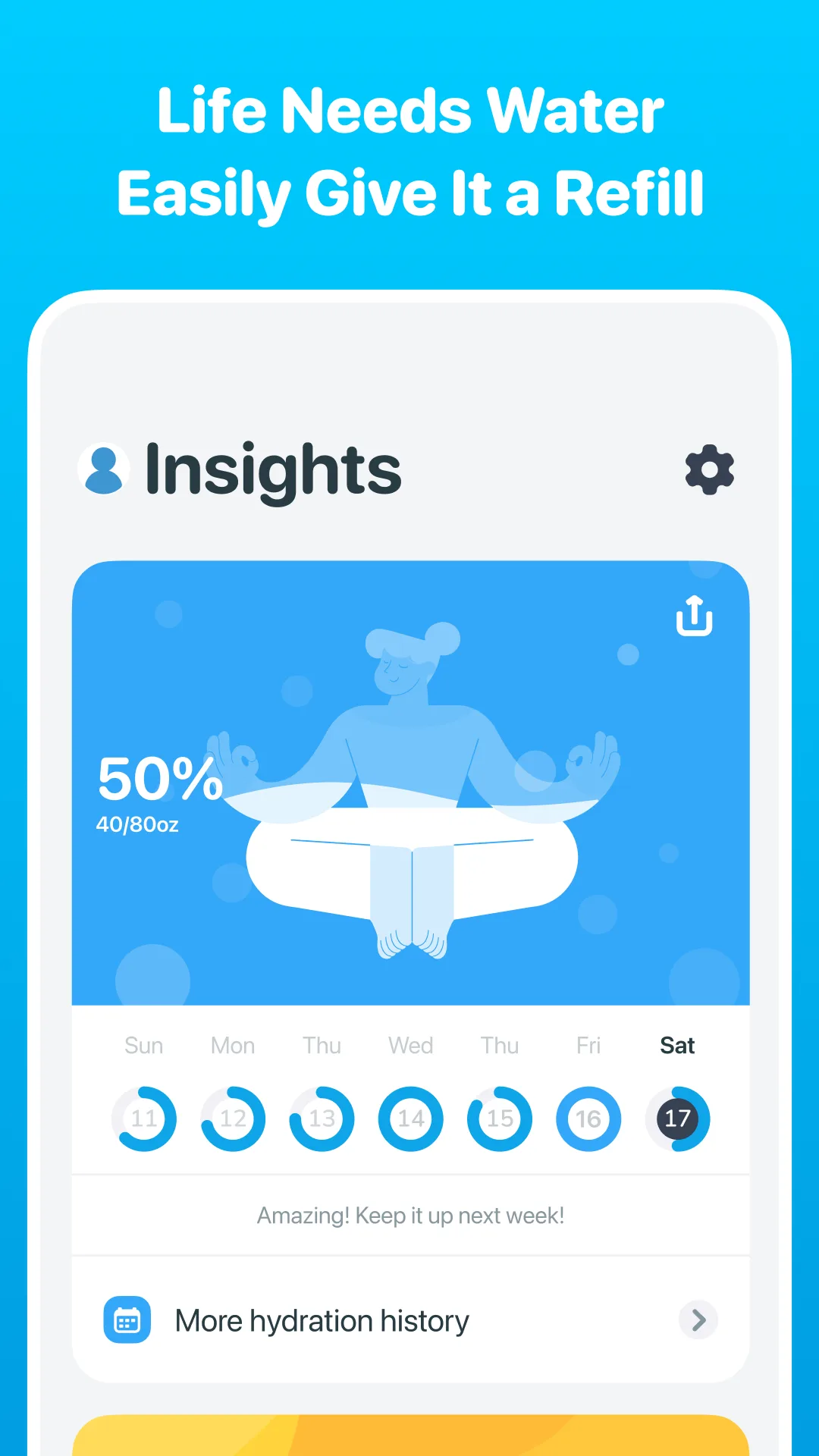 Play Store
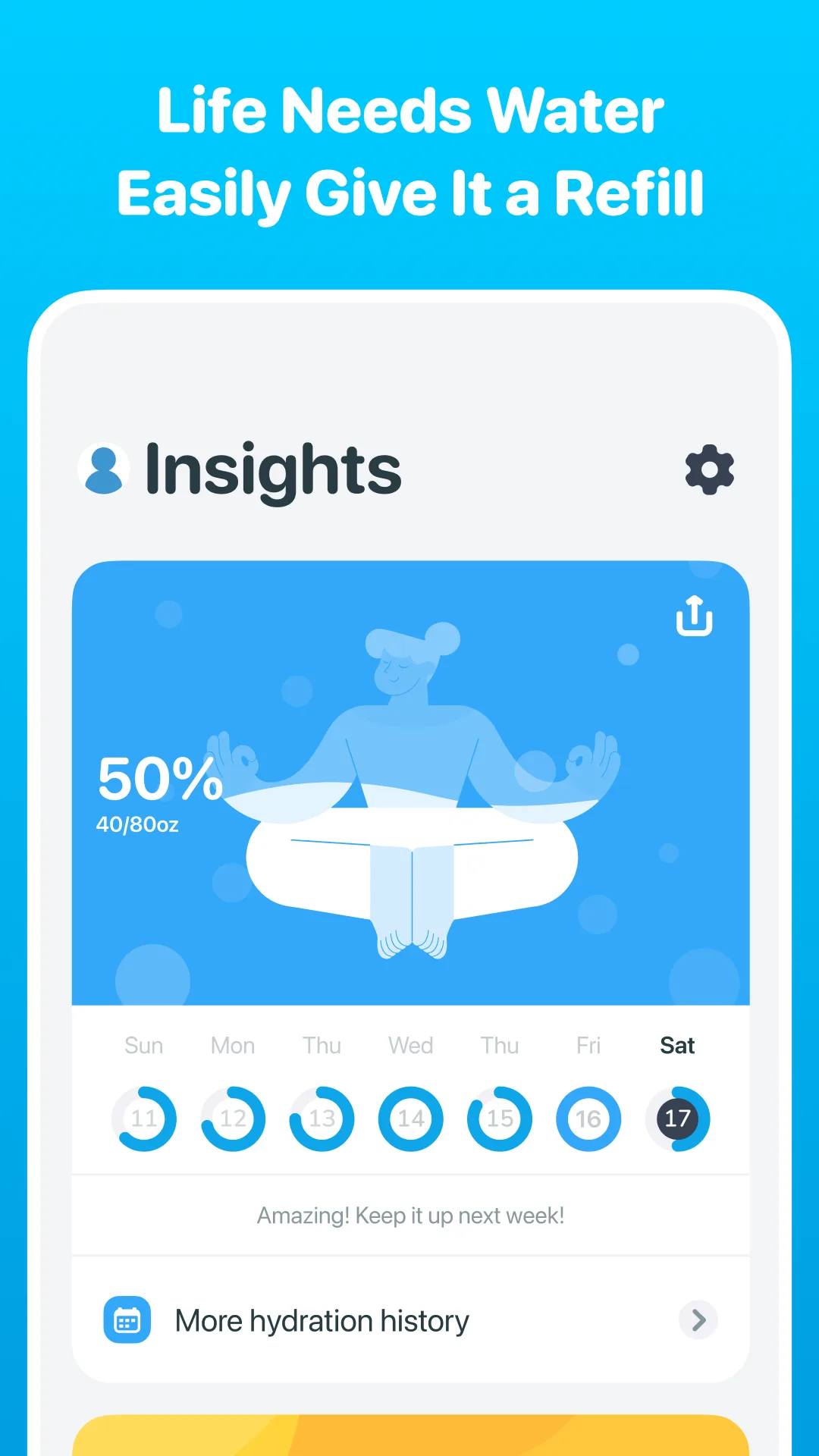
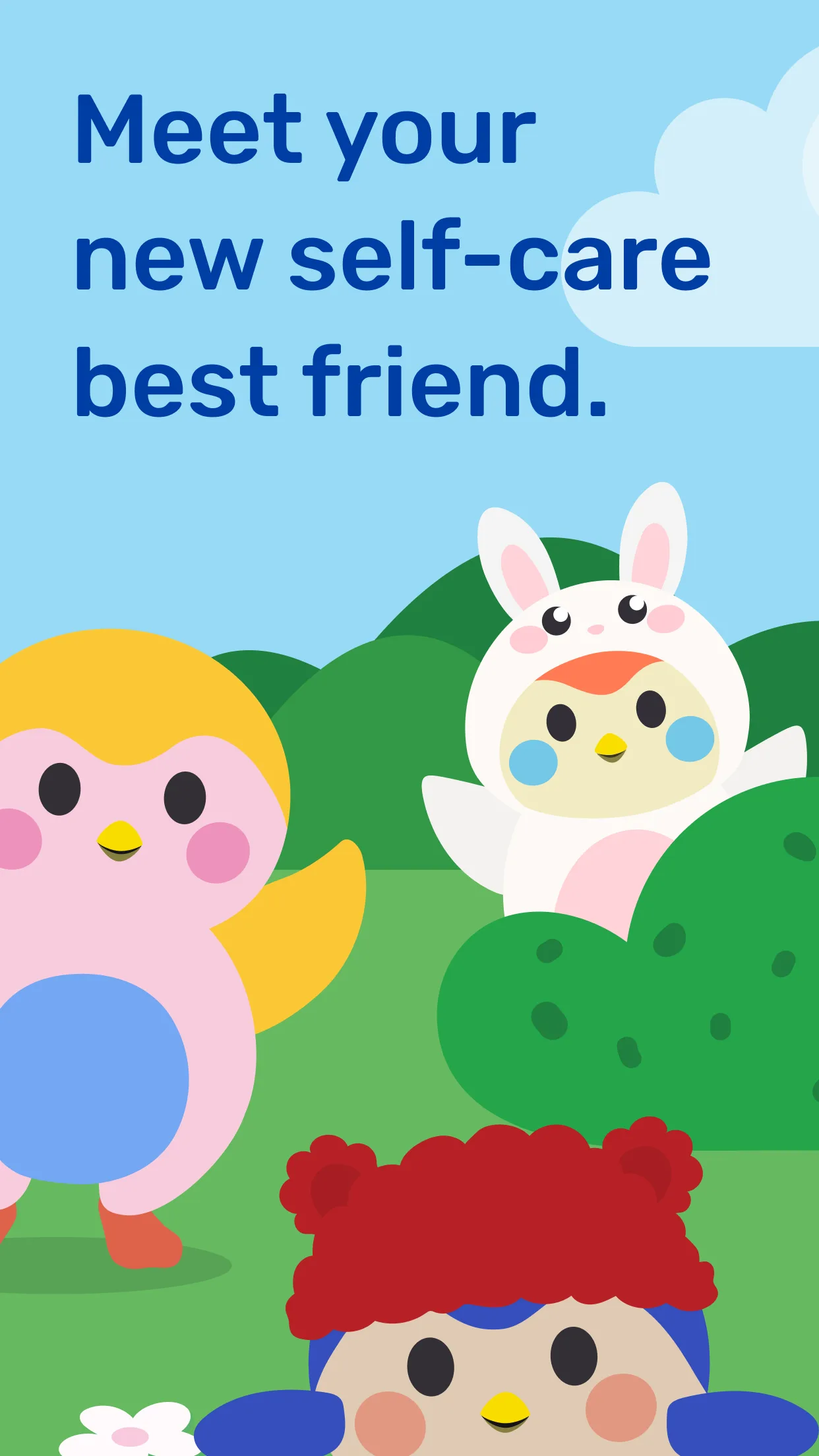
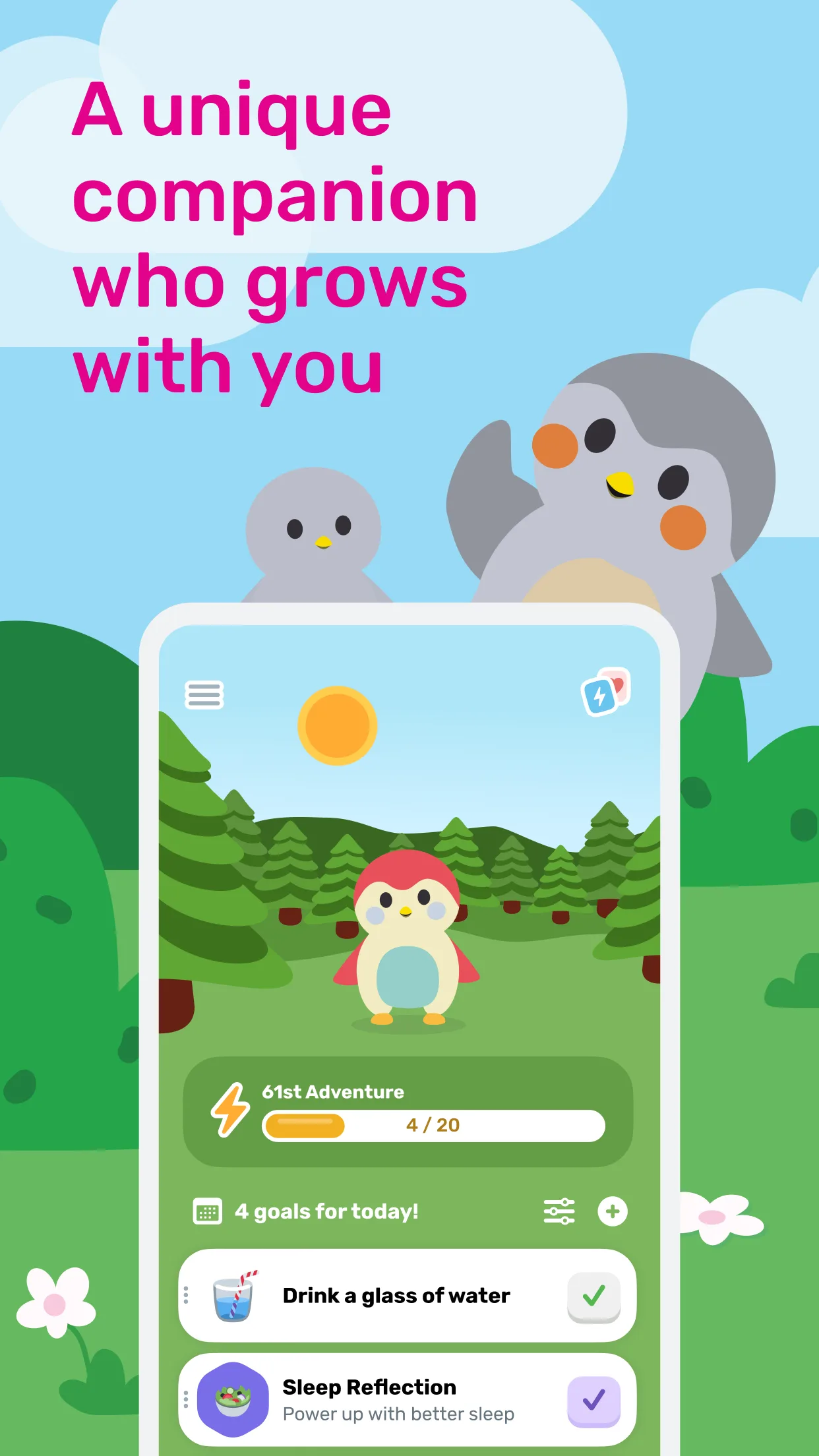
- FinchApp Store
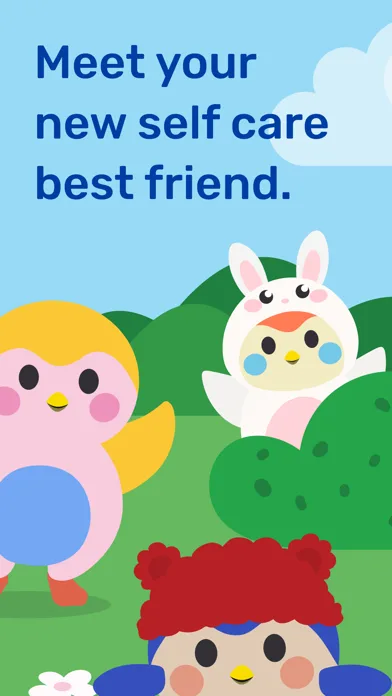
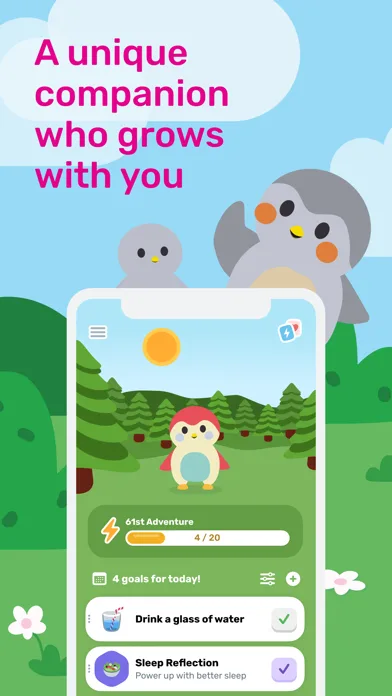
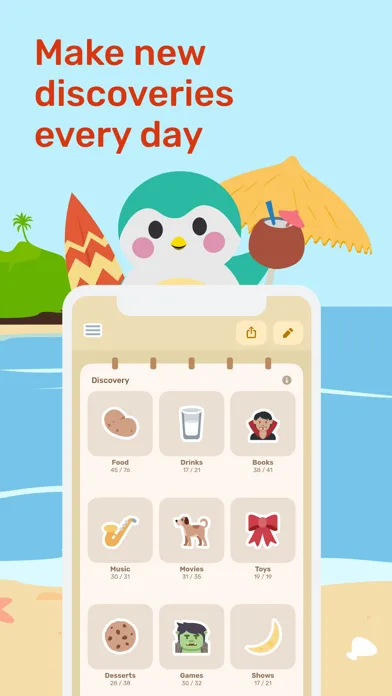
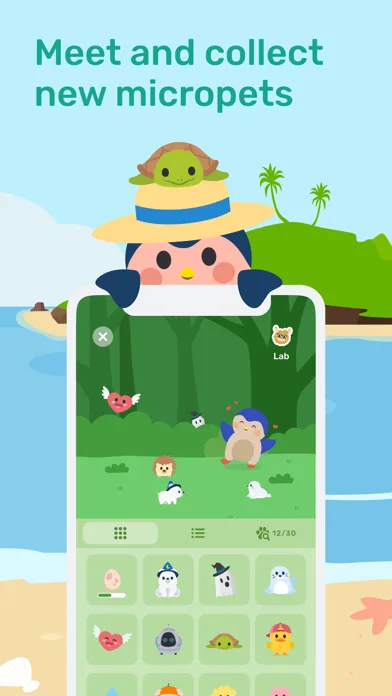 Play Store

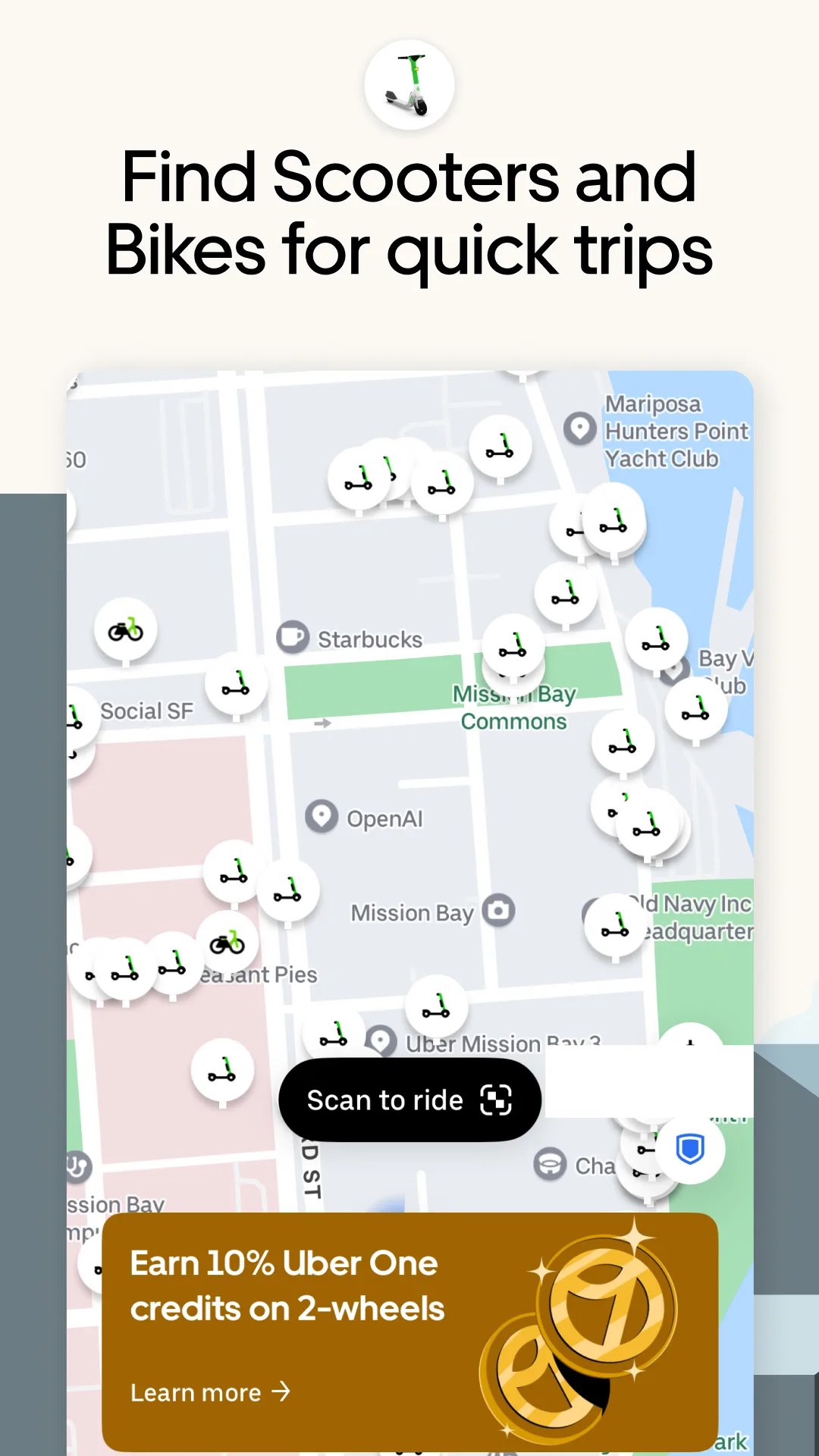
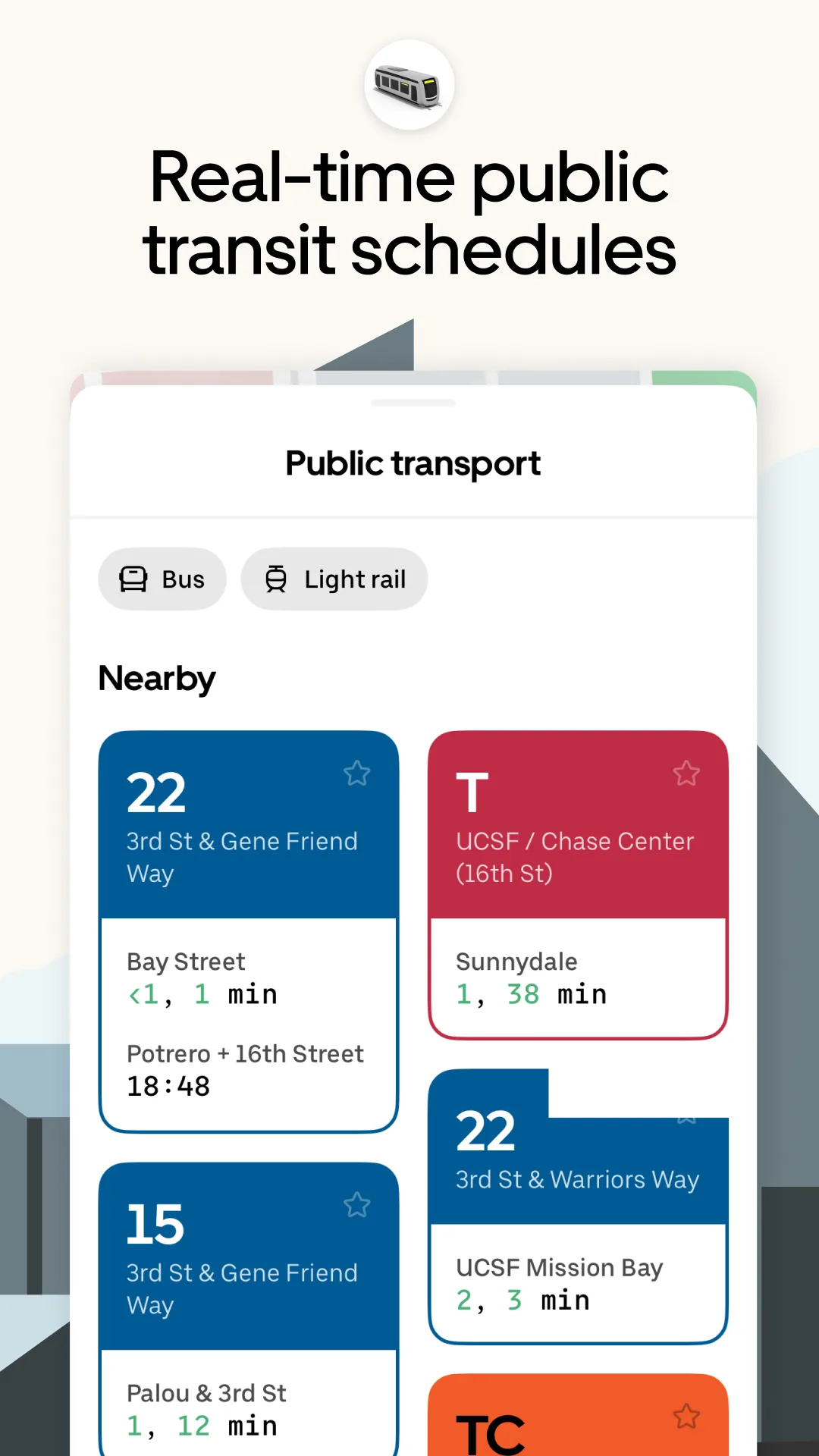
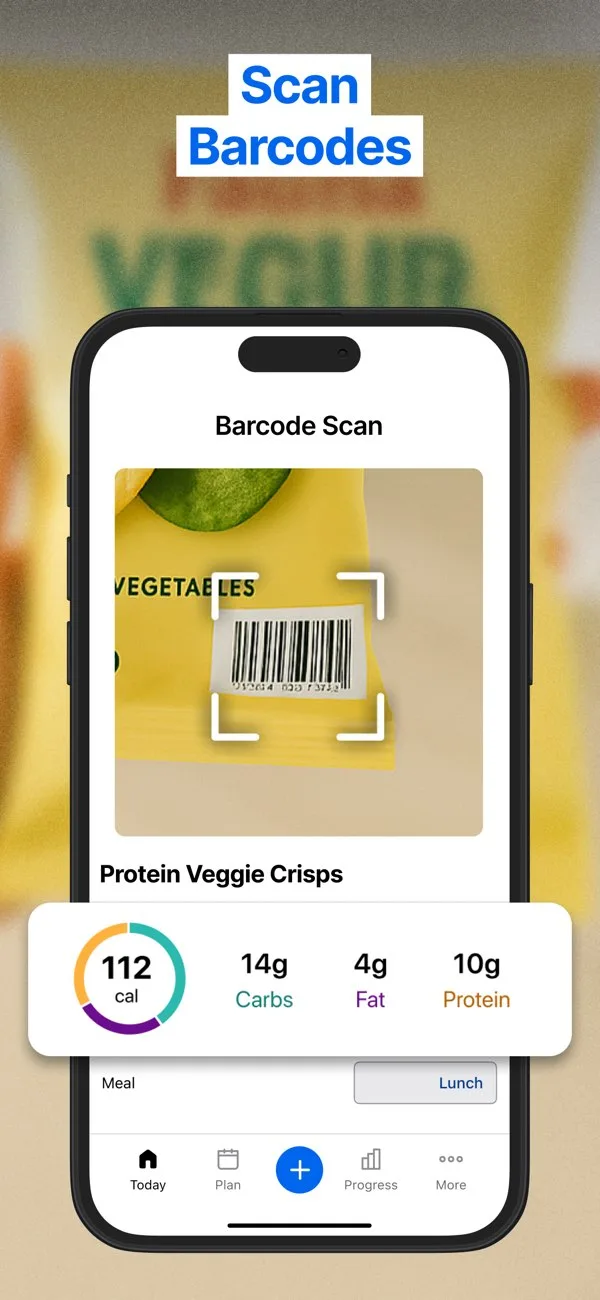
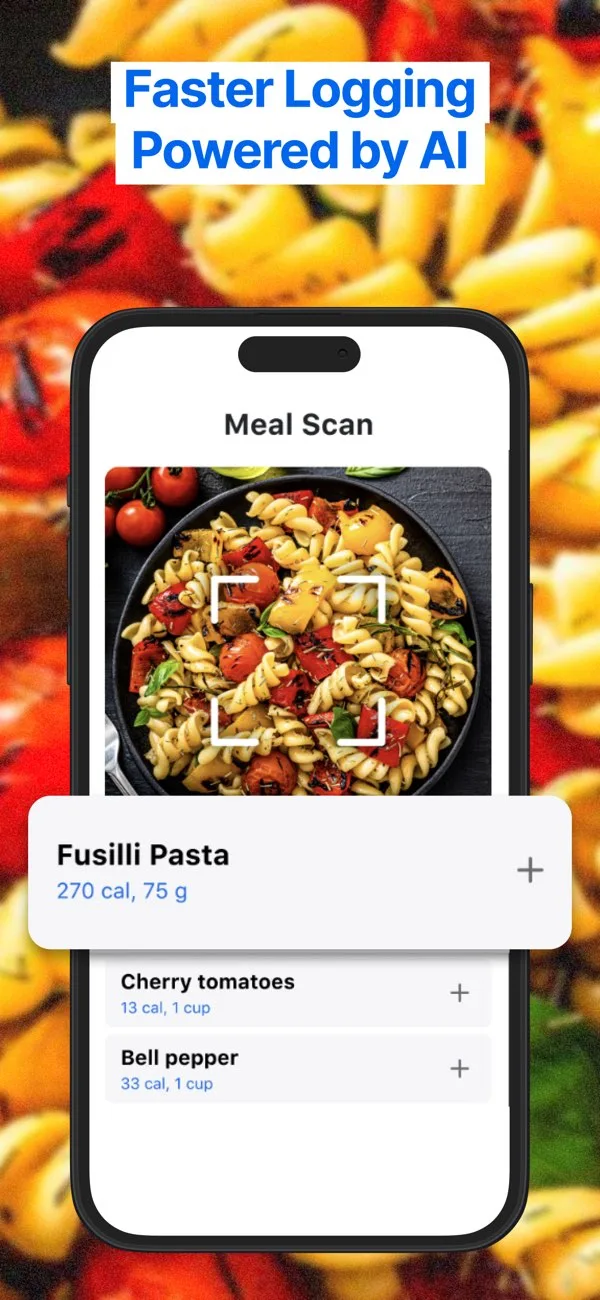
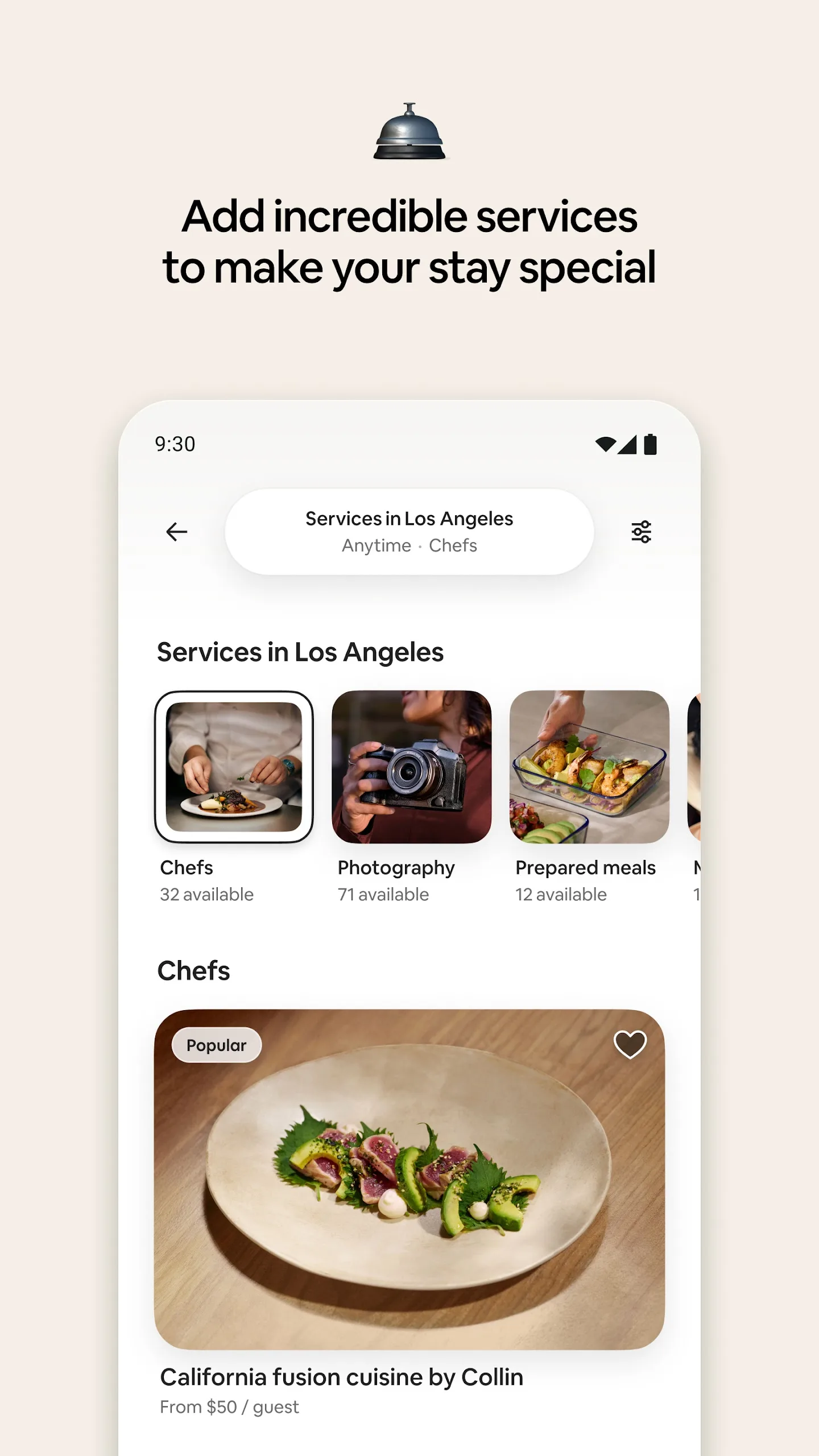
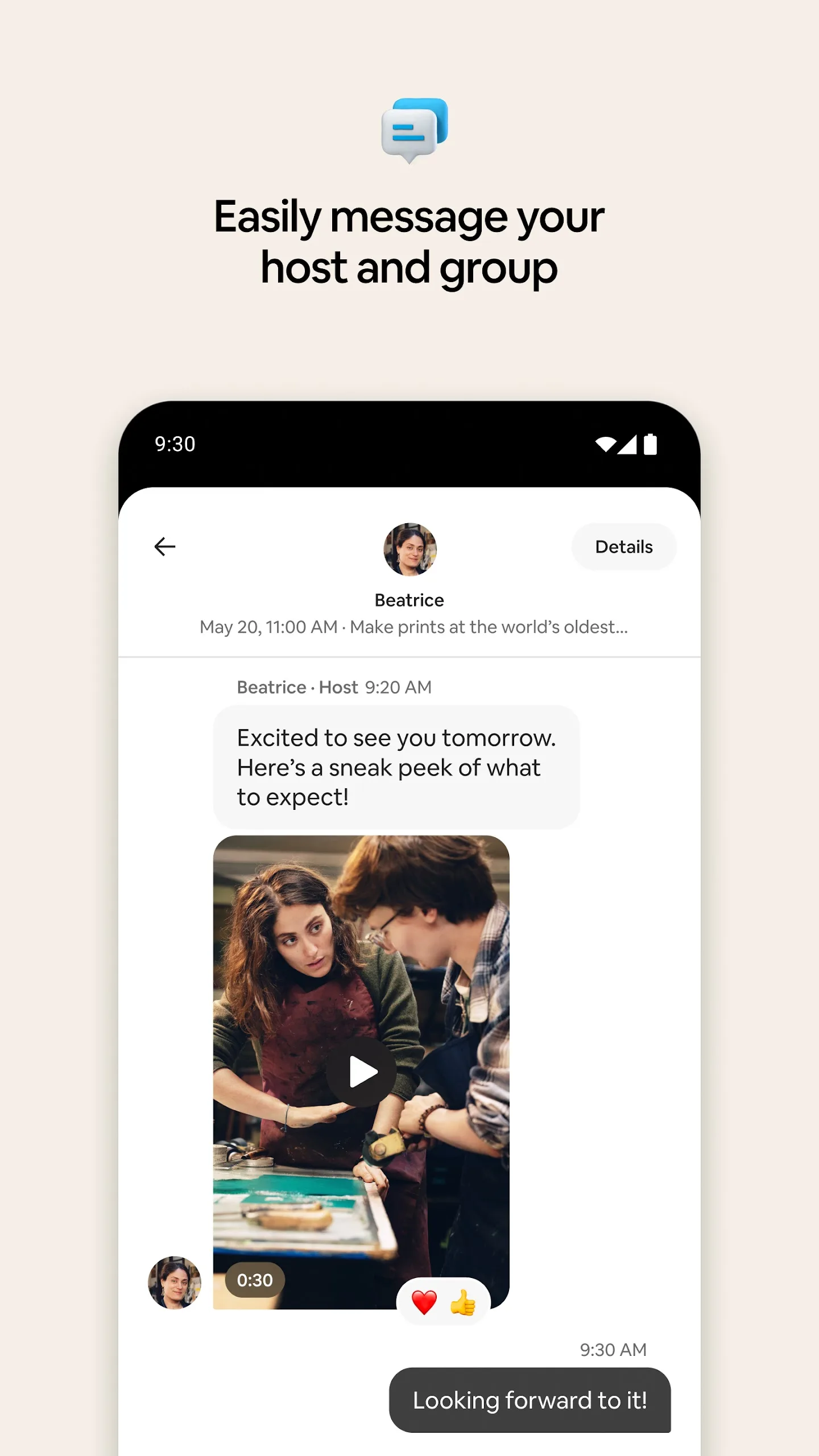
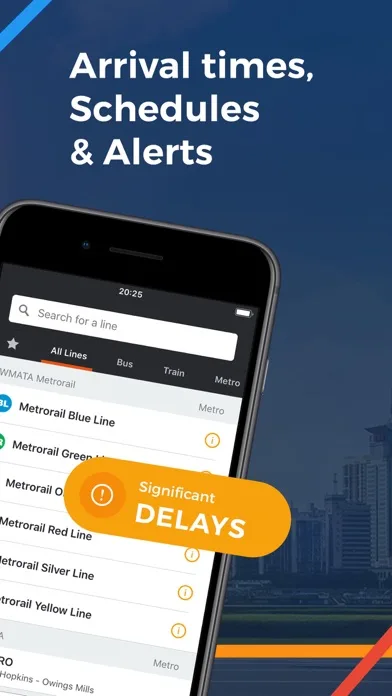
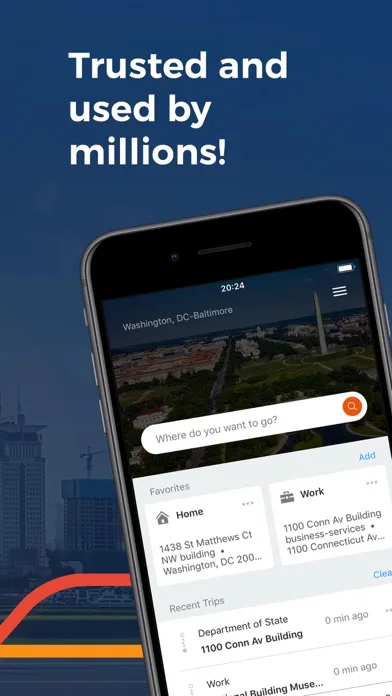
Feature-focused (ASO-heavy)
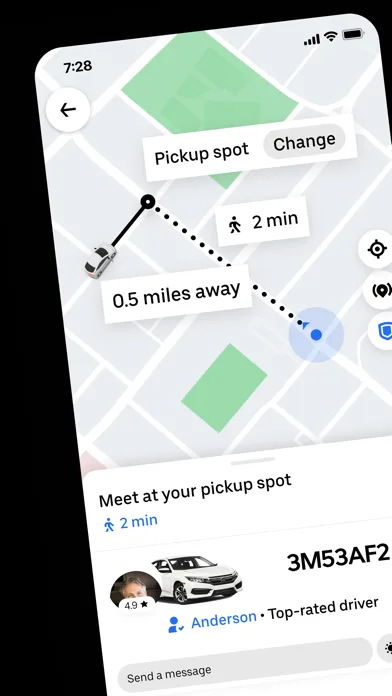
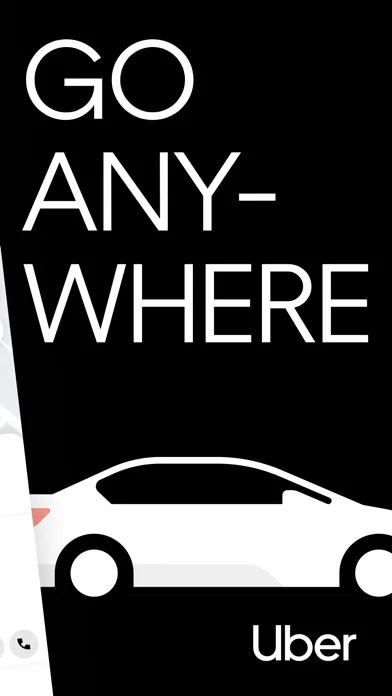
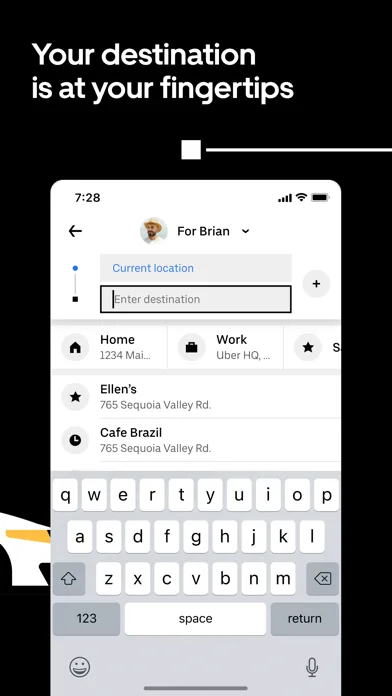
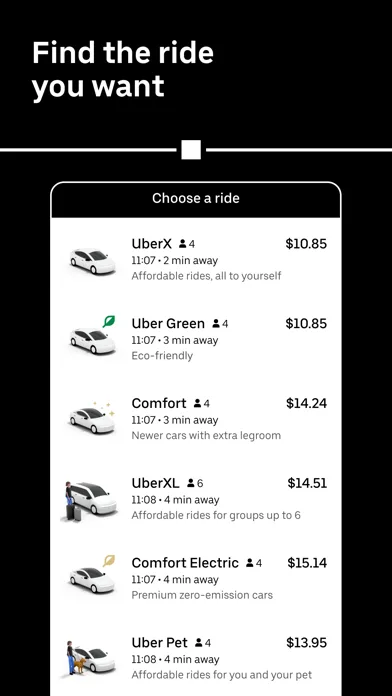
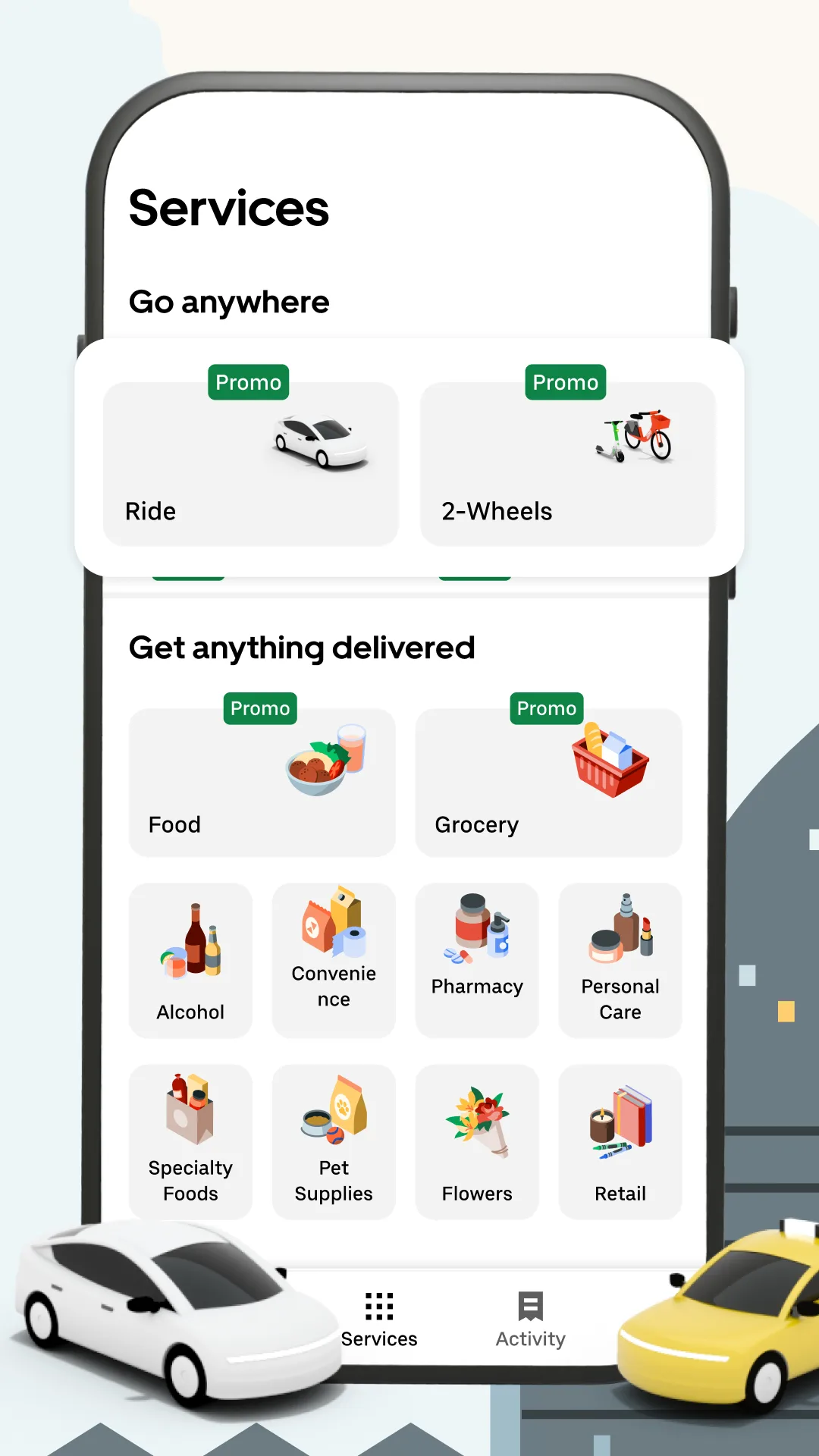
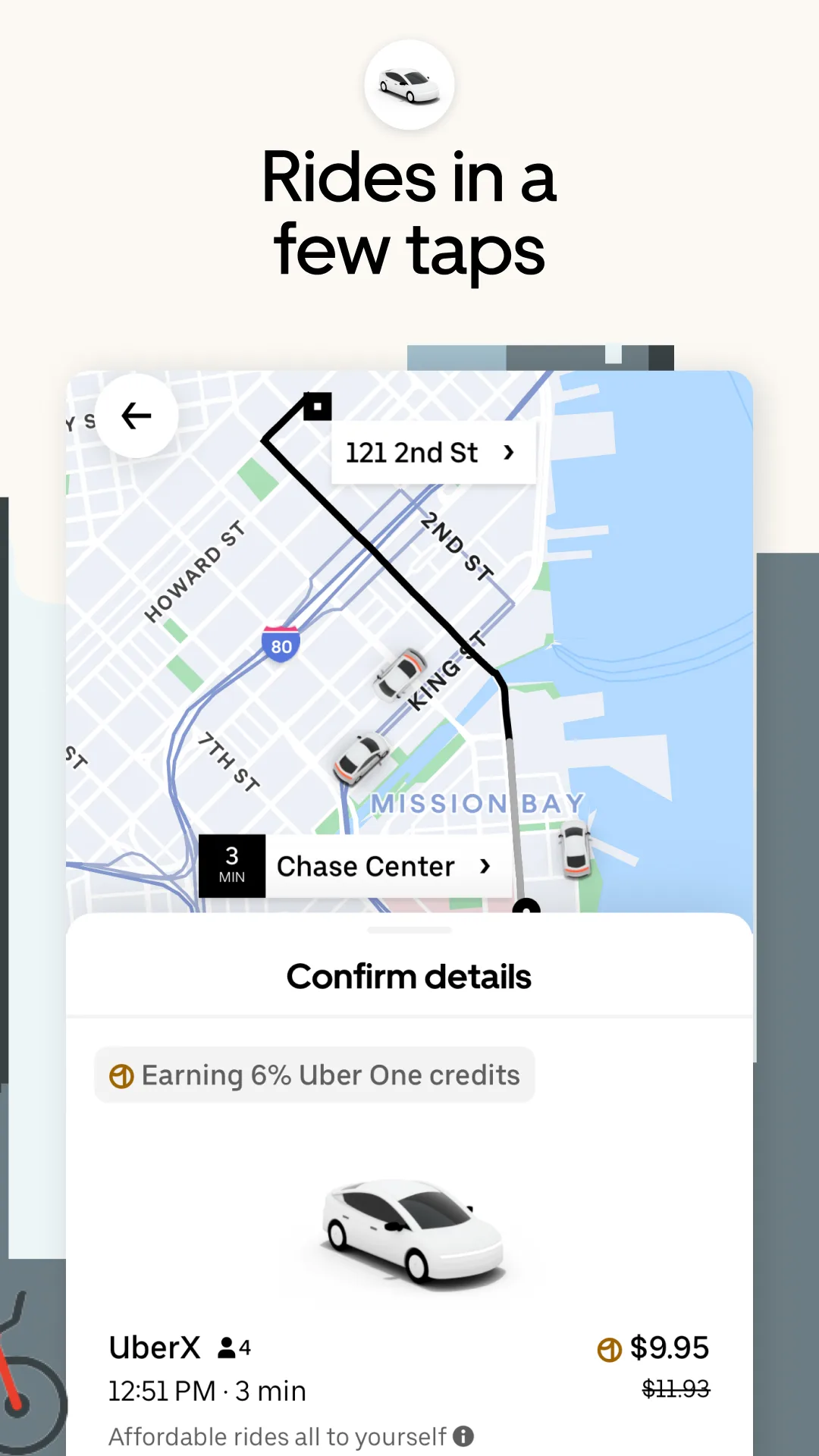
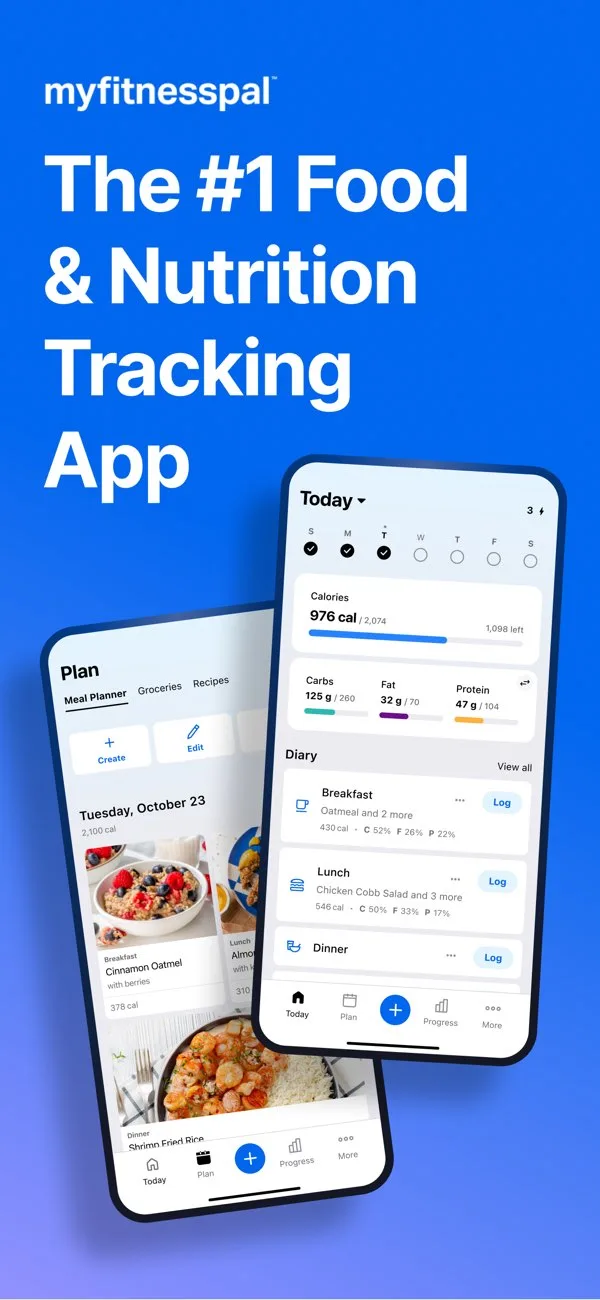
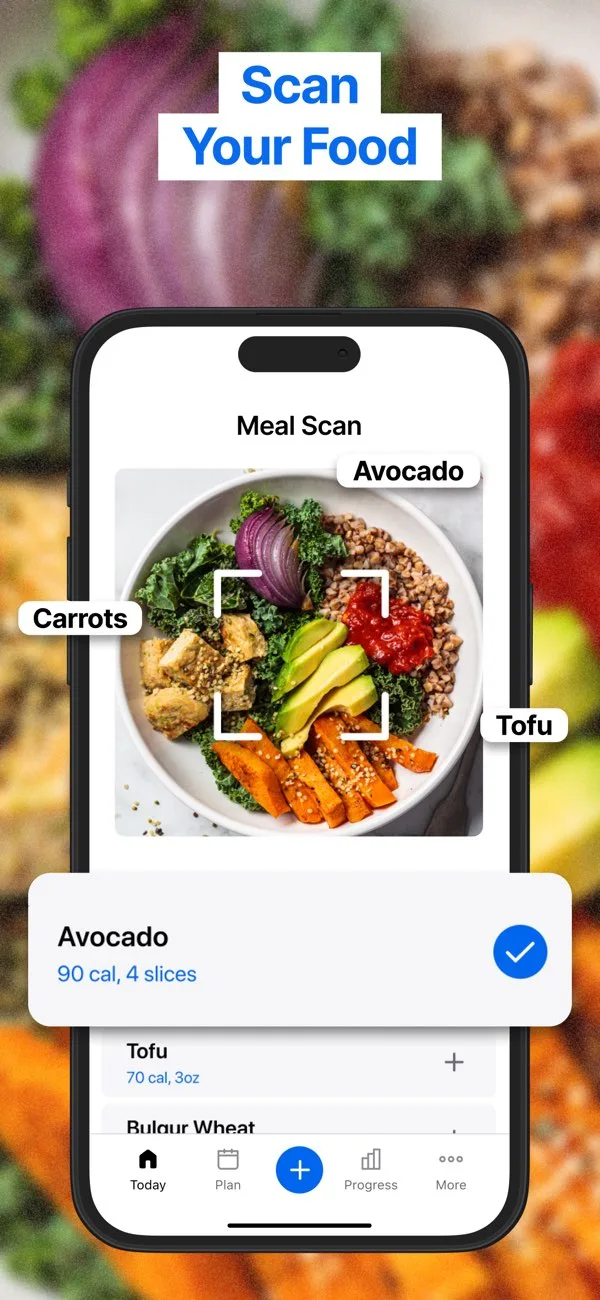
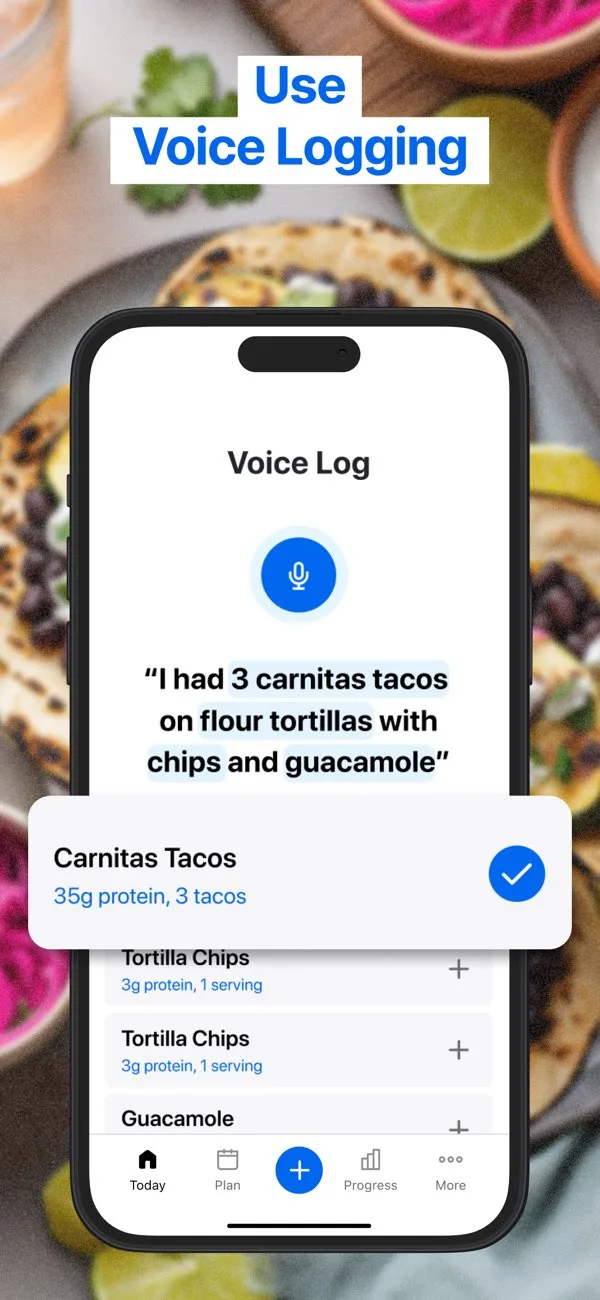
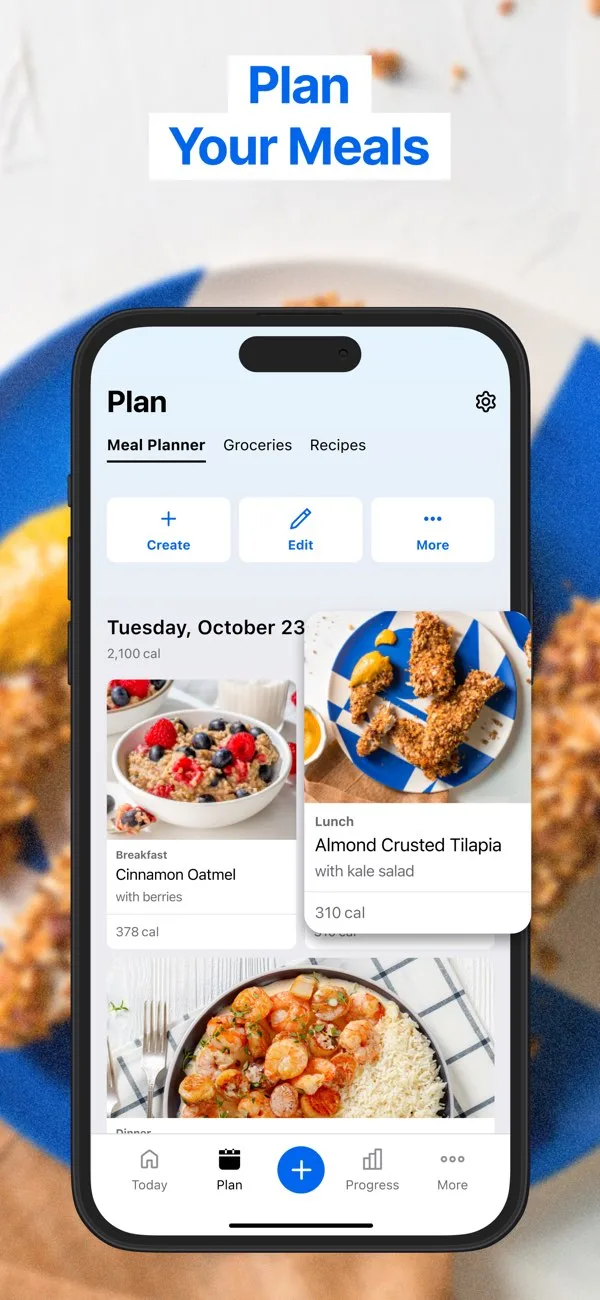
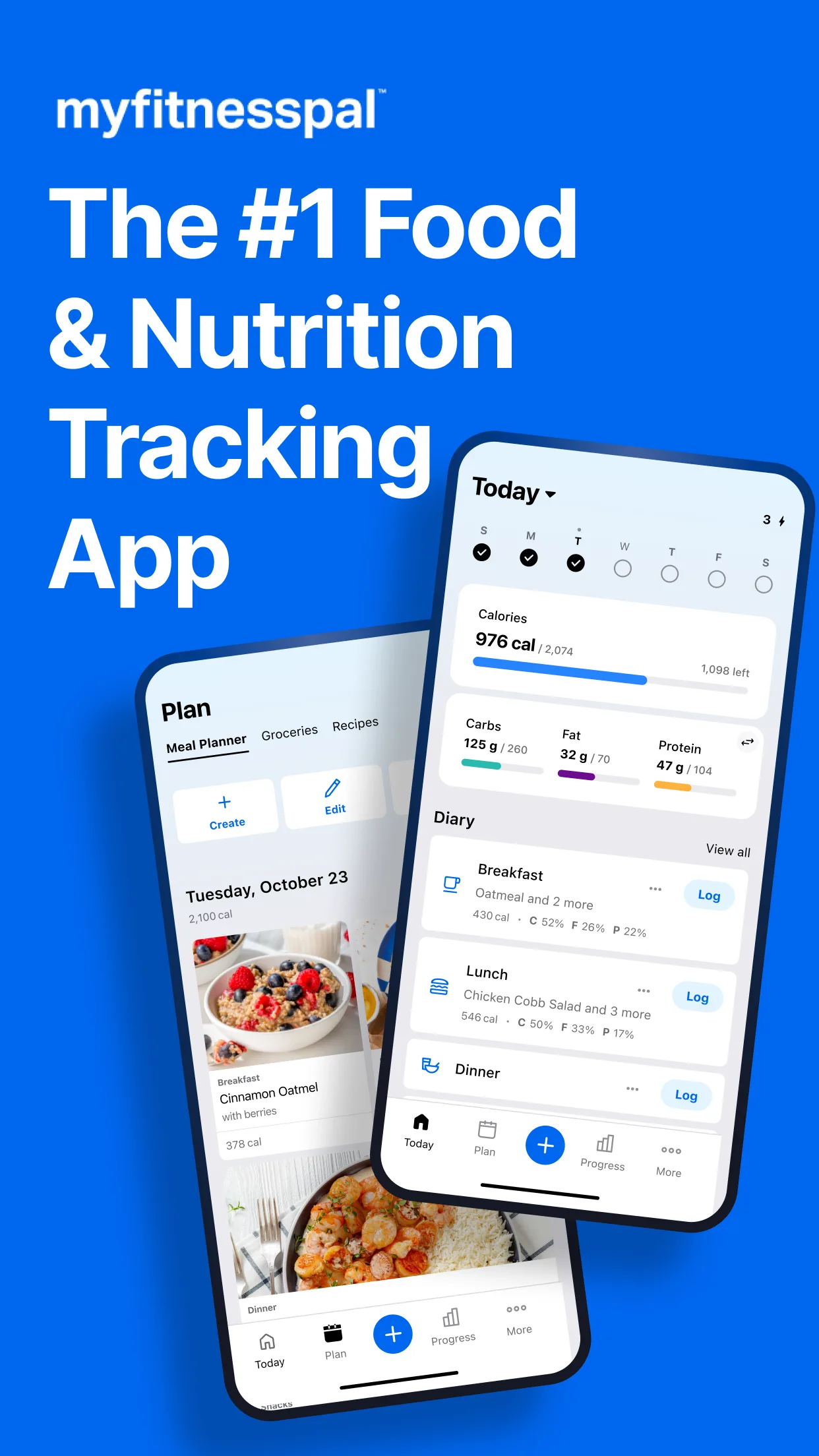
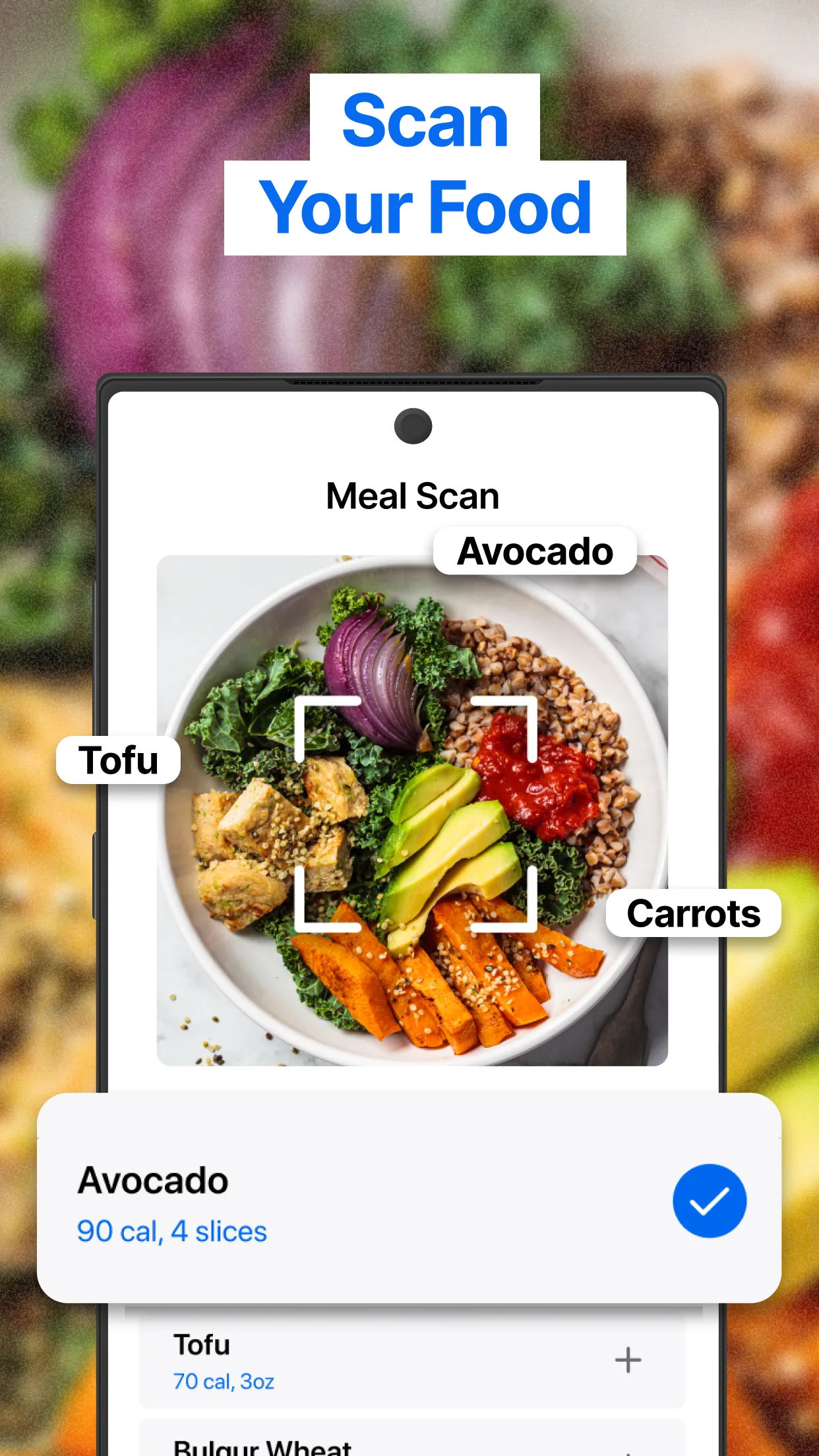
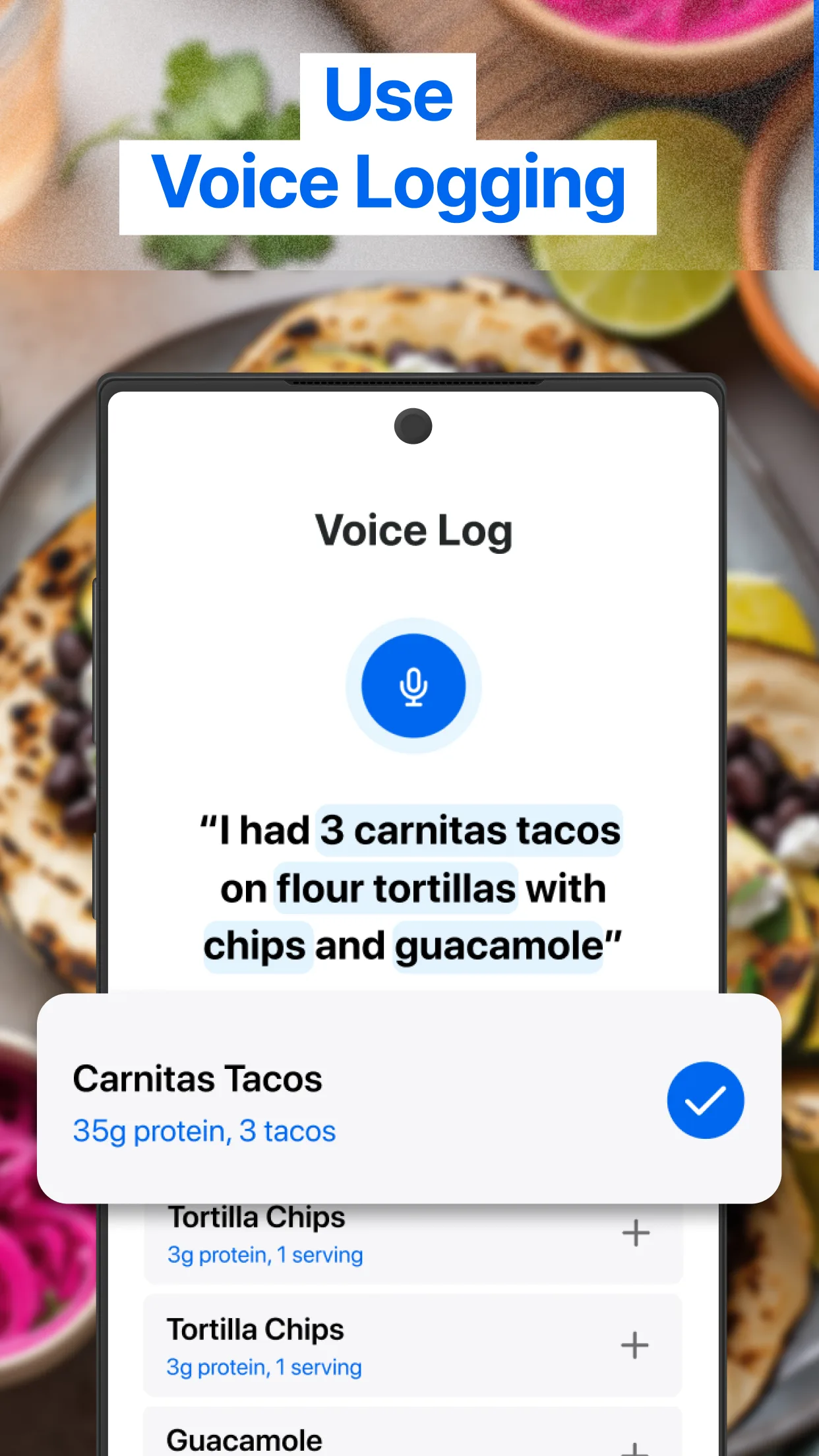
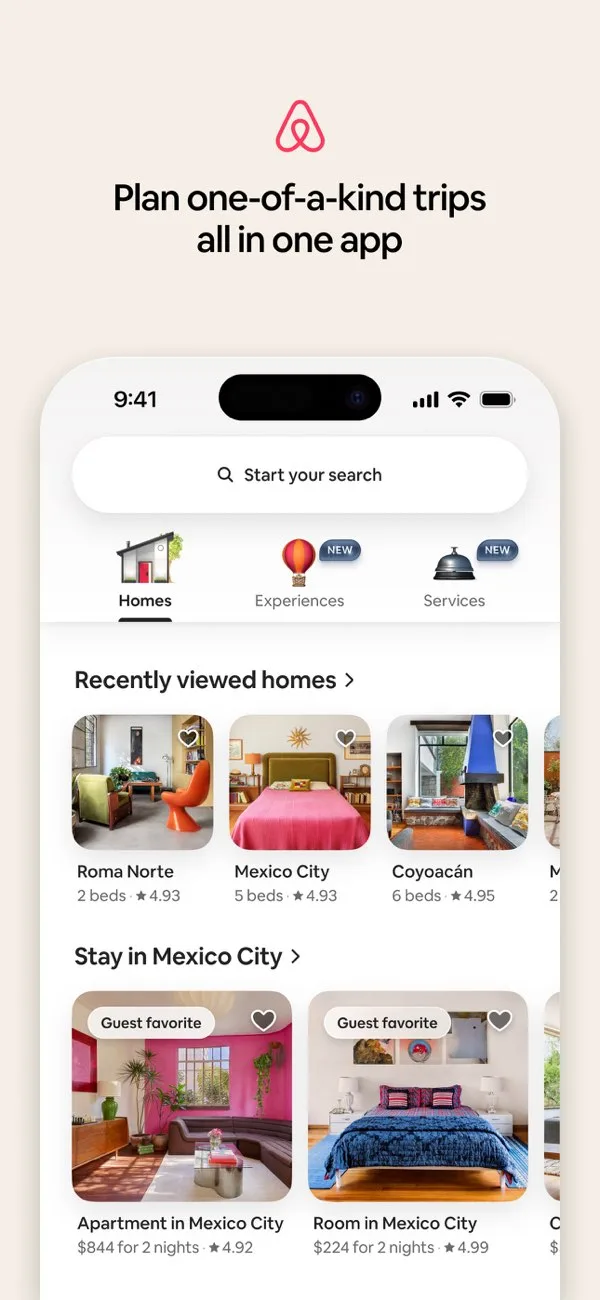
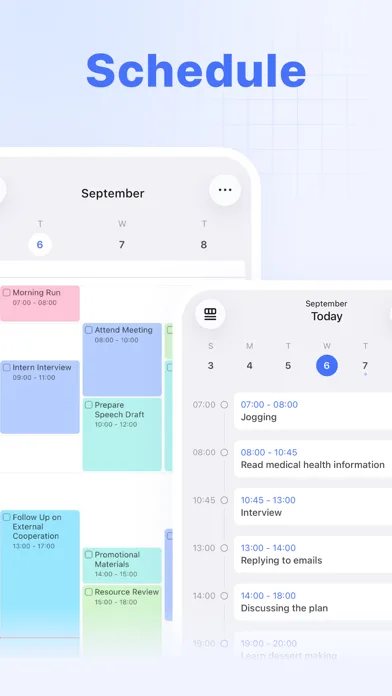
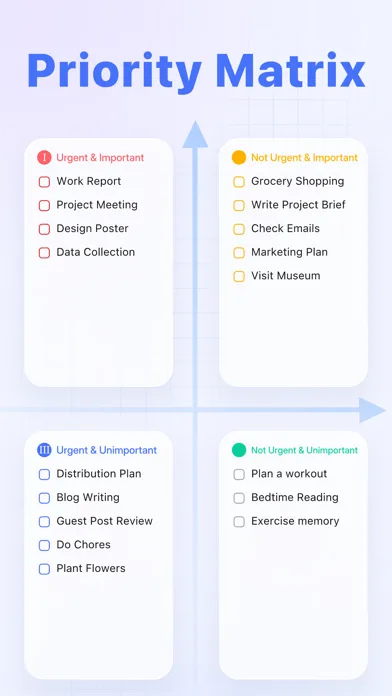
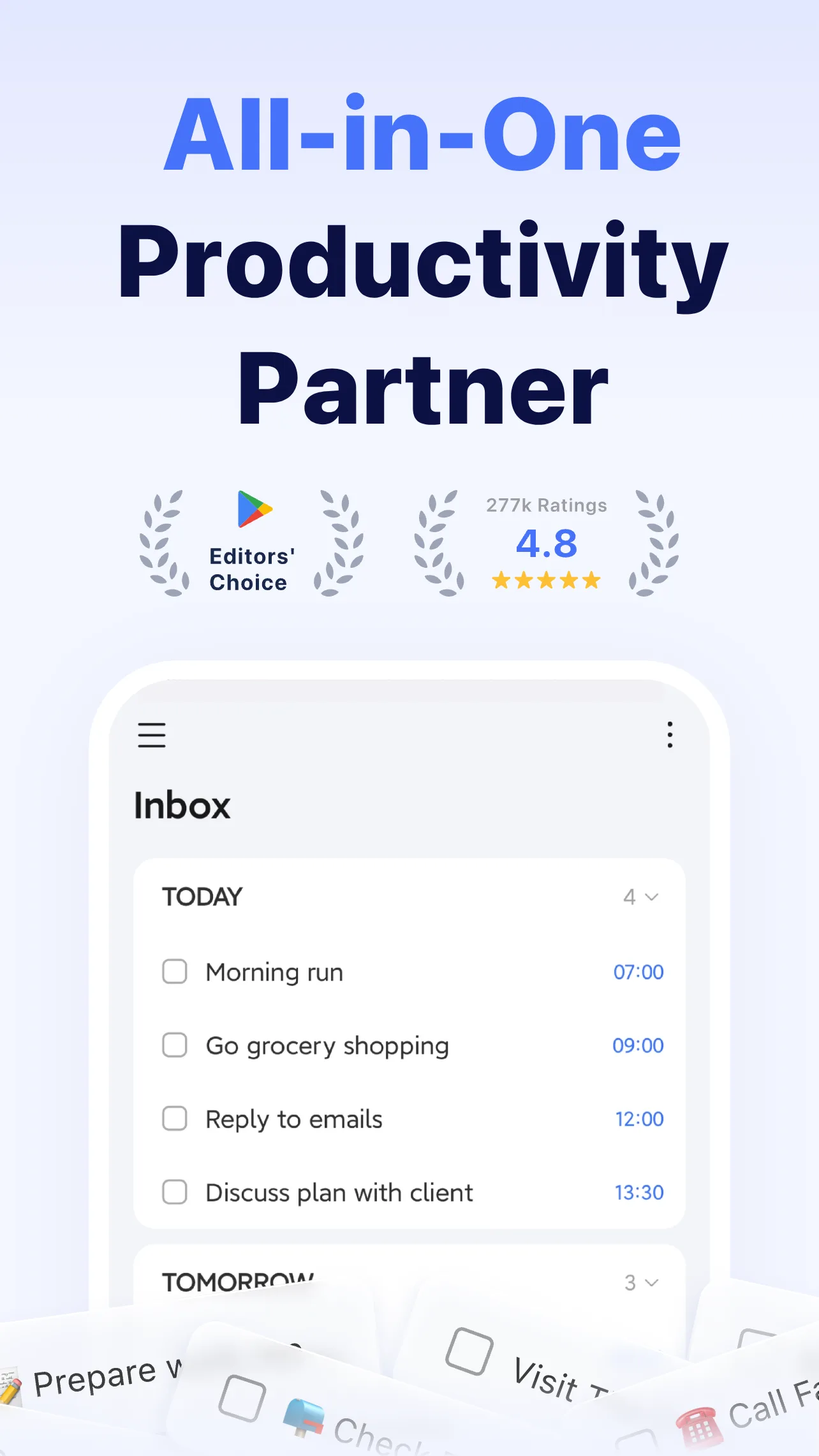
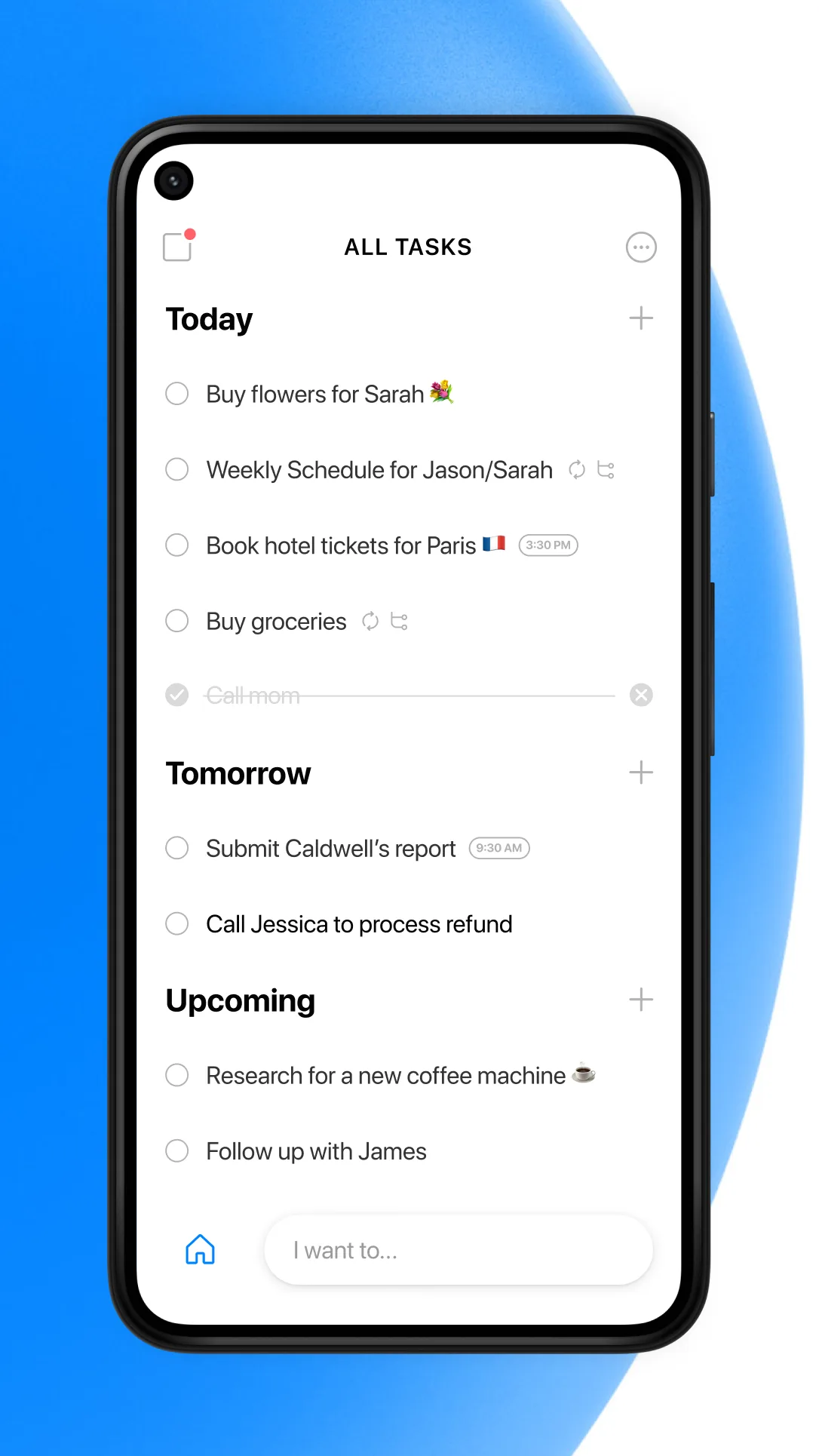
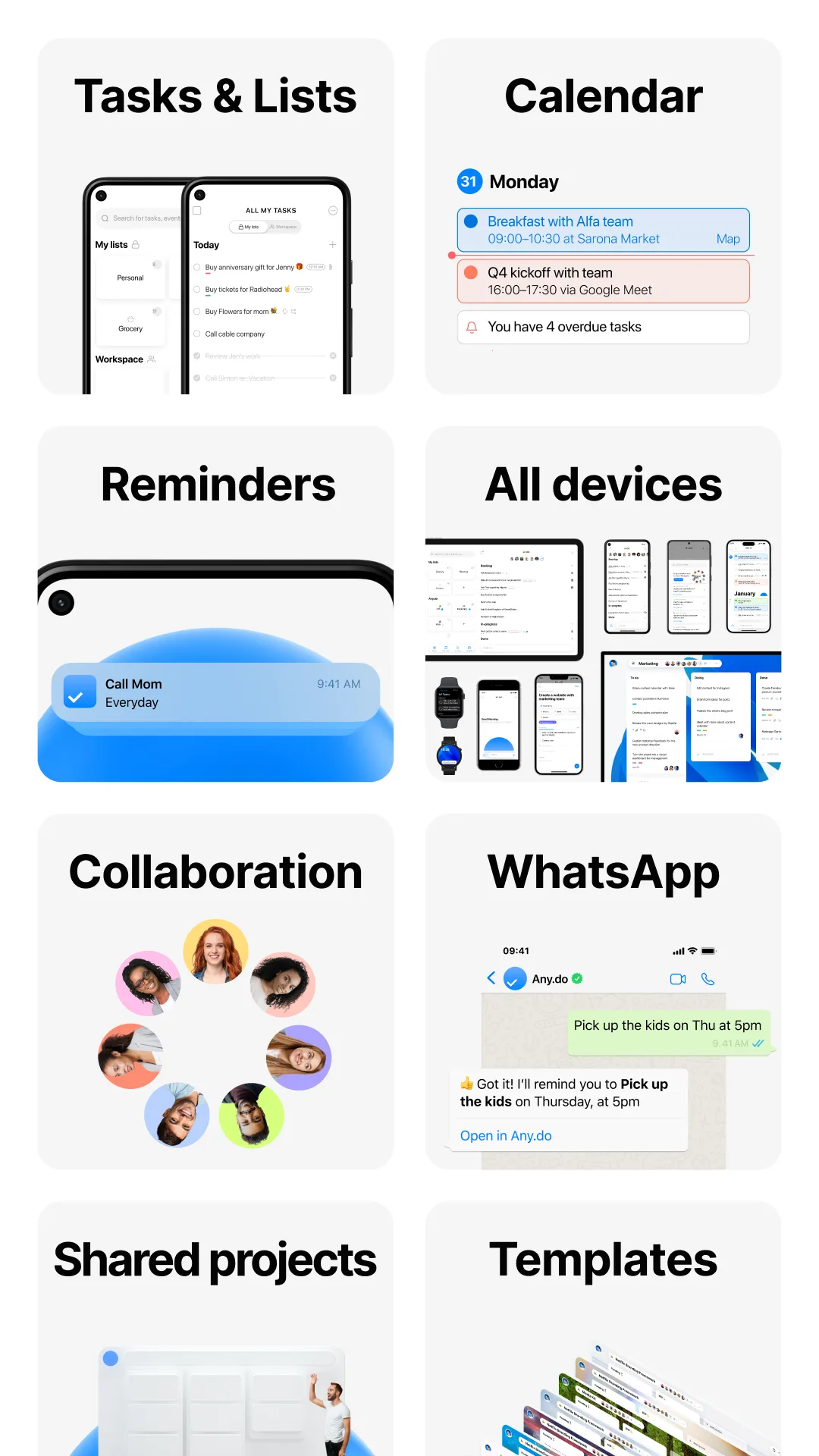
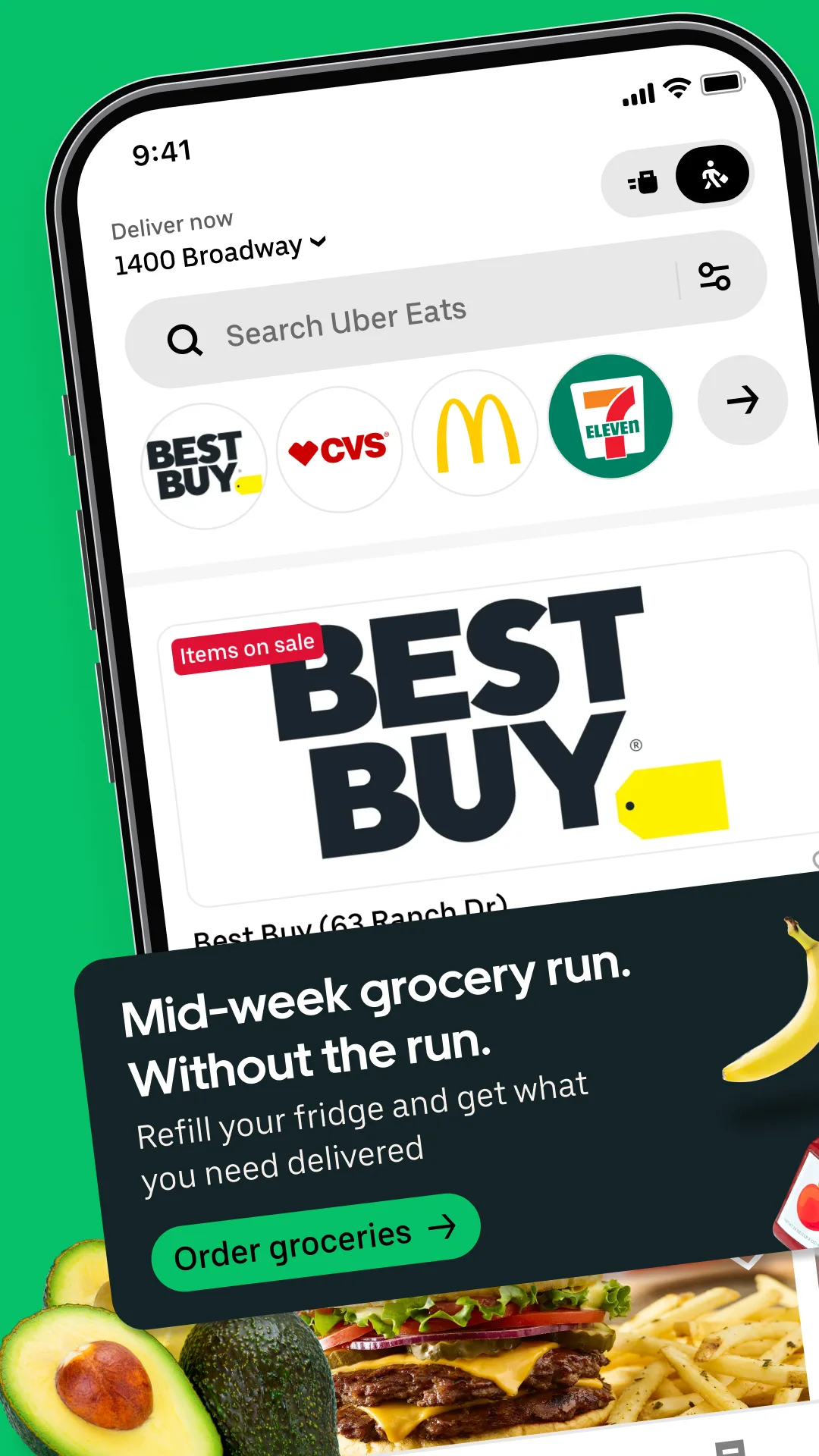
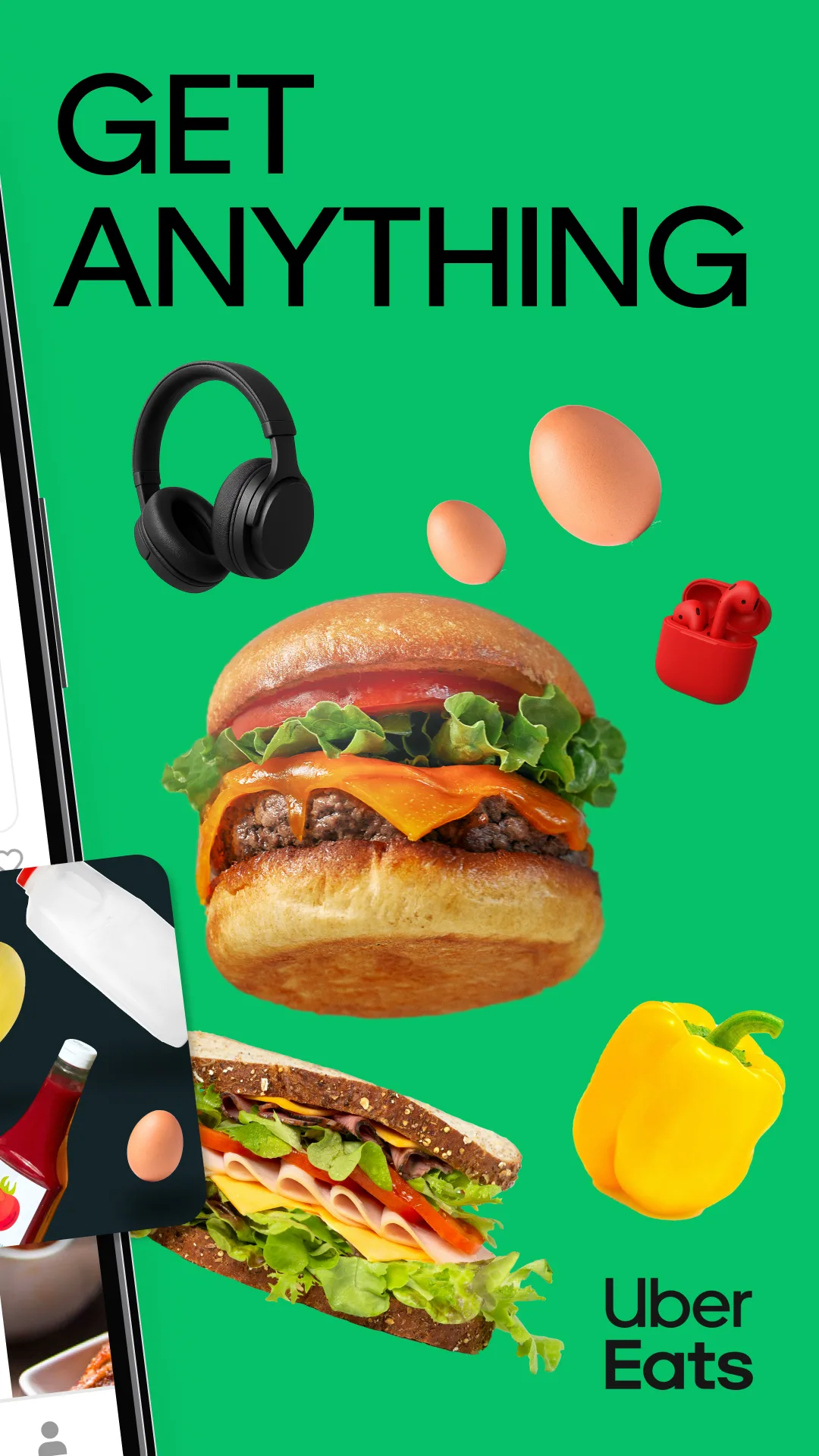
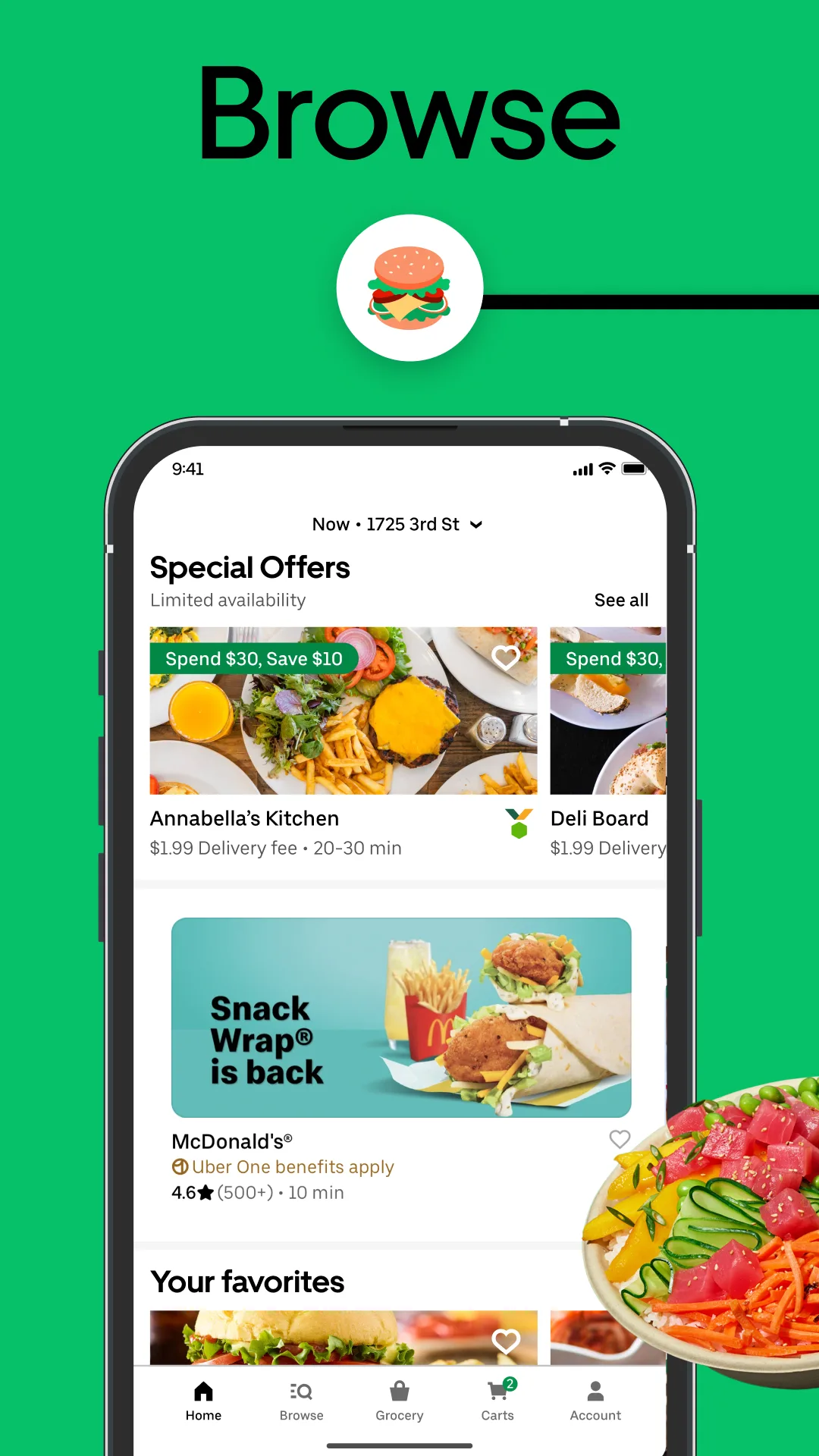
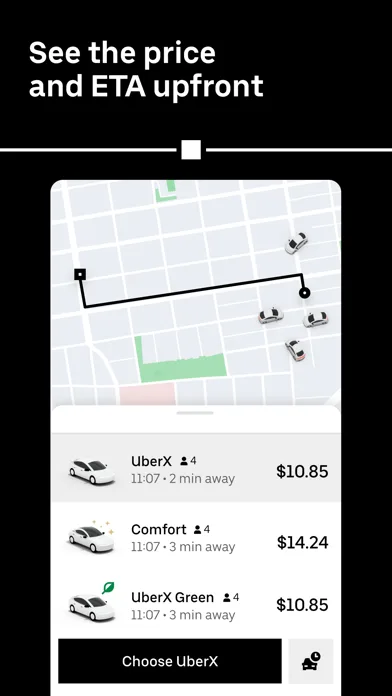
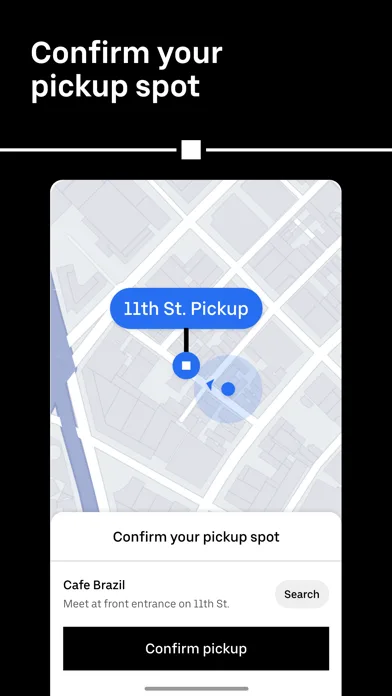
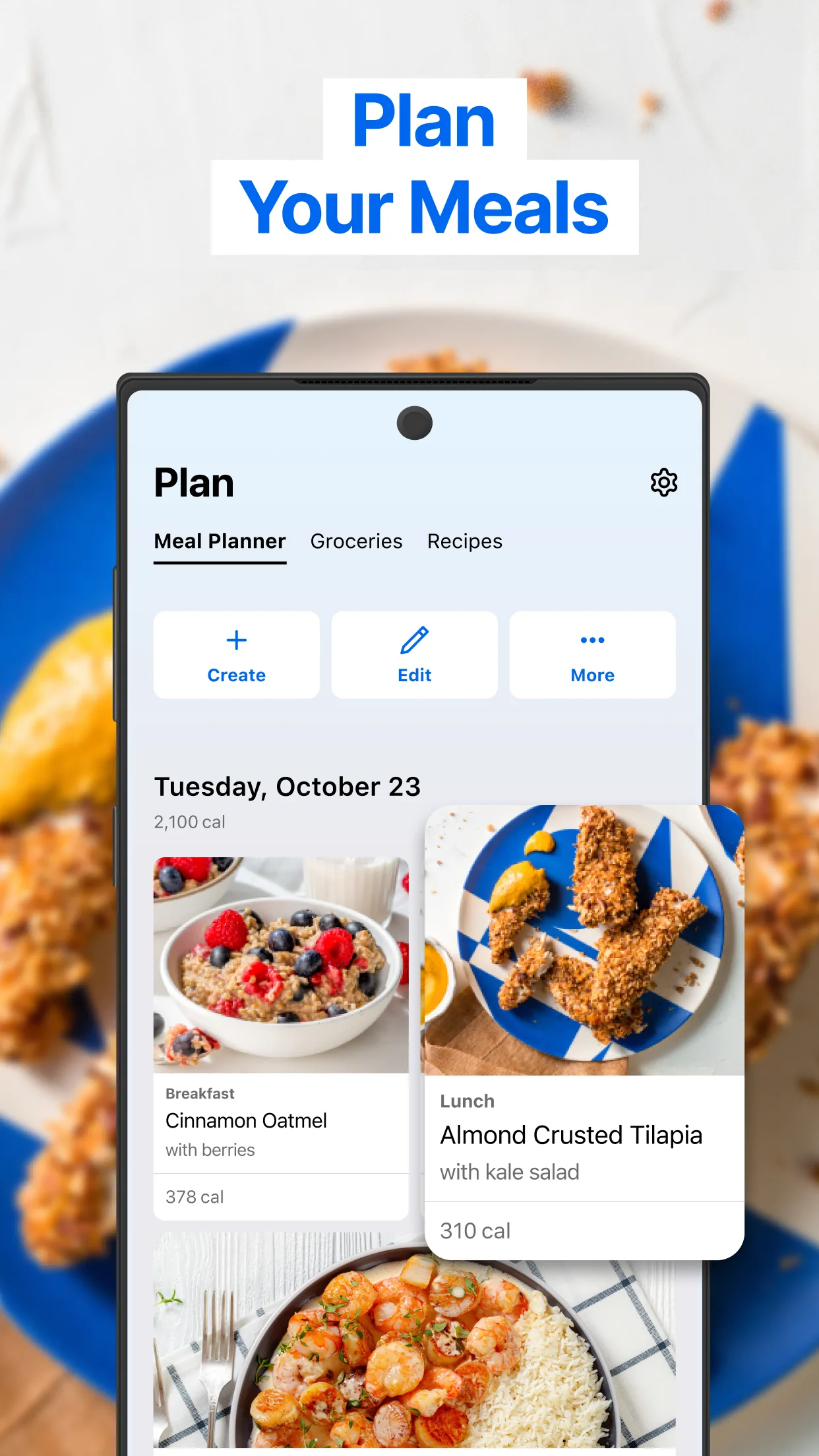
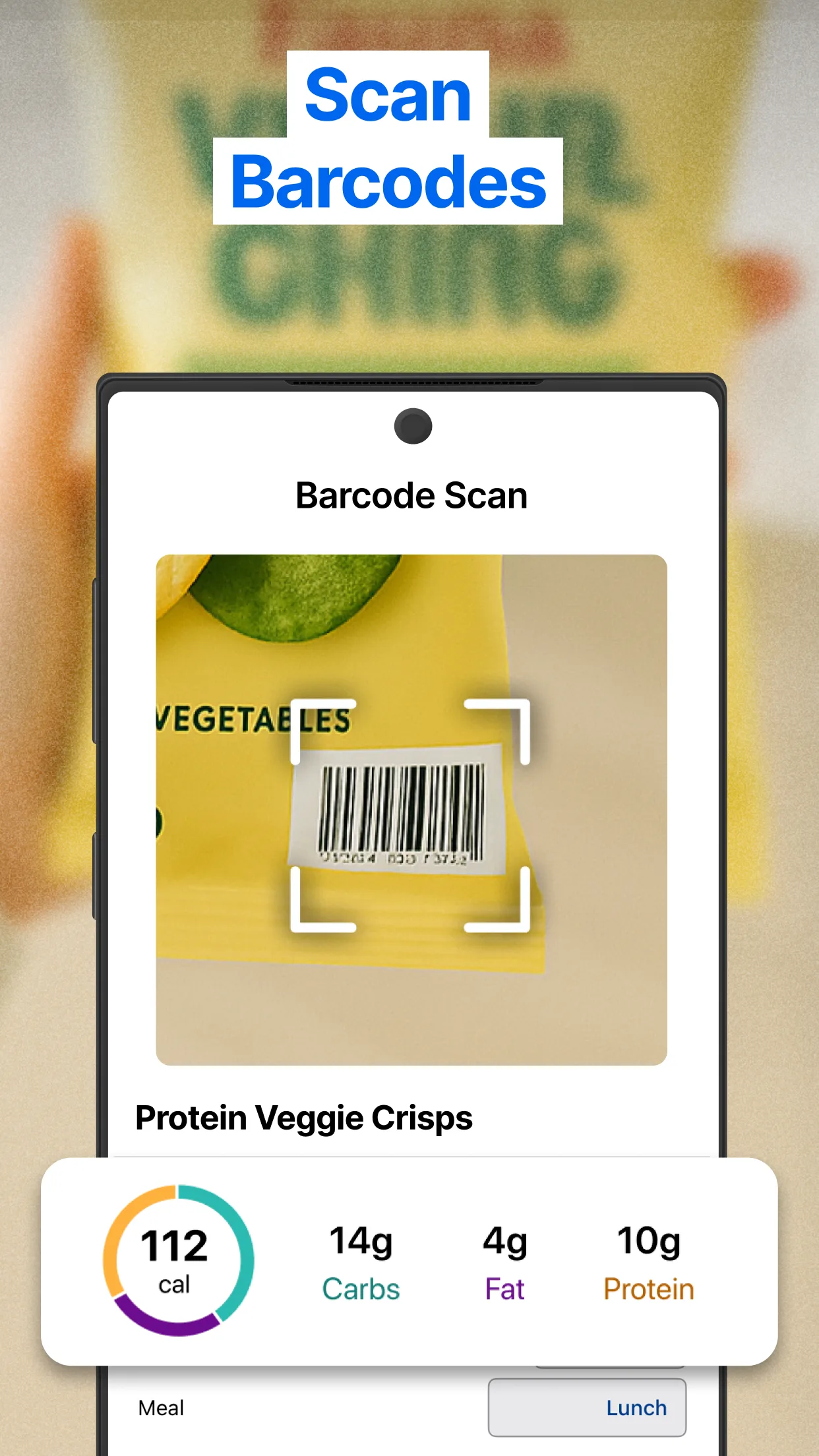
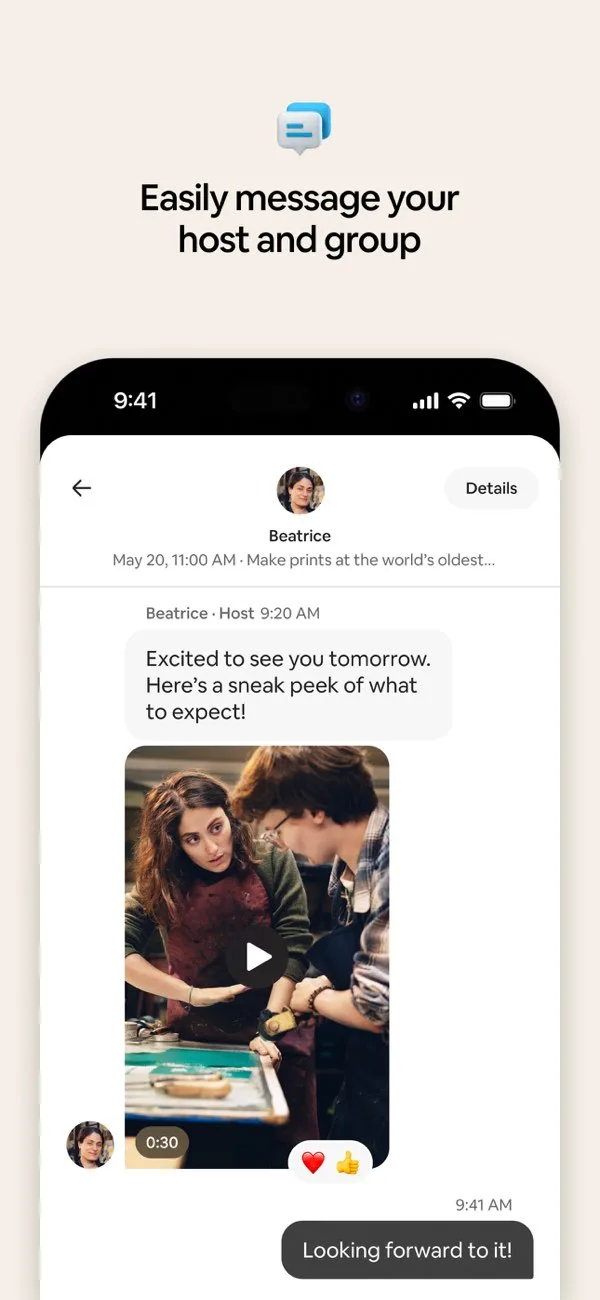
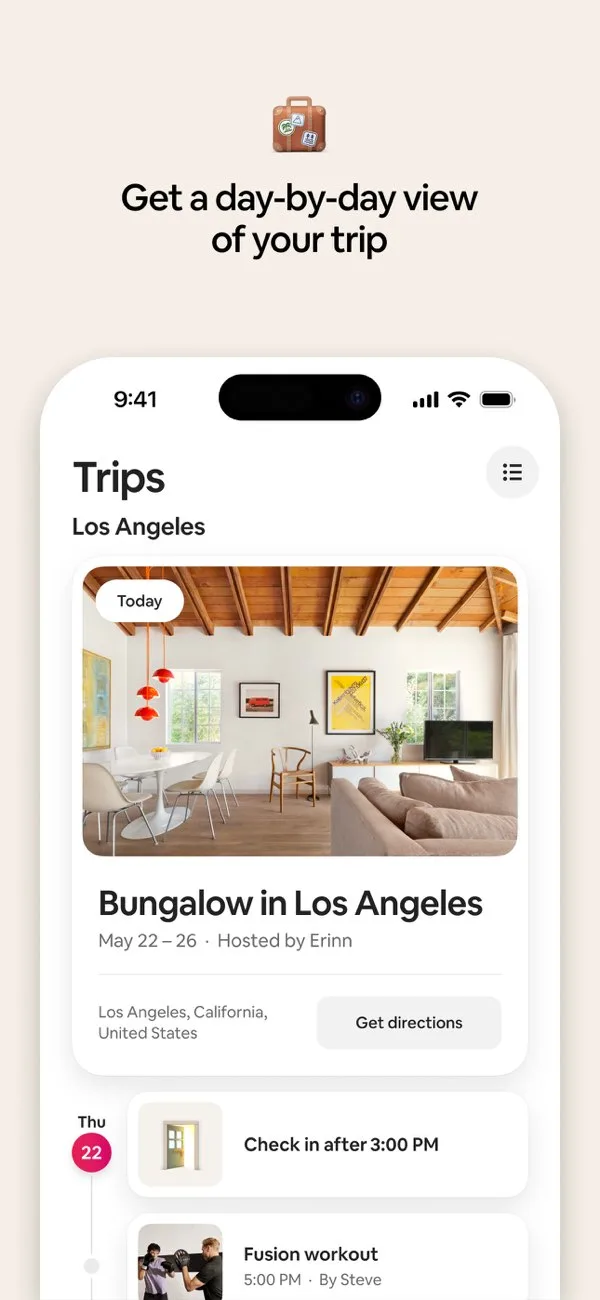
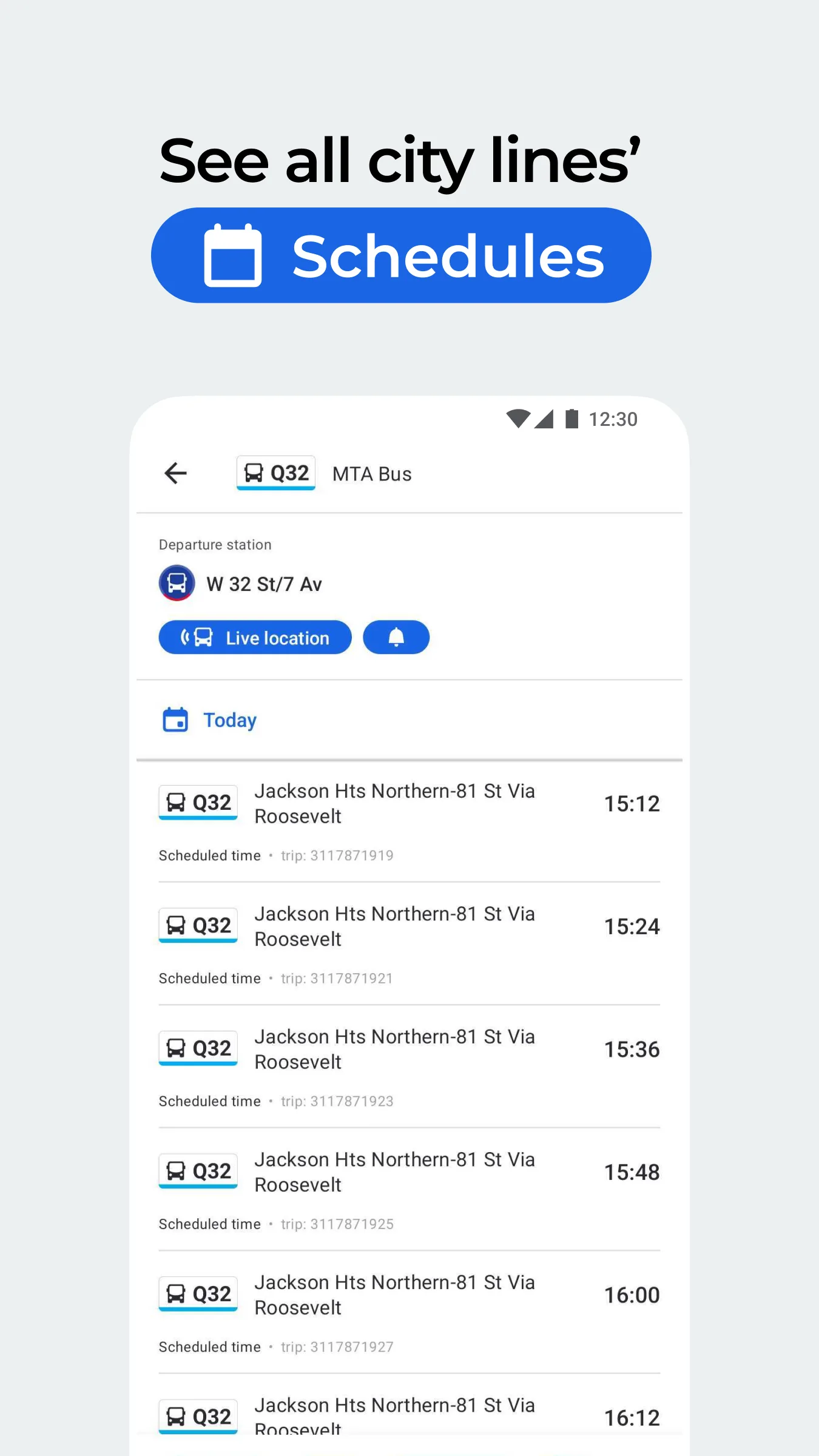
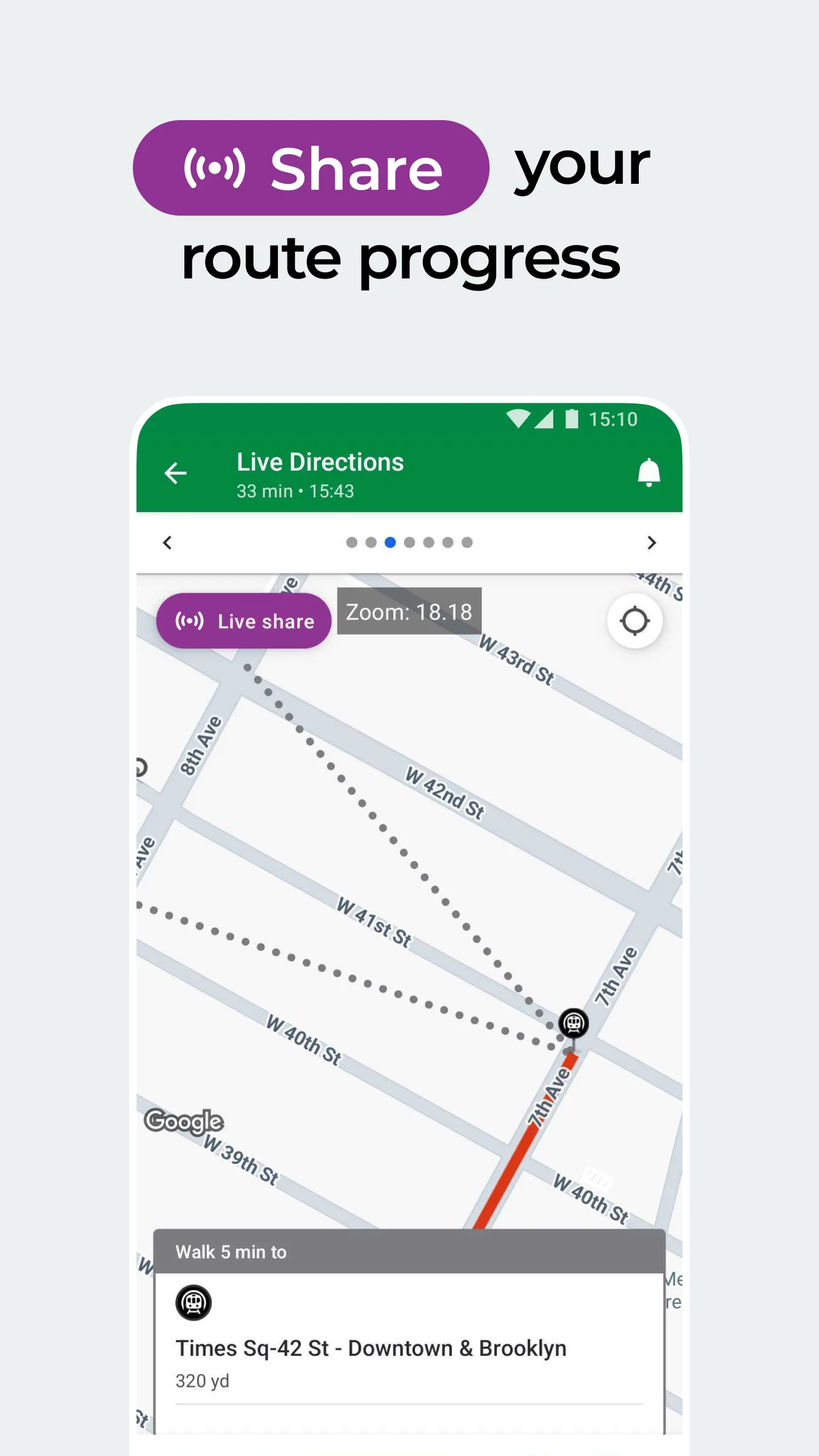
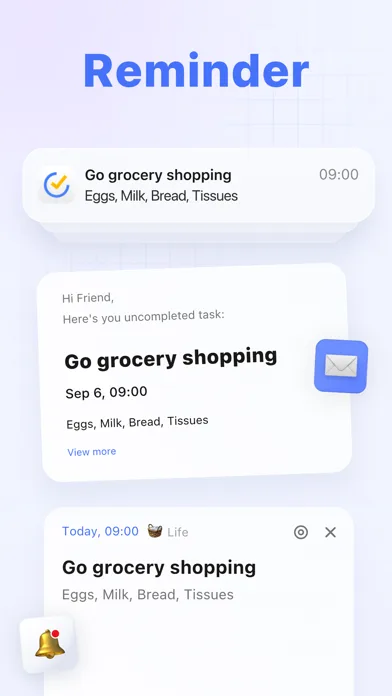
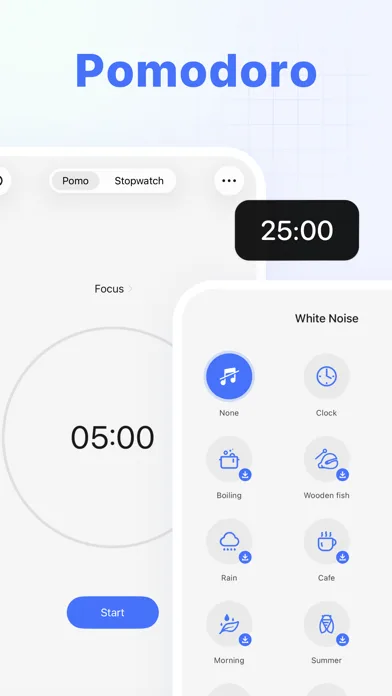
Clear benefits per slide, UI-first proof, and direct copy. Great references for conversion-oriented screenshot sets.
- UberApp Store
 Play Store

- MyFitnessPalApp Store
 Play Store
- AirbnbApp Store
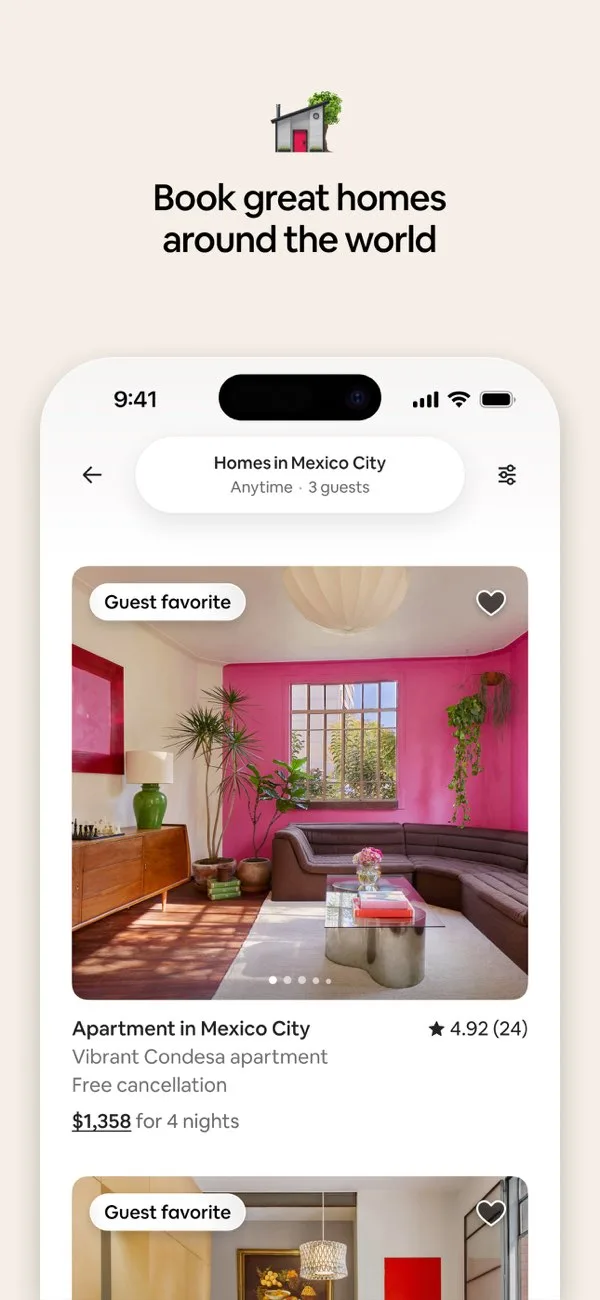
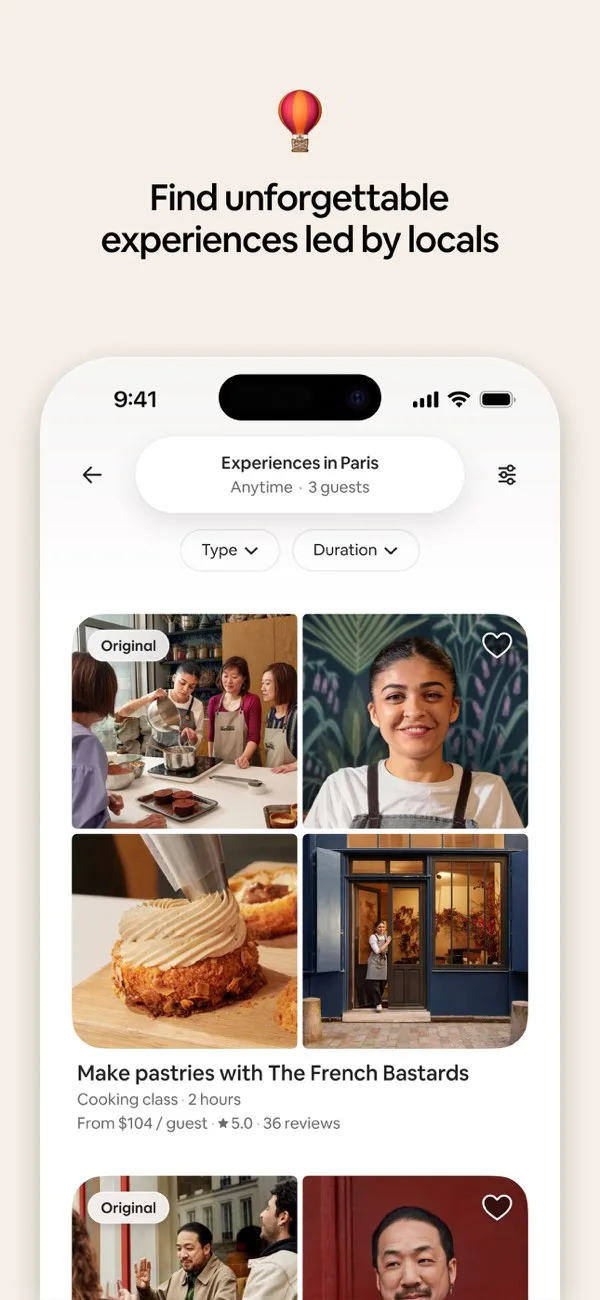
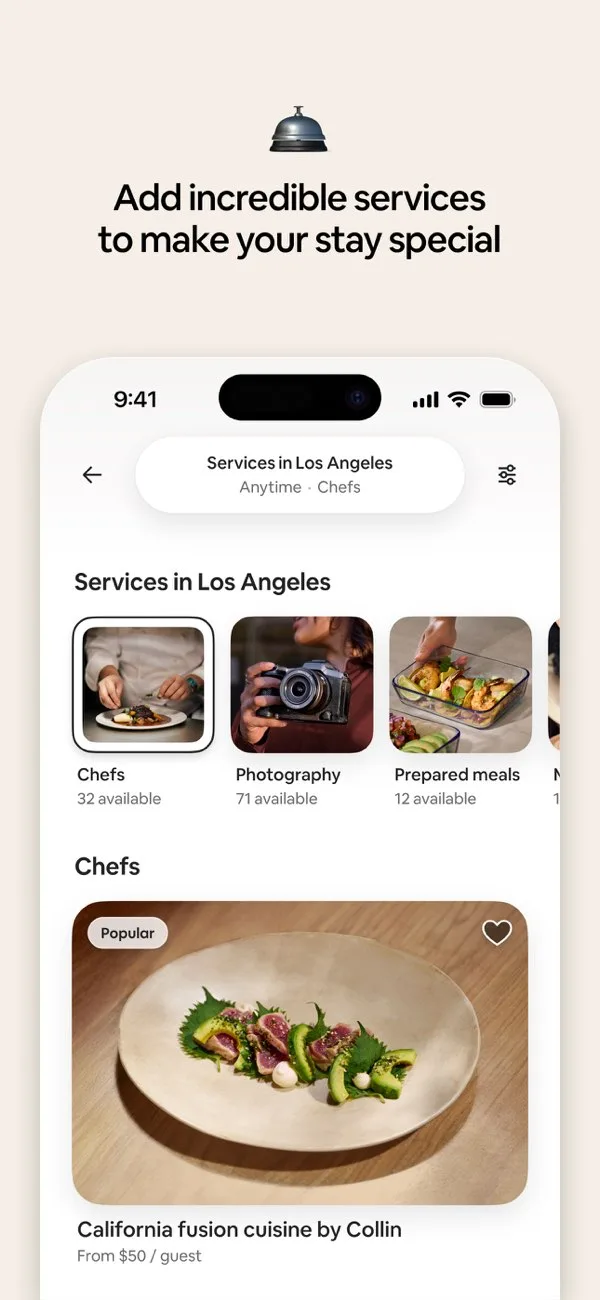 Play Store
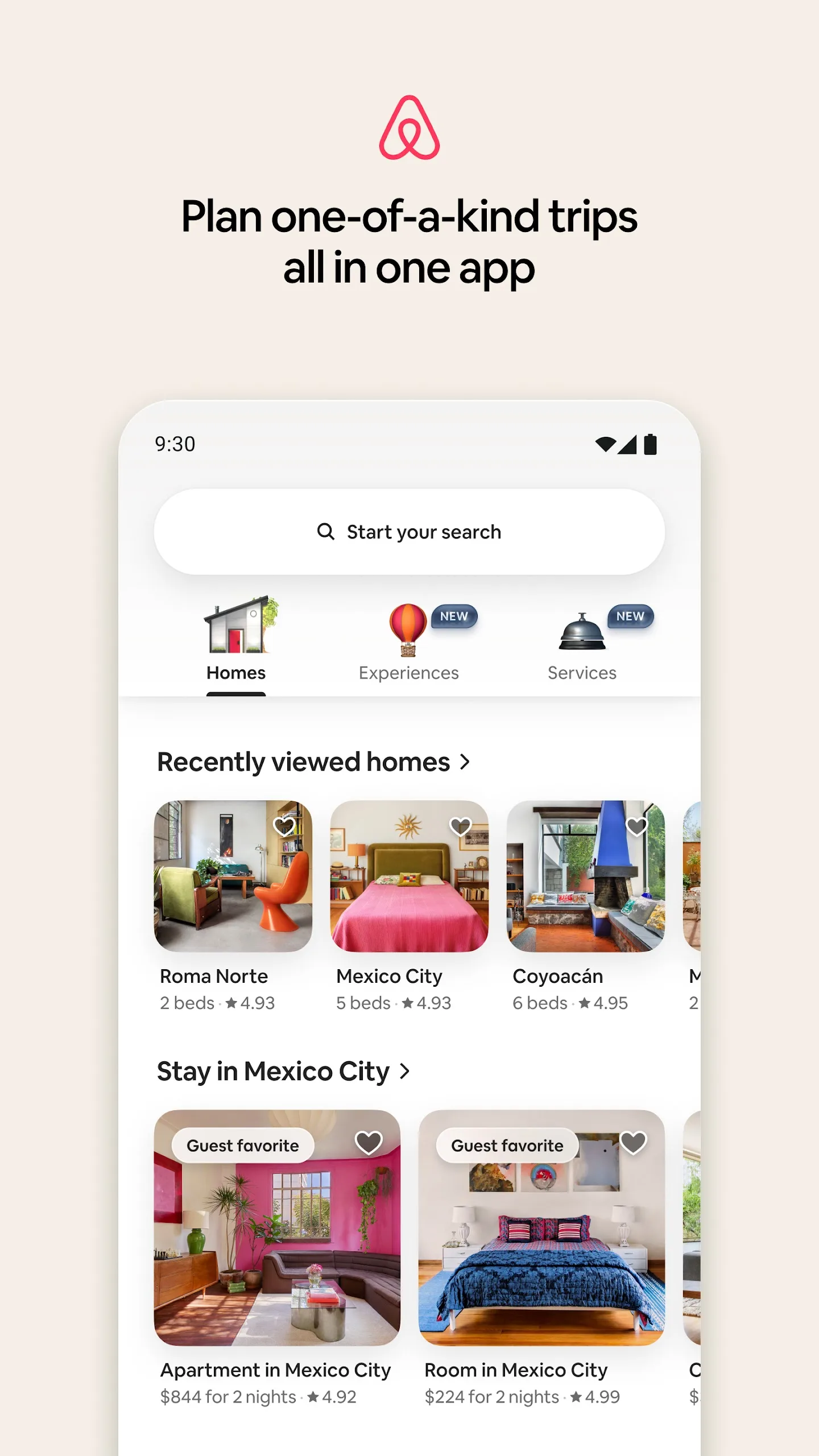
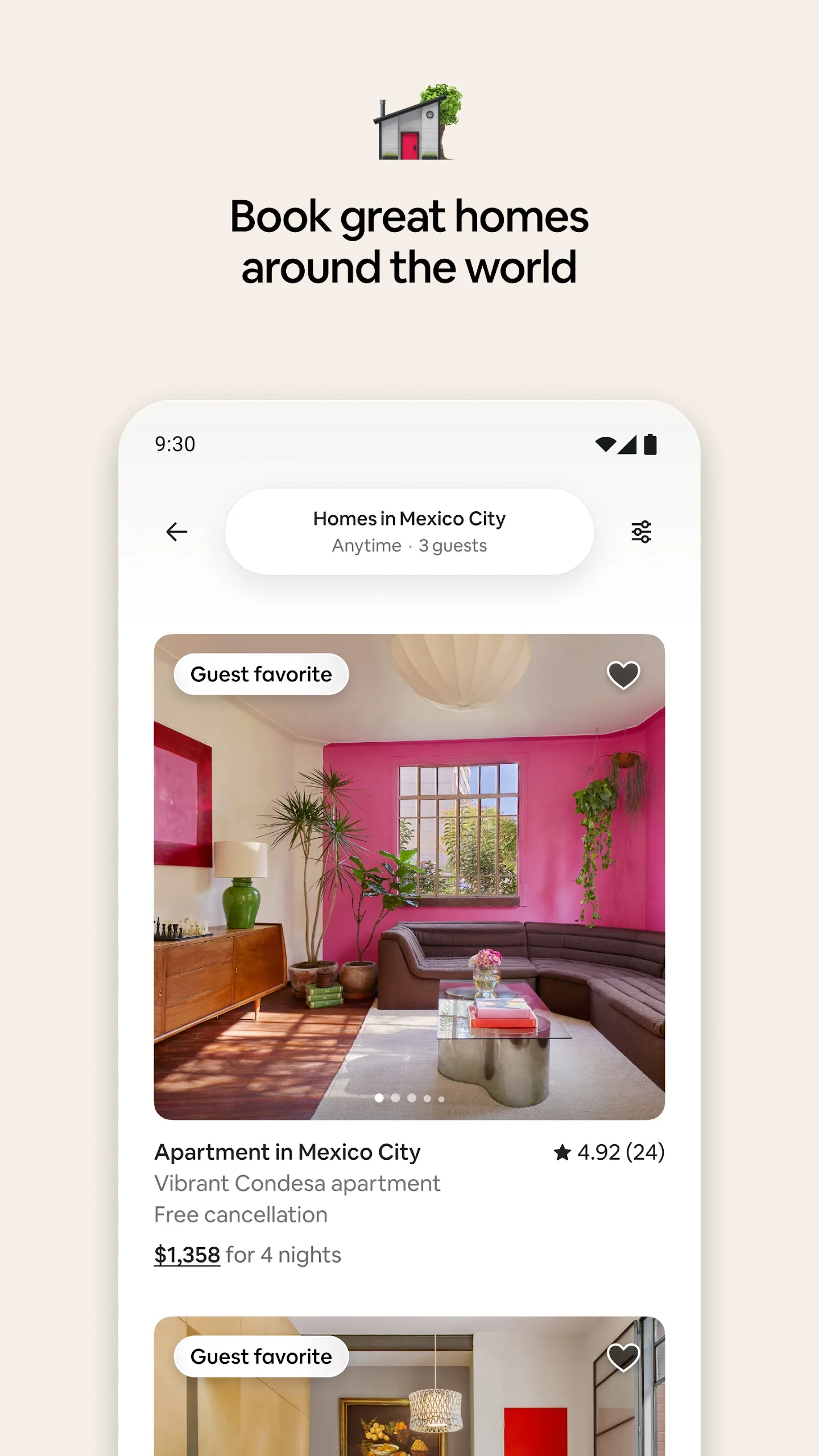
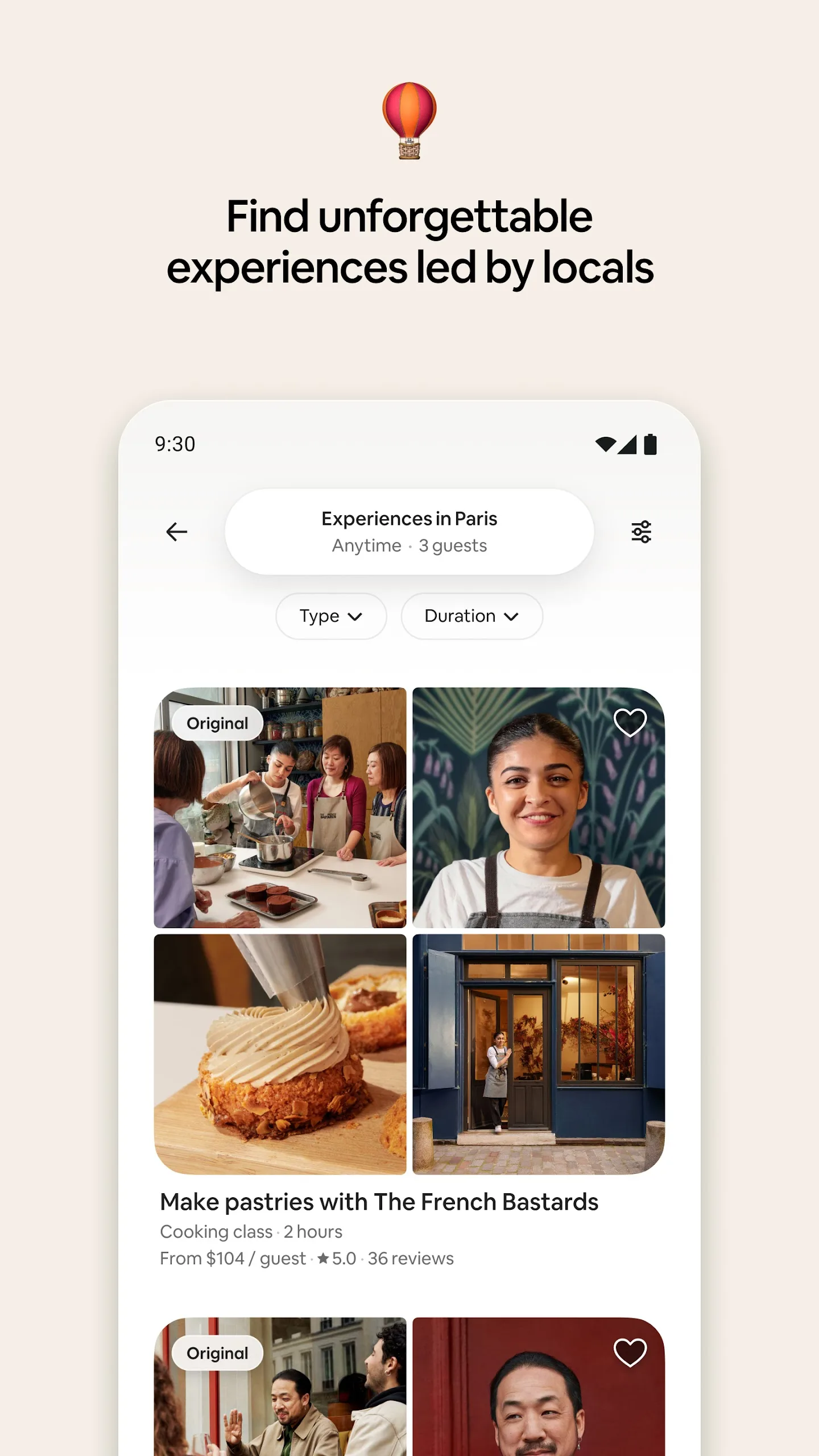
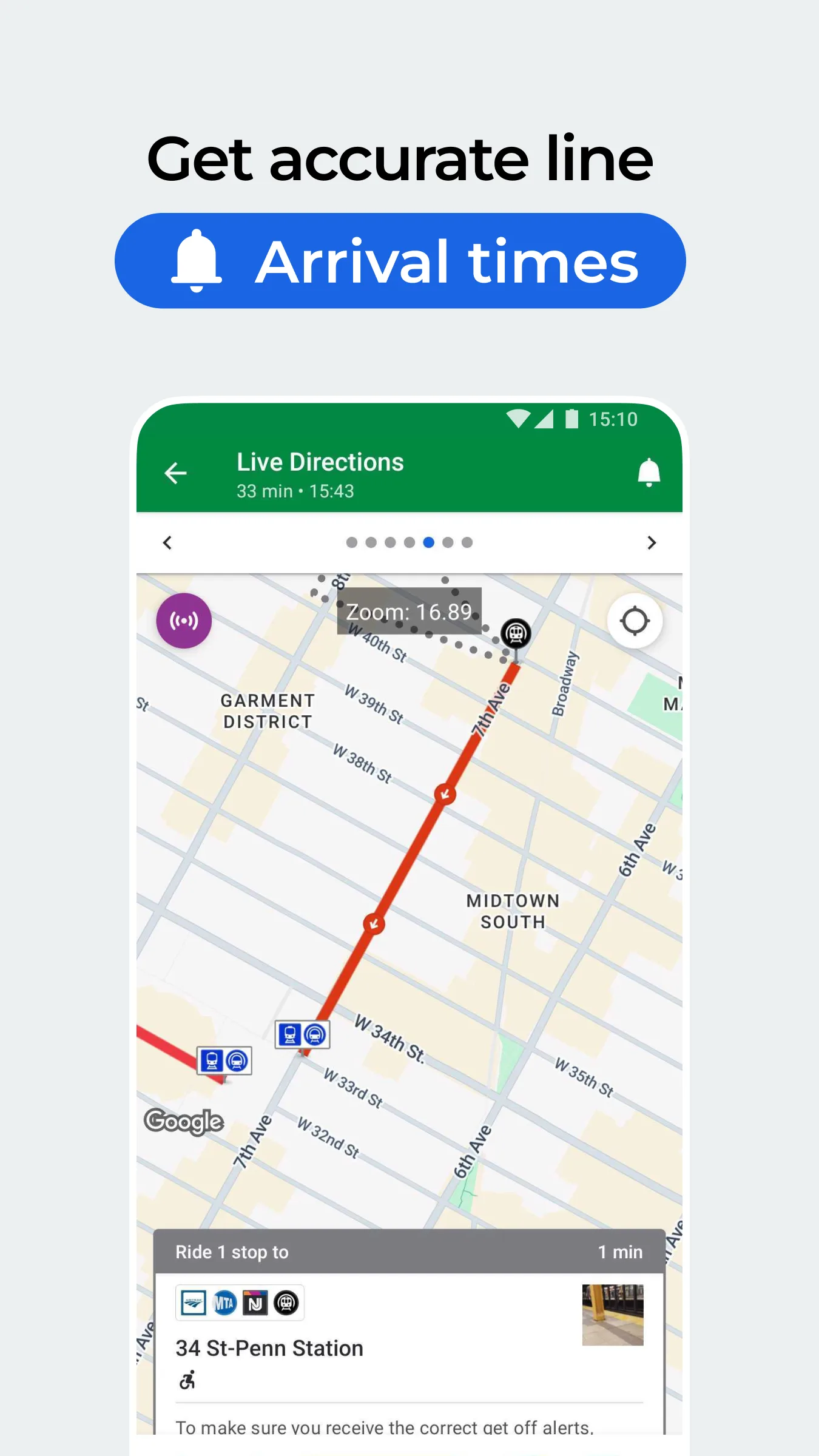
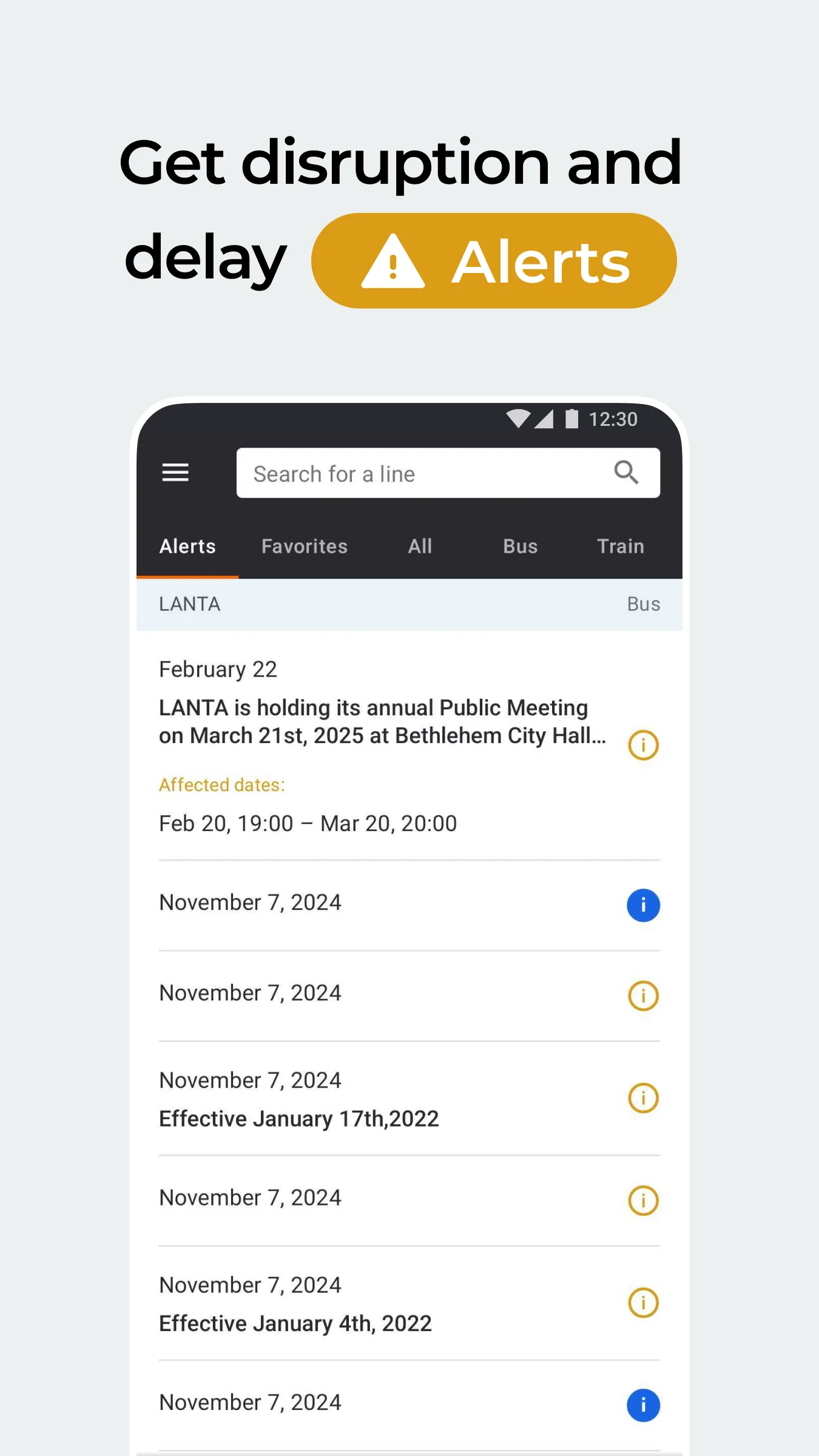
- MoovitApp Store
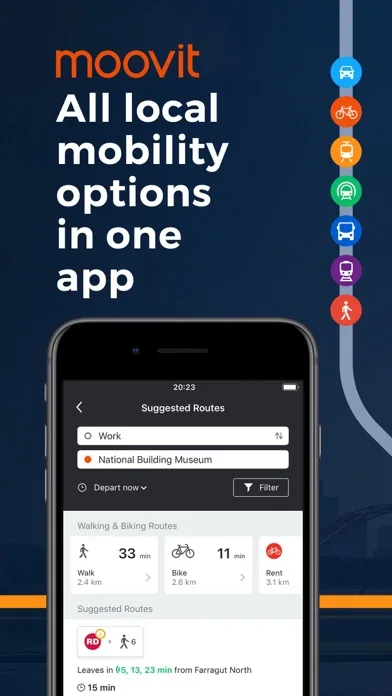
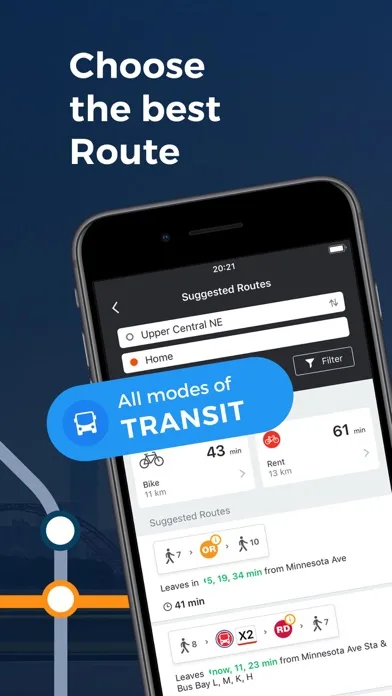
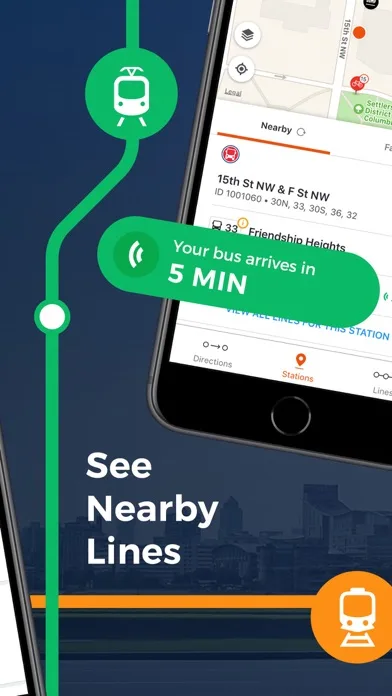
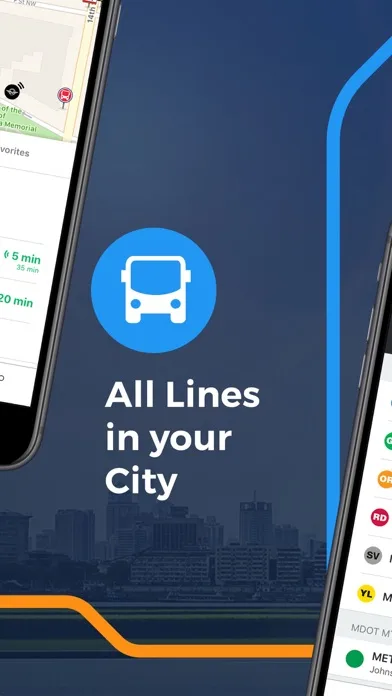 Play Store
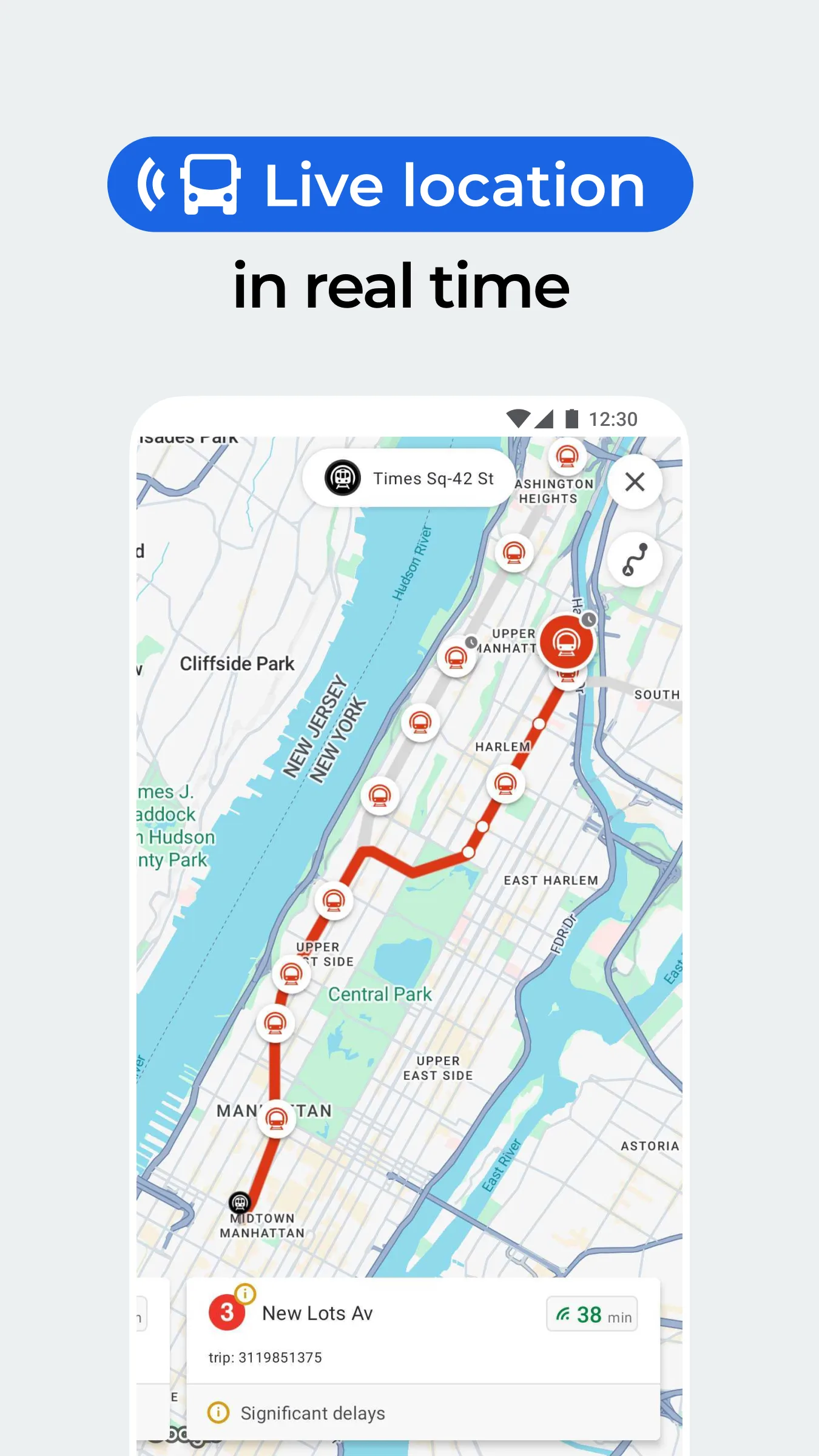
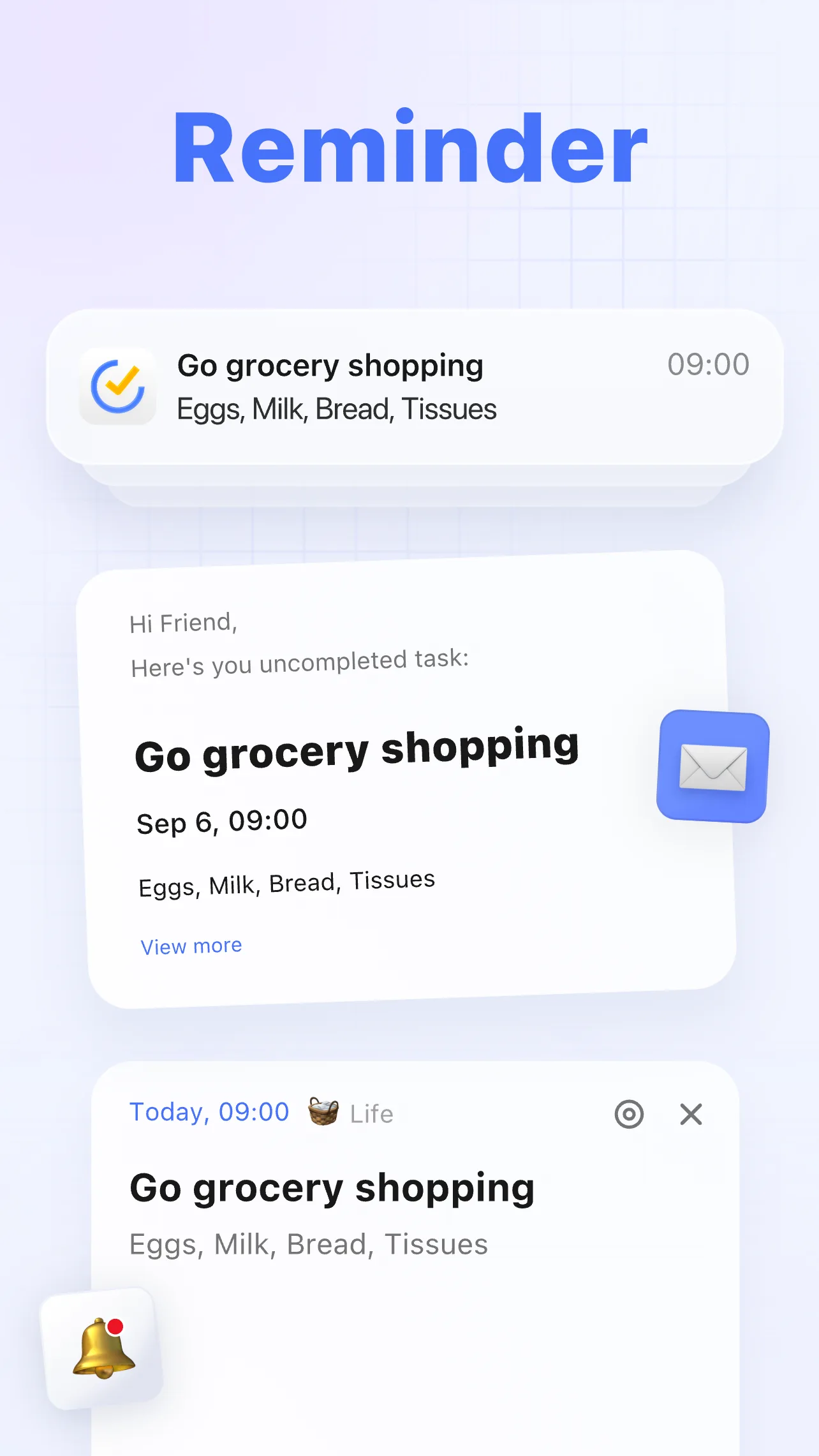
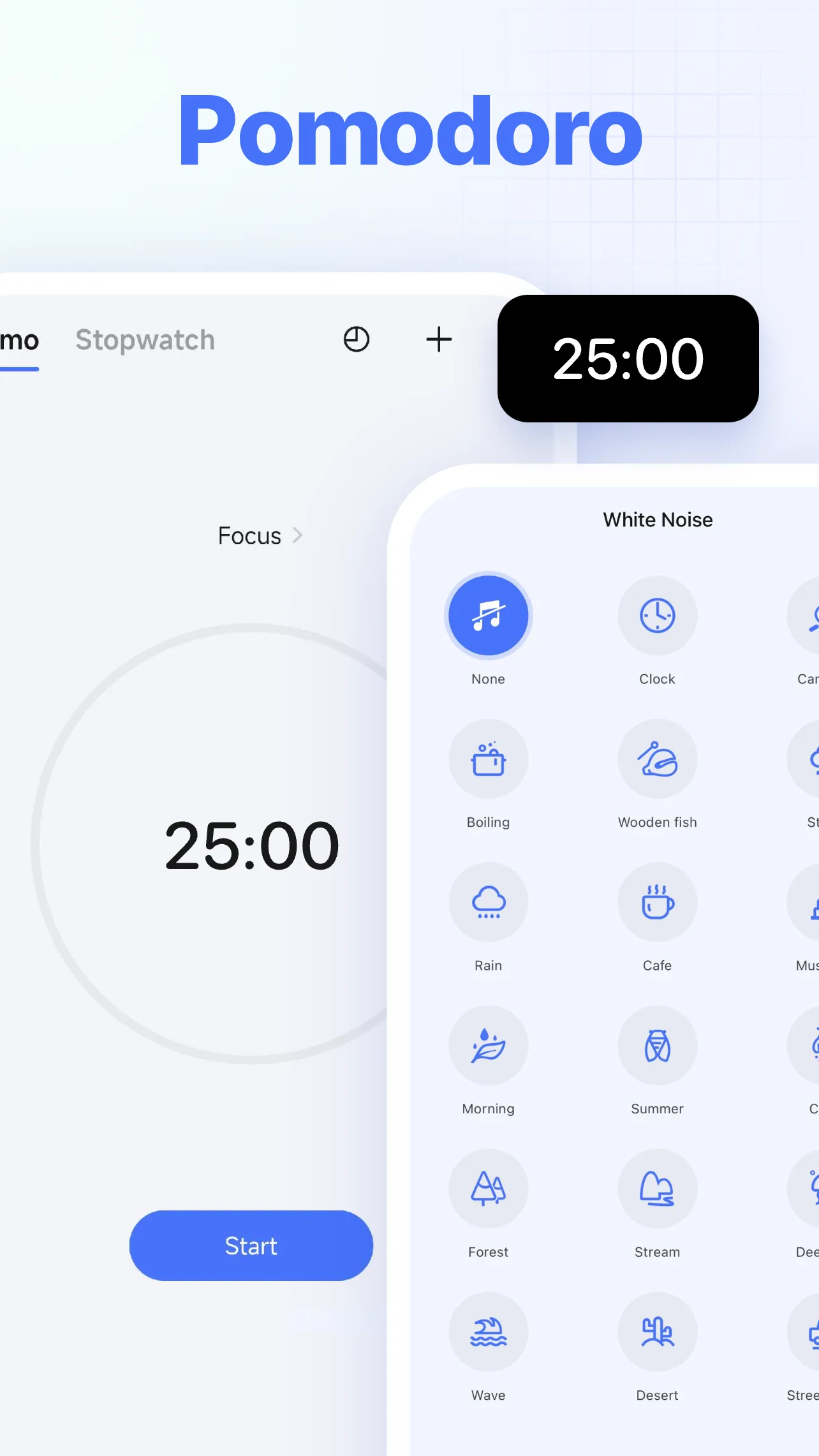
- TickTickApp Store
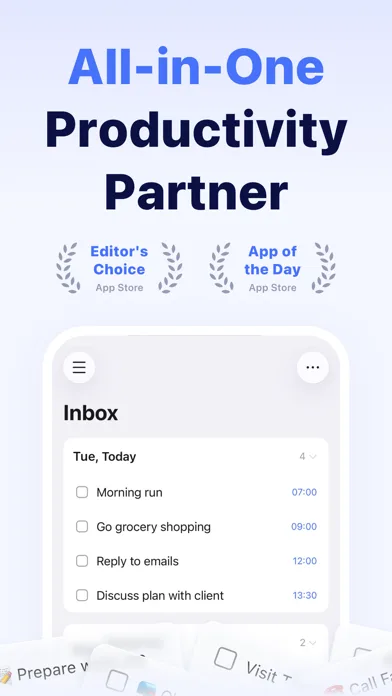
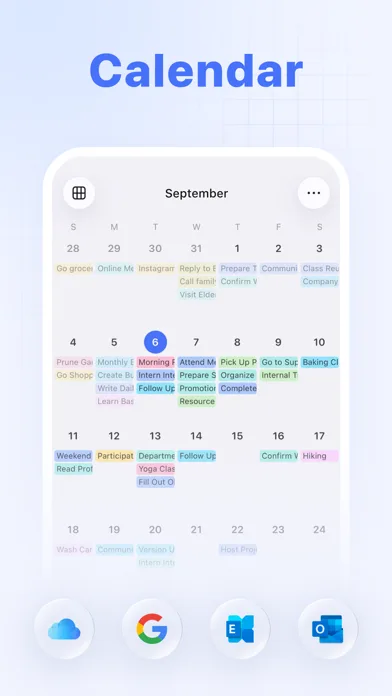
 Play Store
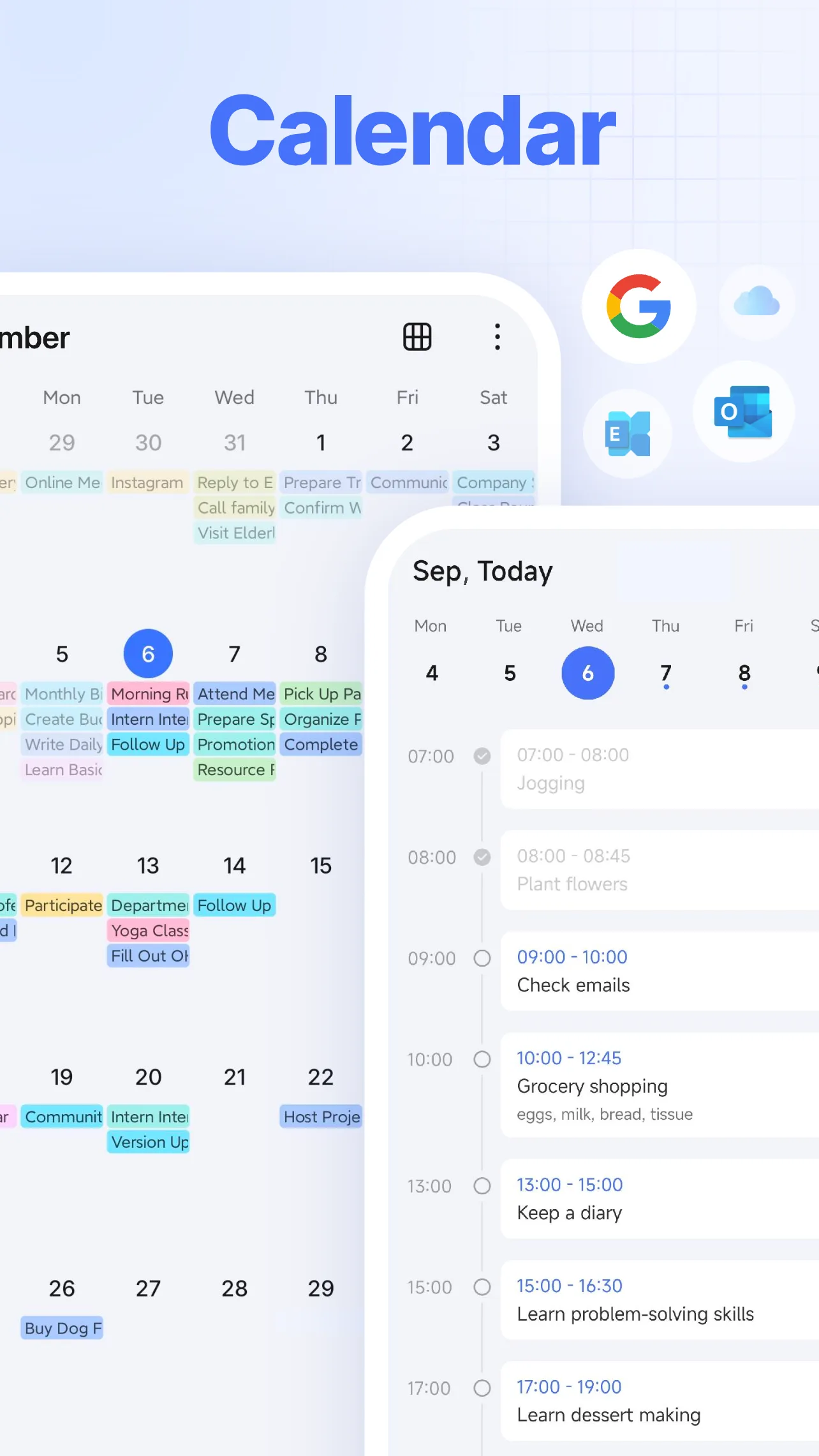
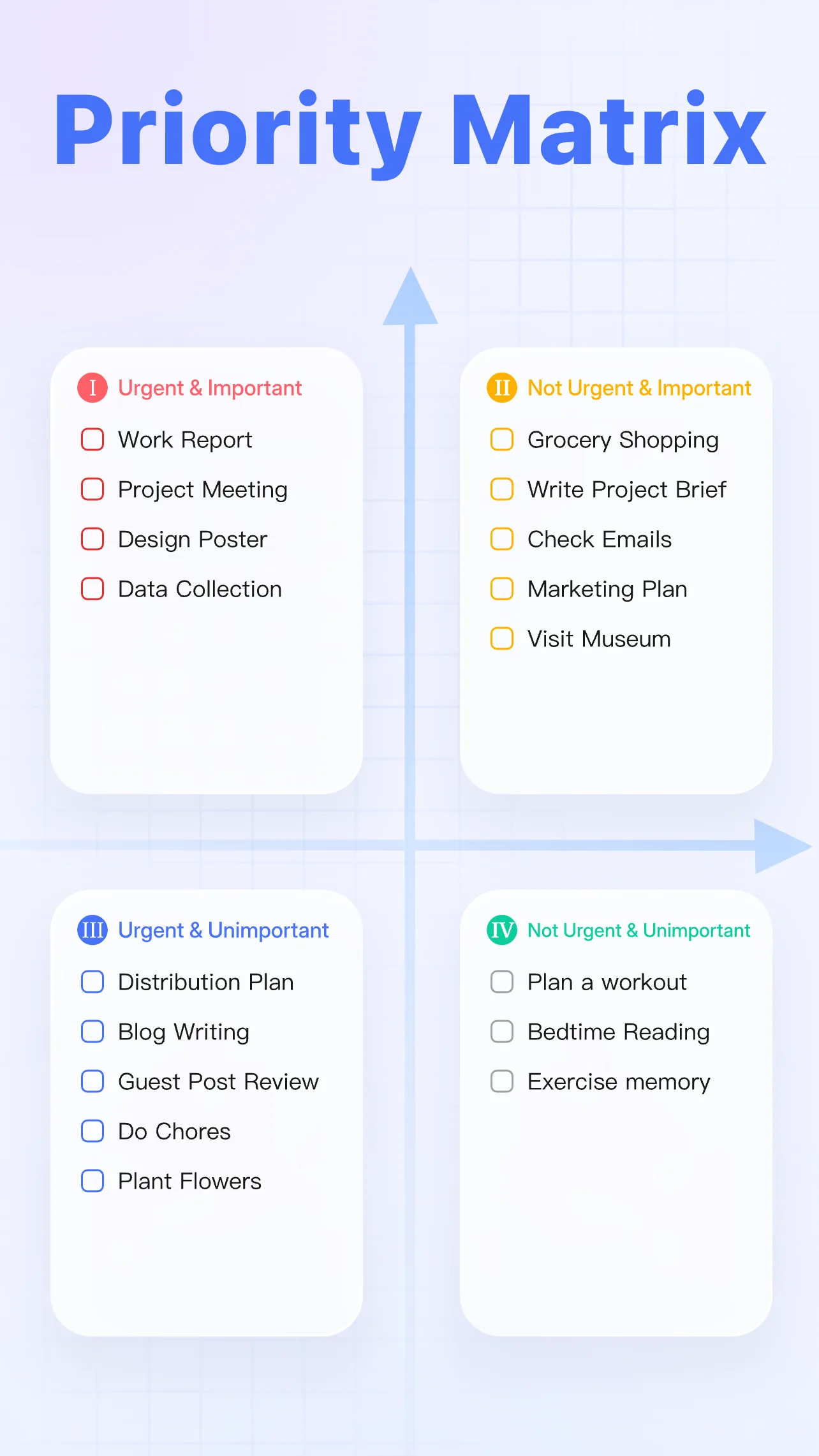
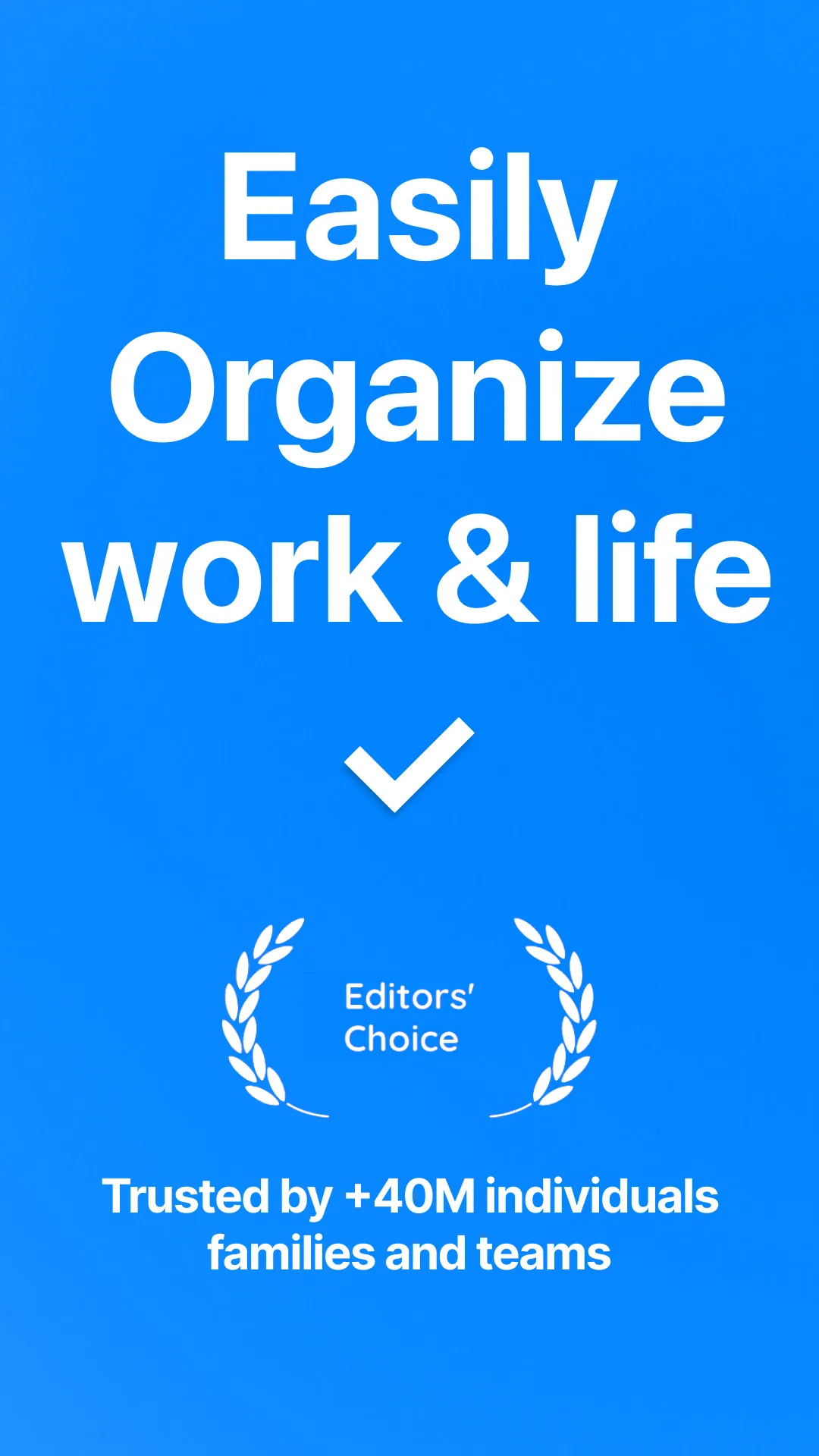
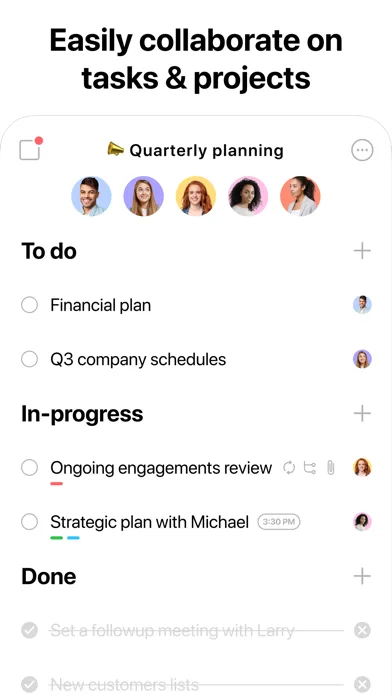
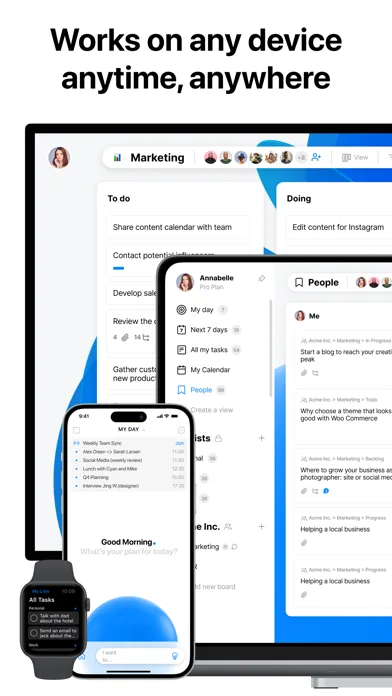
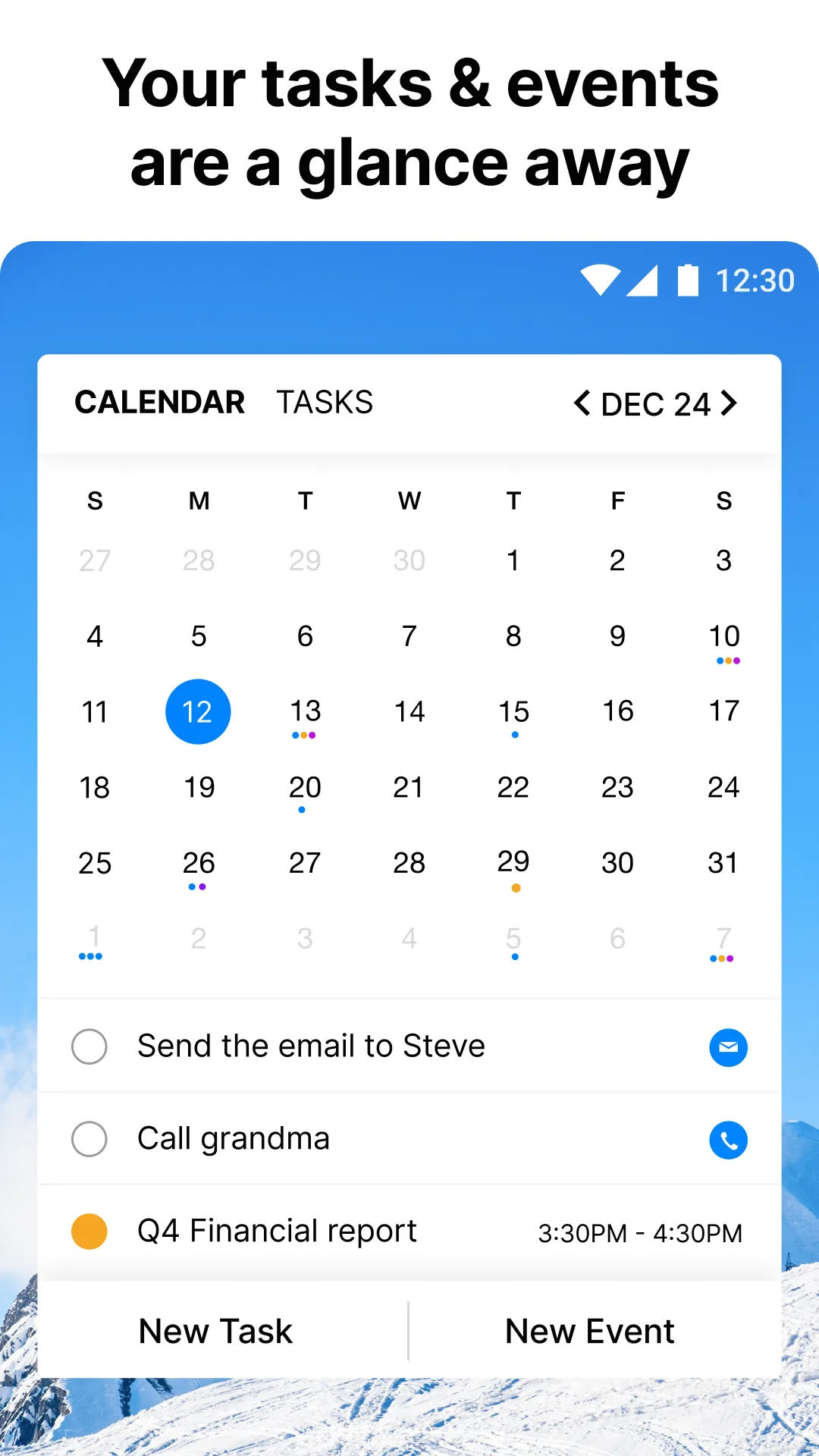
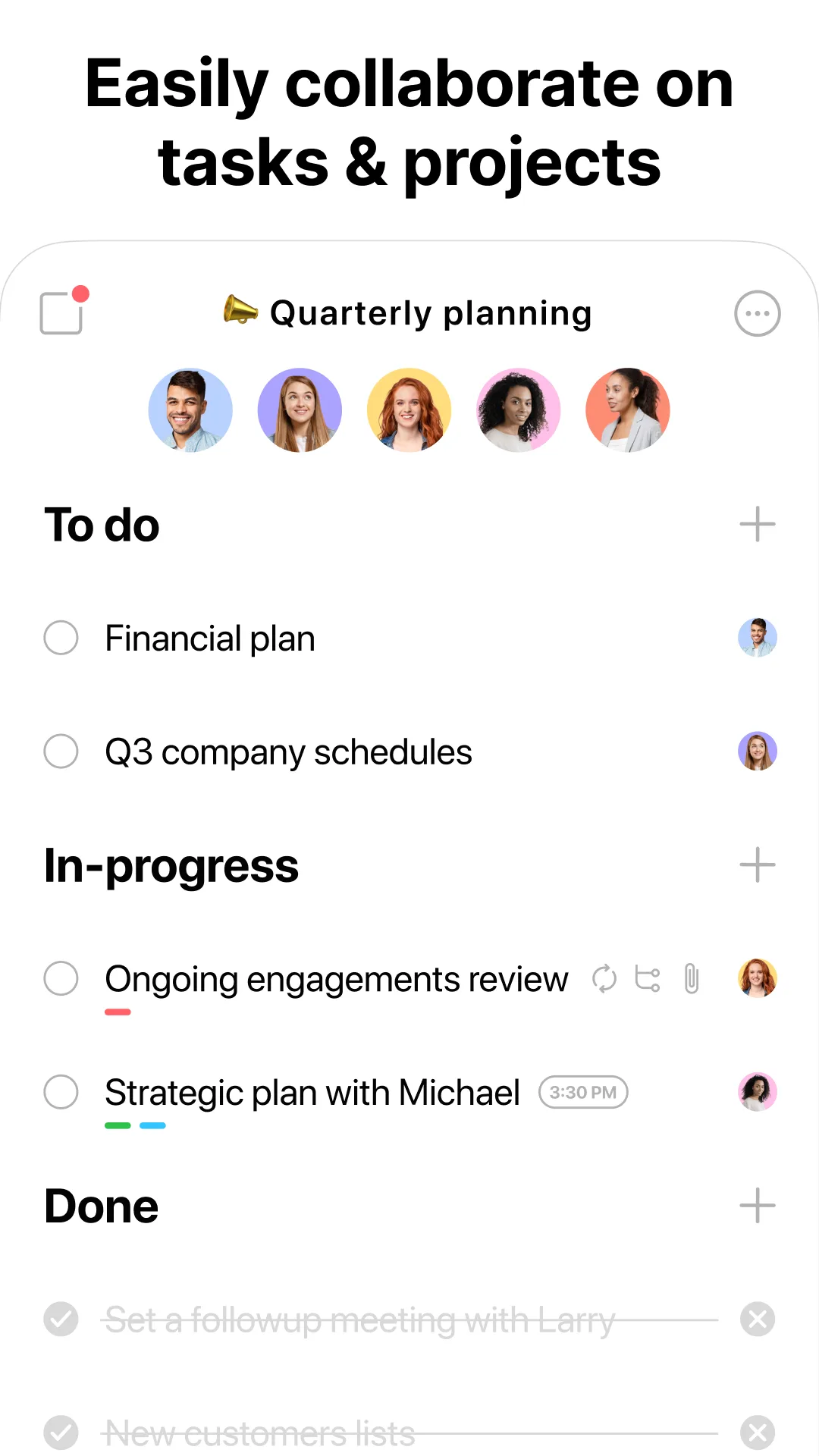
- Any.doApp Store
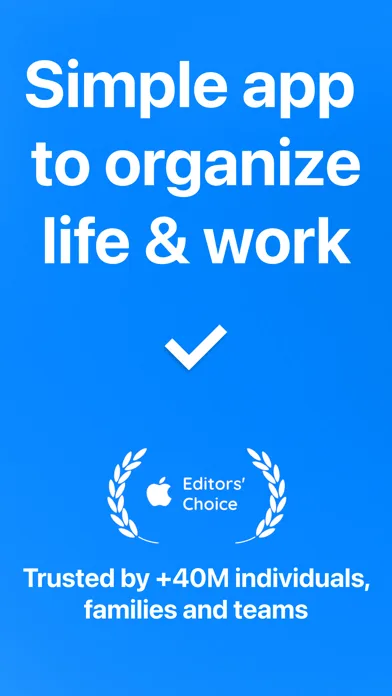
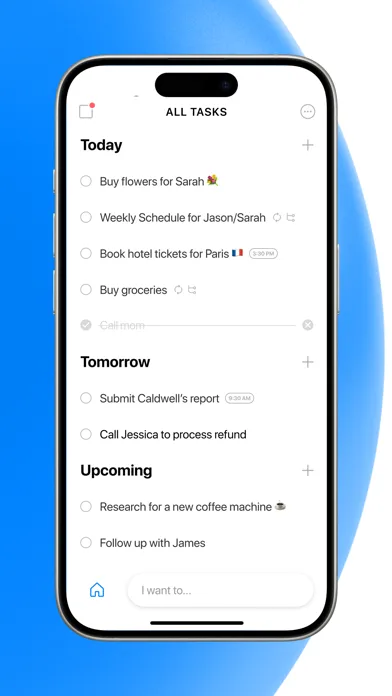
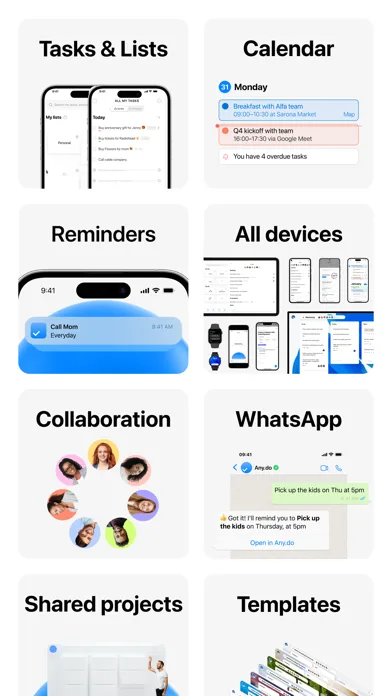
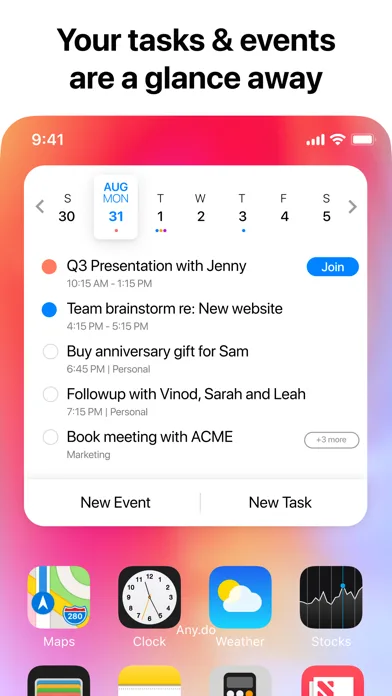 Play Store
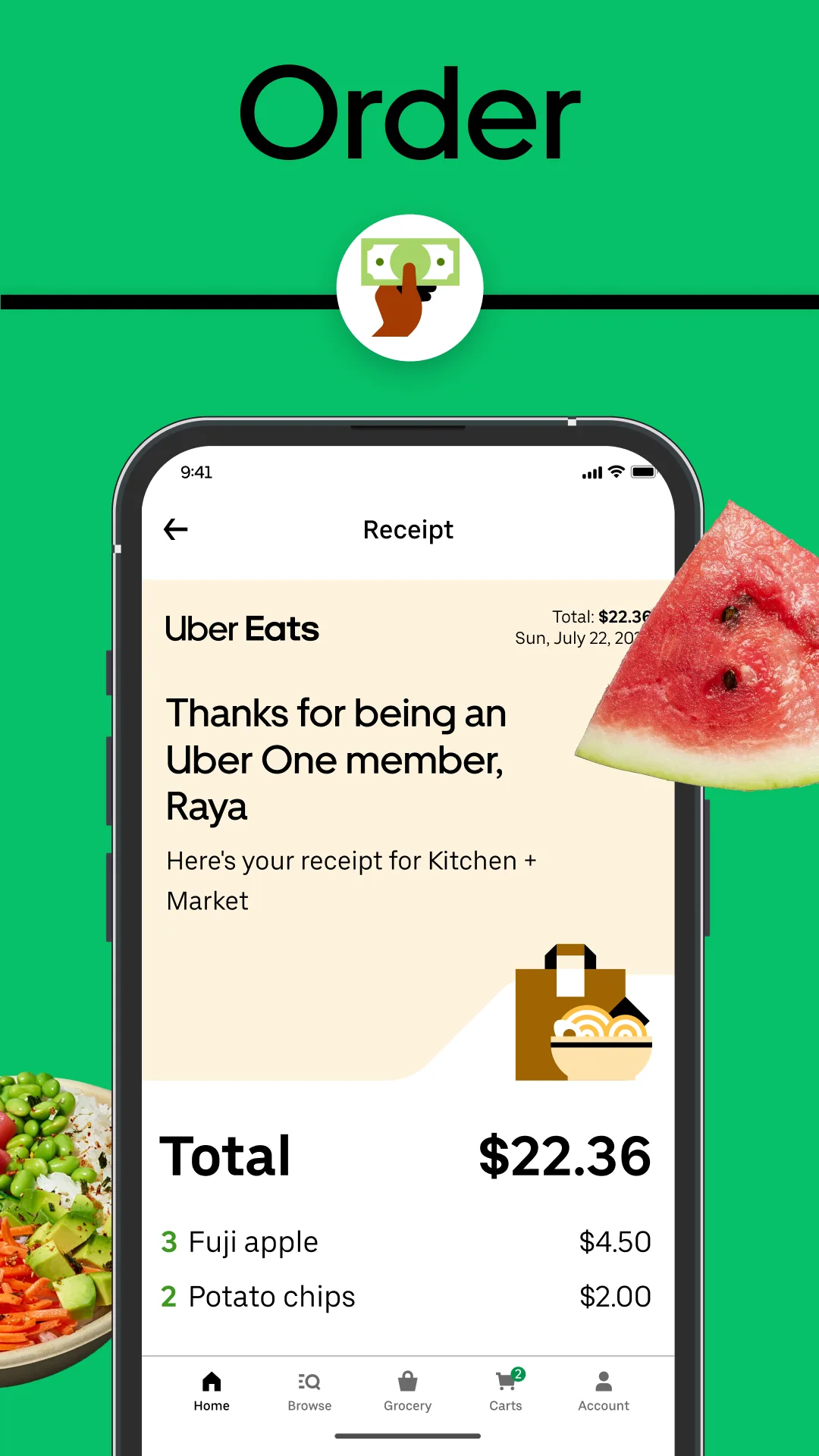
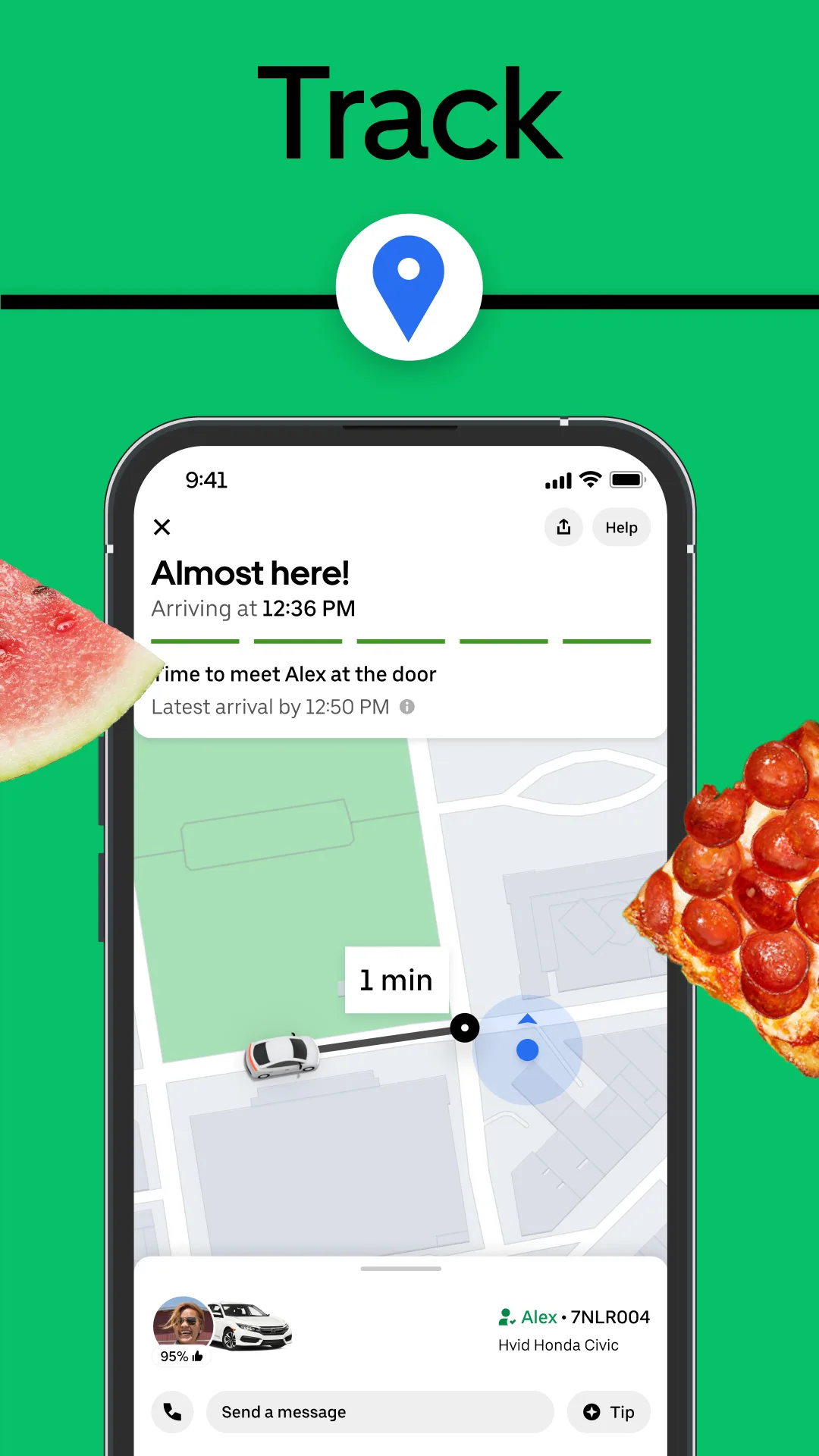
- Uber EatsPlay Store
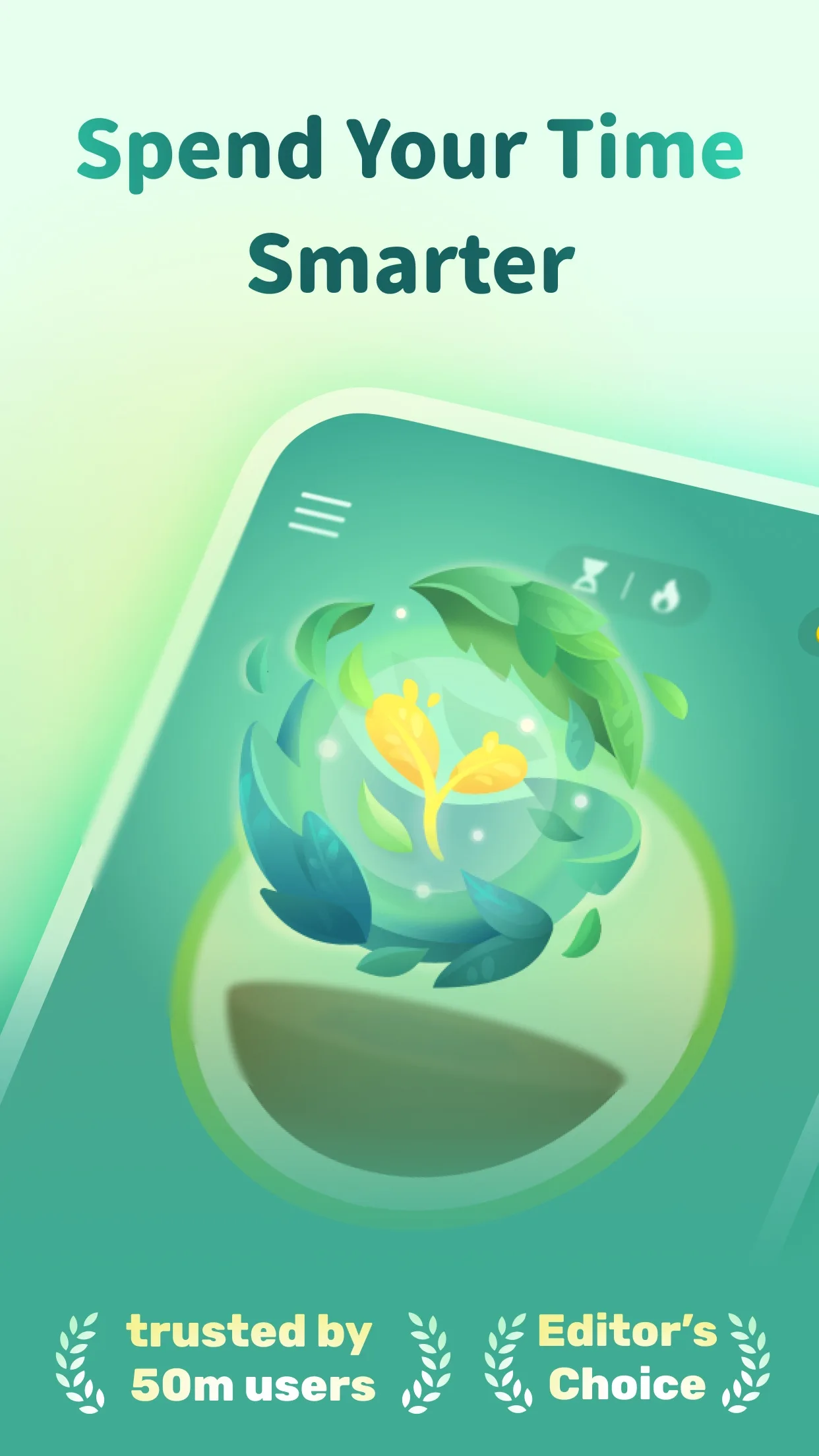
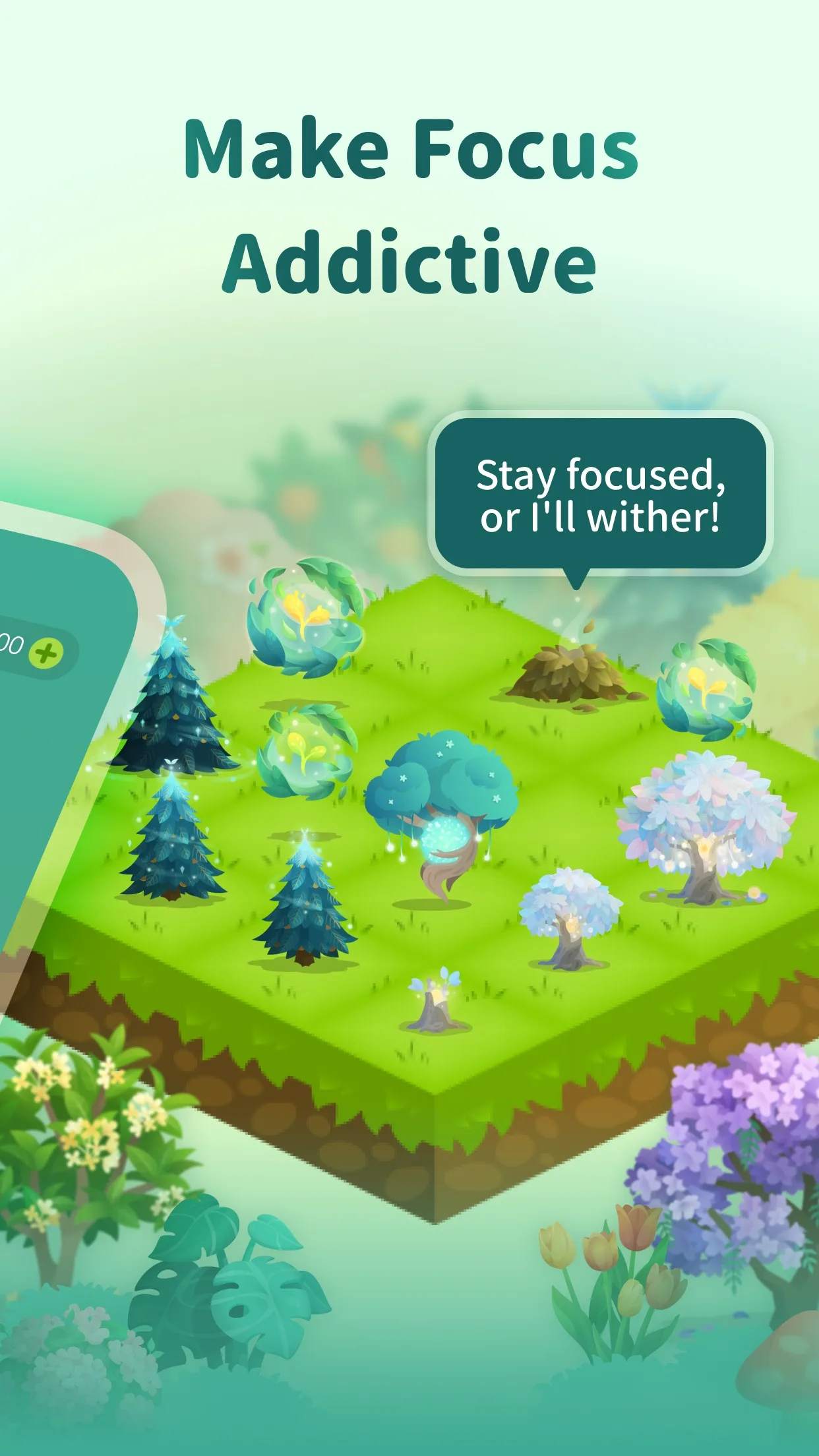
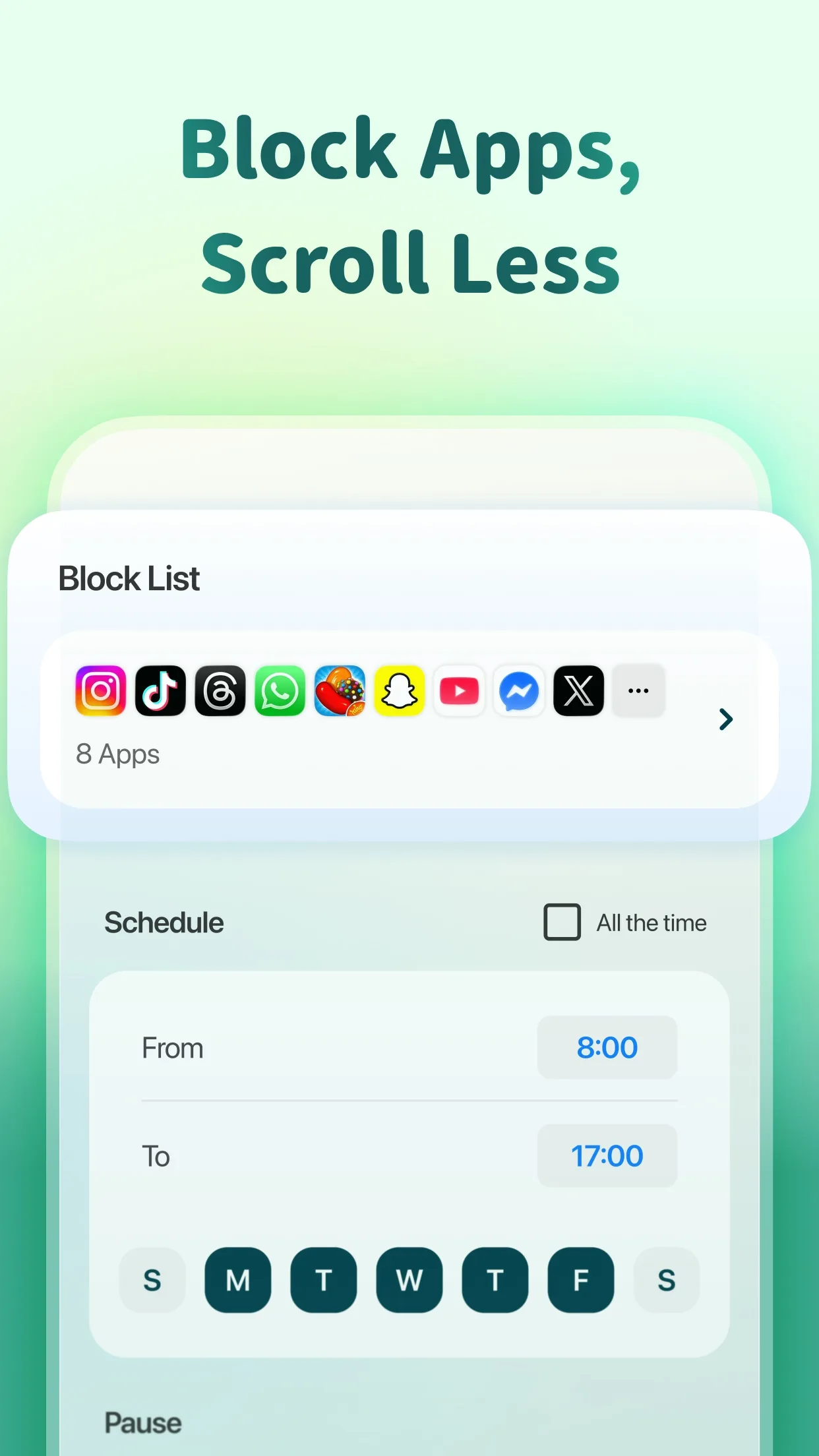
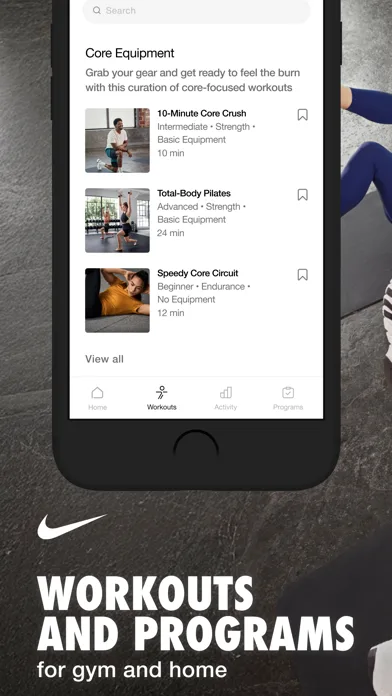
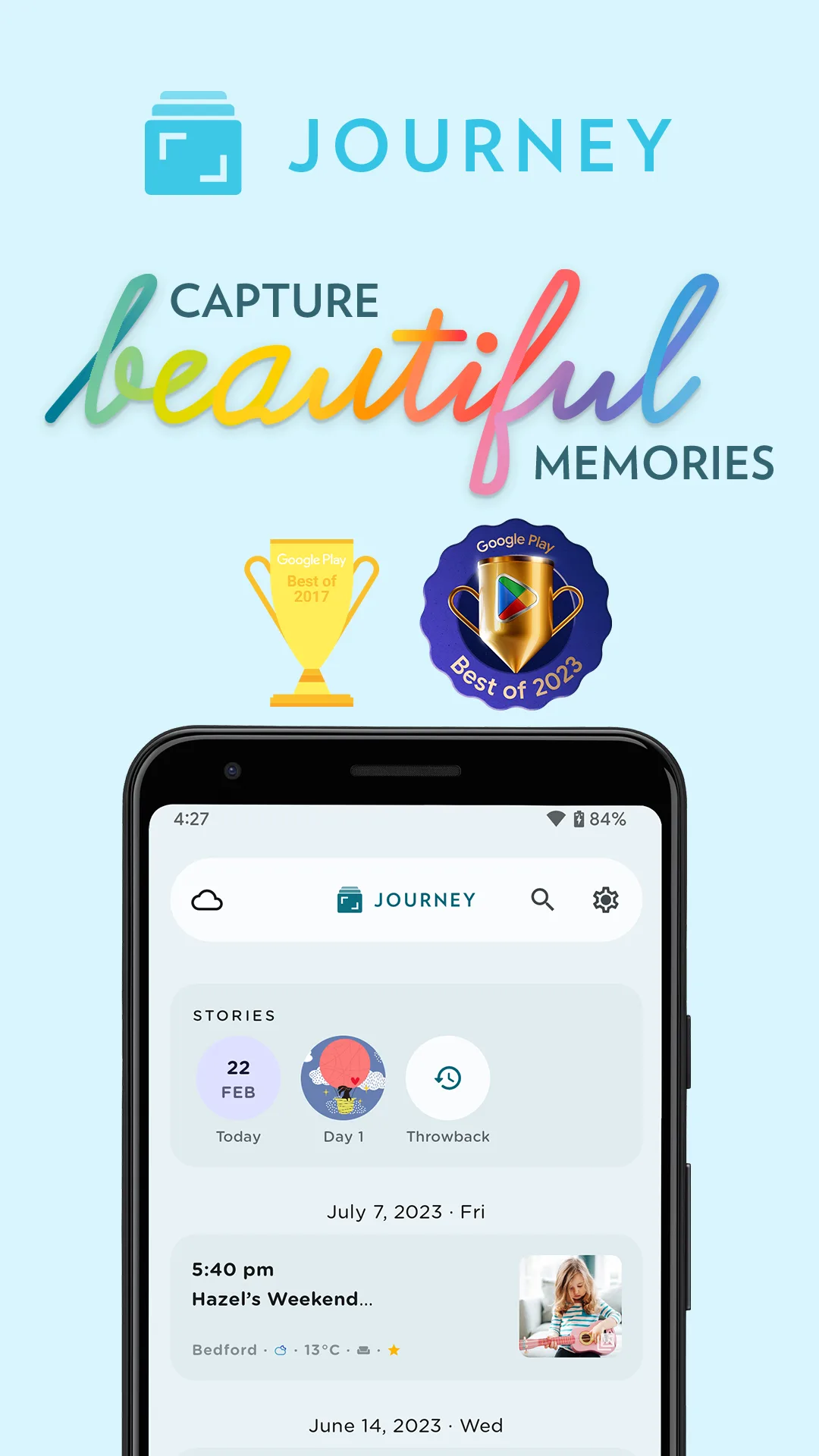
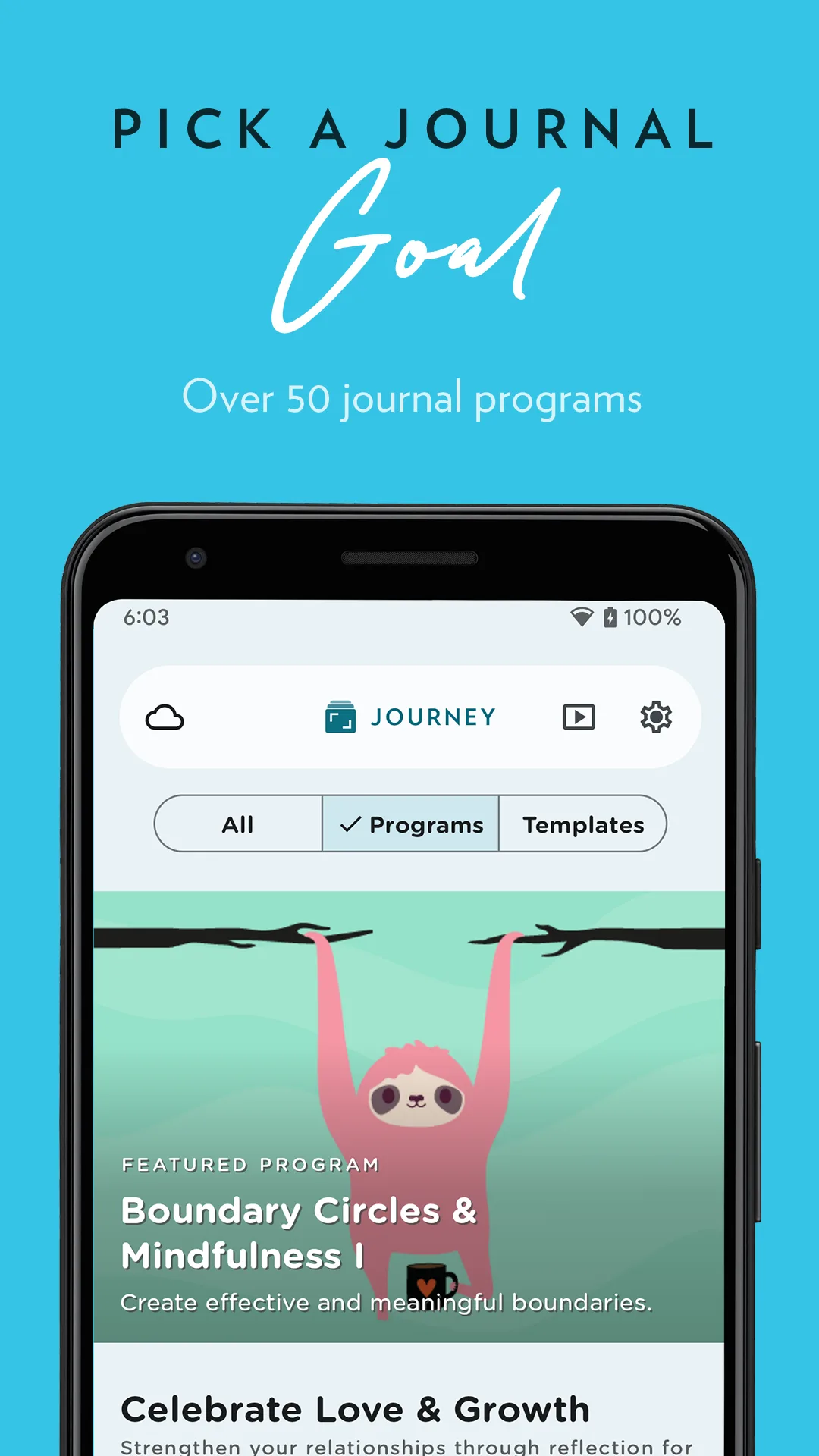
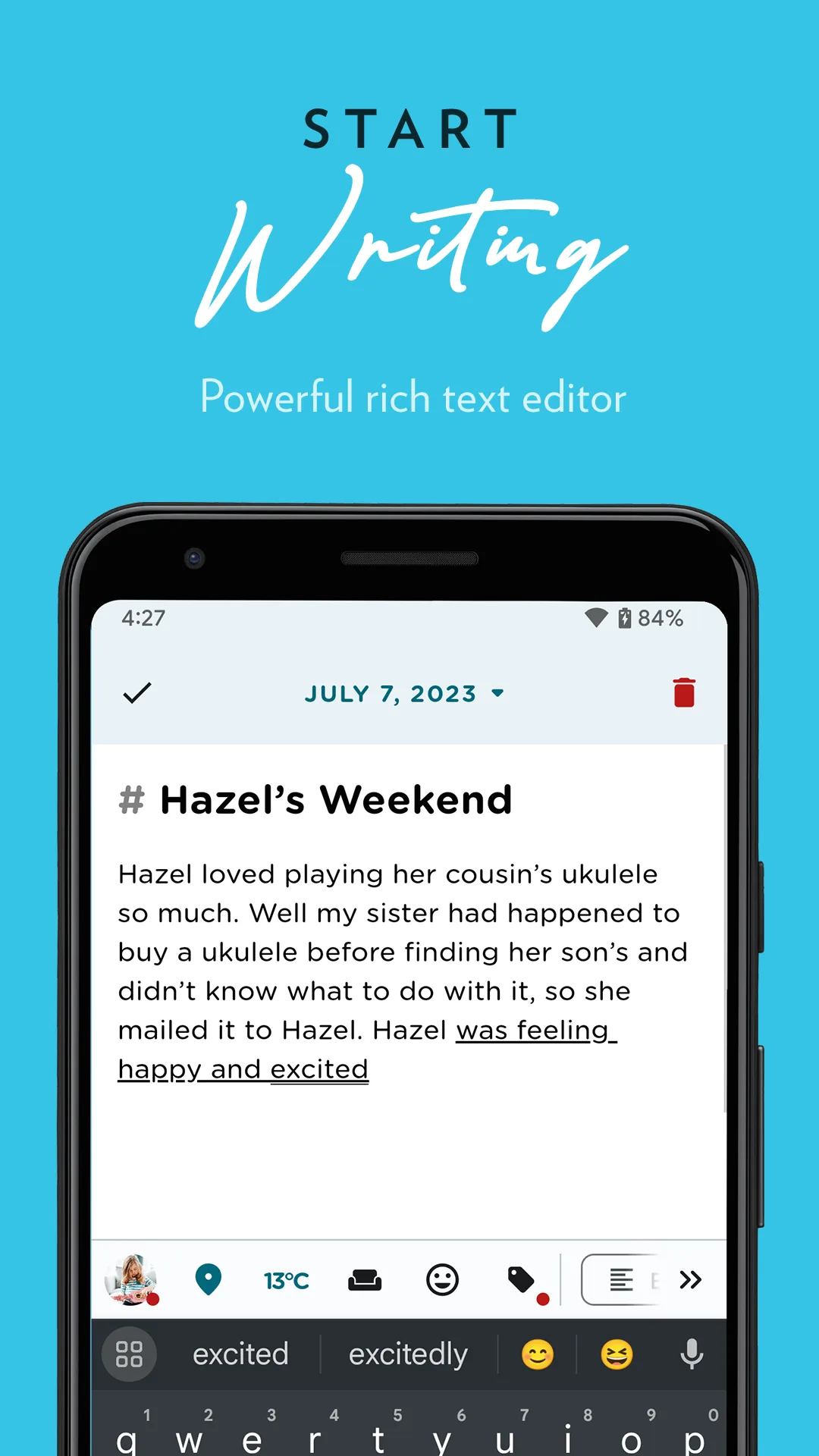
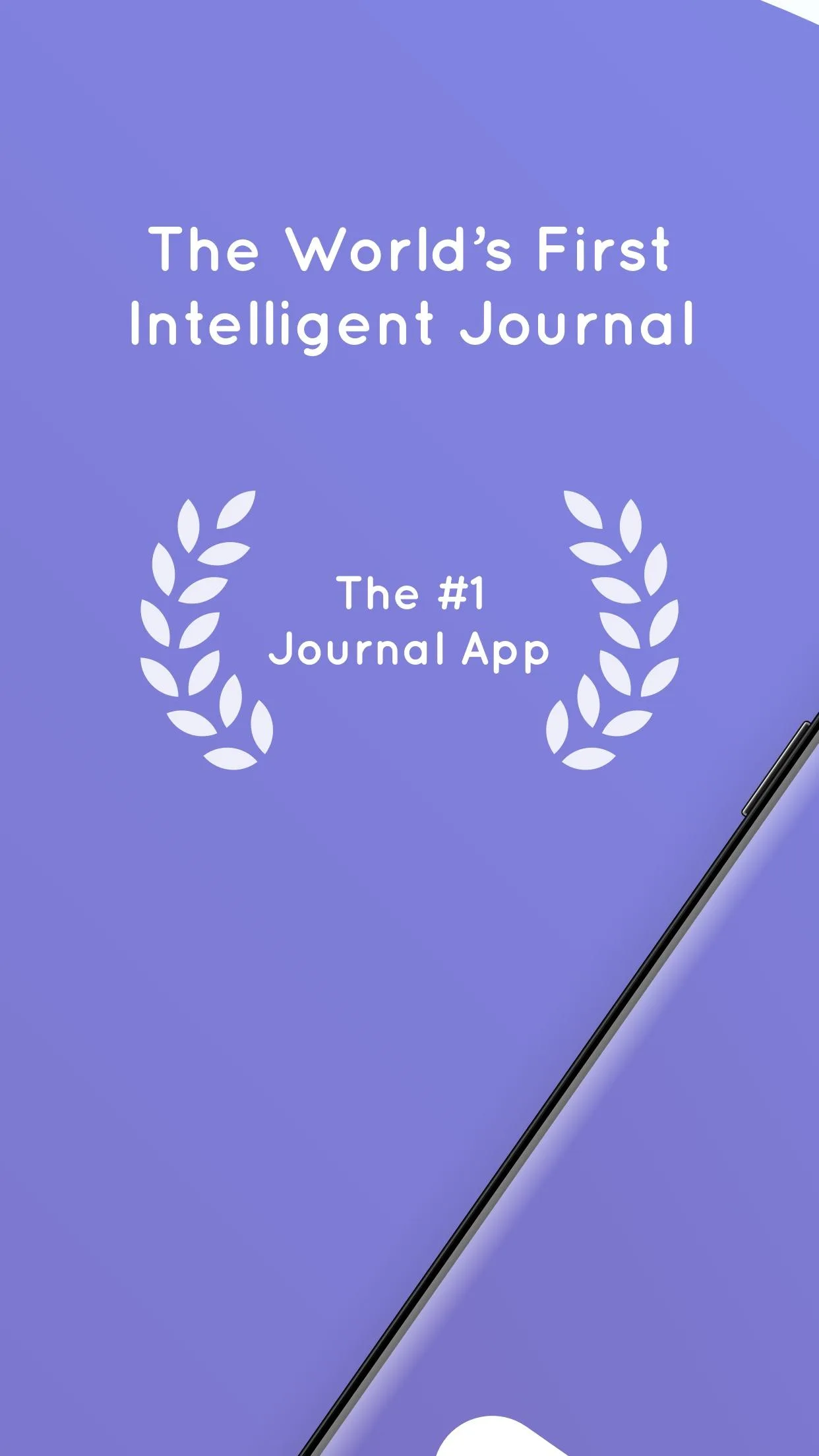
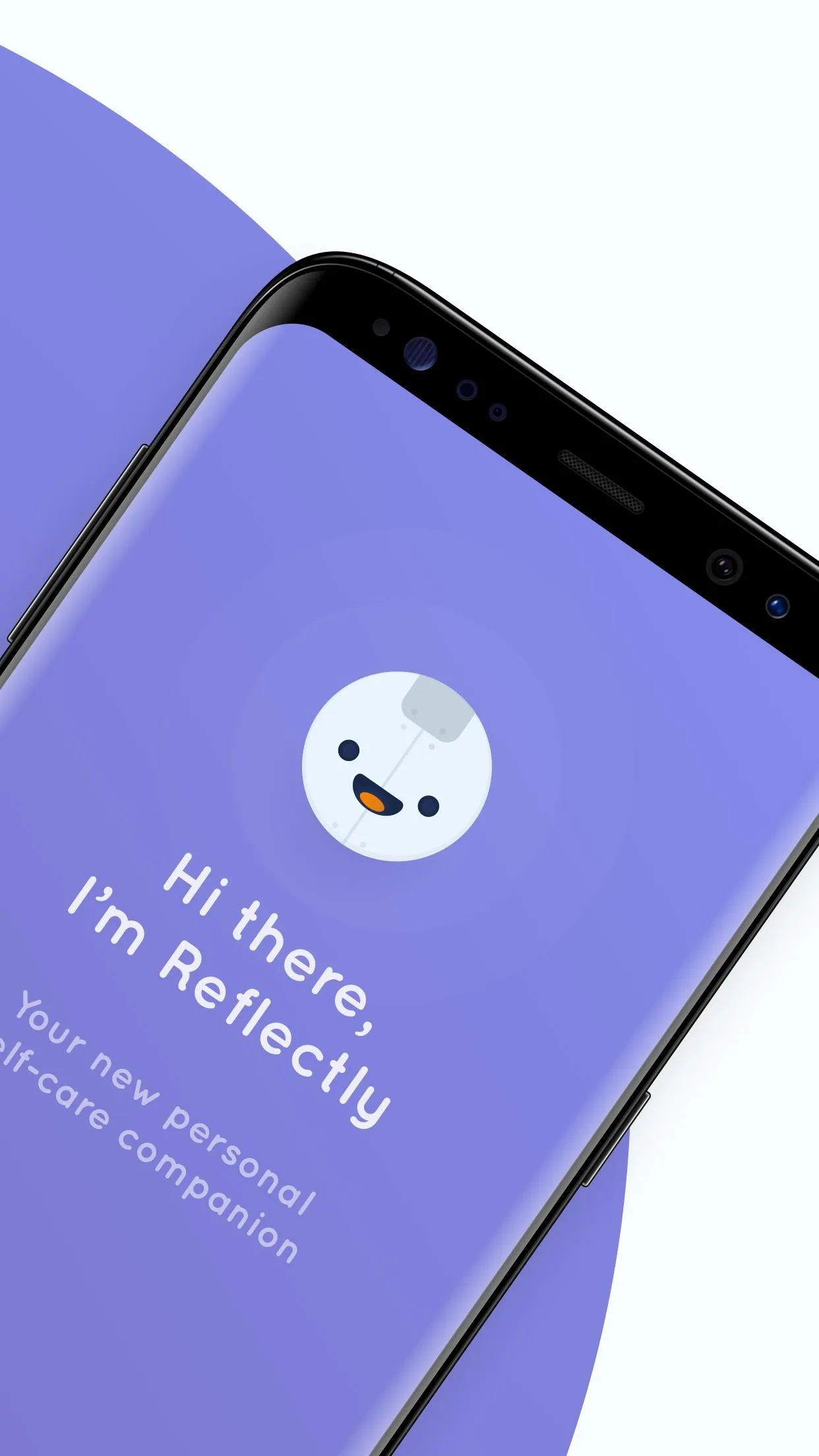
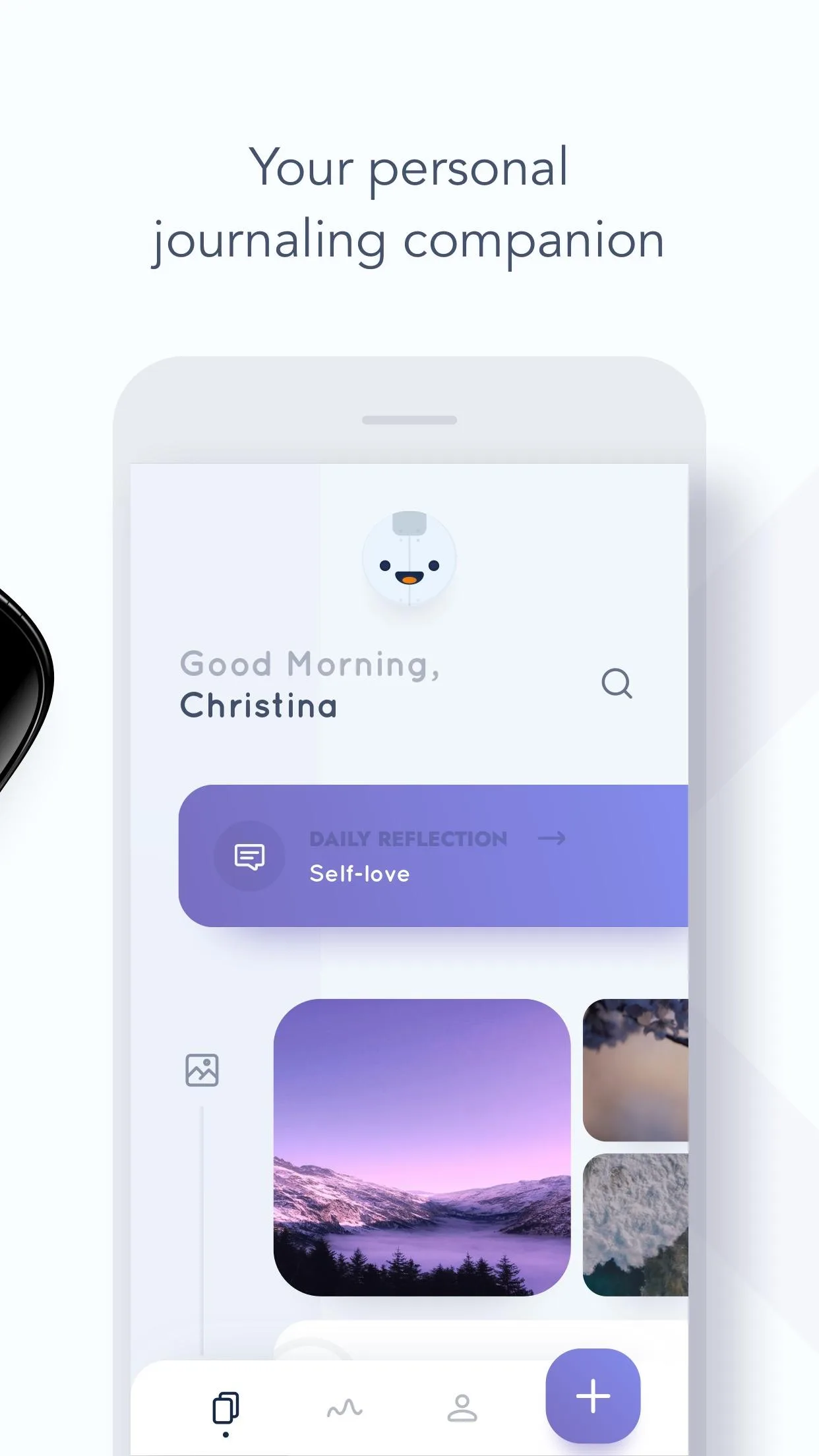
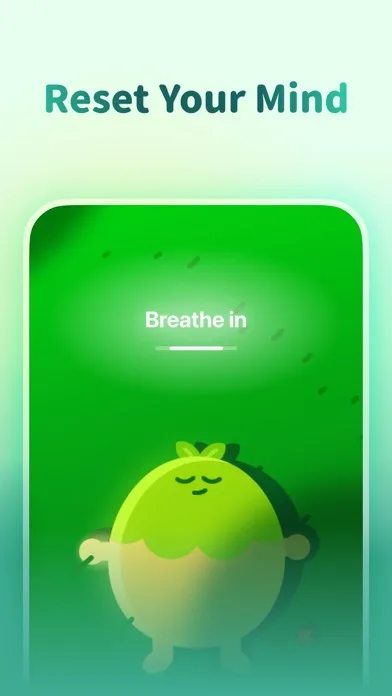
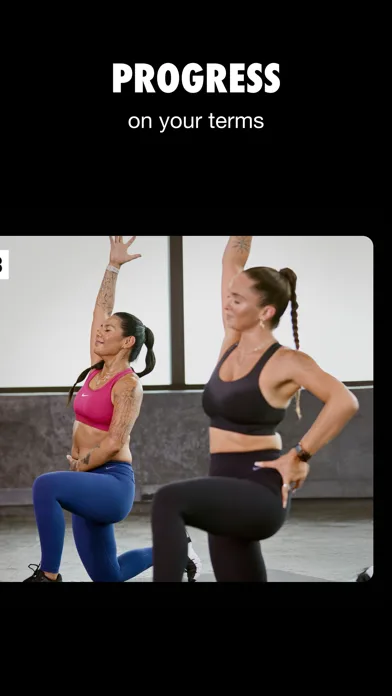
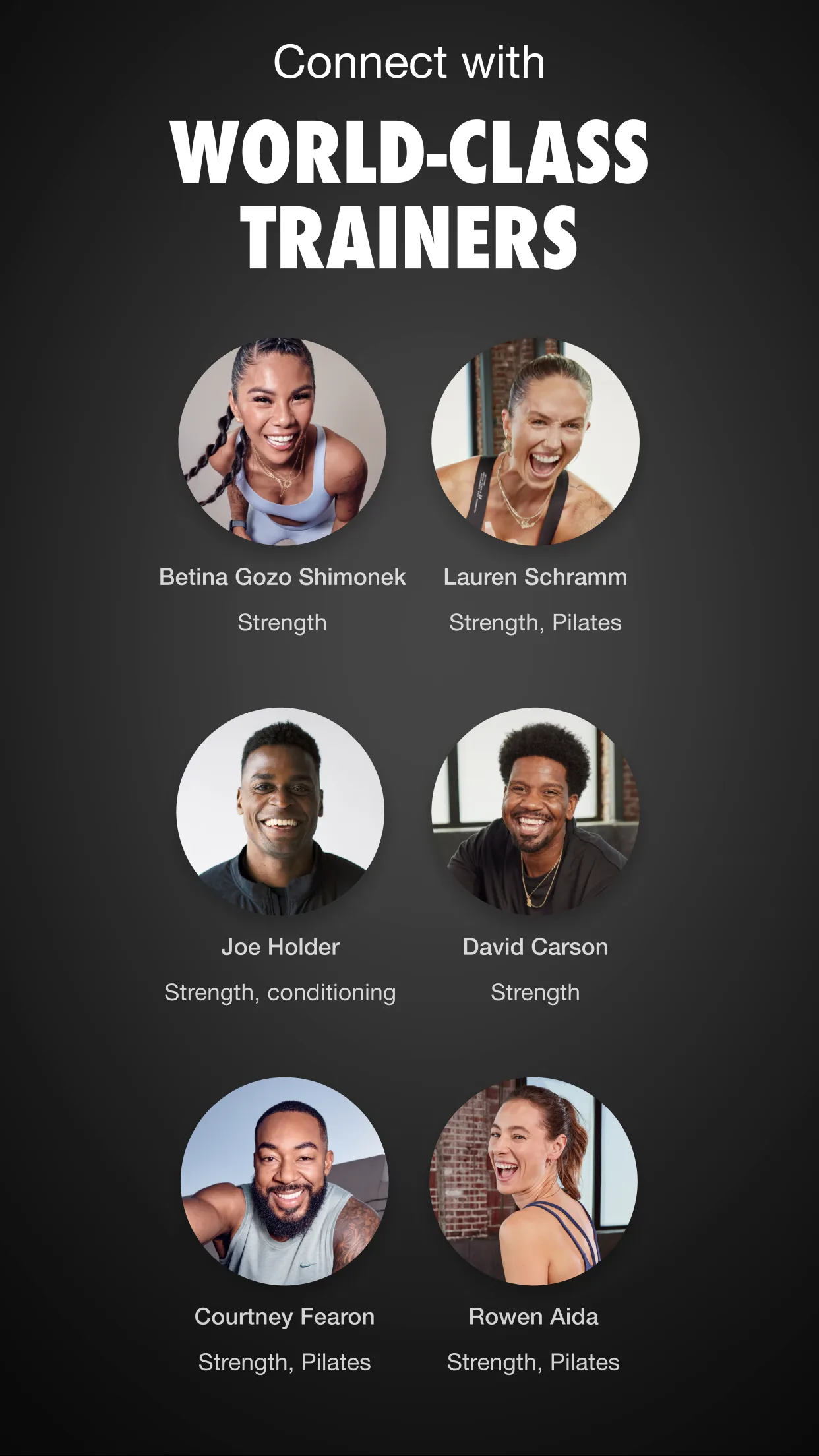
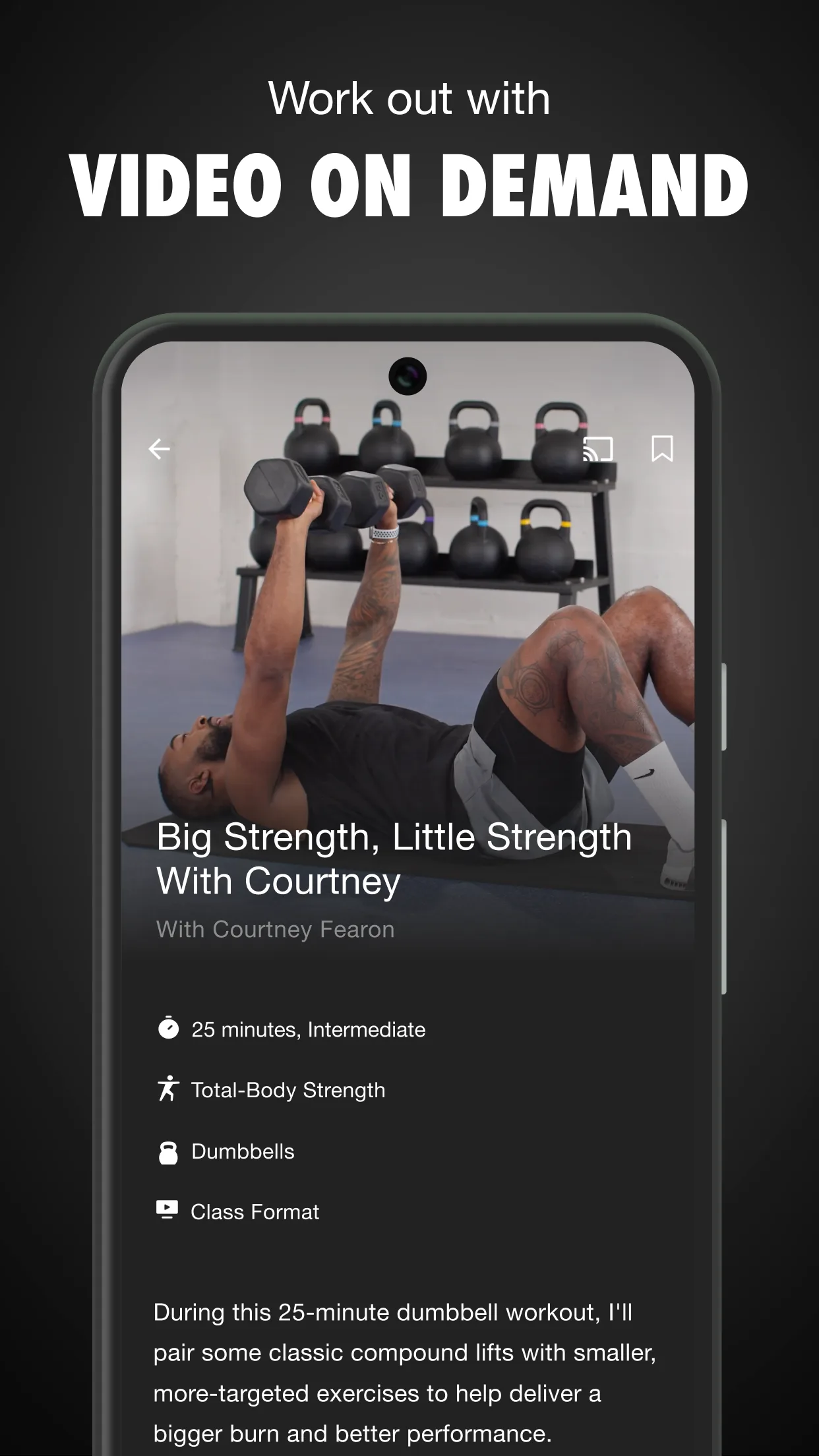
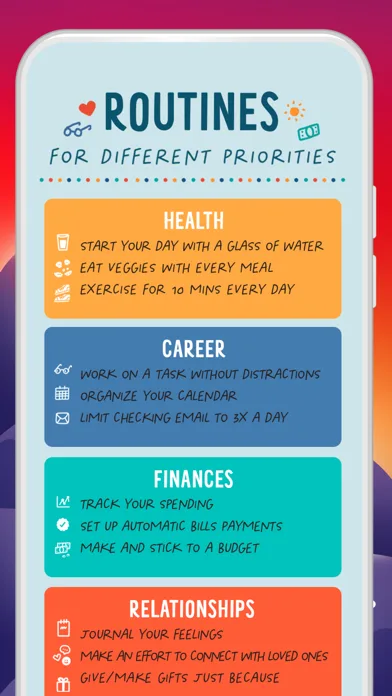
Storytelling / flow-based
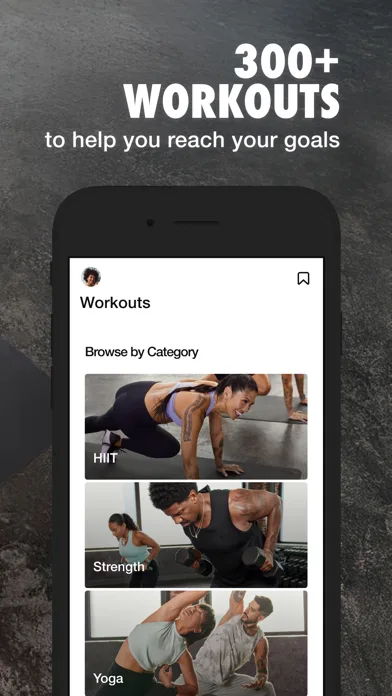
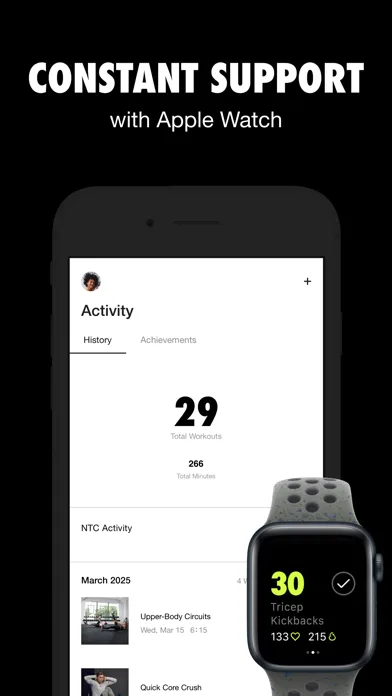
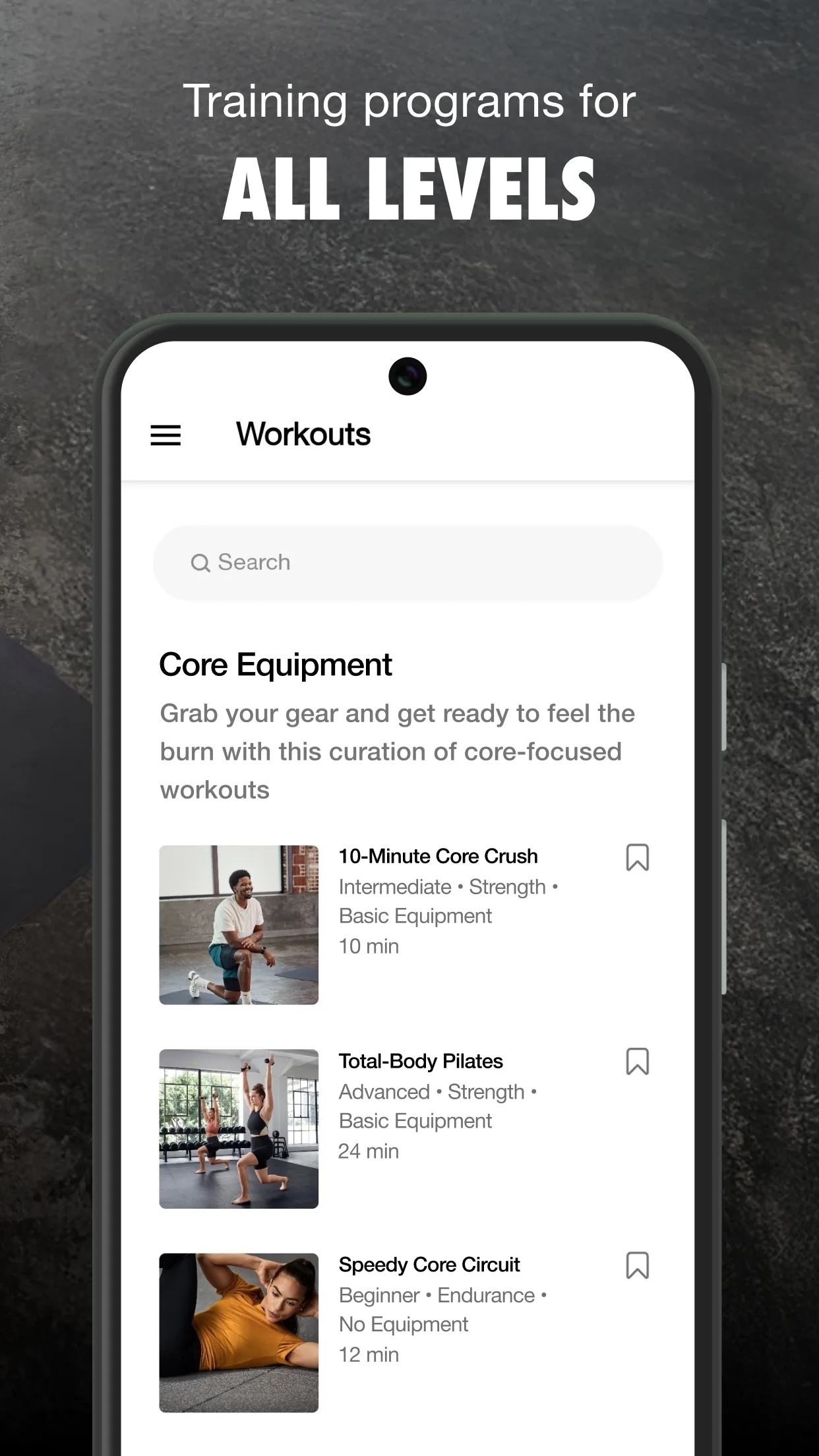
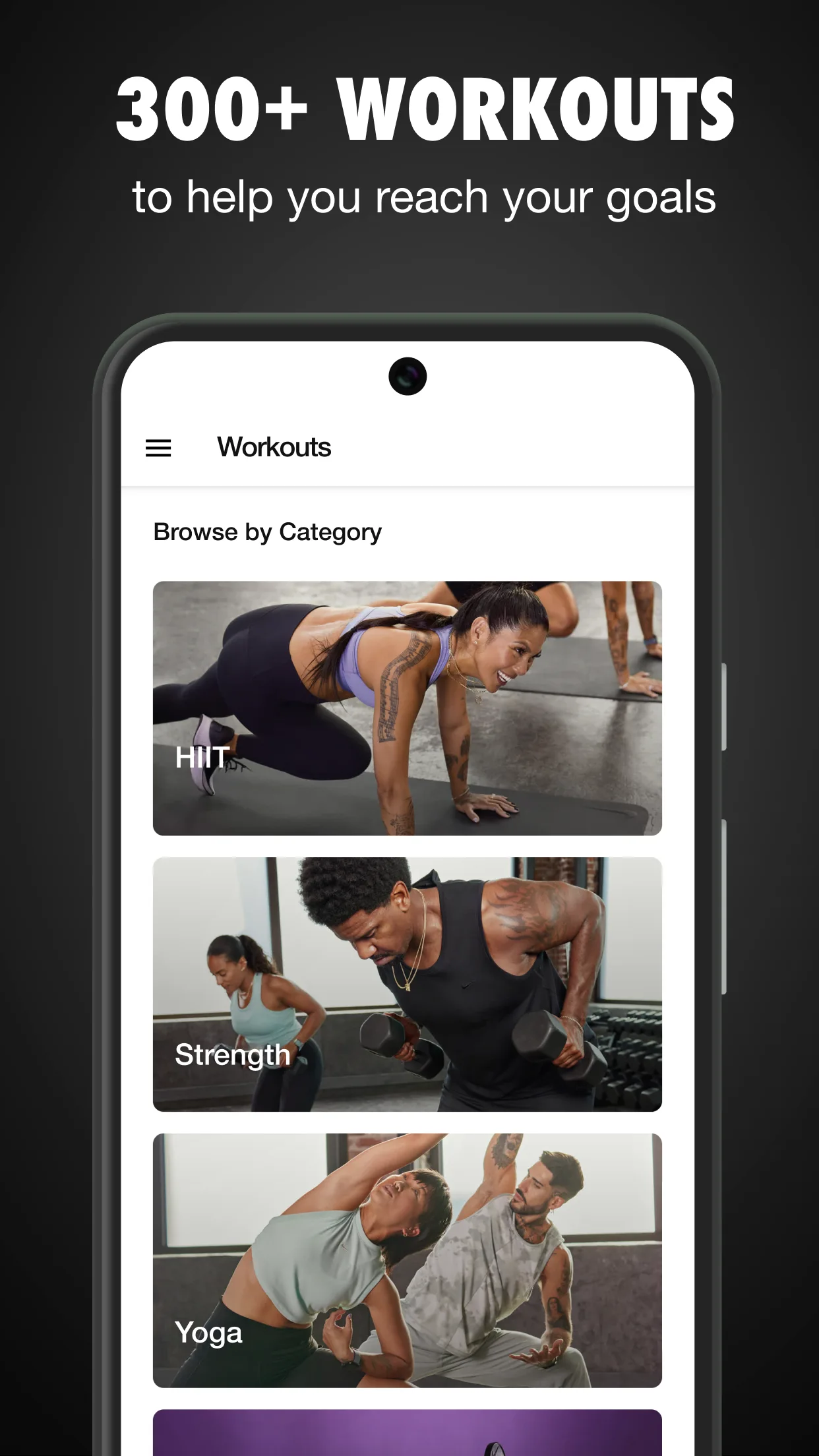
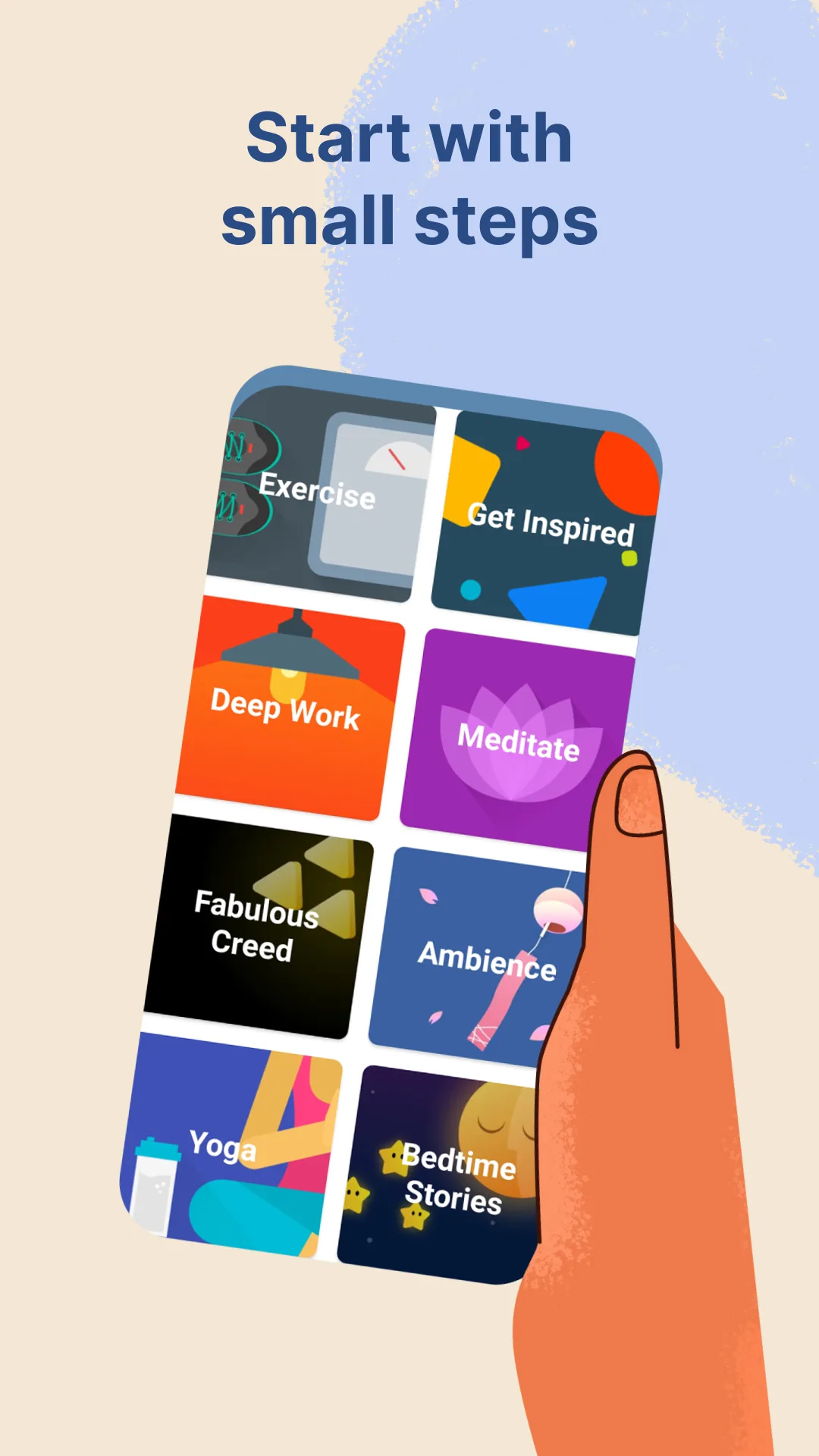
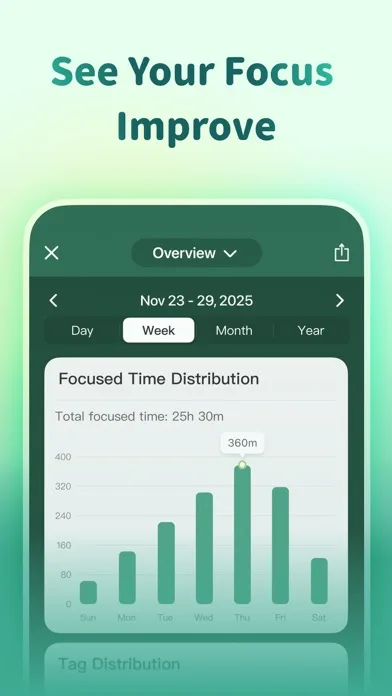
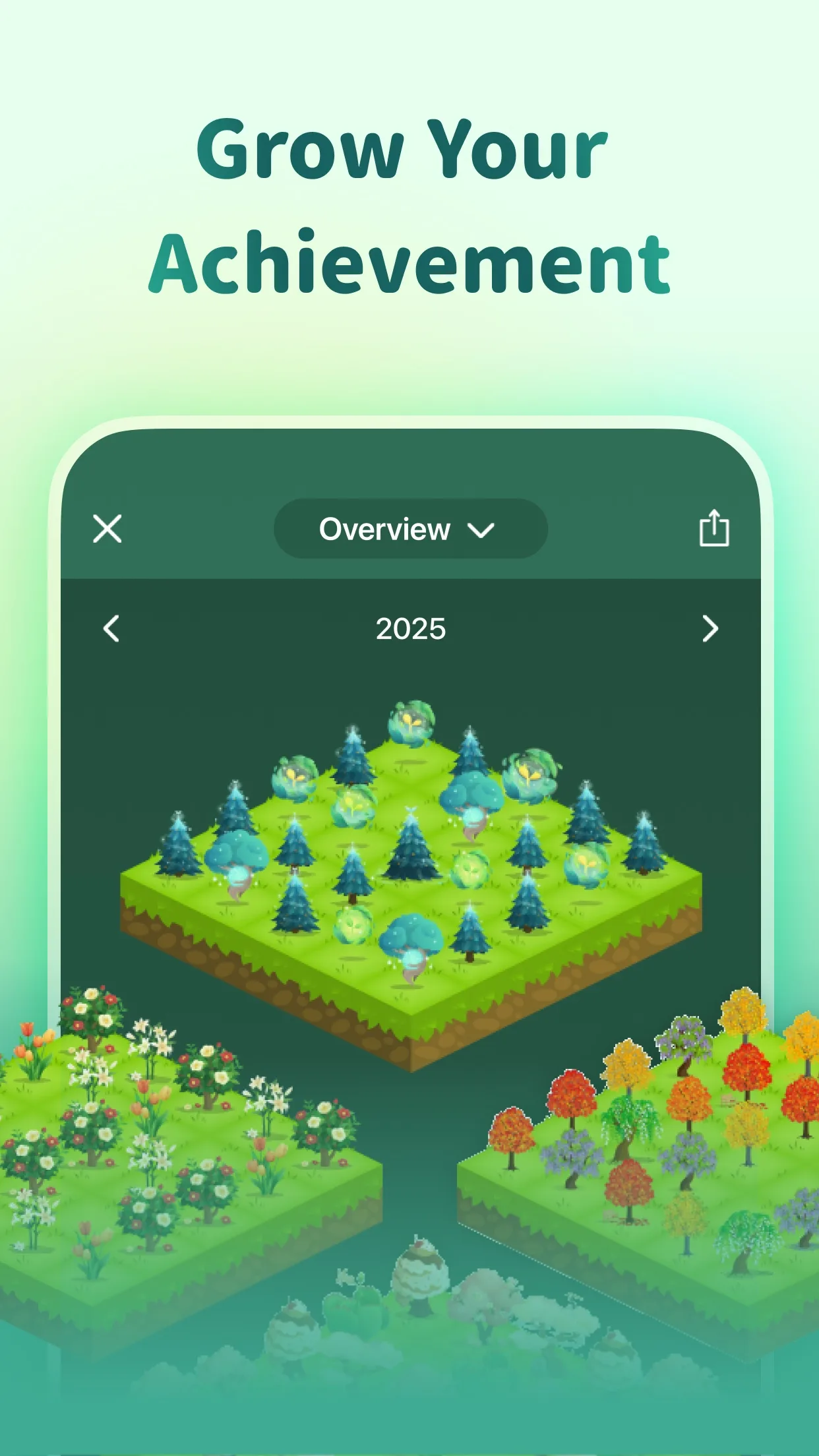
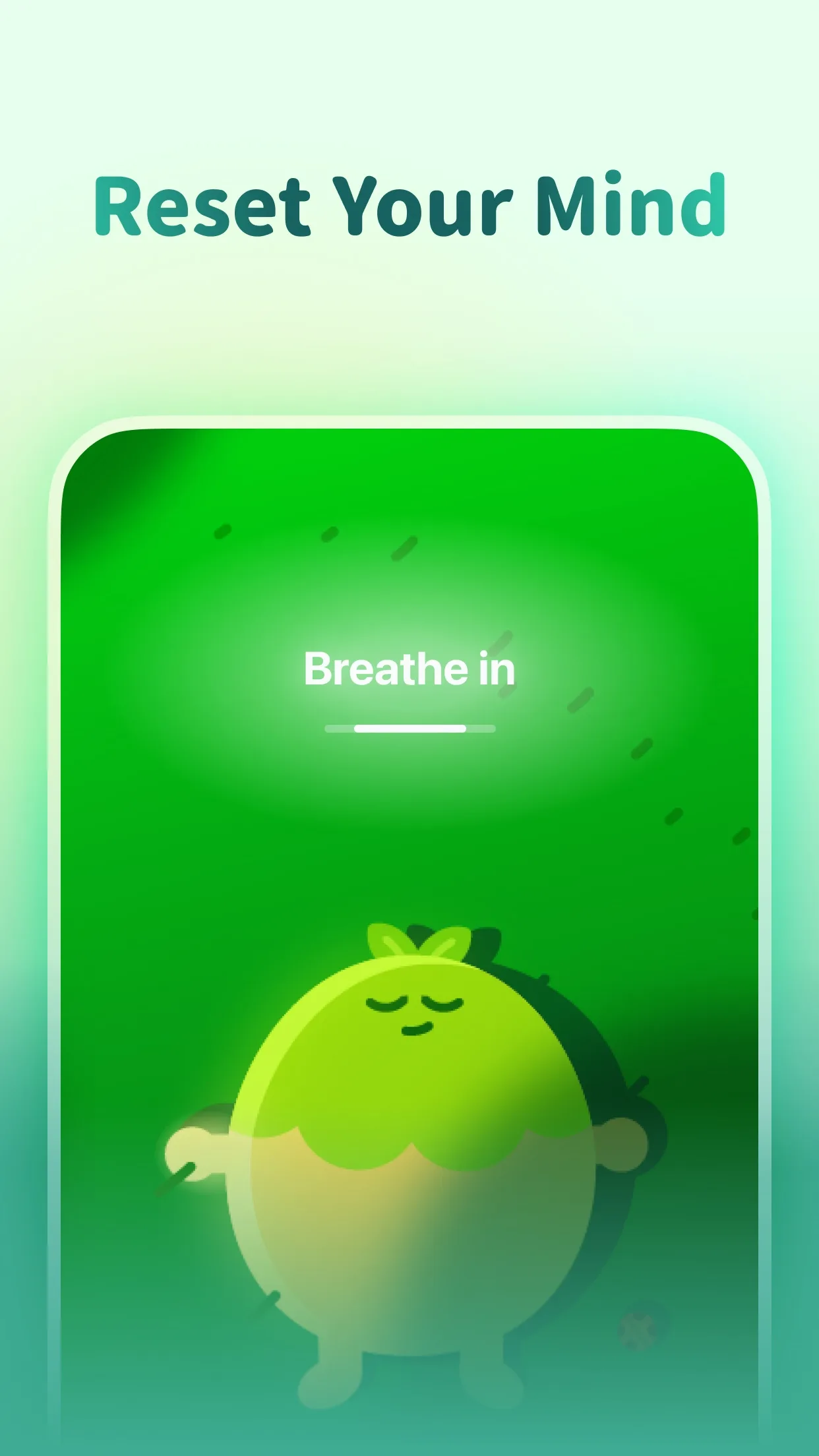
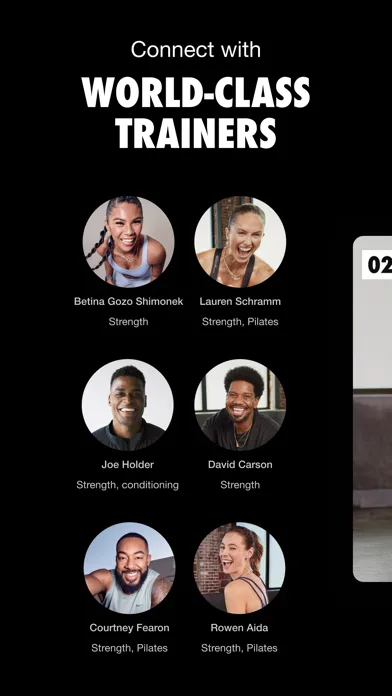
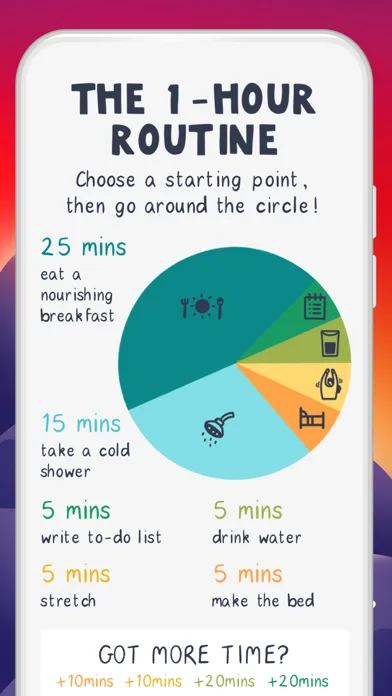
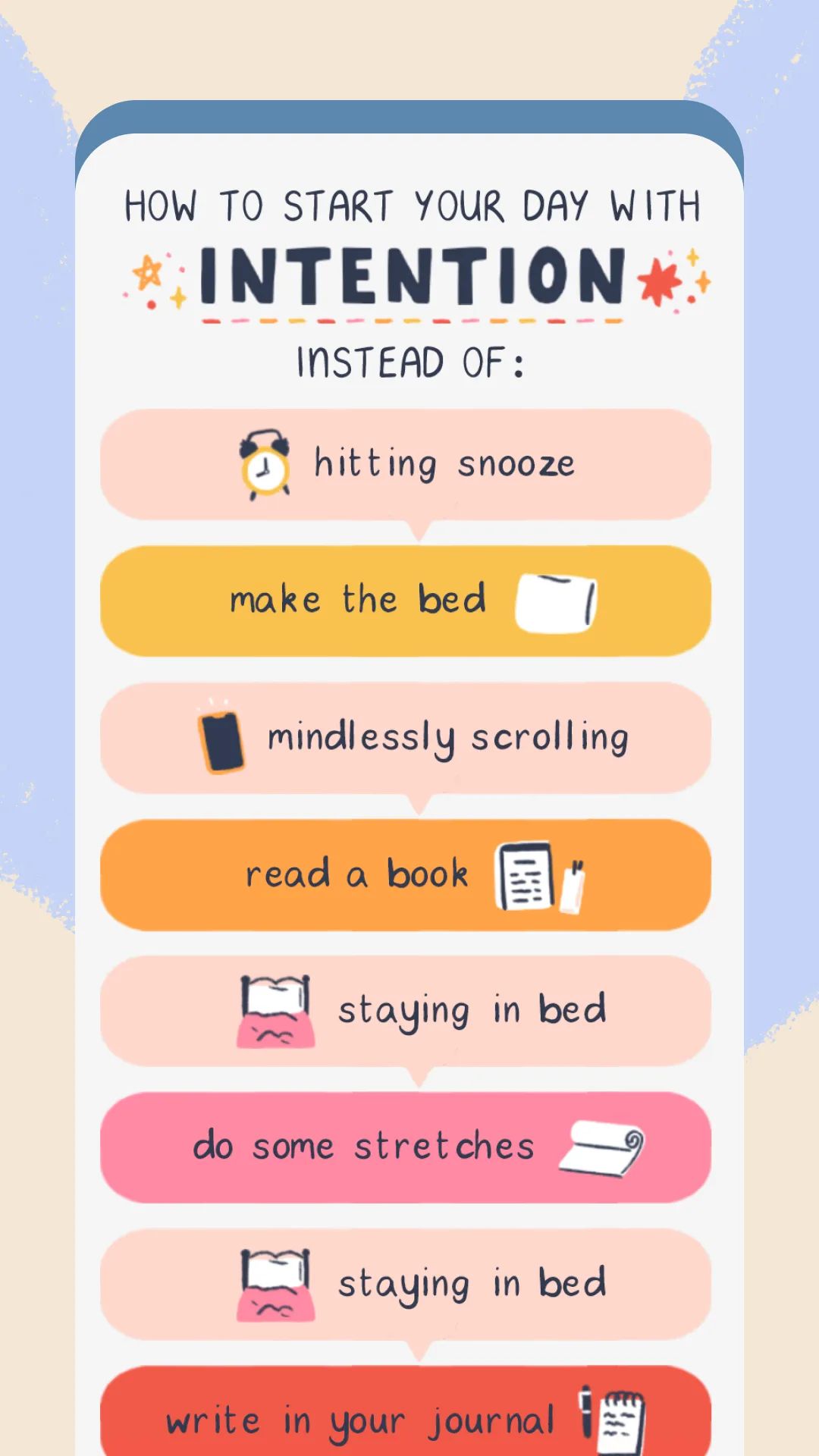
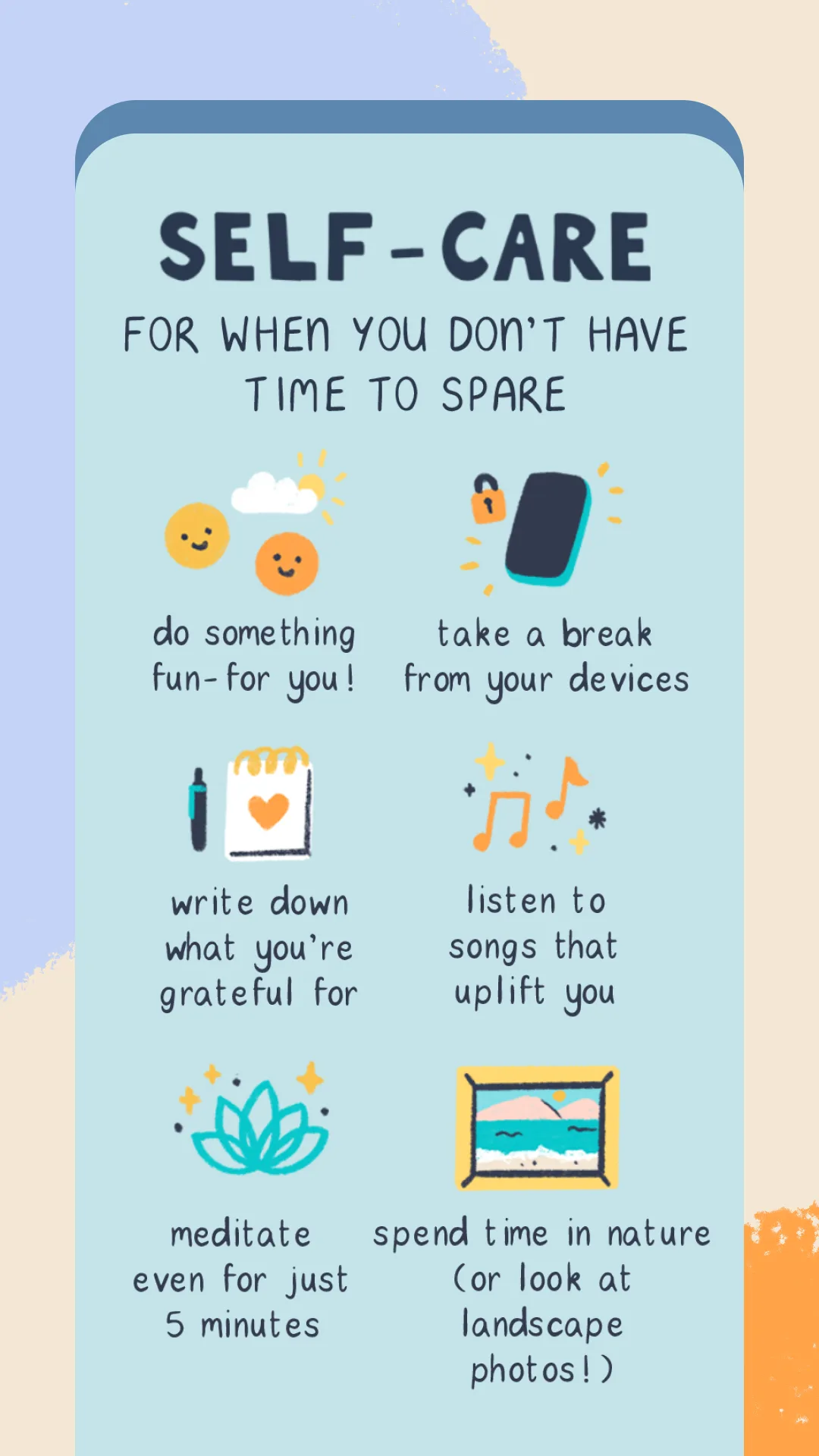
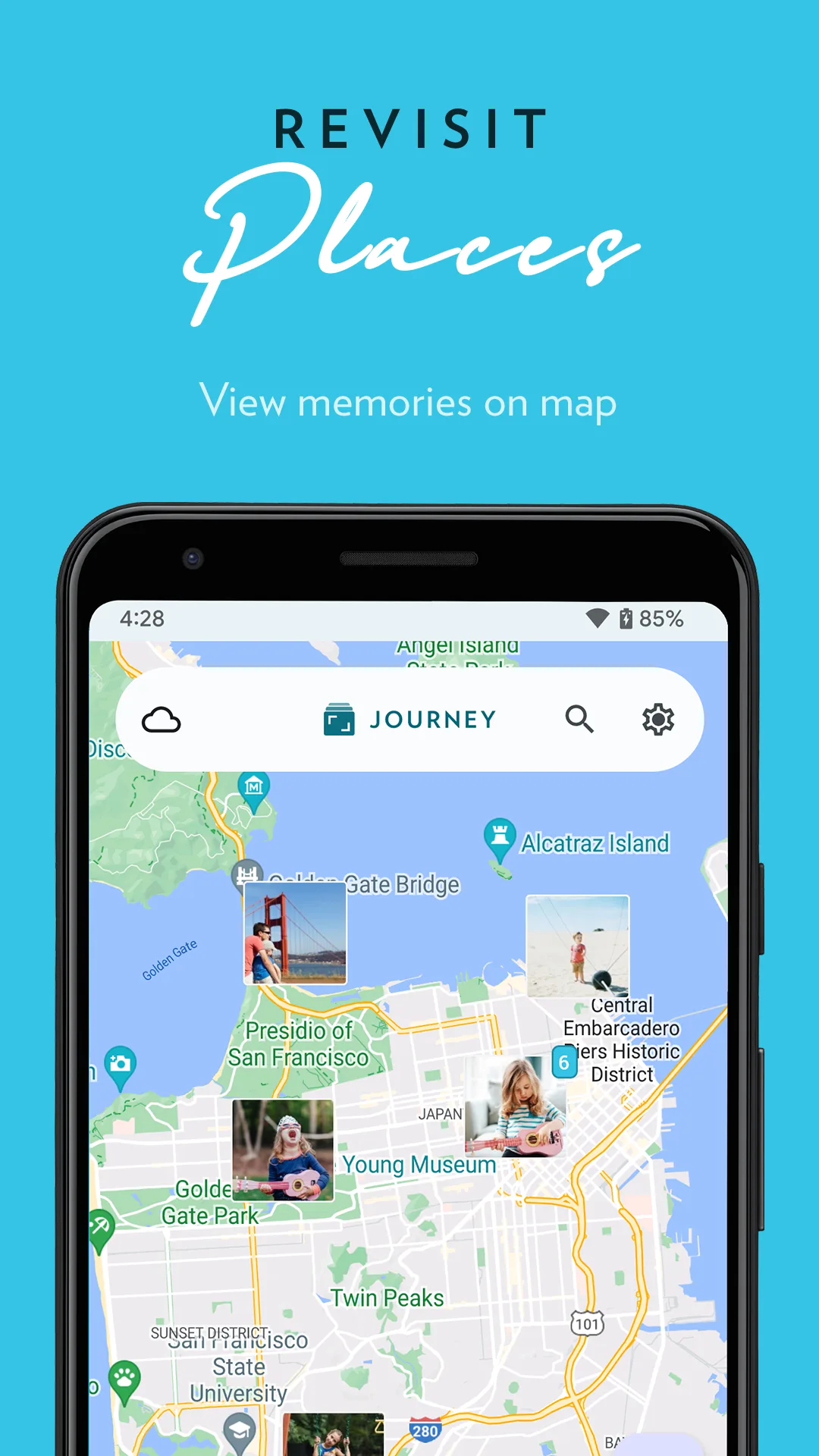
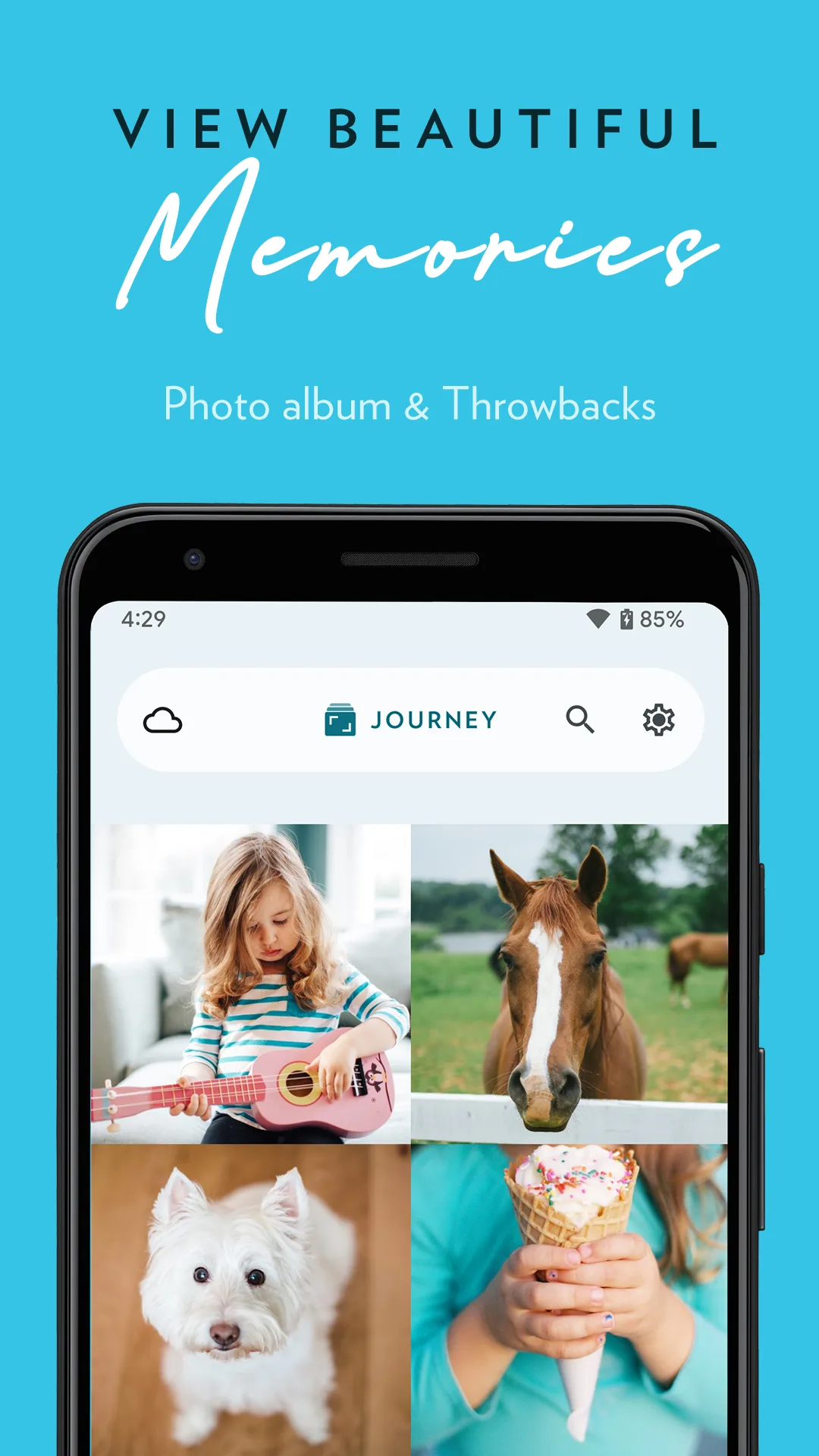
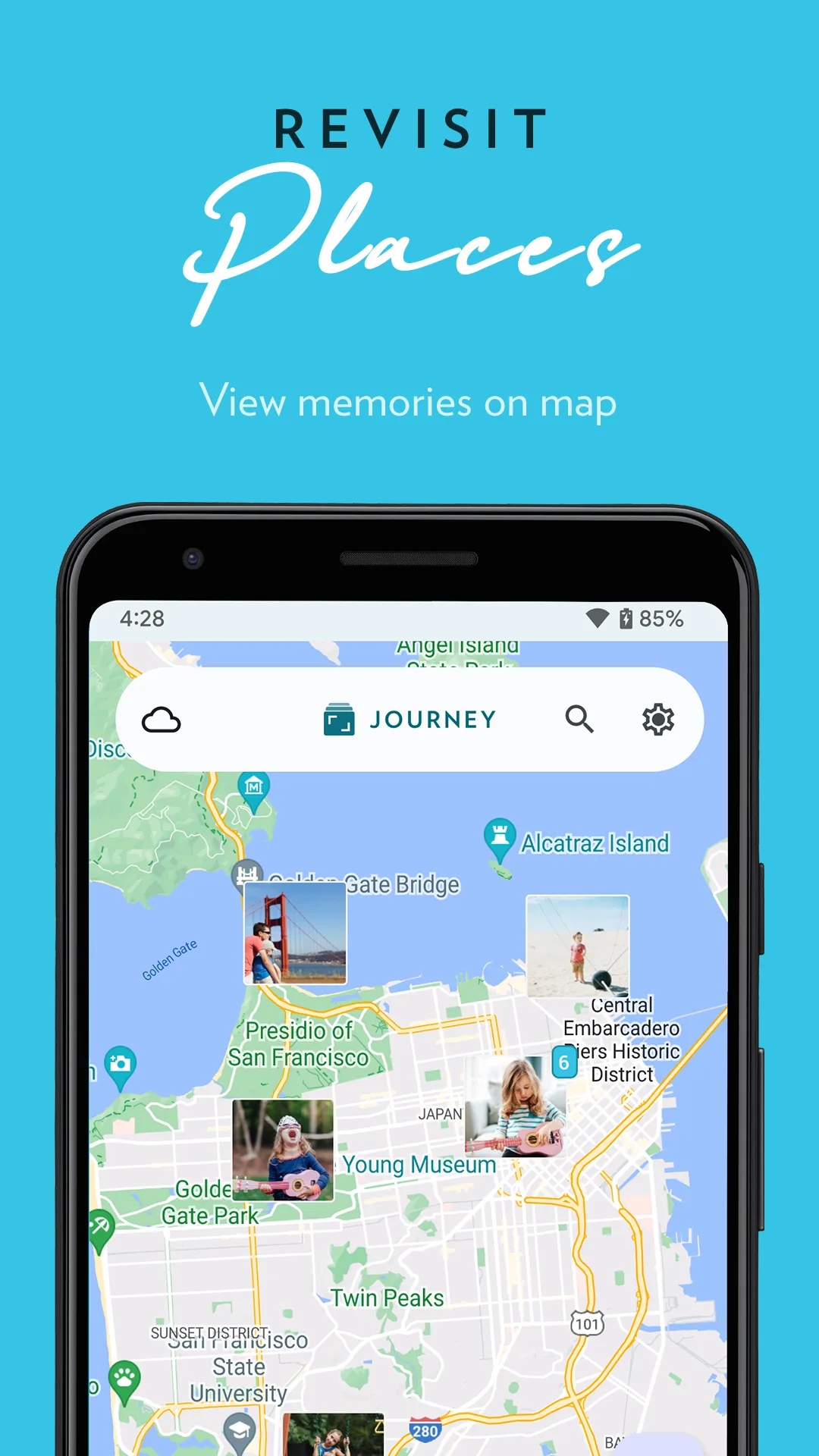
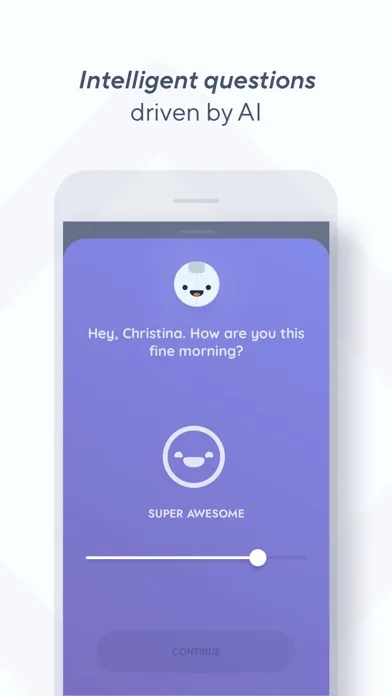
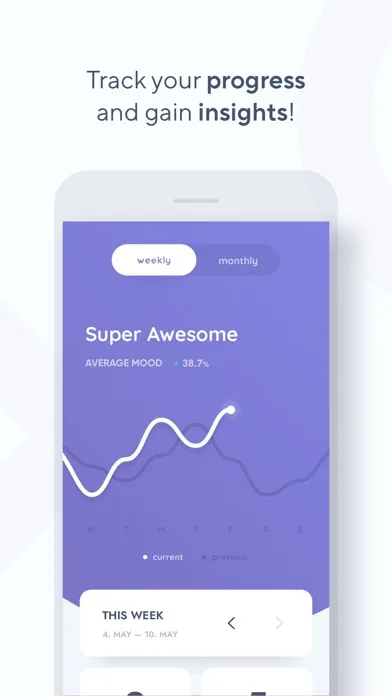
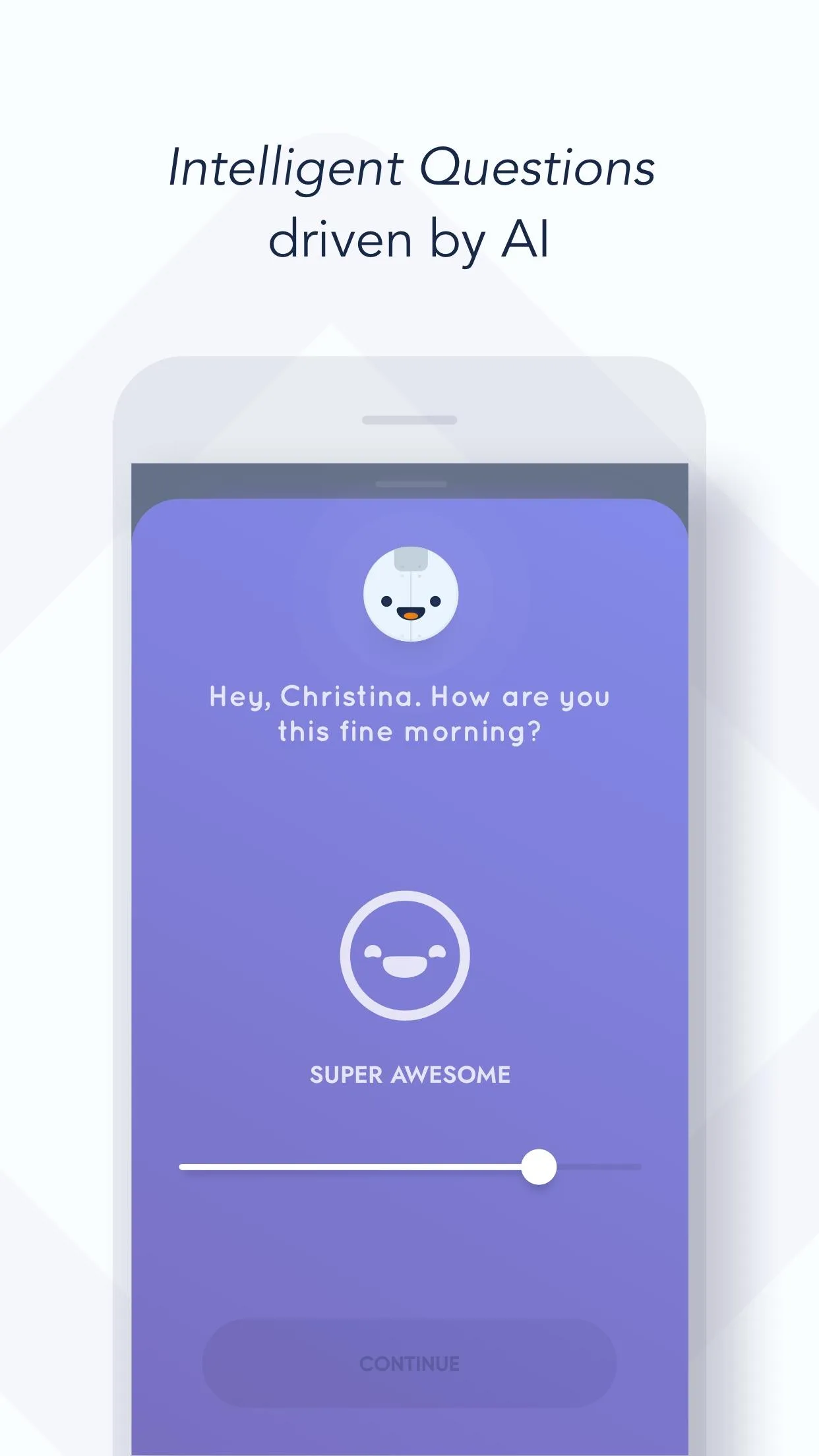
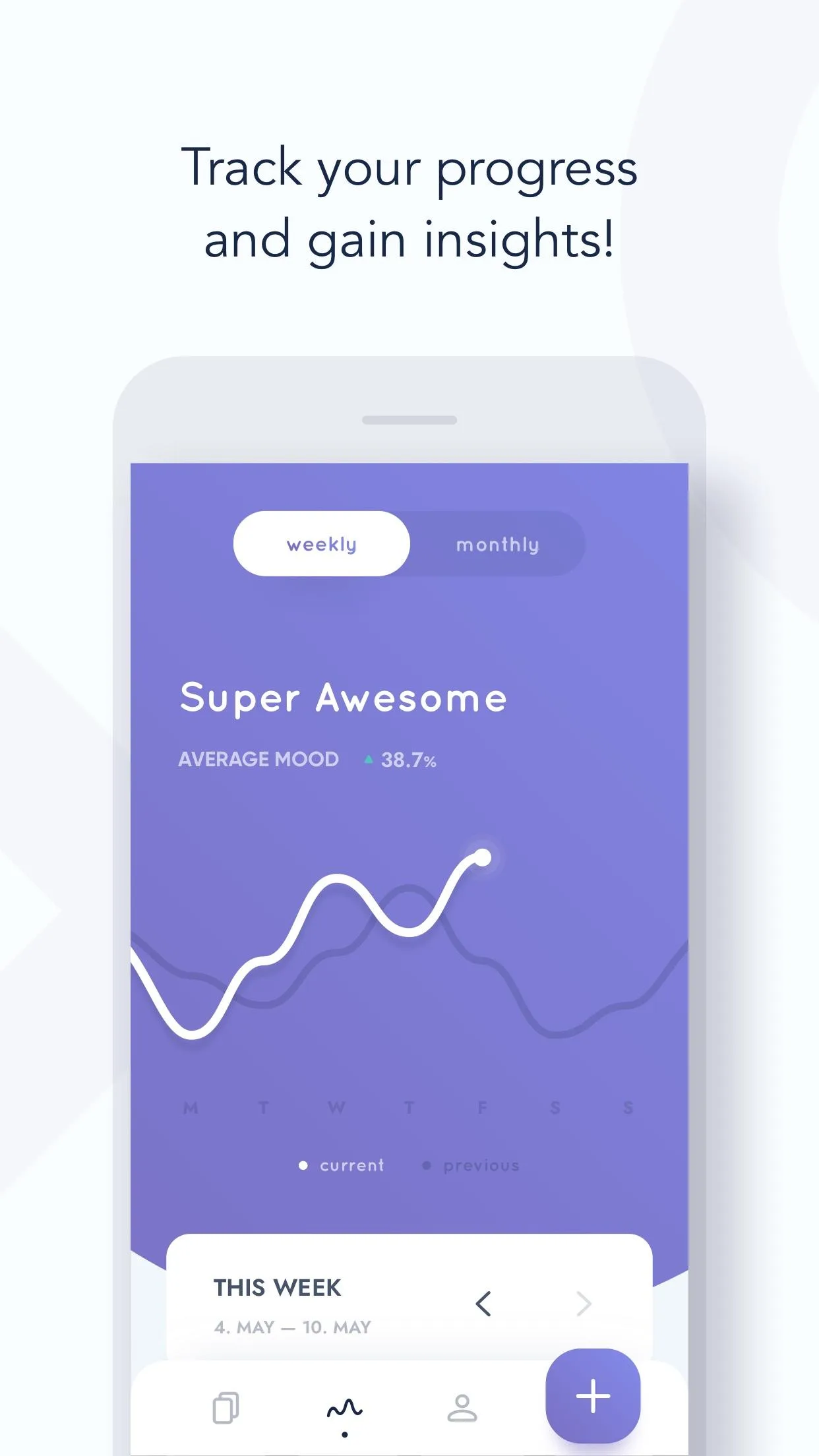
Onboarding-like narrative, emotional framing, and paced progression—excellent for habit, wellness, and learning apps.
- ForestApp Store
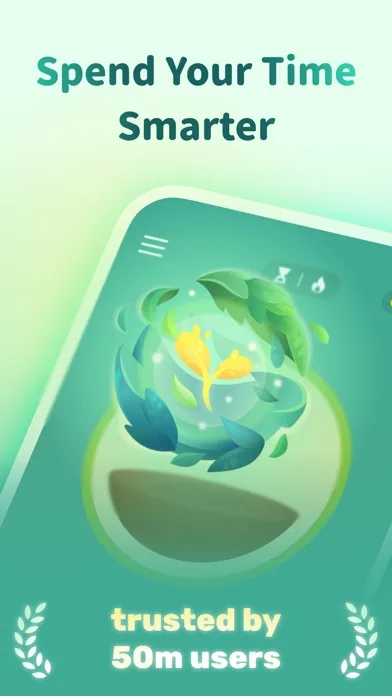
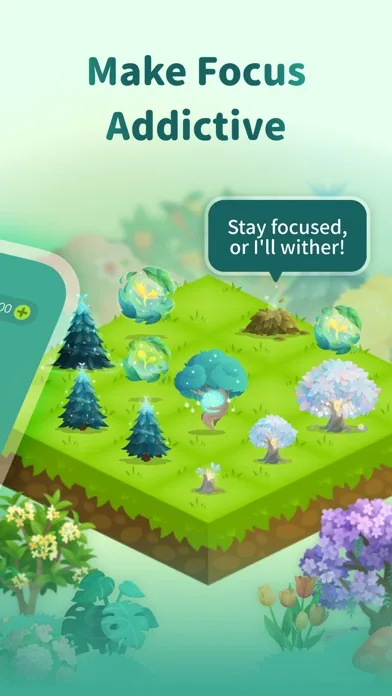
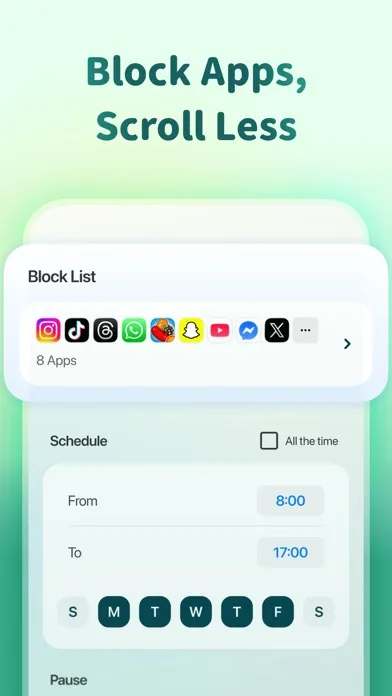
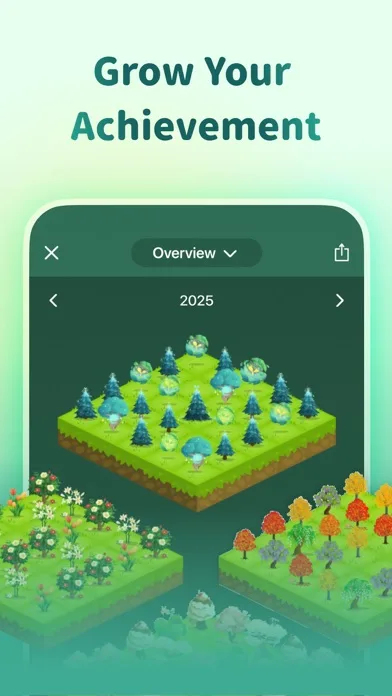 Play Store
- Nike Training ClubApp Store

 Play Store

- FabulousApp Store
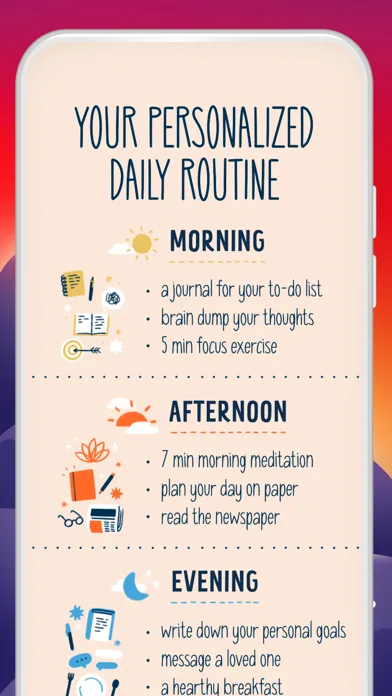
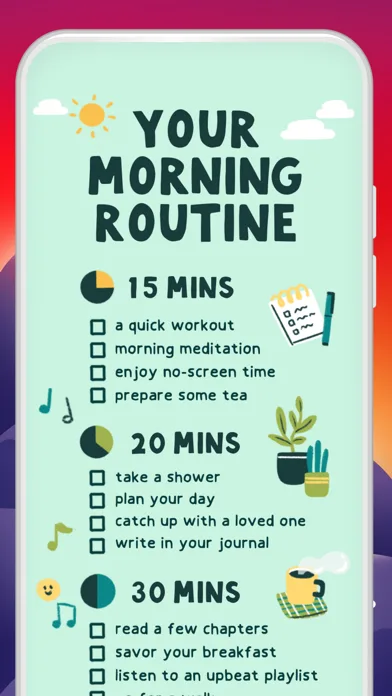
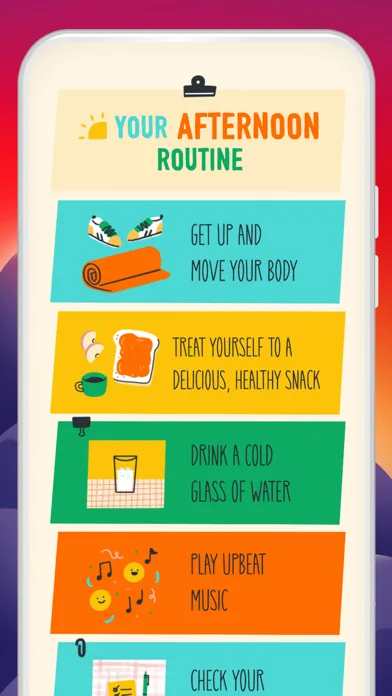
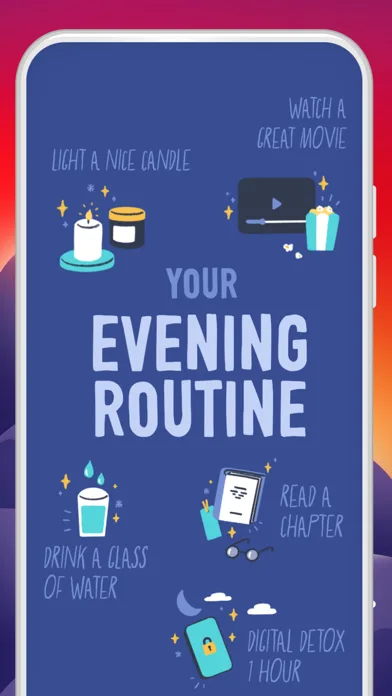 Play Store
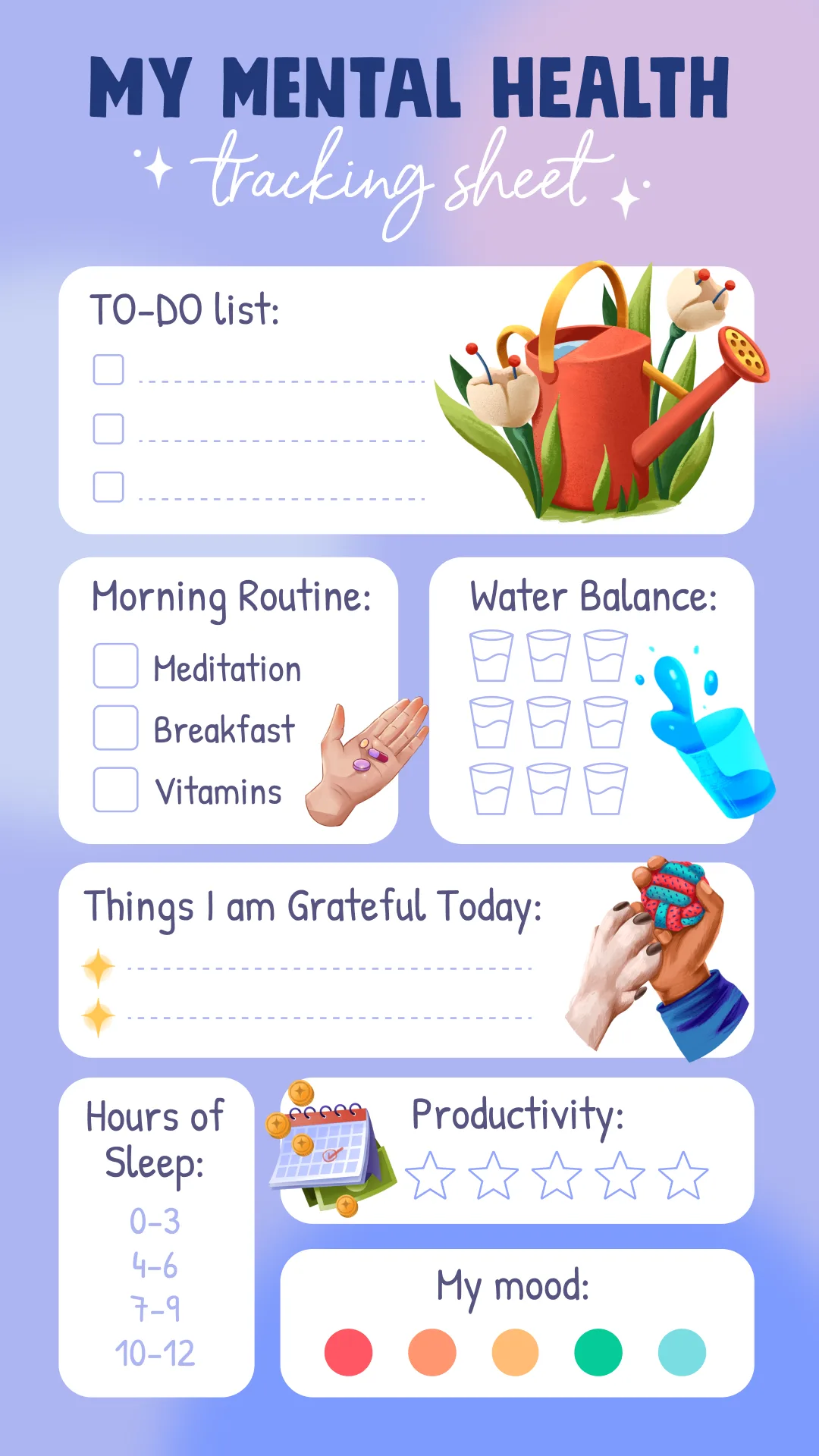
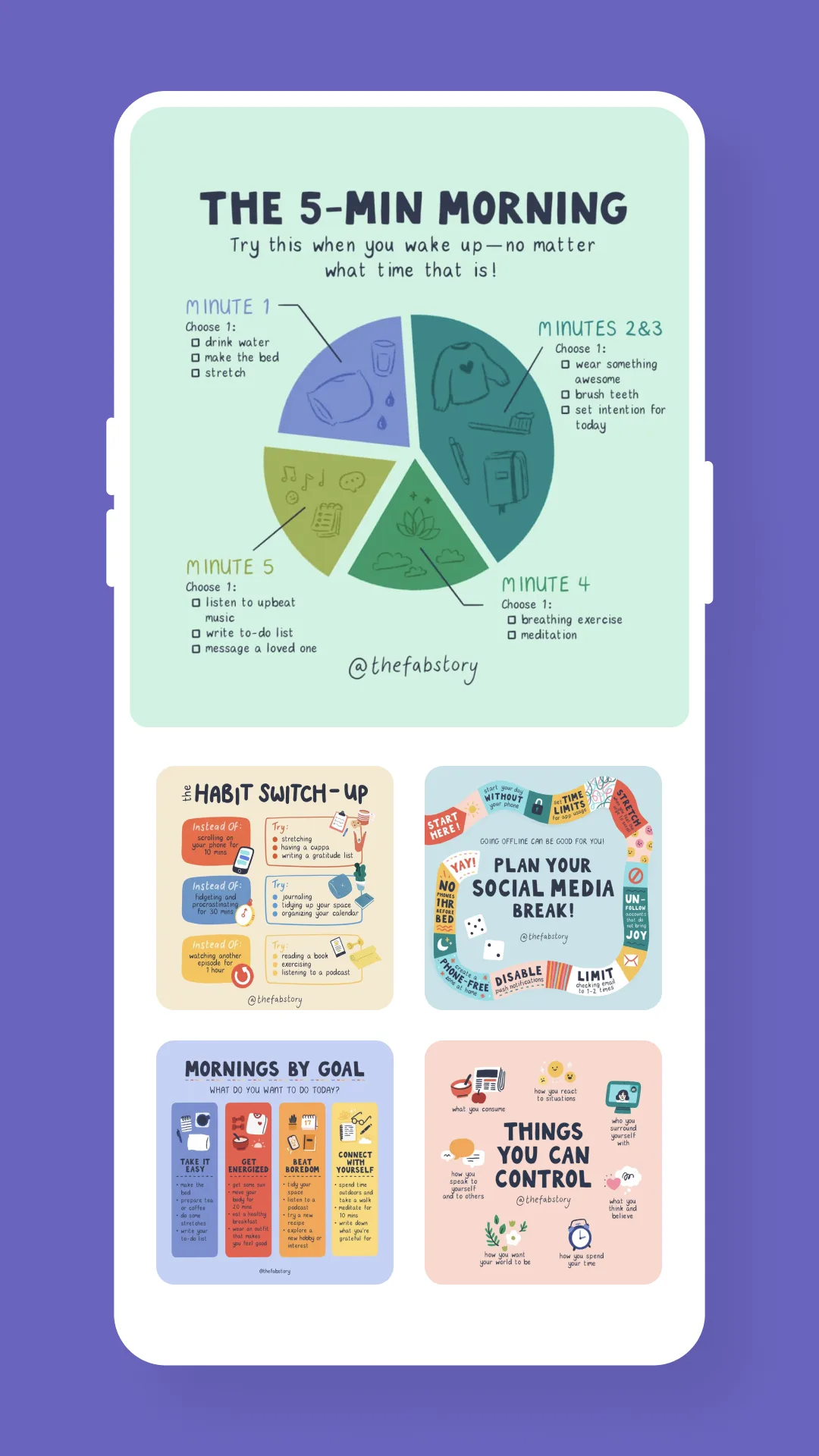
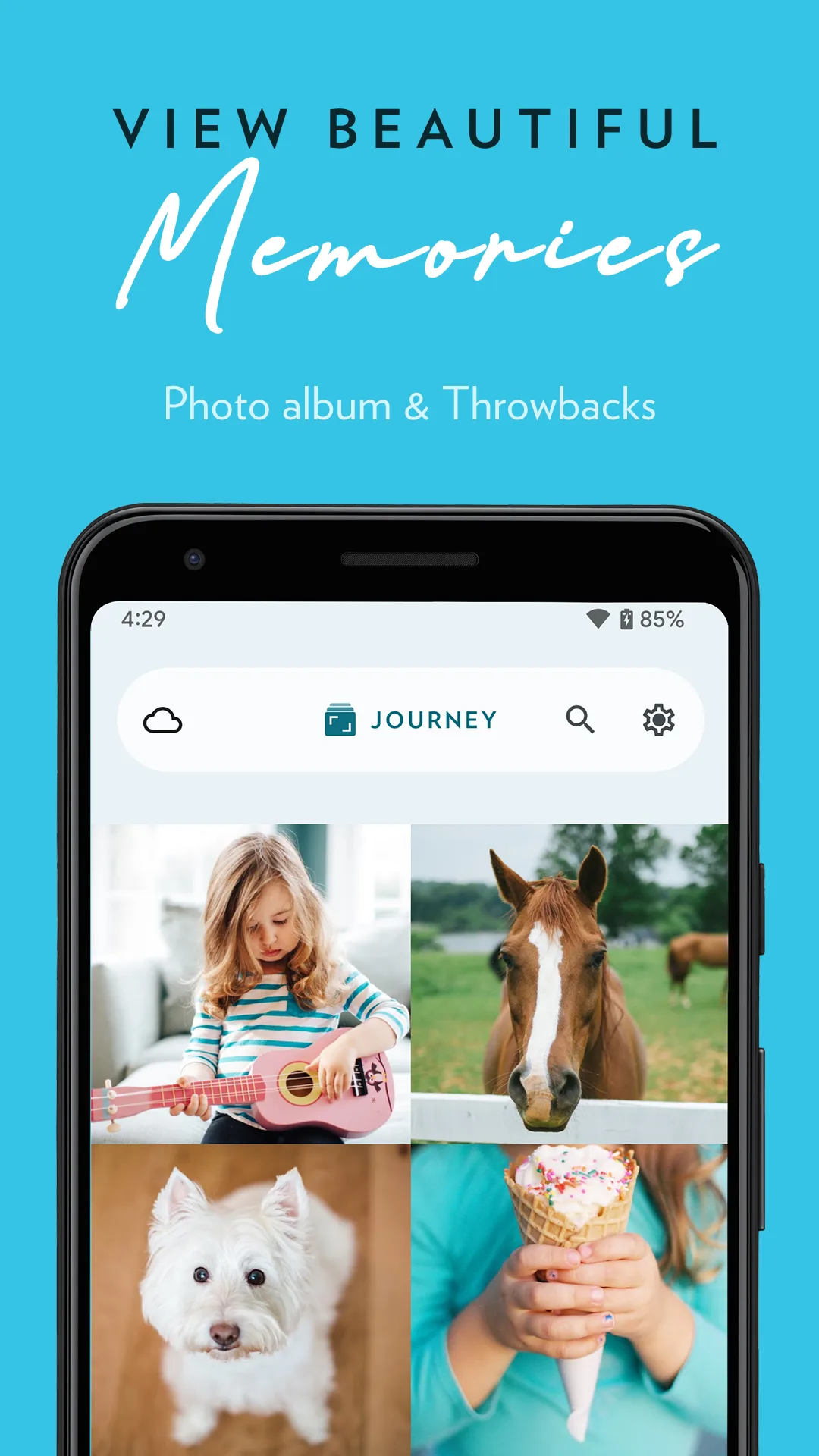
- JourneyApp Store

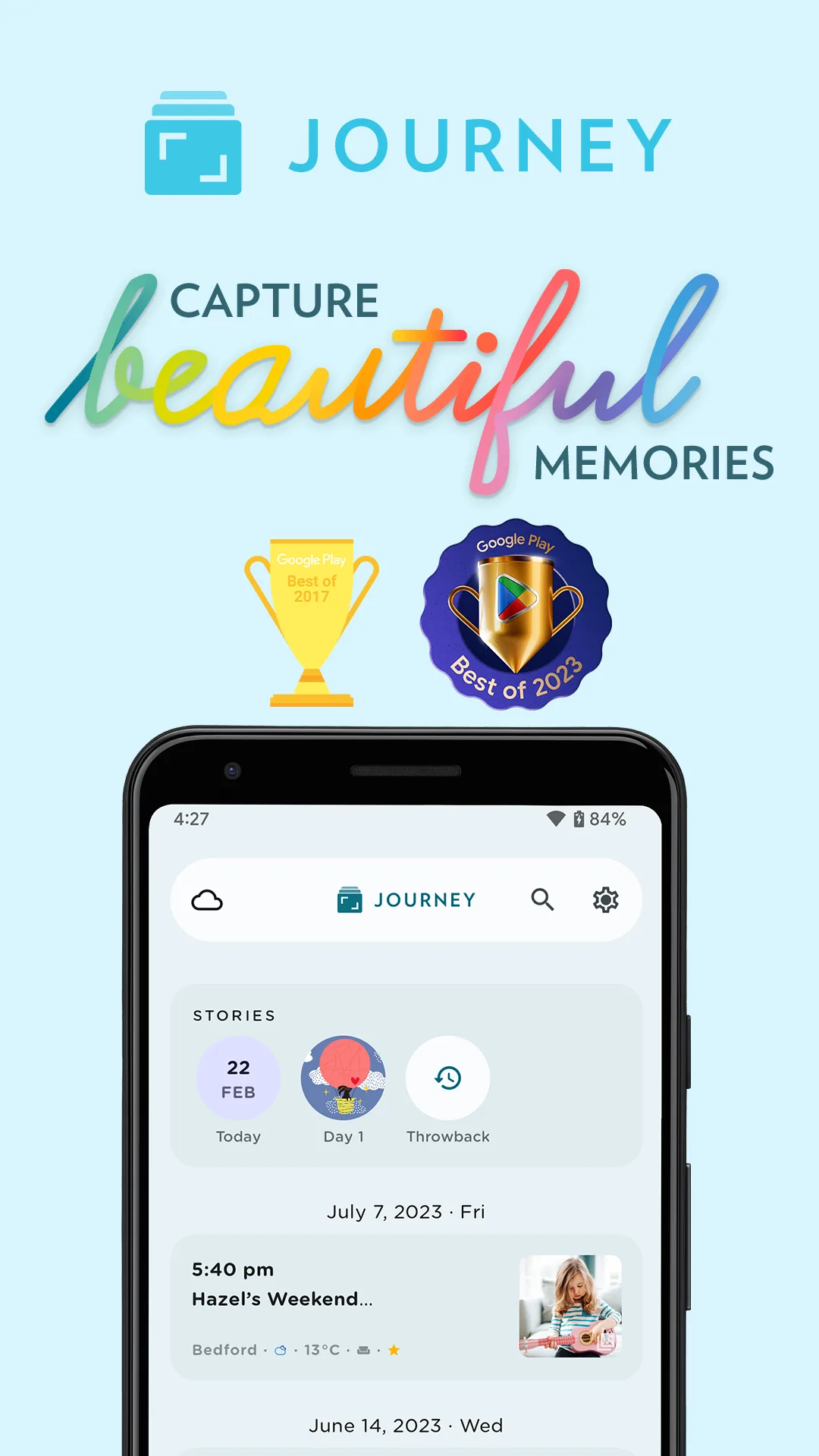
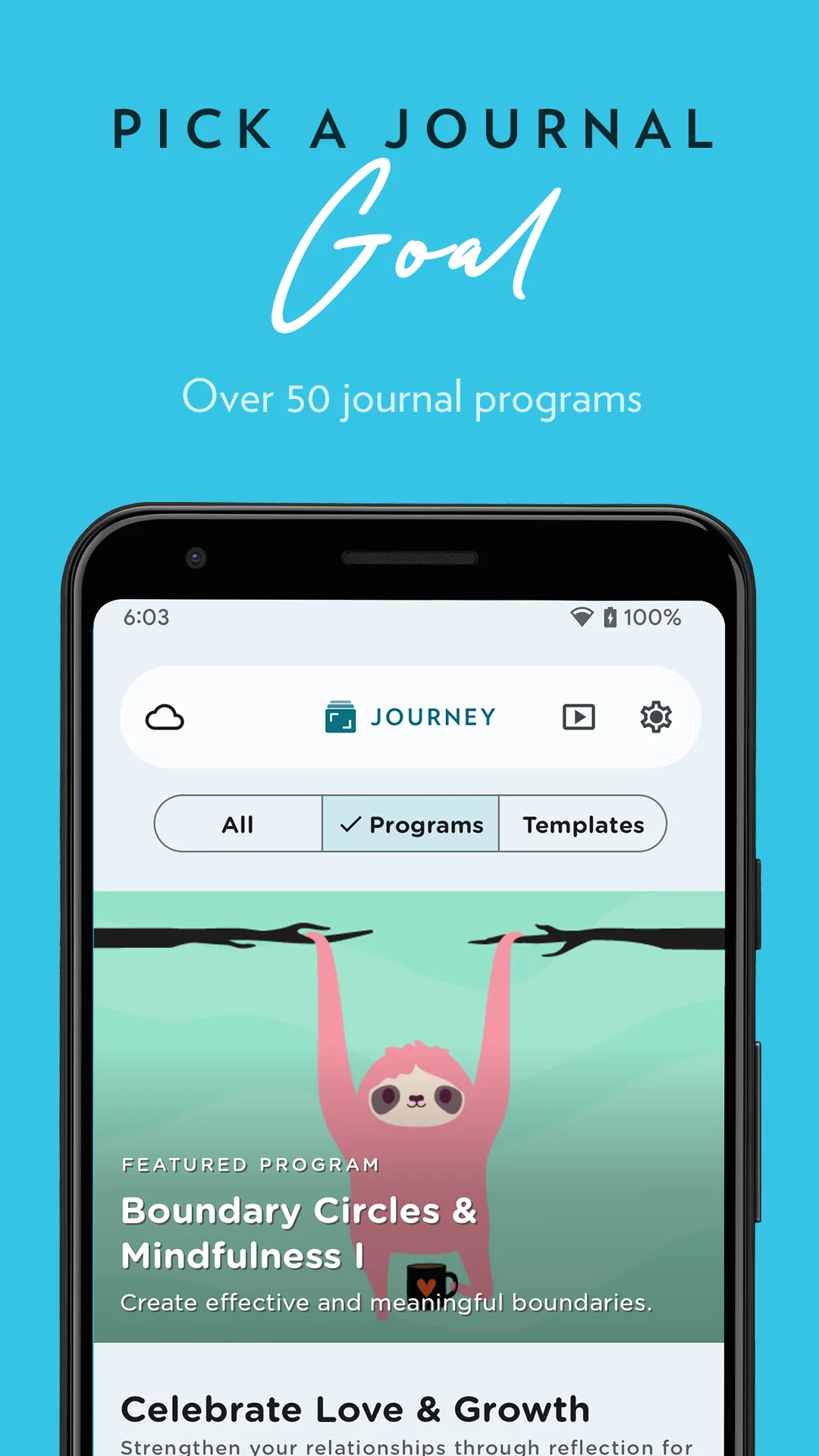
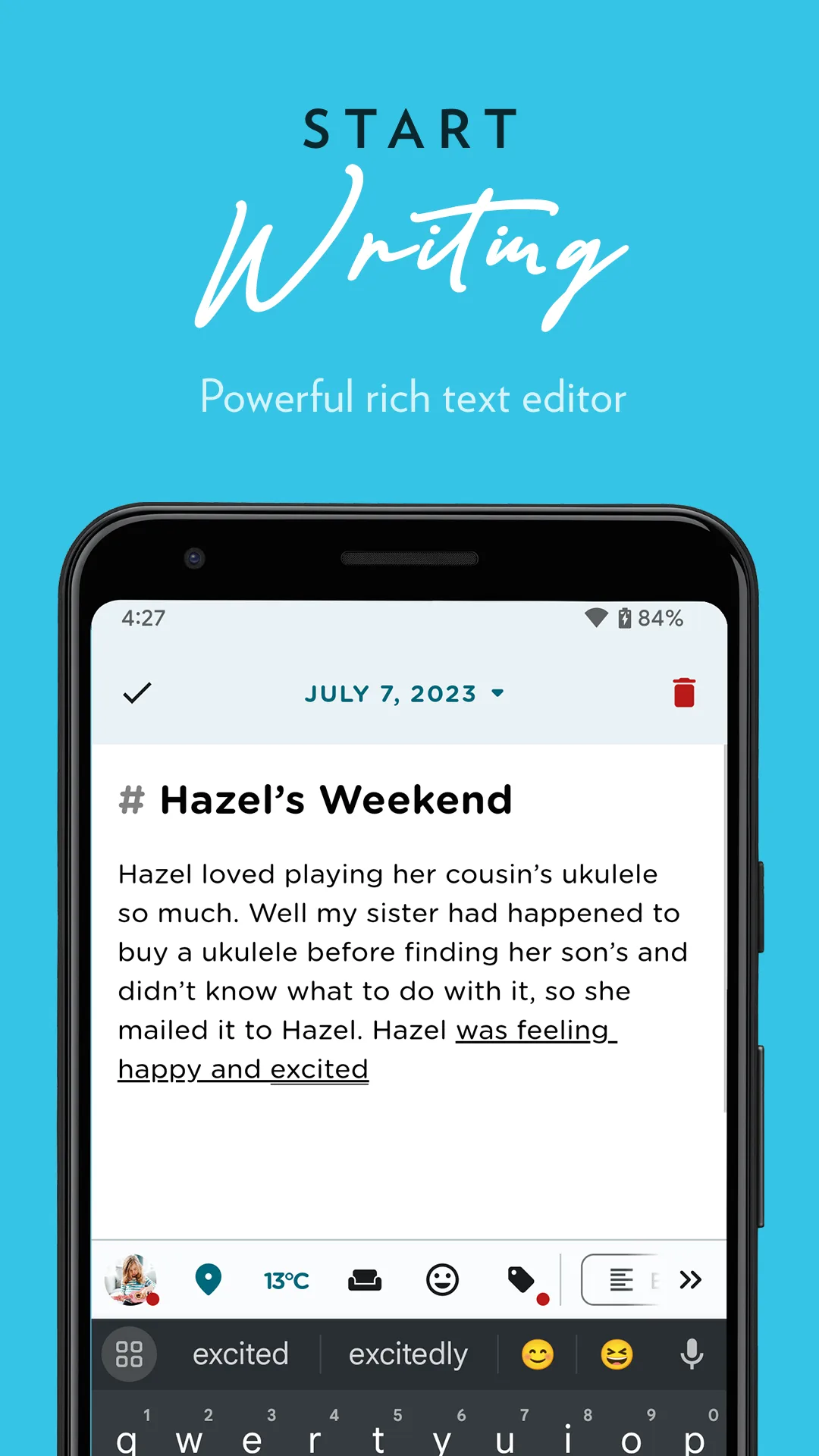 Play Store
- ReflectlyApp Store
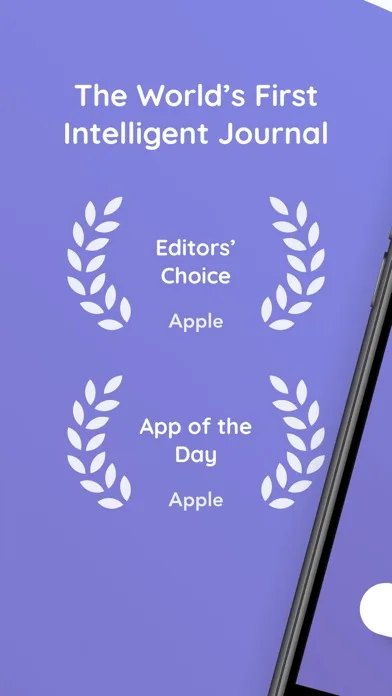
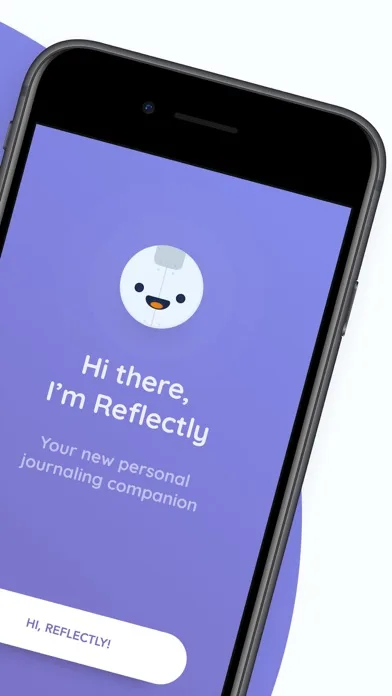
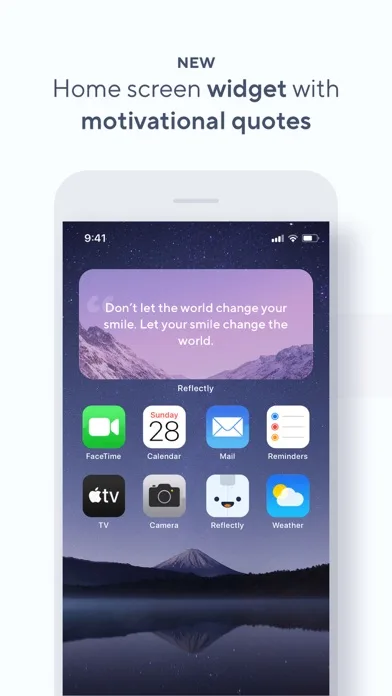
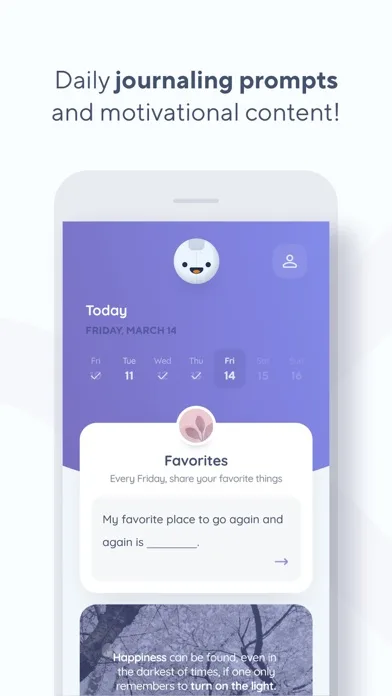 Play Store
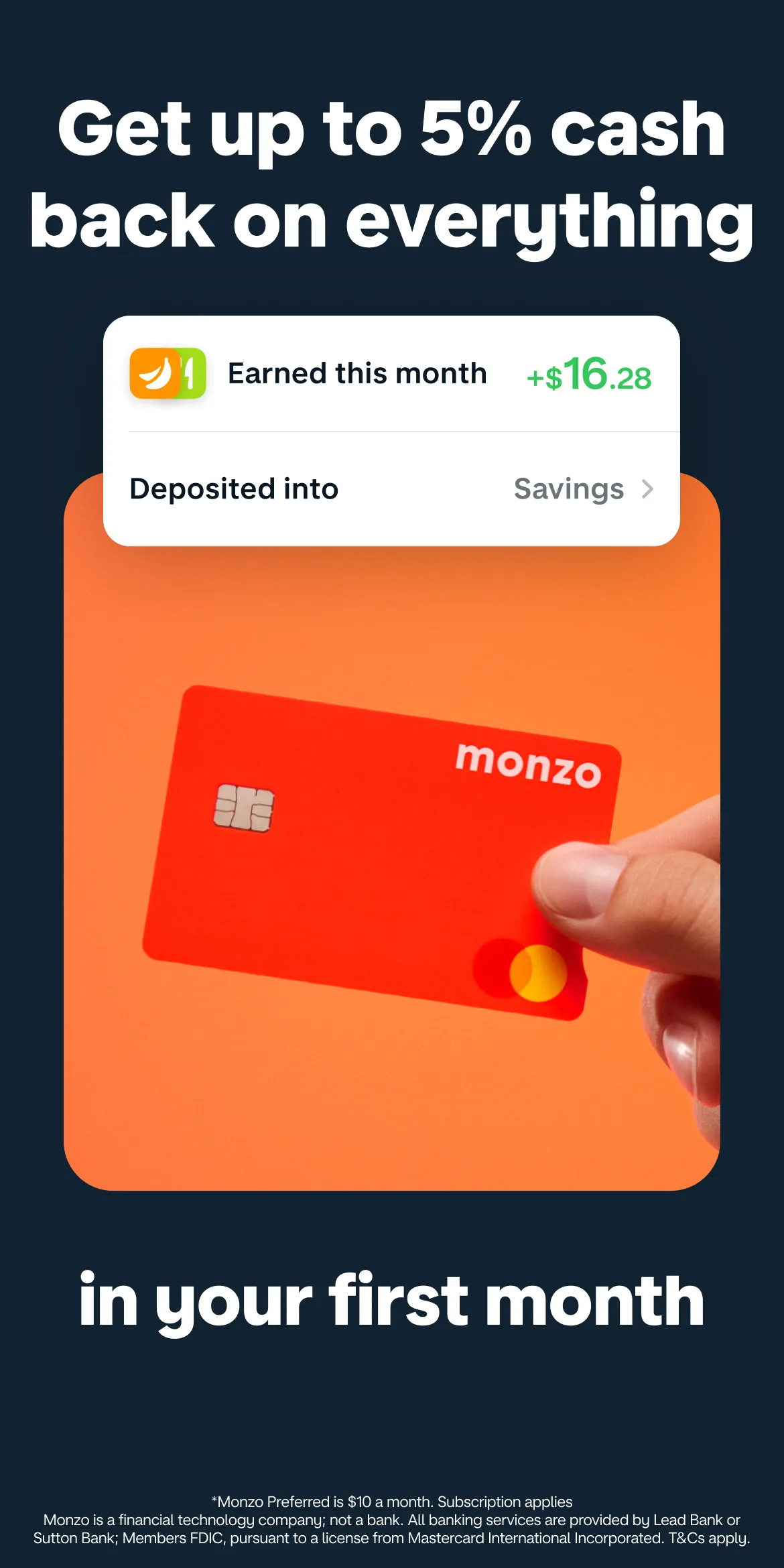
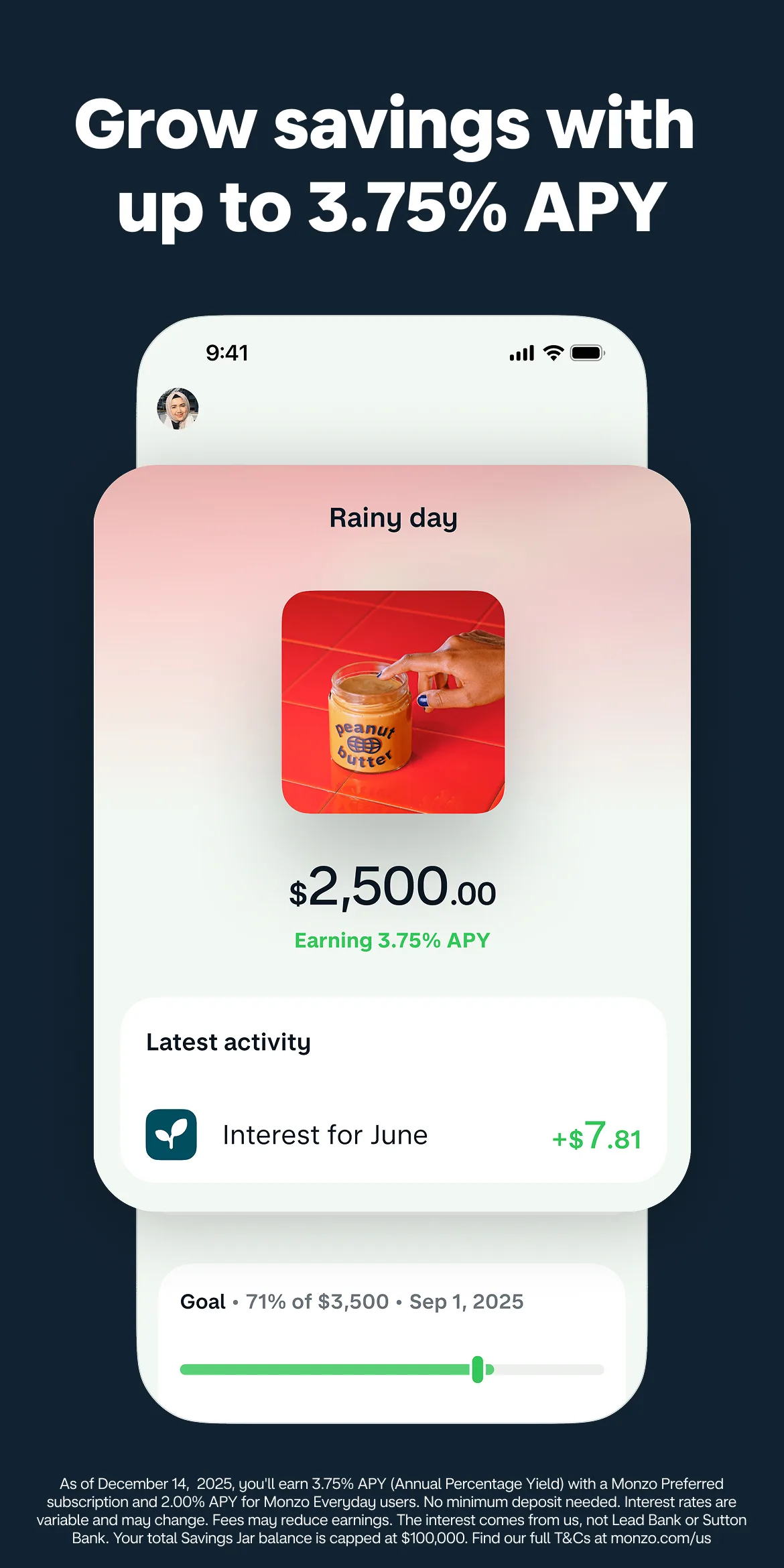
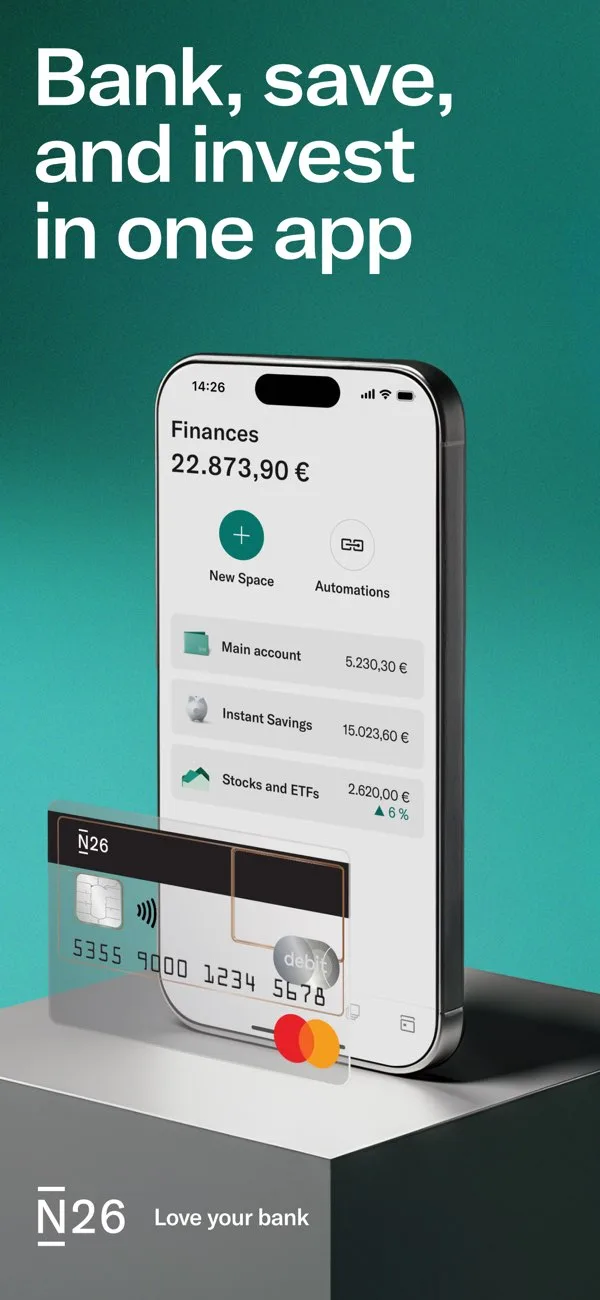
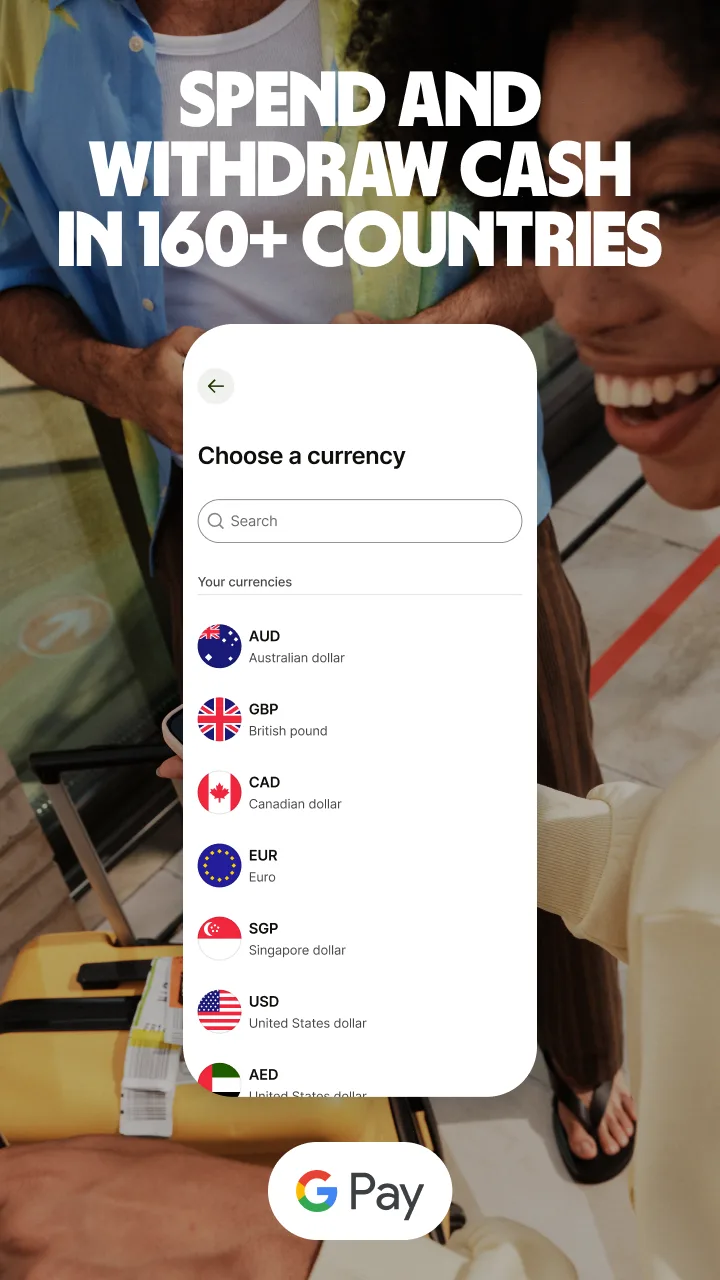
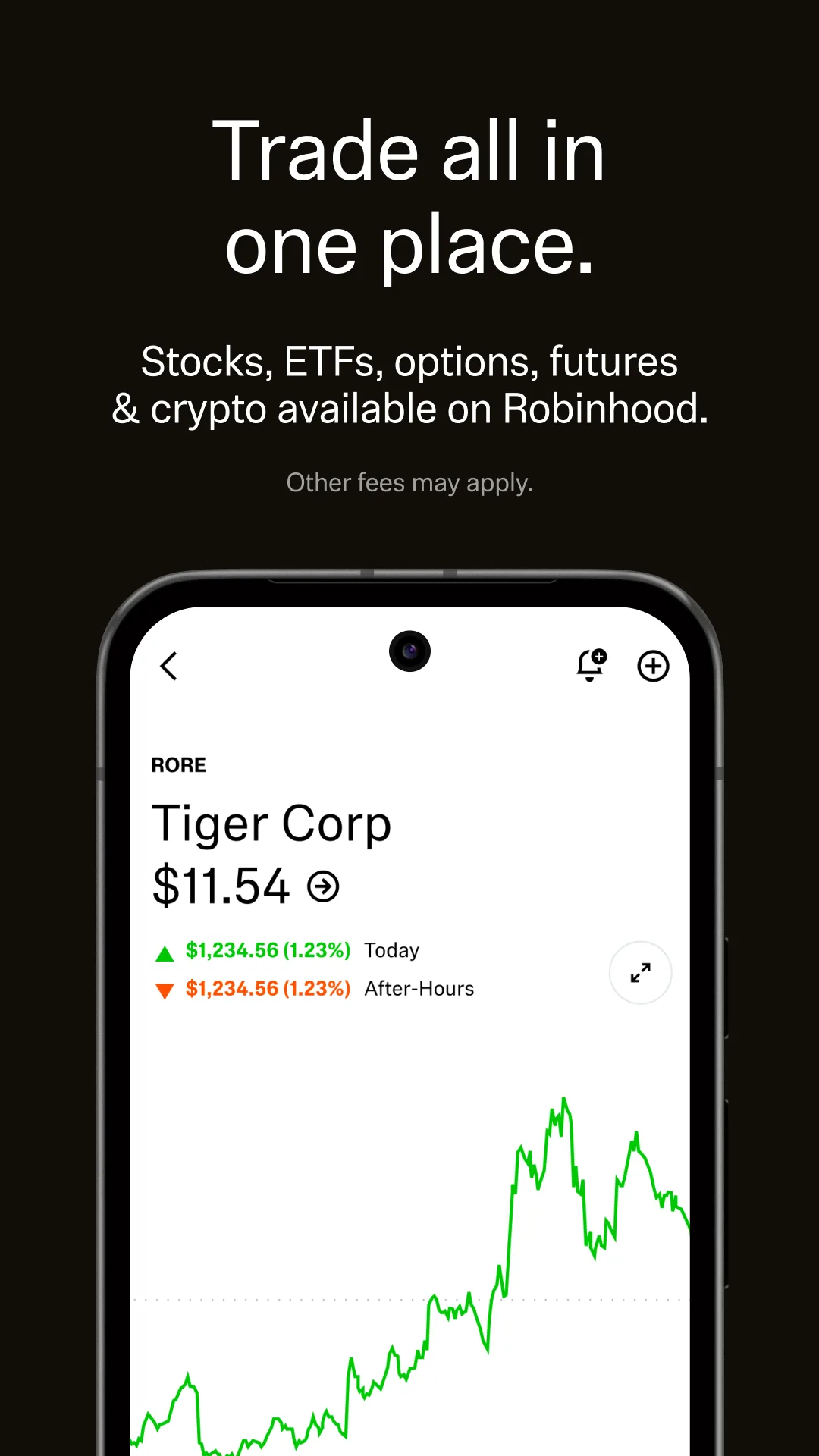
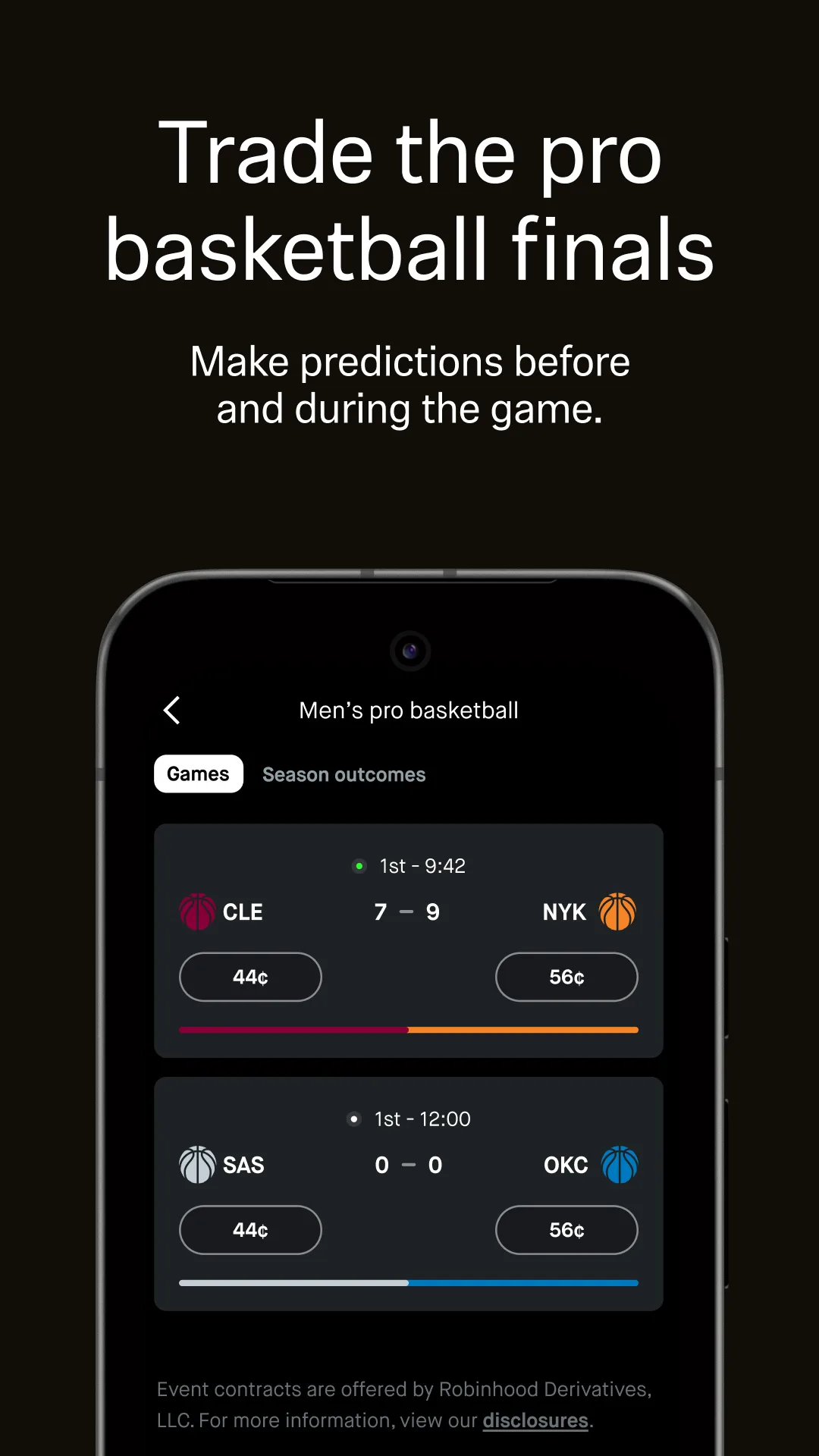
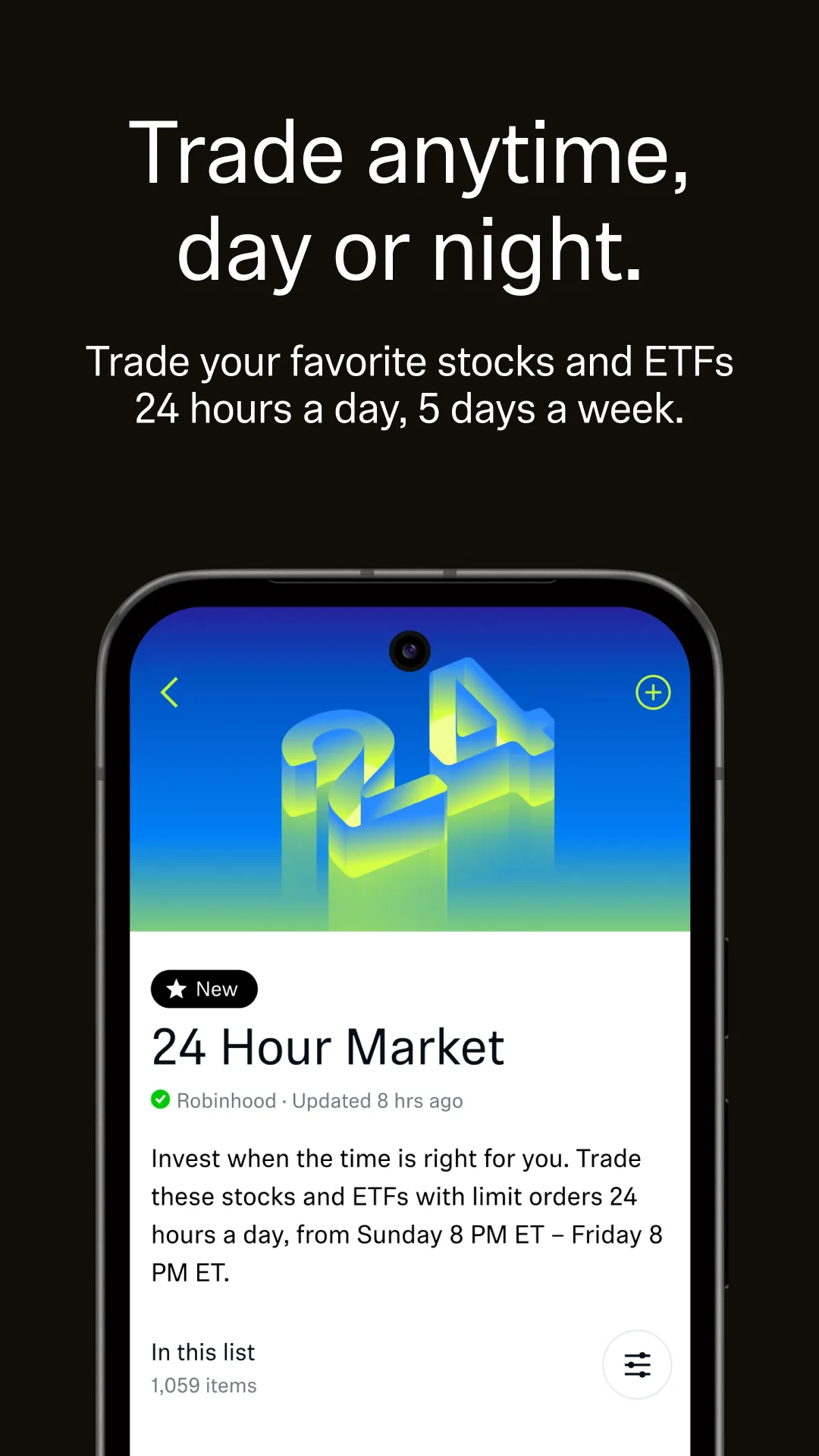
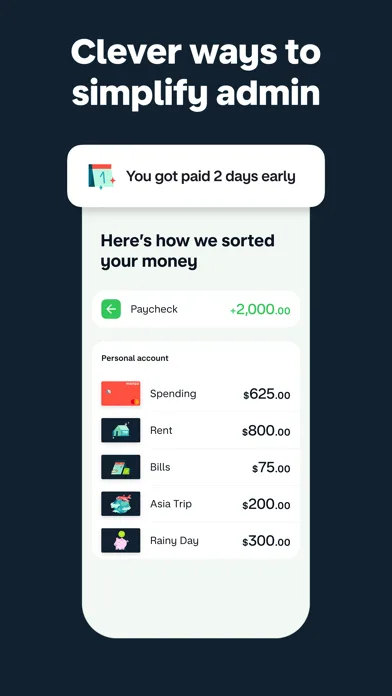
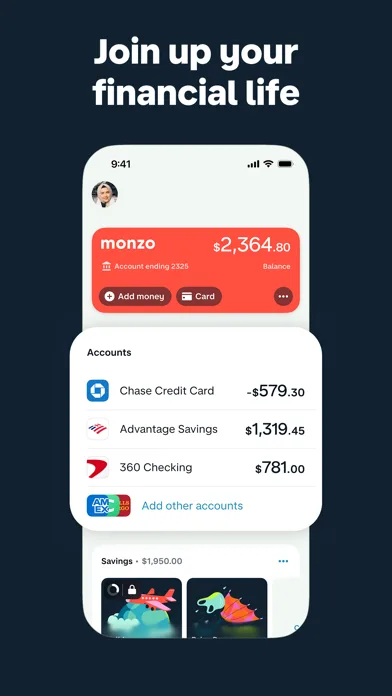
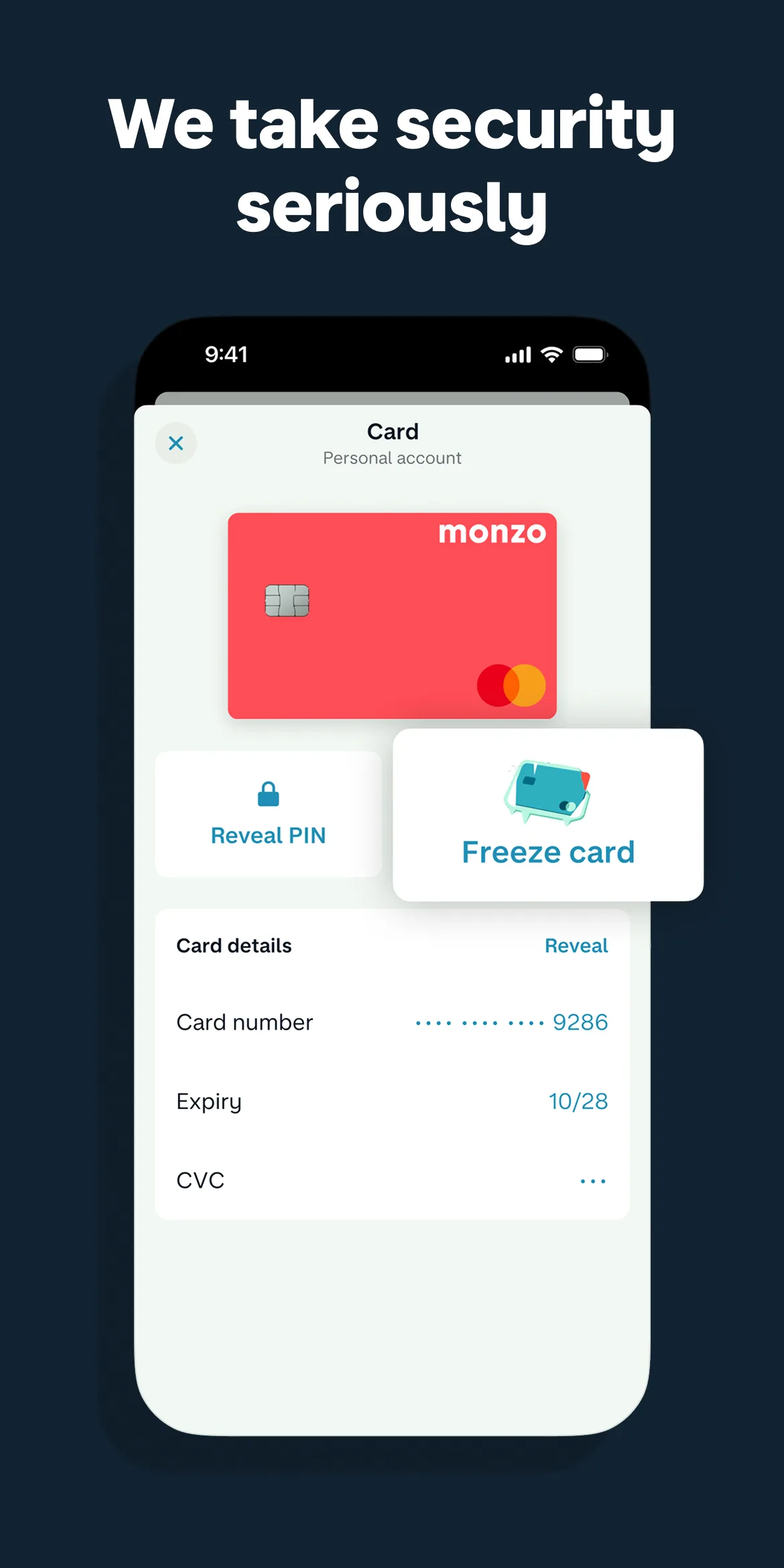
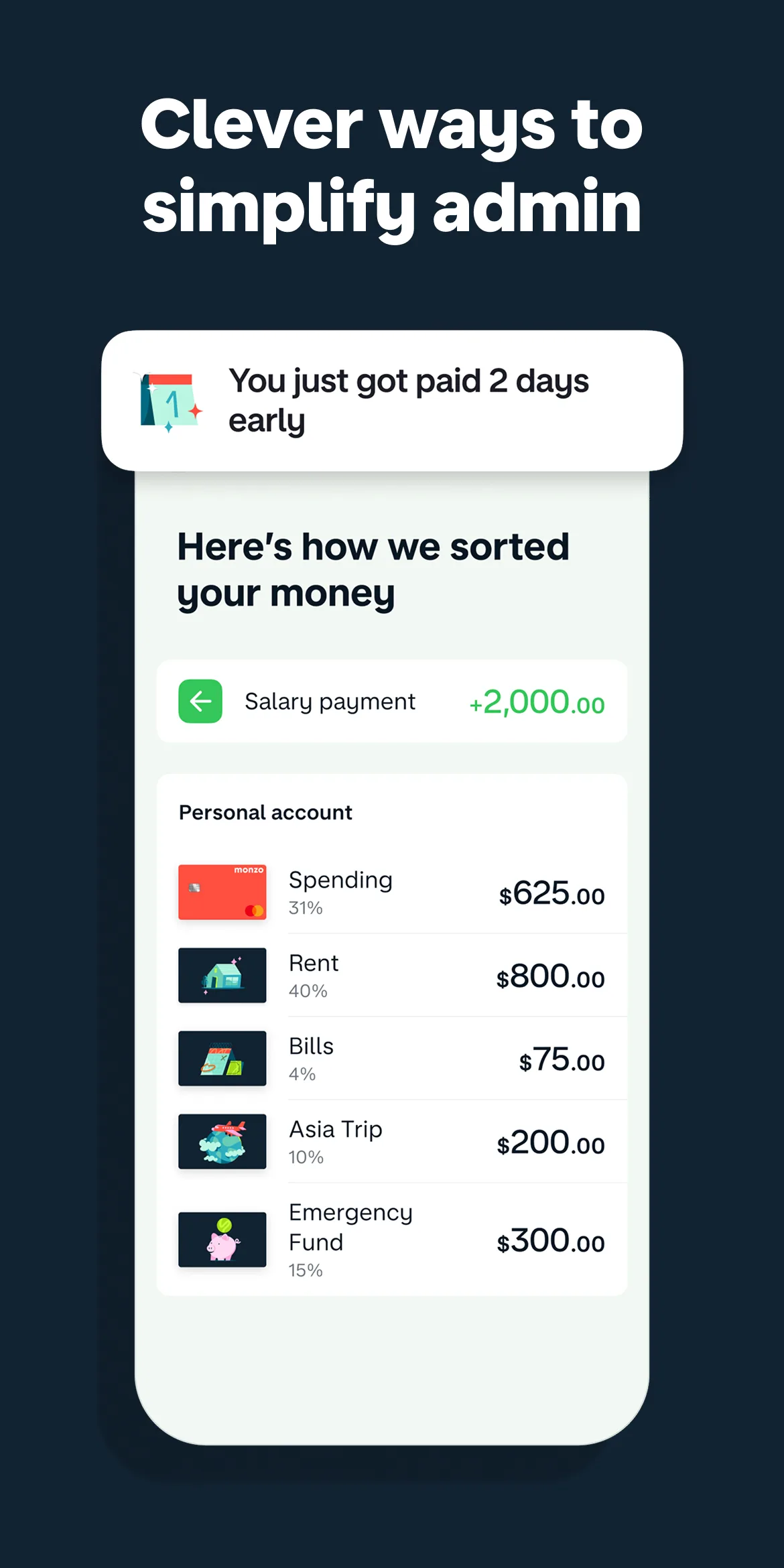
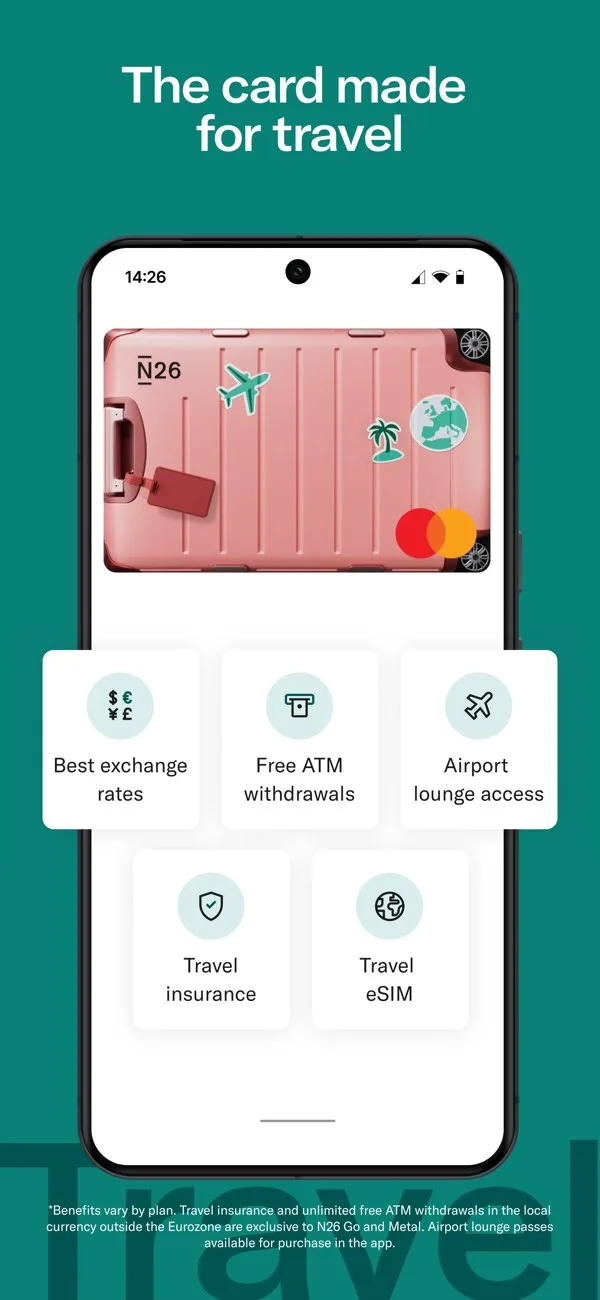
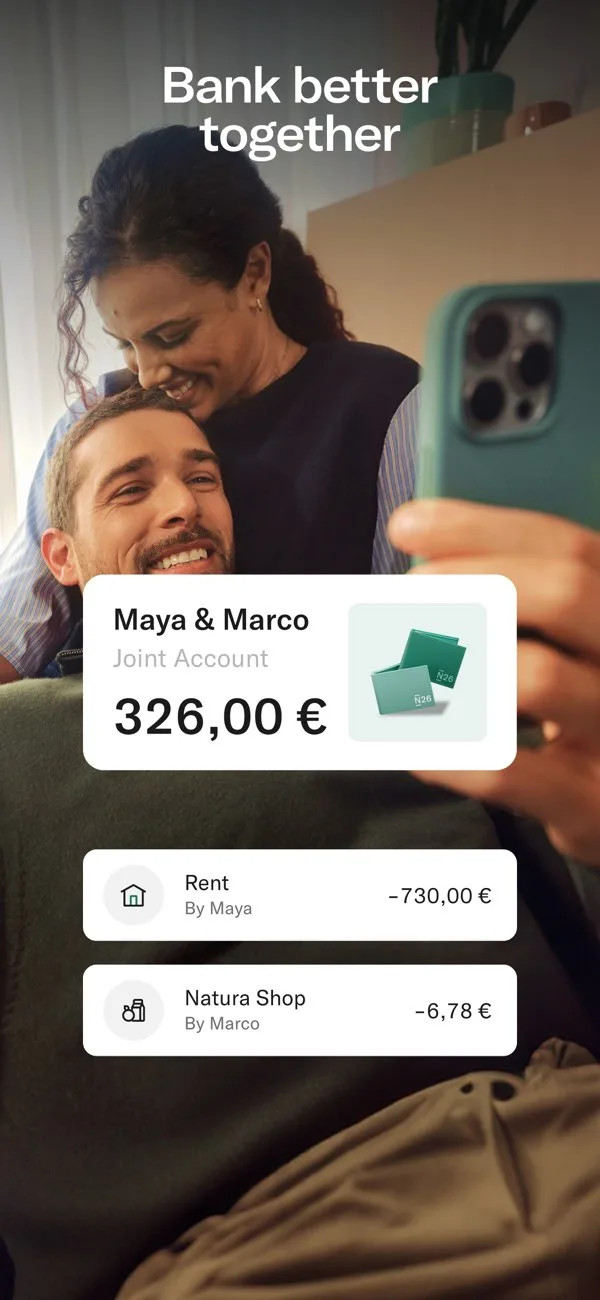
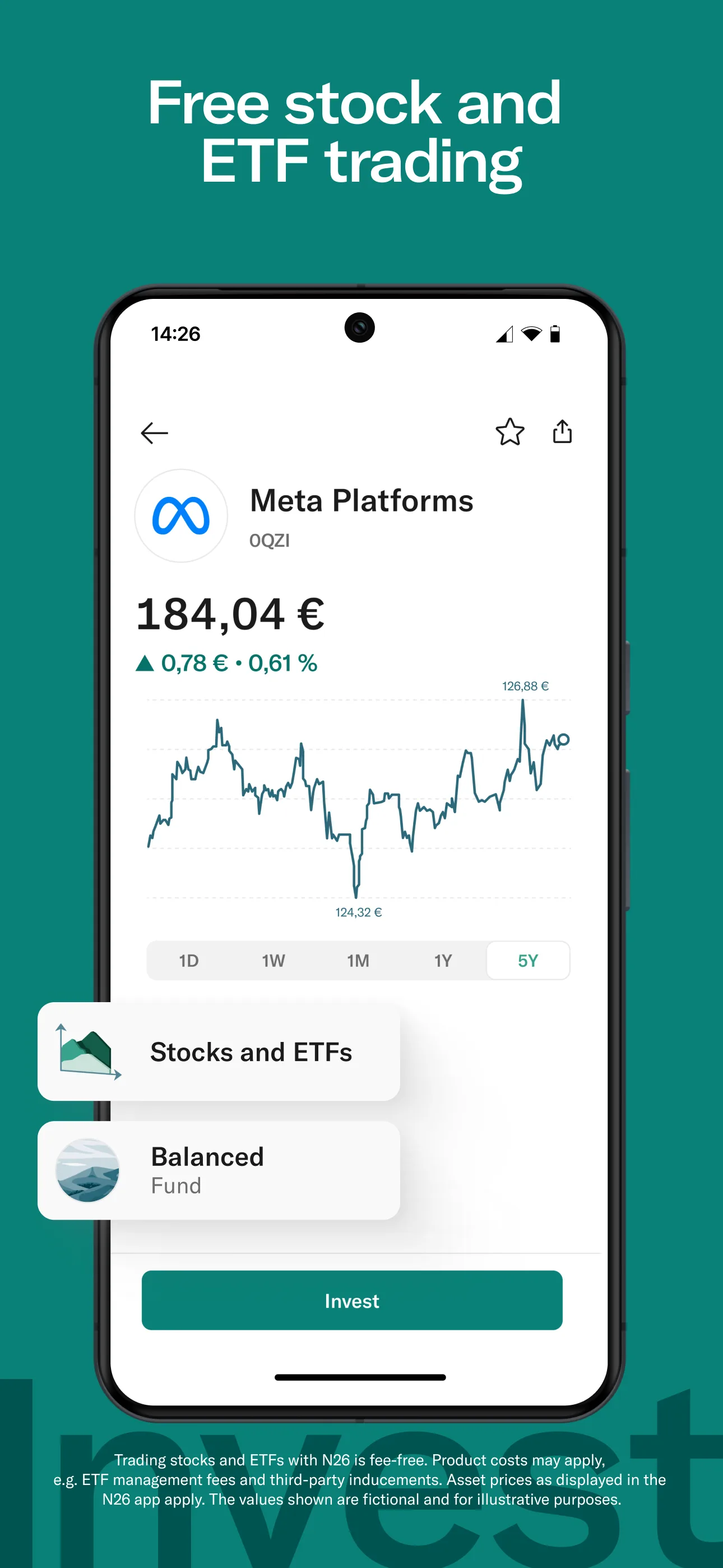
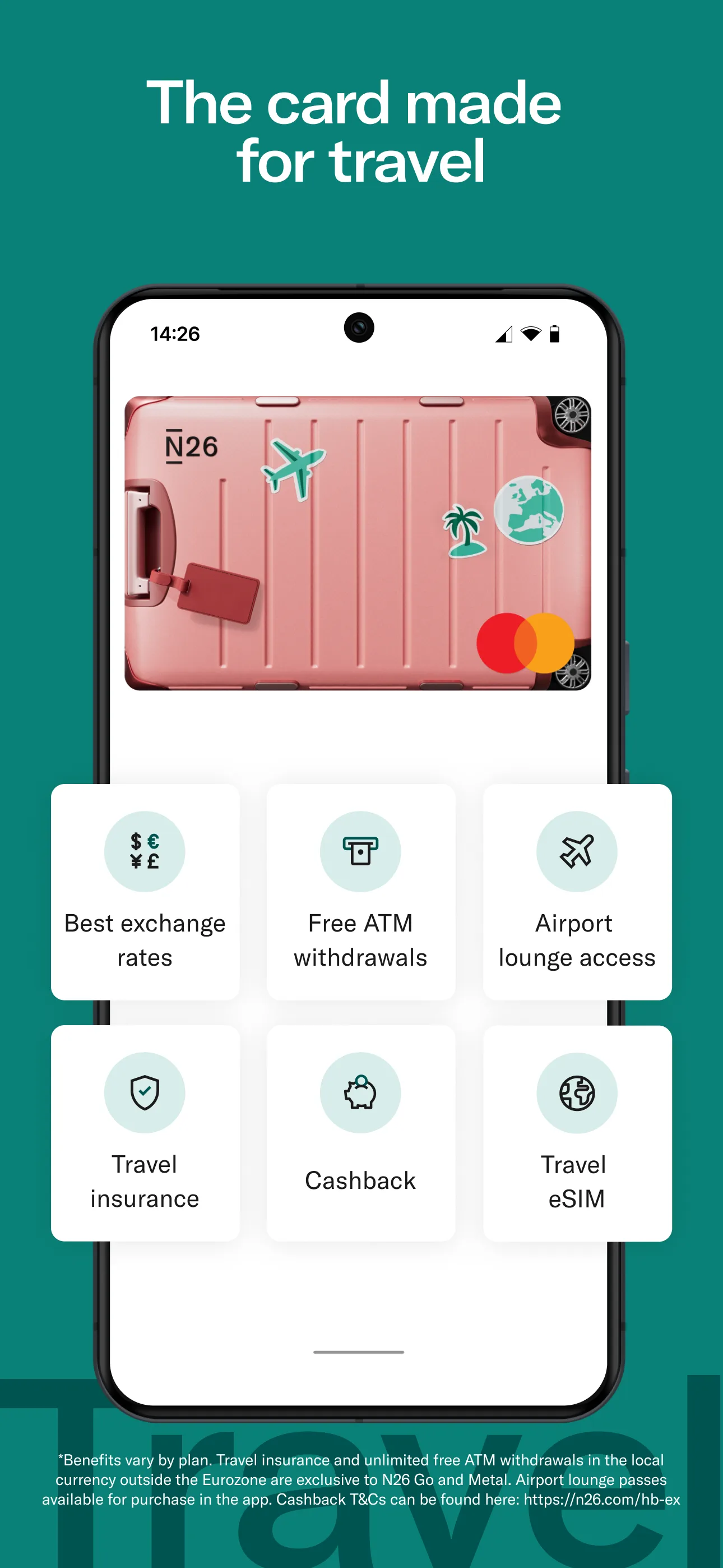
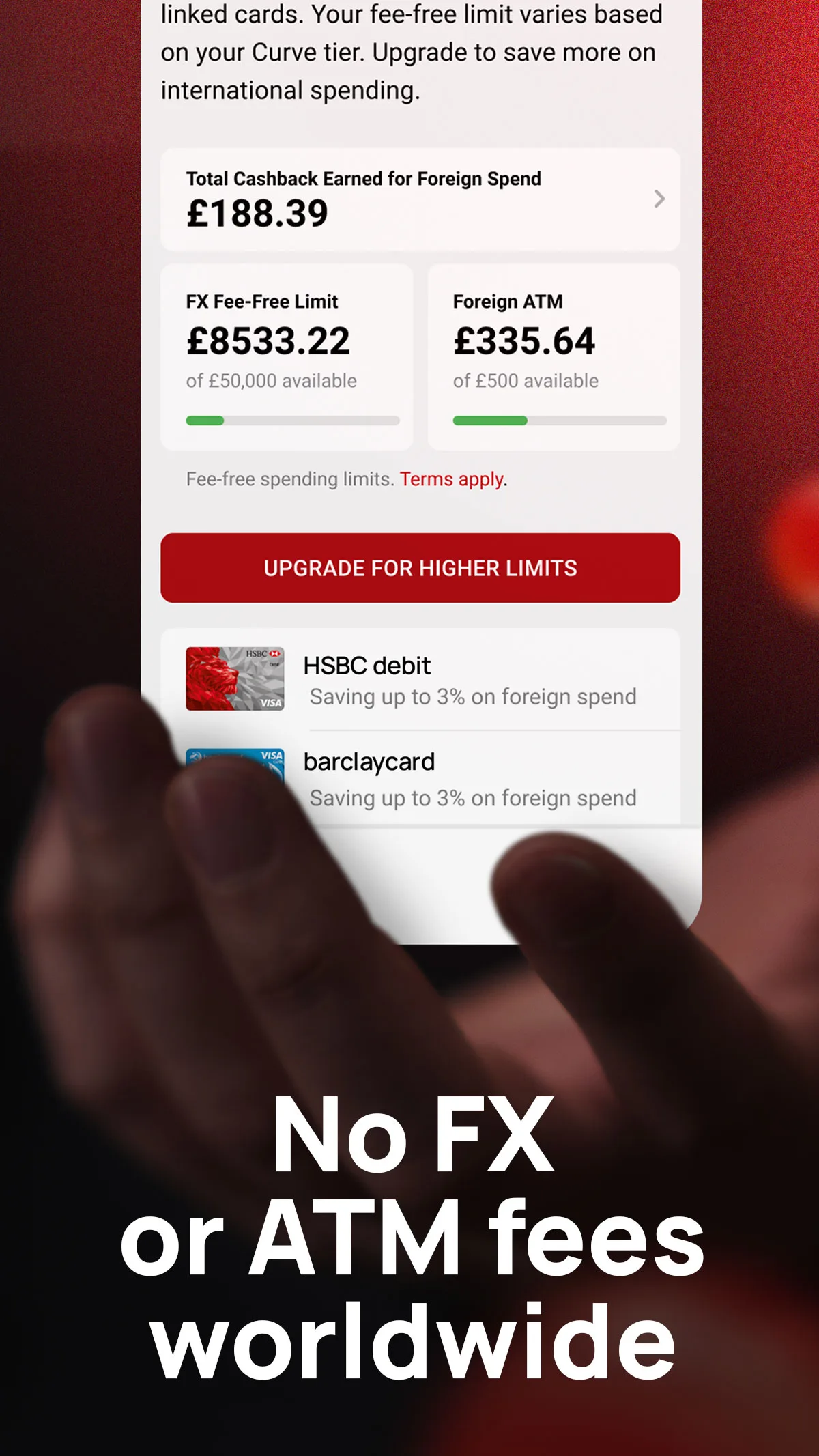
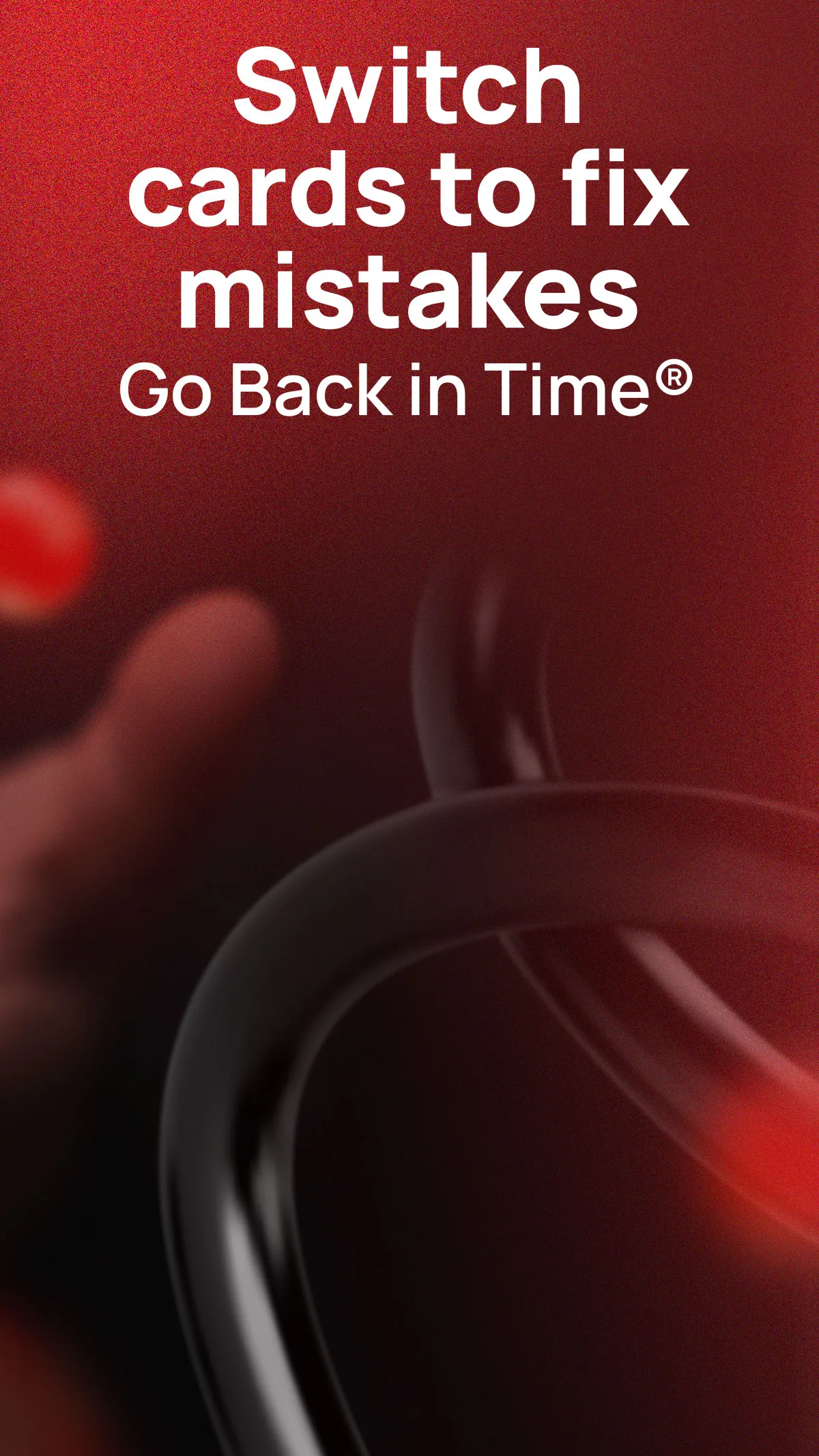
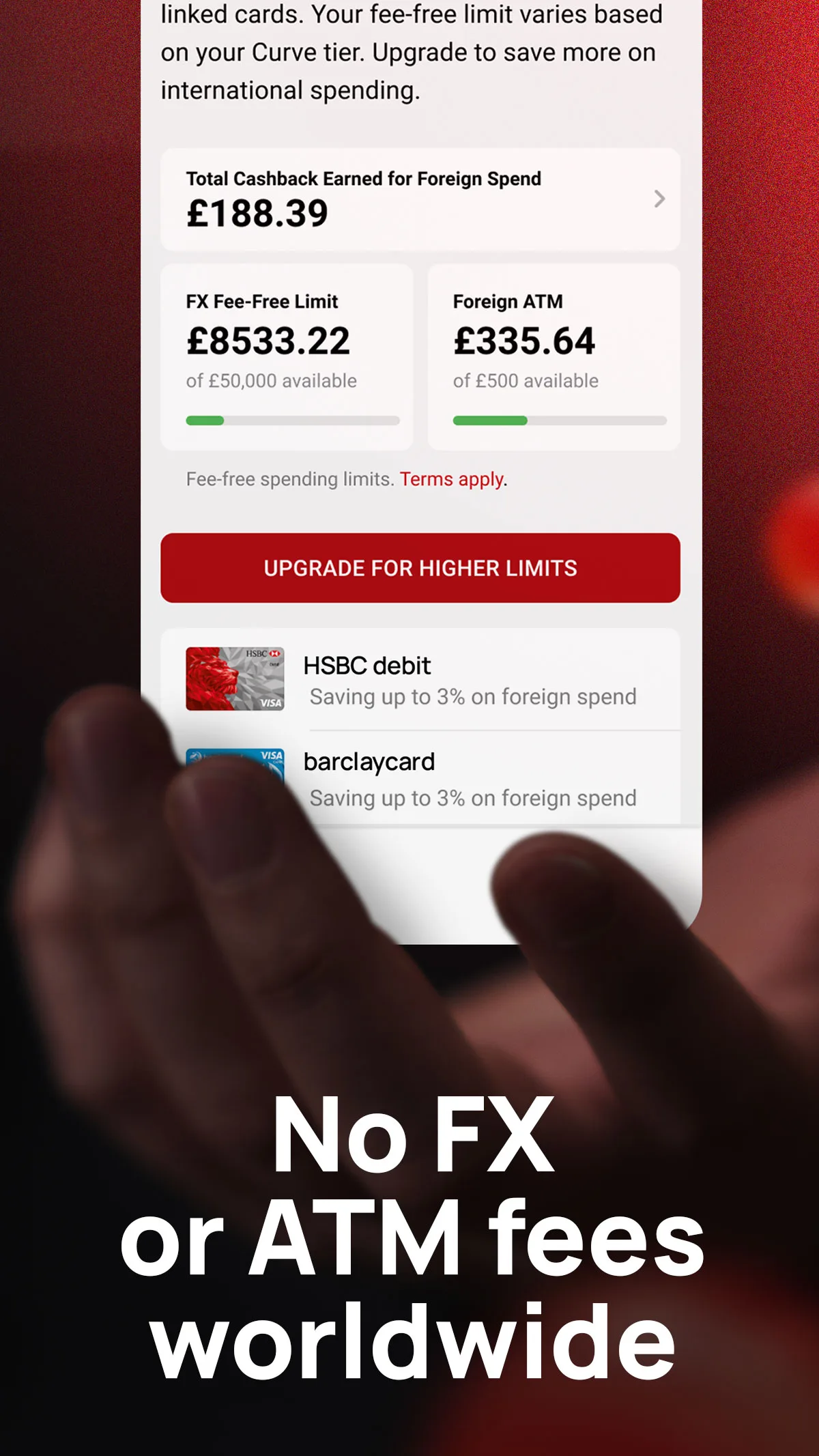
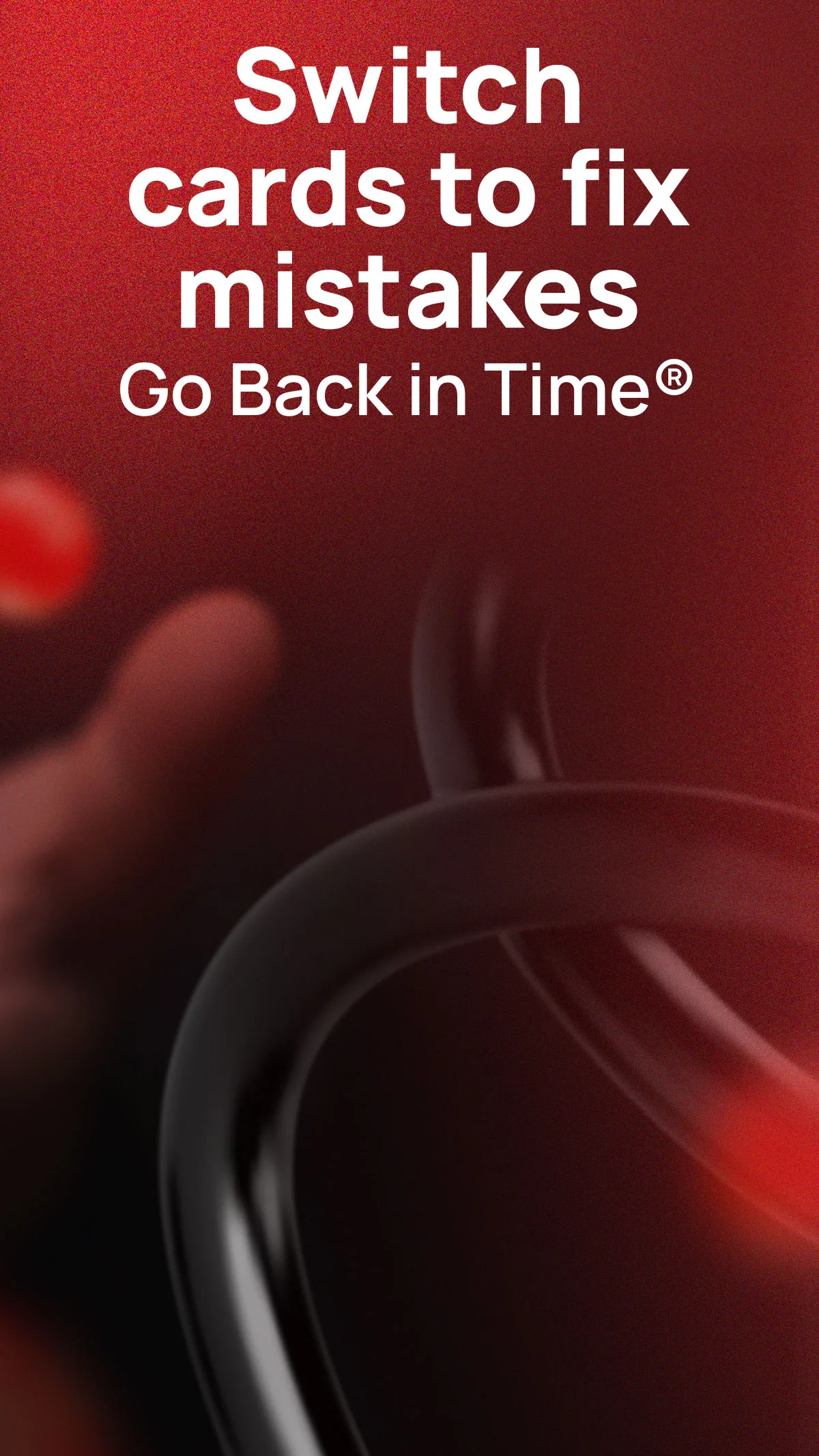
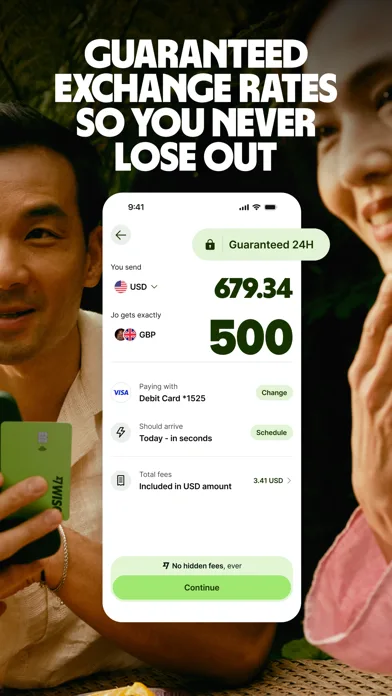
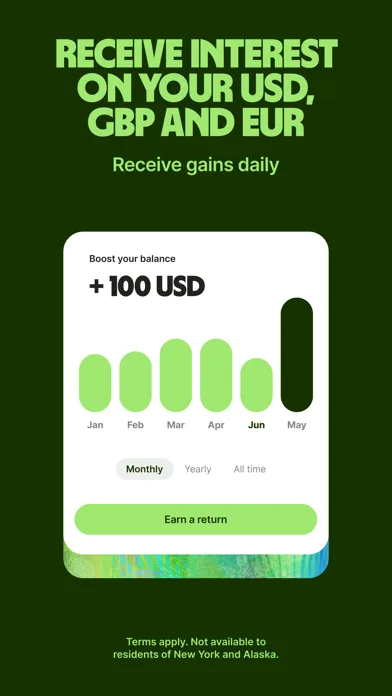
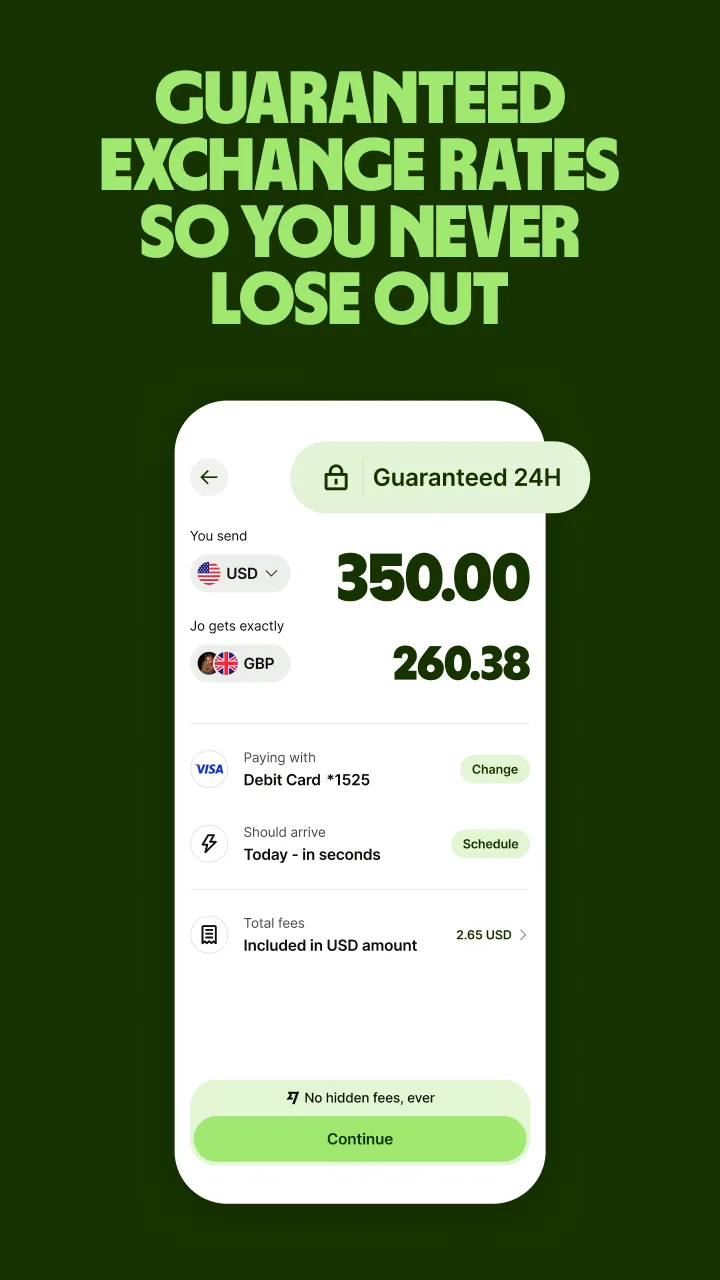
Premium / fintech style
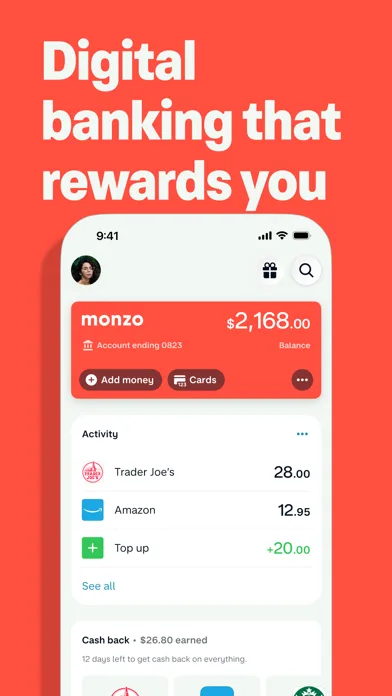
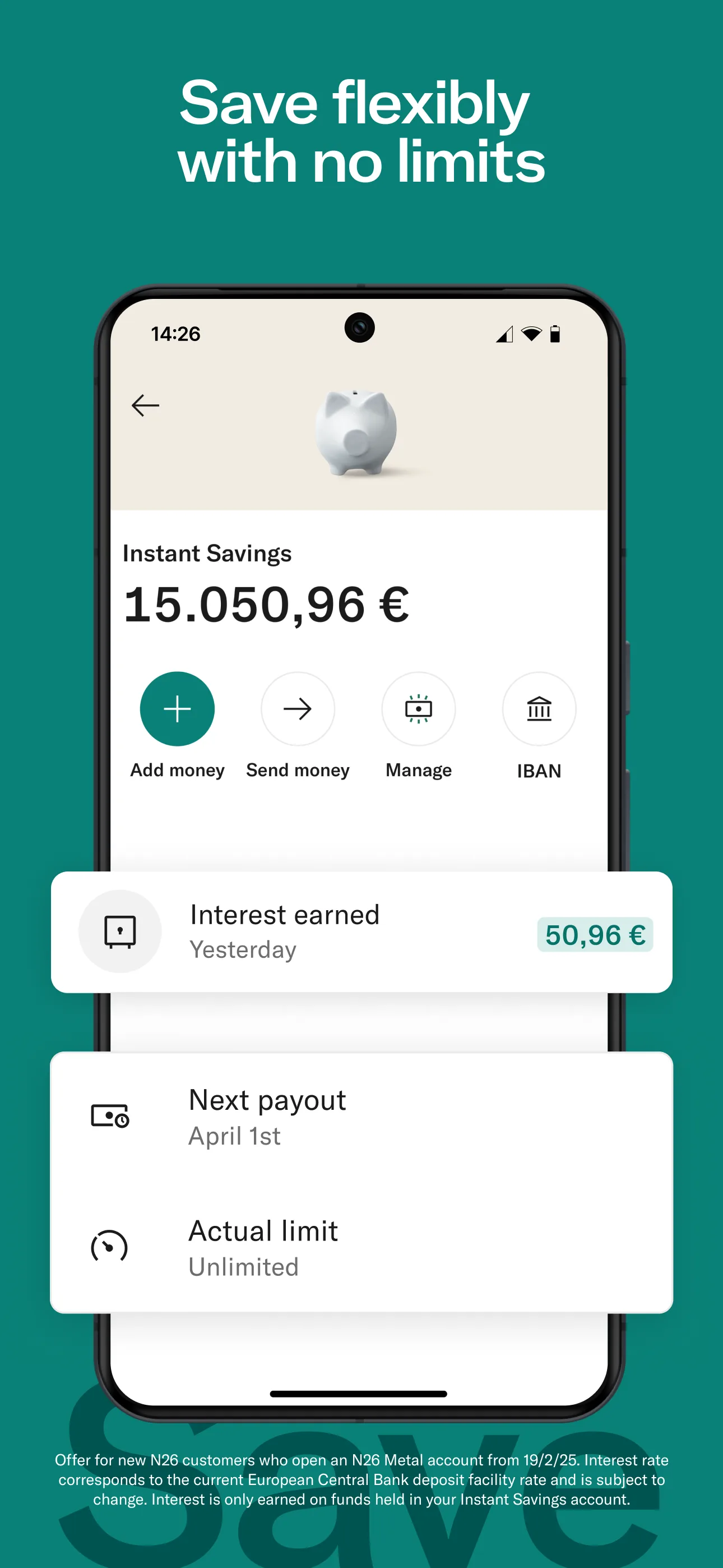
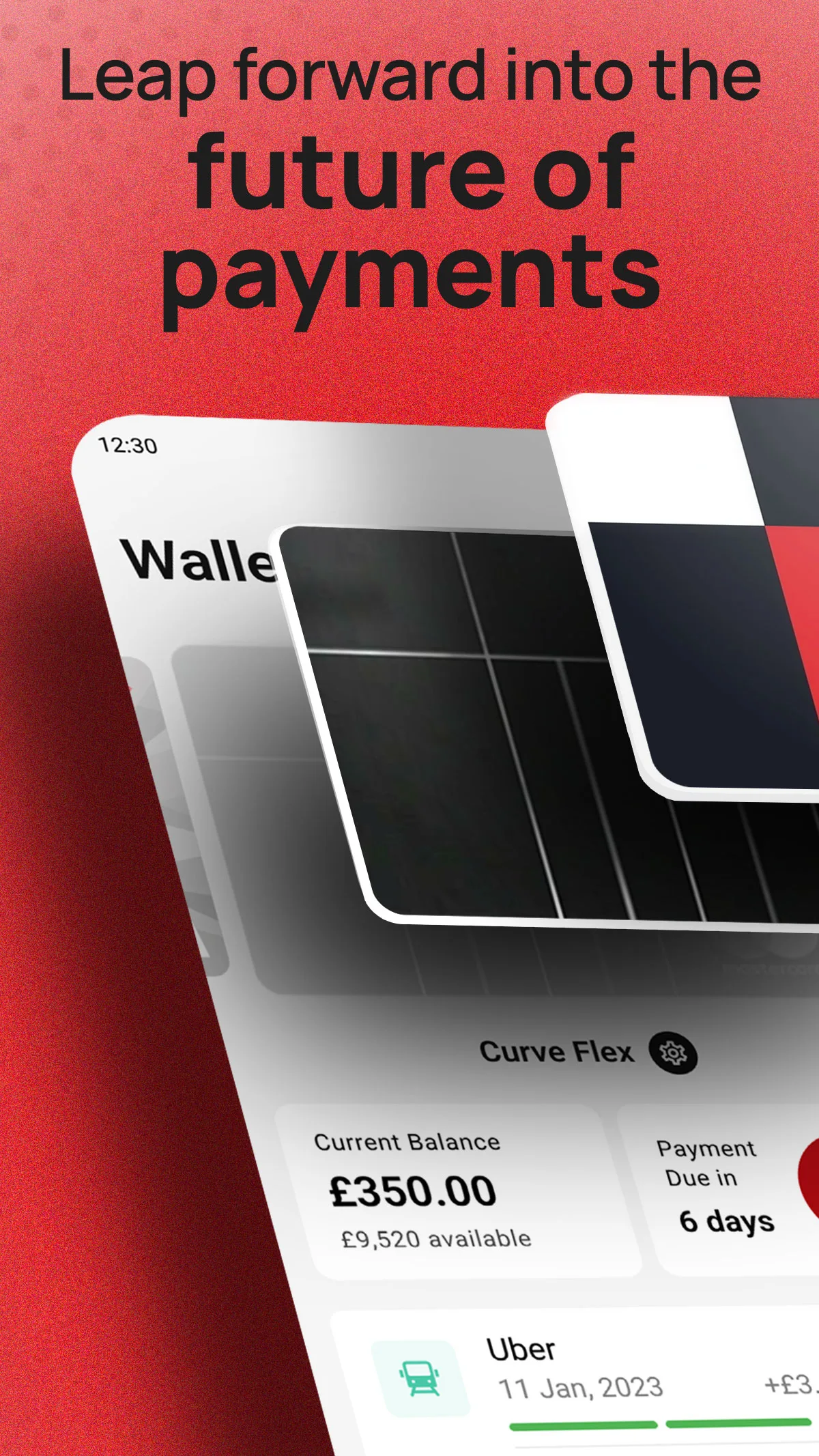
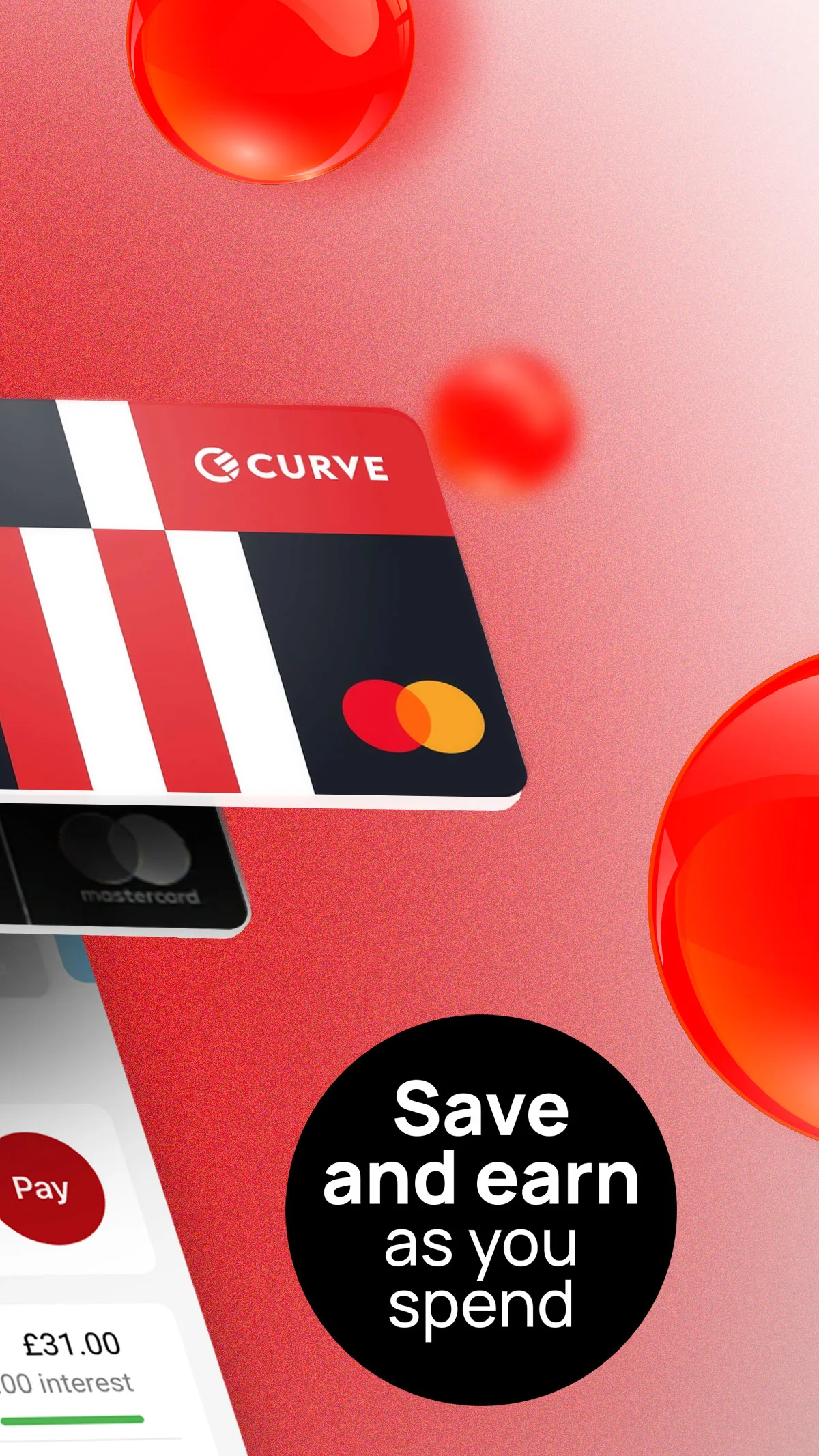
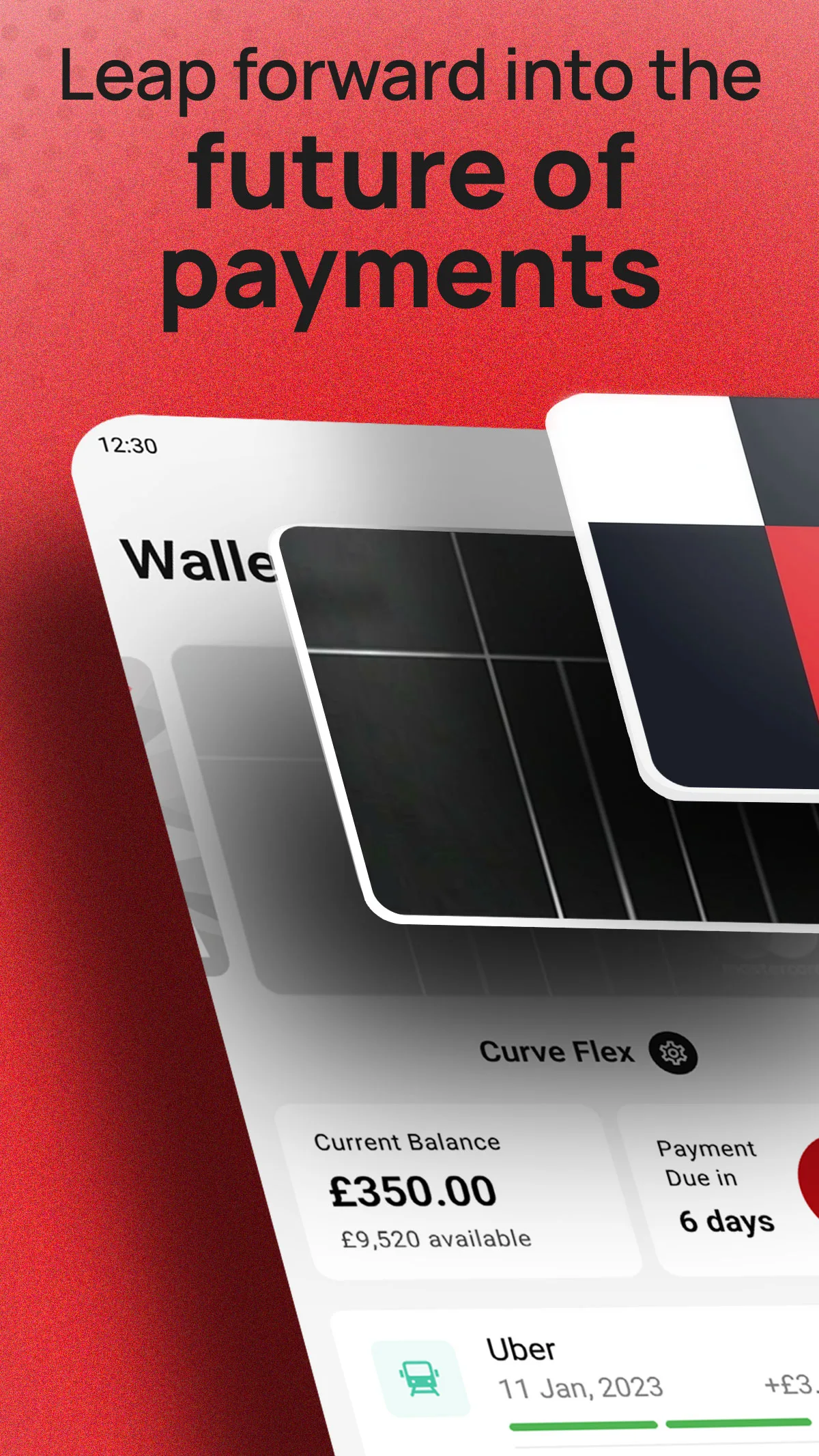
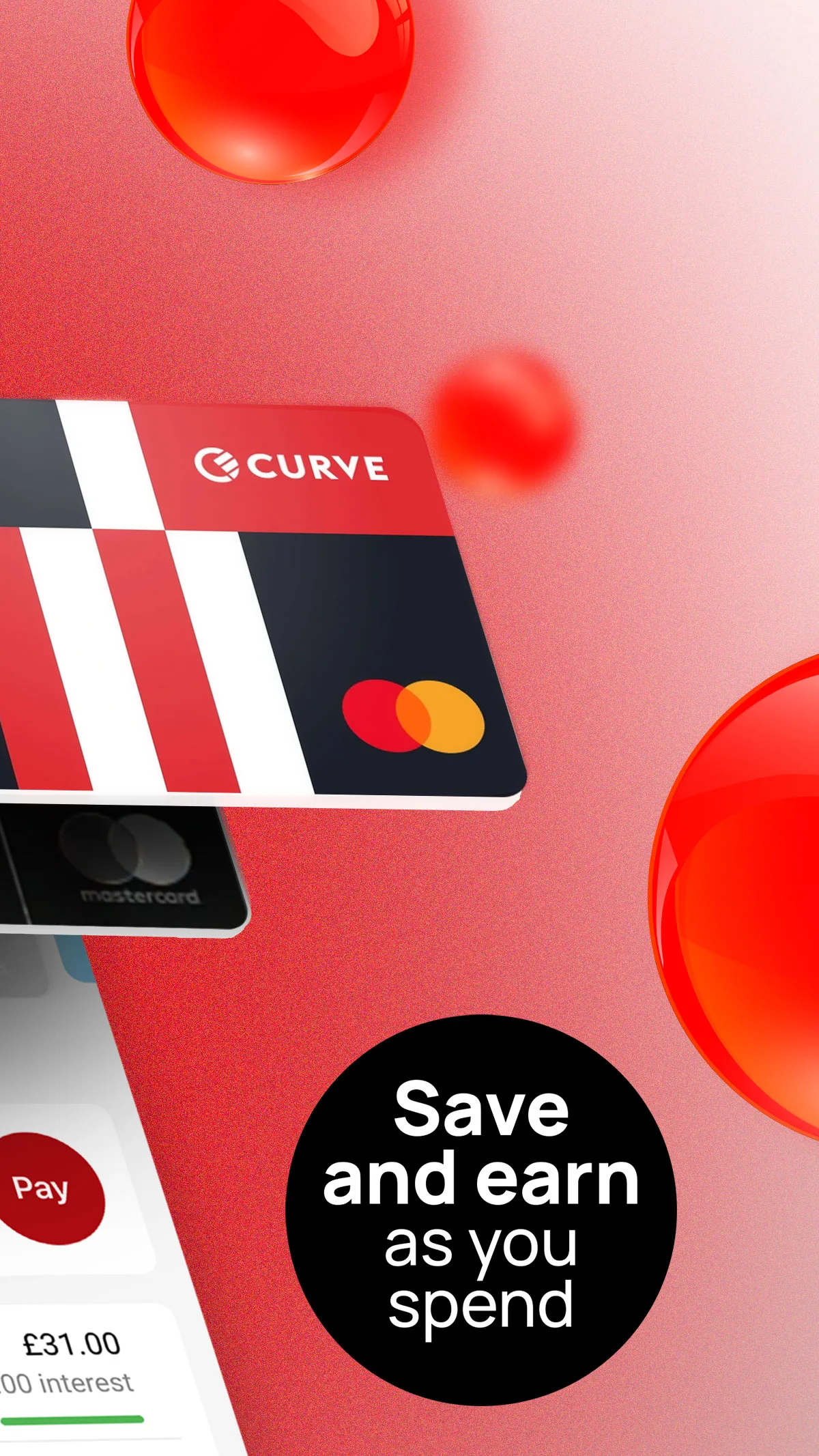
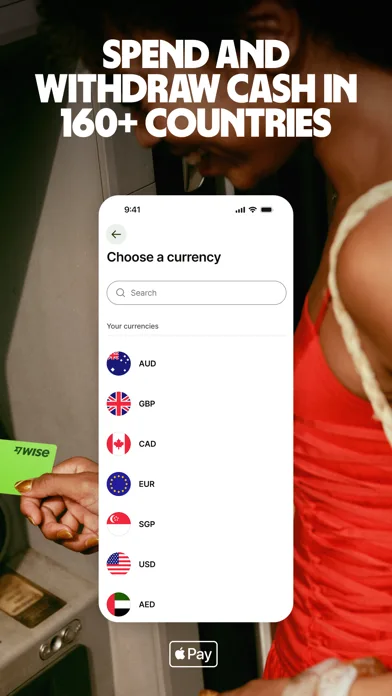
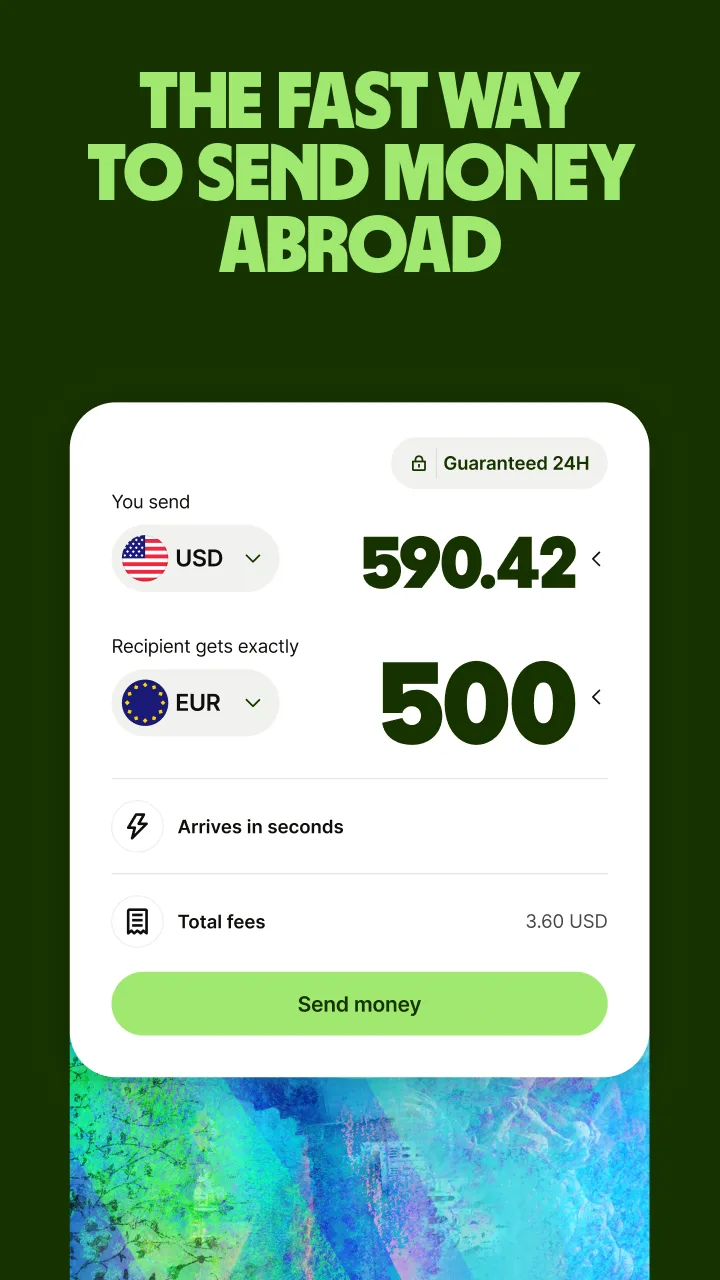
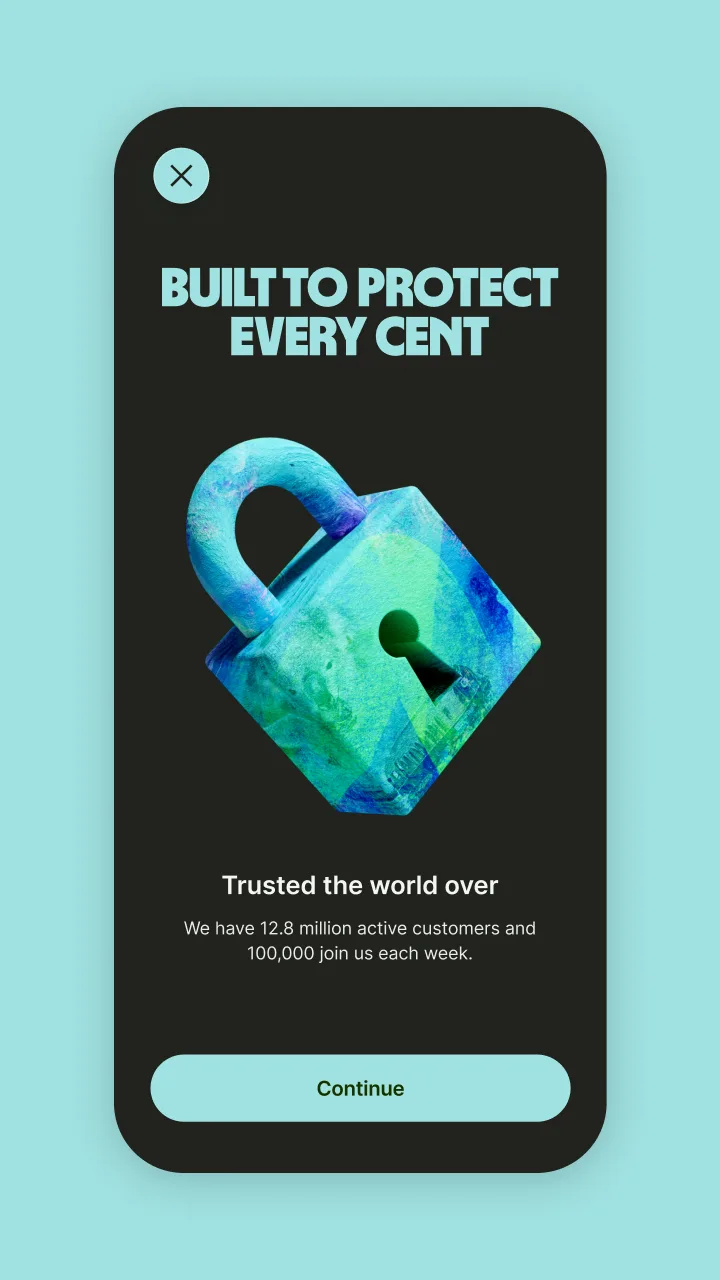
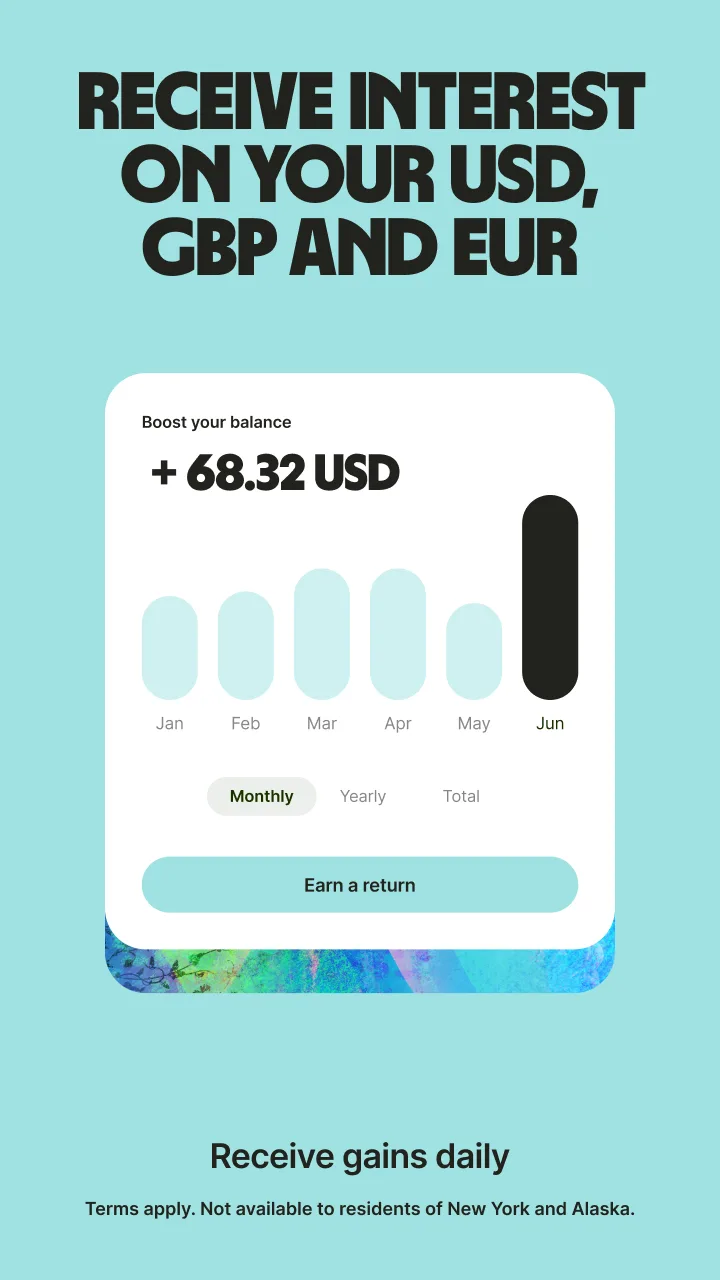
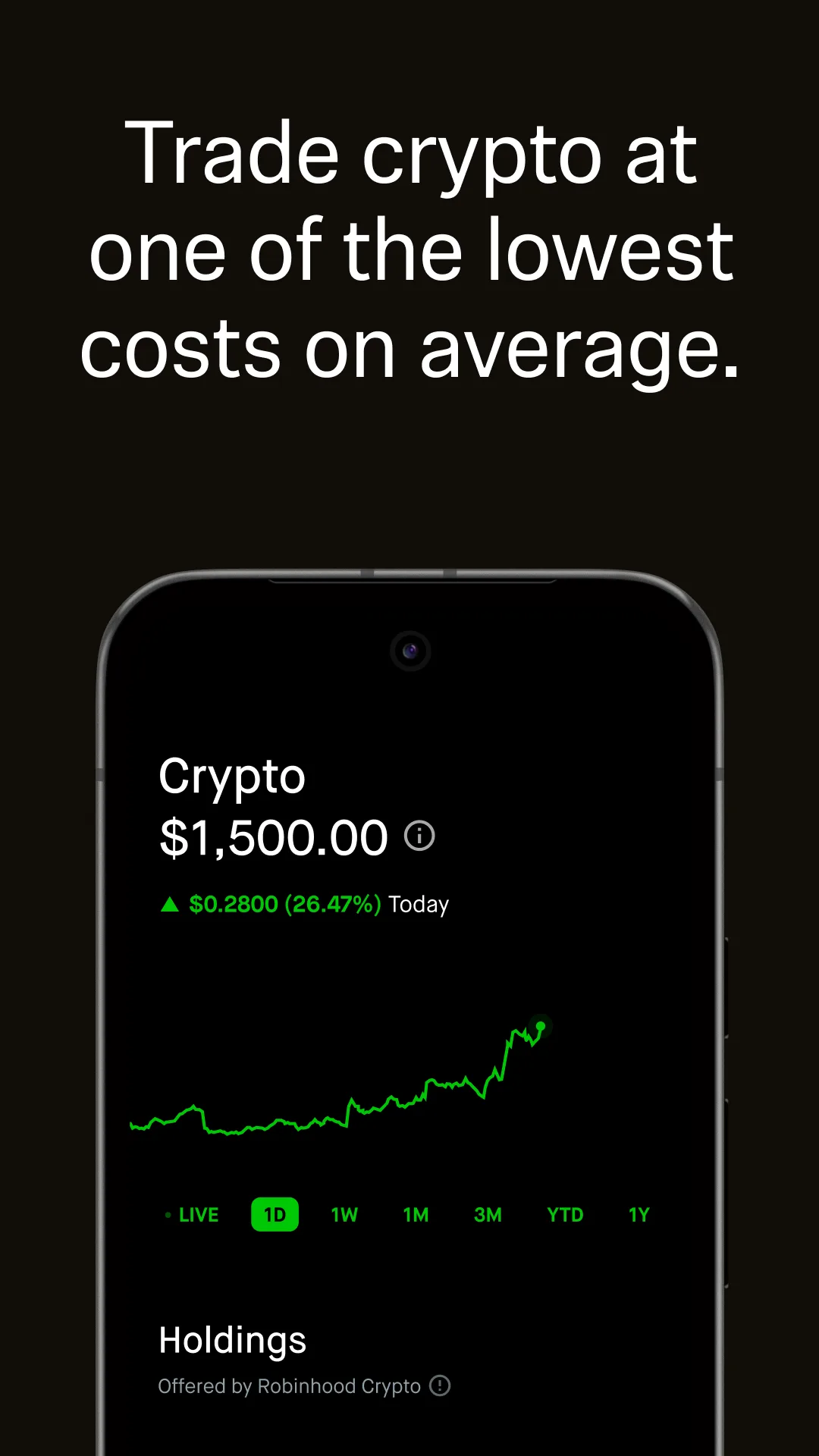
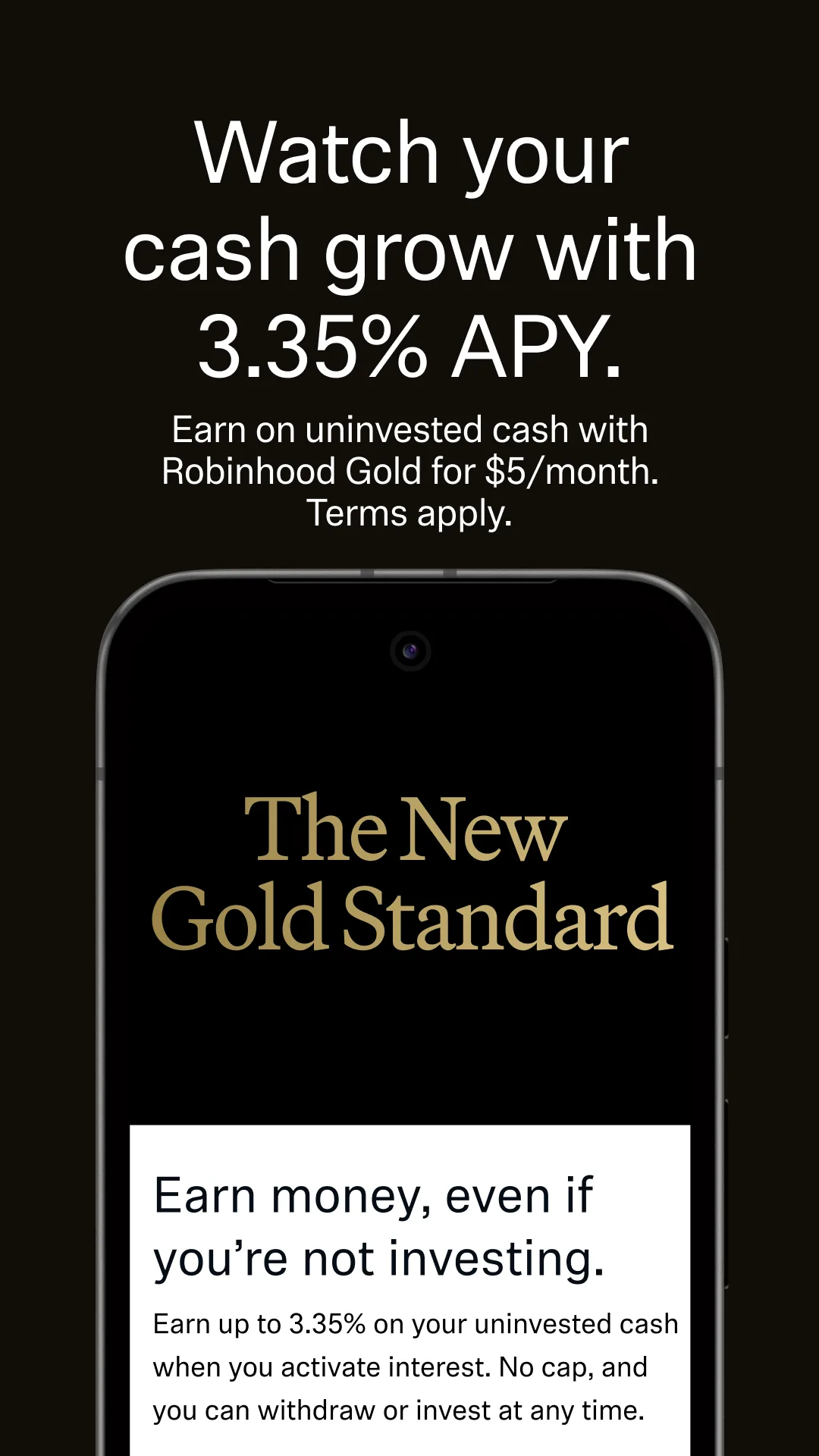
Clean grids, confident spacing, and subtle depth. Great references for “trust + polish” screenshot systems.
- MonzoApp Store
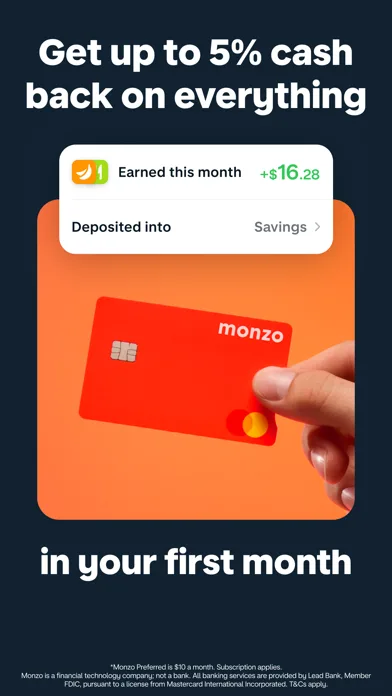
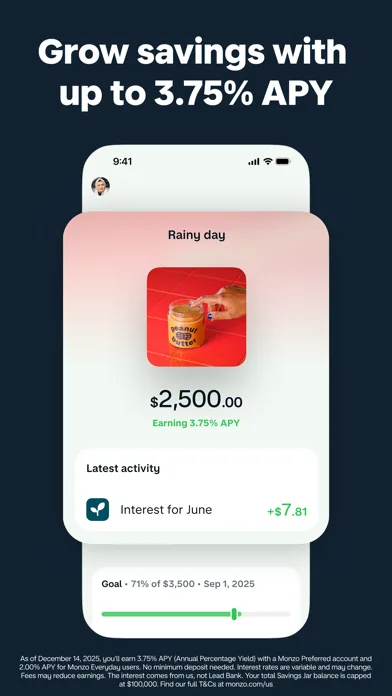
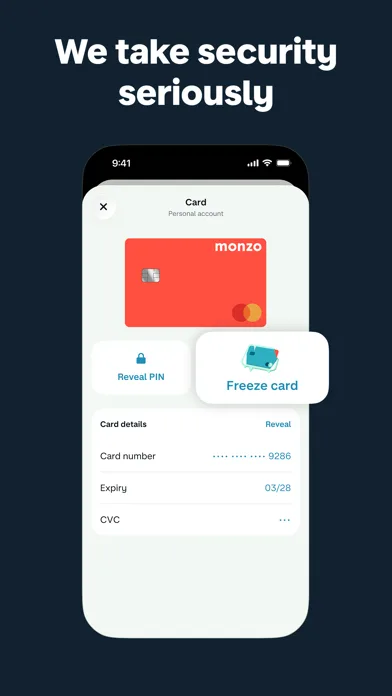 Play Store
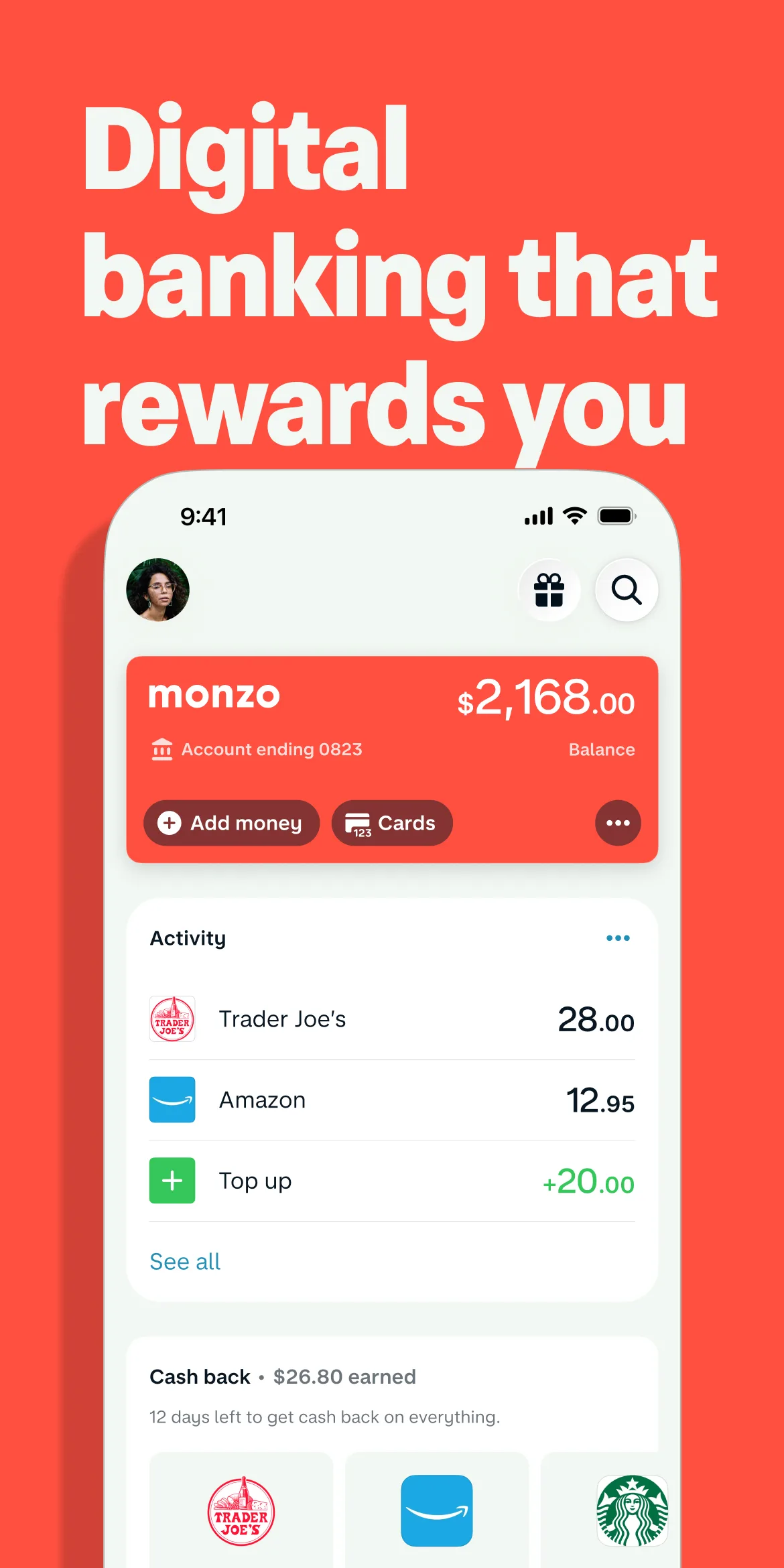
- N26App Store
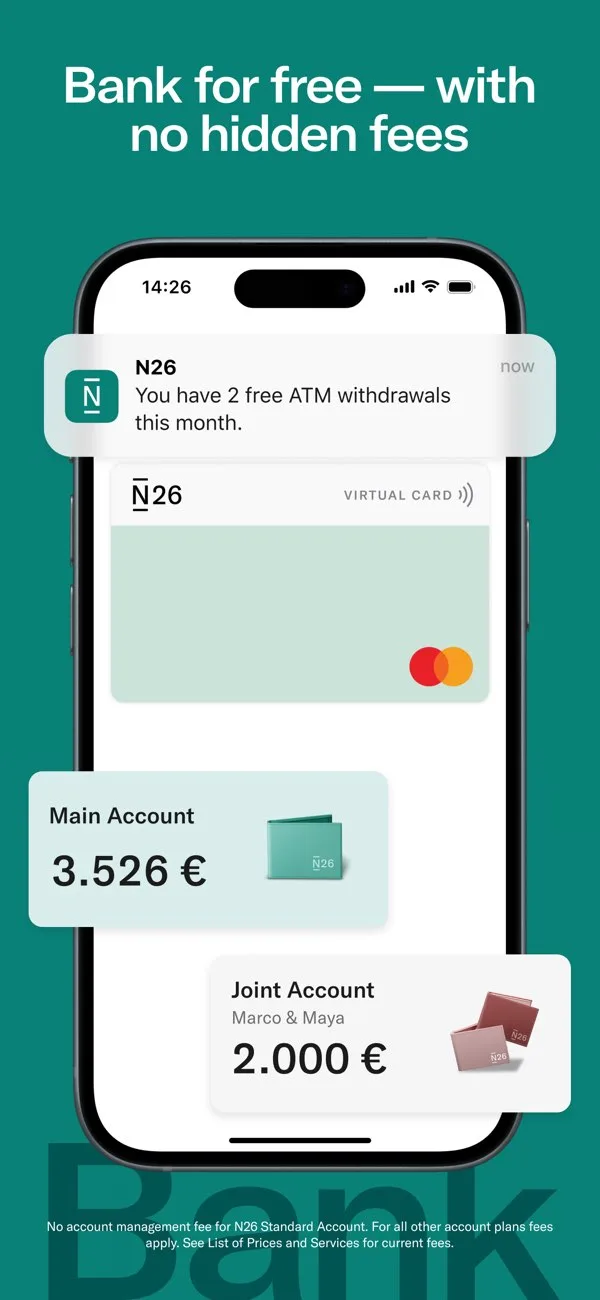
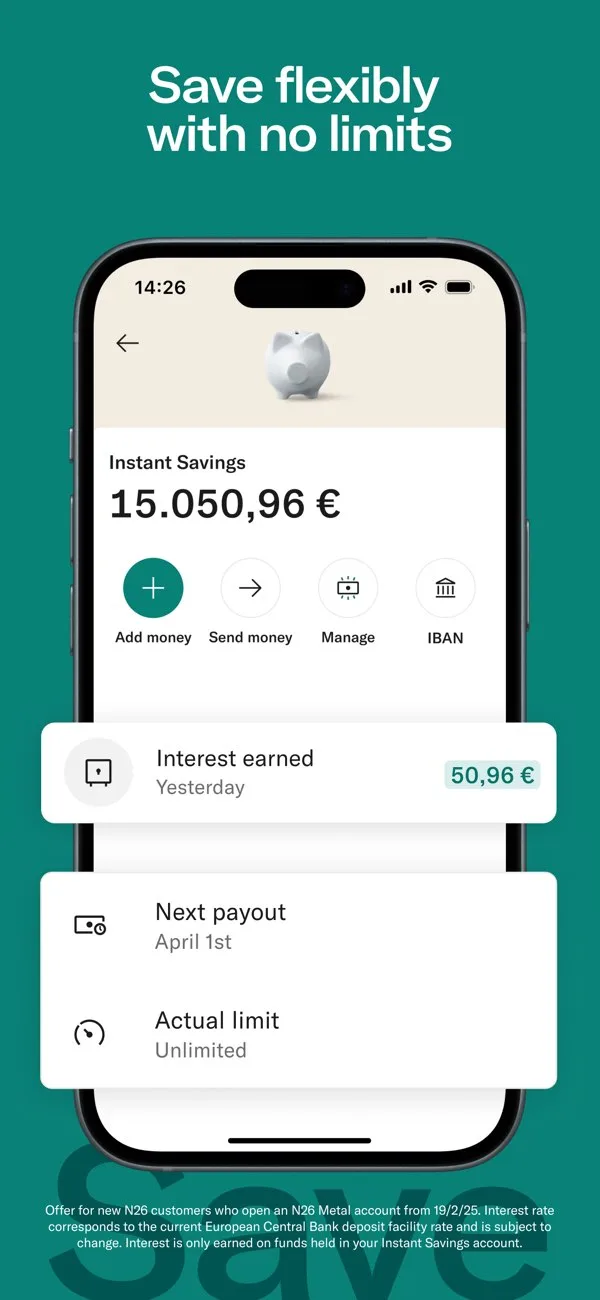
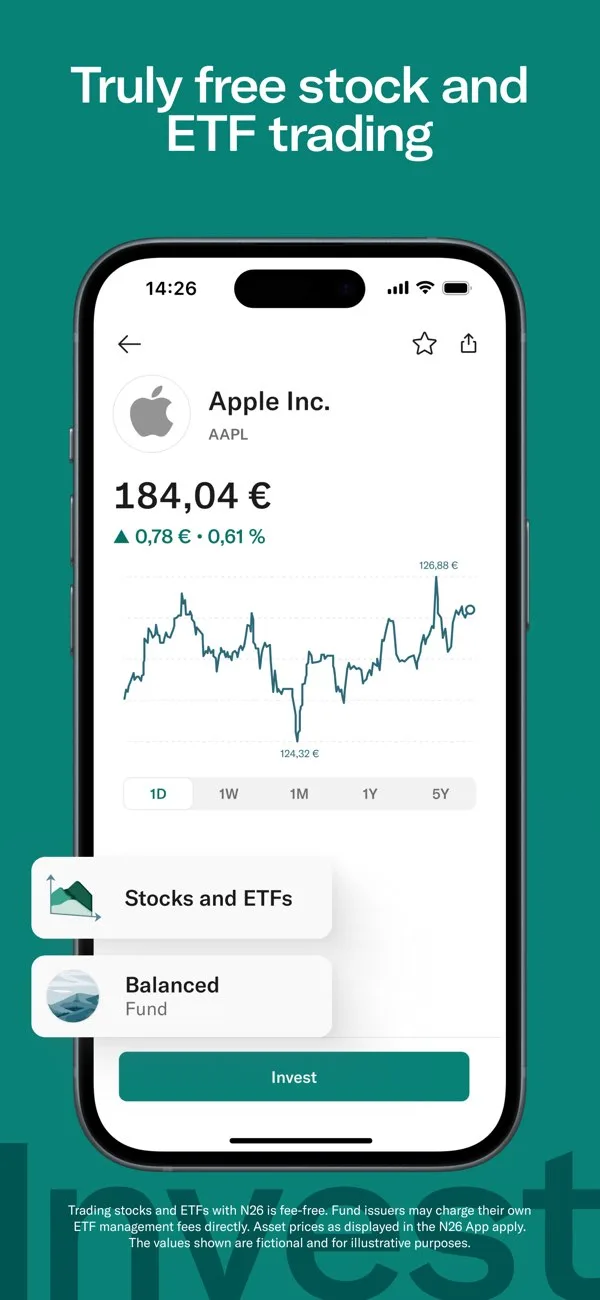 Play Store
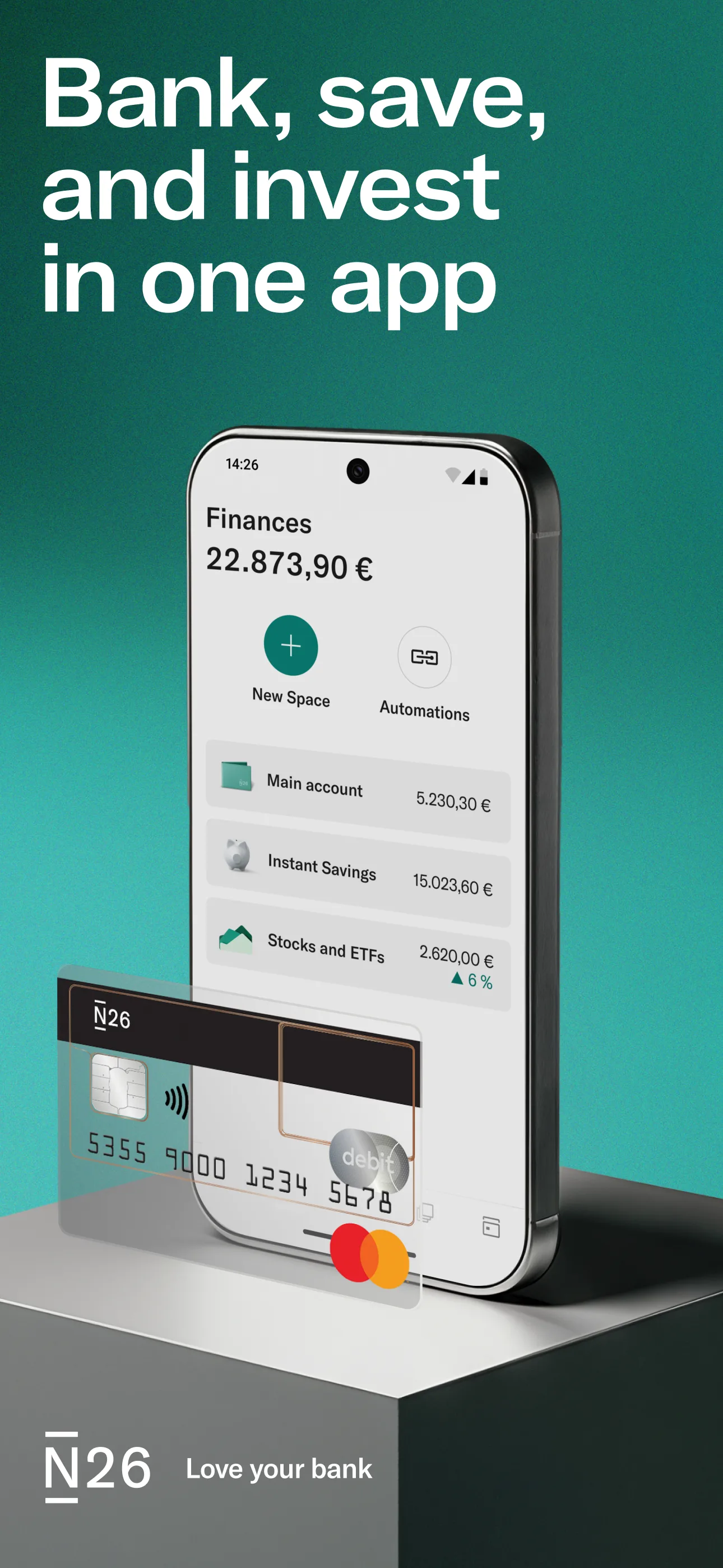
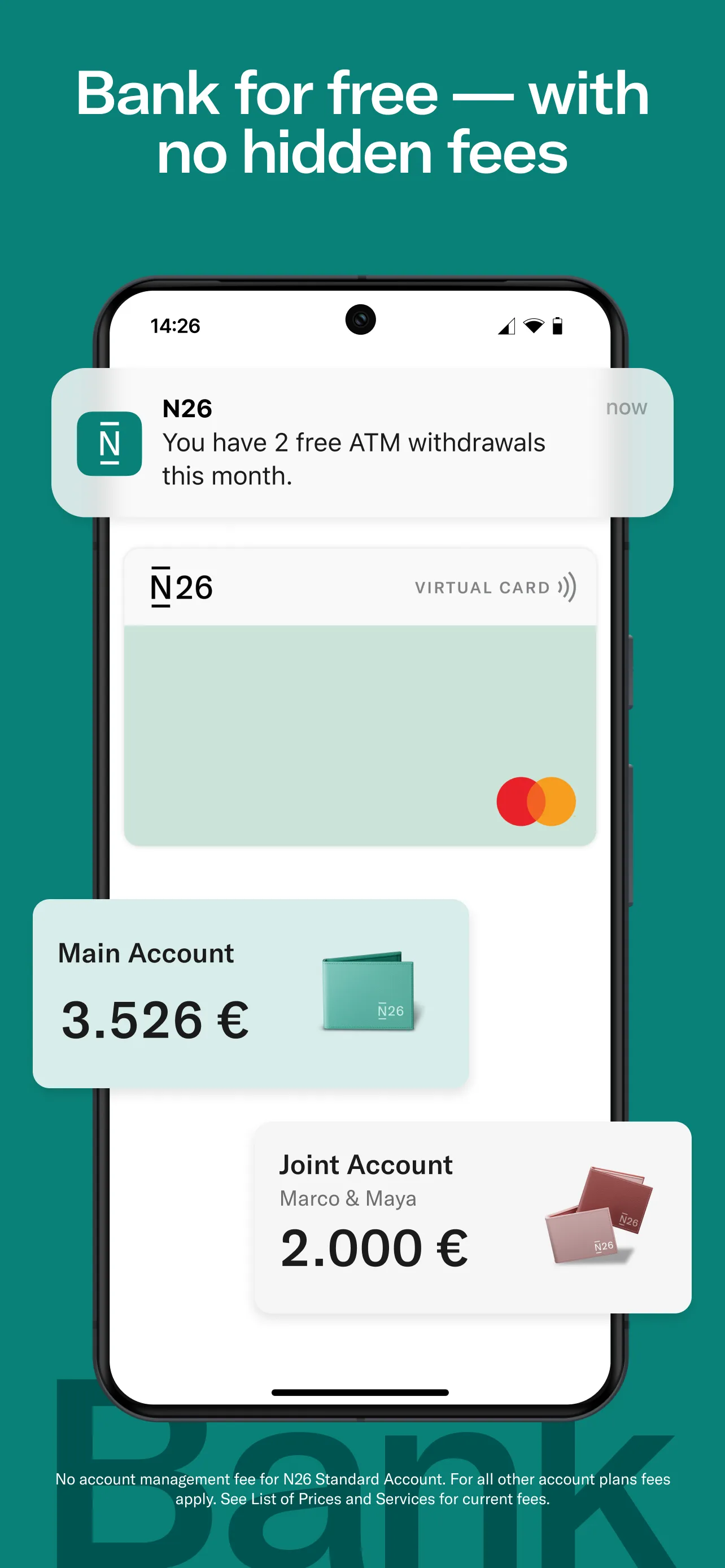
- CurveApp Store
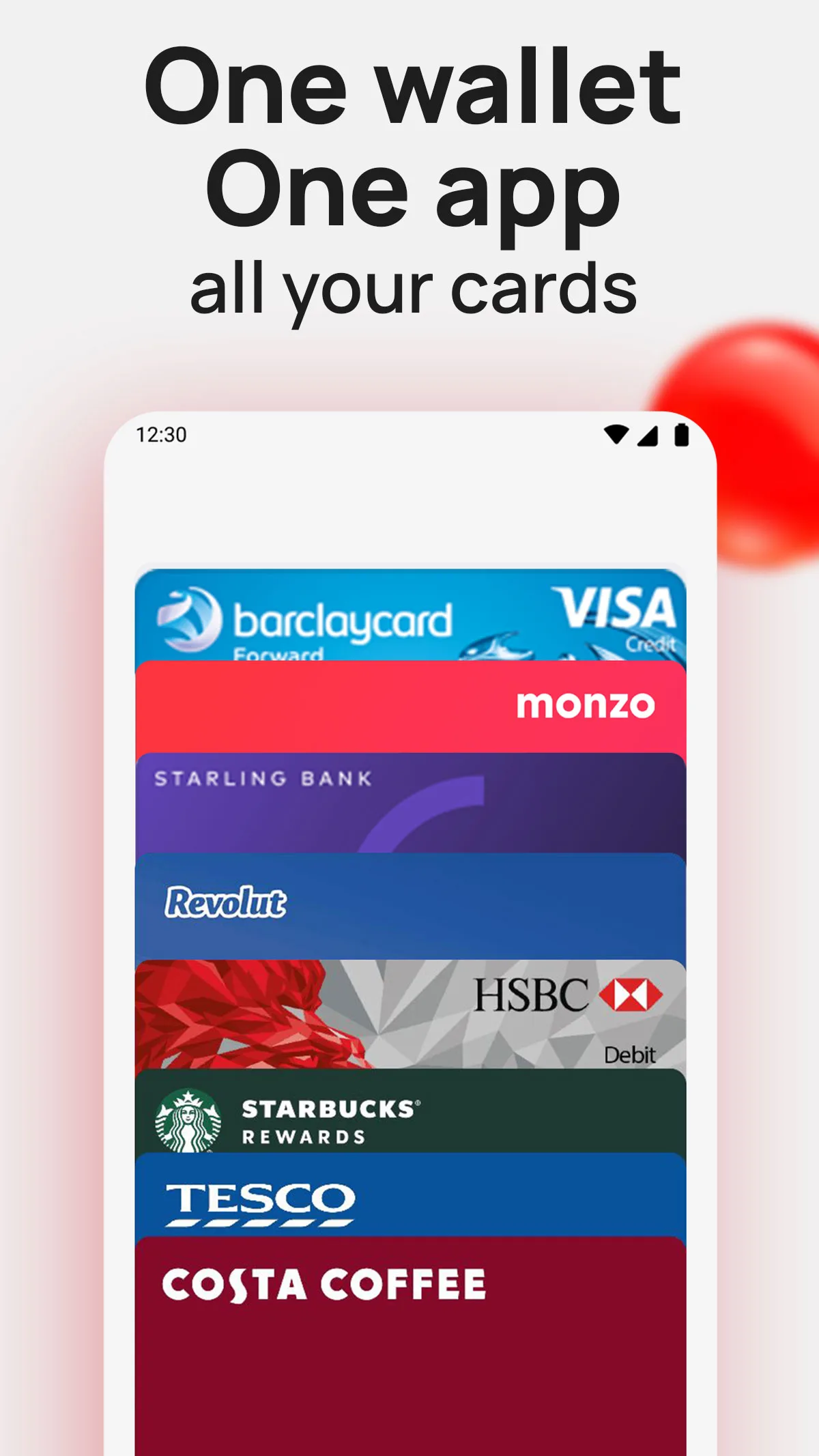 Play Store
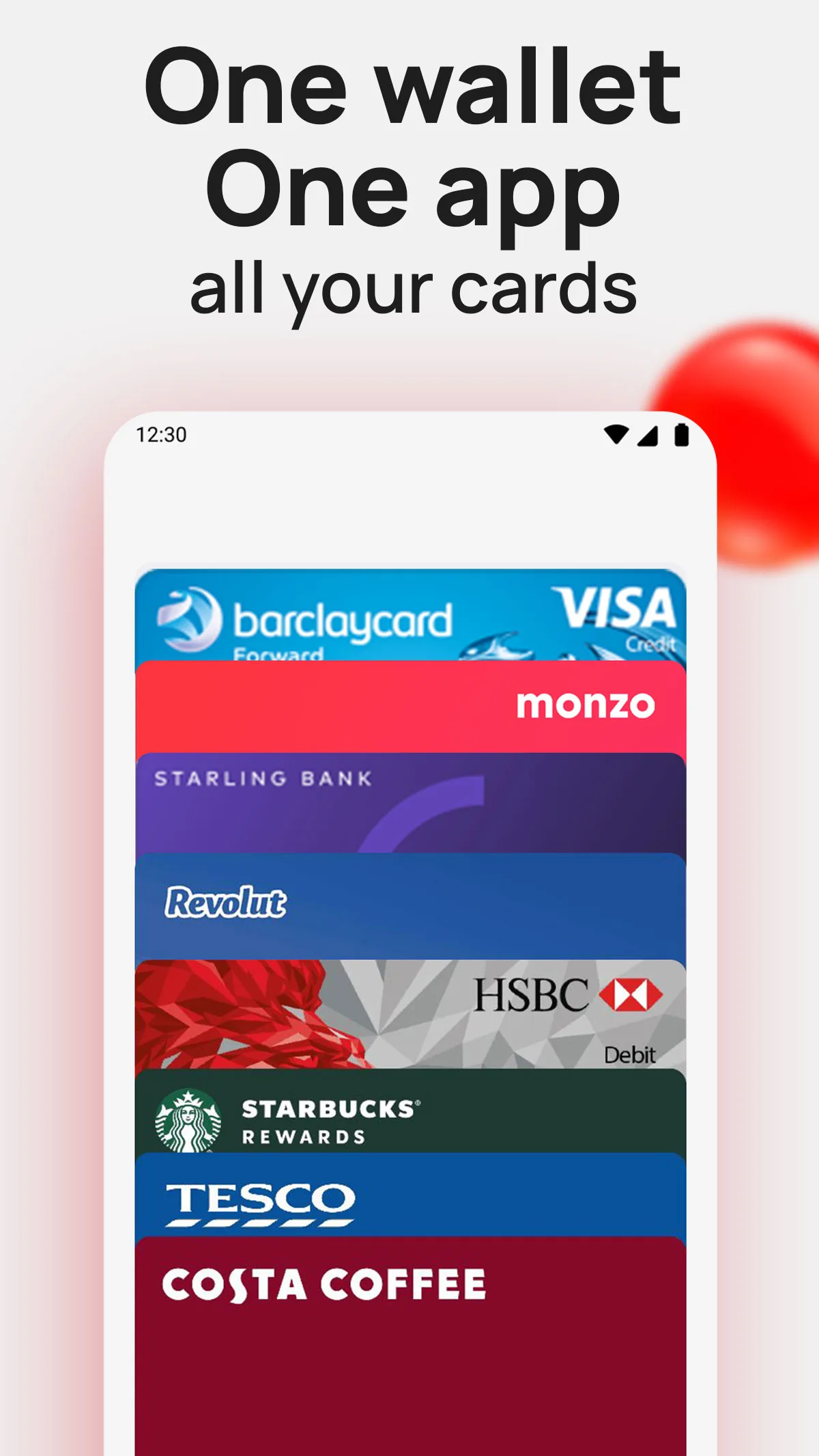
- WiseApp Store
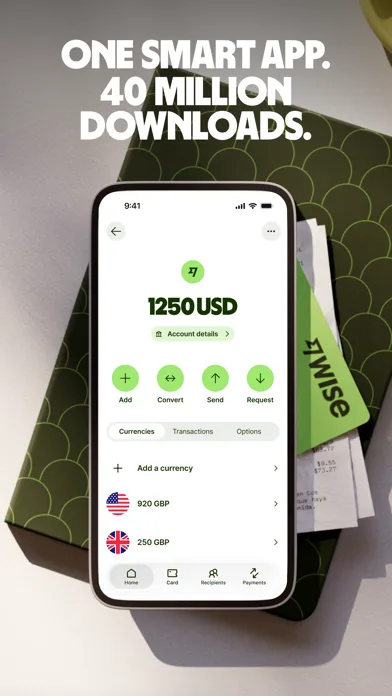
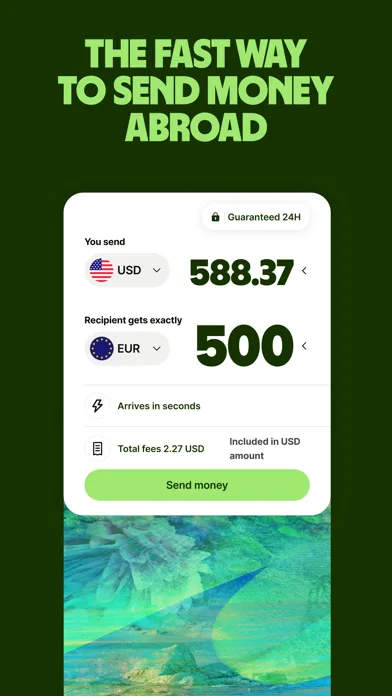
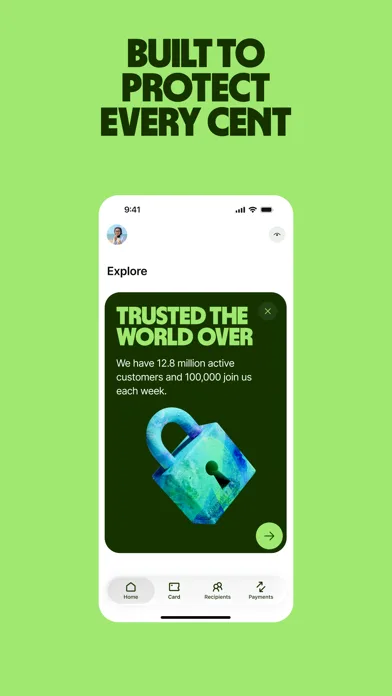
 Play Store
- RobinhoodPlay Store
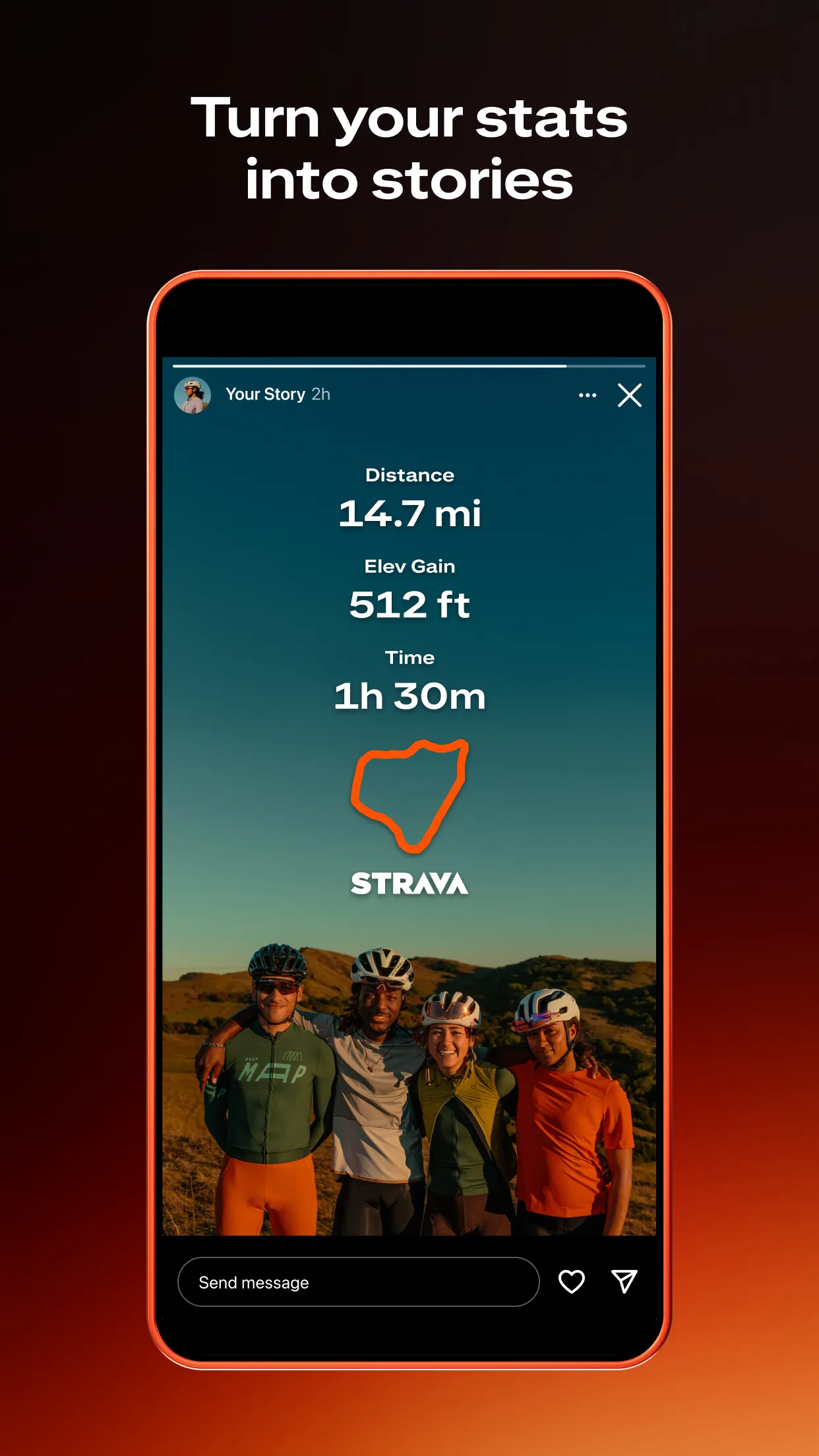
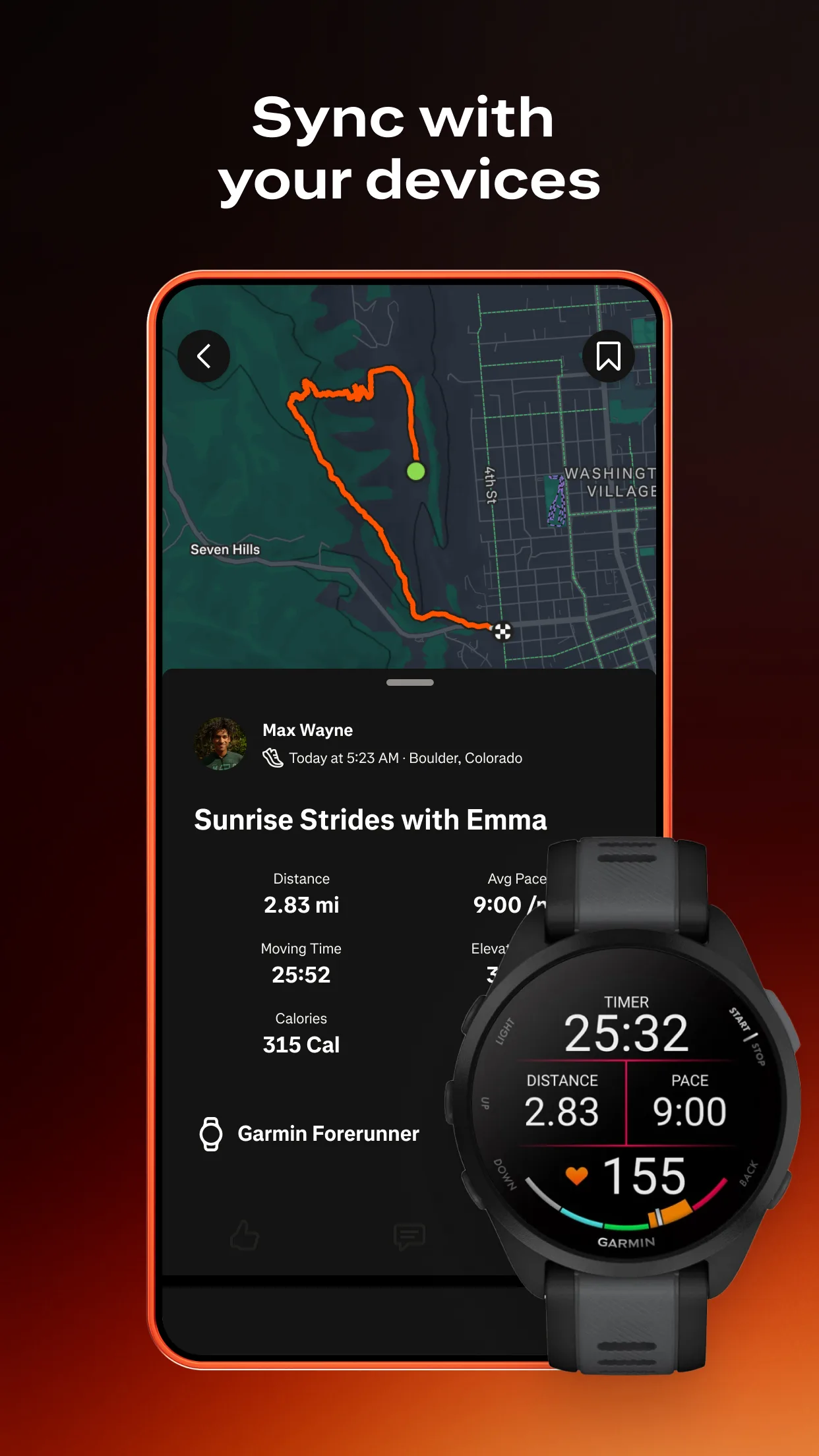
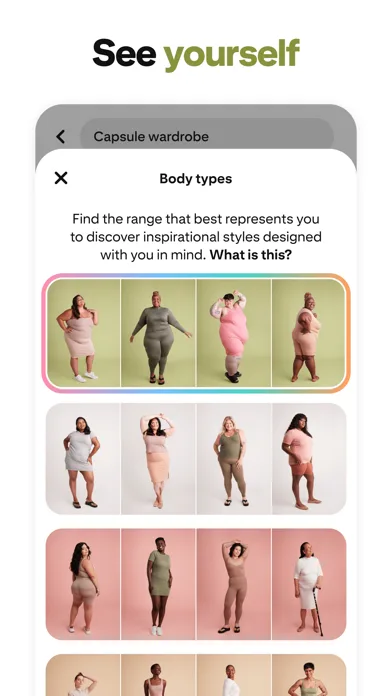
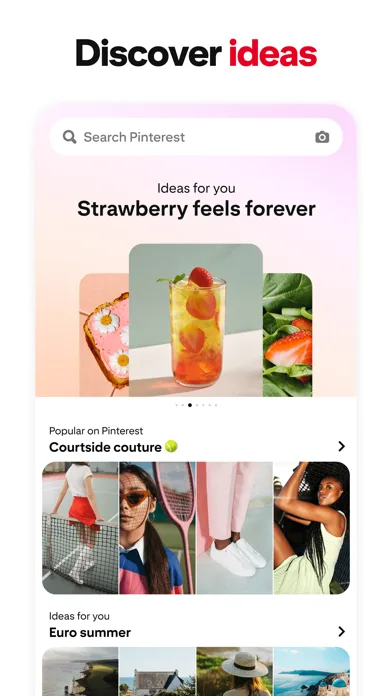
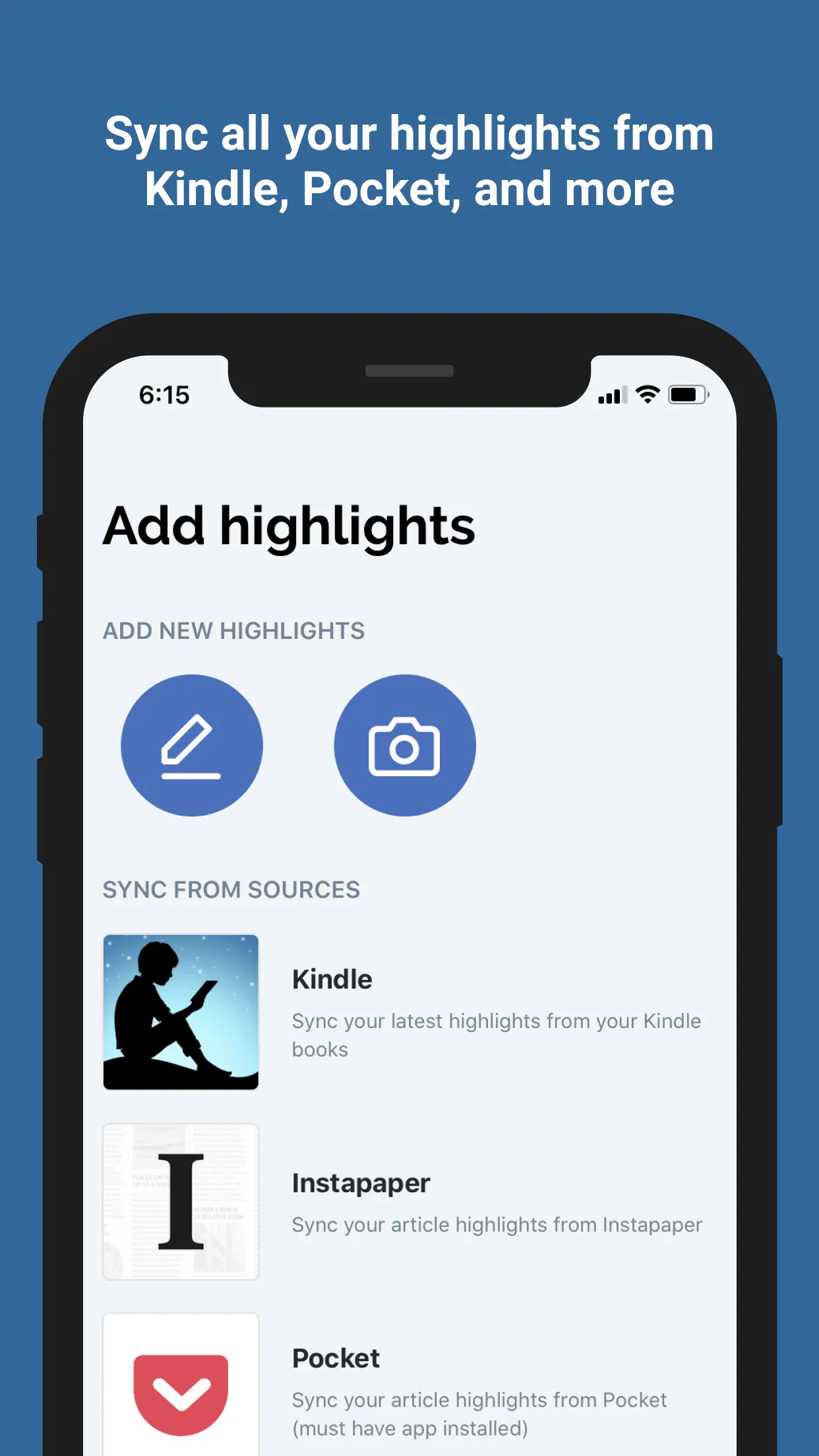
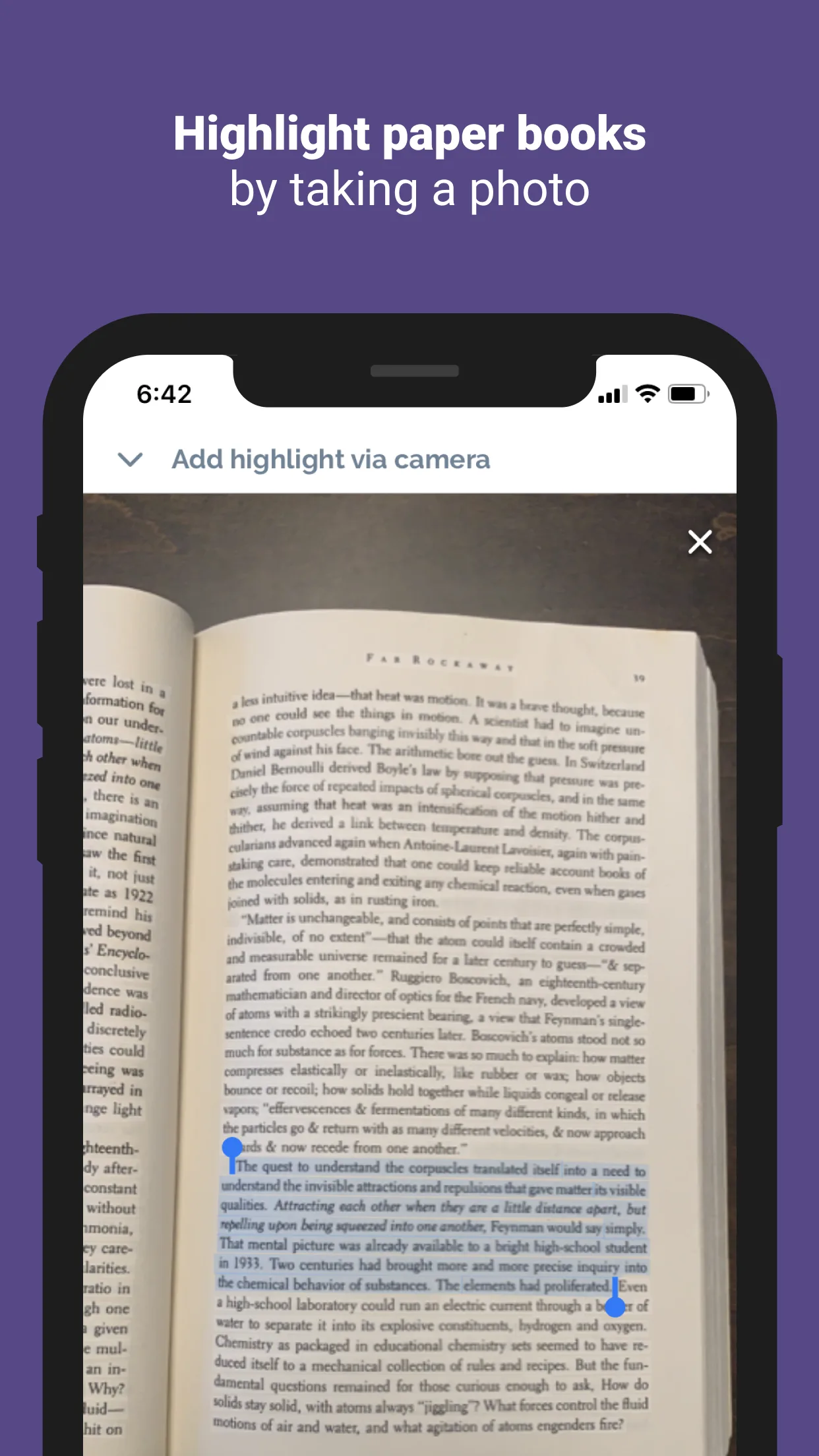
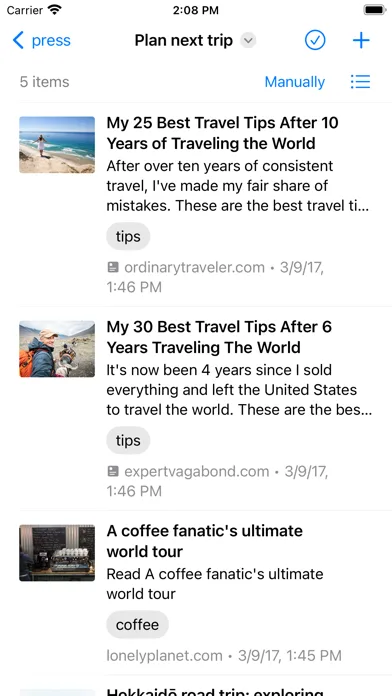
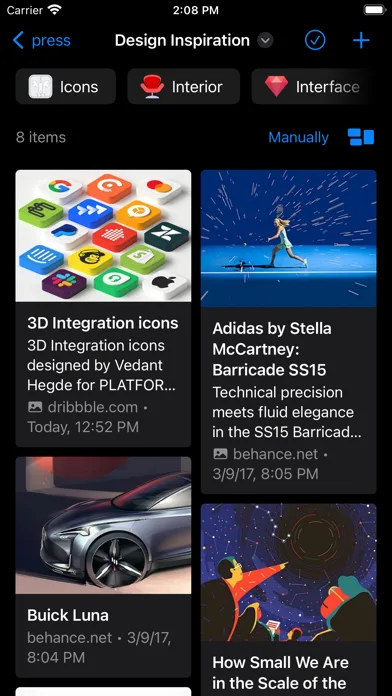
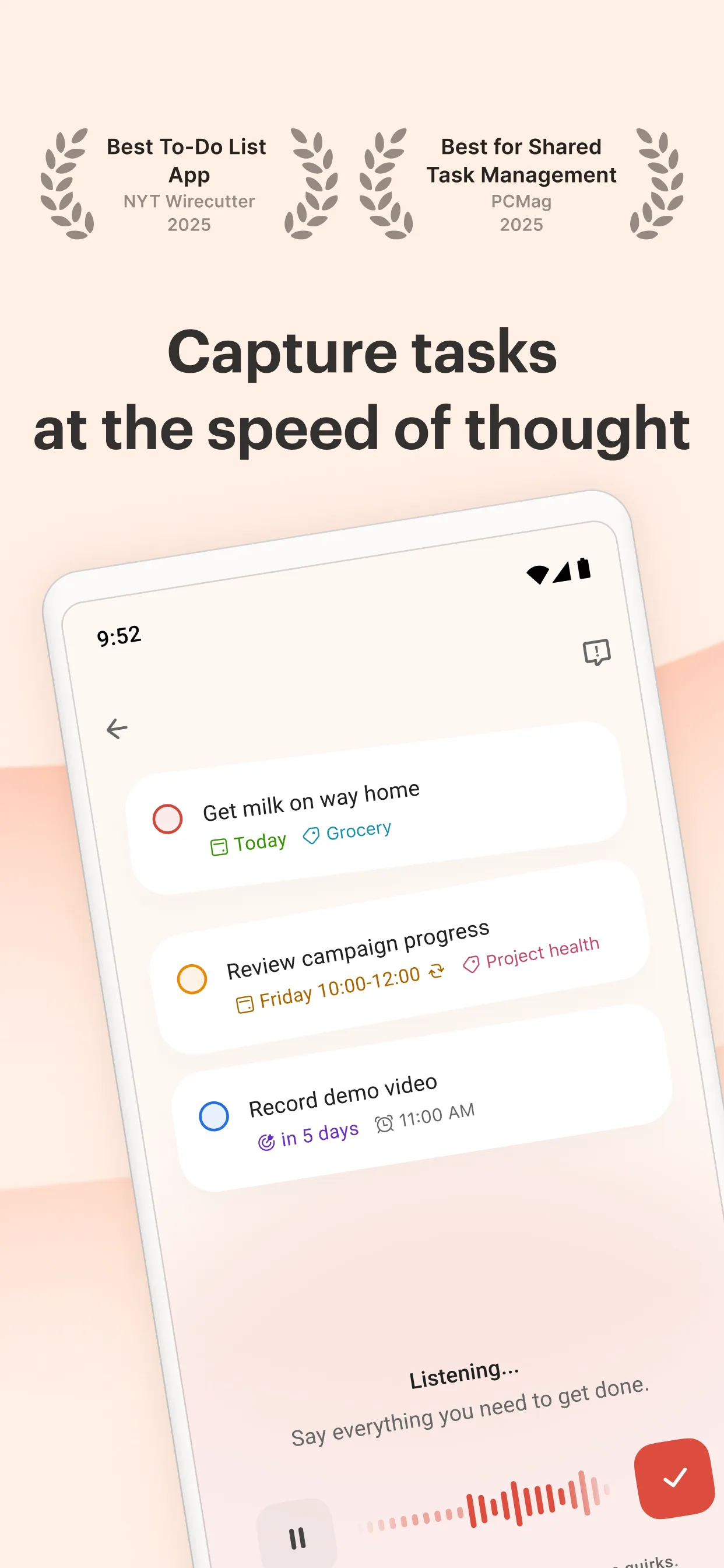
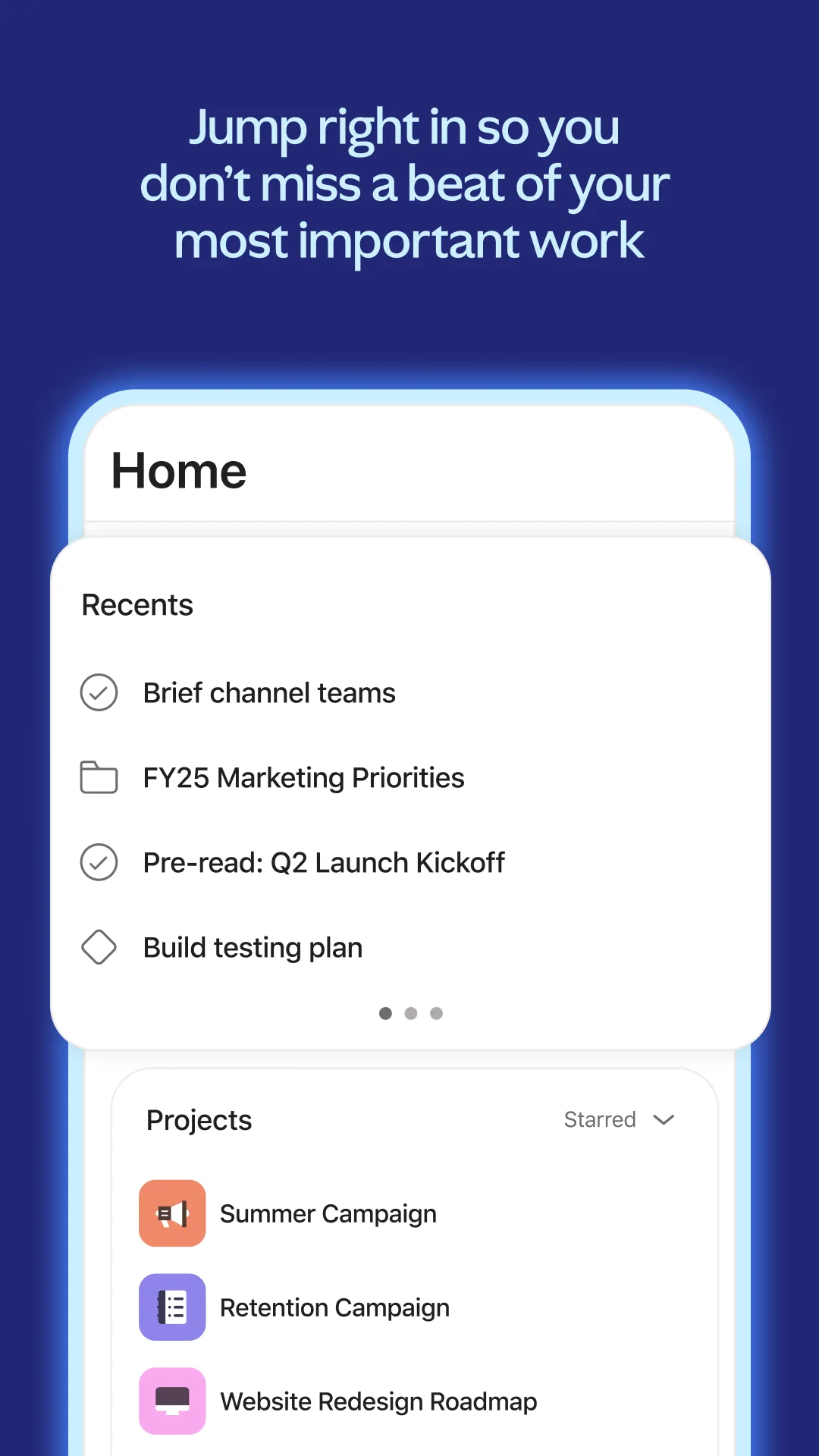
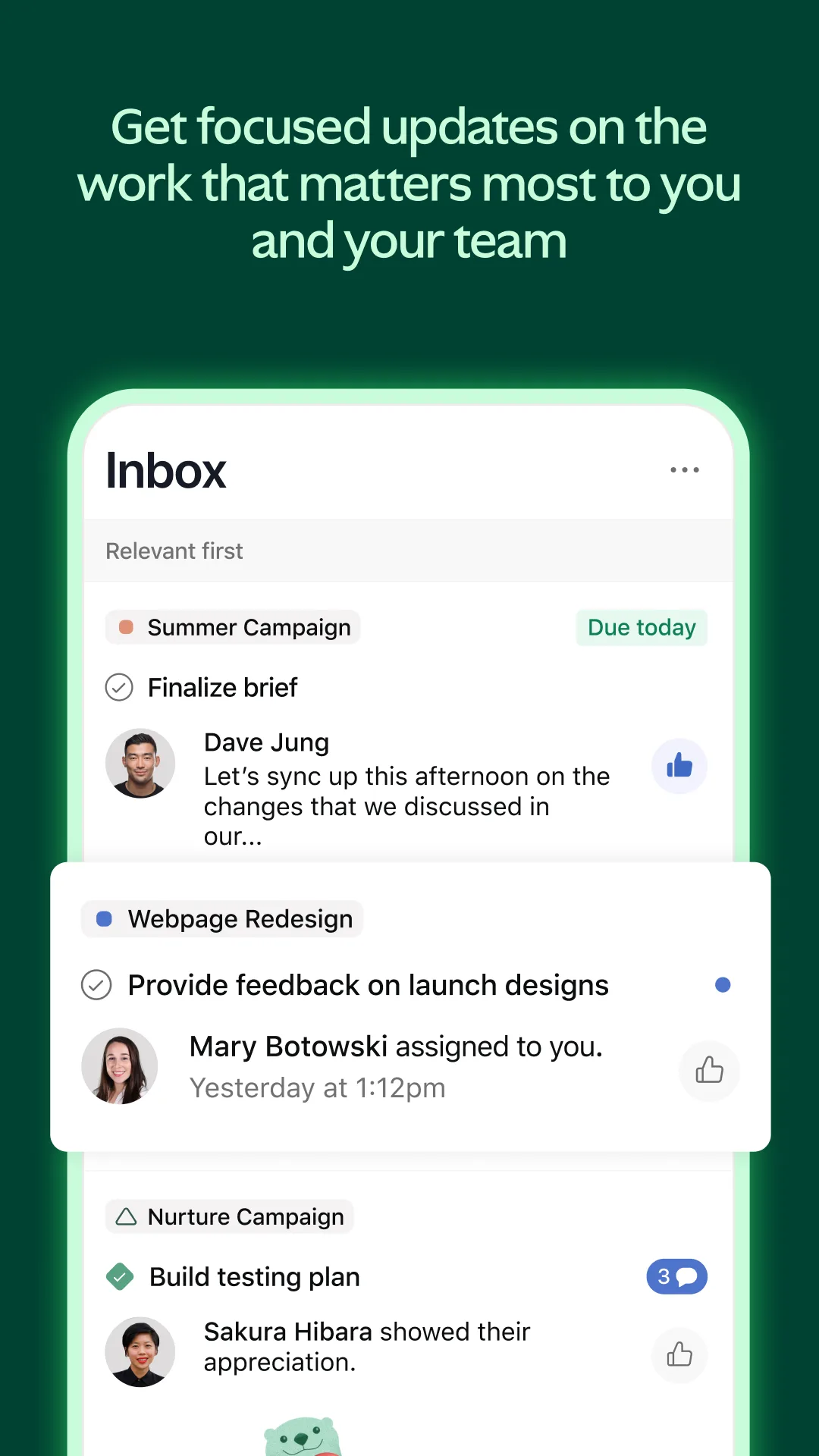
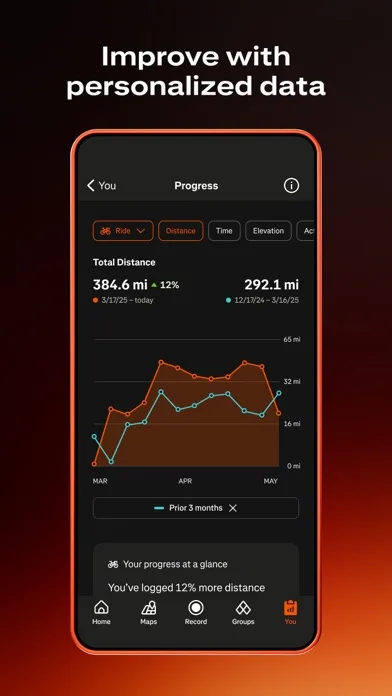
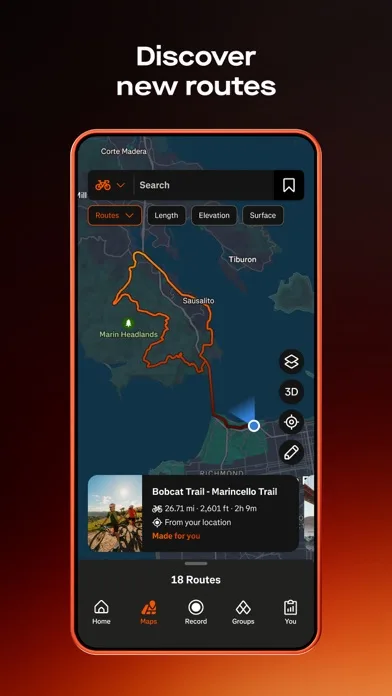
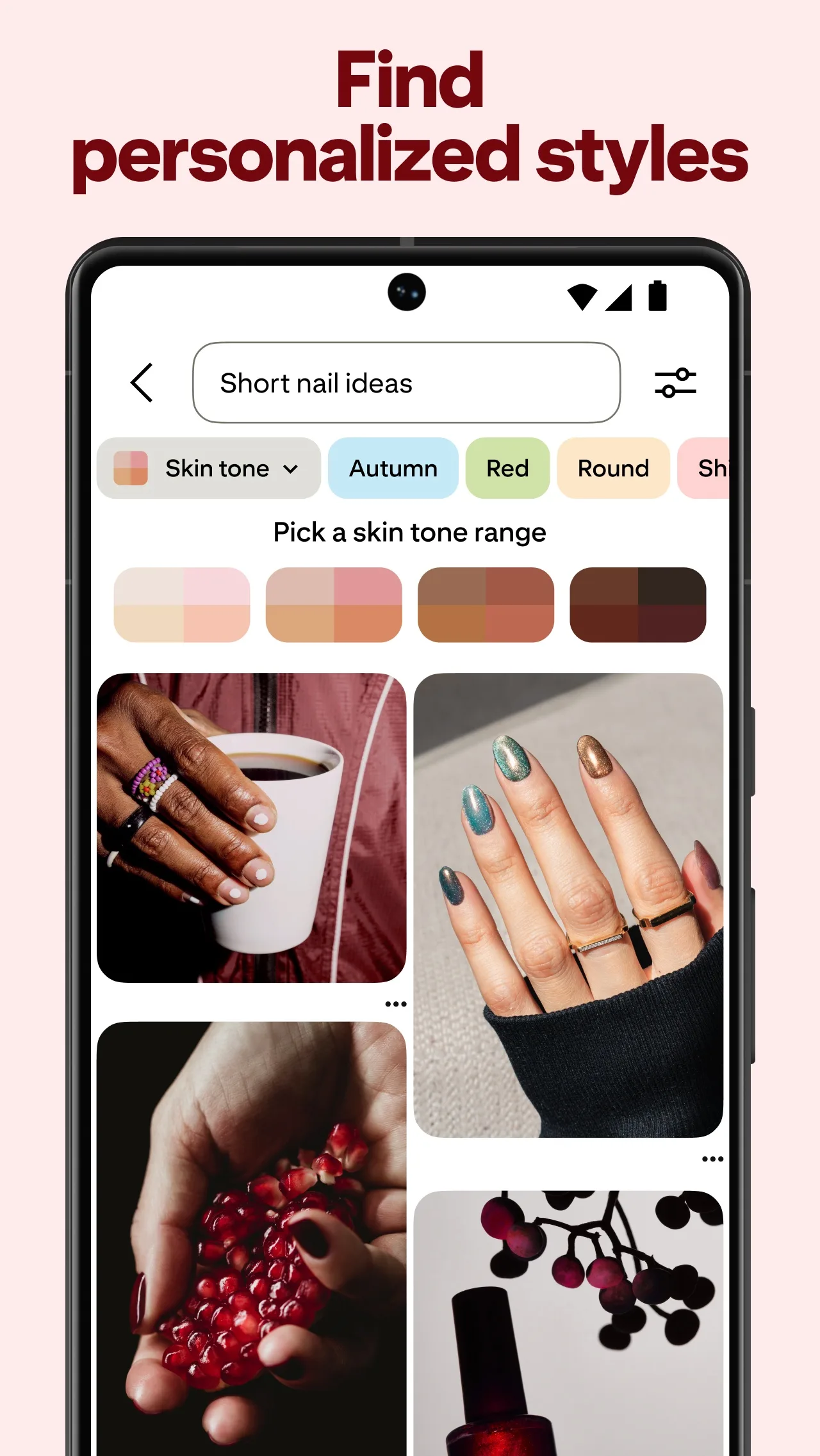
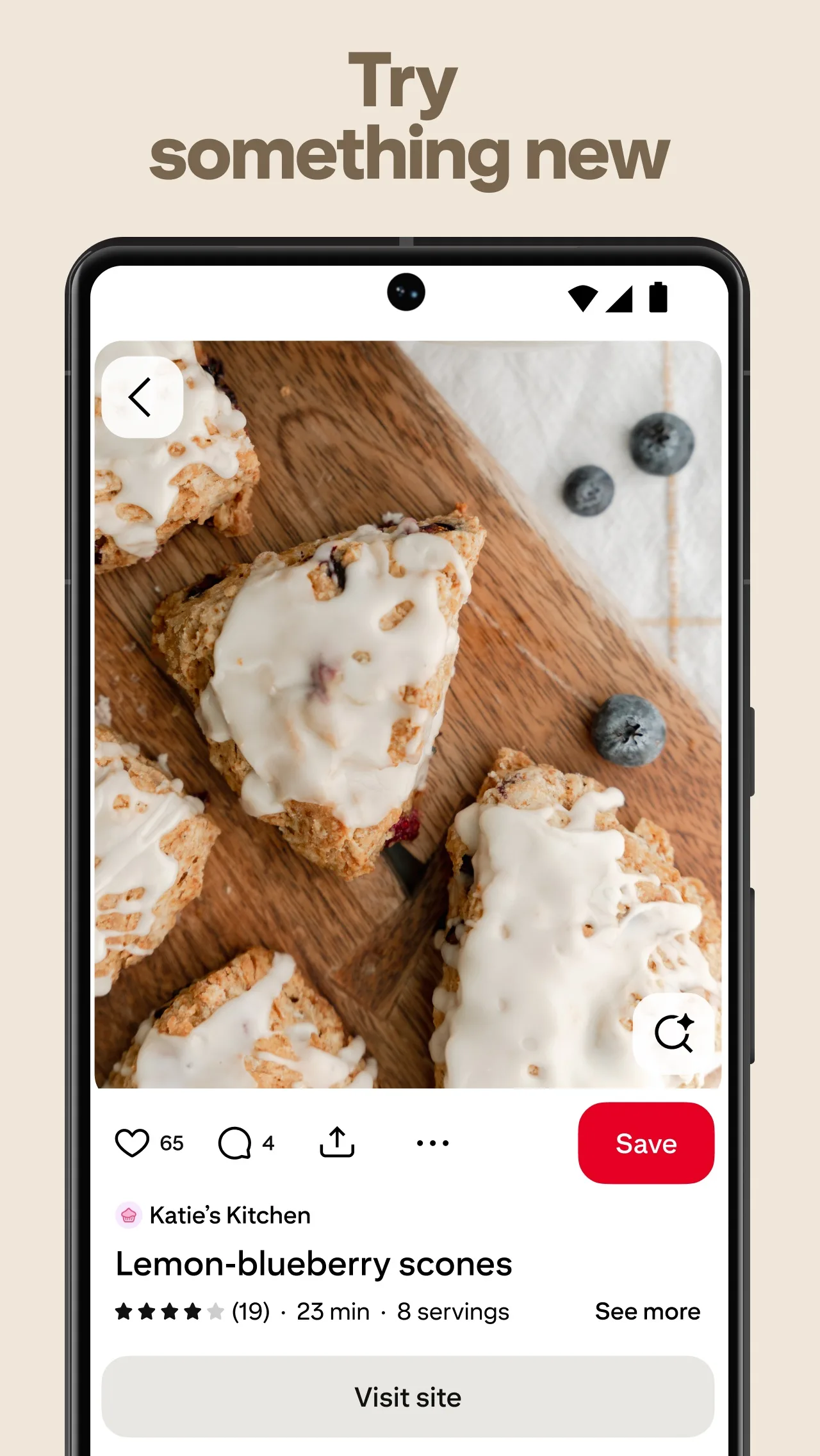
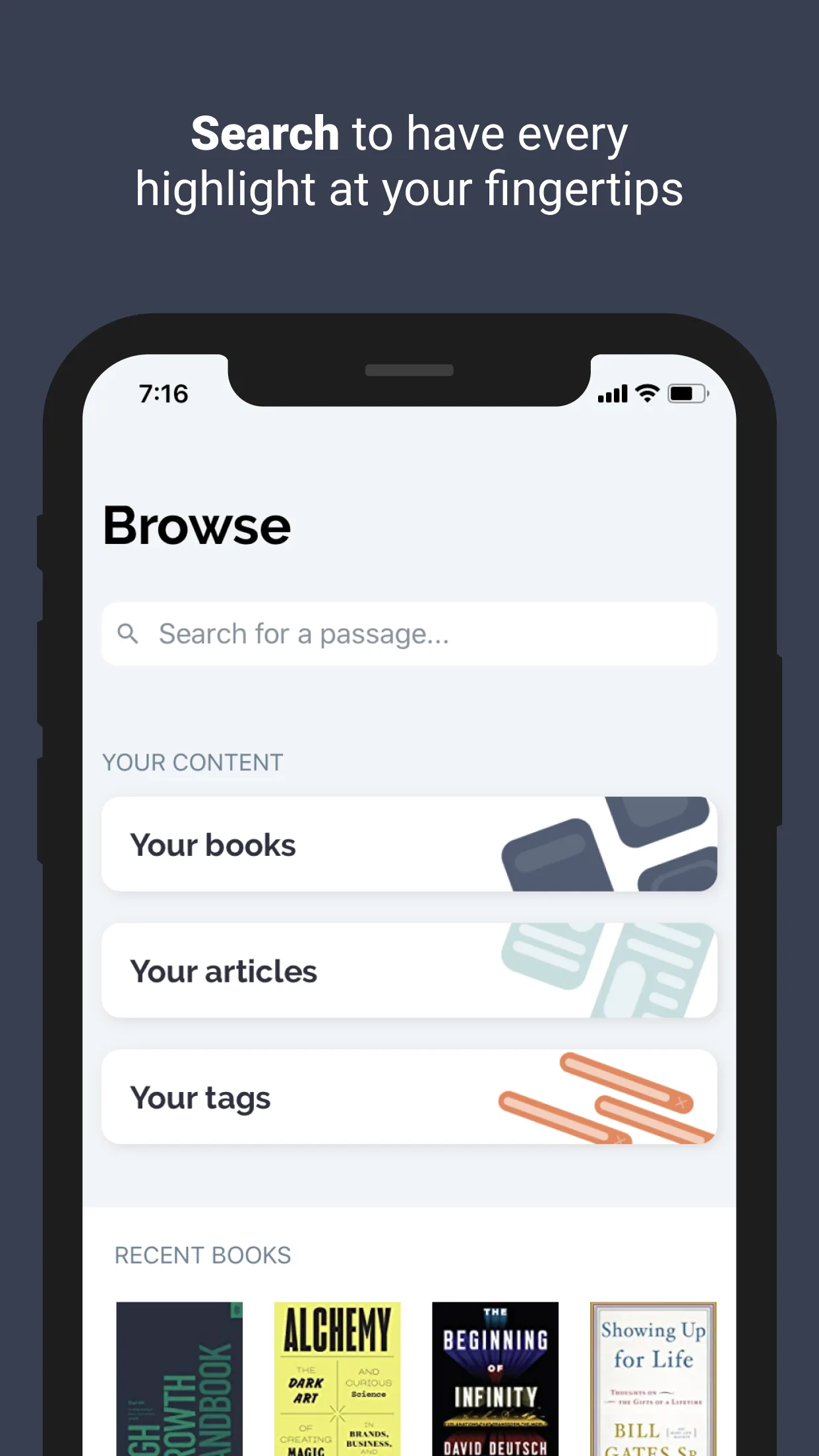
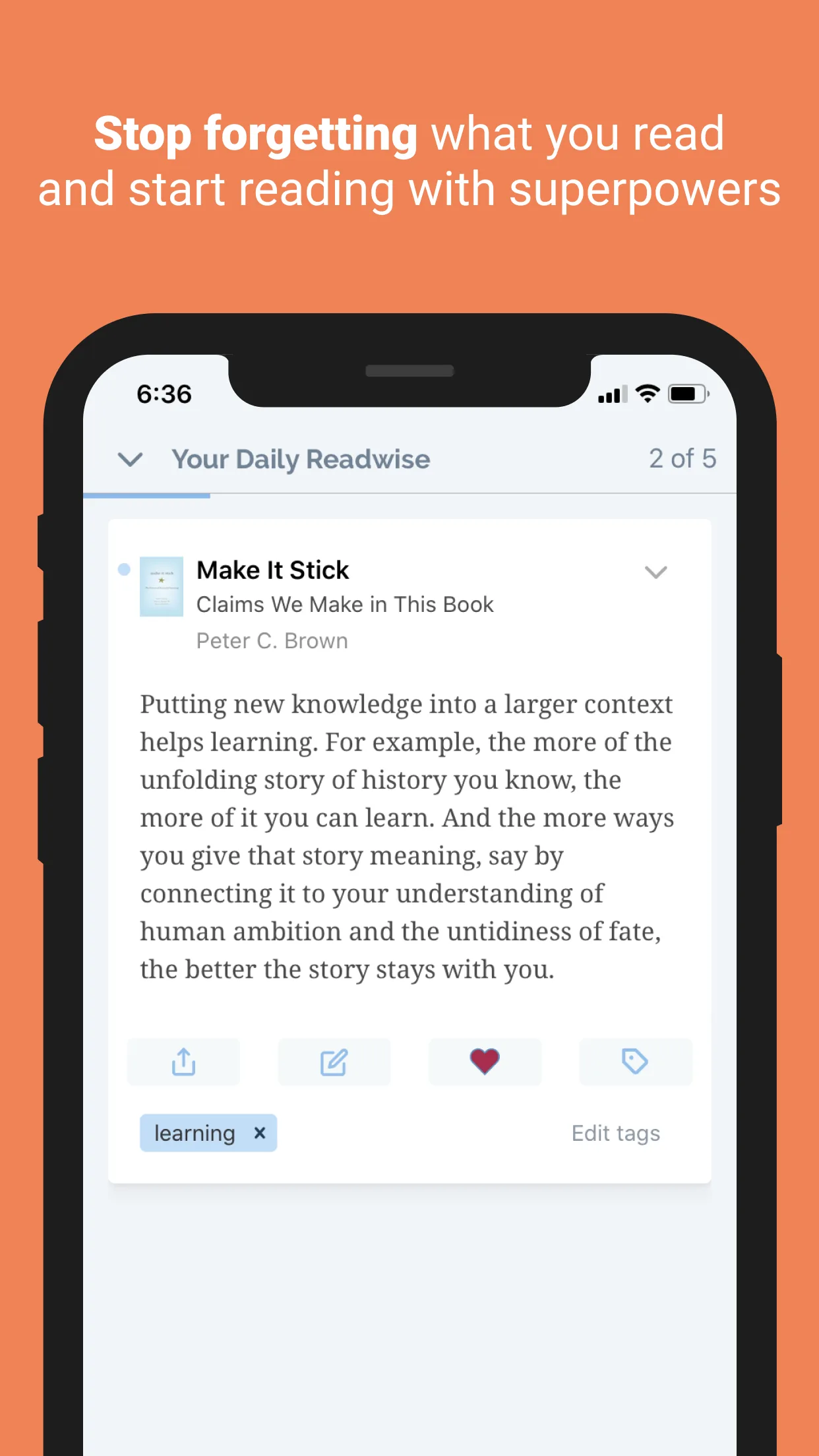
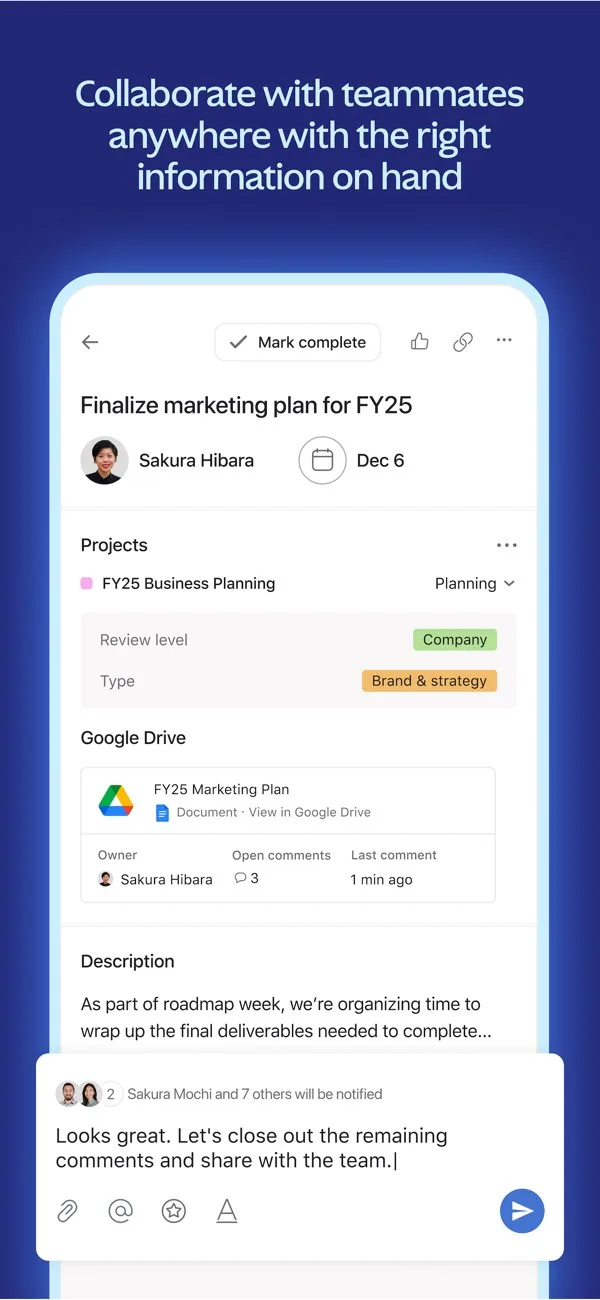
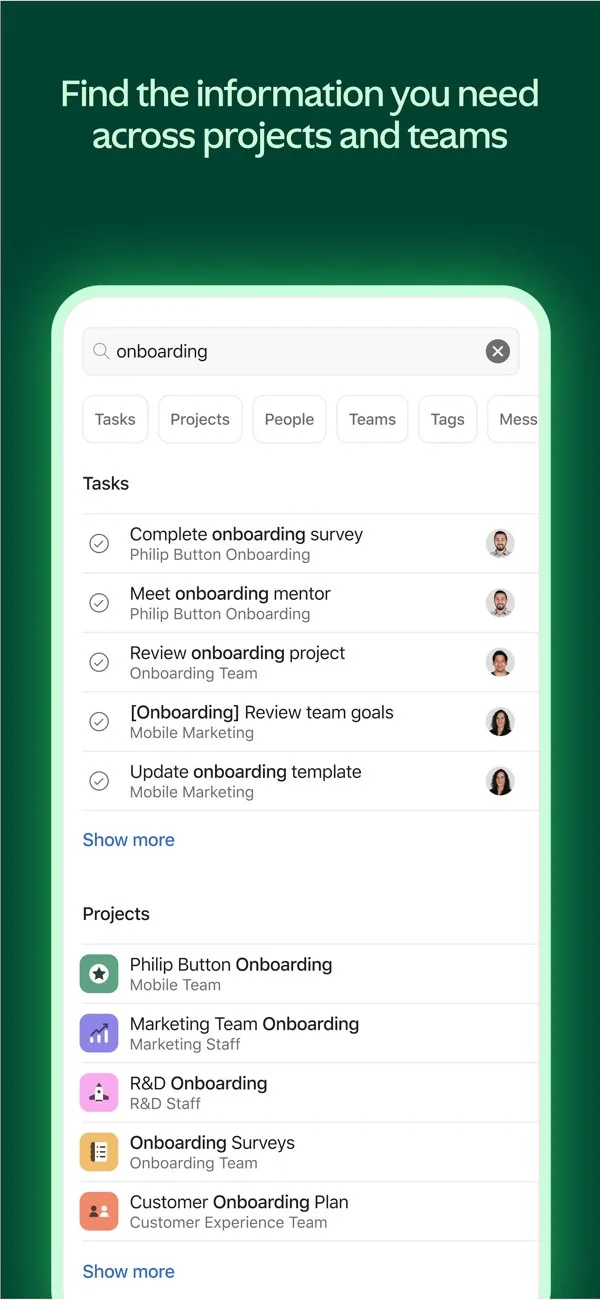
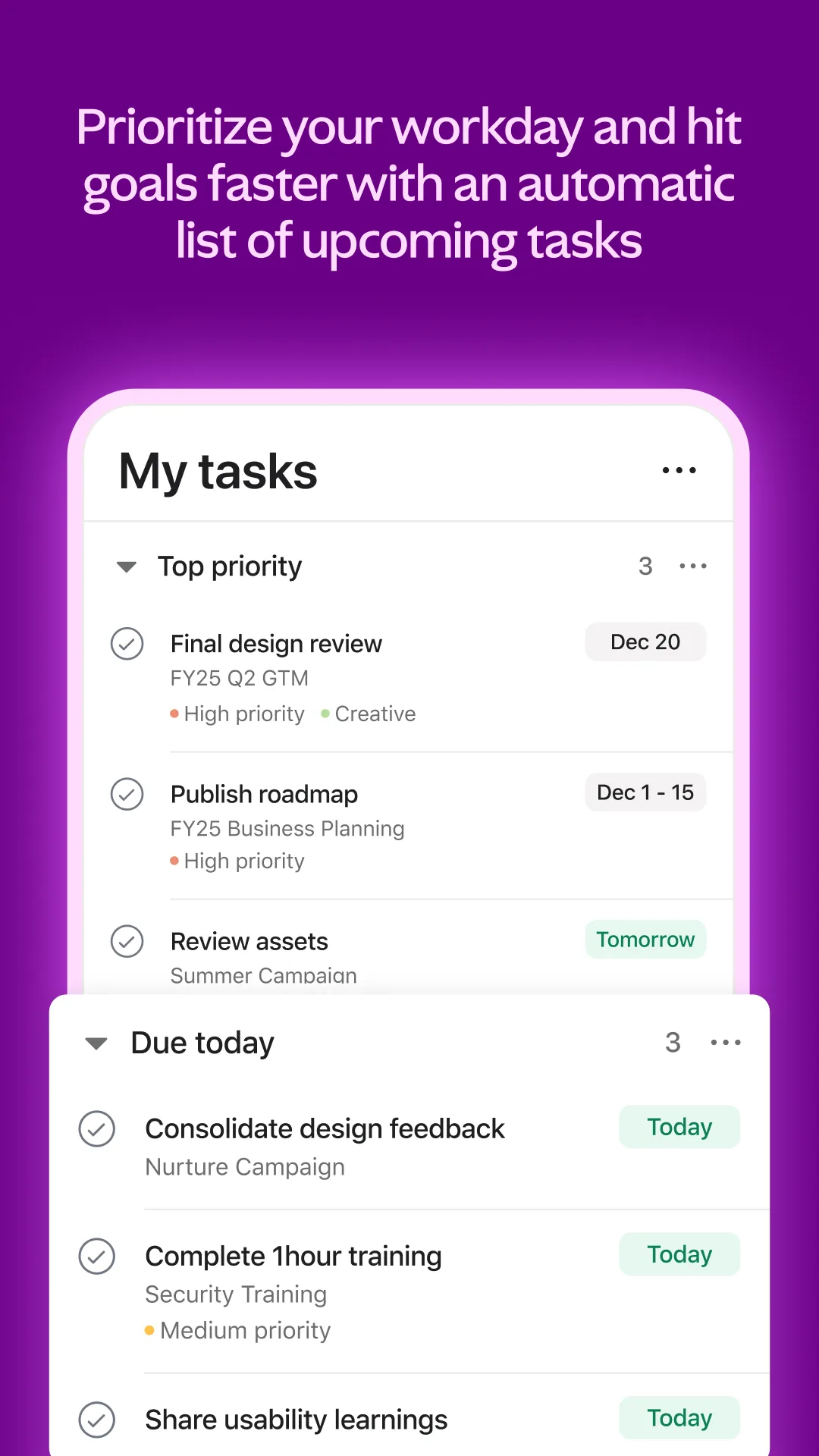
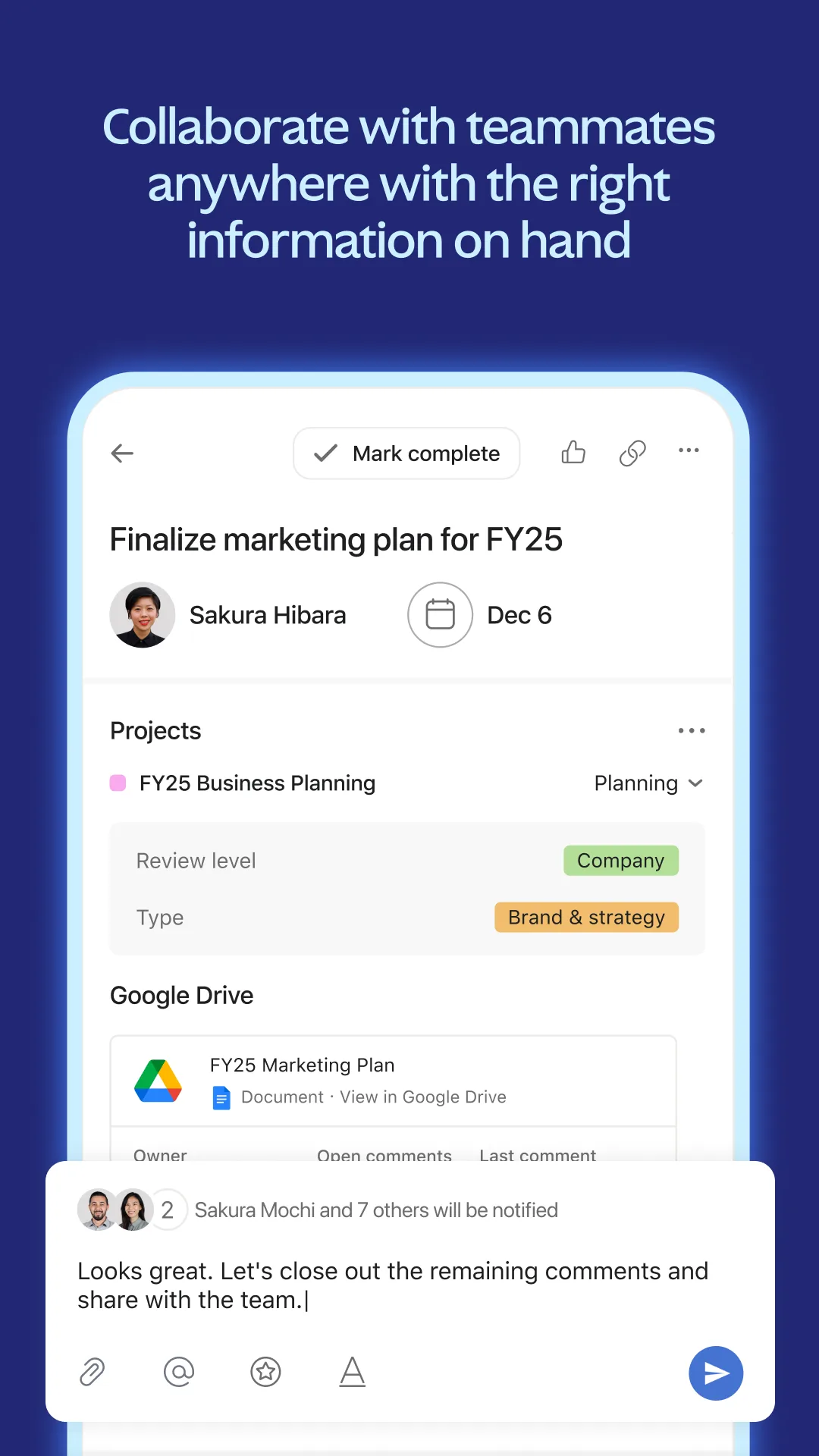
Real UI focused (no distraction)
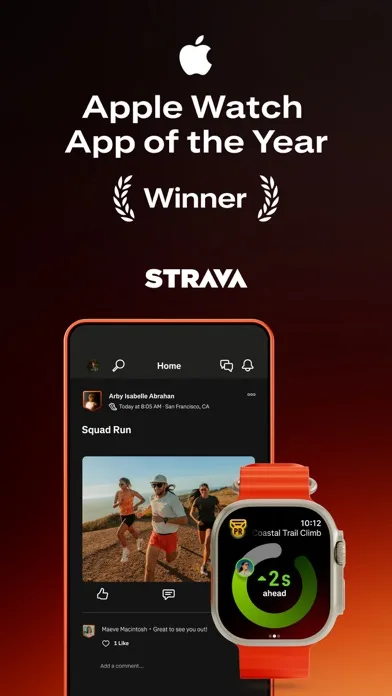
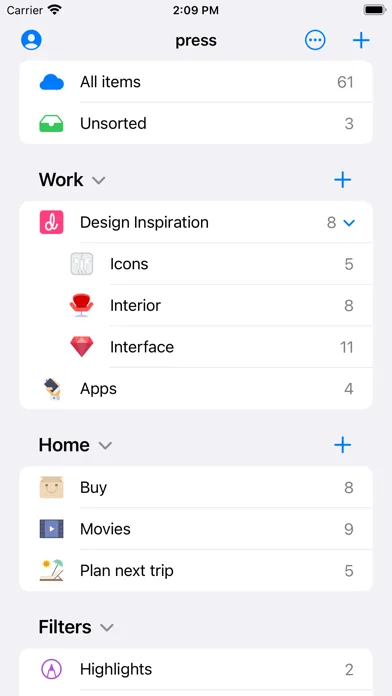
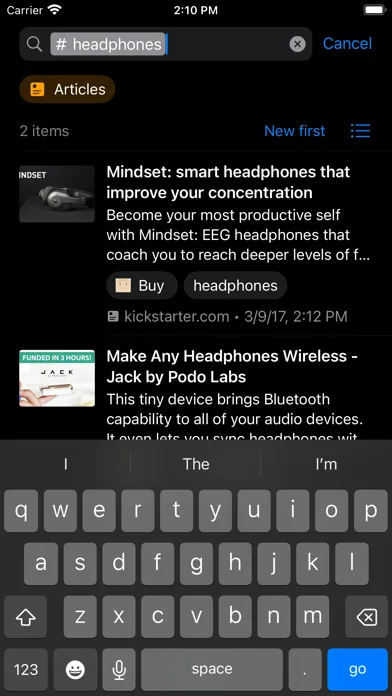
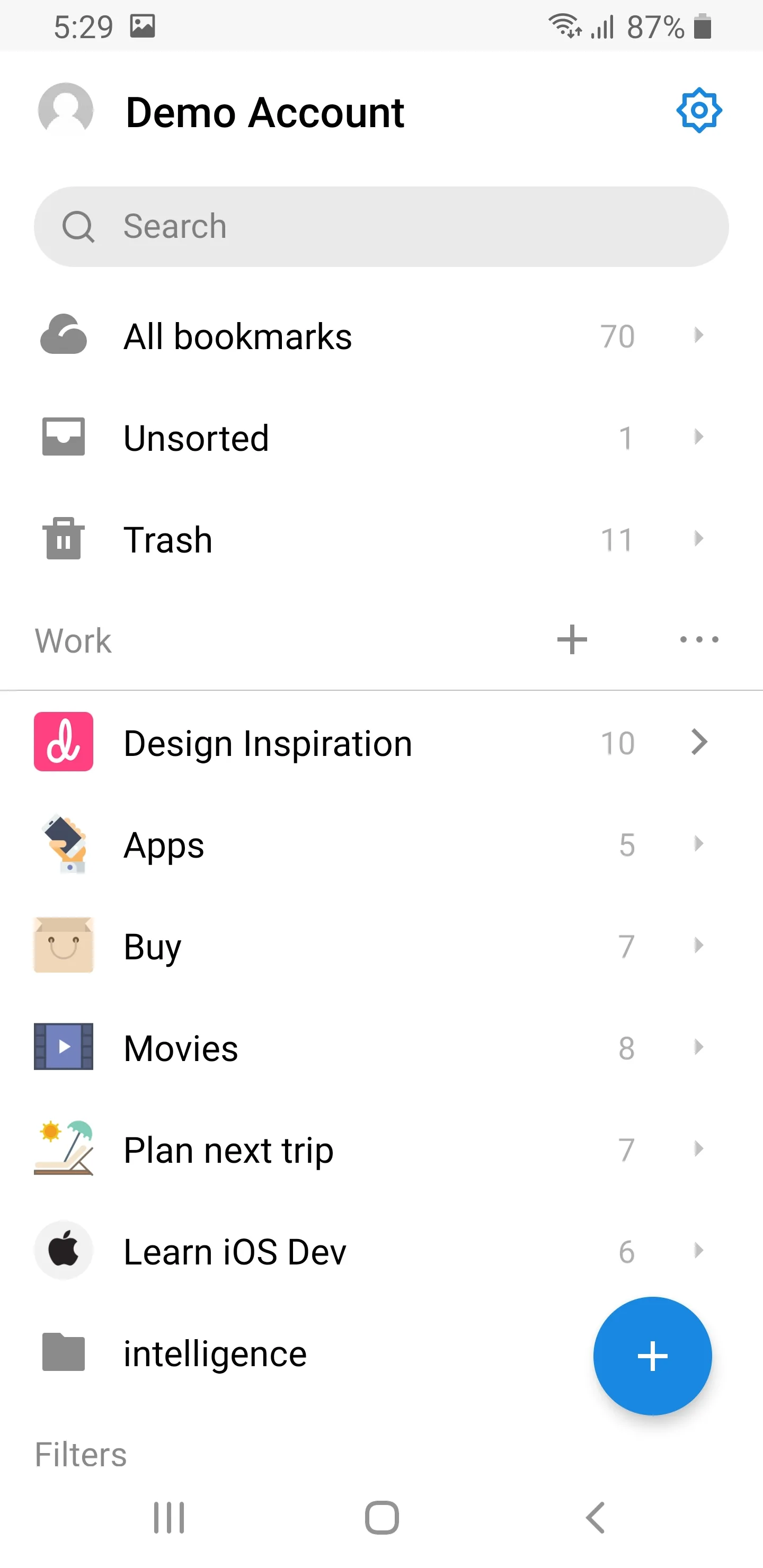
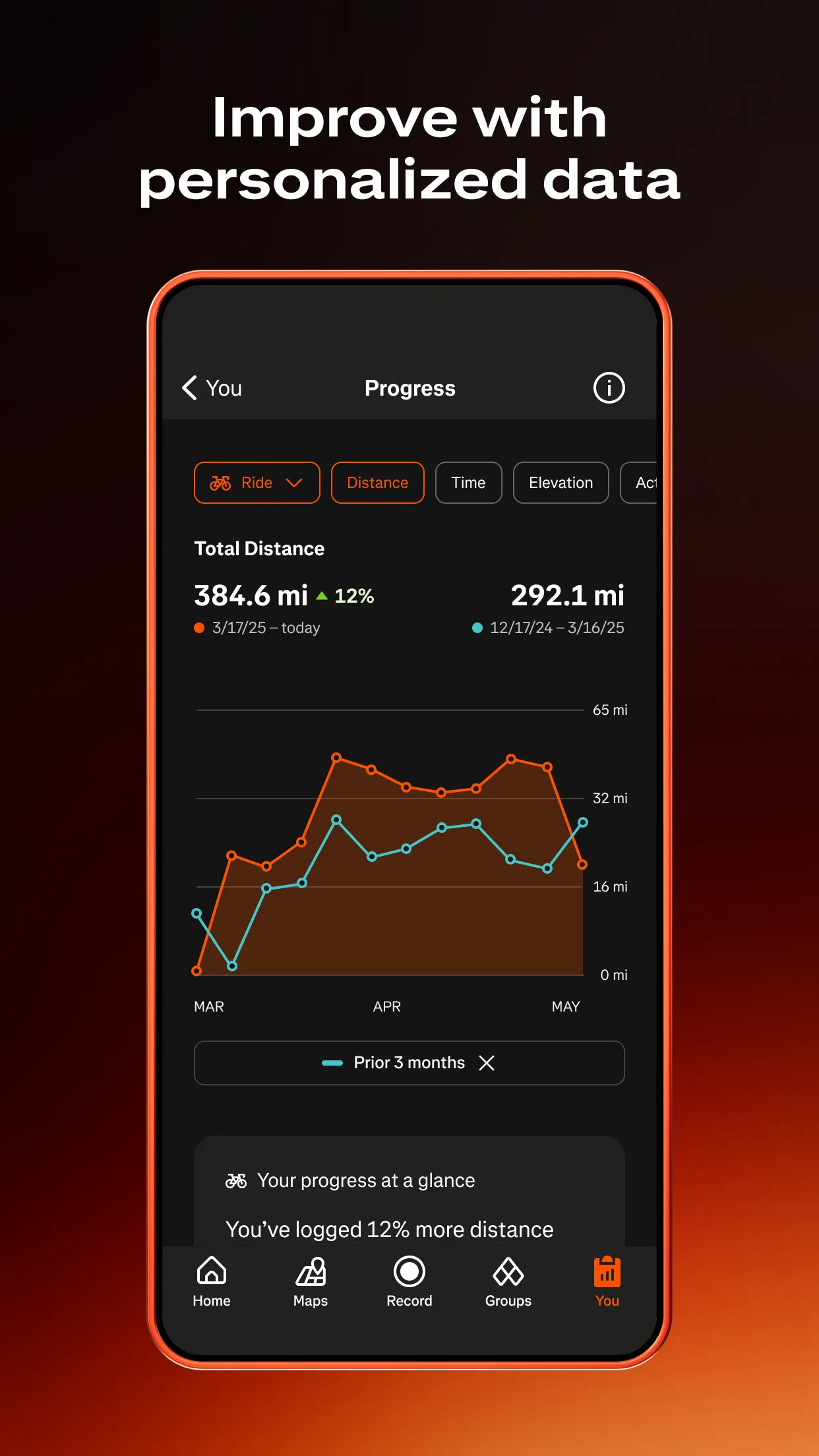
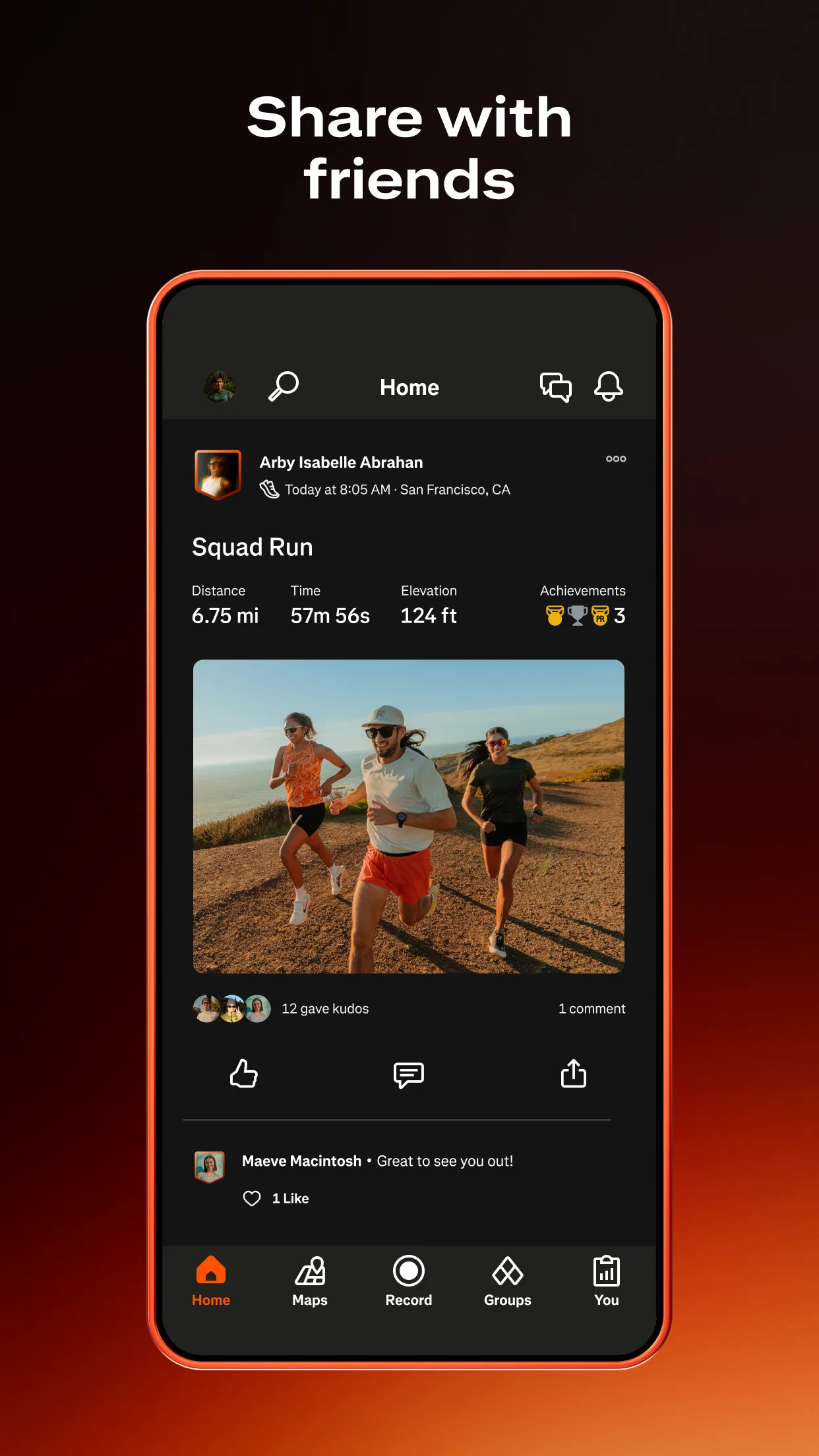
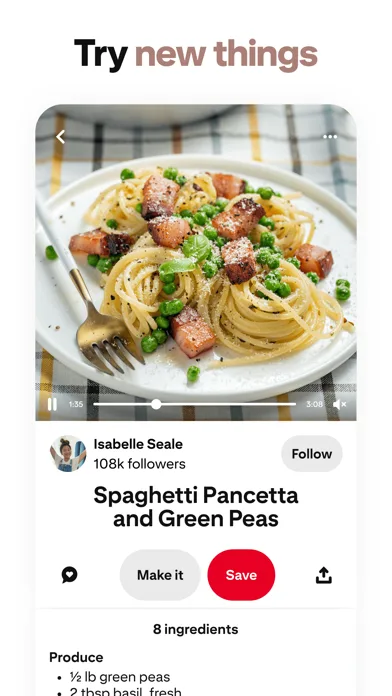
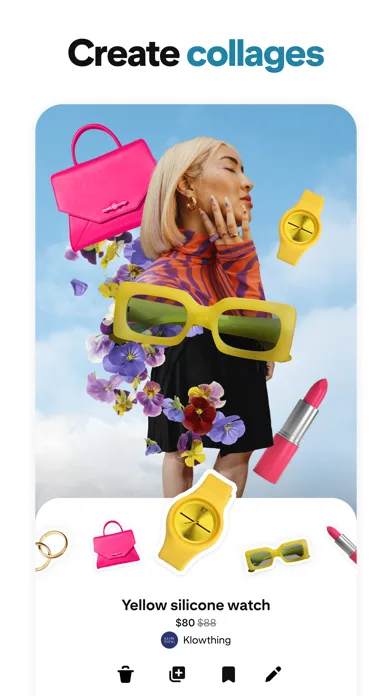
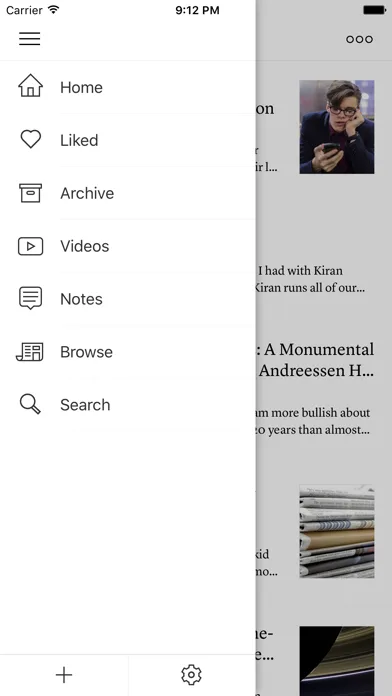
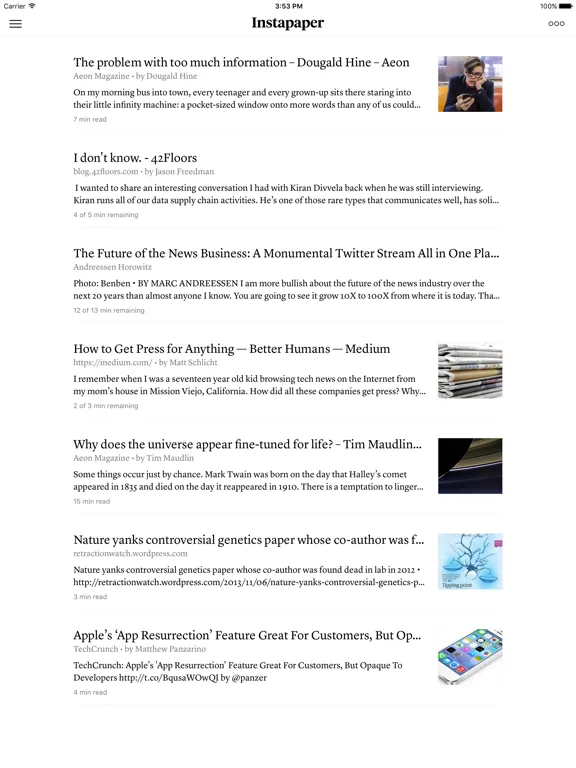
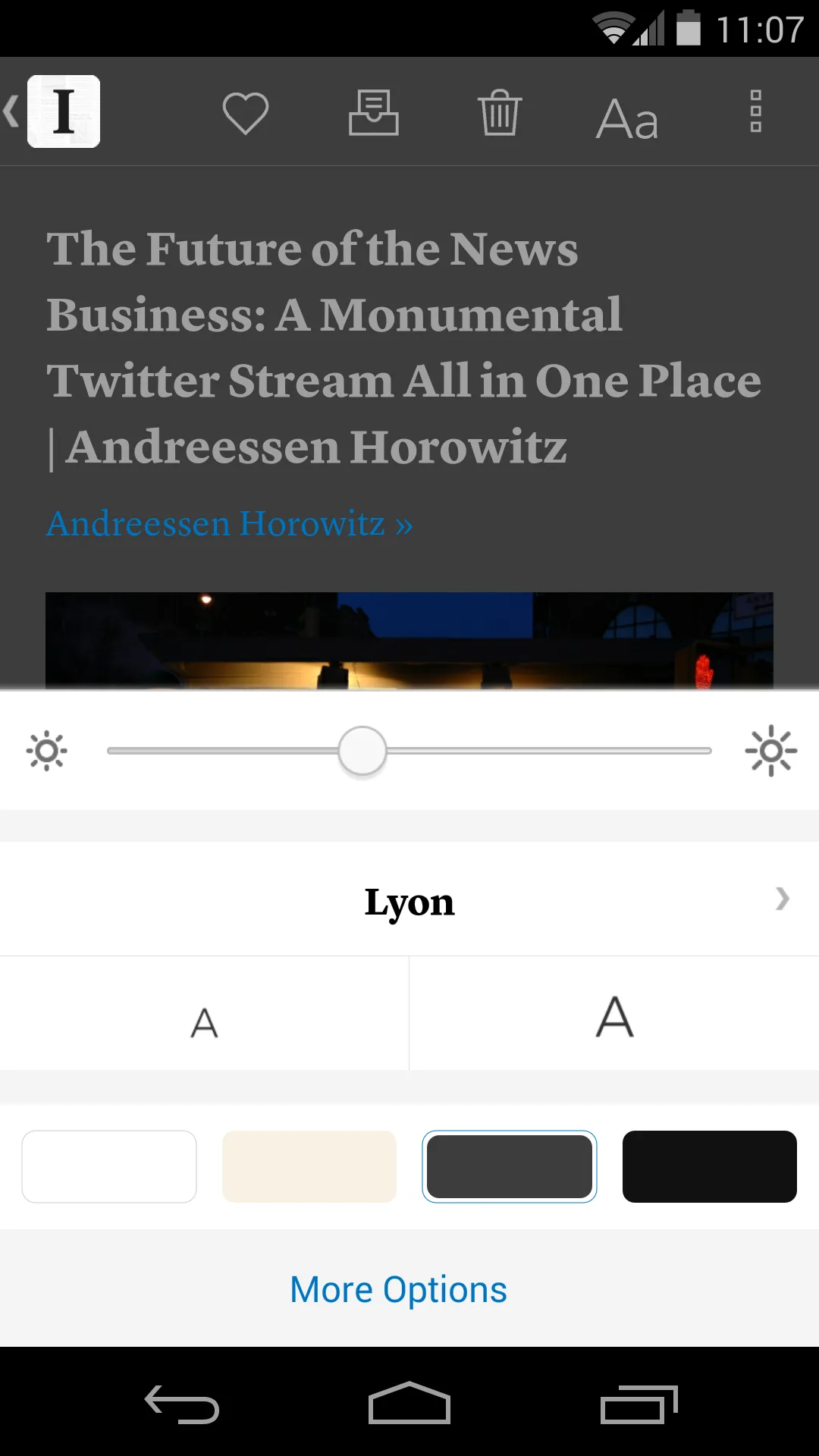
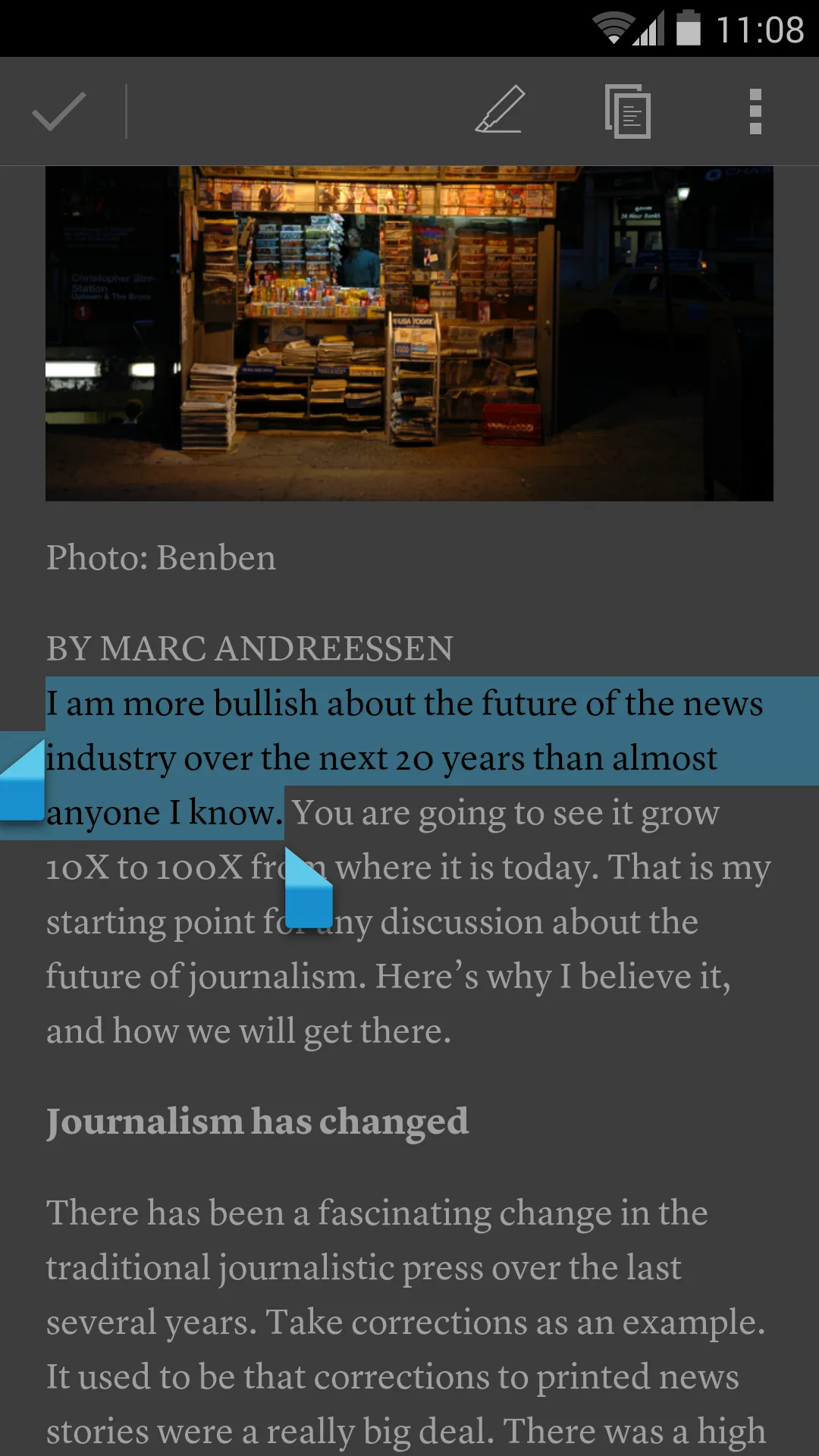
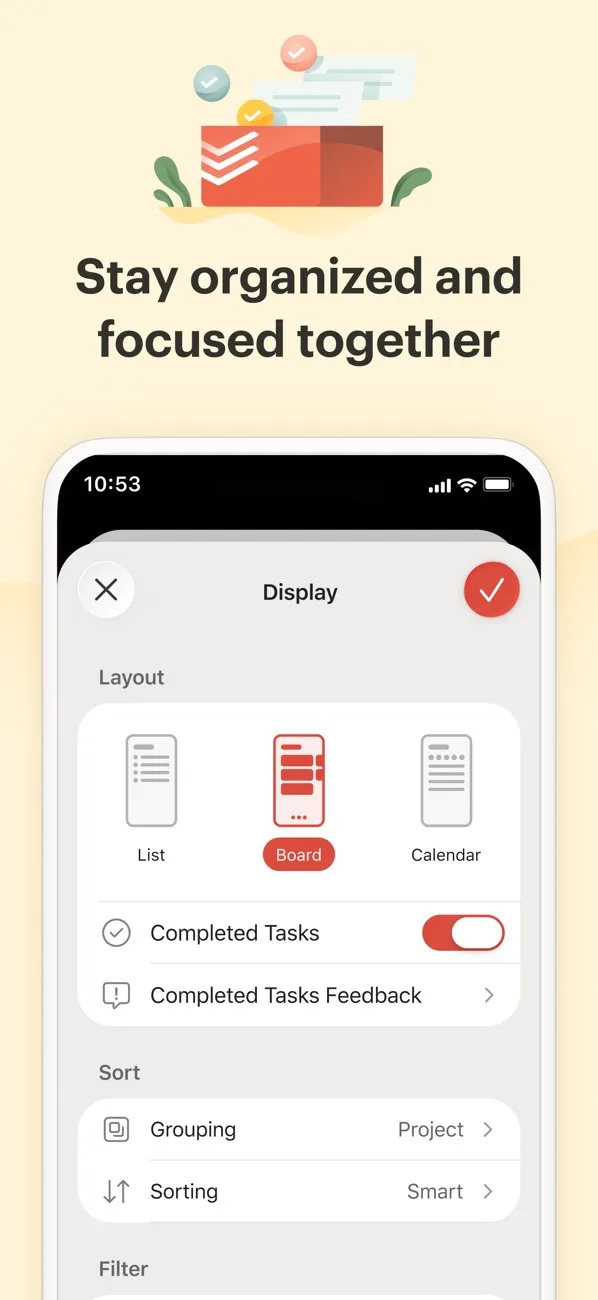
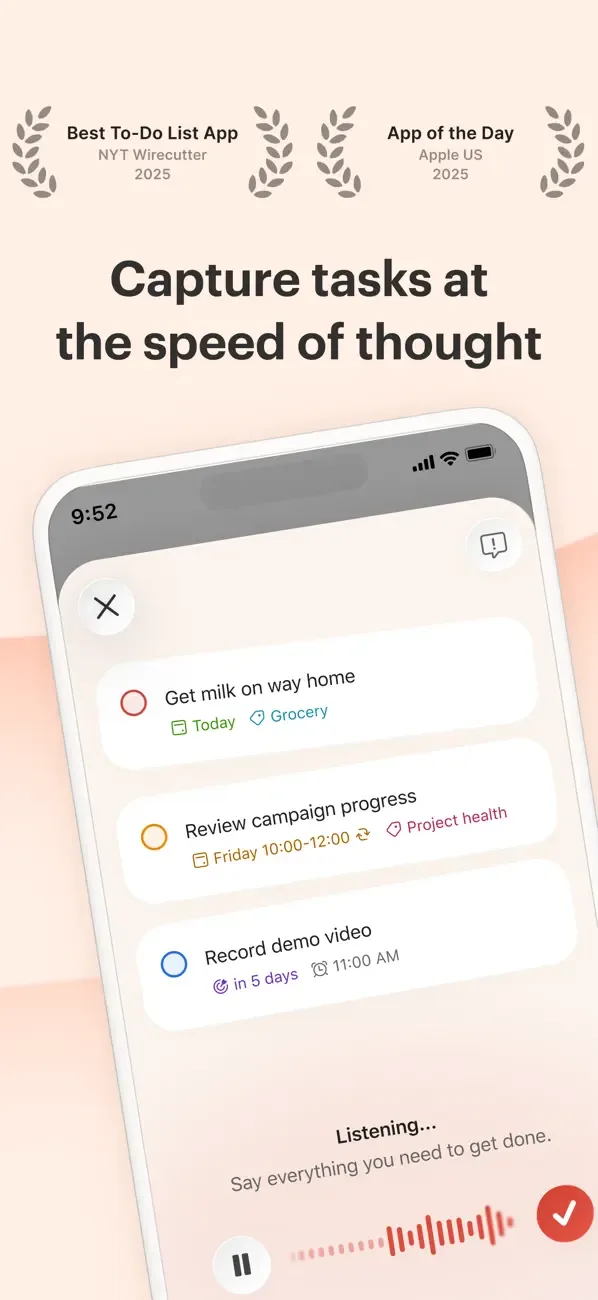
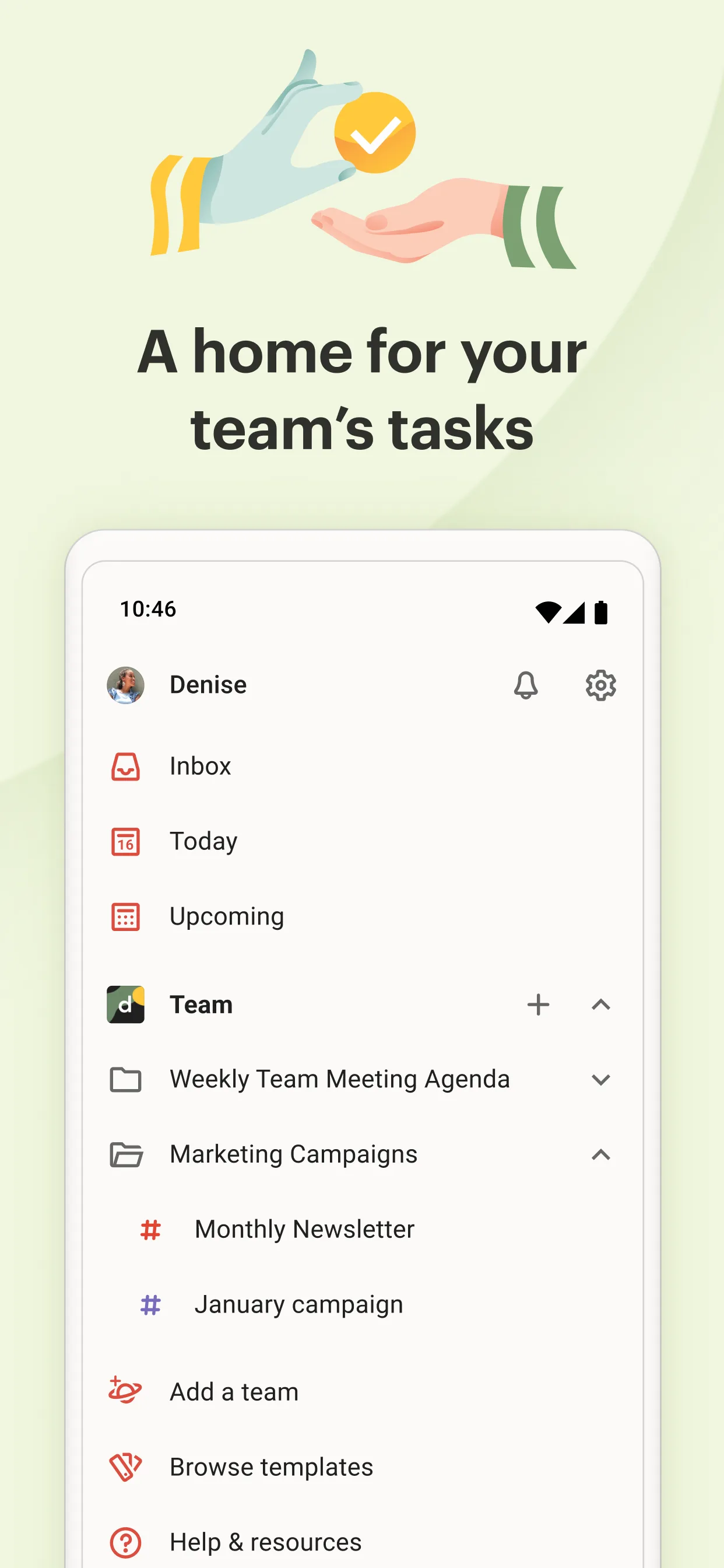
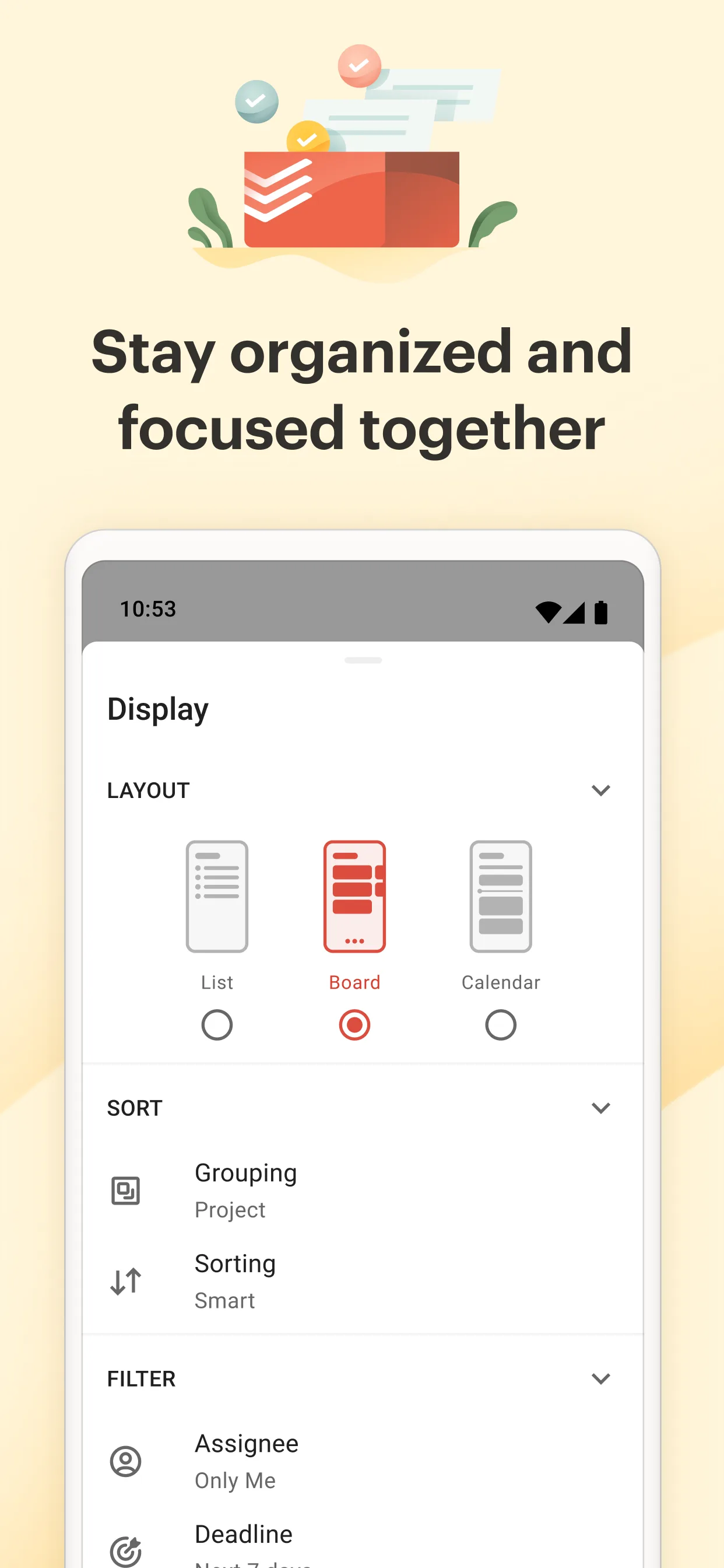
Less illustration, more product proof. Best when your UI is the selling point.
- StravaApp Store
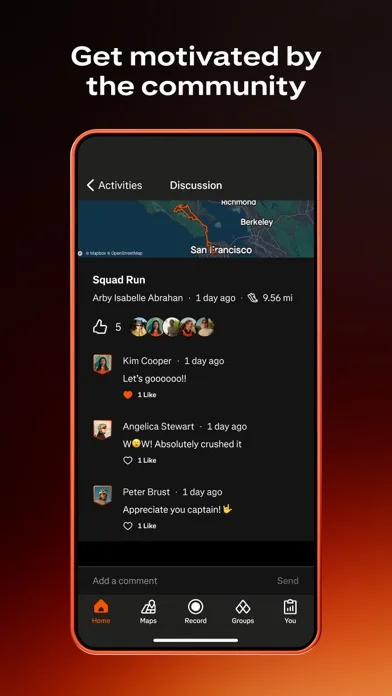
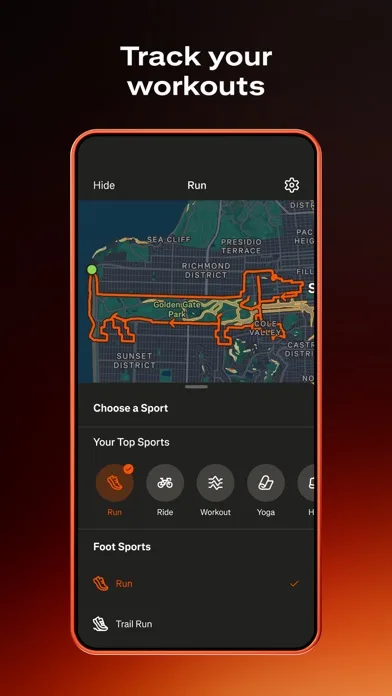
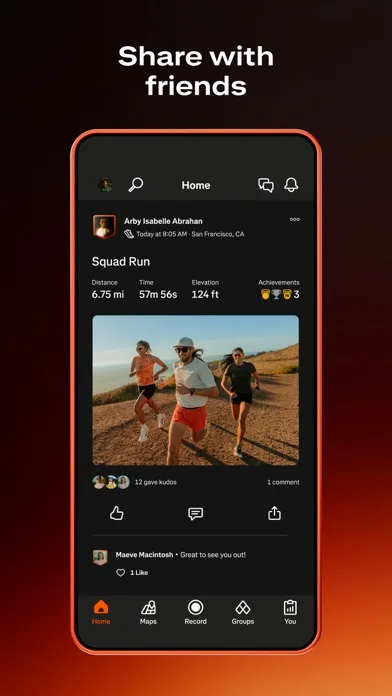 Play Store
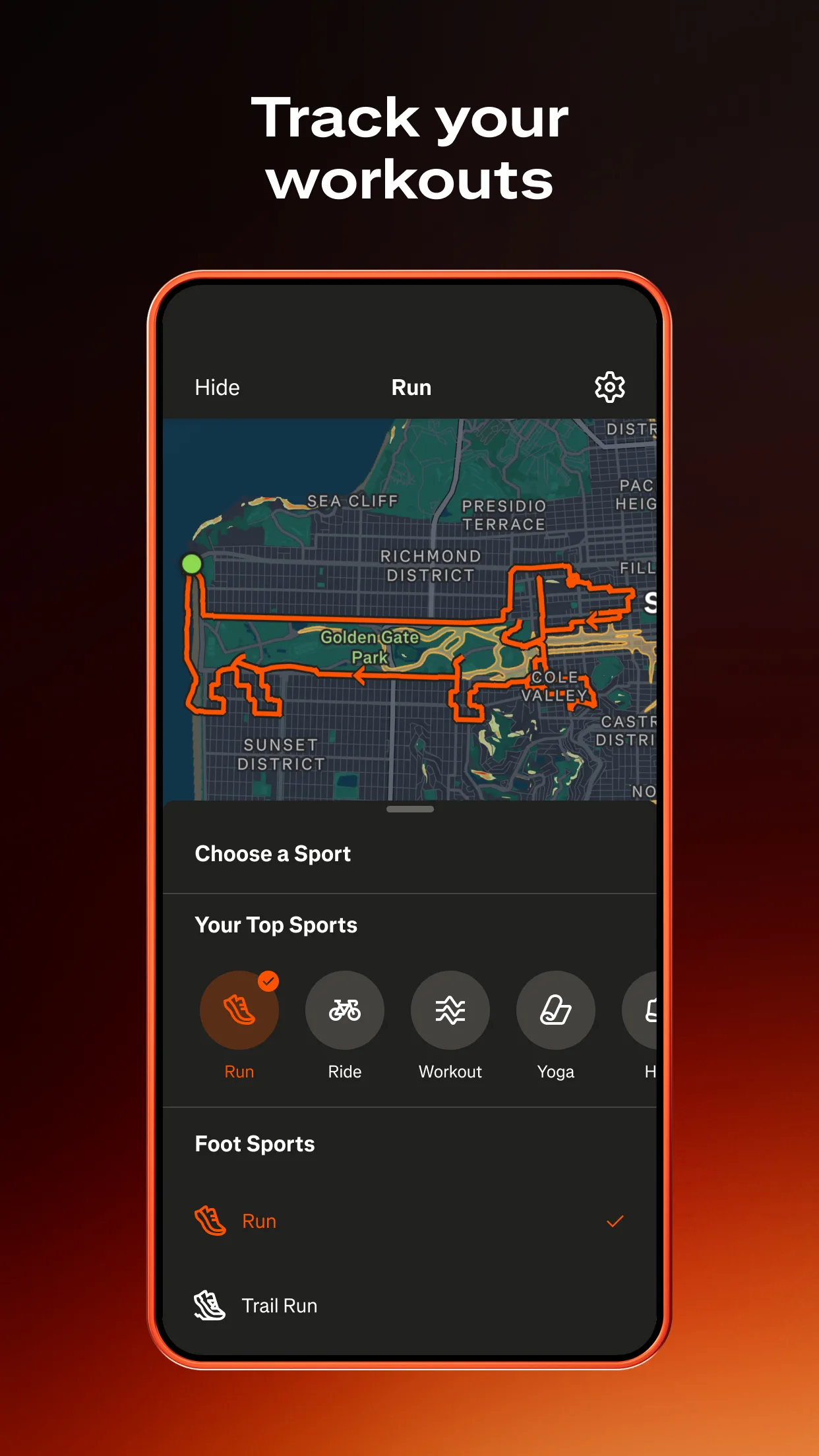
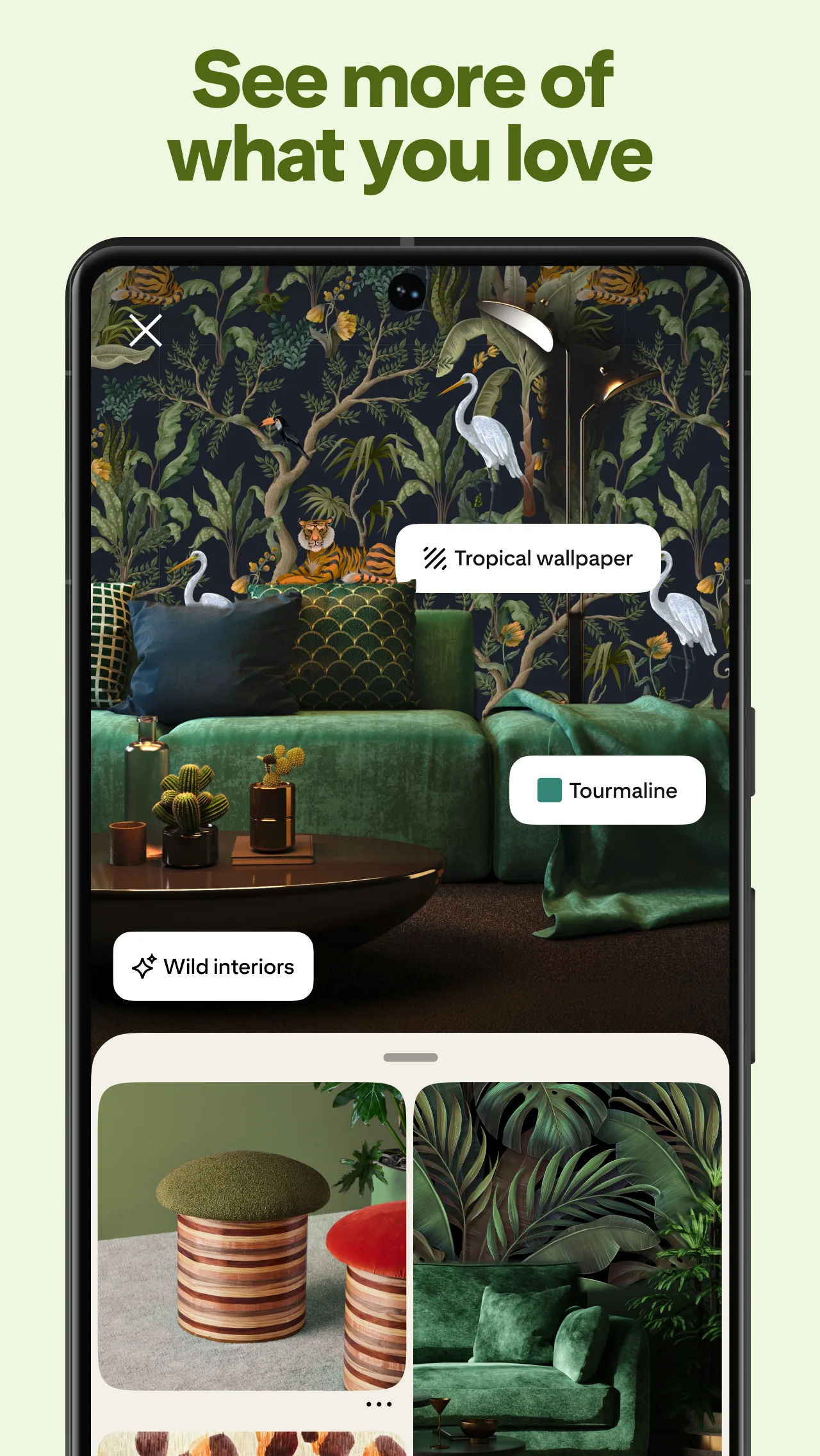
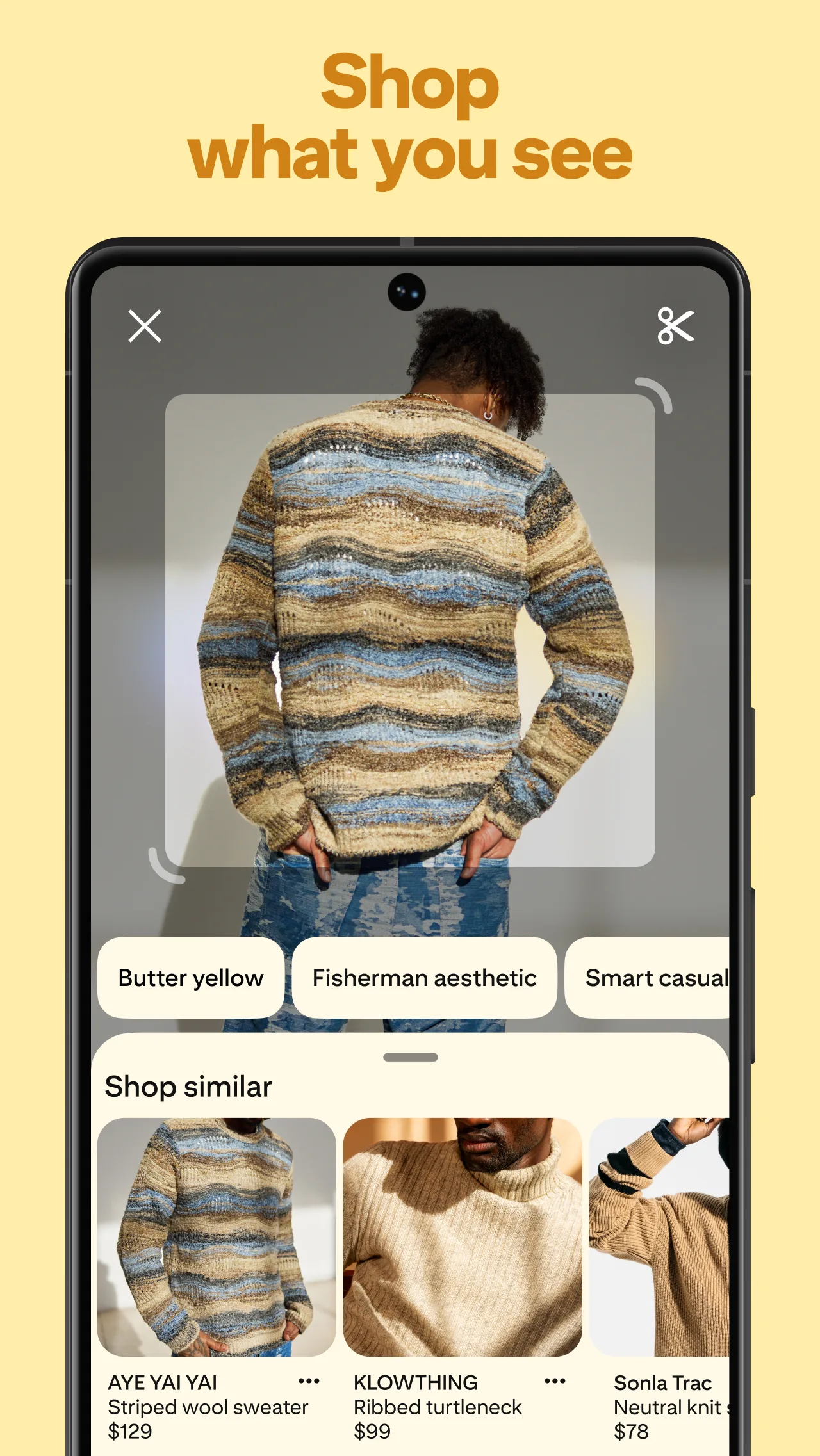
- PinterestApp Store
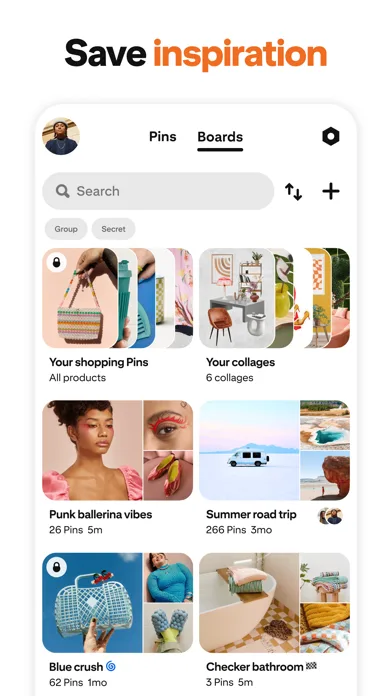
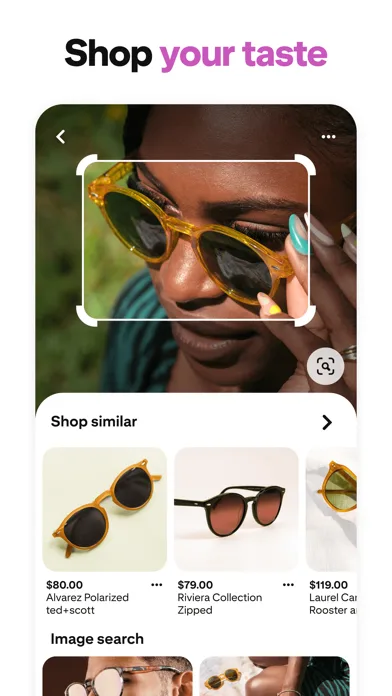 Play Store
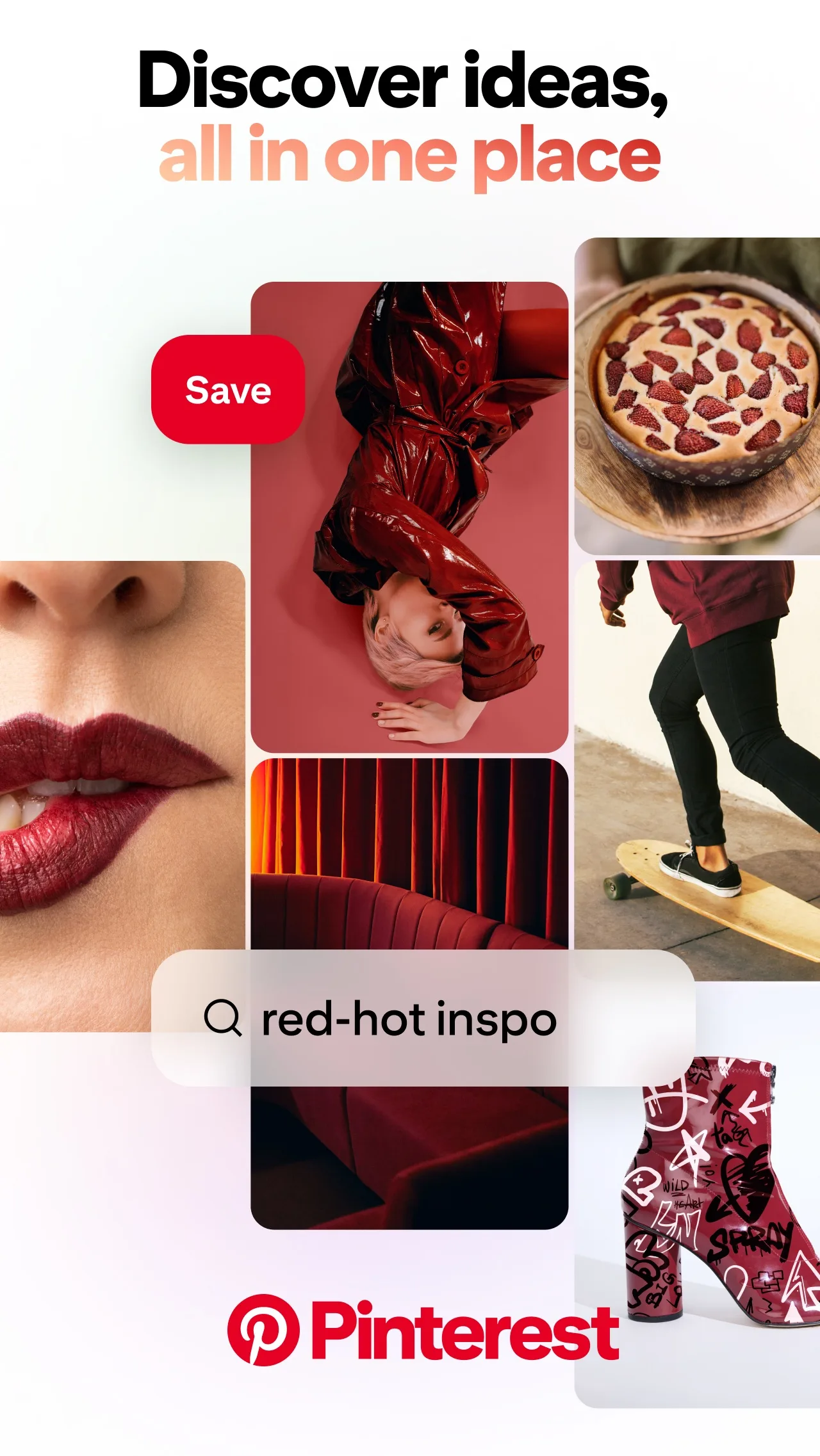
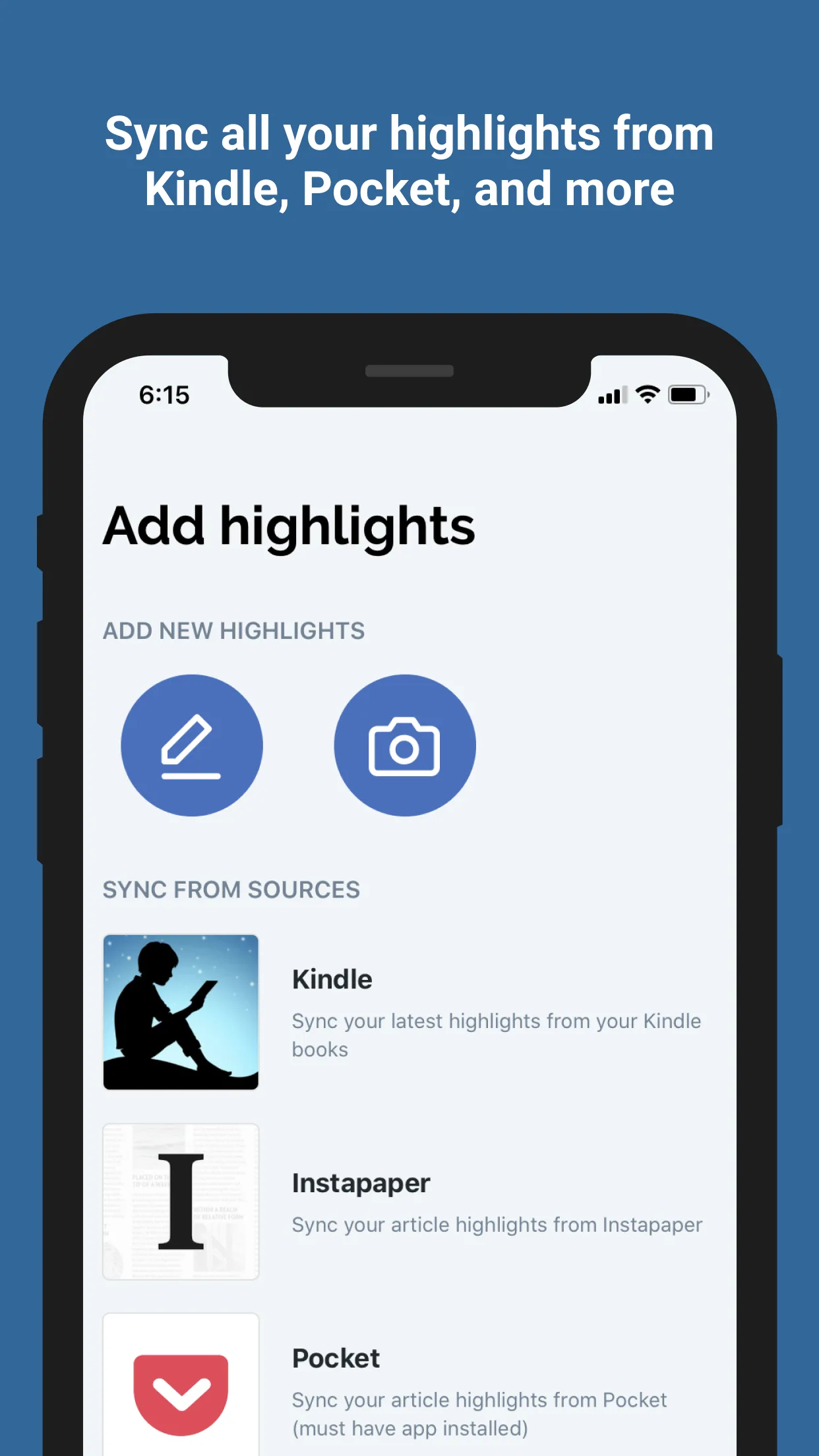
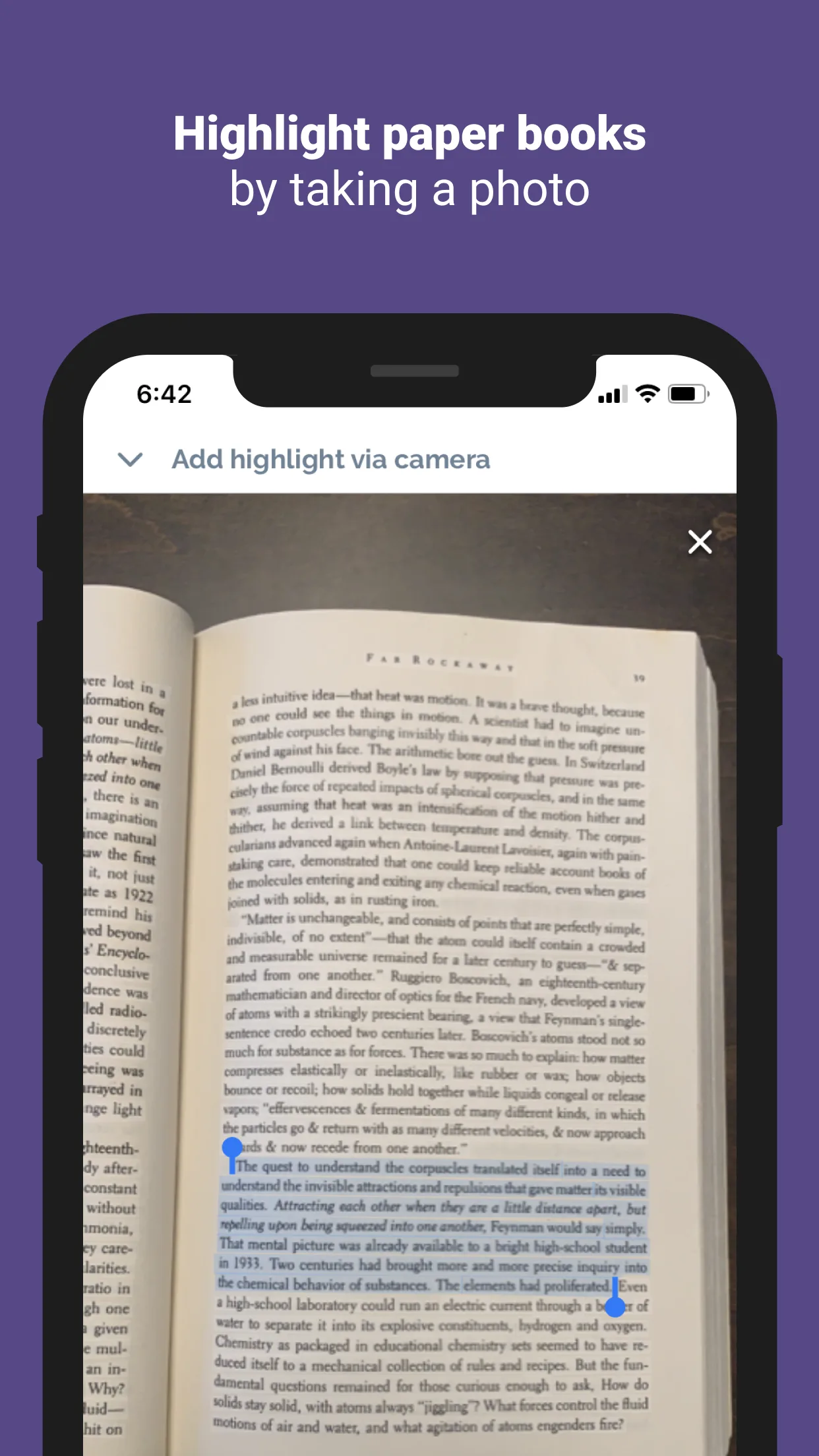
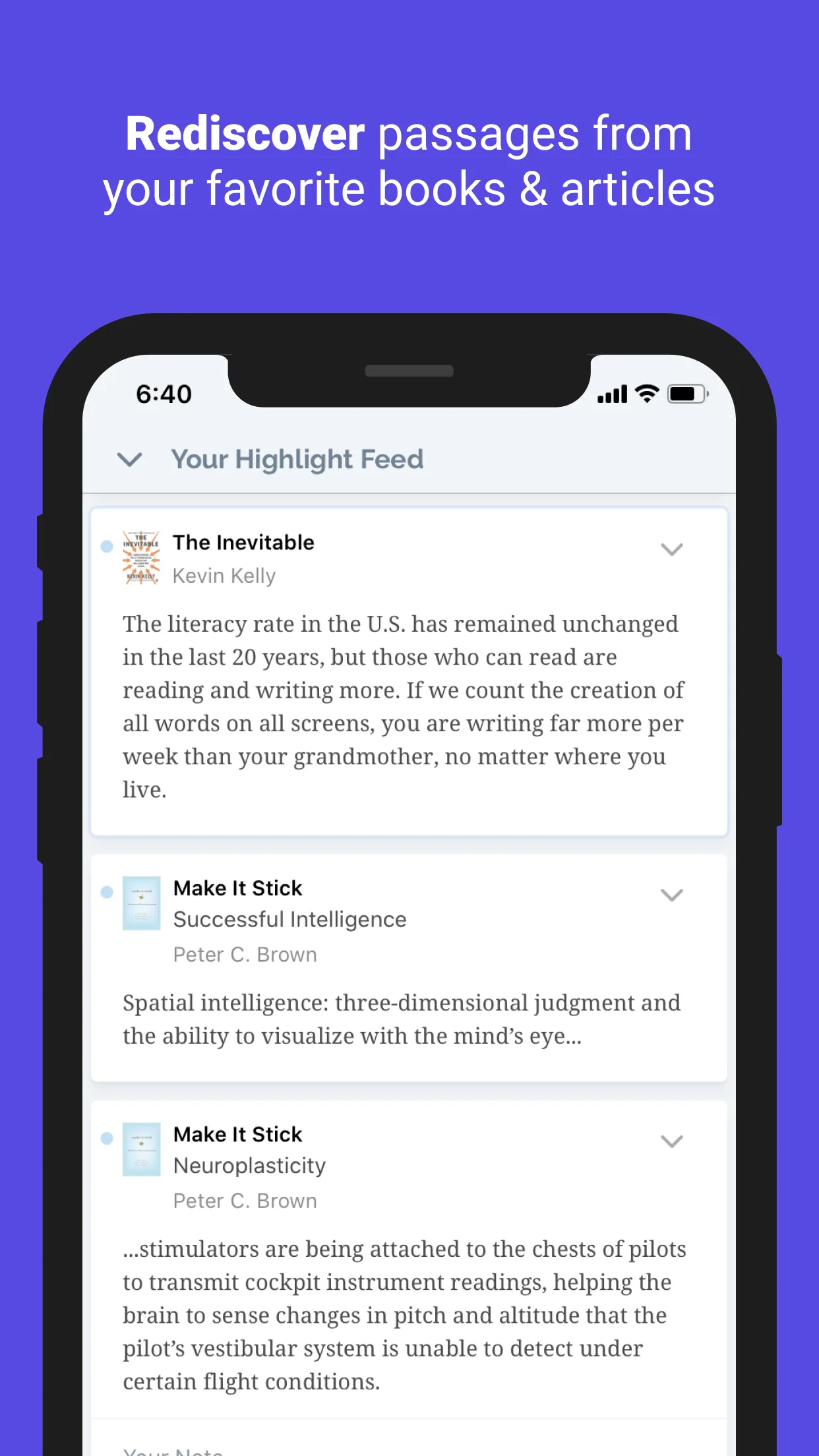
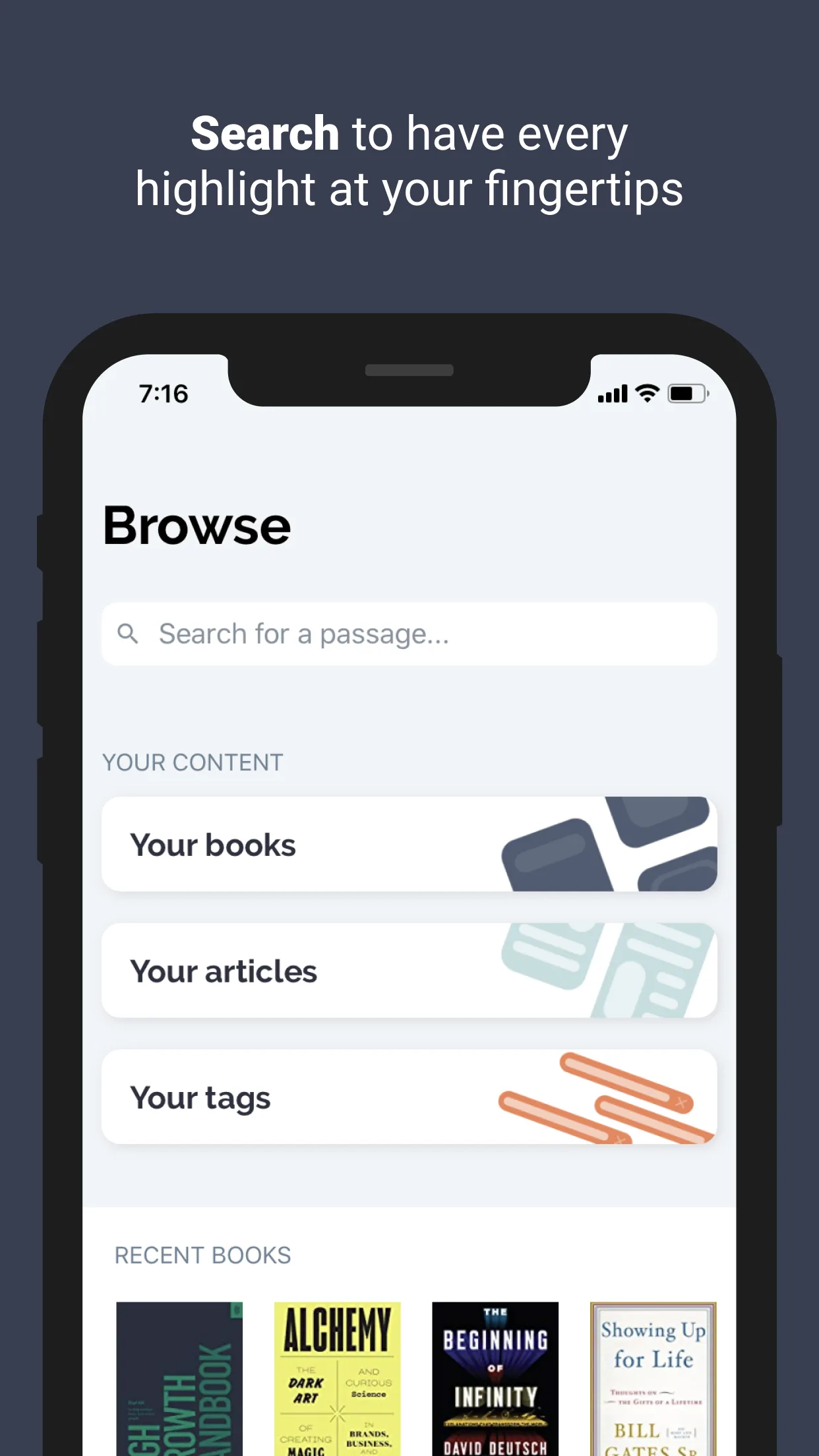
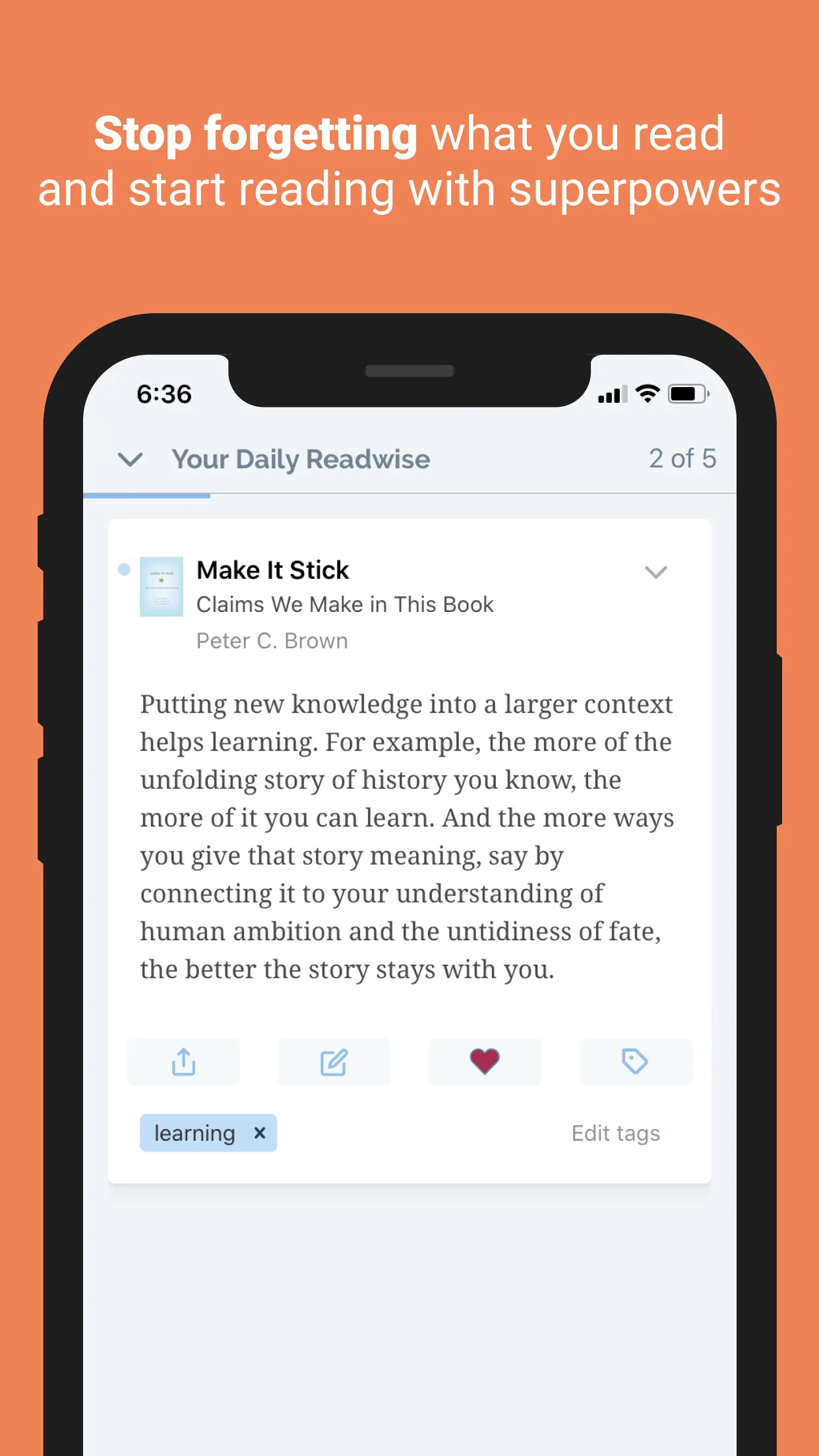
- ReadwiseApp Store
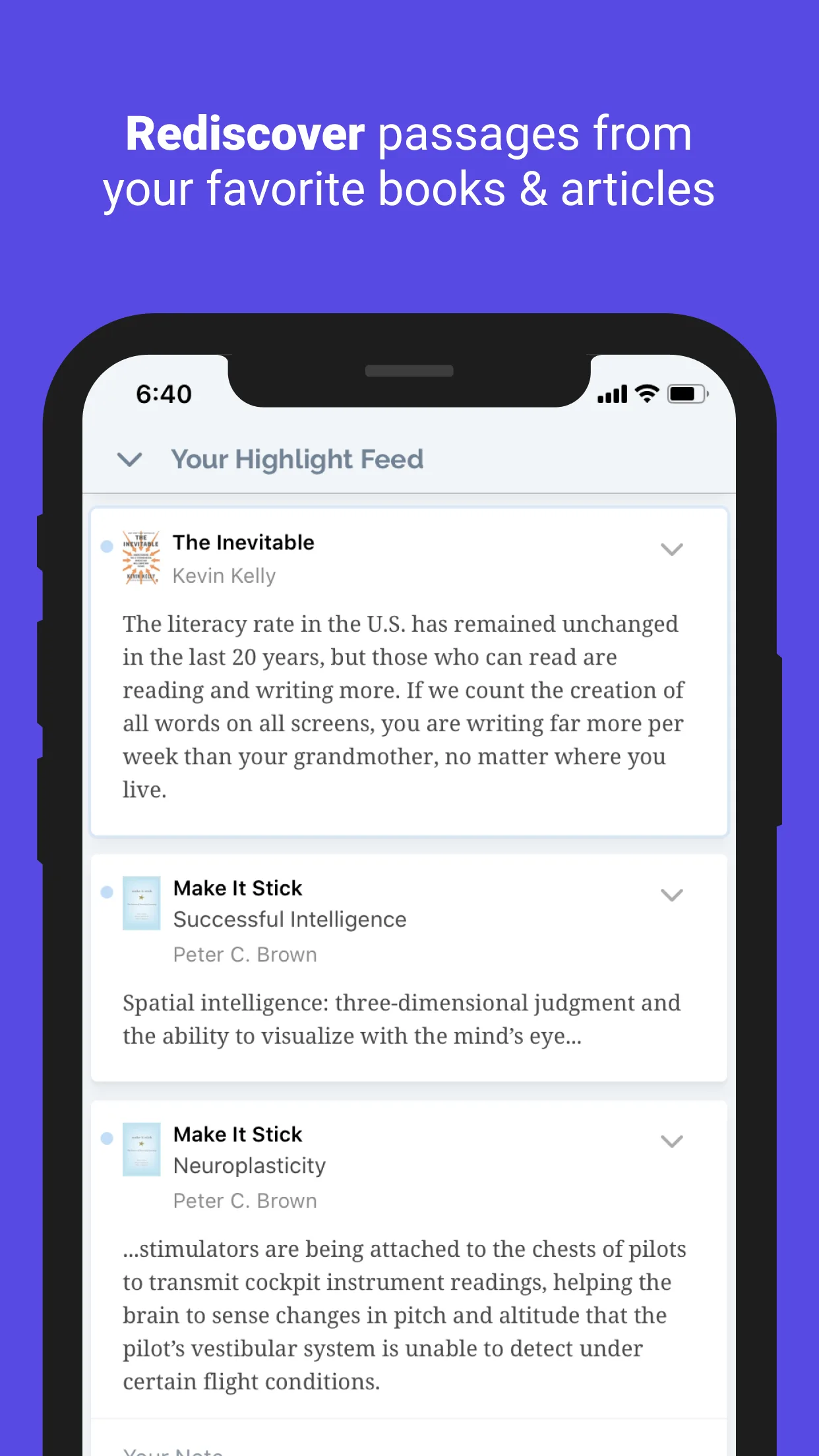
 Play Store
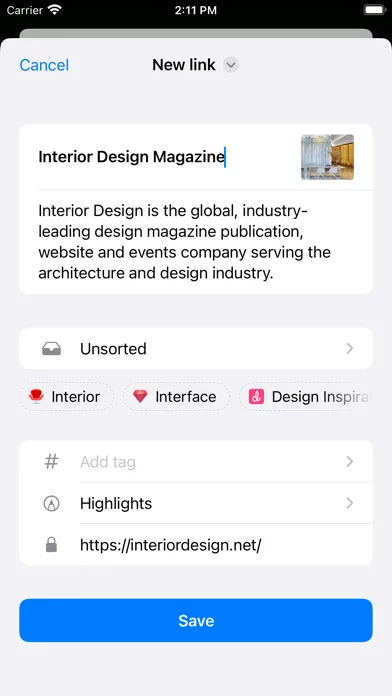
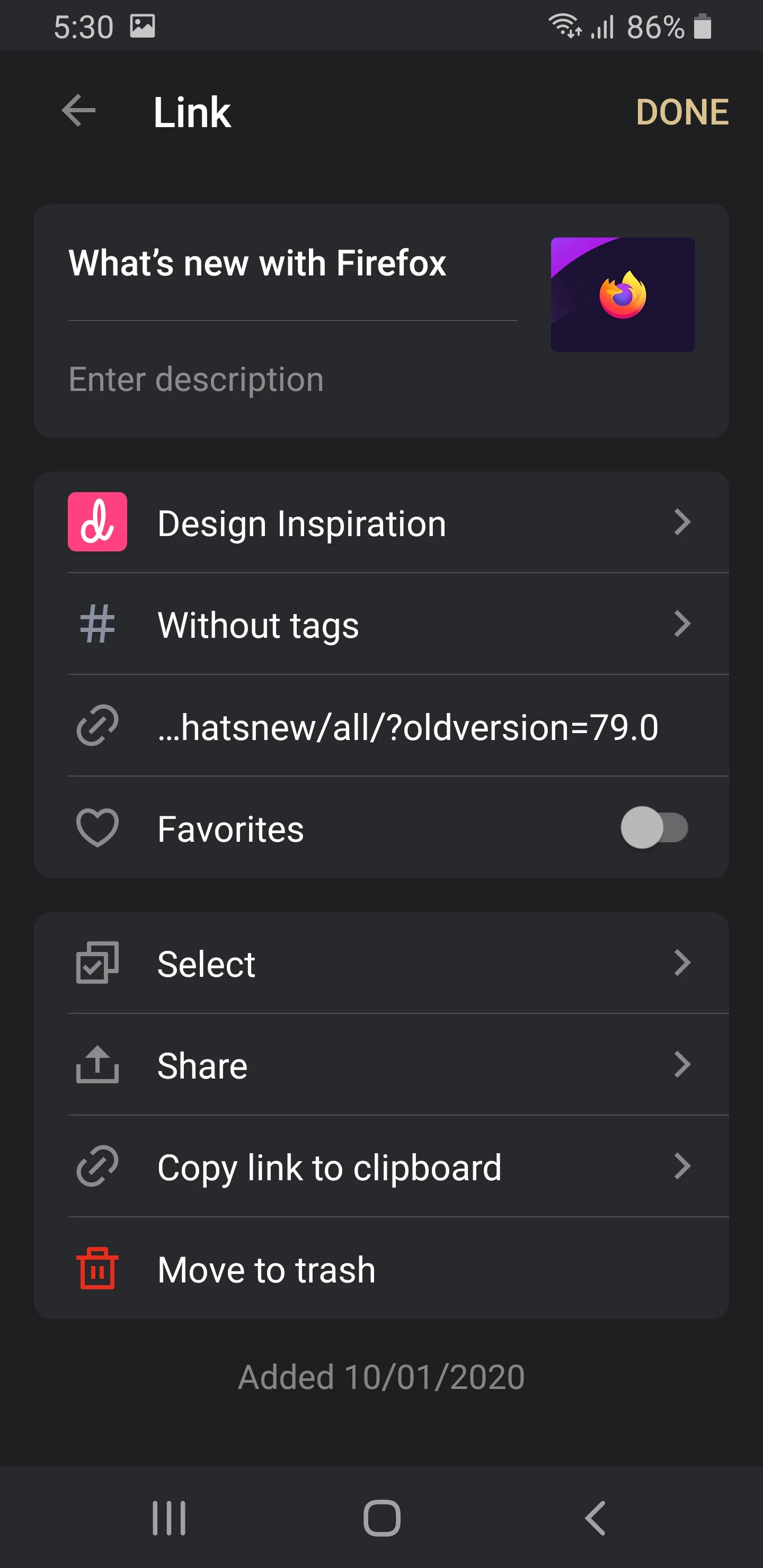
- Raindrop.ioApp Store
 Play Store
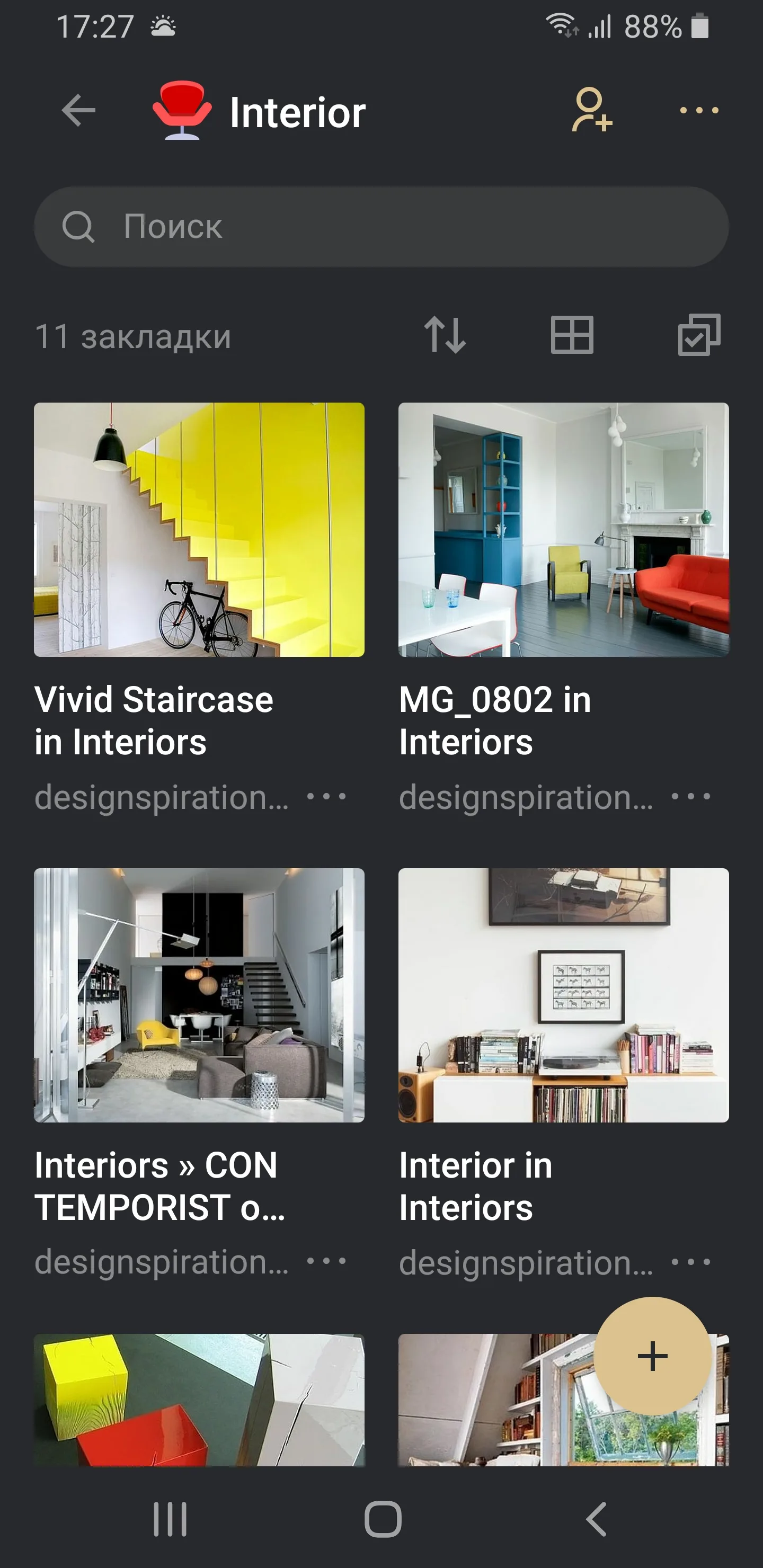
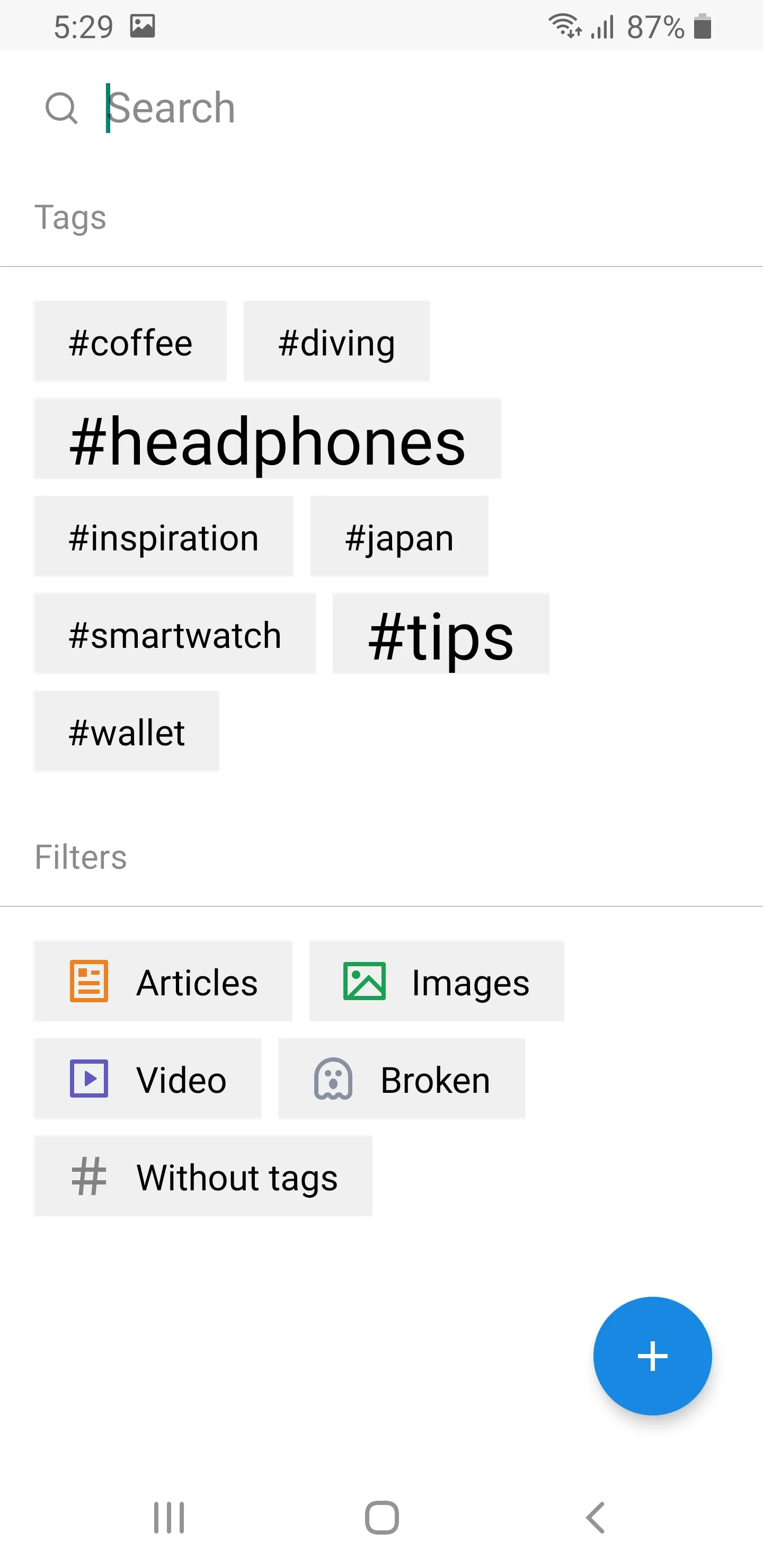
- InstapaperApp Store
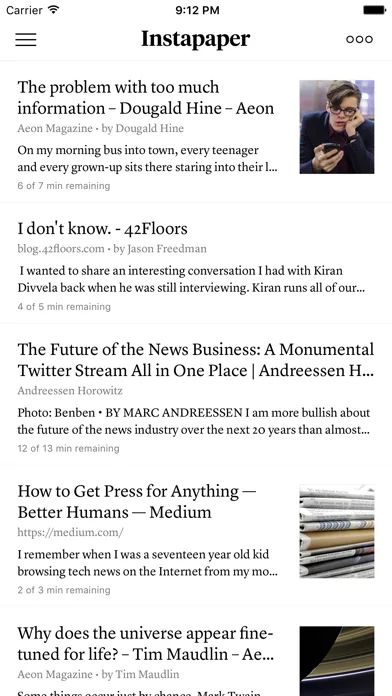
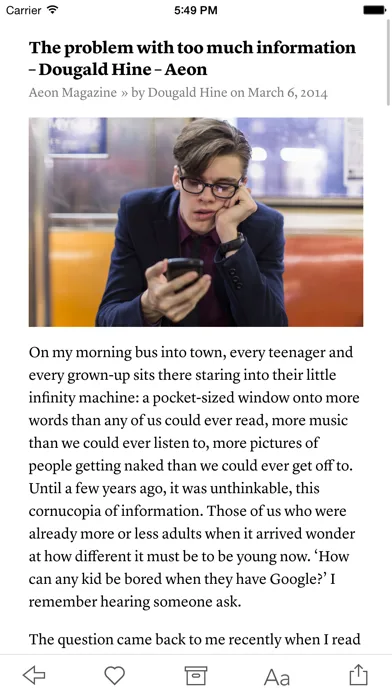
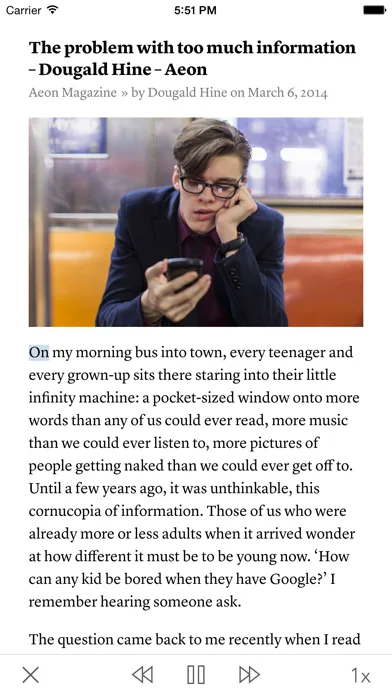
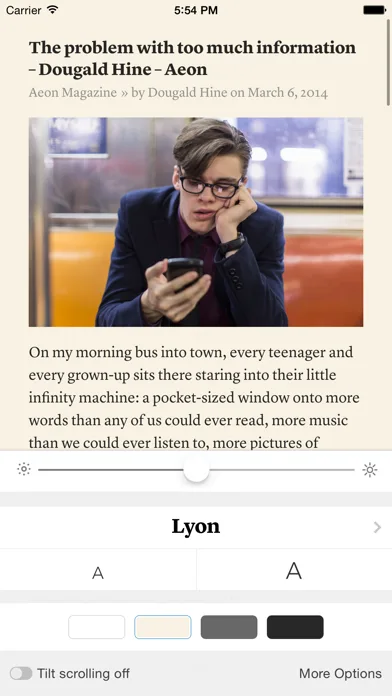 Play Store
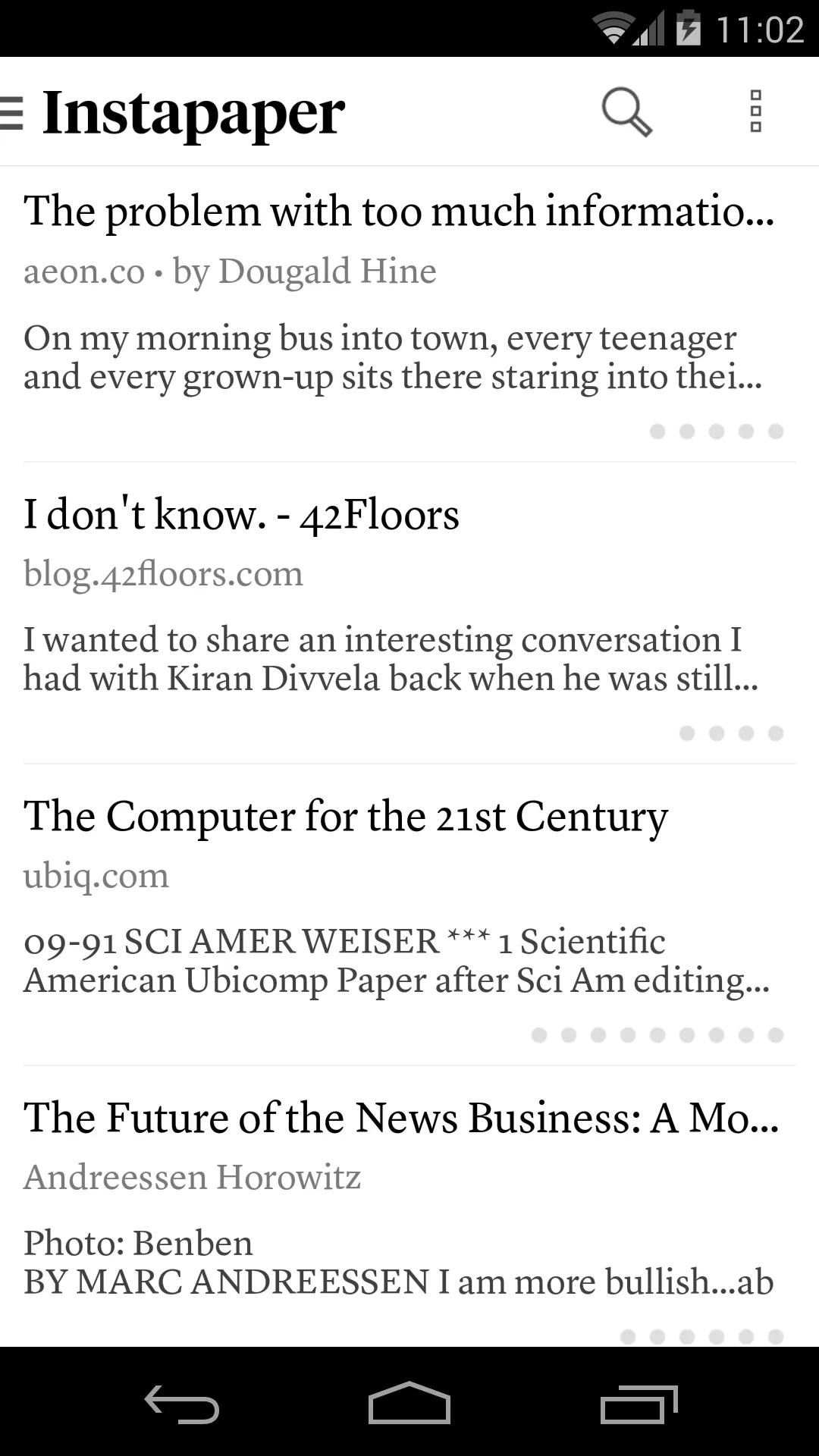
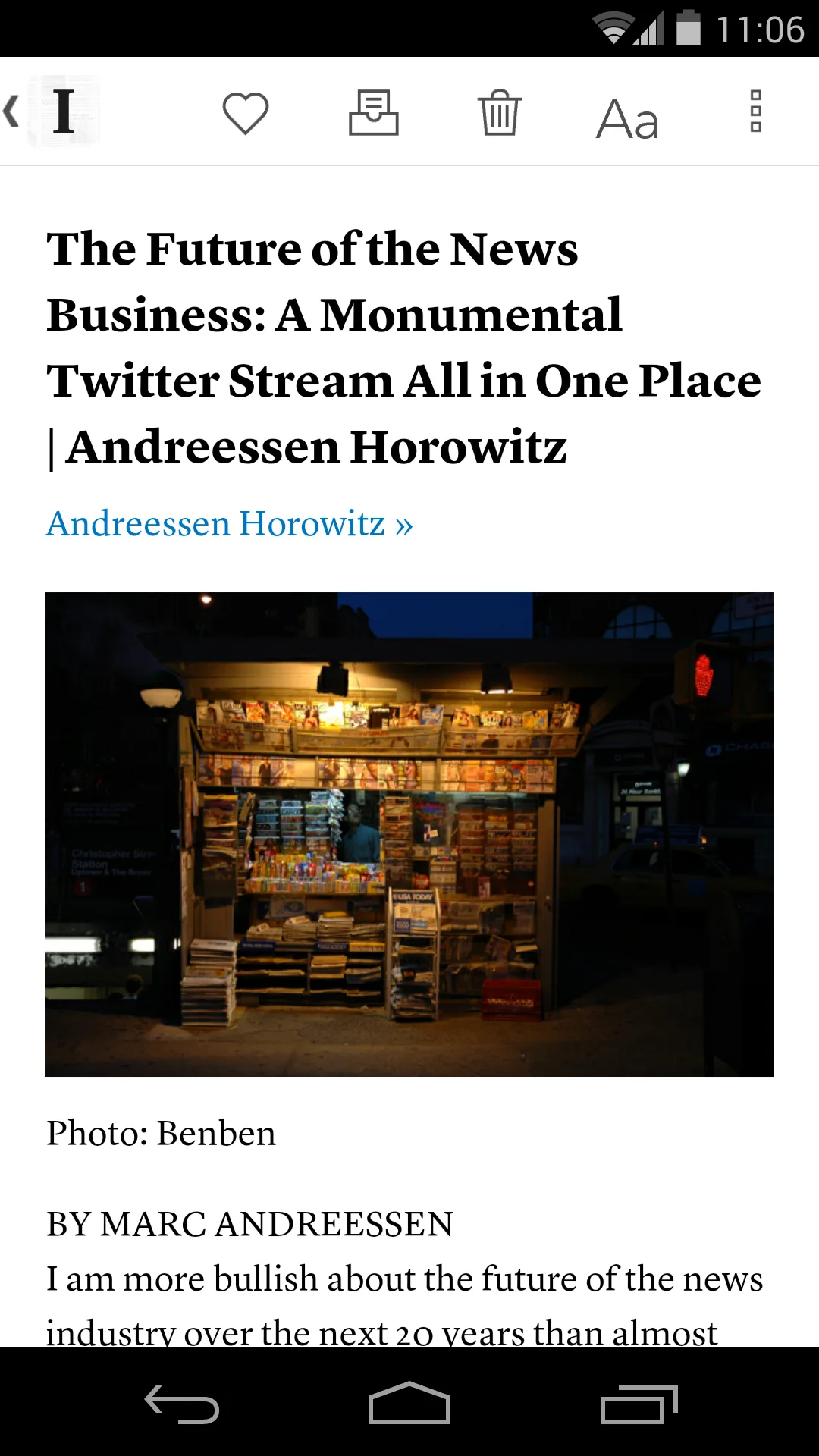
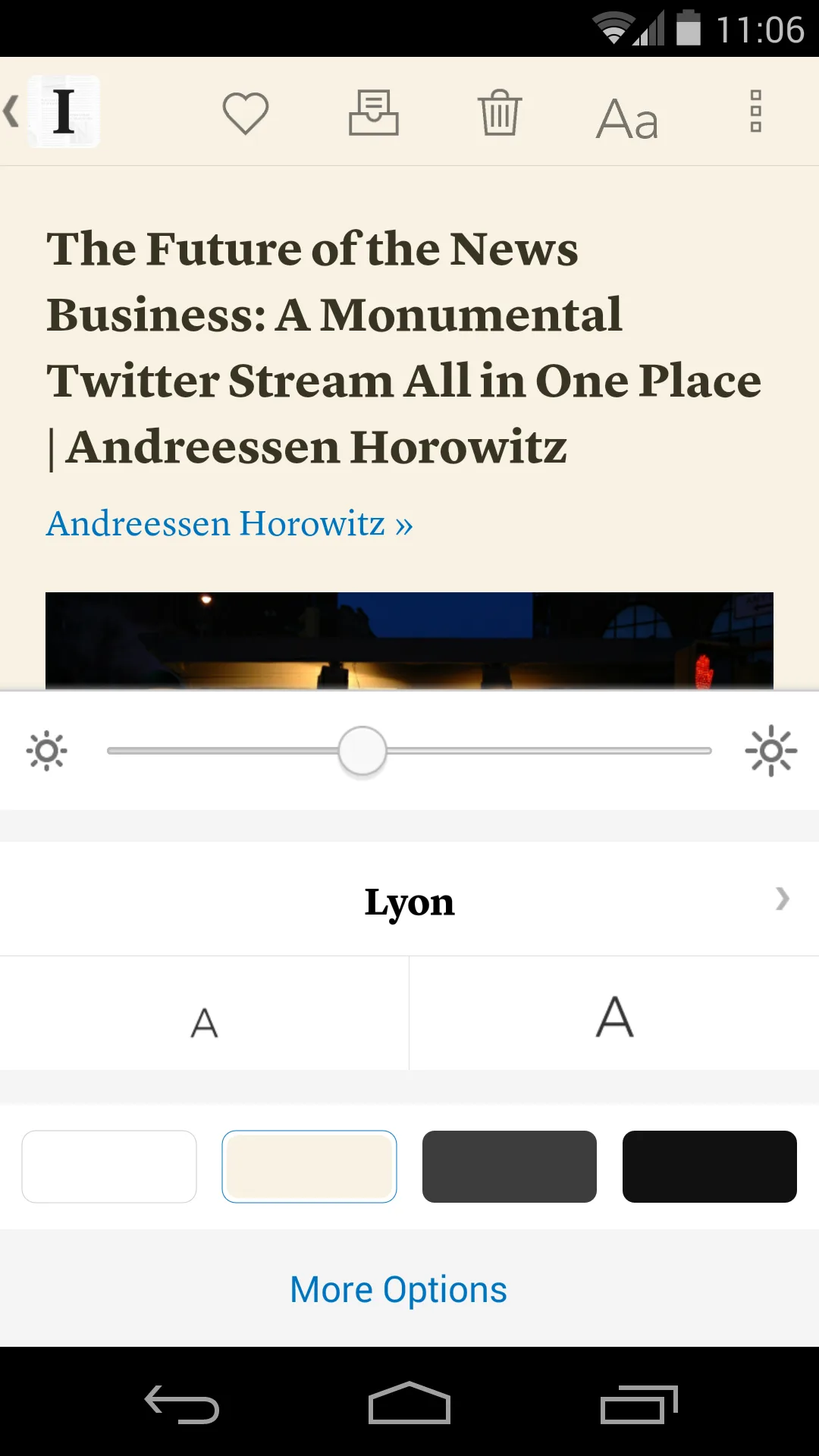
- TodoistApp Store
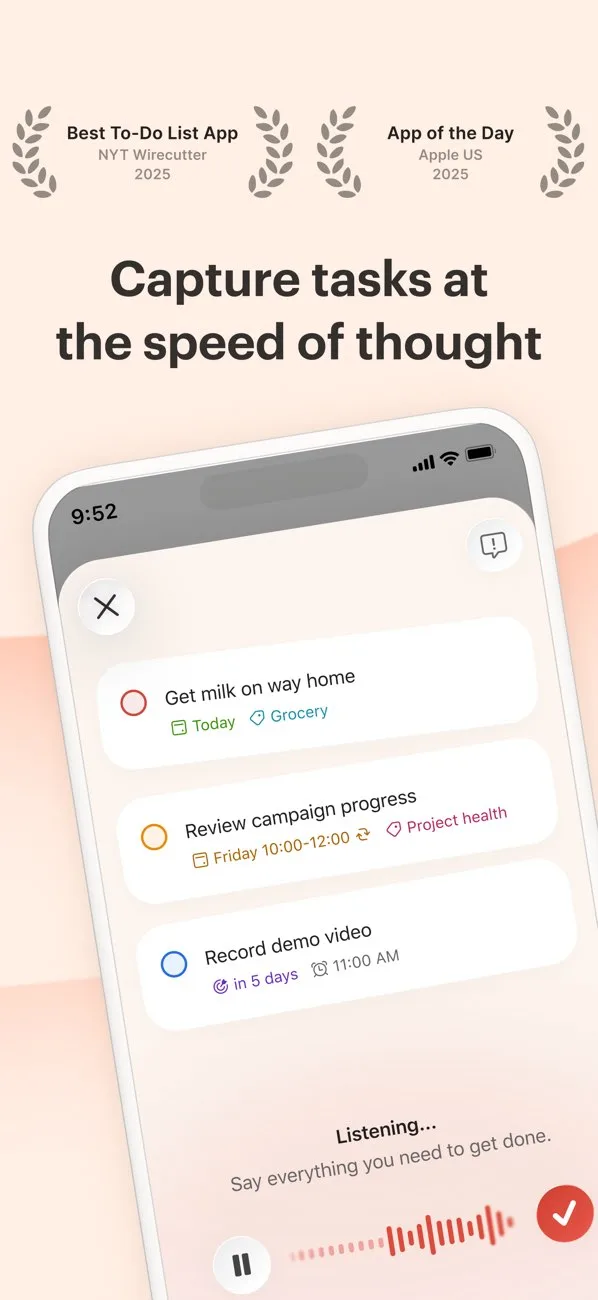
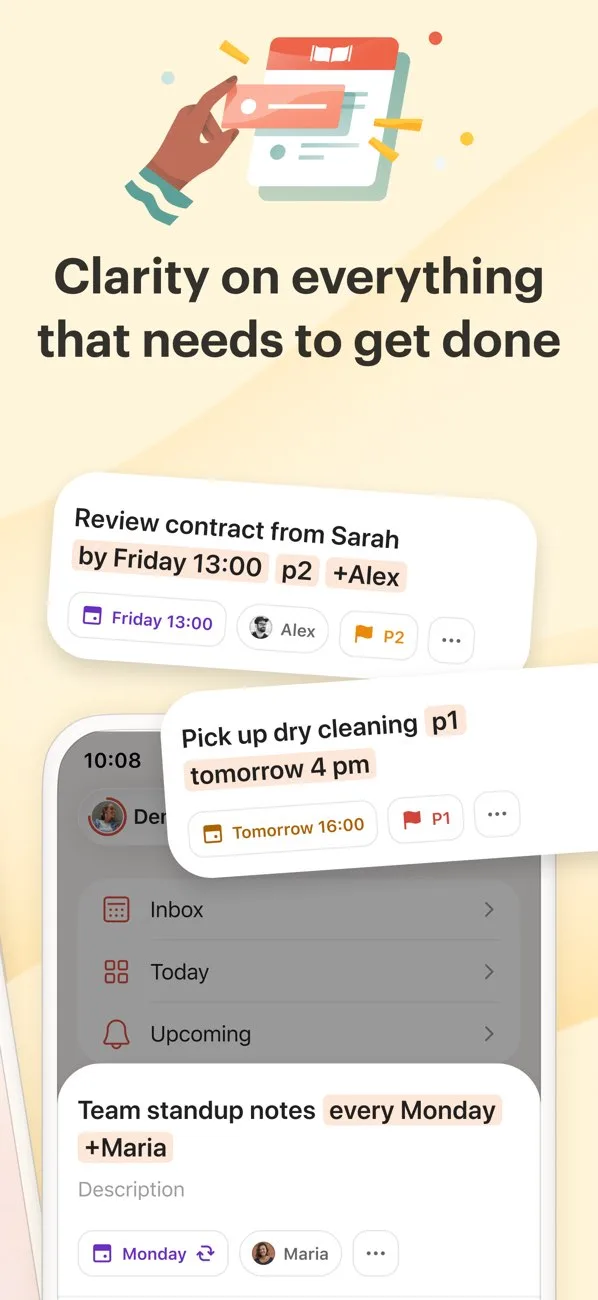
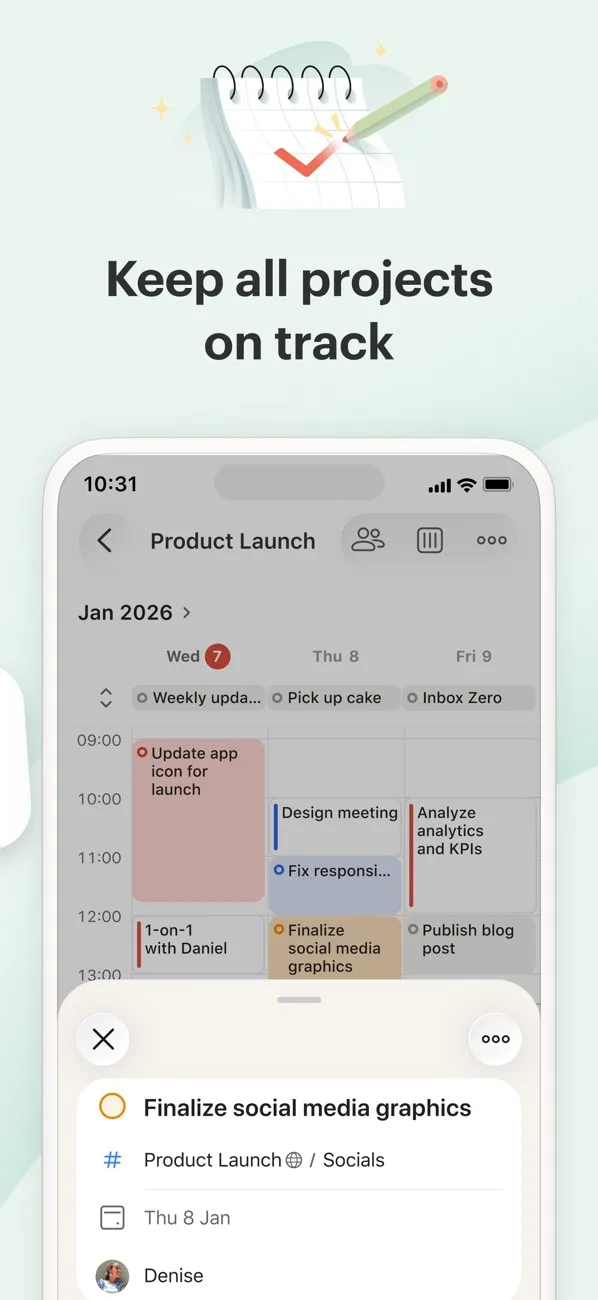
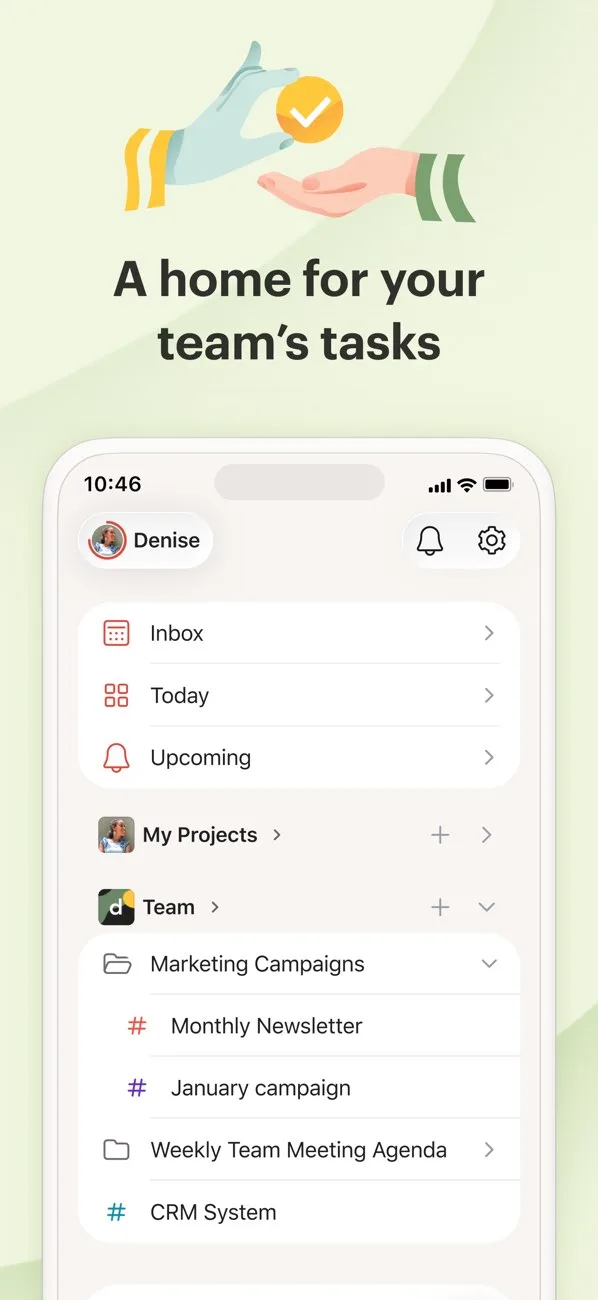 Play Store
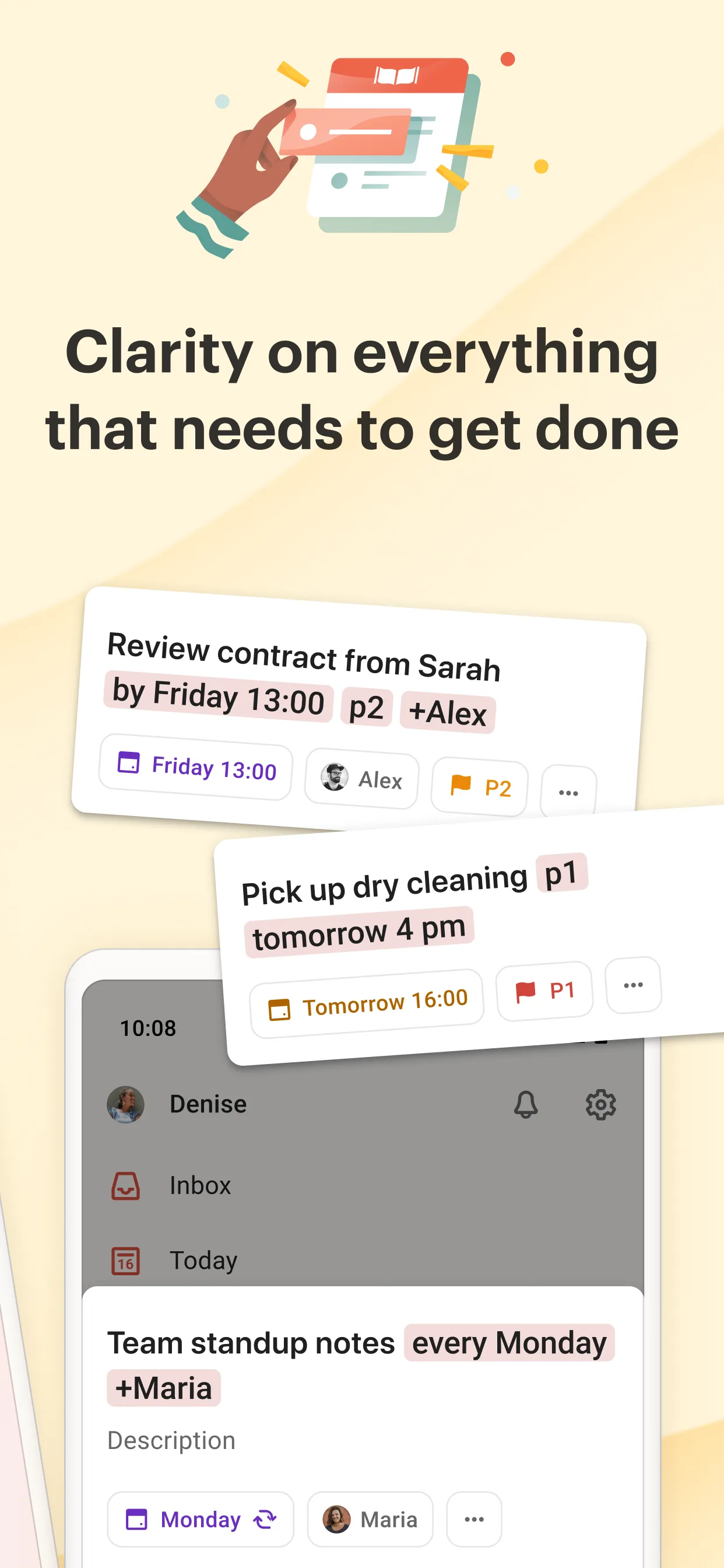
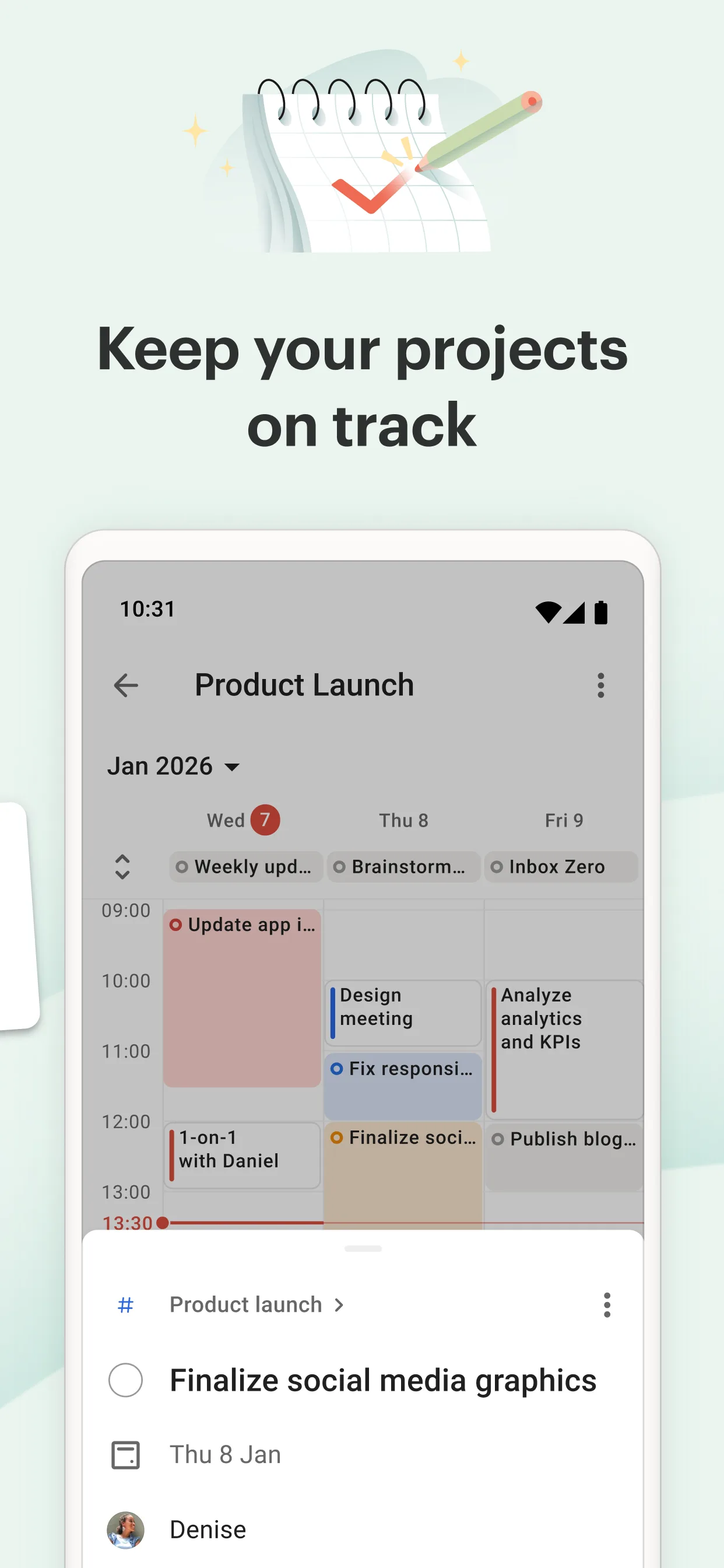
- AsanaApp Store
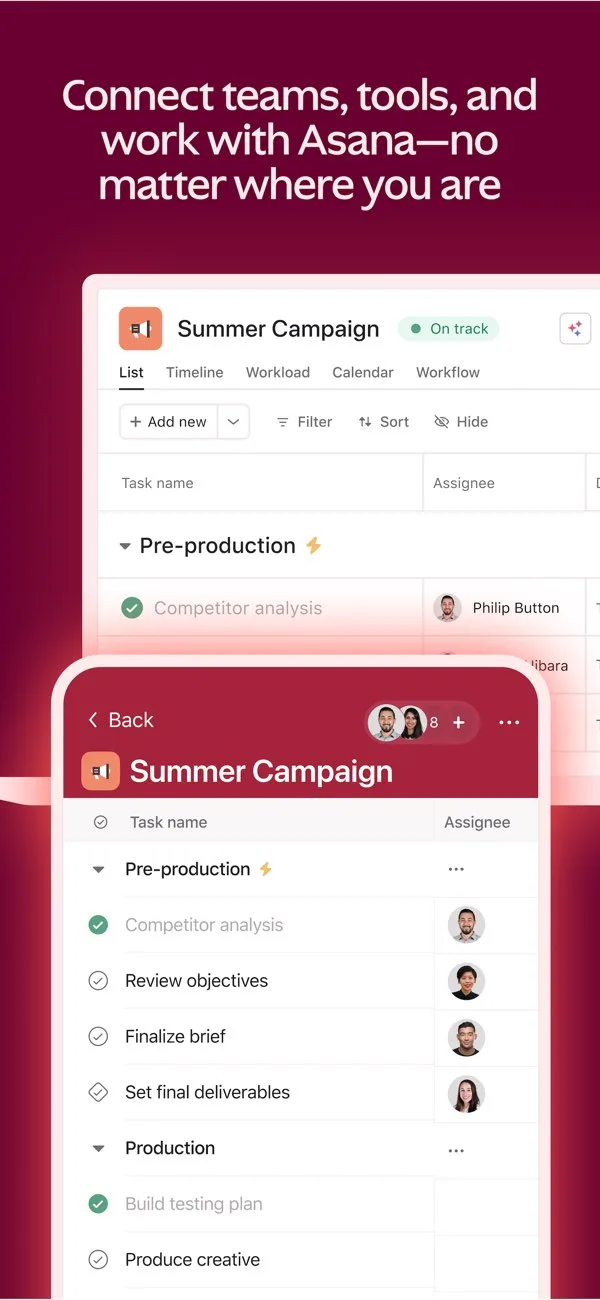
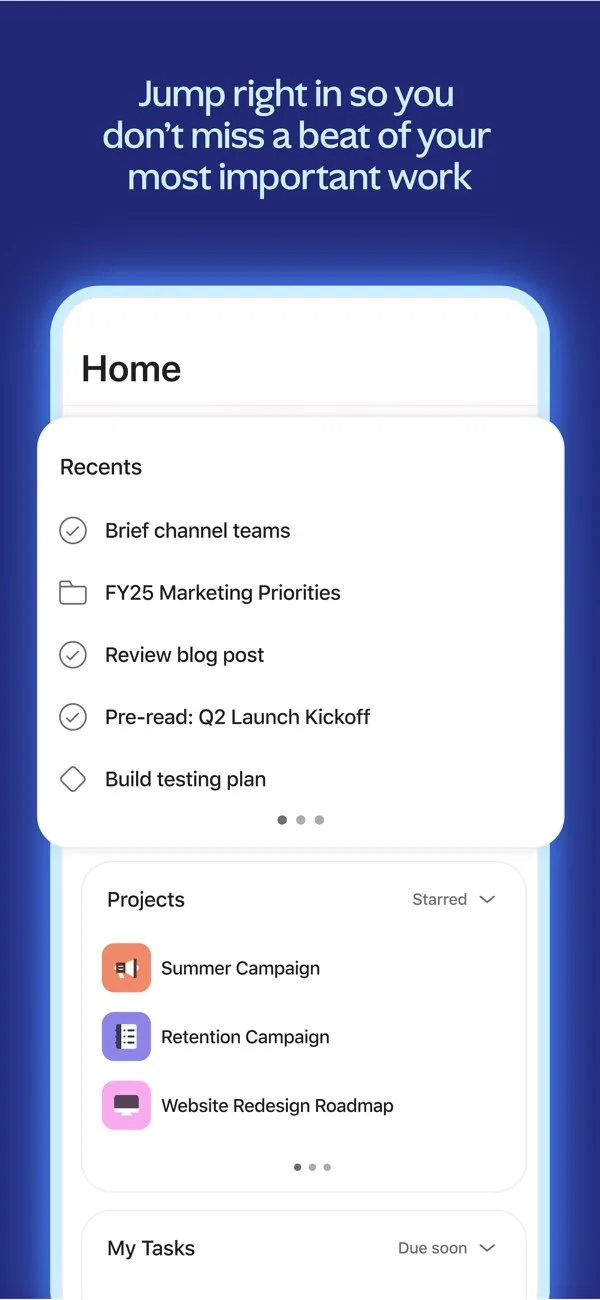
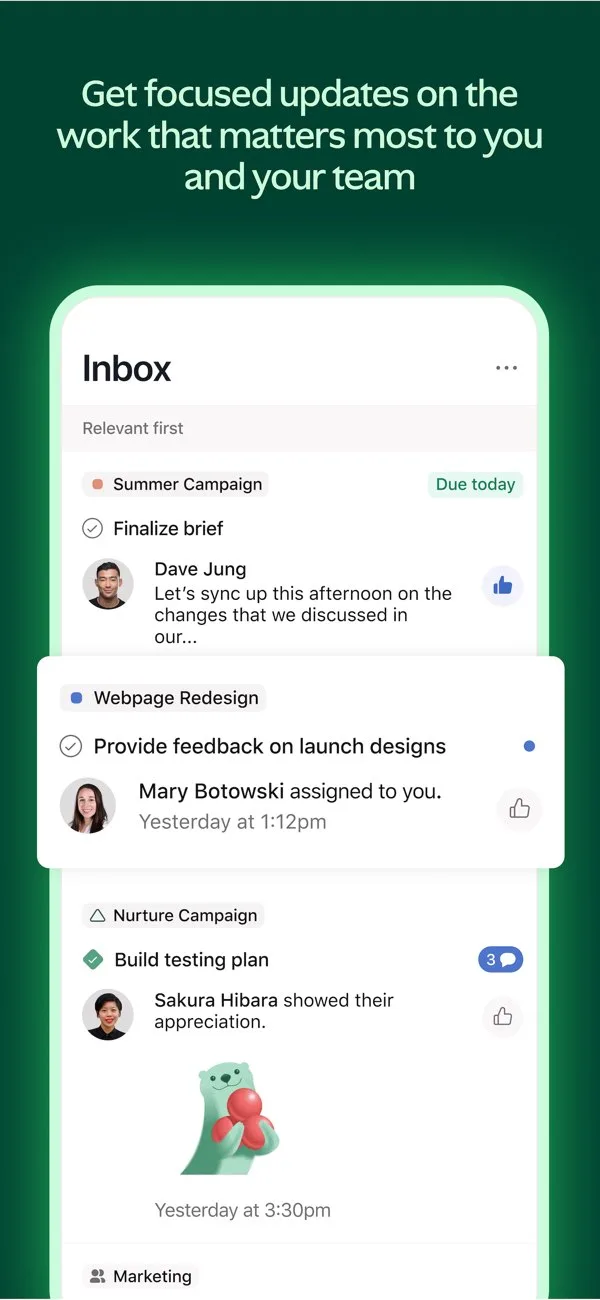
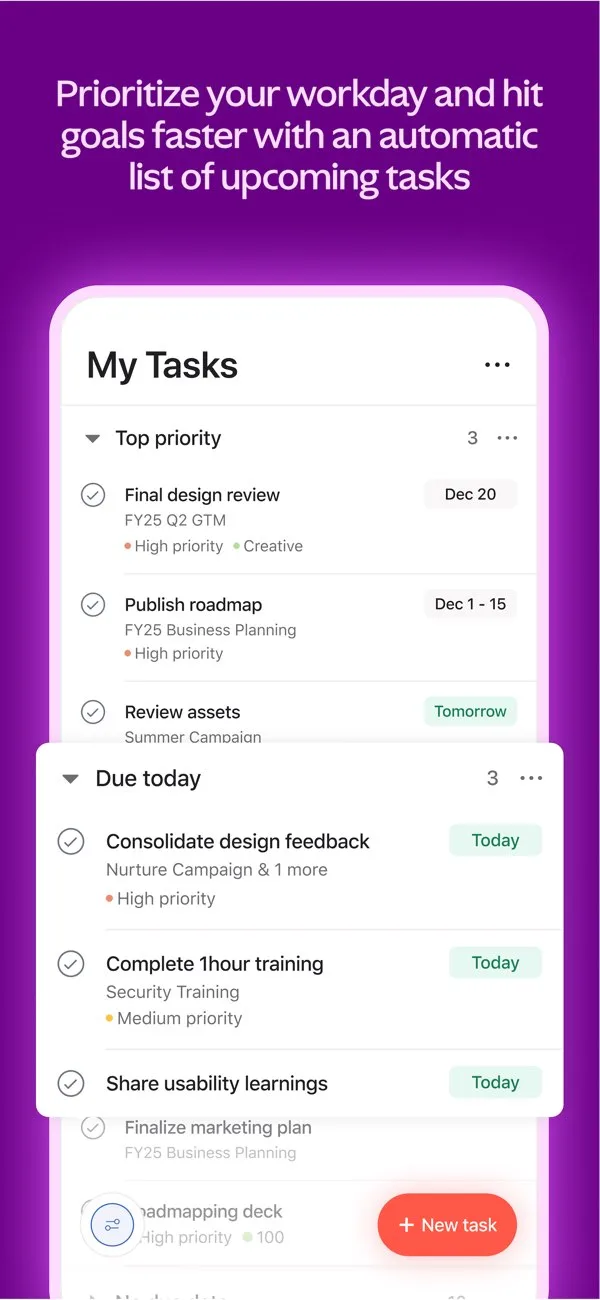 Play Store
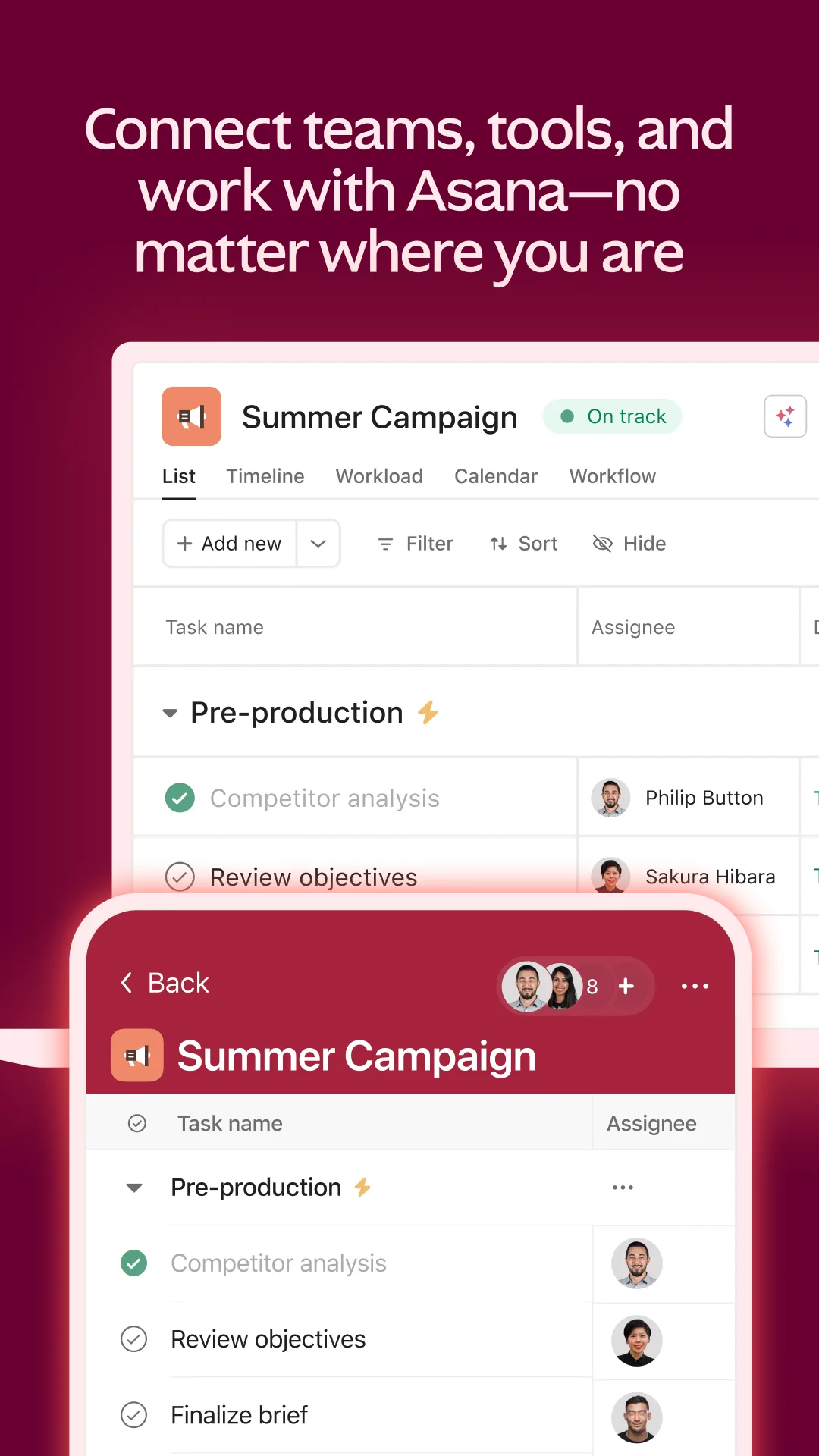
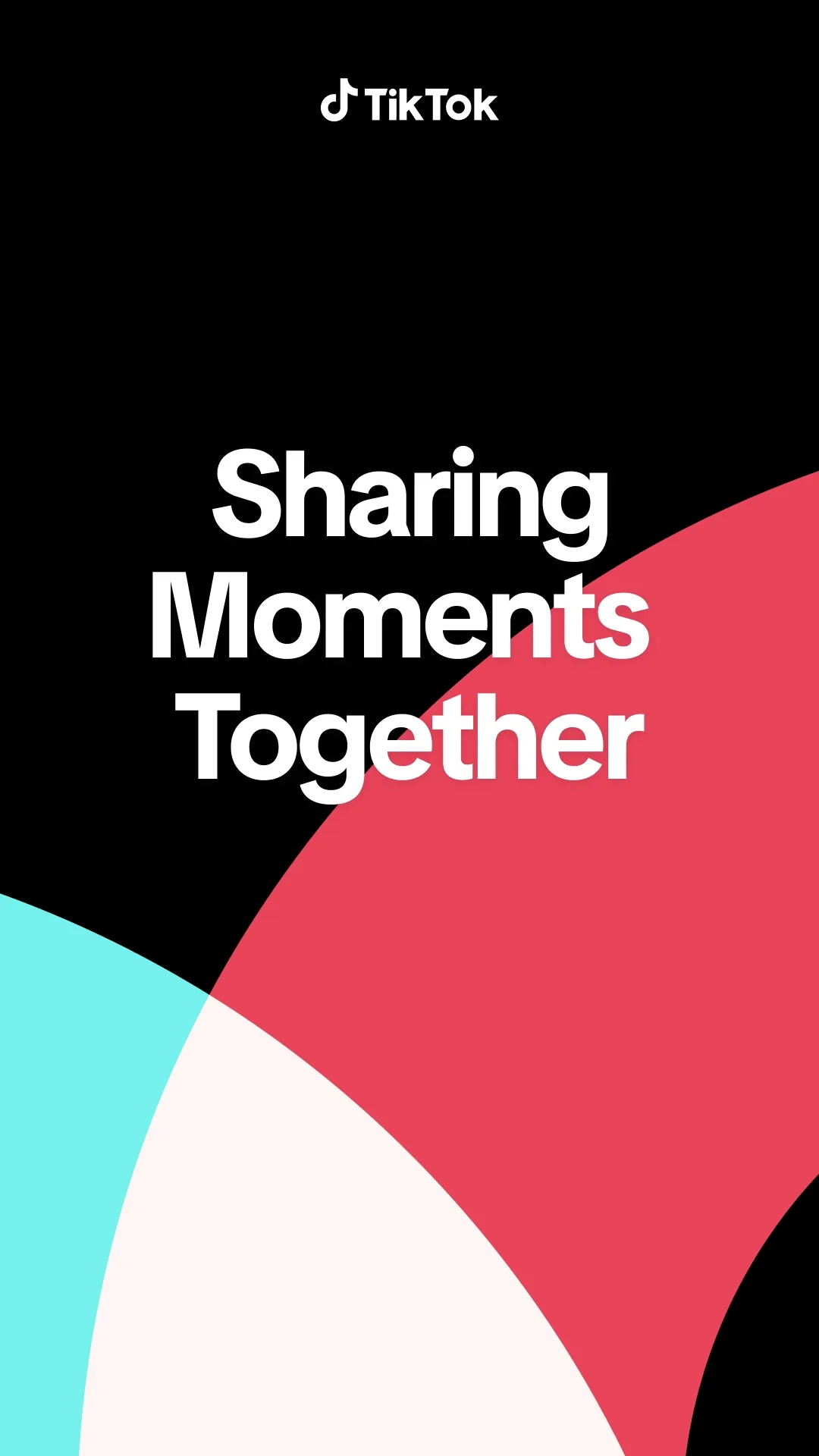
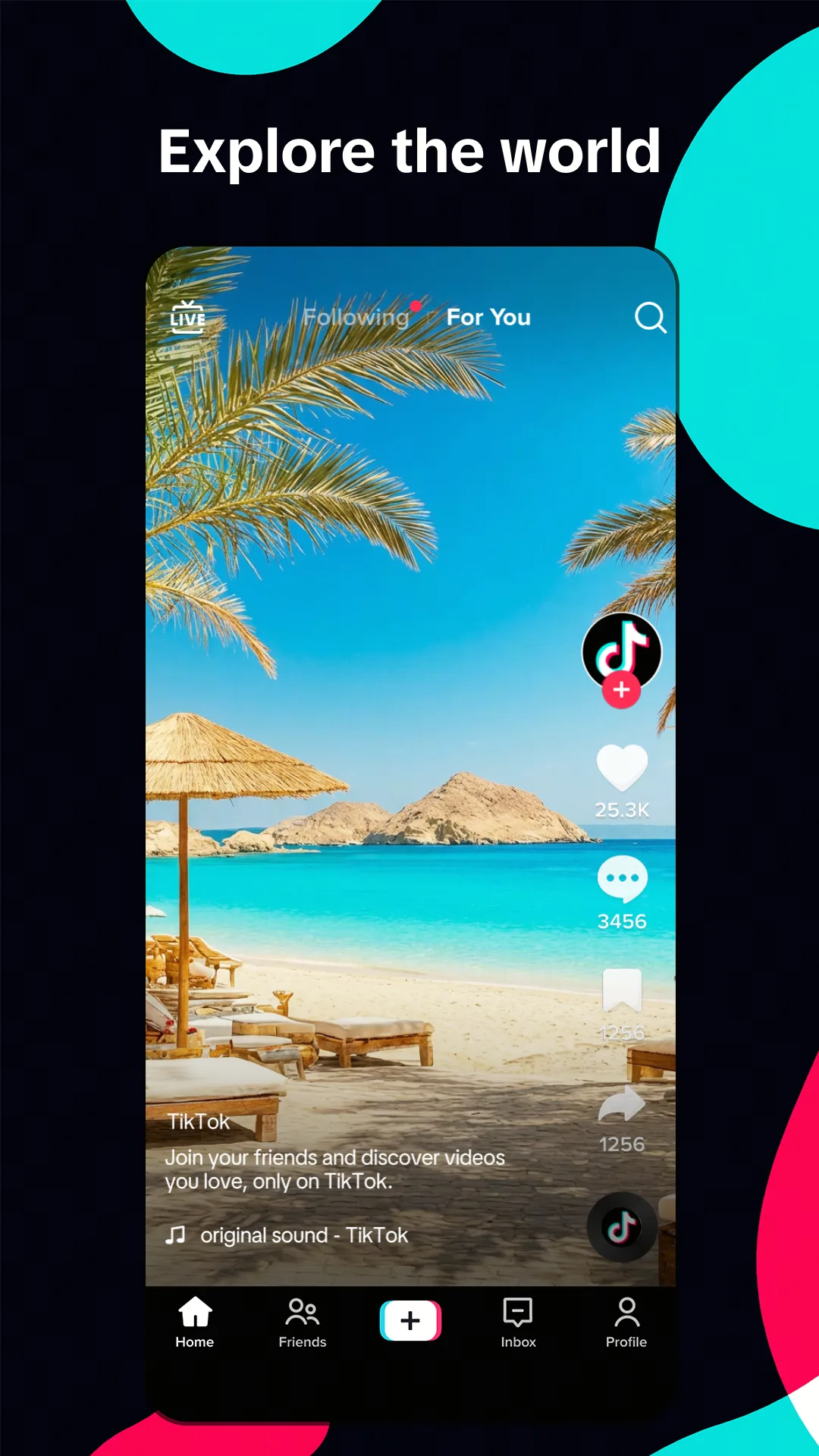
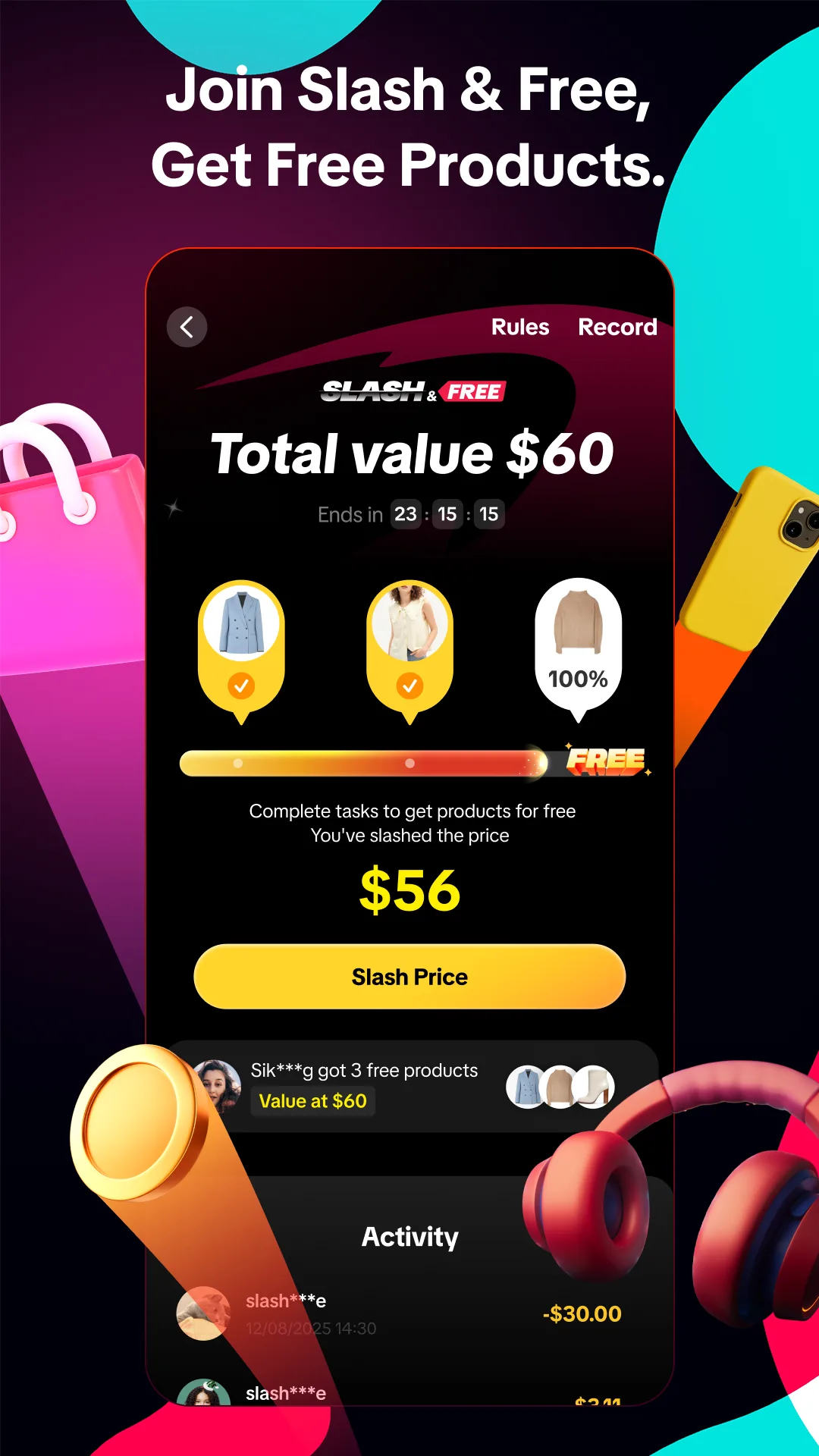
Creative / breaking patterns
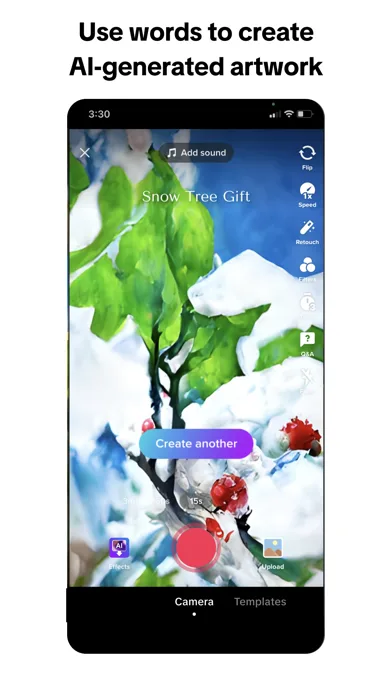
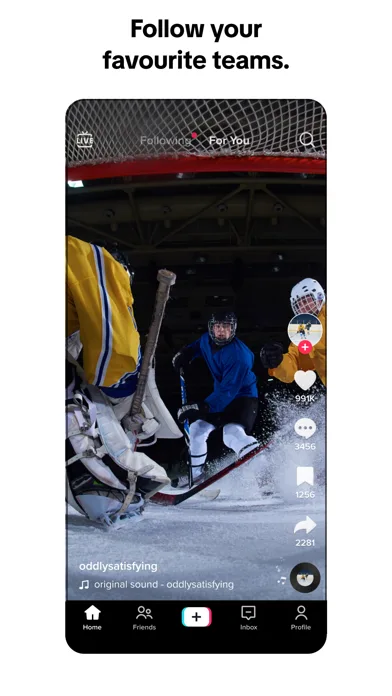
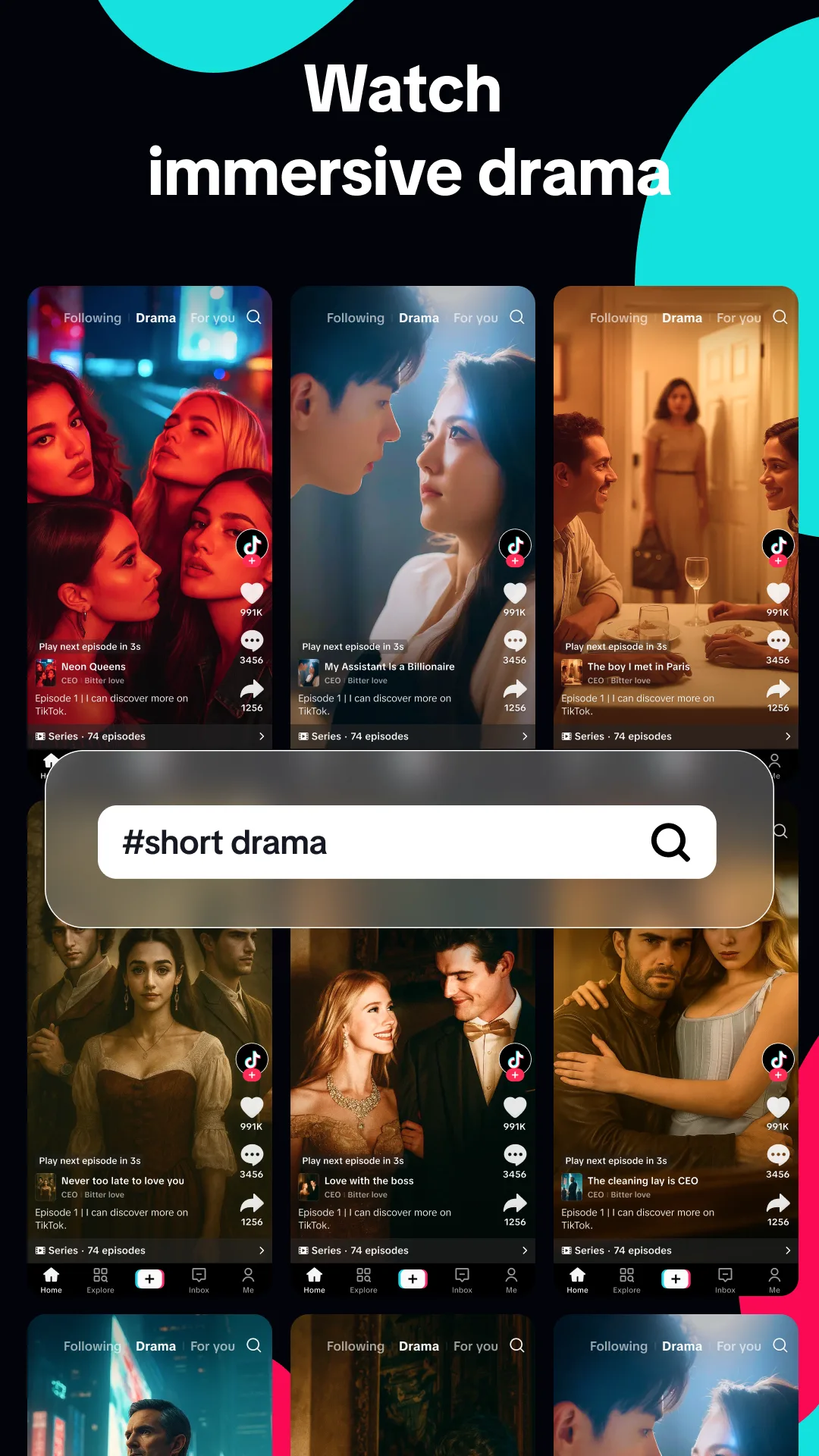
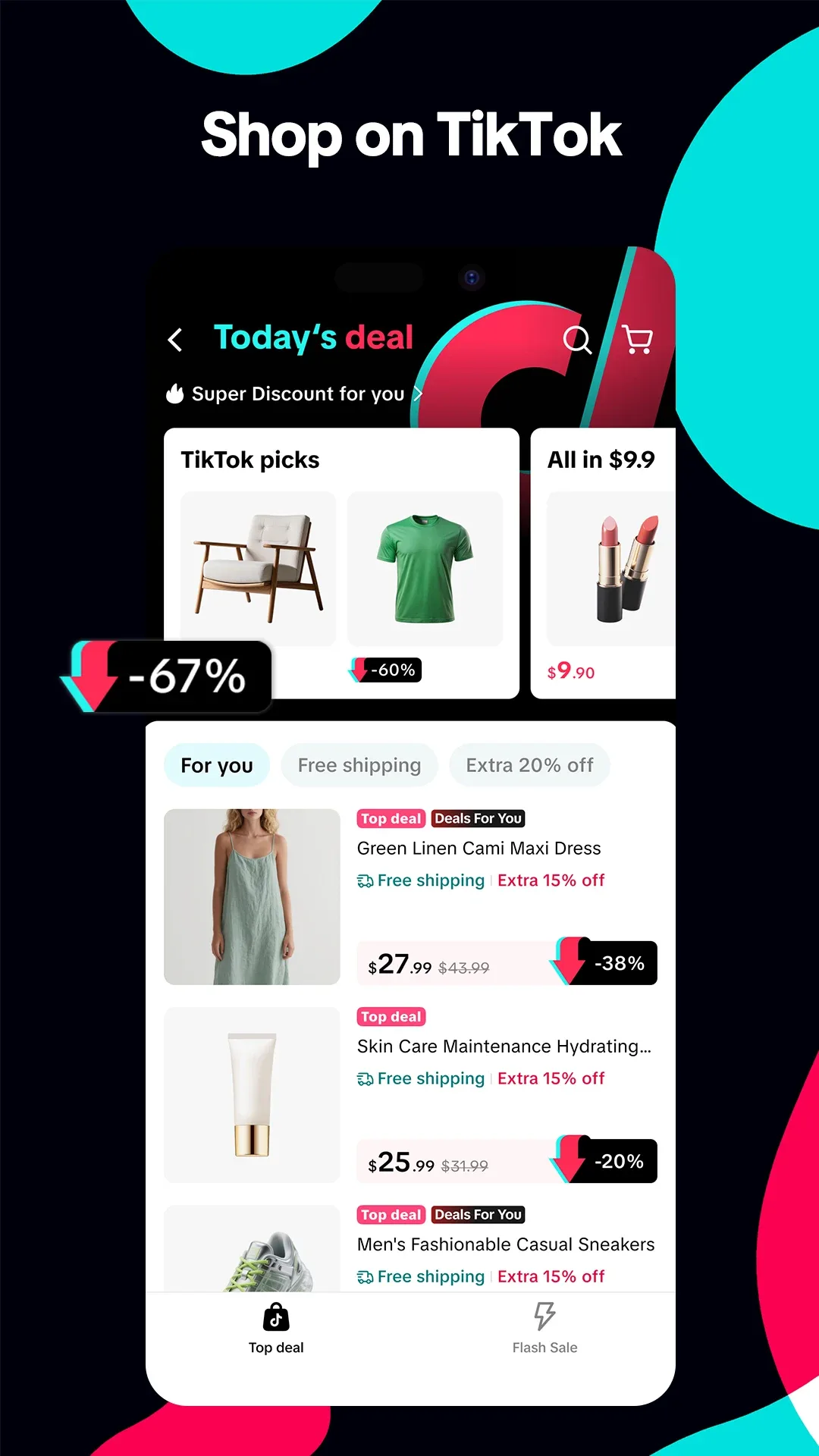
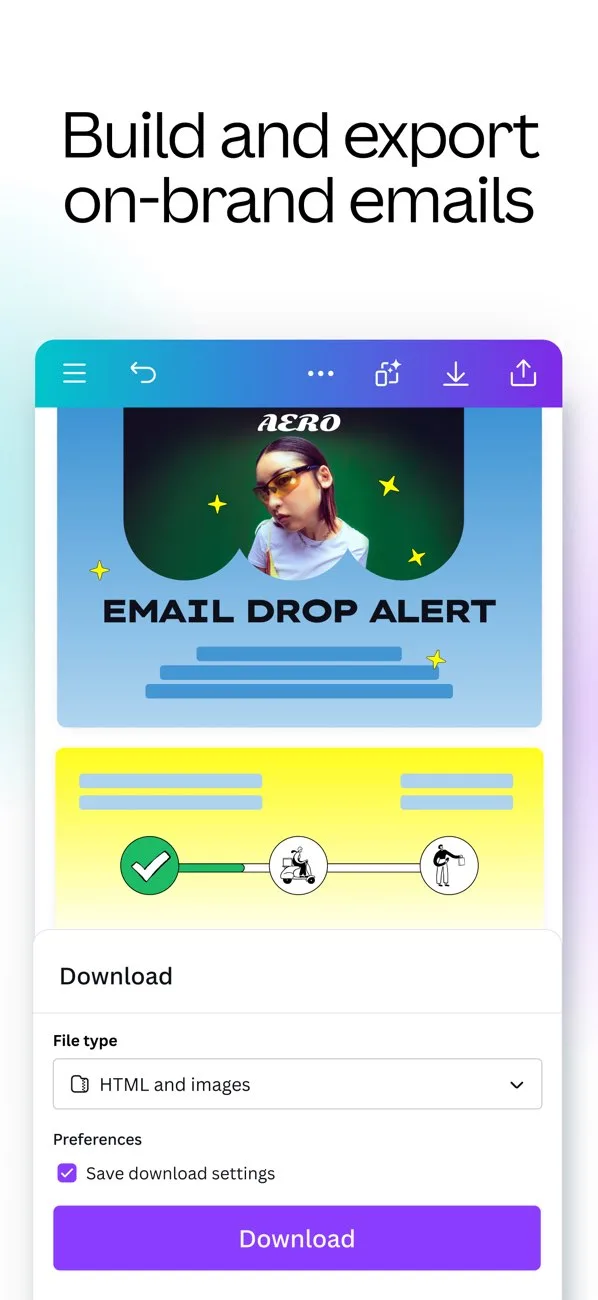
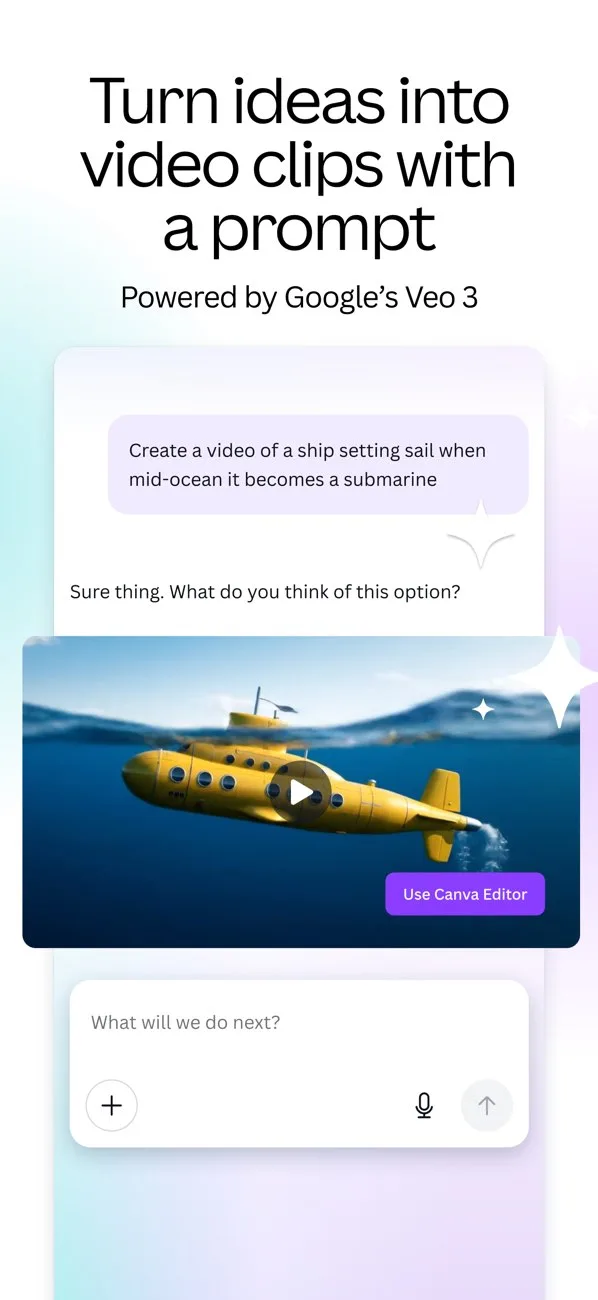
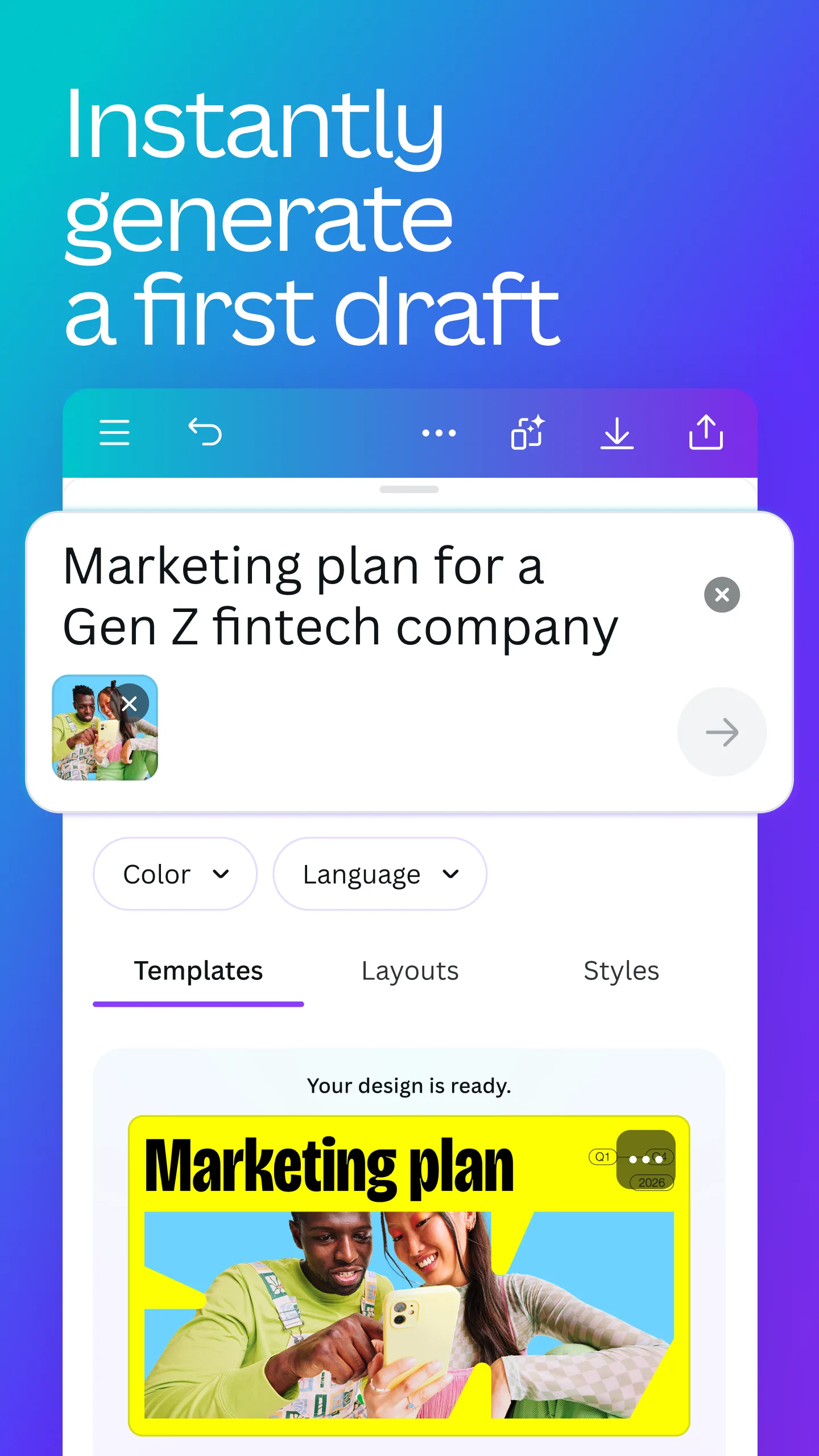
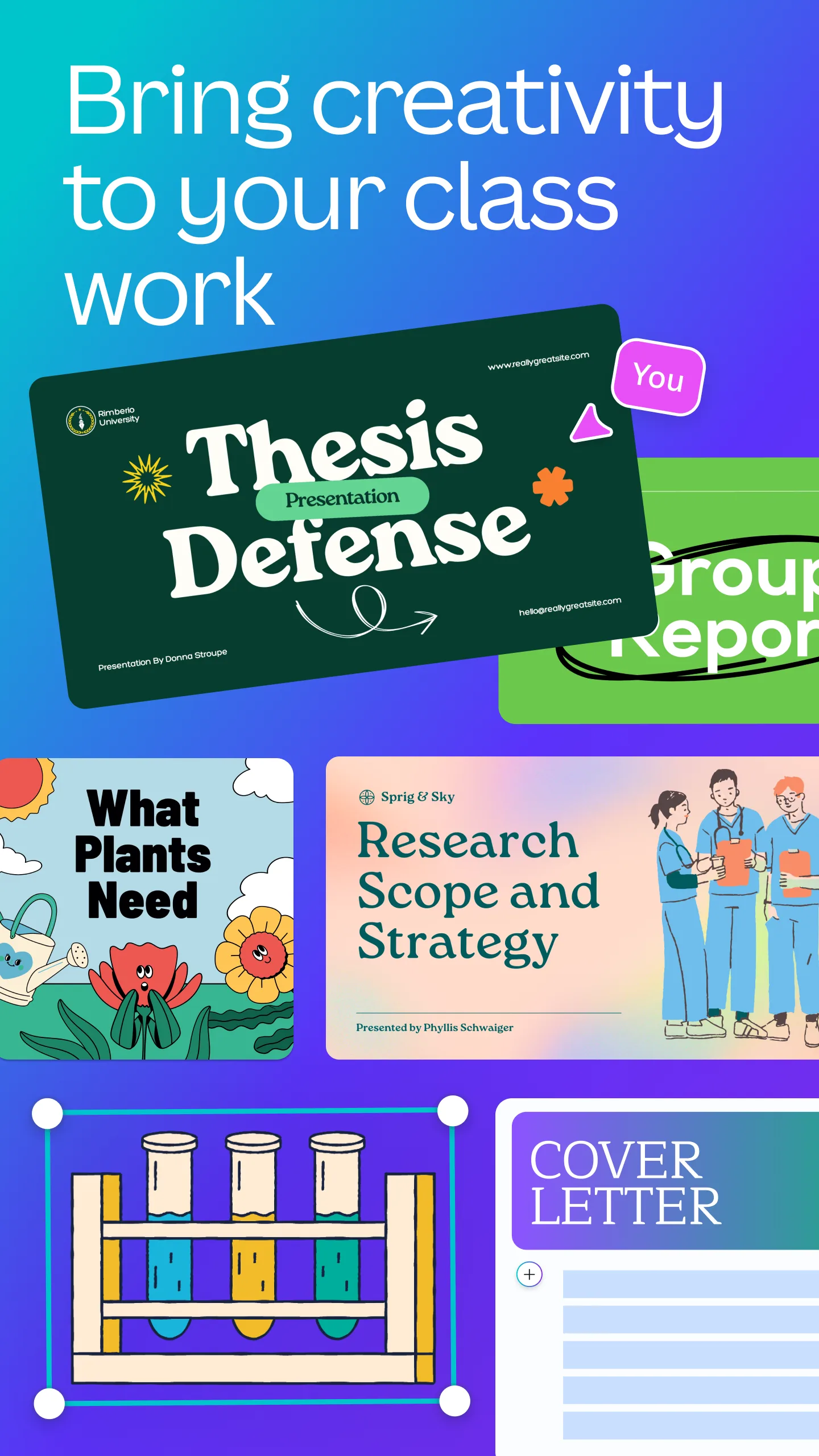
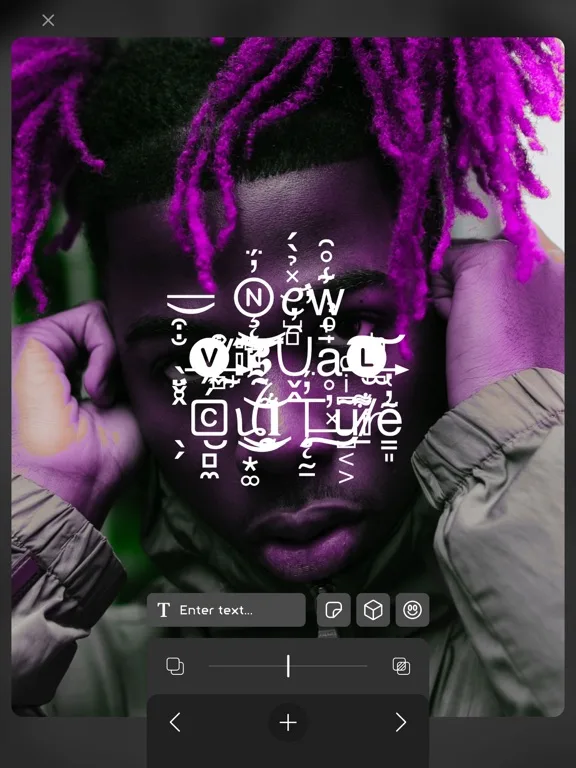
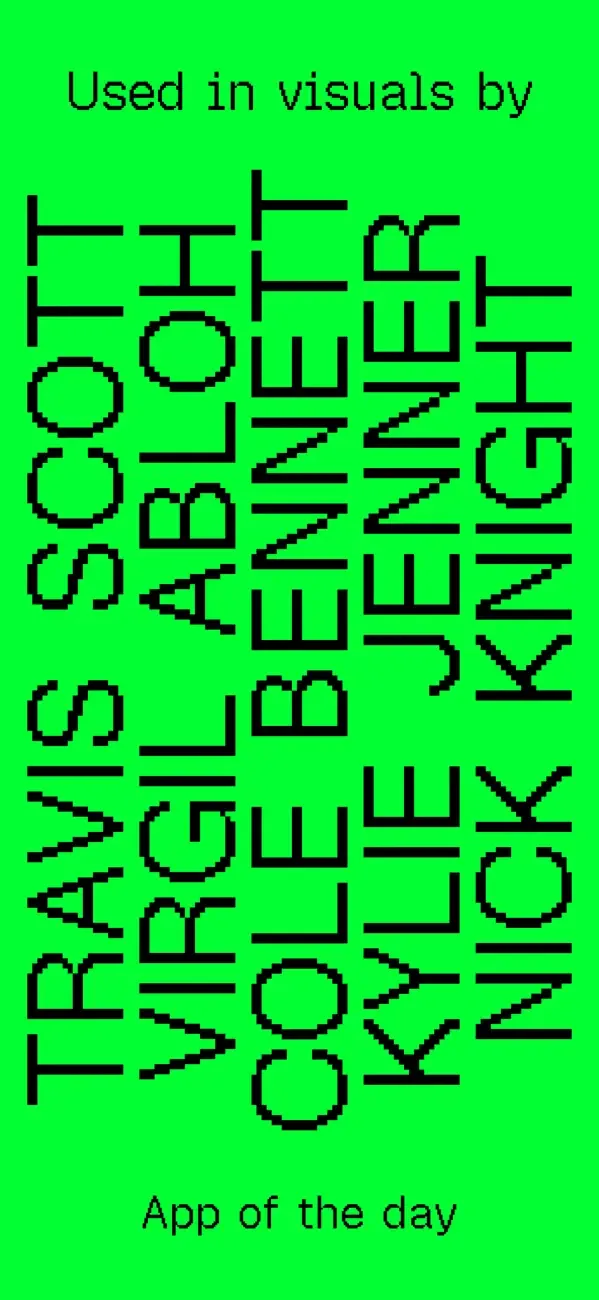
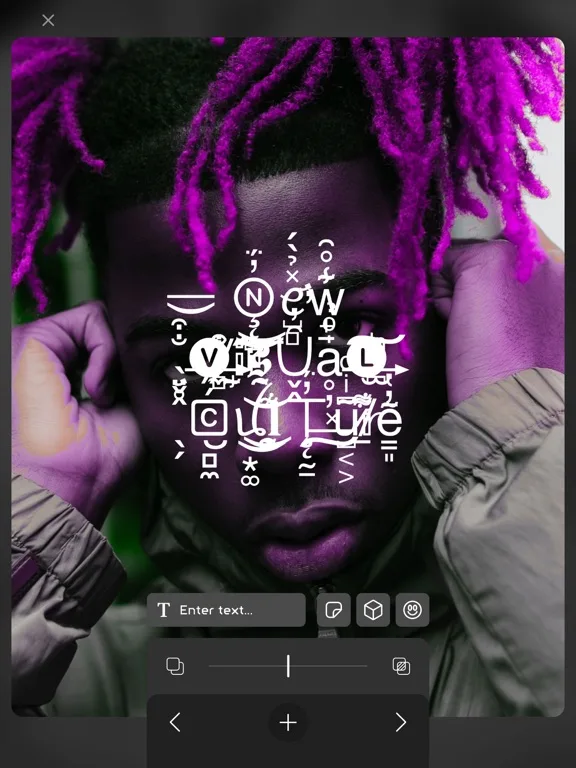
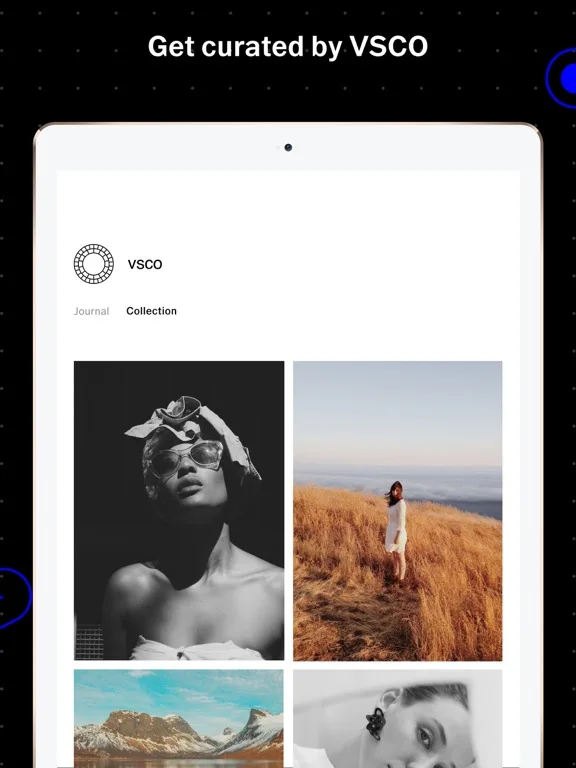
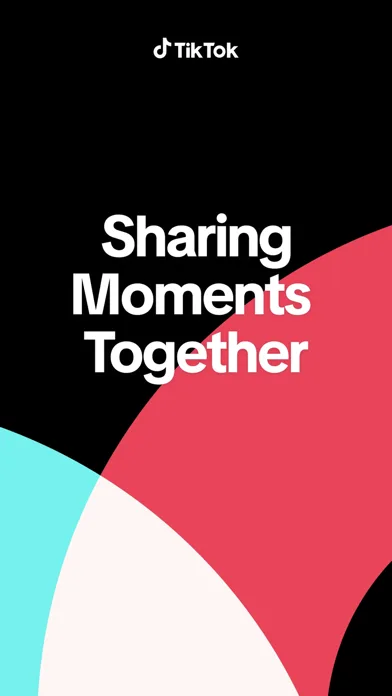
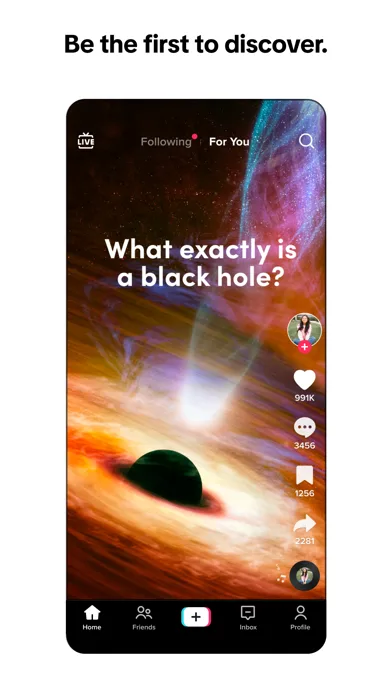
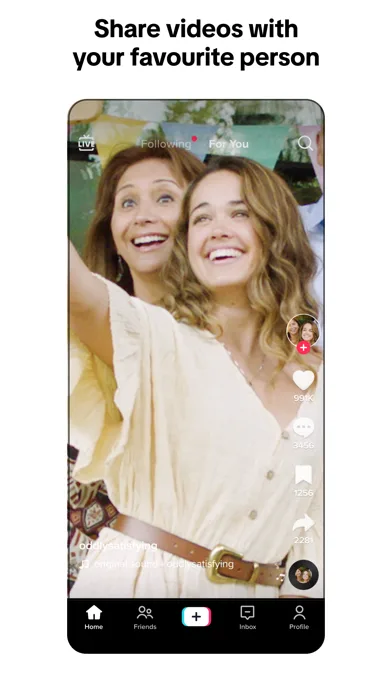
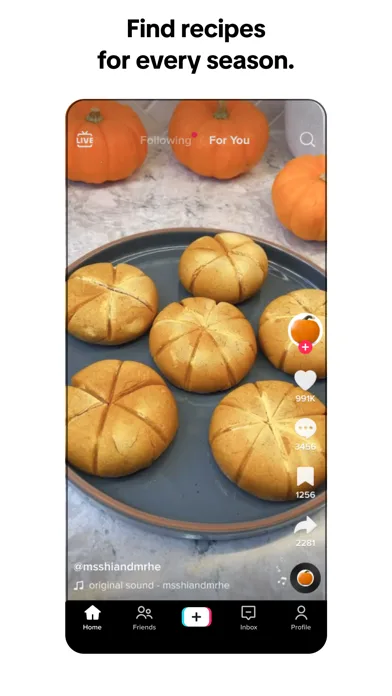
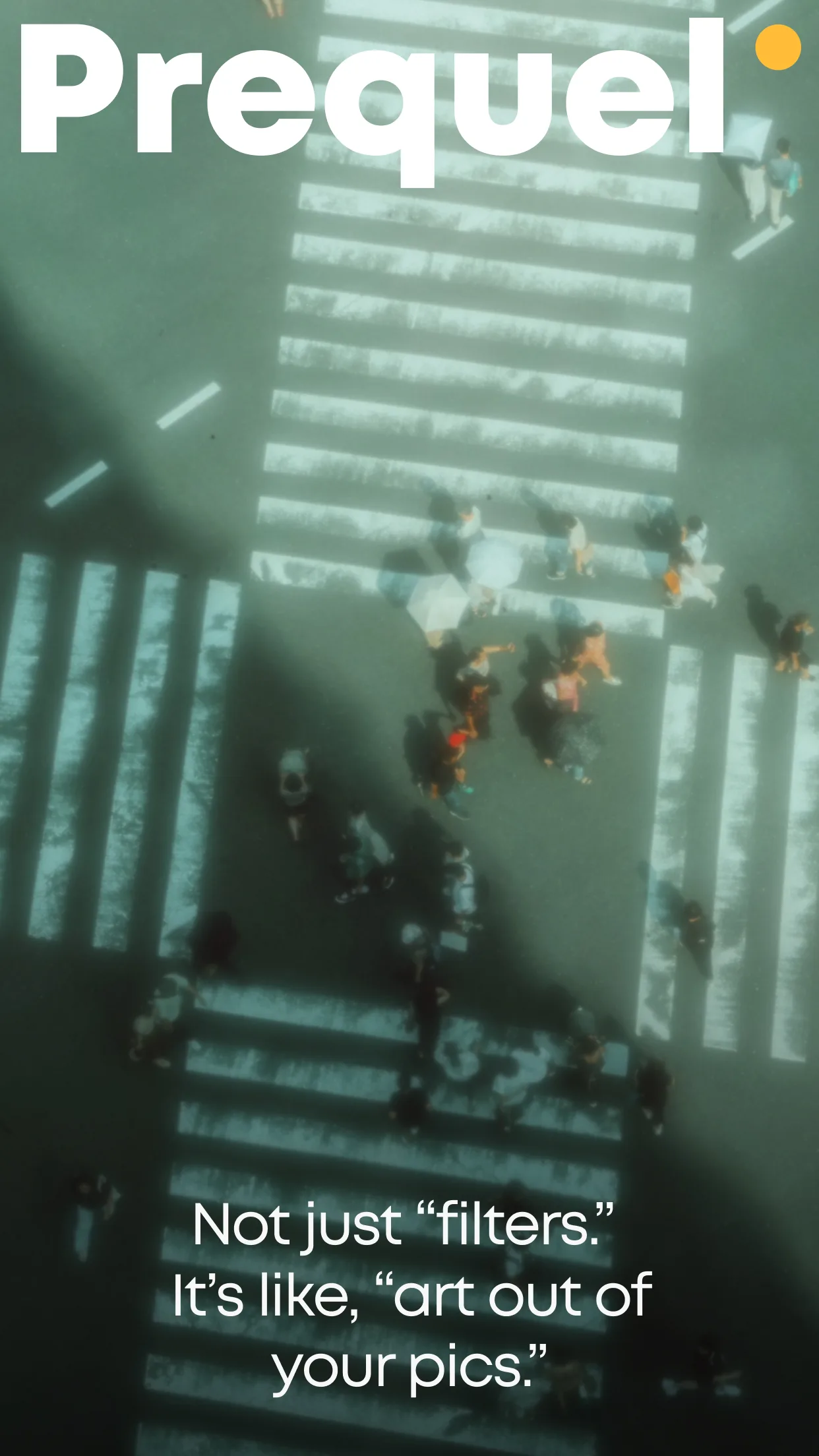
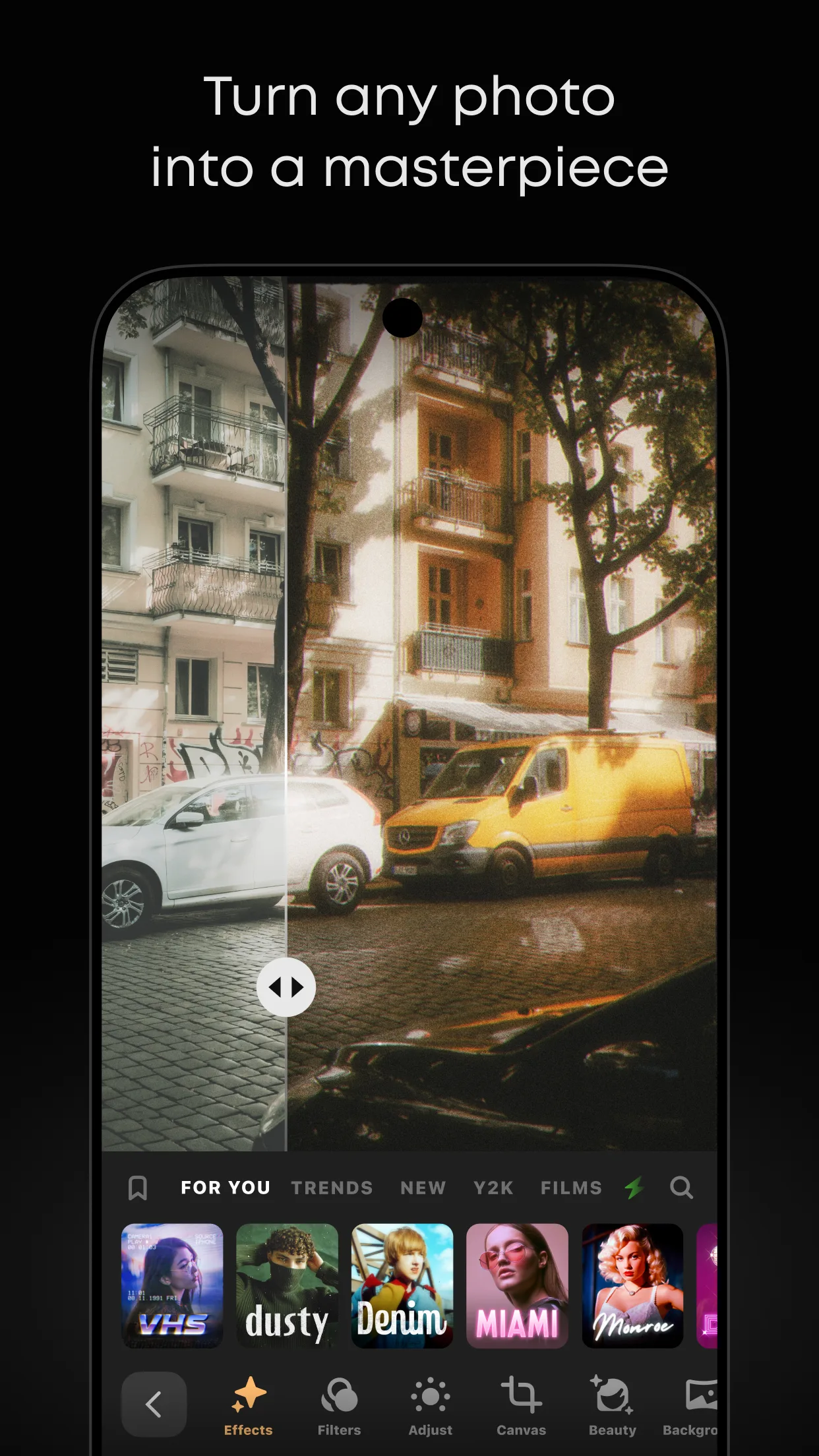
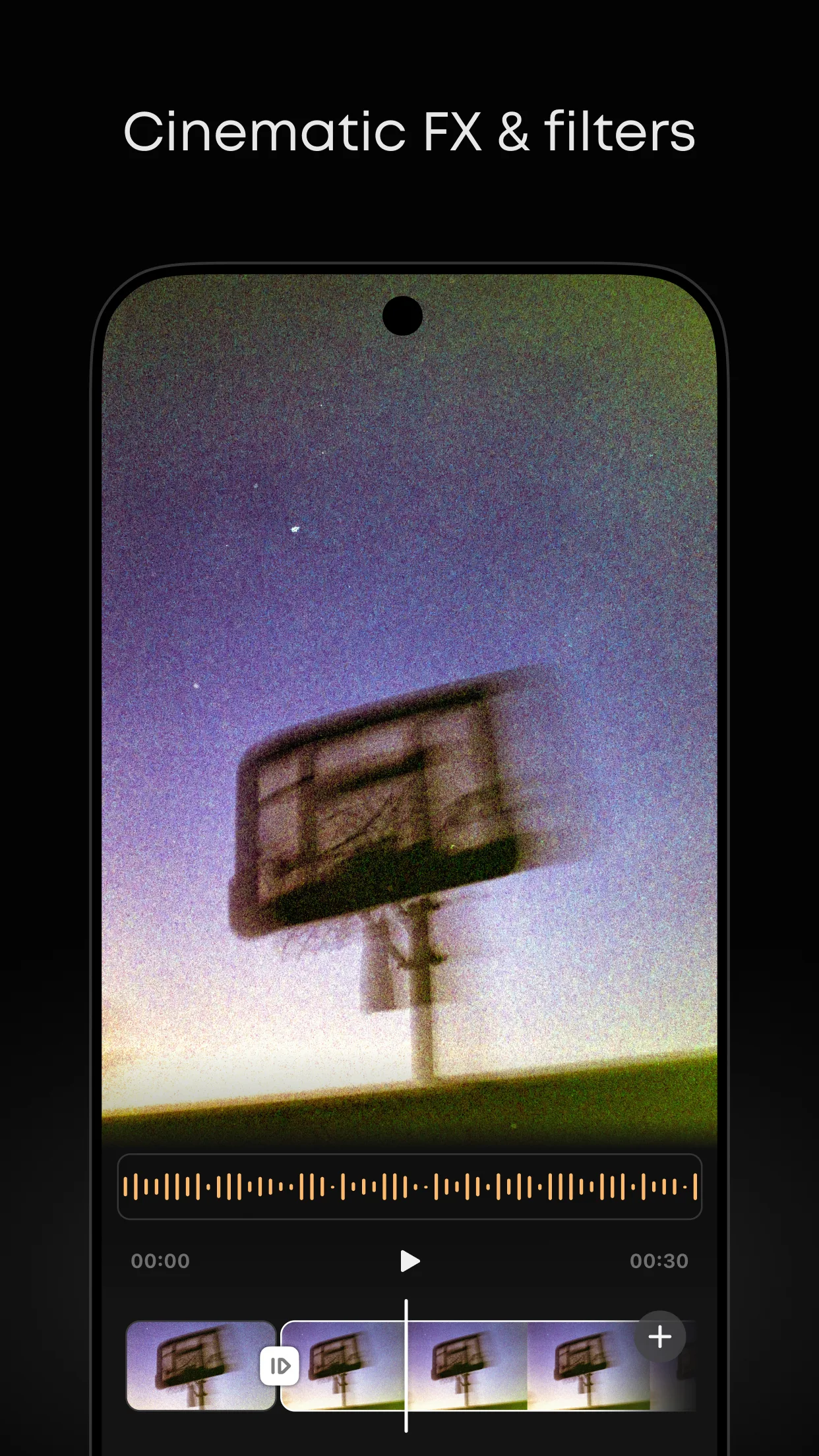
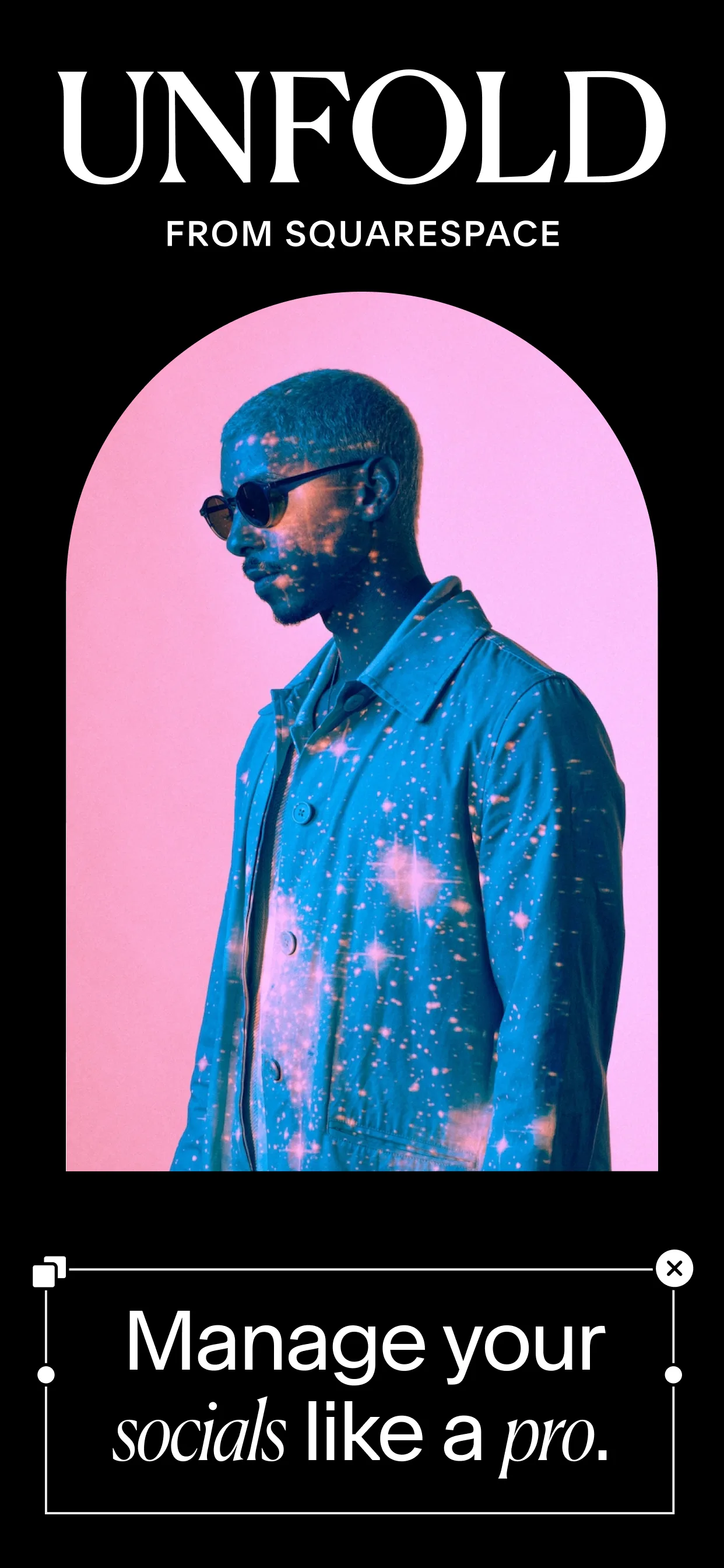
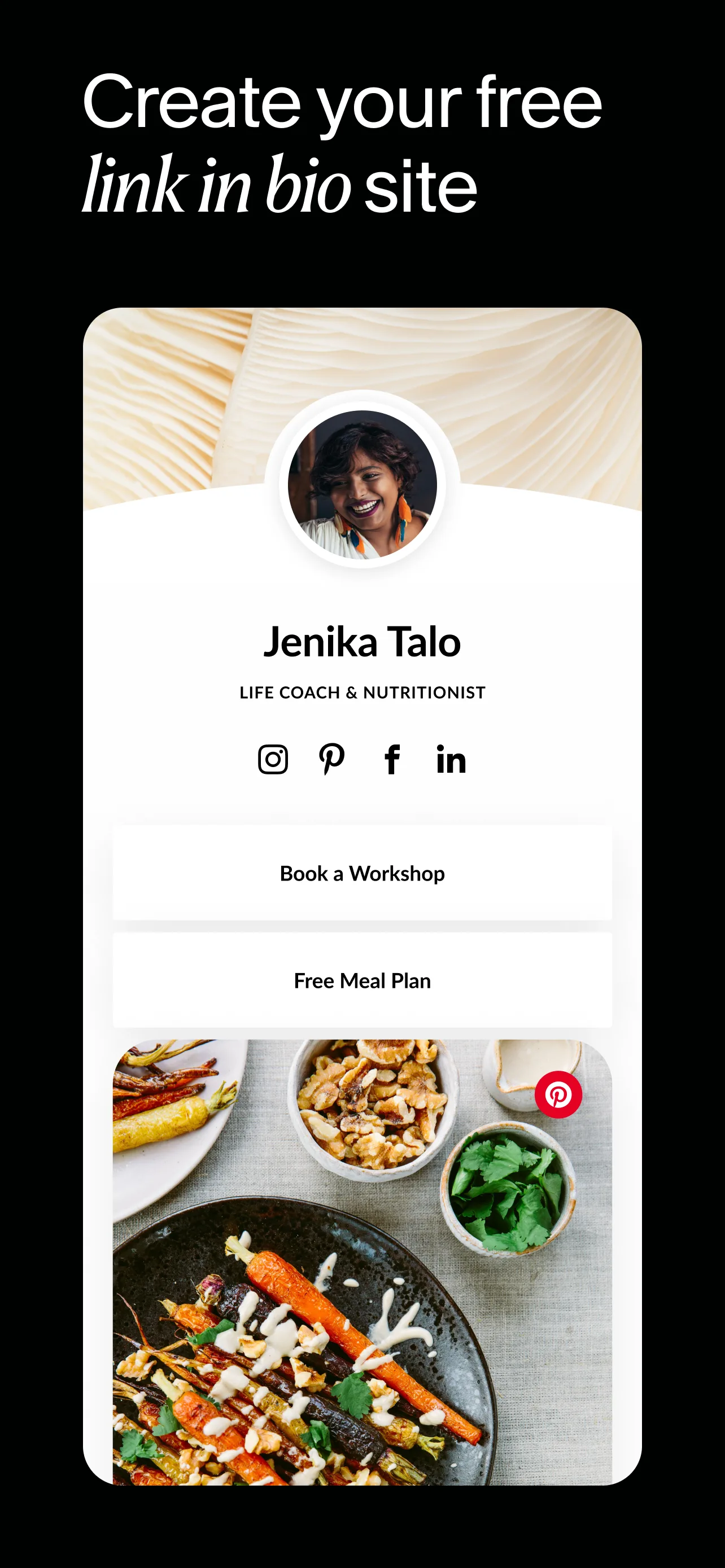
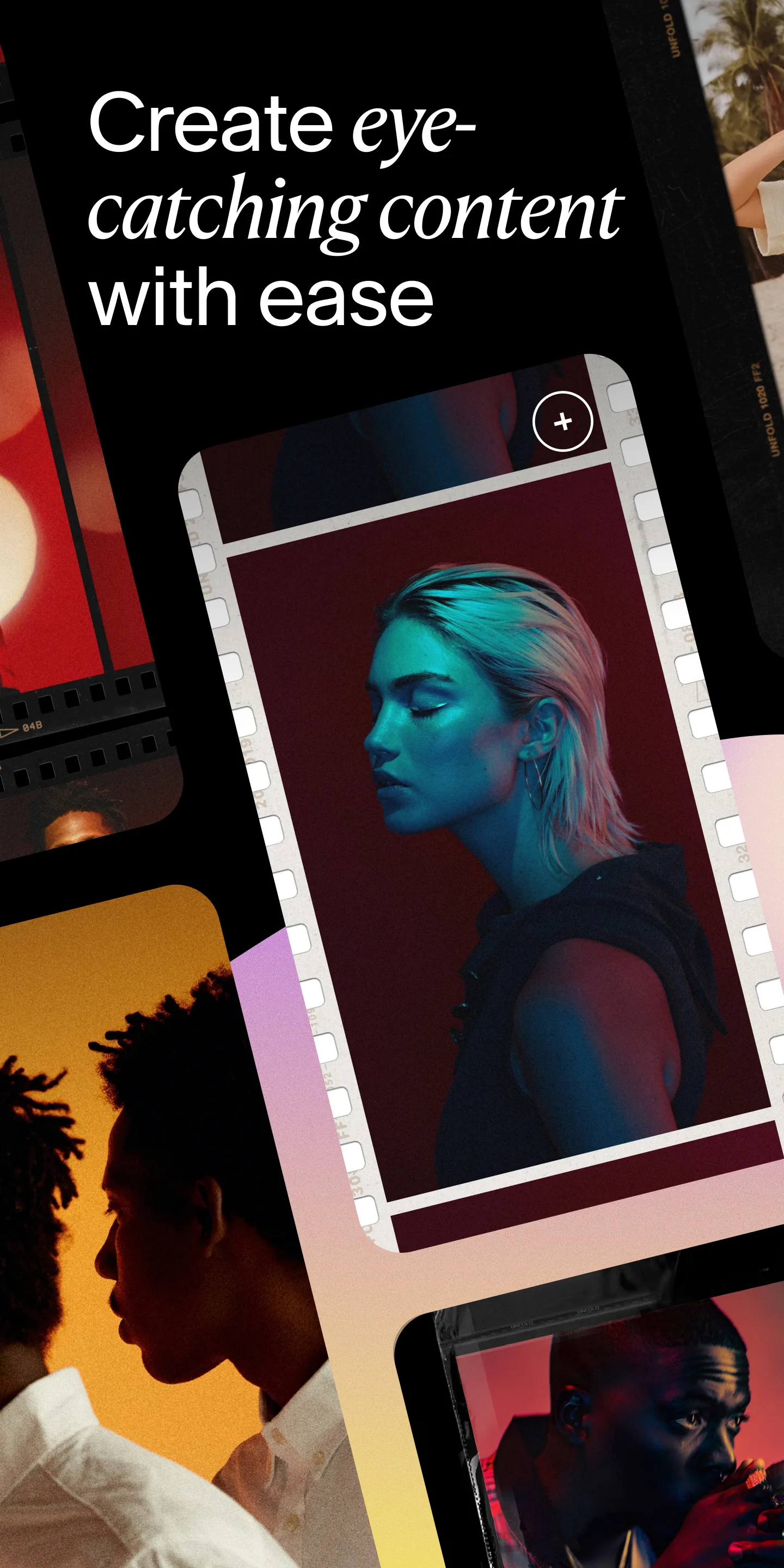
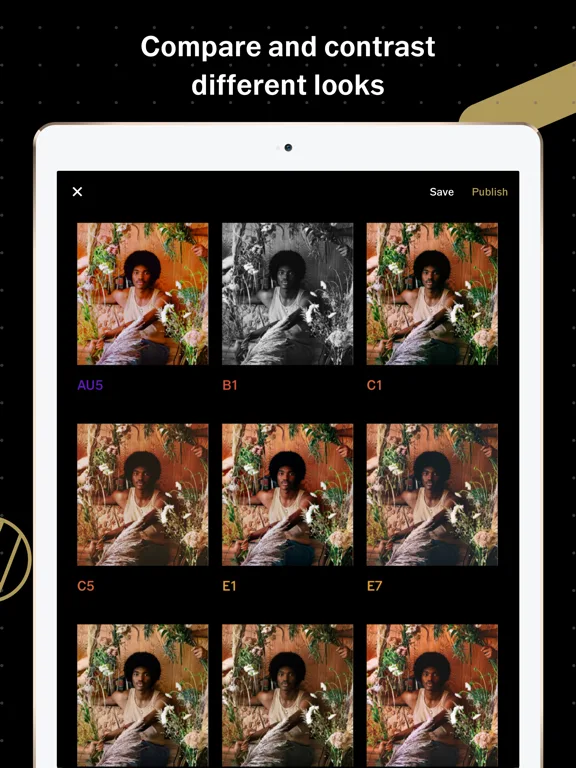
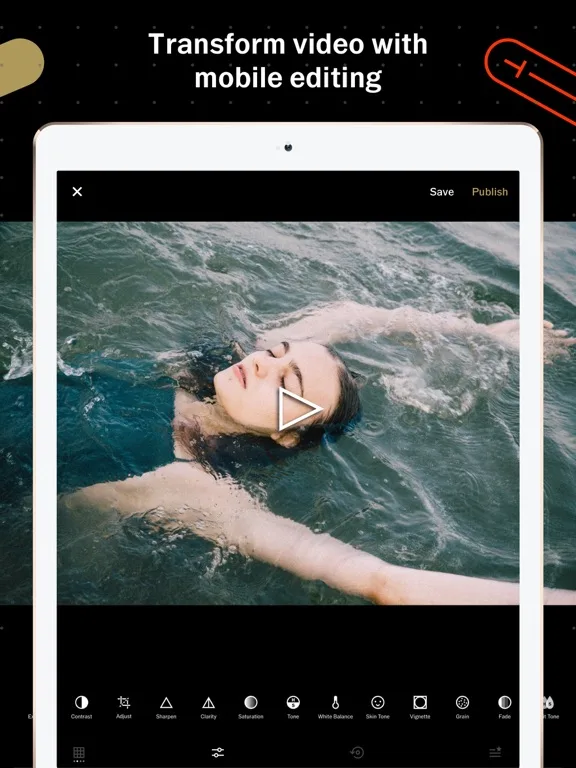
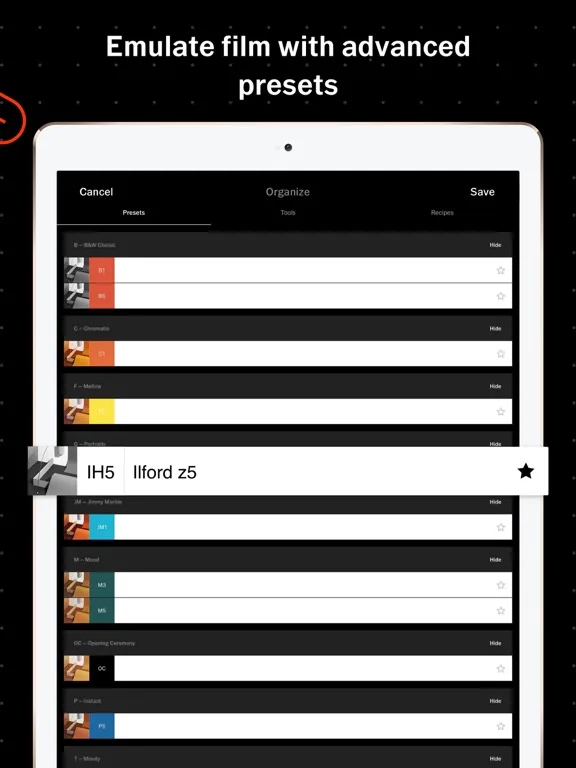
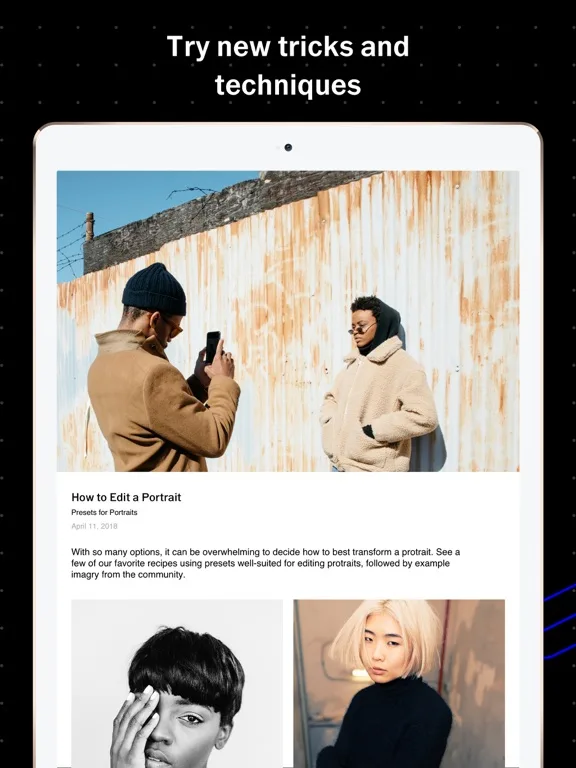
Bold art direction, editorial layouts, and unconventional screenshot storytelling for standout store presence.
- TikTokApp Store
 Play Store
- CanvaApp Store
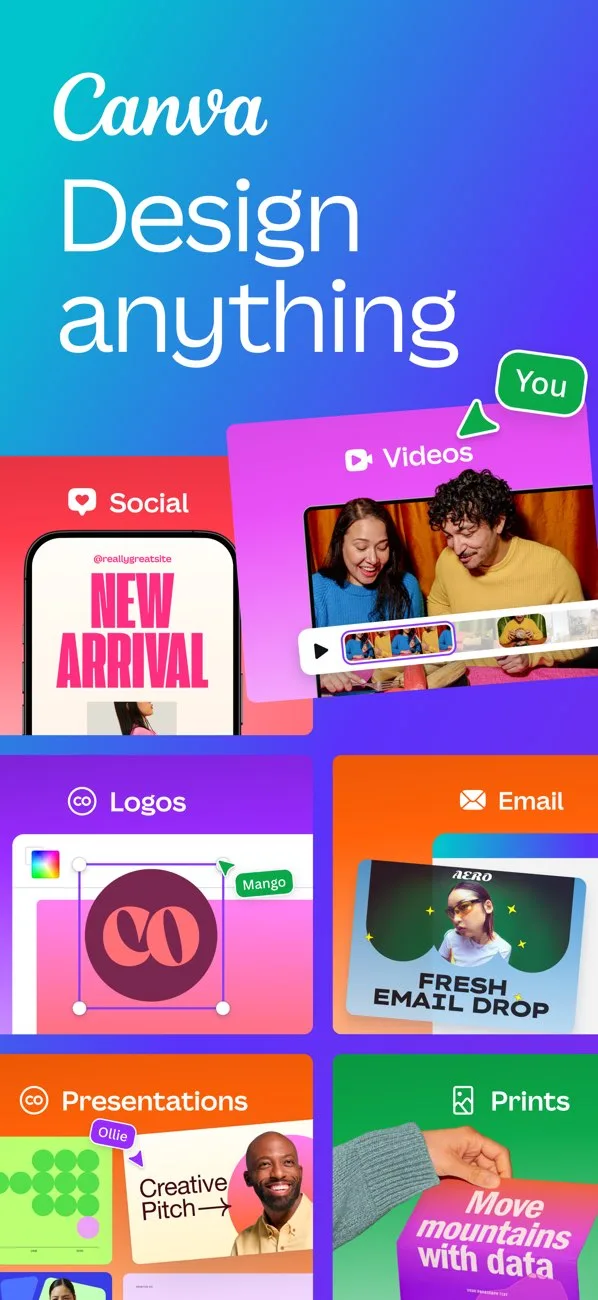
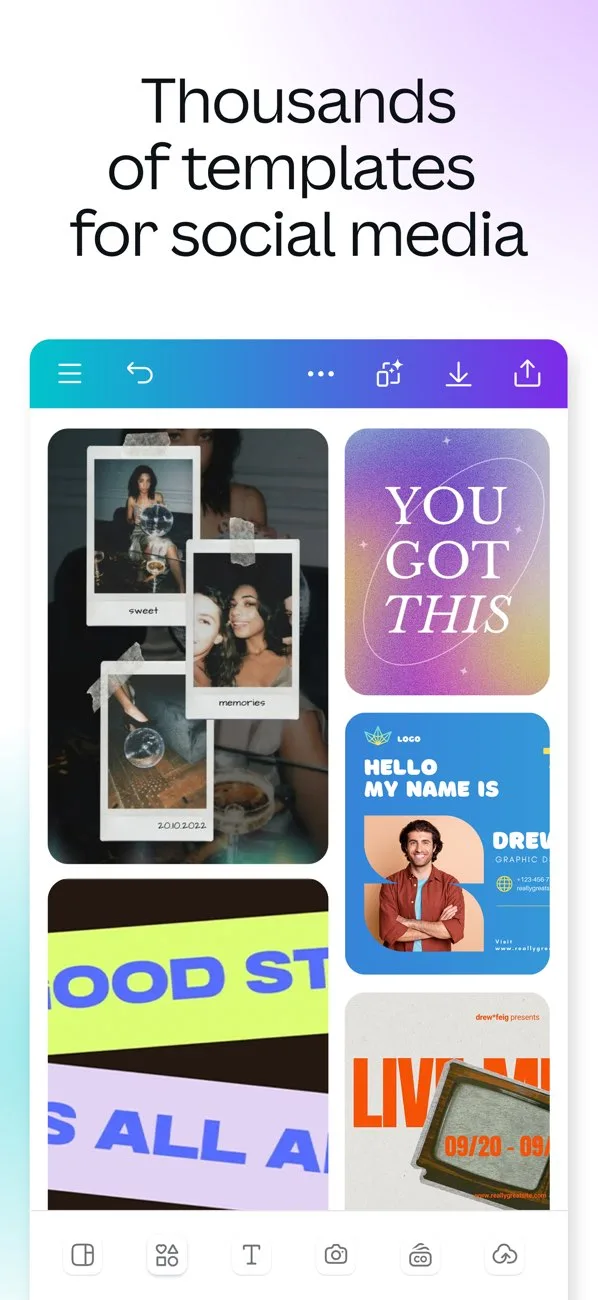
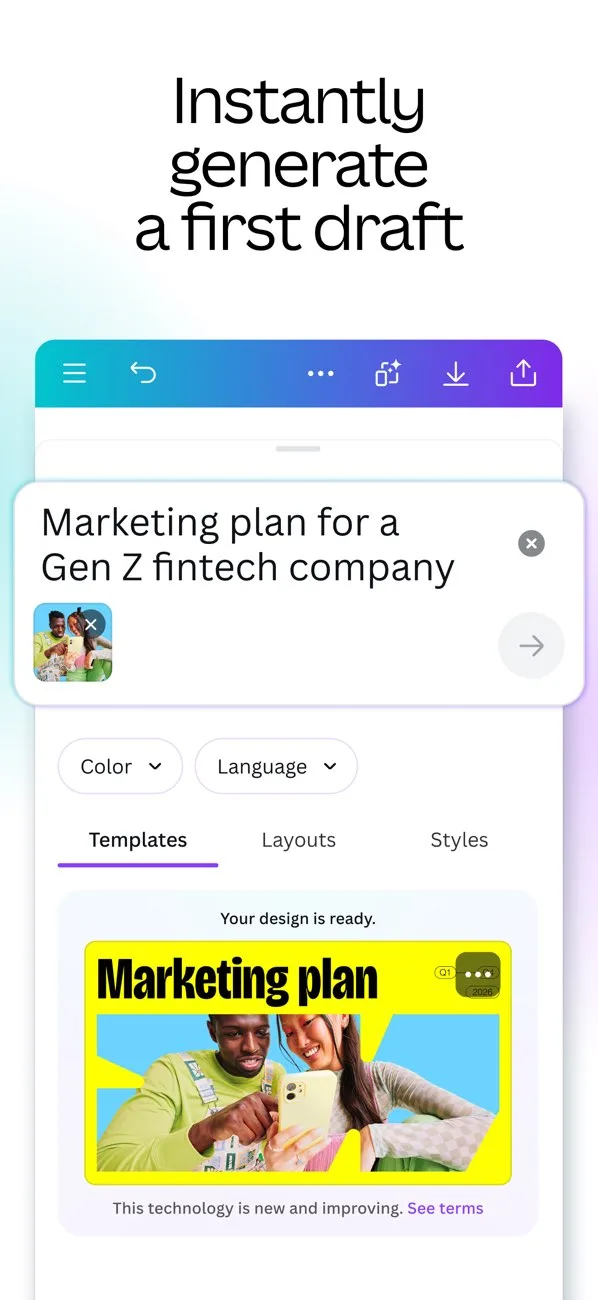
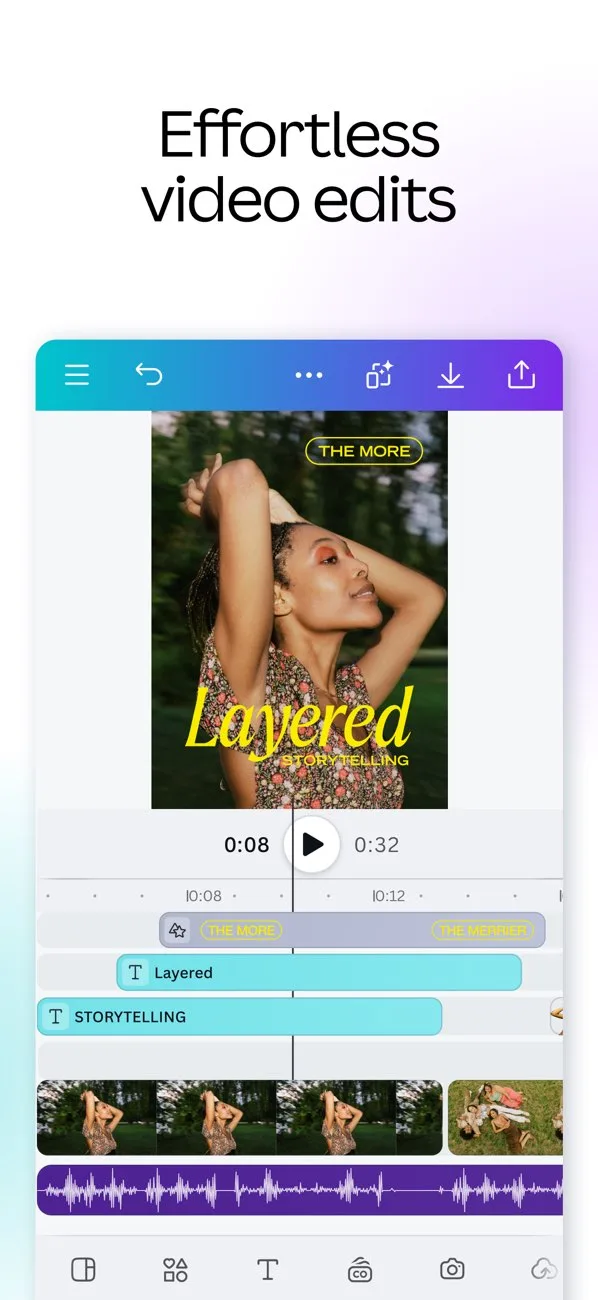 Play Store
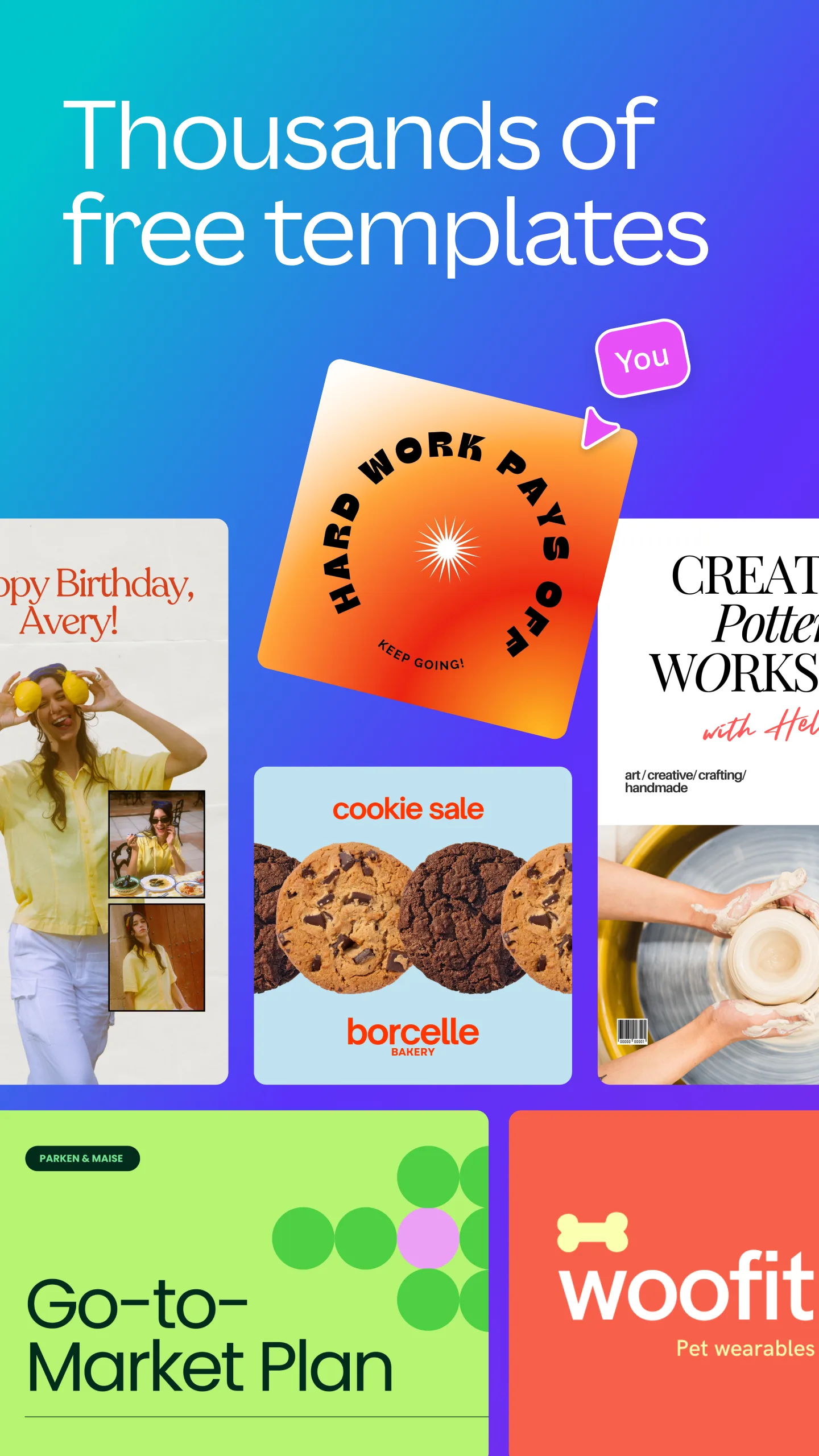
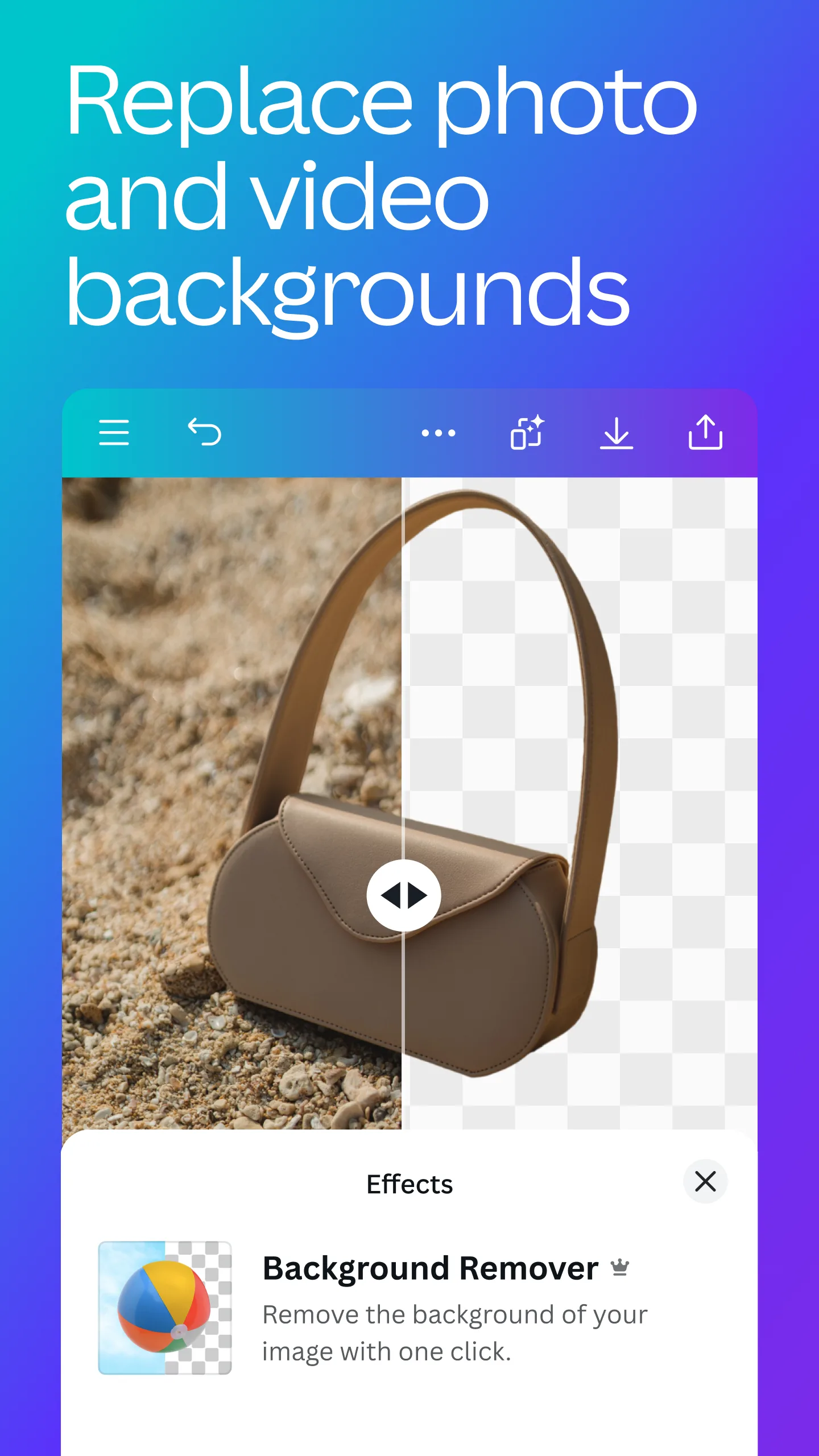
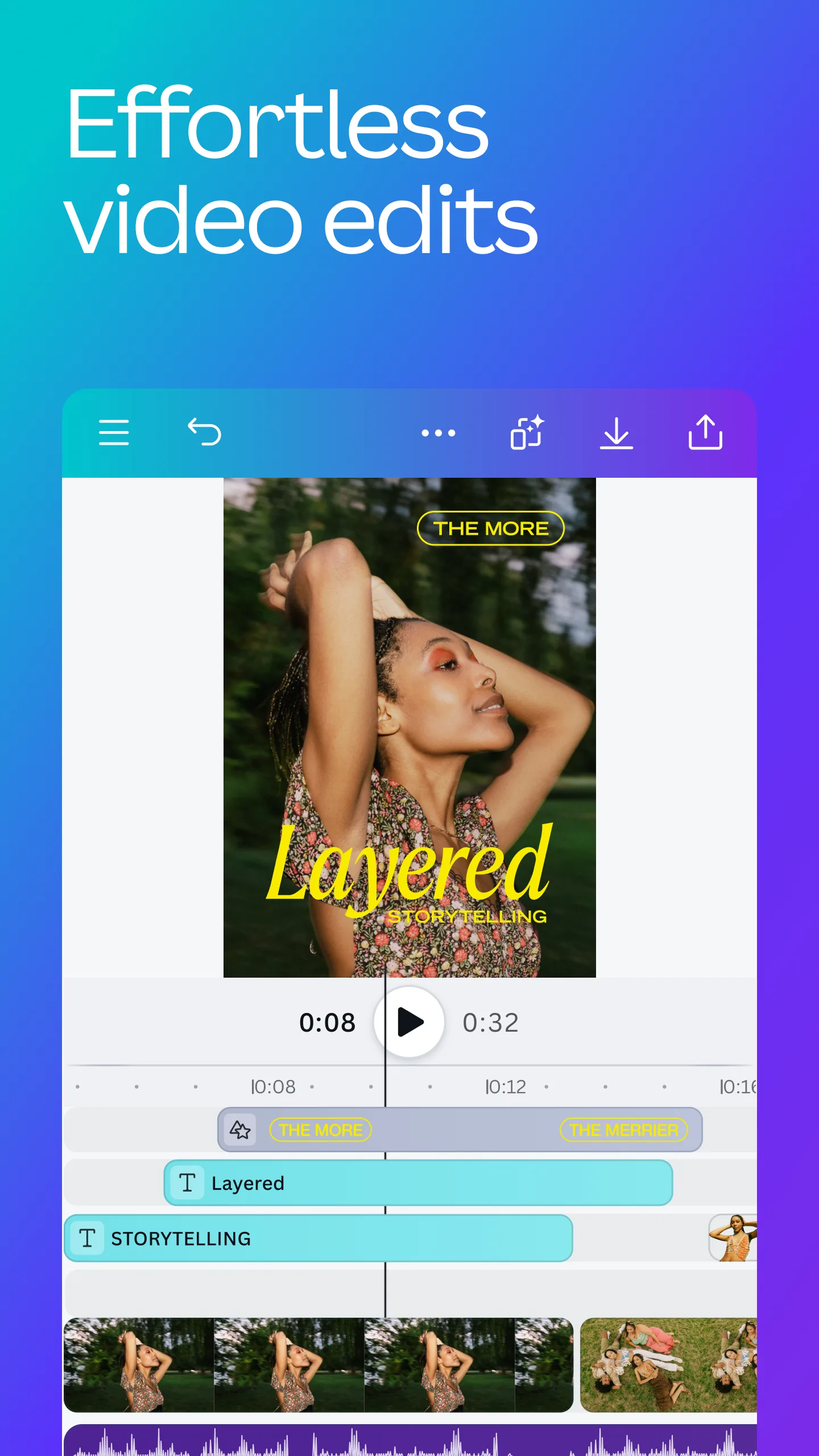
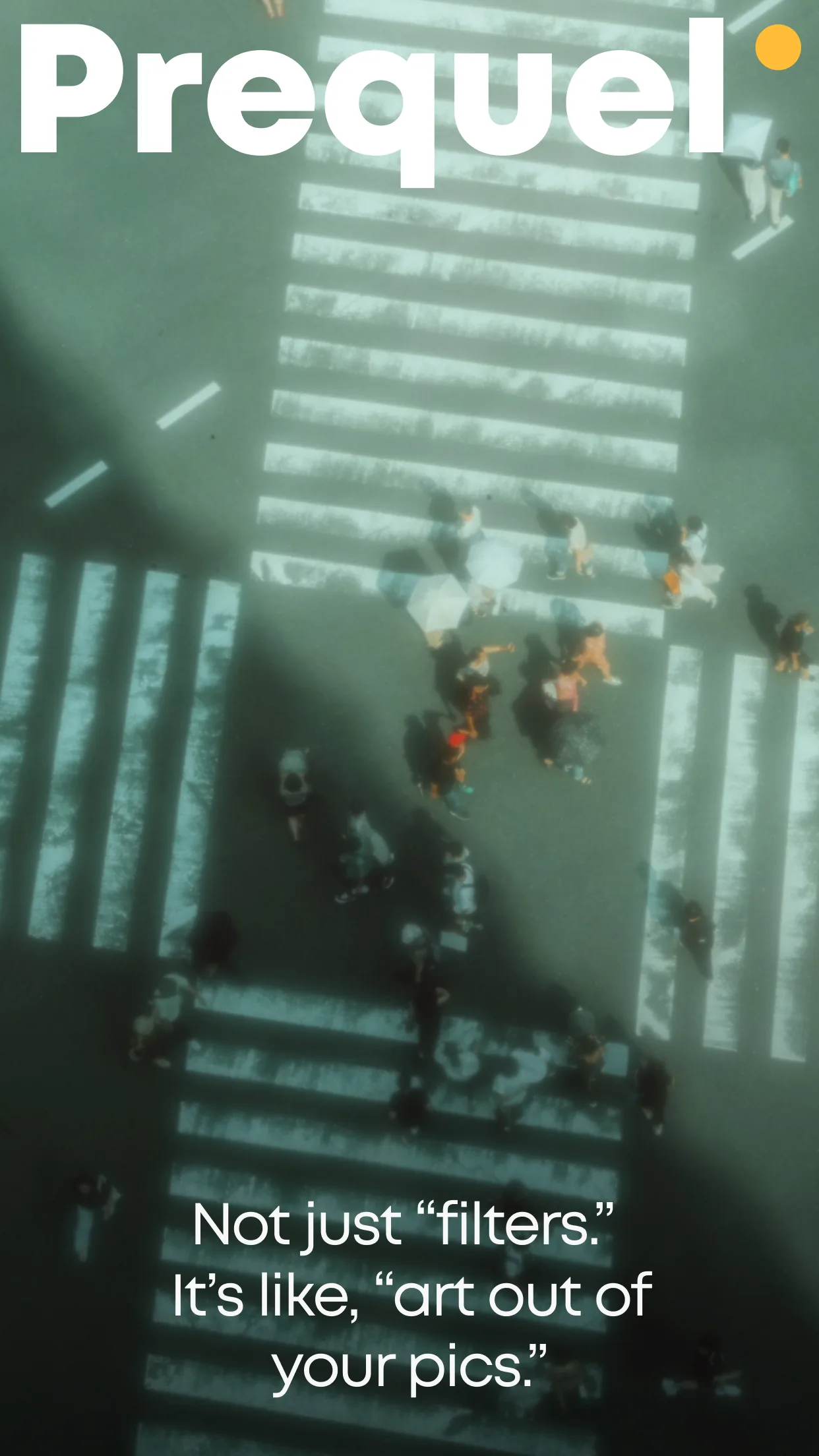
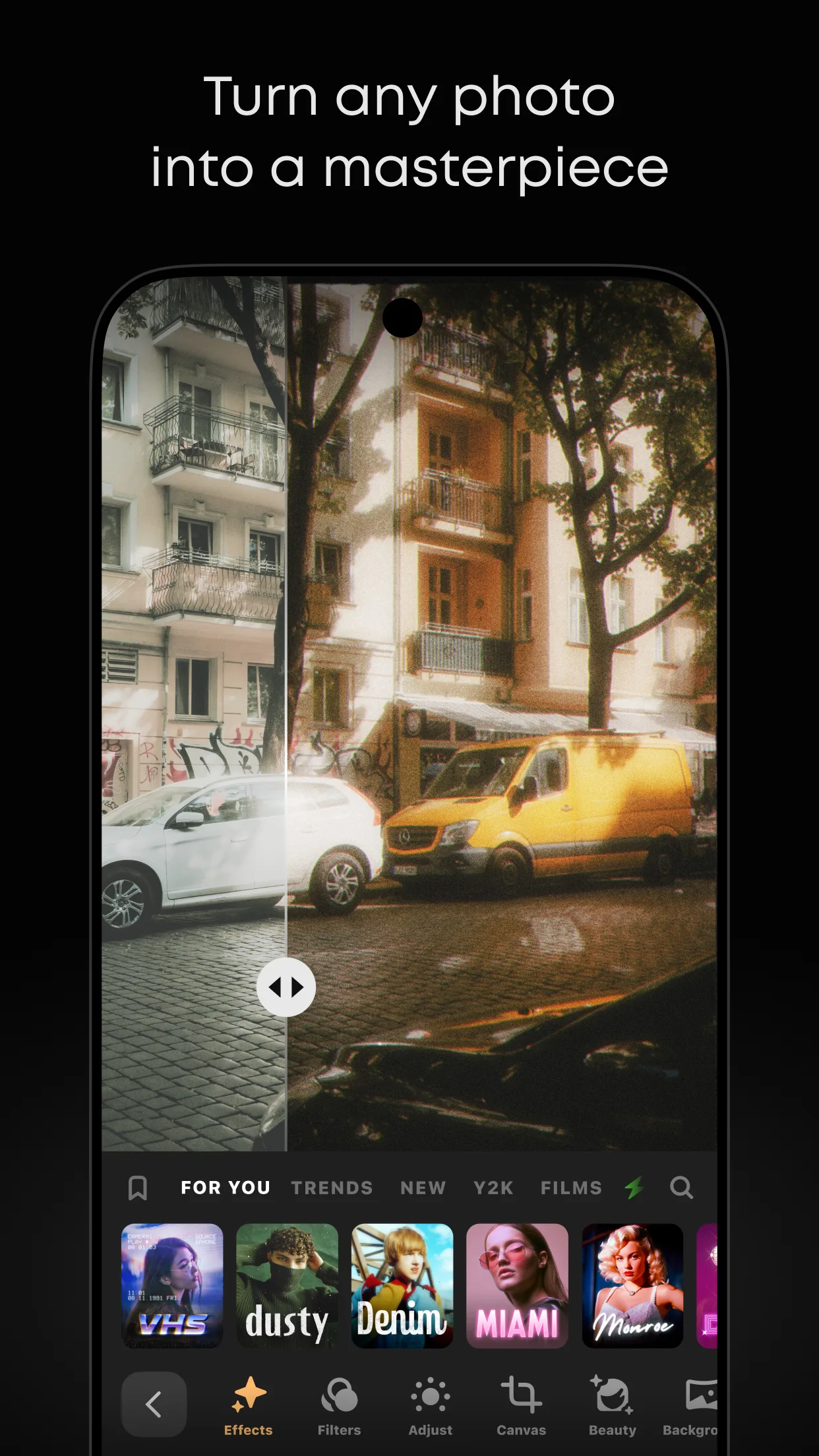
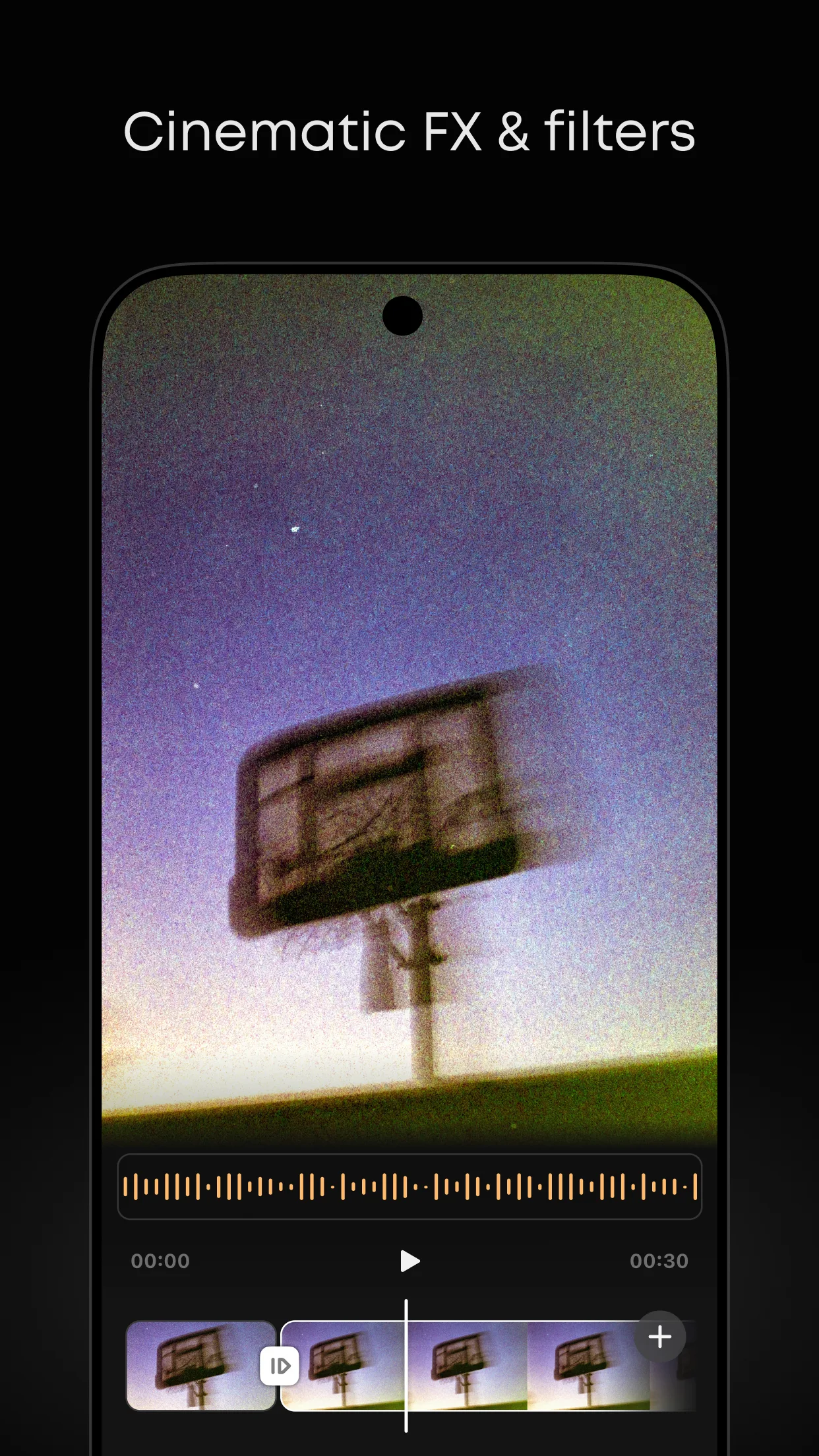
- PrequelApp Store
 Play Store
- UnfoldApp Store
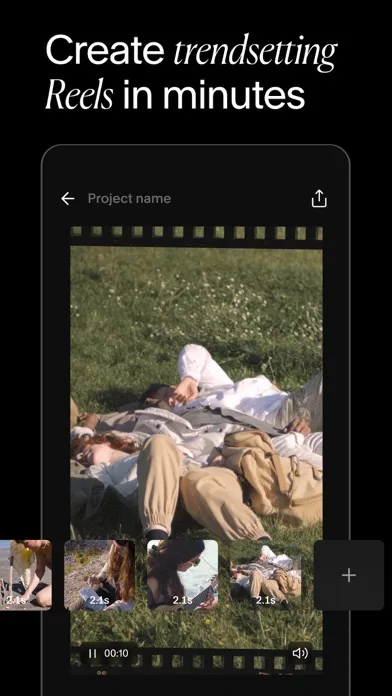
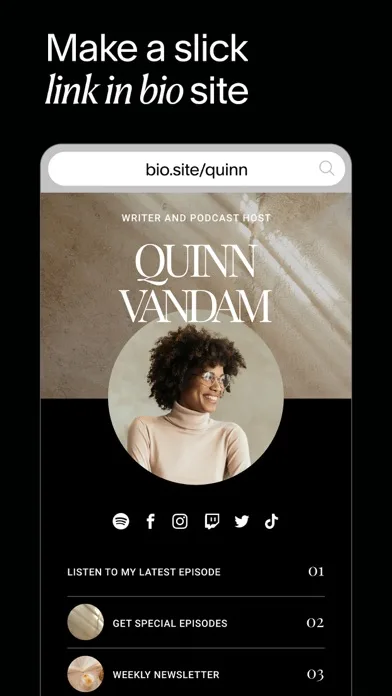
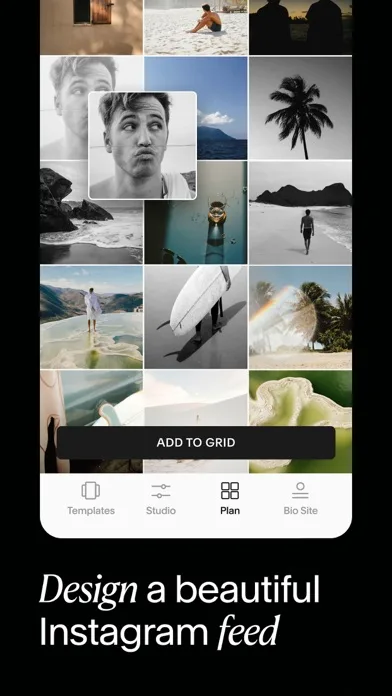
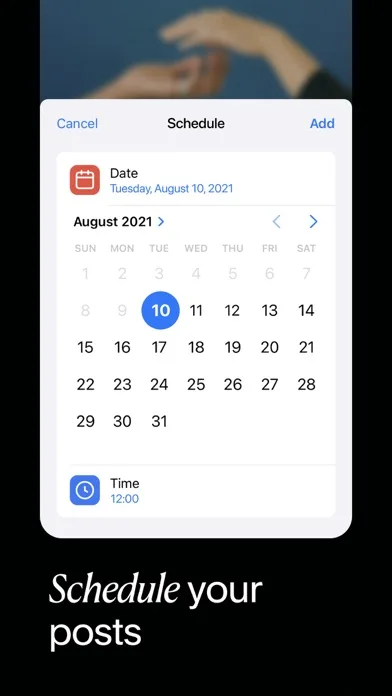 Play Store
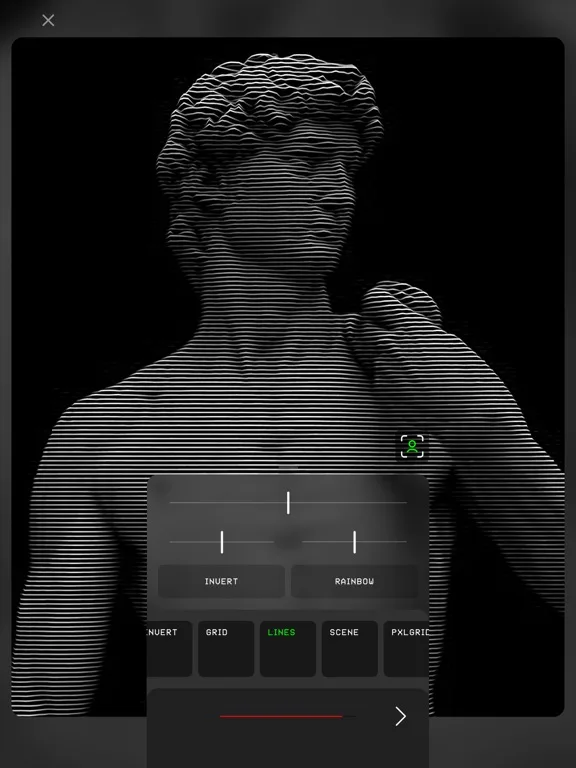
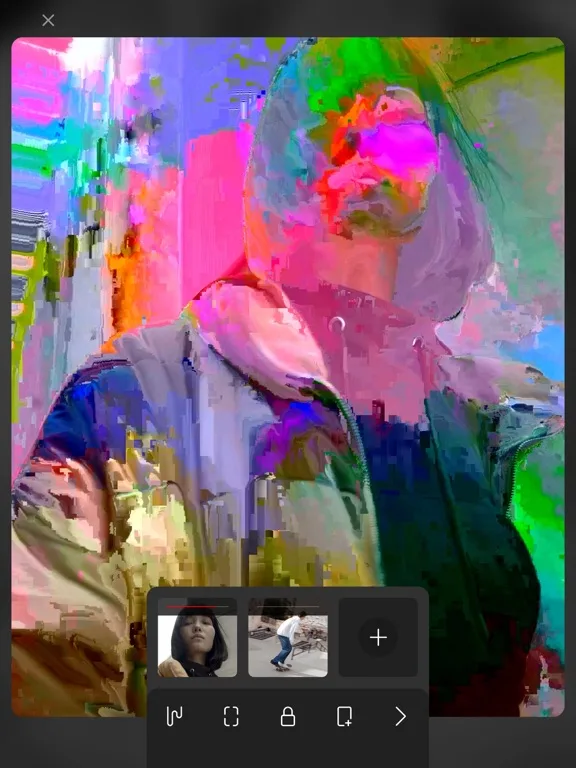
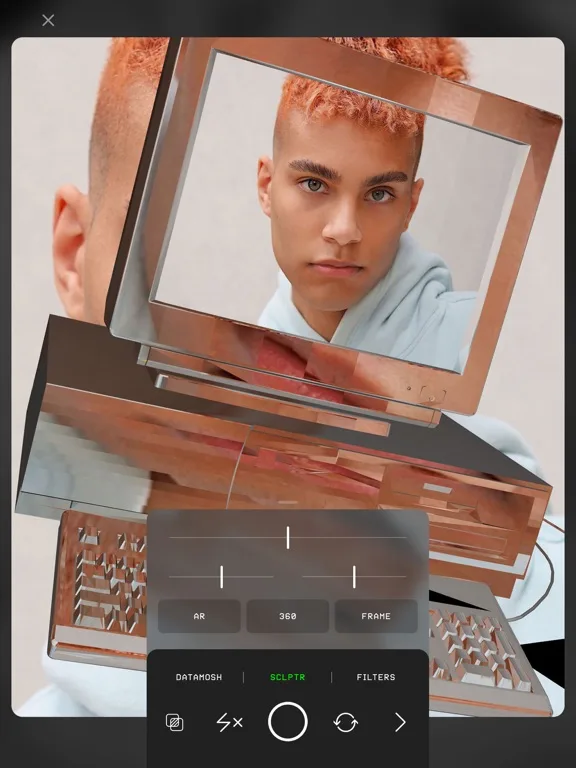
- GlitchéApp Store
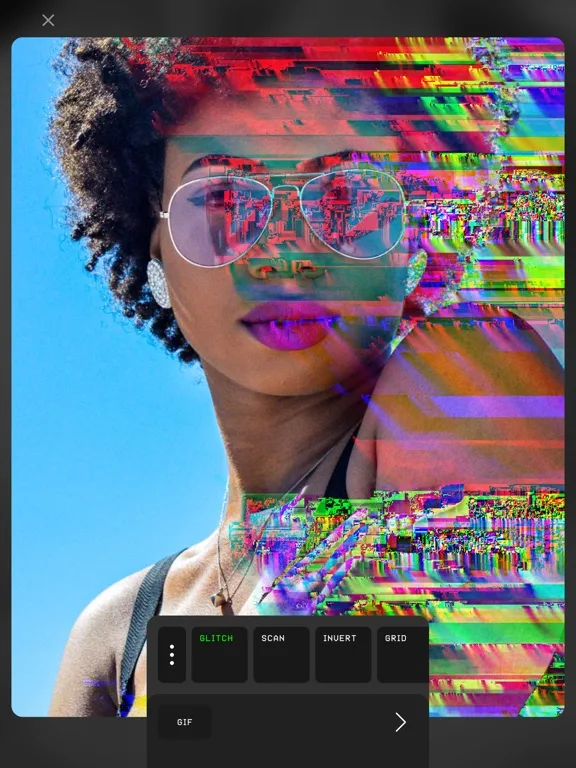
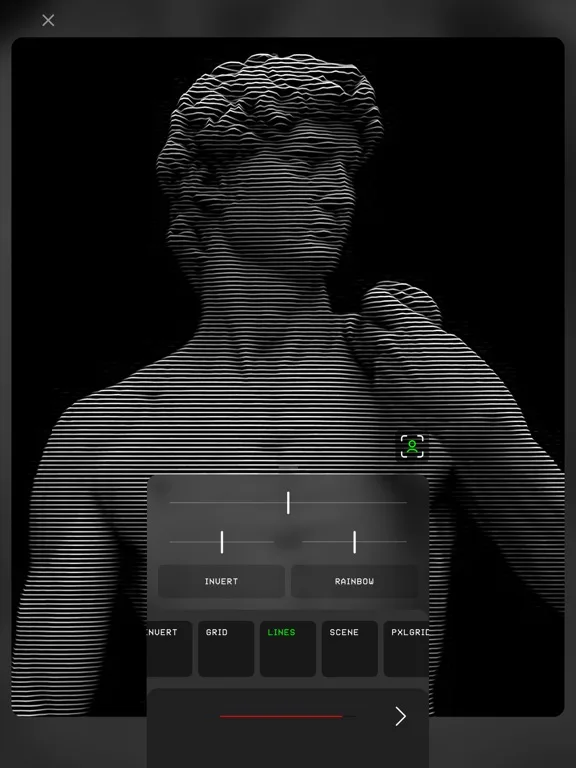
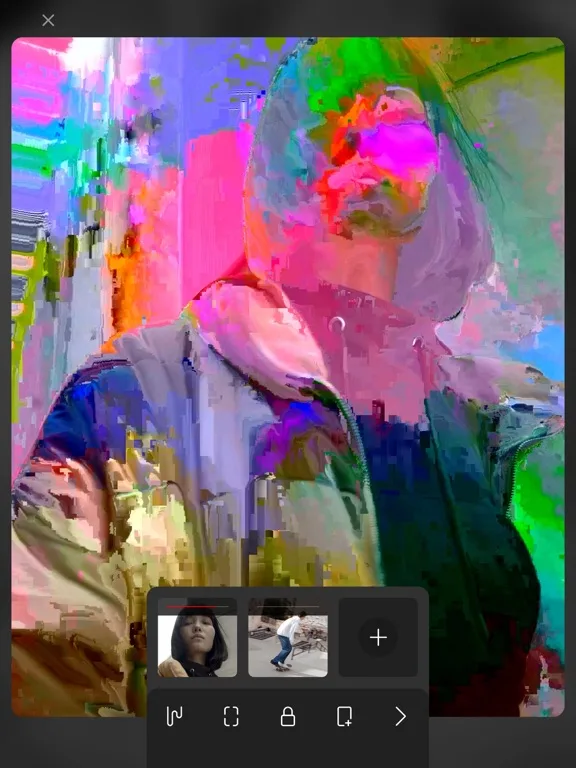
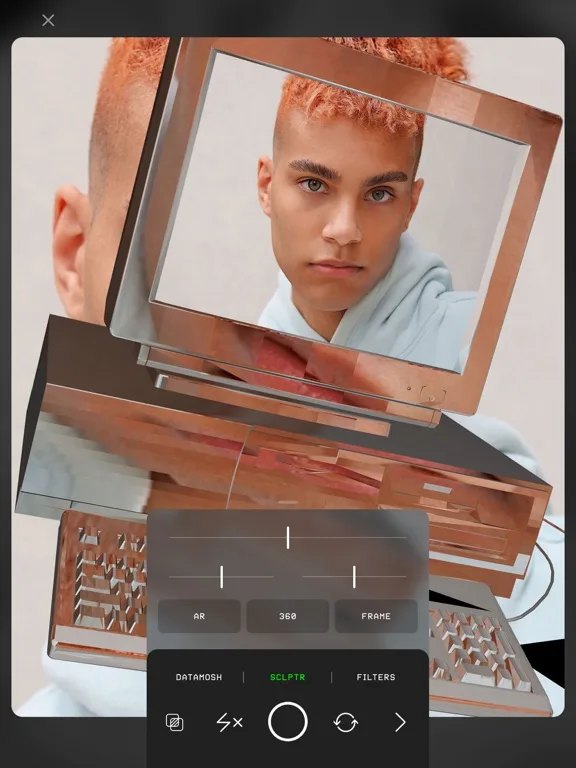 Play Store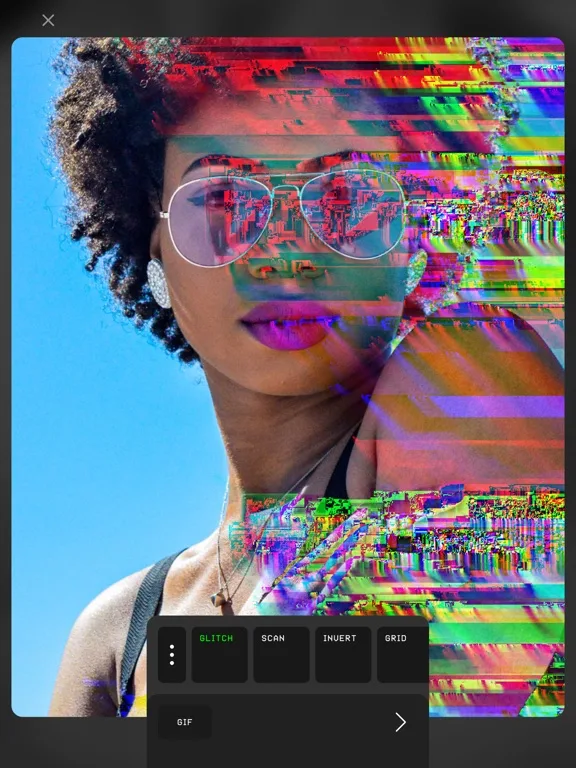
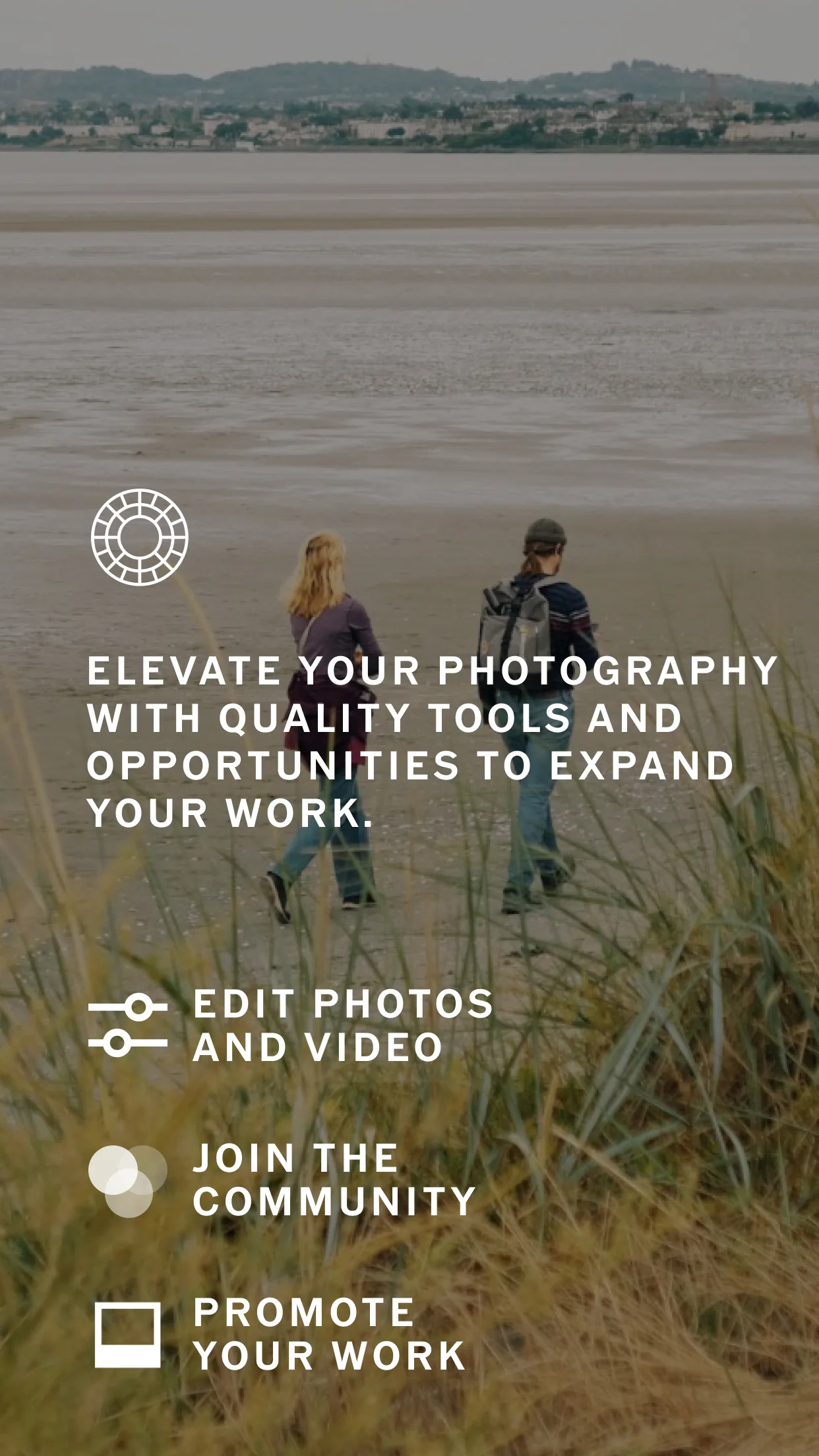
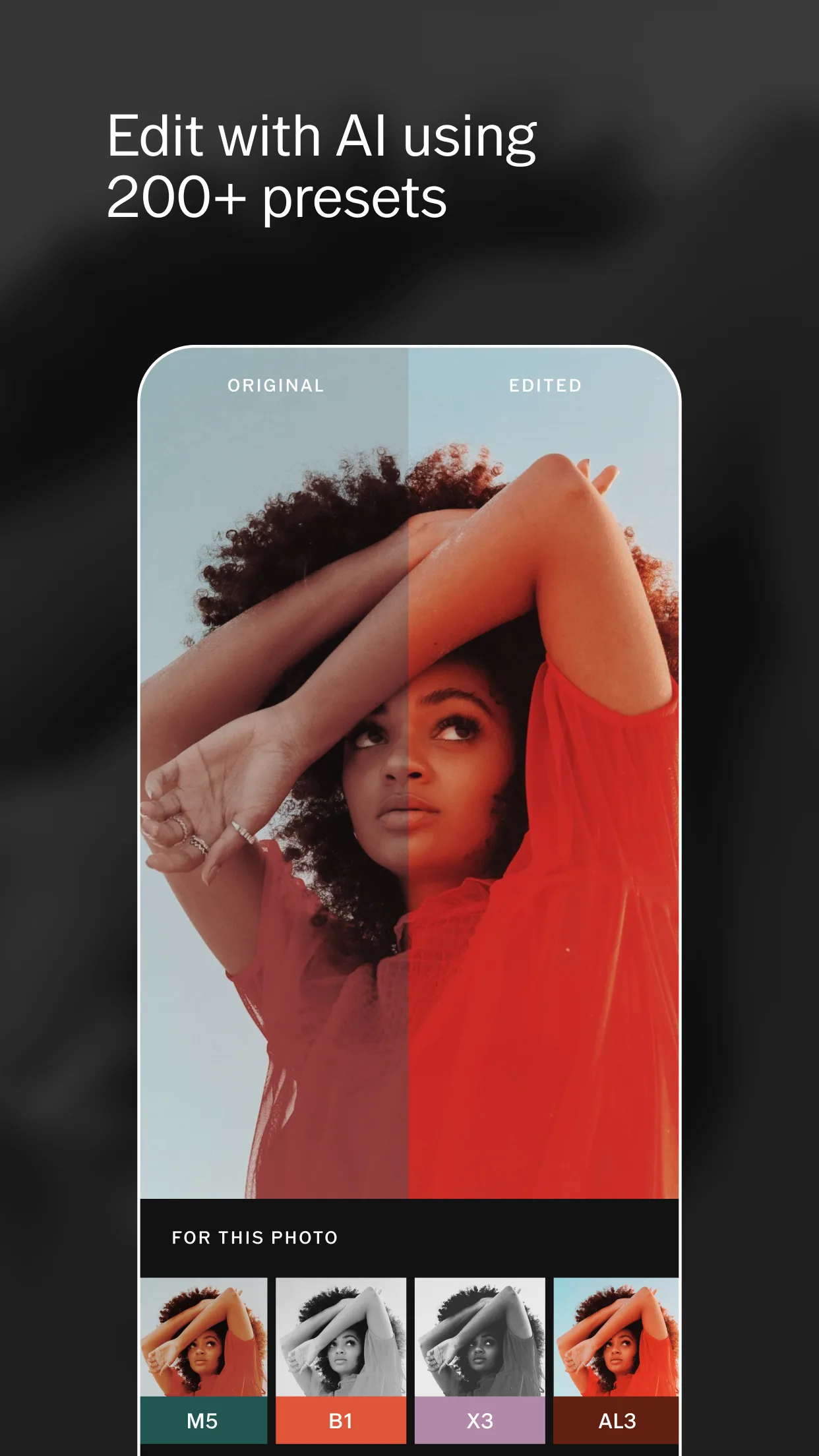
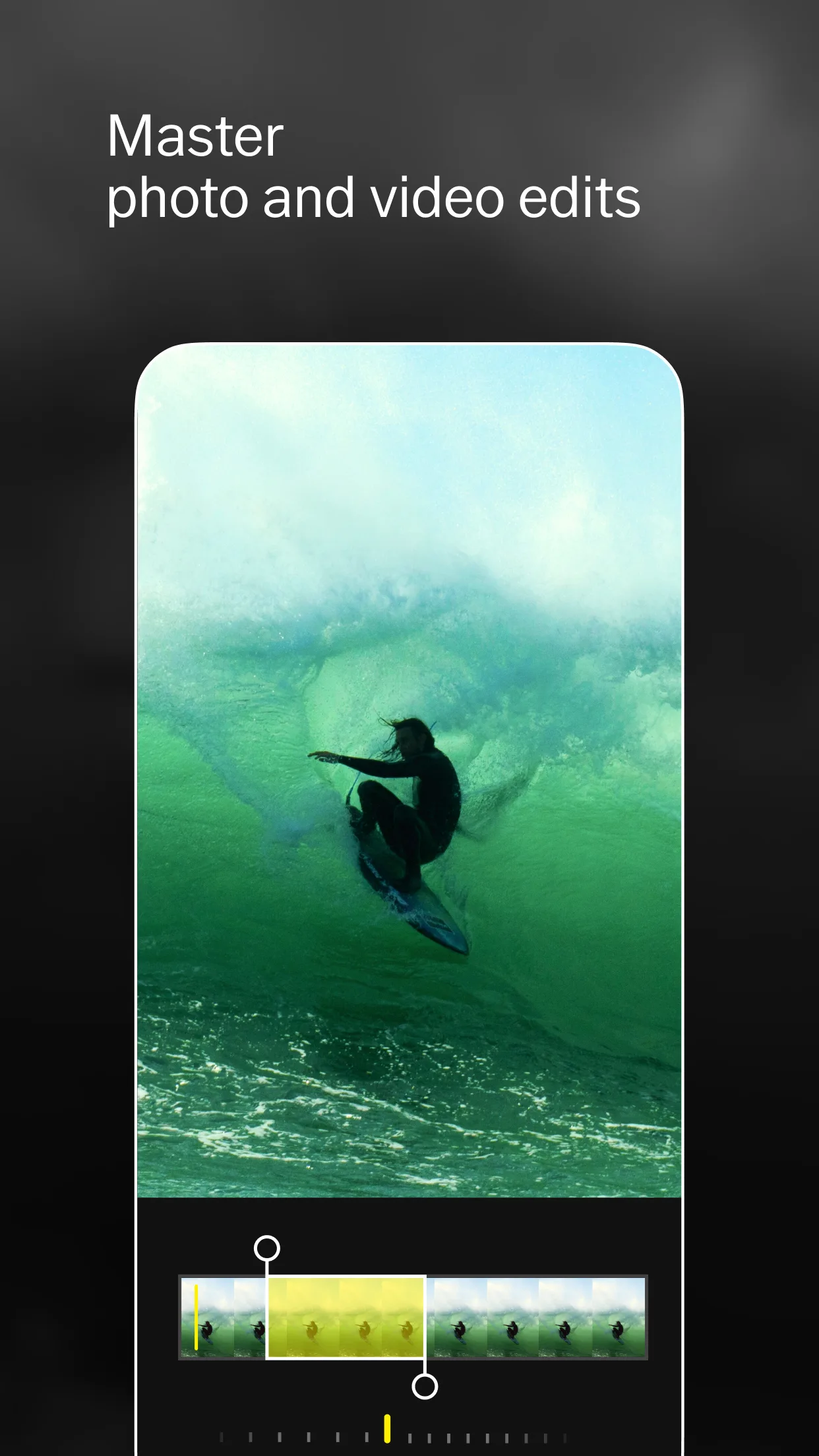
- VSCOApp Store
 Play Store