Dating & Matchmaking App Store Screenshot Templates
Show authentic connection flow, safety controls, and conversation momentum in one compelling listing story.
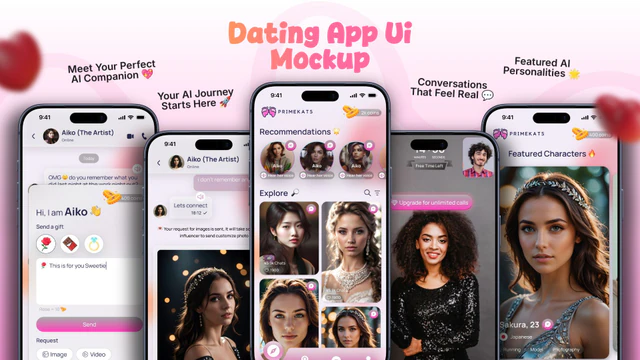
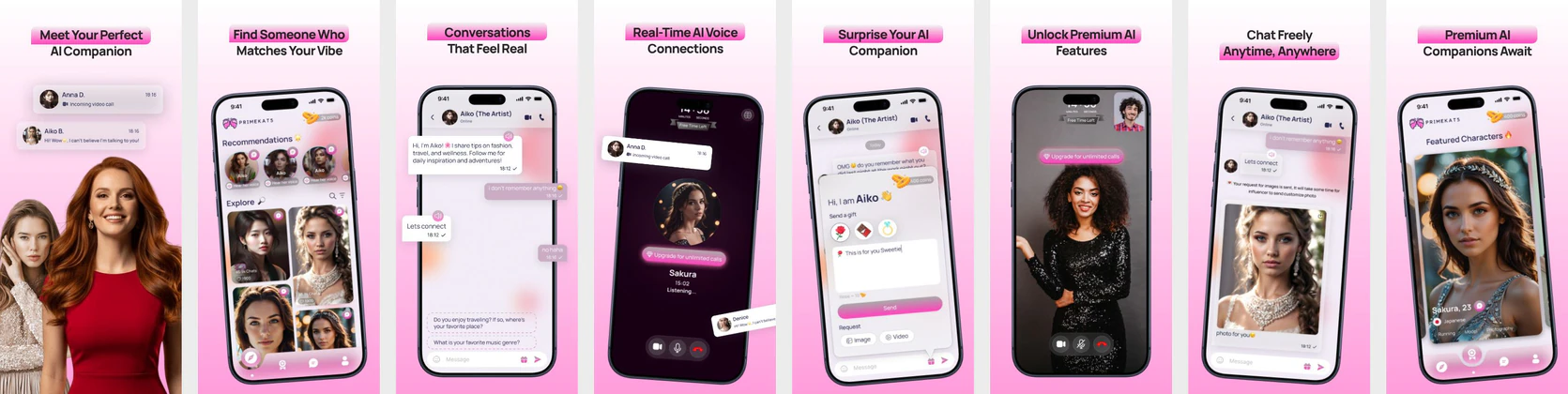
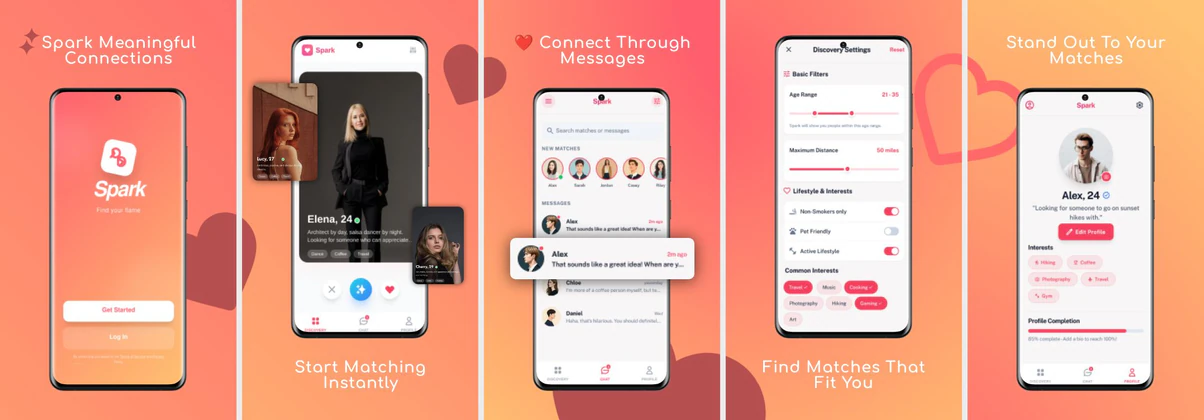
Connection is visual. Showcase profile cards, instant chat interfaces, and positive match alerts inside friendly, inviting screenshot templates.
 App Store Screenshot Templates


 Play Store Screenshot Templates

✨ App Mockups, Ads & ASO Marketing Graphics

ASO Guide: Creating High-Converting Dating & Social App Screenshots
Dating screenshots should present emotional potential and practical safety together. Start with high-quality match discovery, then show chat flow, profile depth, and verification controls. Apple screenshot guidelines reward clear hierarchy and concise captions, which helps avoid clutter around profile content. Google Play listing best practices similarly favor straightforward feature sequencing and real use-case visuals. This structure lets users imagine both connection and control before install.
Conversion in dating categories depends heavily on trust signals and flow clarity. AppTweak benchmarks suggest stronger install behavior when listings include explicit verification or moderation cues rather than purely aspirational profile visuals. Keep copy balanced between excitement and safety, and ensure chat interfaces look natural, not scripted. Nakxi helps teams test tone, visual density, and trust emphasis quickly across iOS and Android while keeping branding consistent.
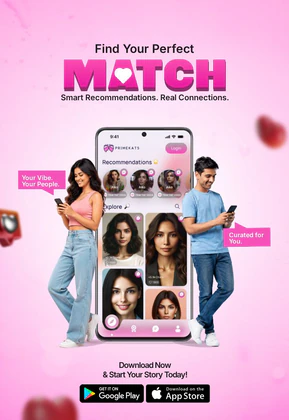
Dating and social apps rely heavily on human connection, profiles, and instant messaging. Your screenshots need to show interactive matchmaking interfaces, chat feeds, and profile cards. The visual design should feel warm, friendly, and approachable.
Ensure that any profile avatars look natural, friendly, and match the target audience of your app. Highlights should focus on features like 'Swipe & Match', 'Instant Video Chat', and 'Find Locals Nearby'.
Dating teams usually run strongest in Nakxi by pairing one match-to-chat baseline sequence with modular trust screens for verification, moderation, and reporting flows.
Frequently Asked Questions
Are chat screens important for dating and social app screenshots?
Yes, showing a clean, friendly chat interface with positive message bubbles ('Hey! Ready for our coffee date?') helps users visualize the real connection benefit of the app.
Should I include trust indicators on dating app screenshots?
Absolutely. Mentioning profile verification or safety controls in your captions ('100% Verified Profiles Only') dramatically boosts trust and installs.
What should dating apps prioritize in early screenshots?
Lead with match quality and immediate conversation flow, then show trust signals quickly. Users need to see both excitement and safety before they commit. Avoid opening only with profile collages that hide app mechanics. Clear sequencing improves intent quality.
Do safety cues actually help conversion for dating apps?
Yes, safety cues often improve both conversion and post-install retention quality. Verification labels, block/report controls, and moderation messaging can reduce hesitation. Keep these cues practical and visible, not overly alarming. Balanced trust framing works best.
How do I create dating app screenshots with Nakxi?
Pick a dating template from this page, open it in Nakxi's editor, swap in your UI captures, write outcome-led captions, and export App Store and Play Store sizes from one canvas. Most teams ship a first draft in under an hour without a design agency.
What screenshot sizes do dating apps need in 2026?
Apple requires up to three iPhone display families (including 6.9-inch and 6.5-inch) per Apple's screenshot specifications. Google Play accepts 16:9 or 9:16 phone layouts between 320px and 3840px per side, as documented in Google Play listing best practices. Nakxi exports both store formats from a single design.