Video Streaming & TV App Store Screenshot Templates
Help viewers see how quickly they can find, save, and watch content they care about.
Frame movie poster grids, video player controls, and custom watchlists. Optimize your listing for low-light high-contrast screenshot views.
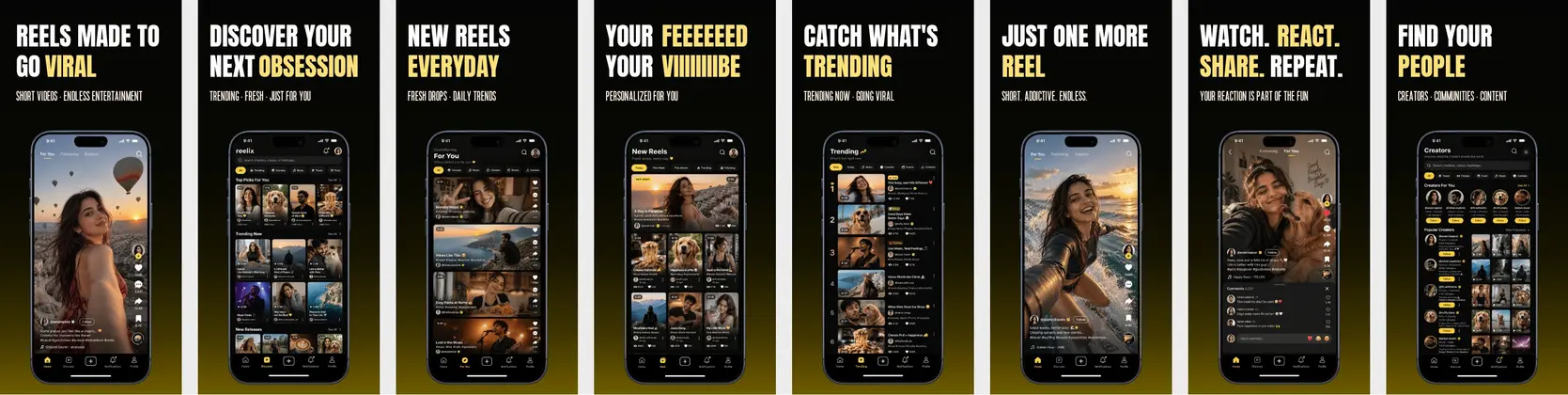

 App Store Screenshot Templates

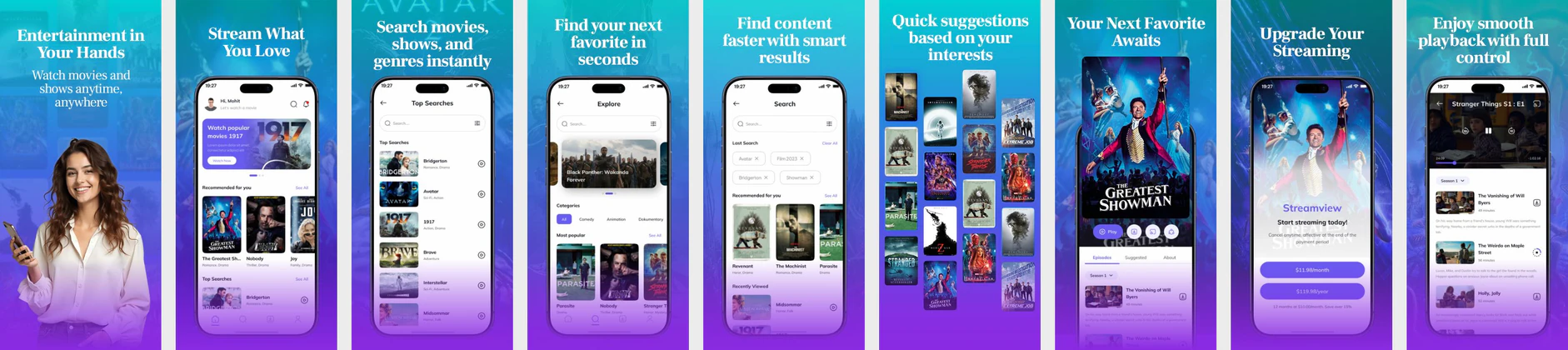

 Play Store Screenshot Templates

✨ App Mockups, Ads & ASO Marketing Graphics
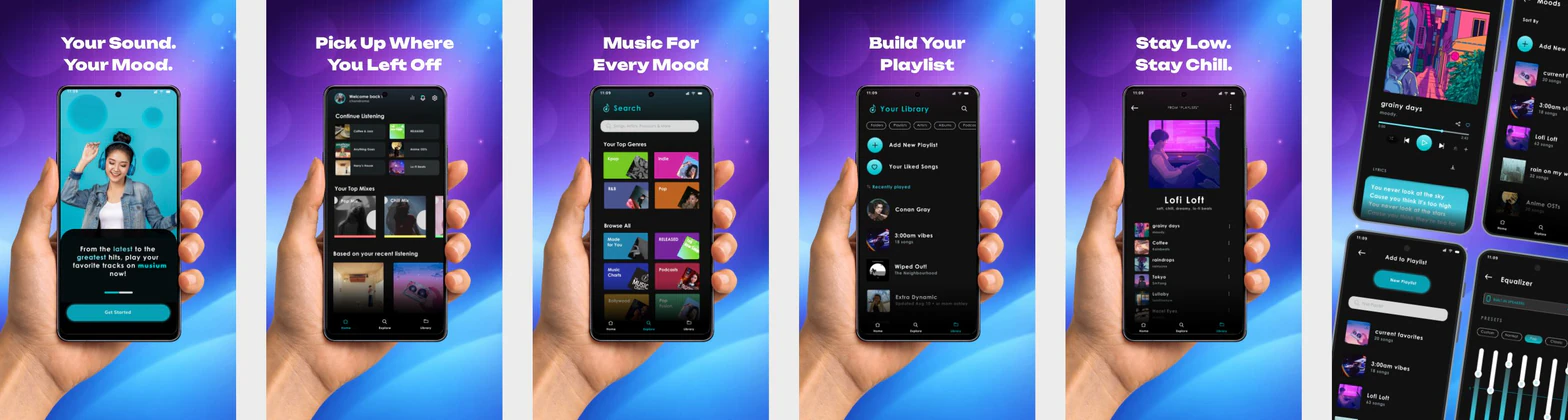
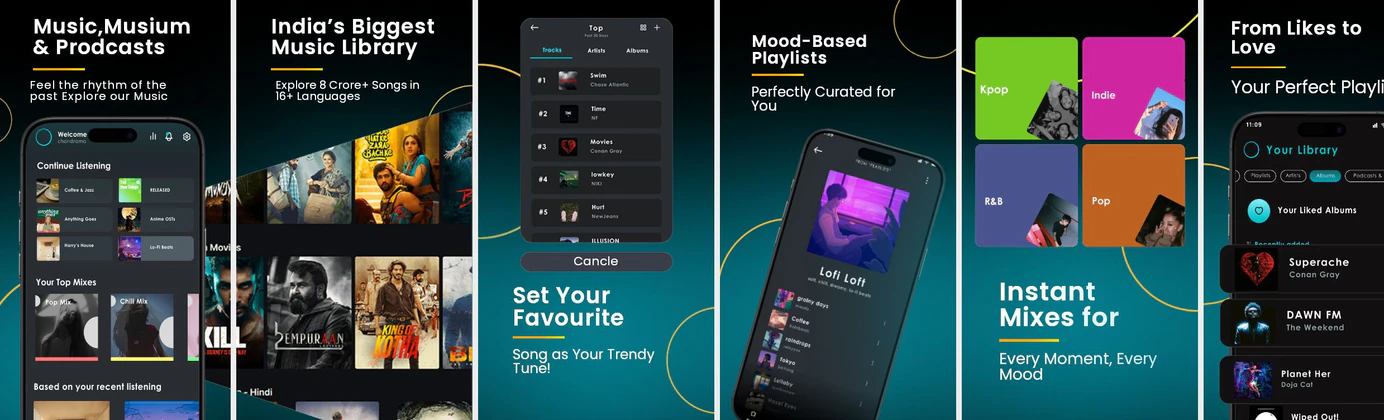
Music Streaming App Promotional Banner – Made for You Listening Experience Music Streaming App UI Kit Mockup – Modern Audio Player & Playlist Design
 Music Streaming App Promo Design – Playlist & Audio Experience UI
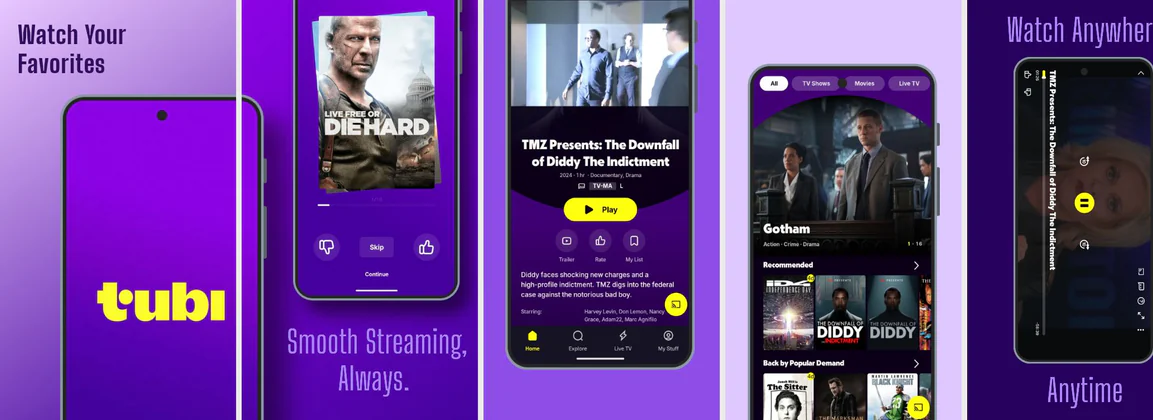
 Streaming Movie App UI Mockup – OTT & Entertainment App Design
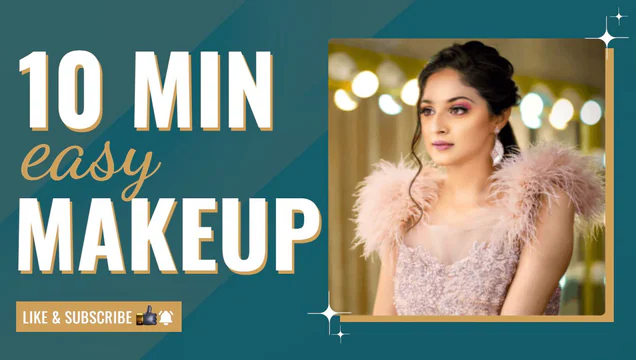 Easy Makeup Video – YouTube Thumbnail Template
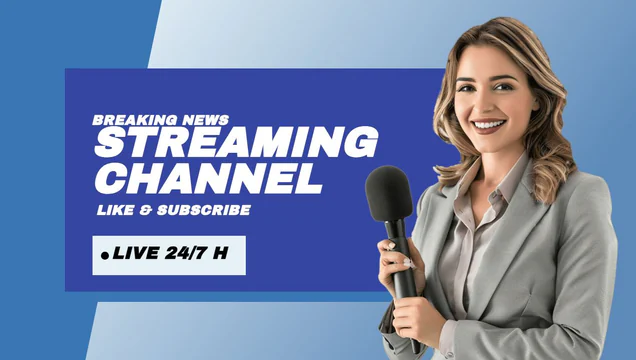 Blue Theme YouTube Video Thumbnail Template
ASO Guide: Optimizing Movie & TV Streaming Visuals
Streaming screenshots should show content choice and viewing convenience in a clear sequence. Start with personalized recommendations, then show watchlist flow, playback controls, and download or casting support. Viewers comparing streaming apps need both catalog confidence and utility proof, so avoid poster-only layouts that hide product behavior. Keep one benefit per frame and ensure text remains legible over visual media.
Conversion gains in this category often come from cleaner hierarchy rather than more features. AppTweak benchmarks indicate stronger performance when screenshots clearly separate discovery, watching, and continuity messages. Show practical states like continue watching or offline saved episodes to reinforce daily value. Nakxi helps streaming teams adapt creatives rapidly for genres, releases, and regions while preserving a consistent storefront design system.
Streaming apps compete on content and convenience. Your screenshots must display trending movie poster grids, watchlists, cross-device support (TV cast), and video player interfaces. Deep black backdrops are standard for the video/movie category.
Use clear icons representing download options and casting features. Captions should be punchy: 'Stream Live Sports', 'Watch Anywhere', or 'Download and Watch Offline'.
Streaming teams often work fastest in Nakxi by keeping a fixed discover-to-watch narrative and rotating category-specific content frames for each release campaign.
Frequently Asked Questions
How do I show cross-device casting in streaming layouts?
Add a small overlay icon representing cast-to-TV (e.g. Chromecast badge) on the screenshot to instantly display TV compatibility.
Is offline download a key feature to feature in screenshots?
Absolutely. Captions like 'Download & Watch Offline' solve a key pain point for commuters and travelers, driving high installs.
Do streaming apps need to show specific titles in screenshots?
You can use representative content style, but avoid over-dependence on single-title attraction. Catalog priorities change, and listings should stay resilient over time. Focus on personalization and viewing flow. This keeps creatives effective across content cycles.
How many utility features should be included?
Two to three utility features are usually enough in screenshot format. Prioritize what users value most, such as downloads, watchlists, or multi-device continuation. Too many utility callouts can dilute the core entertainment hook. Keep sequencing intentional.
How do I create streaming app screenshots with Nakxi?
Pick a streaming template from this page, open it in Nakxi's editor, swap in your UI captures, write outcome-led captions, and export App Store and Play Store sizes from one canvas. Most teams ship a first draft in under an hour without a design agency.
What screenshot sizes do streaming apps need in 2026?
Apple requires up to three iPhone display families (including 6.9-inch and 6.5-inch) per Apple's screenshot specifications. Google Play accepts 16:9 or 9:16 phone layouts between 320px and 3840px per side, as documented in Google Play listing best practices. Nakxi exports both store formats from a single design.