Food Delivery App Store Screenshot Templates
Show hungry users how quickly they can browse, order, and receive food with confidence.
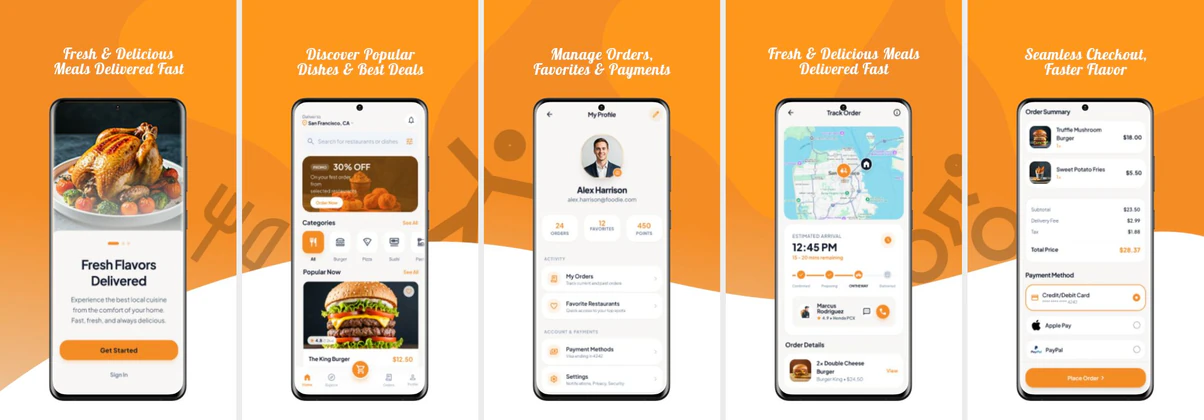
Showcase mouth-watering menus, live driver tracking maps, and discount codes. Use vibrant, appetizing screenshot layouts to drive installs.
 App Store Screenshot Templates
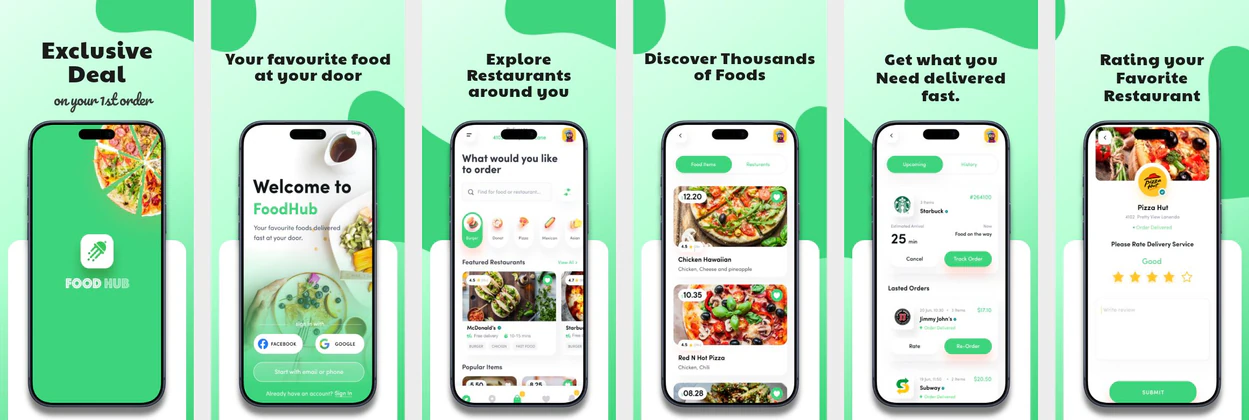
 Play Store Screenshot Templates

✨ App Mockups, Ads & ASO Marketing Graphics
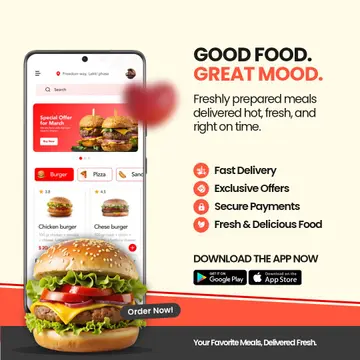
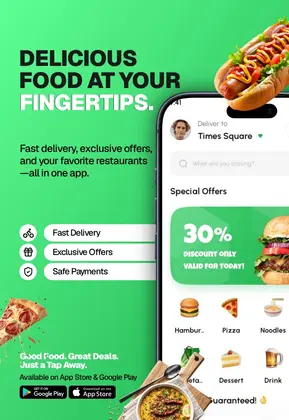
Food Delivery App Advertisement Template for RestaurantsFood Delivery App Advertisement Template for Restaurants & Takeaway Apps Online Grocery App UI Mockup – Fresh Food Delivery Mobile Screens
 Food Delivery App Ad Template Design
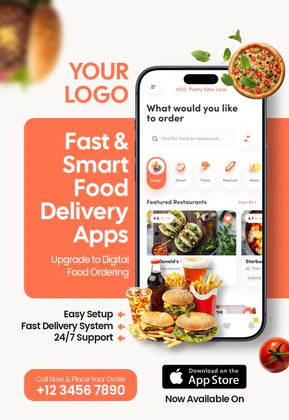 Fast and Smart Food Delivery App Template | Mobile UI Marketing Flyer
 Food Delivery App Promo Template | Mobile UI Marketing Banner
 Food Delivery Advertisement Template – Grocery & Meal Ordering App Promo
 Food Delivery App Launch Template | Play Store & App Store Promo
 Fresh & Fast Food Delivery App Promo Banner Template
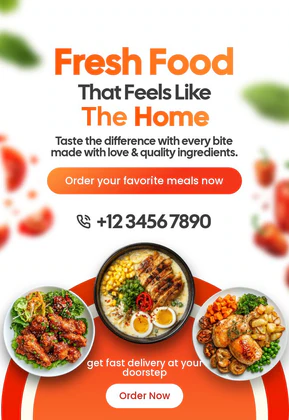 Fresh Food Delivery Poster Template | Editable Home-Style Meal Design
 Food Delivery App Launch Promo Template | Editable Mobile UI Design
 On-Demand Food Delivery App Promo Banner Template | Editable UI/UX Design
 Online Food Delivery App Branding
ASO Guide: Converting Hungry Shoppers with Food Delivery Visuals
Food delivery screenshots should communicate speed and reliability immediately. Start with menu discovery, then show checkout simplicity, order tracking, and delivery confirmation. Users in this niche make fast decisions, so practical flow clarity matters more than decorative styling. Keep food imagery appetizing, but ensure app actions stay central and readable.
Listings perform best when convenience and certainty are both visible. AppTweak benchmarks indicate stronger outcomes when delivery apps clearly show timing and status progression rather than only promotional discounts. Use one screenshot for savings, but avoid making every frame offer-heavy. Nakxi helps teams rapidly update creatives for cuisine categories, local campaigns, and seasonal promotions while preserving a consistent conversion-ready structure.
Food delivery listings compete on local options and speed. Show food lists featuring fresh pizza/burgers, quick cart additions, checkout discount banners, and real-time delivery maps. Choose warm, appetizing orange/red backgrounds.
Keep captions punchy and benefit-driven: 'Order from Local Favorites', 'Fast 30-Min Delivery', or 'Track Your Food in Real-Time'.
Food delivery teams often scale efficiently in Nakxi by locking a browse-to-track baseline and rotating cuisine, promo, and fulfillment visuals for each region.
Frequently Asked Questions
What photos should I use for food delivery mockups?
High-resolution close-ups of hot, fresh foods look the most appealing. Keep UI frames thin to highlight food photography.
How do I display delivery tracking maps?
Use an active map showing a route from a restaurant to a house pin, with a courier icon moving along the path.
Should delivery apps prioritize deals or speed in screenshots?
Speed and reliability usually convert better first because they address immediate user intent. Deals can strengthen motivation later in the sequence. If every screenshot is discount-heavy, trust in fulfillment can drop. Balance urgency with operational proof.
What screenshot is most important for first-time users?
A clear order tracking or confirmed ETA screen often has high impact. It demonstrates that the app is dependable after checkout, not just good at browsing. Keep status labels and timing visible. This reassurance can reduce install hesitation.
How do I create food delivery app screenshots with Nakxi?
Pick a food delivery template from this page, open it in Nakxi's editor, swap in your UI captures, write outcome-led captions, and export App Store and Play Store sizes from one canvas. Most teams ship a first draft in under an hour without a design agency.
What screenshot sizes do food delivery apps need in 2026?
Apple requires up to three iPhone display families (including 6.9-inch and 6.5-inch) per Apple's screenshot specifications. Google Play accepts 16:9 or 9:16 phone layouts between 320px and 3840px per side, as documented in Google Play listing best practices. Nakxi exports both store formats from a single design.