Travel & Flight Booking App Store Screenshot Templates
Inspire trips while proving your app makes planning, booking, and changes genuinely easy.
Sell the travel experience and convenience. Highlight gorgeous destination galleries, map navigations, and instant ticket confirmations.
 App Store Screenshot Templates
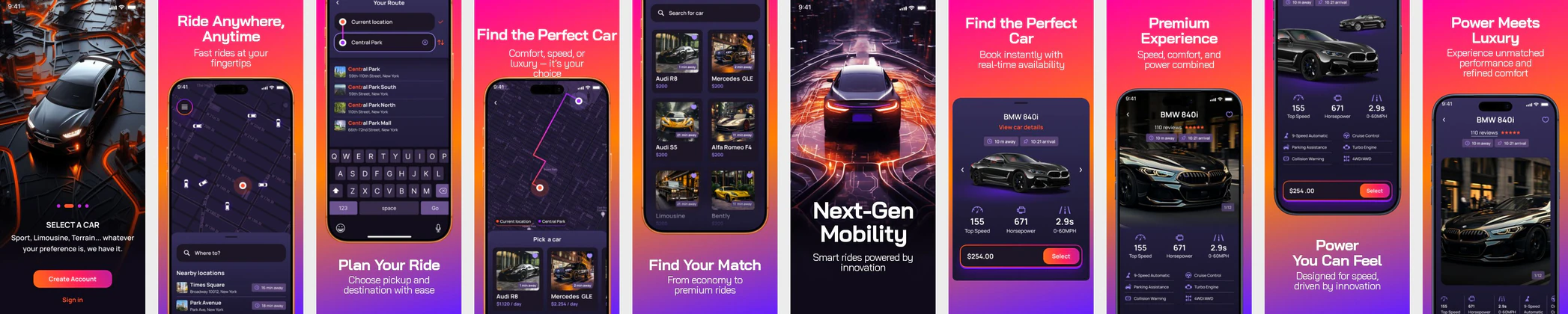 Ride Booking App Screenshots – Luxury Car Rental & Smart Mobility UI
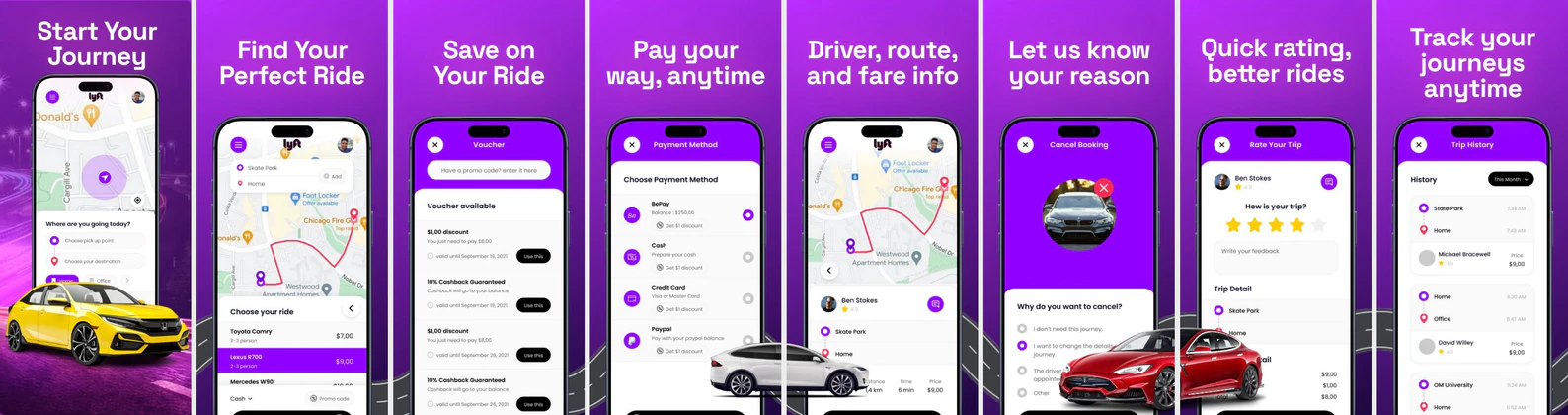 Ride Booking App - App Store Screenshots | Modern Transportation UI
 AI Trip Planner App Store Screenshot Template – Smart Travel & Itinerary Builder UI Kit
 Travel App Store Screenshot Template – Trip Planner, Itinerary Builder & Explore UI Kit
 Tesla-Style Car Rental App Store Screenshot Template – iOS Ride Booking UI Kit
 Travel App Store Screenshot Template – Hotel Booking, Trip Planner & Vacation UI Kit
 iPhone 16 Yellow Themed Appstore Screenshot Template for Travel App
 Movie Ticket Booking Platform - App Store Template
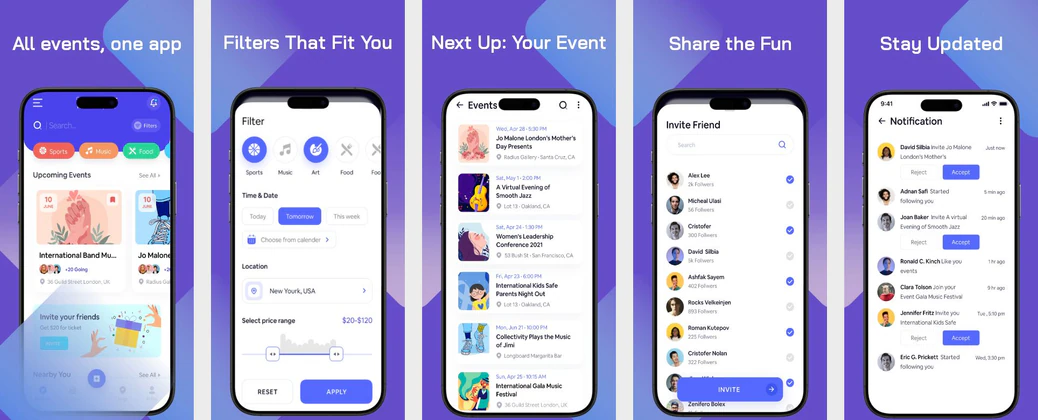 Event Booking App Screenshot Template
  Play Store Screenshot Templates
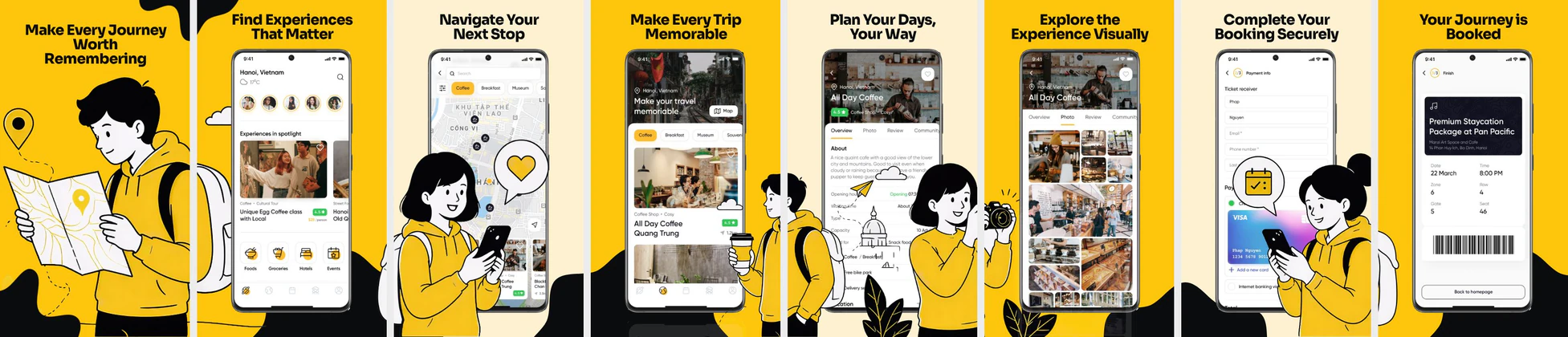 Travel & Booking App Play Store Screenshots – Trip Planner UI Template
 Rental Real Estate Play Store Screenshot Template – Property Booking & Home Finder UI
 Salon & Wellness App Play Store Screenshot Template – Booking, Self Care & Beauty Services UI
 Car Rental Play Store Screenshot Template – Android Ride Booking & Car Hire UI Design
 Travel App Play Store Screenshot Template – Flight Booking & Trip Planner Mobile UI Screens
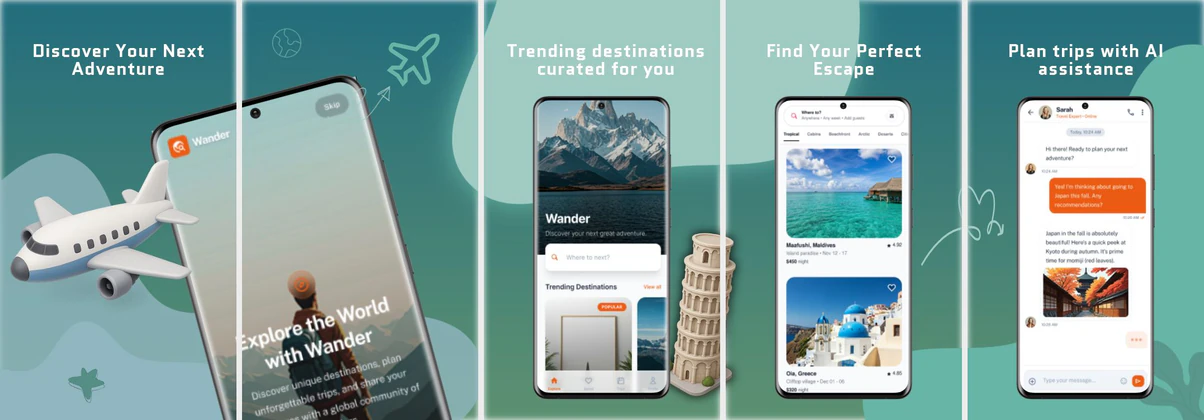 Travel App Screenshot Template – Play Store Trip Planner Design
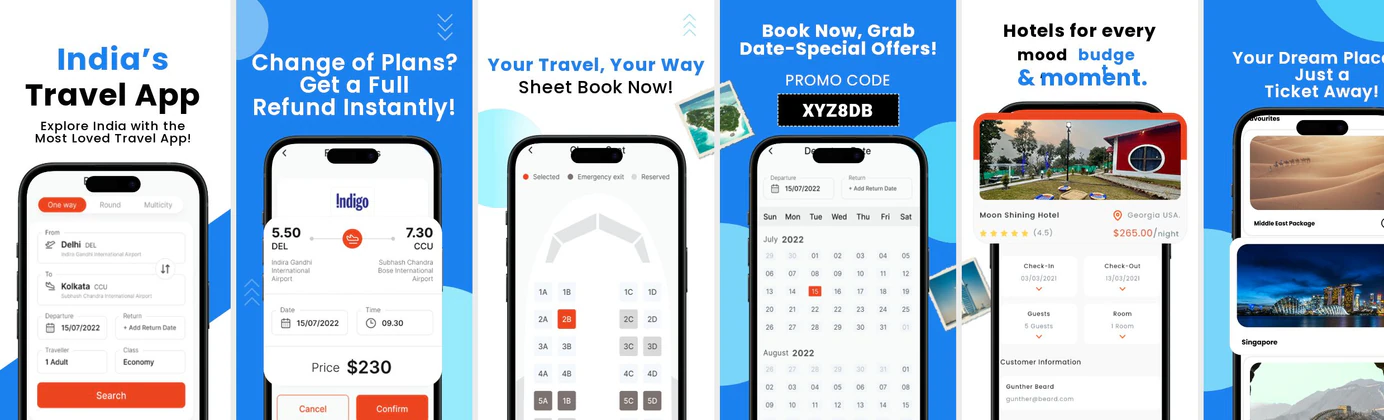 Travel App Play Store Screenshot Template – Clean & Modern Design
 Travel App Play Store Screenshot Template – Luxury & Booking UI Design
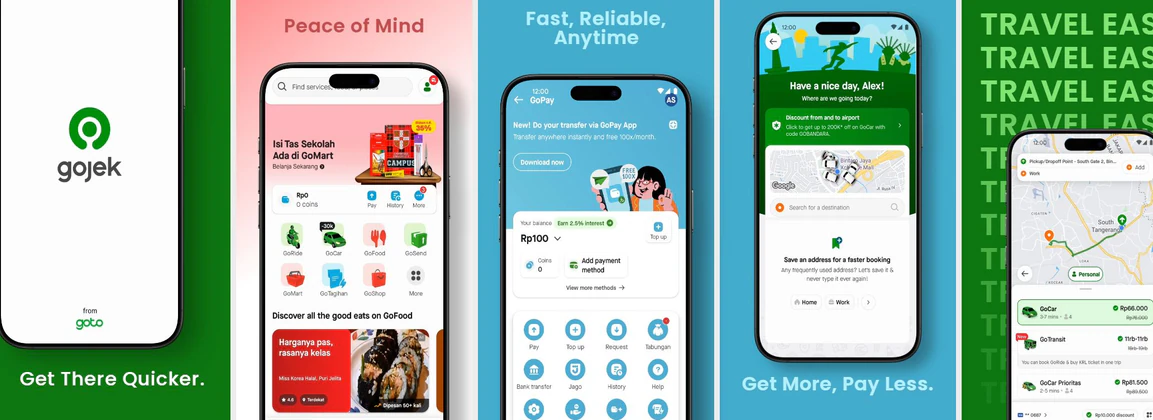 Multi-Colored Travel & Transportation Play Store Screenshots
 Customizable & Reusable Train Ticket Booking Play Store Template
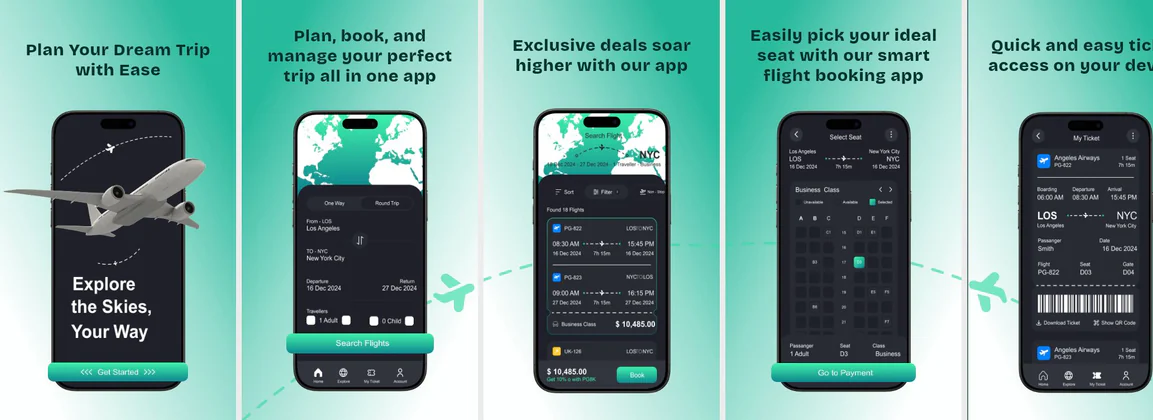 Flight Booking app template
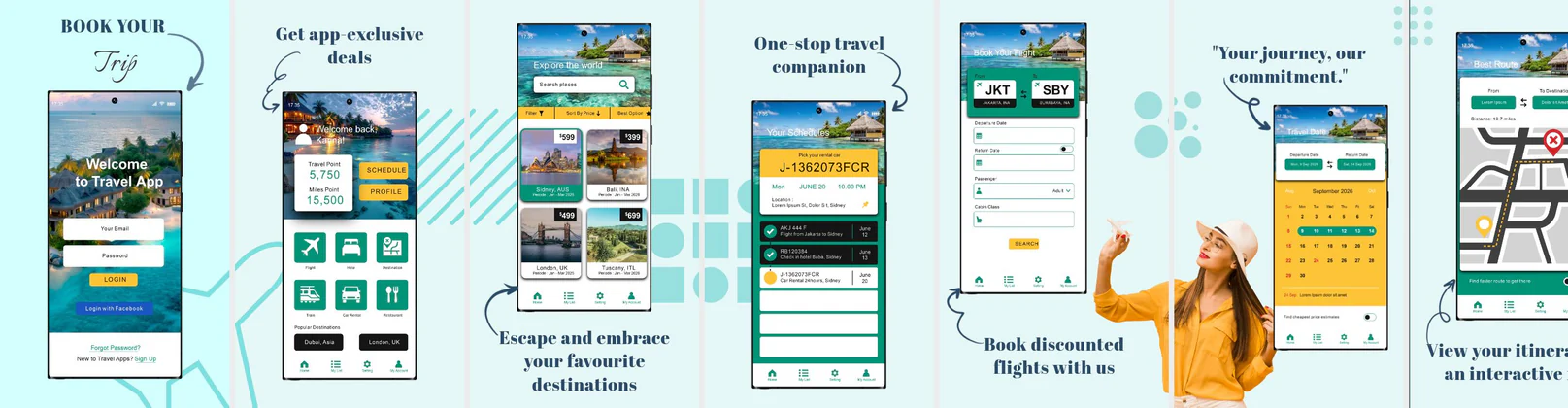 All-in-One Travel Booking & Trip Management Play Store Template
✨ App Mockups, Ads & ASO Marketing Graphics
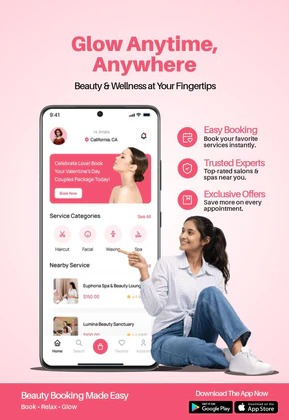
Beauty Salon App Promotion – Spa & Wellness Booking Mobile DesignTravel Booking App Promotion – Hotel & Trip Planner Mobile Design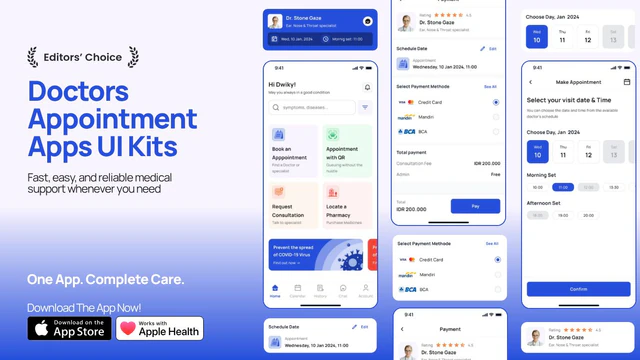 Doctor Appointment App Promo – App UI Kit Mockup with Medical Booking Screens
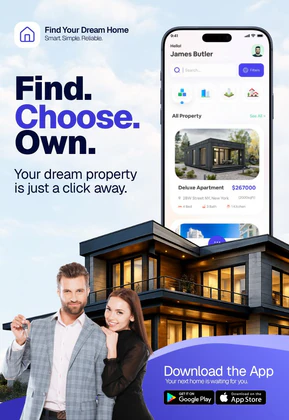 Real Estate Property Finder App Promo | House Search & Booking UI
 Ride Booking App Promo – App UI Mockup with Taxi & Navigation Screens
 Healthcare App Promo – Doctor Booking & Mobile UI Mockup
 Taxi Booking App Advertisement – Ride Sharing & Live Tracking App Promo
 Ride Booking App Advertisement – Taxi & Ride Sharing App Promo Design
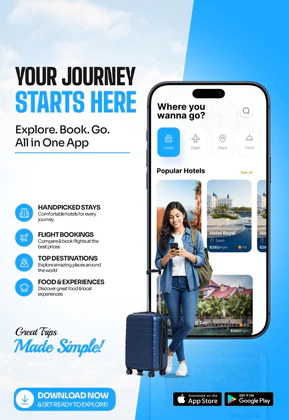
 Travel App UI Mockup – Trip Planning & Booking Experience Design
 Real Estate App Mockup Template – Rental & Property Booking UI Design
 AI Trip Planner App Promo Mockup – Travel & Itinerary UI Design
 Car Rental Mobile App UI – EV Booking UI Kit
 Doctor Appointment Mobile App UI – Modern Healthcare Booking App Design
 Flight Booking App UI Mockup – Air Travel & Airline Mobile App Design Screens
 Travel package flyer & banner - template
ASO Guide: Optimizing Visuals for Travel & Flight Booking Apps
Travel screenshots should combine aspiration with certainty. Start with destination discovery, then show booking speed, itinerary control, and real-time trip updates. Apple screenshot guidelines prioritize readable hierarchy, so keep overlay text concise and focused on one promise per frame. Google Play listing best practices similarly reward clear progression from search to booking to management. This structure helps users see both emotional value and practical reliability in the same listing session.
Travel competition is intense, and search behavior drives many install decisions. Apple Search Ads reports around 65% of downloads begin with search, making thumbnail-level clarity essential. Pair each screenshot with intent-matched benefits like compare fares fast, track itinerary changes, or manage tickets offline. Nakxi helps travel teams test seasonal and route-specific creative variants quickly while preserving consistent branding across required iOS and Android sizes.
Travel and hotel booking apps are all about selling experiences and convenience. Your screenshots should showcase stunning landscapes, booking confirmations, and interactive map displays. When designing travel app screenshots, make sure the user interface is surrounded by high-resolution mockups that convey comfort and trust.
Make sure to emphasize the speed and ease of booking. Use captions like 'Book Flights in 3 Taps' or 'Explore 10,000+ Hotel Deals Worldwide' paired with clean, modern device mockups to trigger instant travel aspiration.
Travel teams often scale best in Nakxi by reusing one discovery-to-itinerary template and rotating visuals by season, destination type, and promotion focus.
Frequently Asked Questions
How do I show map layouts effectively in screenshots?
Use high-contrast map themes and add custom pin markers or route indicators in the editor to make navigation flows clear and visually appealing.
What is the best way to structure travel screenshots?
Start with search/discovery ('Find Your Next Trip'), follow with booking/ticketing ('Instant Booking & E-Tickets'), and conclude with planning/itineraries ('Manage Your Trip Offline').
How many screenshots should a travel app use?
Five to seven screenshots is usually the sweet spot for travel apps. This gives enough room to show inspiration, booking confidence, and trip management without overwhelming users. Keep each frame tightly scoped to one stage of the journey. Test order changes before adding more screenshots.
Should travel apps show offline features in listings?
Yes, especially for international and low-connectivity use cases. One focused offline frame can improve trust because users expect travel disruption. Show exactly what stays accessible offline, such as itineraries or tickets. Clear utility messaging here often improves conversion quality.
How do I create travel app screenshots with Nakxi?
Pick a travel template from this page, open it in Nakxi's editor, swap in your UI captures, write outcome-led captions, and export App Store and Play Store sizes from one canvas. Most teams ship a first draft in under an hour without a design agency.
What screenshot sizes do travel apps need in 2026?
Apple requires up to three iPhone display families (including 6.9-inch and 6.5-inch) per Apple's screenshot specifications. Google Play accepts 16:9 or 9:16 phone layouts between 320px and 3840px per side, as documented in Google Play listing best practices. Nakxi exports both store formats from a single design.