Education & Course App Store Screenshot Templates
Show learners a clear path from first lesson to measurable progress in your app.
Highlight lesson lists, interactive quizzes, study schedules, and success stats. Create engaging layouts that inspire learning.

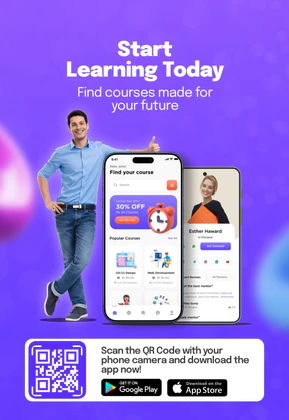
 App Store Screenshot Templates
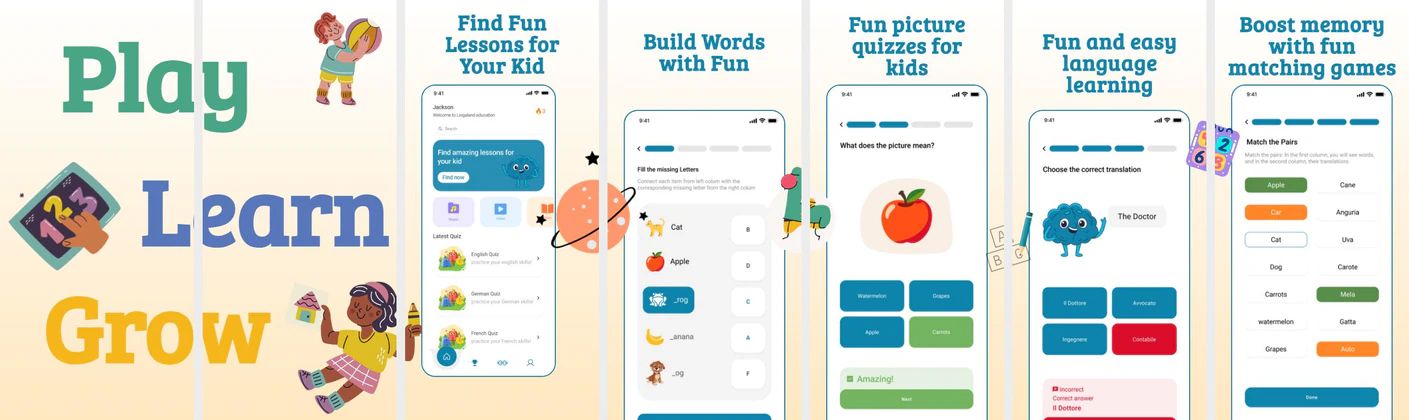
 Play Store Screenshot Templates


✨ App Mockups, Ads & ASO Marketing Graphics
AI Education App UI Mockup – E-Learning & Course Platform DesignE-Learning App Promo Design – Online Courses & Education Platform Kids Learning App UI Kit | Preschool Education Mobile Mockup
 New Week New Goals Motivational Poster Template | Editable Career & Education Flyer
 Smart Study Motivational Poster Template – Productivity & Learning Design
 Smart Learning Poster Template – Education & eLearning Promo Design
 Poster Design – Build Their Future Campaign Template for NGOs & Education
 Education App Mockup Template – Kids Learning Mobile App Design
 Educational YouTube Thumbnail Template
 Colorful & Smart: Educational Toys Poster Branding
ASO Guide: Designing Engaging Screenshots for E-Learning & Education
Education screenshots should show learning outcomes through approachable workflows. Start with course or lesson access, then show practice interactions, progress tracking, and achievement feedback. Prospective learners want to know the app is structured and motivating, so keep visuals practical and avoid abstract academic branding. One learning benefit per screenshot keeps comprehension high.
In this category, conversion improves when engagement loops are visible. StoreMaven has reported up to a 33% download lift from optimized screenshot sets, and education apps often gain by testing motivation-led versus curriculum-led openers. Use clear quiz and progress states as proof of active learning. Nakxi helps teams produce distinct variants for school support, professional upskilling, and exam preparation while maintaining consistent output quality.
E-learning, language learning, and education apps convert users based on ease of learning and gamification. Your screenshots should look interactive and rewarding—showing daily streaks, quiz scores, reward badges, and bite-sized learning courses.
For kids' learning apps, use bright, friendly backgrounds and illustrations. For adult e-learning/professional platforms, focus on career growth, certificate credentials, and flexible schedule course modules.
Education teams usually move efficiently in Nakxi by keeping a lesson-to-progress screenshot arc and customizing examples for age group, exam type, or skill track.
Frequently Asked Questions
How can I show gamification features in my education screenshots?
Show screens displaying quiz completion rings, XP points, leveling up screens, or consecutive daily streaks ('10-day streak!'). These are proven triggers that motivate downloads.
What captions work best for language learning apps?
Use benefit-driven copy such as 'Learn 30+ Languages', 'Speak Confidently in 10 Mins a Day', 'Interactive Daily Quizzes', or 'Practice with Native Speakers'.
Should education apps show quizzes in screenshots?
Yes, interactive quiz screens help users see that learning is active, not passive. They also provide concrete proof of engagement mechanics. Keep the quiz frame clean and understandable at small sizes. This often improves perceived product quality.
How many learning outcomes should screenshot copy mention?
One primary outcome per screenshot works best for clarity. Too many claims in a single frame can feel unfocused and reduce trust. Build outcome depth across the full sequence instead. This structure supports better scanability and conversion.
How do I create education app screenshots with Nakxi?
Pick a education template from this page, open it in Nakxi's editor, swap in your UI captures, write outcome-led captions, and export App Store and Play Store sizes from one canvas. Most teams ship a first draft in under an hour without a design agency.
What screenshot sizes do education apps need in 2026?
Apple requires up to three iPhone display families (including 6.9-inch and 6.5-inch) per Apple's screenshot specifications. Google Play accepts 16:9 or 9:16 phone layouts between 320px and 3840px per side, as documented in Google Play listing best practices. Nakxi exports both store formats from a single design.