
Finance & Banking App Store Screenshot Templates
Show secure money management in a clear visual story that makes new users trust your product fast.
Trust and security are paramount in finance. Showcase safe interfaces, clean charts, and clear transactional details to maximize store conversion.
 App Store Screenshot Templates
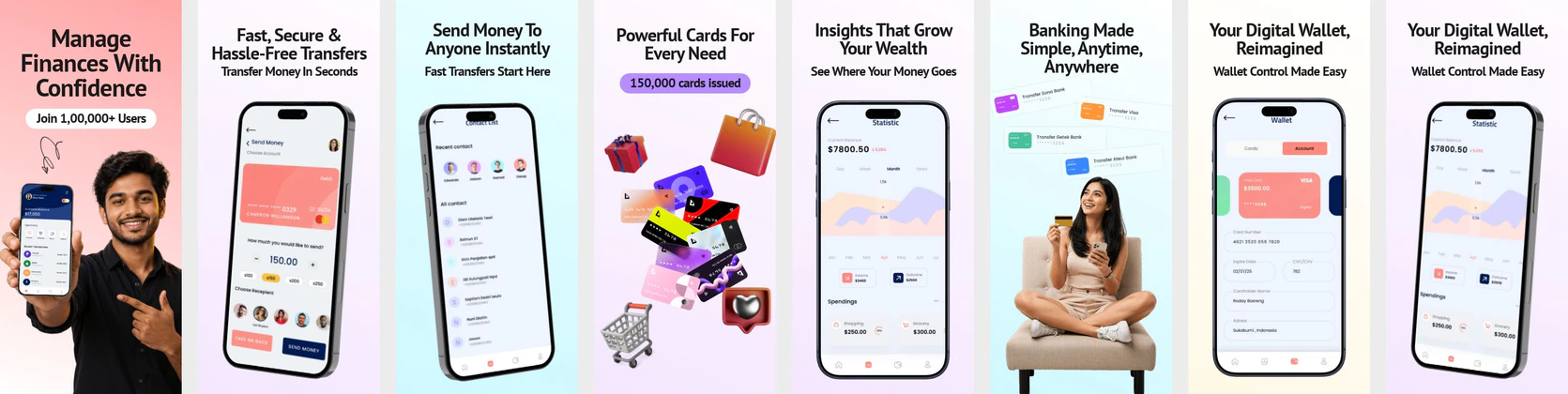 Digital Wallet App App Store Screenshots – Smart Banking & Money Transfer App Screens
 Finance App Play Store Screenshot Template – Expense Tracker UI
 Smart Finance and Money Management App Store Screenshot | Professional Fintech UI
 Fintech App Store Screenshot Template – Money Management, Payments & Finance Tracker UI Kit
 Digital Wallet App Store Screenshot Template – Finance, Payments & Money Transfer UI Kit
 Car Insurance App Store Screenshot Template – iOS Finance, Claims & Policy UI Kit
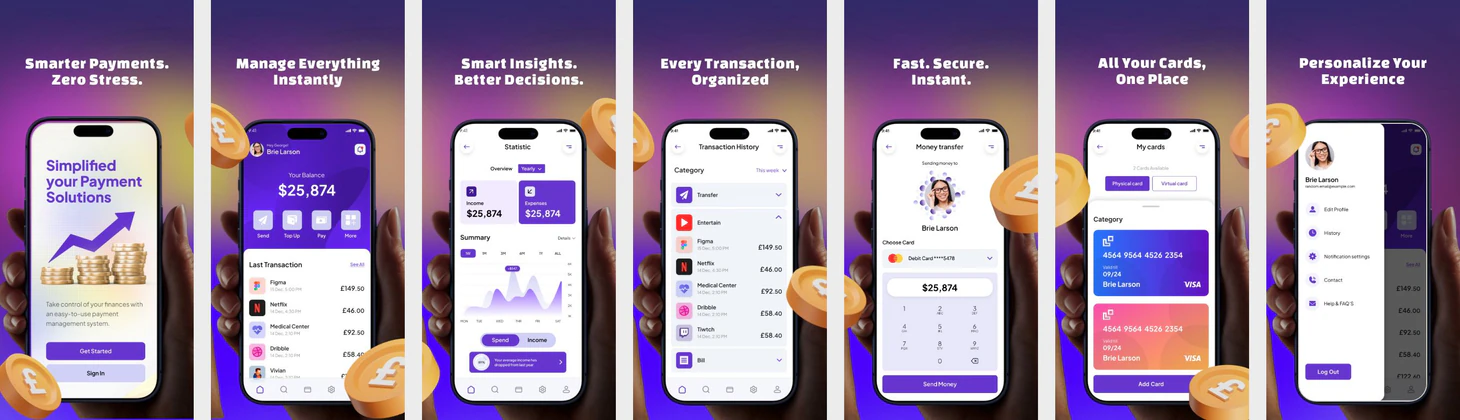 Finance & Payment App Store Screenshot Template – Purple Gradient Fintech UI
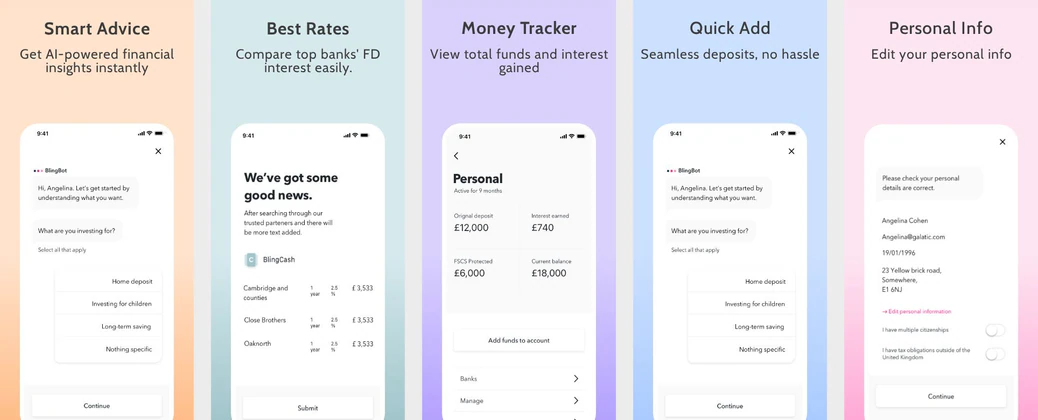 Finance App/Fixed Deposit Investment App mockup
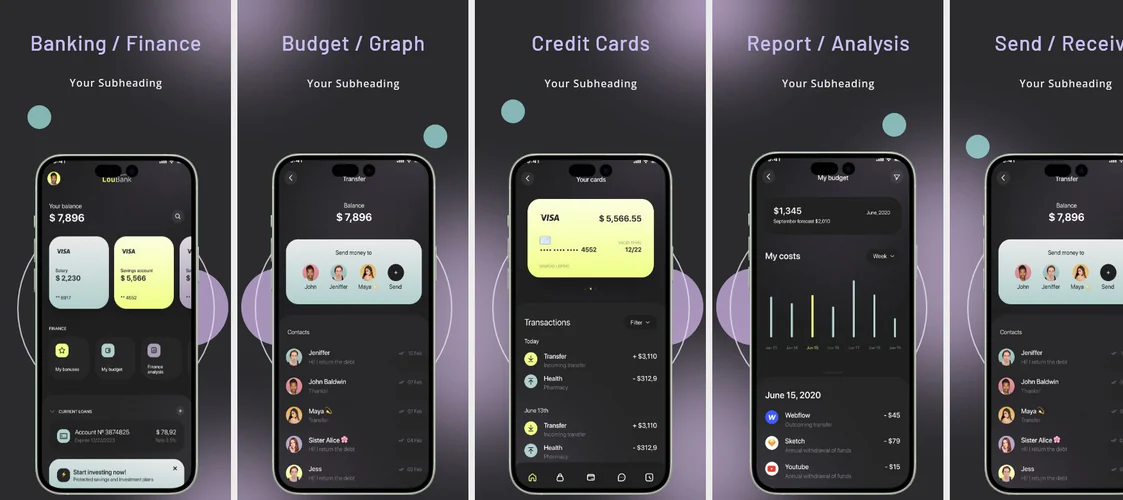 Banking and Finance App Store Template
  Play Store Screenshot Templates
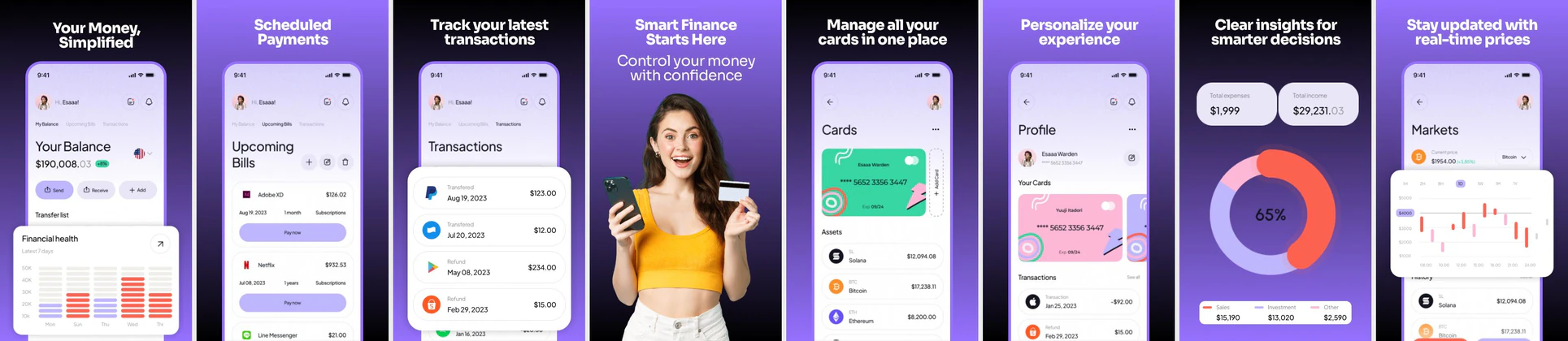

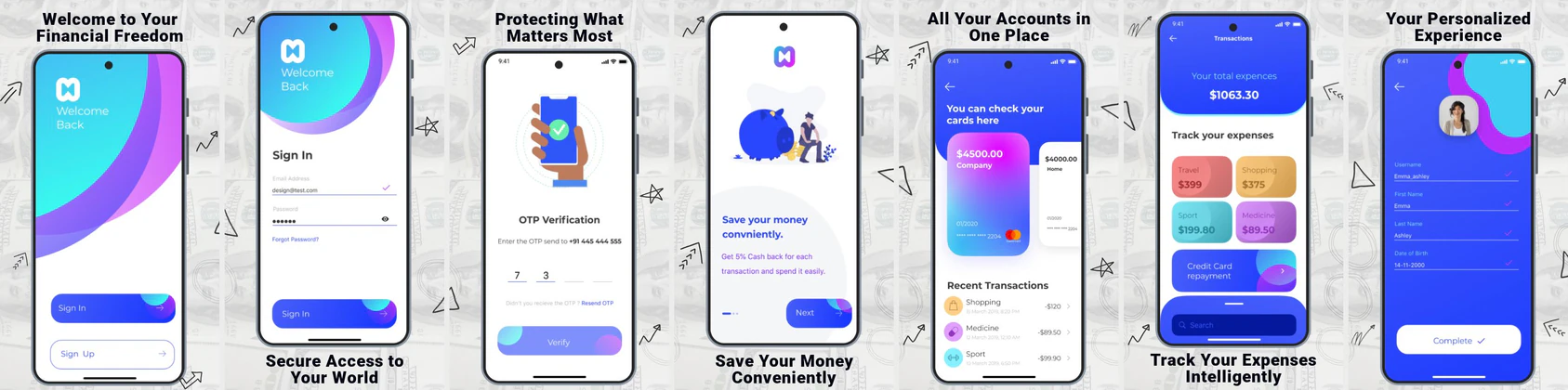
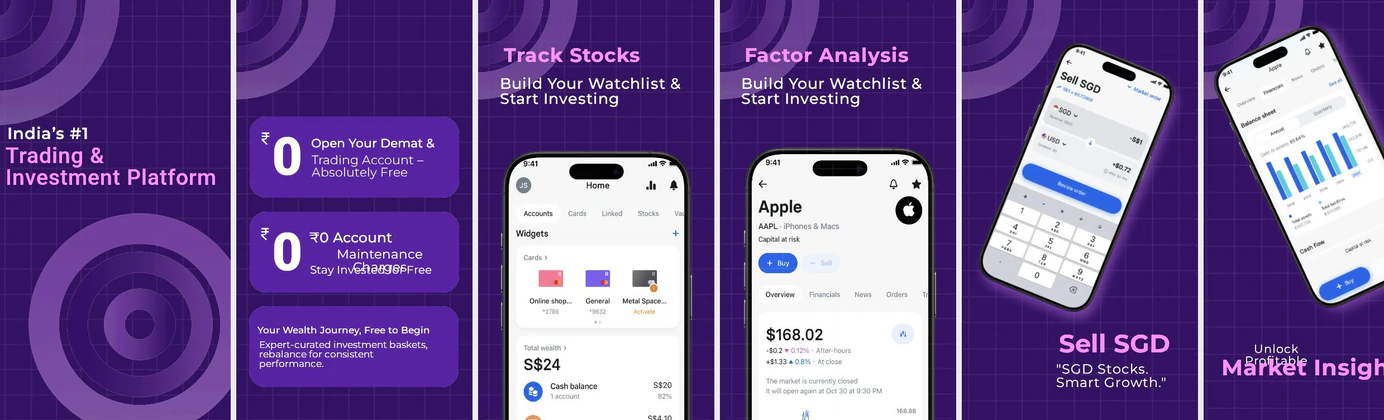
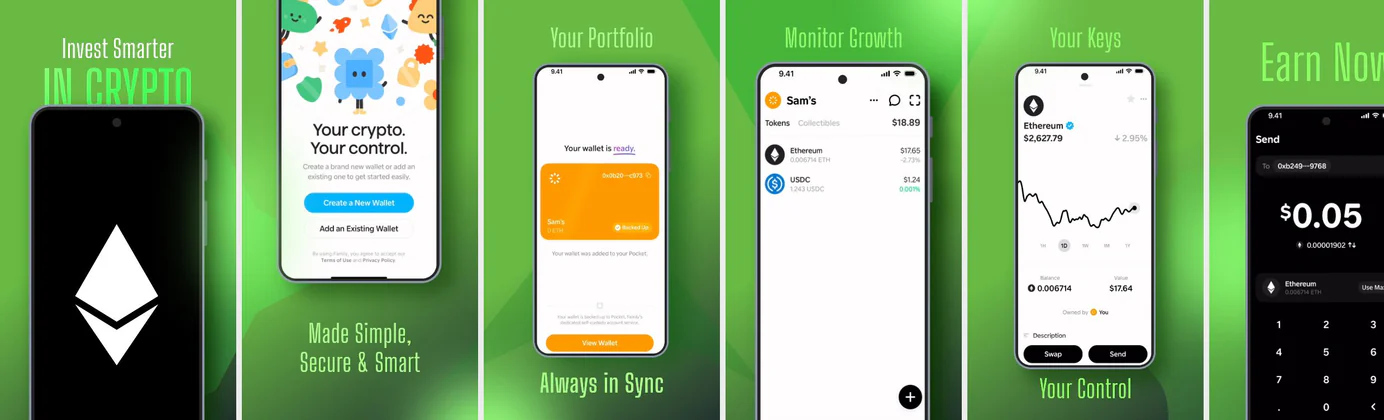
✨ App Mockups, Ads & ASO Marketing Graphics
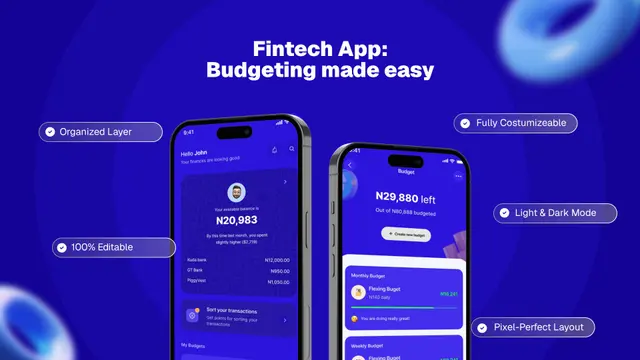
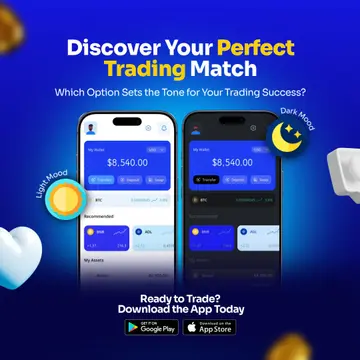
💰 Fintech Budget Planner App UI Mockup TemplateCrypto Trading App Promotion Design with Light & Dark Mode UI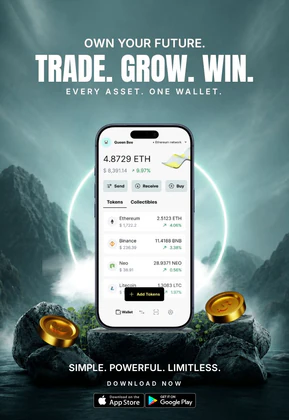 Crypto Wallet App Promotion – Digital Asset Trading & Web3 Finance Design
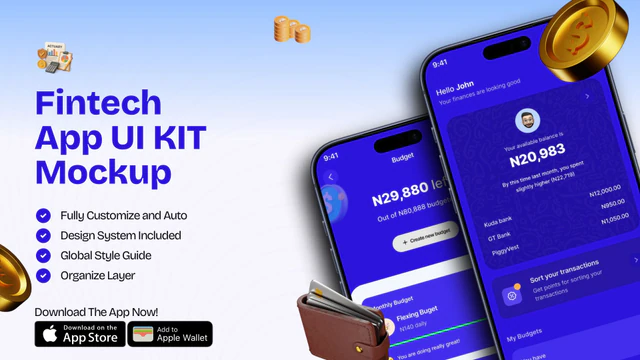 Fintech App UI Kit Mockup | Mobile Banking & Finance Template
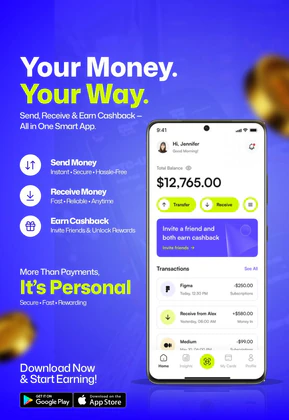 Fintech E-Wallet App Promo Banner
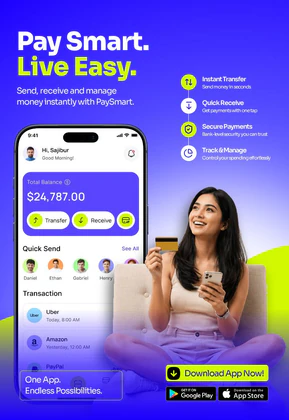 Digital Wallet & Mobile Banking App UI | Fintech Payment Template
 Crypto Portfolio App Promo – 3D Mobile UI Mockup with Trading Dashboard
 Crypto Investment App Promo – 3D Mobile UI Mockup with Portfolio Dashboard
 Crypto Trading App UI Kit | Real-time Bitcoin & Digital Asset Mockup
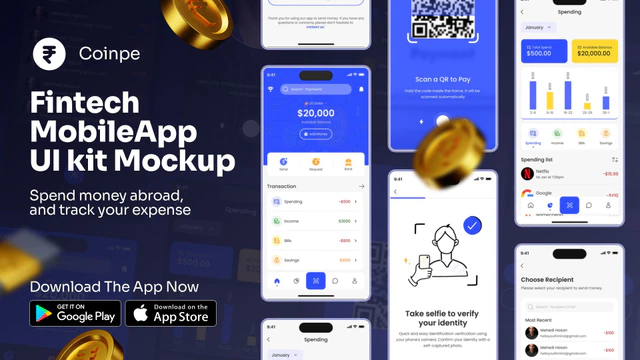 Coinpe Fintech Mobile App UI Kit
 Finance App UI Kit Mockup – Banking & Expense Tracker App Promo Design
 Personal Finance & Money Manager Promo App UI Template
 Smart Wallet App Advertisement Banner – Fintech Mobile App Promo Design
 Crypto Trading App Promotion Banner – Convert Cash to Crypto Instantly
 Money Tracker App UI Kit Mockup – Personal Finance & Budgeting Design
ASO Guide: How to Design High-Converting Screenshots for Finance Apps
Finance listing creatives must lower risk perception before they explain advanced features. Start with a high-trust dashboard, then sequence card controls, transfer confirmations, and budget insights. For iOS, follow Apple screenshot guidelines by keeping text legible and focused on one message per frame. For Android, align with Google Play listing best practices by pairing each visual with a direct benefit statement. This mix helps users understand safety and utility in seconds, especially when they compare multiple apps in the same search session.
Conversion improves when screenshots show real outcomes instead of generic fintech buzzwords. StoreMaven has reported up to a 33% download lift from optimized screenshot sets, which is especially relevant in finance categories where uncertainty is high. Keep numerical data readable, avoid decorative clutter around balances, and use consistent action labels such as transfer, save, and track. Nakxi helps teams build and test these trust-first layouts quickly while preserving brand consistency across iOS and Android exports.
For finance, banking, and digital wallet apps, trust and security are your highest priorities. Your screenshots need to communicate safety, clean dashboards, and clear transaction views. Using a professional finance app screenshot generator like Nakxi helps you showcase security features (like Face ID, encryption, or secure badges) and present complex data charts in a legible, uncluttered format.
ASO studies show that finance screenshots convert best when they highlight instant benefits: showing a user how they can save money, transfer cash instantly, or track investments in real-time. Make sure your first two screenshots communicate the primary value proposition with clean iPhone or Android mockups and readable captions.
Finance teams usually get the strongest results in Nakxi by building one compliance-friendly screenshot baseline, then testing headline variants for trust, control, and day-to-day money outcomes before publishing.
Frequently Asked Questions
What are the best colors to use for finance app screenshots?
Green and blue are the most effective colors for finance apps, as they represent security, trust, growth, and stability. Combine them with clean, dark-mode dashboards to make numbers and charts stand out.
How can I highlight security in my app screenshots?
Include subtle security trust badges, Face ID lock icons, or clear labels such as 'Bank-grade encryption' or 'Regulated & Secure' in your screenshot captions to reassure users.
How many screenshots should a finance app use?
Most finance apps perform best with five to seven screenshots because this range covers value, trust, and proof without feeling bloated. Place your strongest confidence cue first, then show everyday utility like payments and tracking. Keep one frame for support or protection features near the end. Test sequence order before increasing screenshot count.
Should finance copy focus on features or outcomes?
Outcome-led copy usually converts better in store listings. Users care about what changes for them, such as faster transfers or better spending control, before they care about internal feature names. Pair each outcome with visible UI proof in the same frame. This keeps messaging persuasive and credible.
How do I create finance app screenshots with Nakxi?
Pick a finance template from this page, open it in Nakxi's editor, swap in your UI captures, write outcome-led captions, and export App Store and Play Store sizes from one canvas. Most teams ship a first draft in under an hour without a design agency.
What screenshot sizes do finance apps need in 2026?
Apple's required iPhone class is 6.9-inch (1320 × 2868 px, with 1290 × 2796 px and 1260 × 2736 px also accepted). If the app runs on iPad, the 13-inch class is required (2064 × 2752 px, 2048 × 2732 px also accepted). Google Play screenshots must be 320–3840 px per side, with the long side at most twice the short side. The feature graphic is exactly 1024 × 500 px. Nakxi exports both store formats from a single design.