App Mockup & Device Mockup Templates
Professional app mockup and device mockup templates for iPhone, Android, and tablet — built for landing pages, pitch decks, and store creatives.
App mockups and device mockups turn flat UI into presentation-ready visuals. Use realistic phone and tablet frames to highlight key screens, brand colors, and product flows without a separate 3D tool.
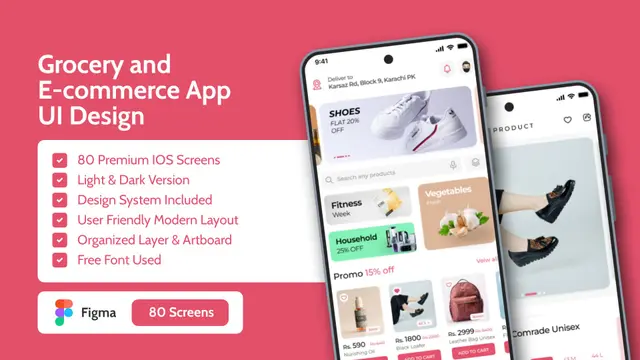
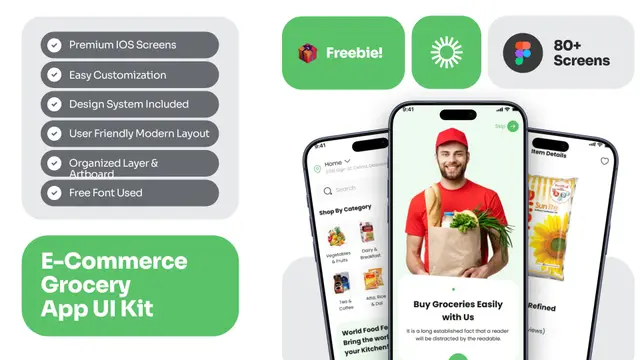 Grocery & Ecommerce Shopping App UI Kit Mockup TemplateE-Commerce Grocery Delivery App UI Kit Mockup Template
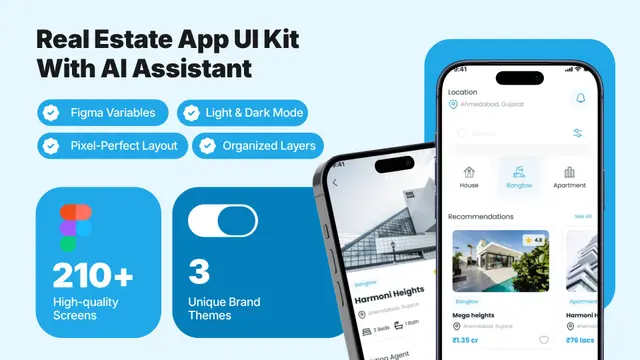 AI-Powered Real Estate App UI Kit Mockup Template
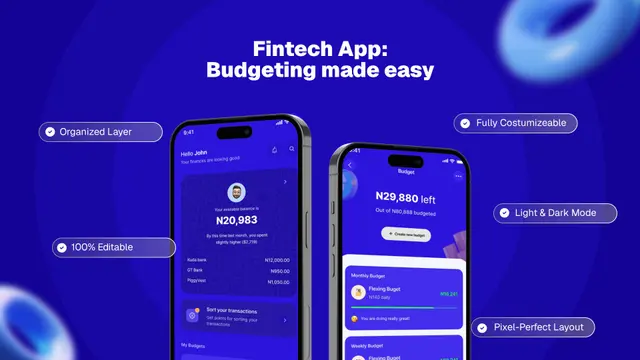 💰 Fintech Budget Planner App UI Mockup Template
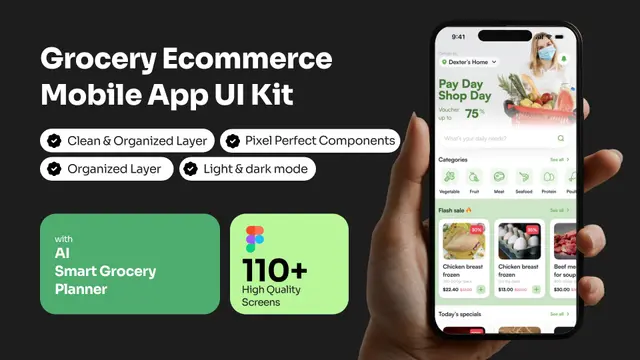 AI Grocery Ecommerce App UI Kit Mockup Template
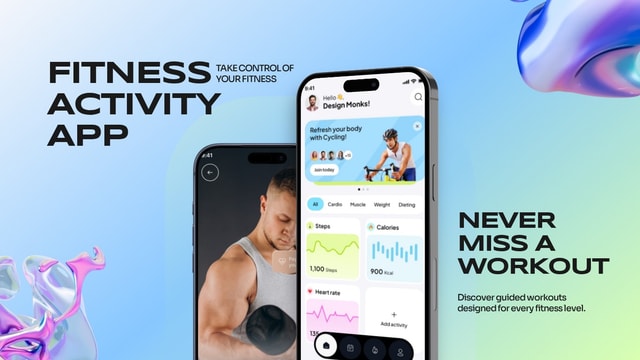 Modern Fitness Activity App Mockup for Workout & Health Tracking Apps
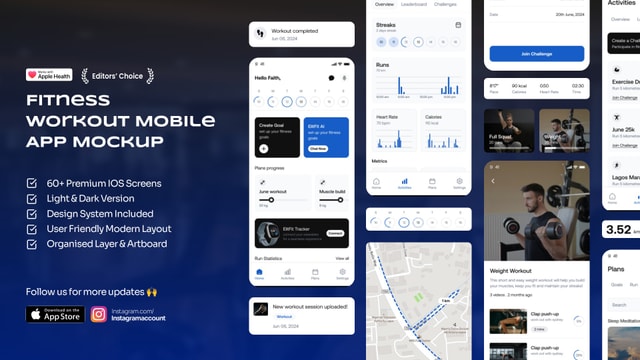 Modern Fitness Workout App UI Mockup for iOS Health & Gym Apps
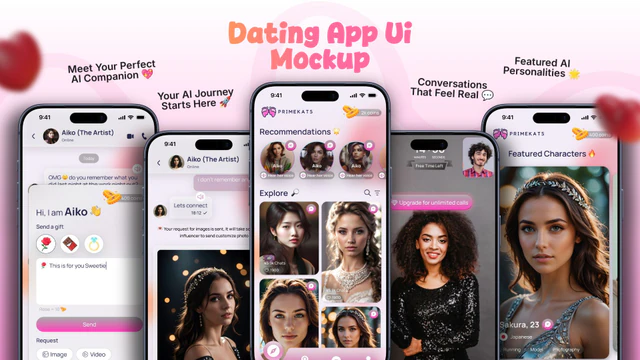 AI Dating App UI Mockup with Modern Matchmaking Screens
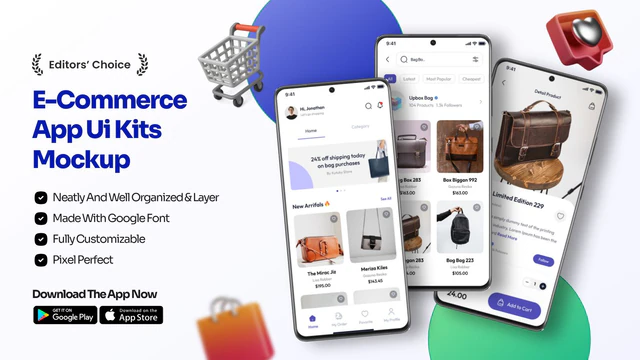 Modern E-Commerce App UI Mockup for Fashion & Bag Store Apps
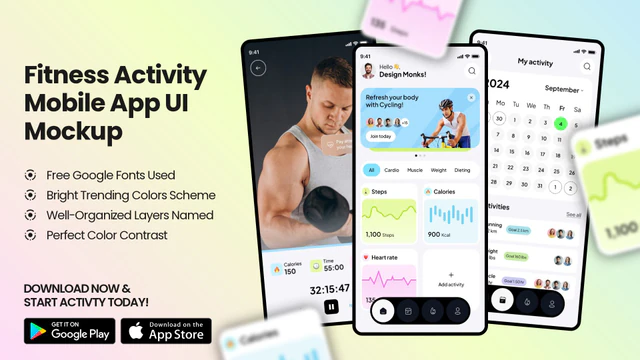 Fitness Activity App UI Mockup – Workout Tracker & Health Dashboard Design
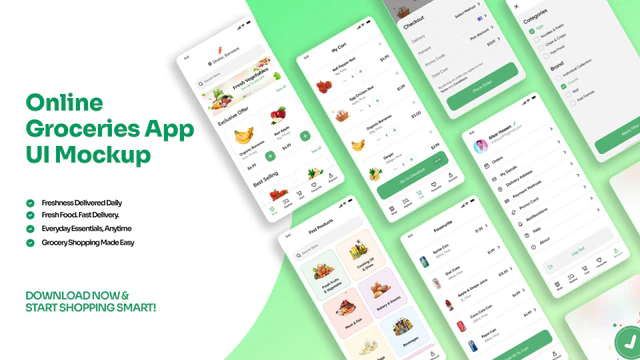 Online Grocery App UI Mockup – Fresh Food Delivery Mobile Screens
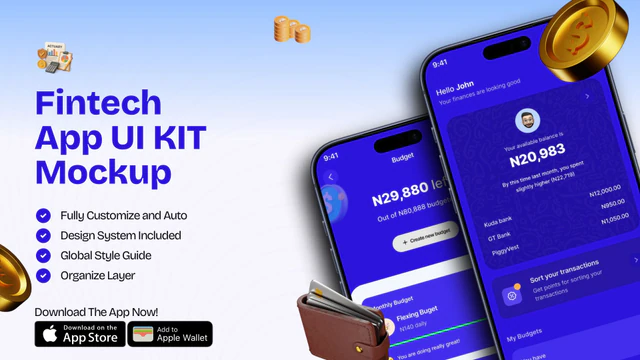 Fintech App UI Kit Mockup | Mobile Banking & Finance Template
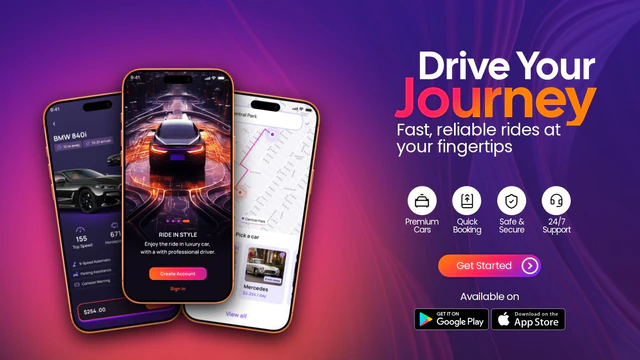 Luxury Ride-Sharing App UI Mockup
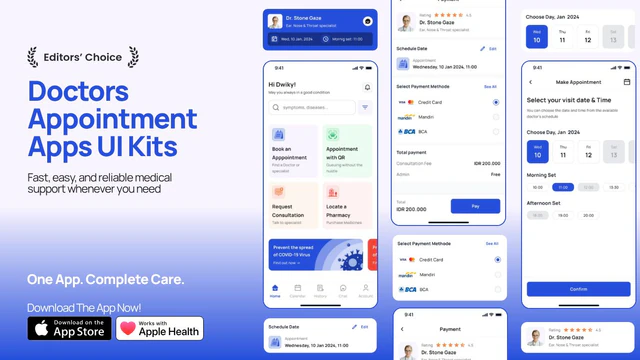 Doctor Appointment App Promo – App UI Kit Mockup with Medical Booking Screens
 Ride Booking App Promo – App UI Mockup with Taxi & Navigation Screens
App Mockup vs Device Mockup: How to Choose the Right Frame
An app mockup focuses on presenting your product UI inside a phone or tablet scene — ideal for websites, ads, and launch posts. A device mockup emphasizes the hardware frame itself (iPhone, Android, iPad) so viewers instantly recognize the platform. Nakxi templates cover both: pick an app mockup layout for storytelling, or a device mockup when the frame generation matters.
Strong app mockup and device mockup designs share one rule: the screen stays legible. Use a neutral background, one hero UI screen, and short captions. Nakxi ships correct aspect ratios for iPhone, Android, and tablet — swap art, update copy, and export PNG or JPG for decks and paid social in minutes.
Frequently Asked Questions
What is the difference between an app mockup and a device mockup?
App mockup usually means showing your app interface in a polished marketing scene. Device mockup stresses the phone or tablet hardware frame (iPhone 17, Android, iPad). Nakxi templates support both — same editor, export-ready frames.
What is the difference between app mockups and App Store screenshots?
App mockups present your UI inside lifestyle or studio device scenes for websites and ads. App Store screenshots follow Apple and Google size rules for store listings. Nakxi supports both workflows from the same editor.
Can I use the same design across iPhone and Android device mockups?
Yes. Resize and reframe your canvas with Nakxi Smart Resize, then drop the layout into iPhone or Android mockup templates without rebuilding from scratch.
How do I edit app & device mockups templates in Nakxi?
Pick any template in this collection, click to open it, swap text and images, apply your brand colors, then export PNG or JPG at the size you need for web, social, or print.
Can I resize app & device mockups designs for other channels?
Yes. Nakxi Smart Resize lets you adapt one layout into story, square, and landscape formats without rebuilding the design from scratch.