
Kids Learning & Game App Store Screenshot Templates
Appeal to children visually while reassuring parents with safety and educational clarity.
Highlight playful interfaces, reward badges, and simple game menus. Use bright, cheerful colors and layouts to appeal to parents and kids.


 App Store Screenshot Templates
 Finance App Play Store Screenshot Template – Expense Tracker UI
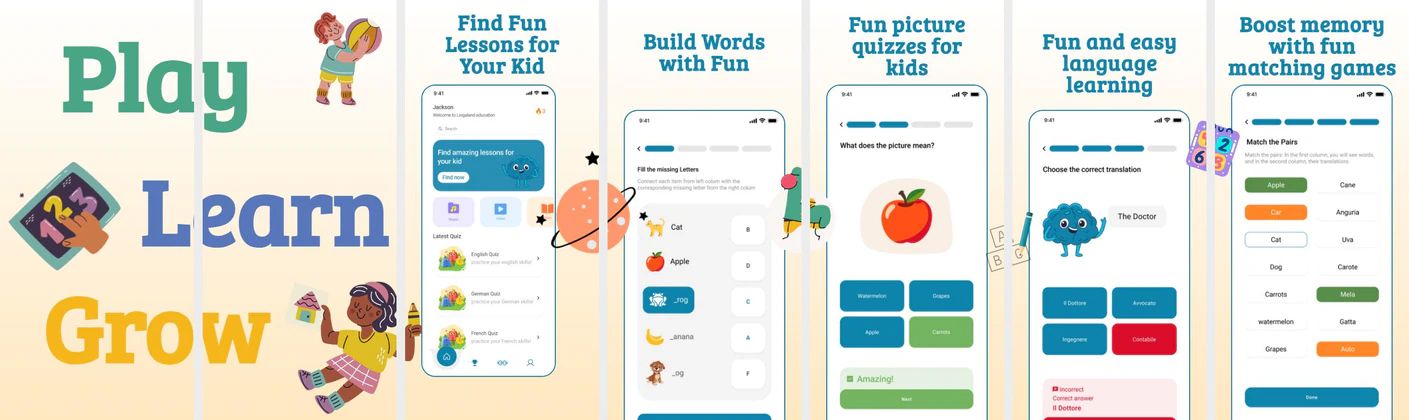 Kids Learning App Store Screenshots – Educational Quiz & Language App Template
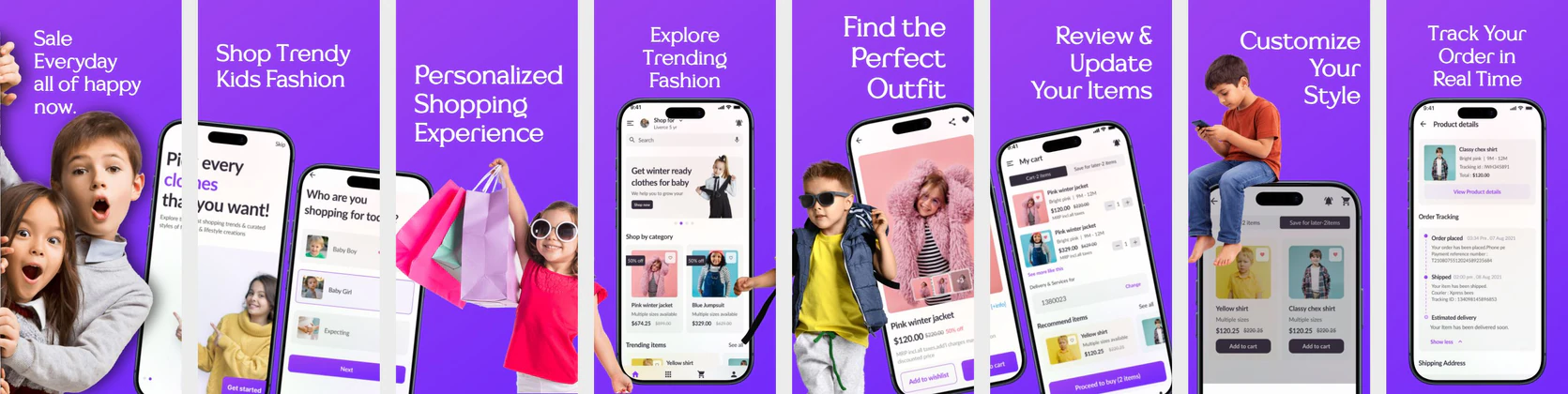 Kids Fashion App Store Screenshot Template – Children’s Clothing & Shopping UI Kit
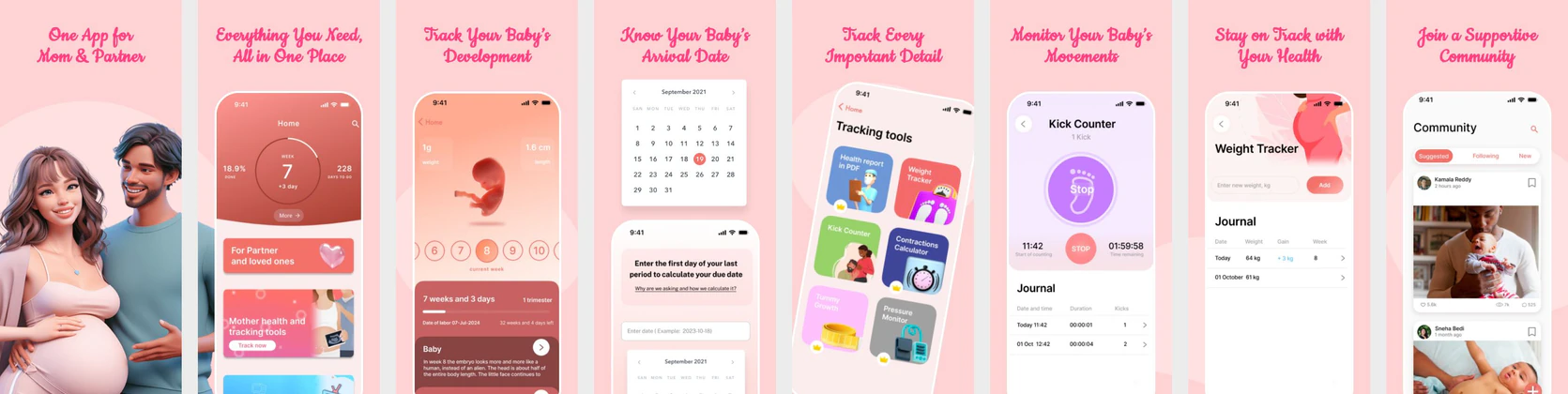 Pregnancy & Baby Tracker App Store Screenshot Template – Mom & Baby Care UI Kit (iOS & Play Store)
 Google-Inspired App Store & Play Store Screenshot Template
 🎧 Music App Screenshot Template for App Store & Play Store
  Play Store Screenshot Templates
Fashion Shopping App Play Store Screenshots – E-commerce Deals & Wishlist UIEV Charging App Play Store Screenshots – Smart Electric Vehicle UI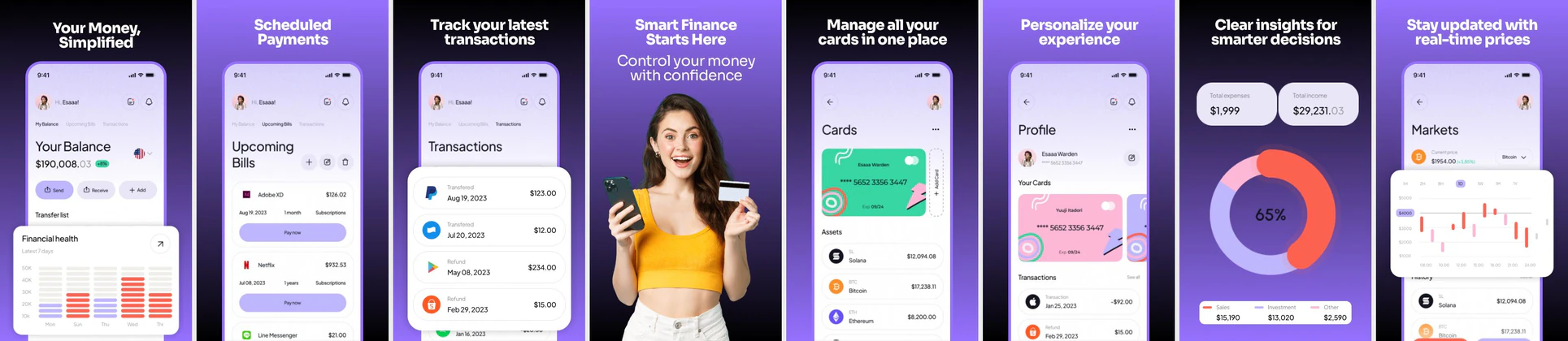 Finance App Play Store Screenshots
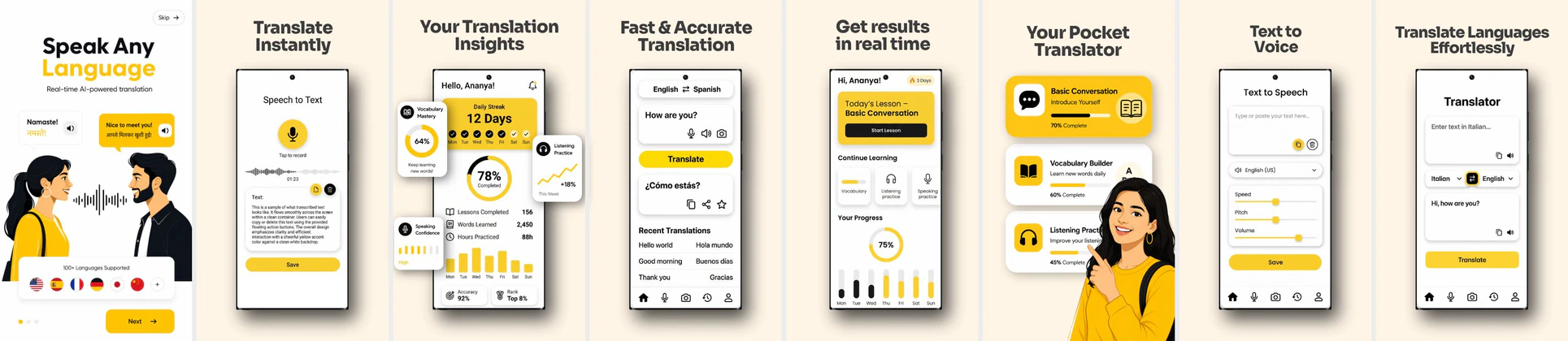 AI Language Translator & Voice Interpreter Play Store Screenshot
 Meditation and Sleep Tracker App Play Store Screenshots | Mindfulness UI Design
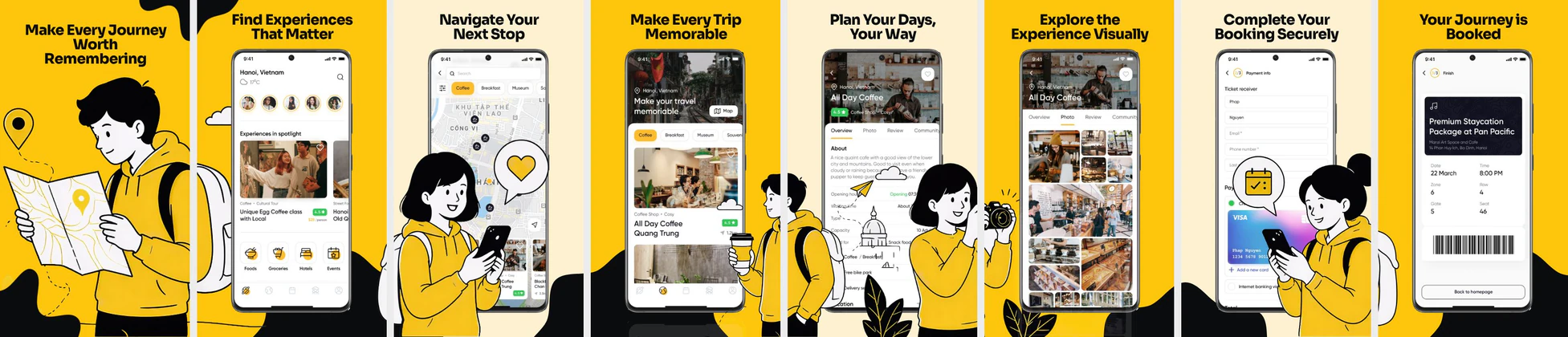 Travel & Booking App Play Store Screenshots – Trip Planner UI Template
 Baby Tracker App Play Store Screenshots – Parenting & Daily Care UI
 E-Learning App Play Store Screenshots – Online Course & Education UI
 Job Finder App Play Store Screenshots – Career & Recruitment UI Kit
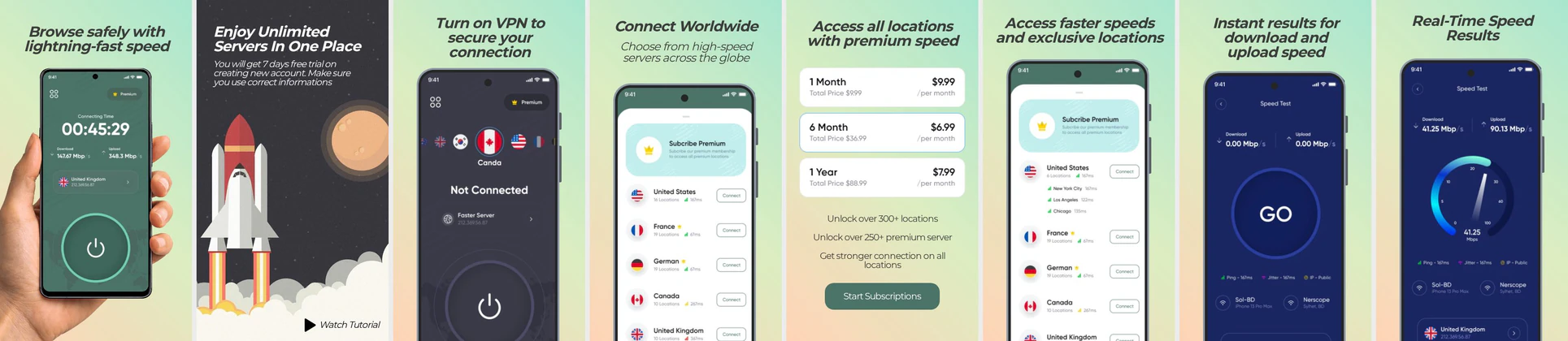 VPN App Play Store Screenshot Template – Secure & Fast Connection UI
 Fashion E-commerce Play Store Screenshot Template – Clothing App UI
 Diet & Nutrition App Play Store Screenshots – Calorie Tracker UI Template
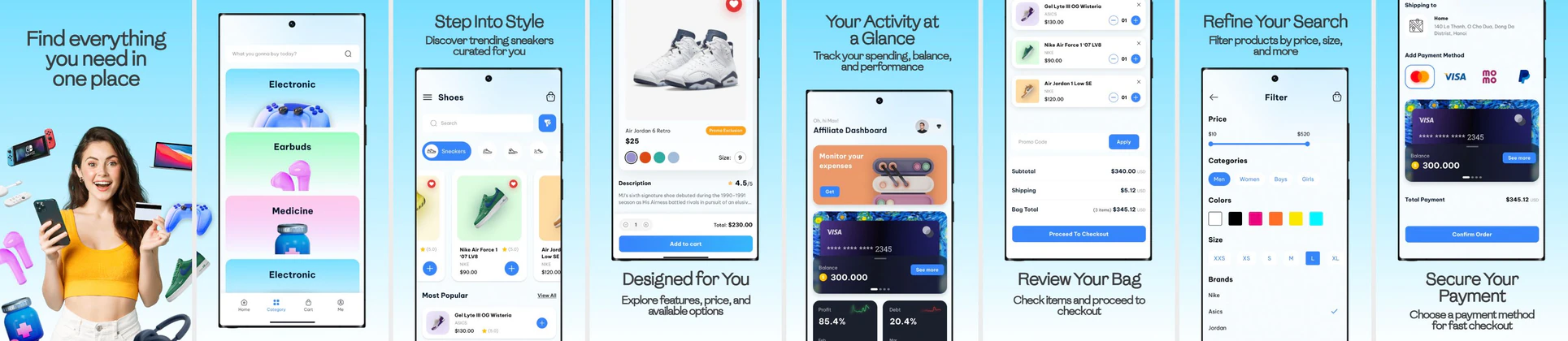 Modern Shopping App Play Store Screenshot Template for Online Retail Apps
 Home Service and House Cleaning Play Store Screenshot
 Fitness & Diet App Play Store Screenshot Template – Workout Planner & Health UI
✨ App Mockups, Ads & ASO Marketing Graphics
 Kids Learning App UI Kit | Preschool Education Mobile Mockup
 Kids Fashion Online Shopping App Promo | Editable E-commerce Banner
 Food Delivery App Launch Template | Play Store & App Store Promo
 Kids Shopping App UI Kit – Fashion Ecommerce Mobile App Screens for Children Store
 Education App Mockup Template – Kids Learning Mobile App Design
 Minimal Pastel Birthday Invite for Kids
ASO Guide: Converting Parents on Kids Educational App Listings
Kids app screenshots should communicate fun for children and trust for parents in the same sequence. Start with engaging activity visuals, then show learning goals, age-appropriate progression, and safe environment signals. Parents are the decision-makers in most installs, so clarity around safety, ad policy, and learning value matters as much as colorful design. Keep scenes playful but structured.
Store listings in children categories perform better when educational outcomes are explicit. AppTweak benchmarks suggest higher-quality installs when screenshot messaging pairs entertainment with clear developmental value. Use simple language and friendly iconography, then reinforce trust with practical cues like guided modes or protected settings. Nakxi helps teams produce age-segmented creative variants while maintaining consistent brand safety presentation.
Kids' apps target parents who make the purchase or download decision. Screenshots must feel safe, highly educational, and fun. Showcase colorful drawing boards, friendly animal avatars, simple drag-and-drop puzzles, and child-safe certification badges.
Use bright primary and secondary backgrounds (yellow, light orange, sky blue). Keep headings clear and focused on development: 'Learn Math with Games', 'Safe & Ad-Free', or 'Fun Puzzles for Toddlers'.
Kids app teams generally scale well in Nakxi by using one parent-trust template system and swapping activity modules by age group and curriculum focus.
Frequently Asked Questions
How do I communicate that a kids app is safe and ad-free?
Place a prominent '100% Kid-Safe & Ad-Free' badge on the first screenshot. Security and privacy are top concerns for parents.
What style works best for children's app screenshots?
A playful cartoon style with rounded fonts, bright backdrops, and active characters appearing alongside the device frames works best.
Should kids app screenshots mention ad-free environments?
Yes, when true, this message can strongly improve parent confidence. Place it in a dedicated trust frame rather than repeating it everywhere. Pair the claim with visible child-safe interaction examples. Clear trust cues often influence install decisions directly.
How many game-like visuals should be included?
Include enough to show engagement, but balance them with learning and safety context. A sequence of two playful frames plus one educational proof frame often works well. Too many game visuals can weaken perceived developmental value. Keep parent intent central.
How do I create kids app screenshots with Nakxi?
Pick a kids template from this page, open it in Nakxi's editor, swap in your UI captures, write outcome-led captions, and export App Store and Play Store sizes from one canvas. Most teams ship a first draft in under an hour without a design agency.
What screenshot sizes do kids apps need in 2026?
Apple's required iPhone class is 6.9-inch (1320 × 2868 px, with 1290 × 2796 px and 1260 × 2736 px also accepted). If the app runs on iPad, the 13-inch class is required (2064 × 2752 px, 2048 × 2732 px also accepted). Google Play screenshots must be 320–3840 px per side, with the long side at most twice the short side. The feature graphic is exactly 1024 × 500 px. Nakxi exports both store formats from a single design.