Fashion & Clothing App Store Screenshot Templates
Blend editorial aesthetics with practical fit and checkout clarity in every screenshot sequence.
Let your fashion catalog shine. Frame clothing grids, outfit recommendations, and user reviews inside minimal, modern device frames.
 App Store Screenshot Templates
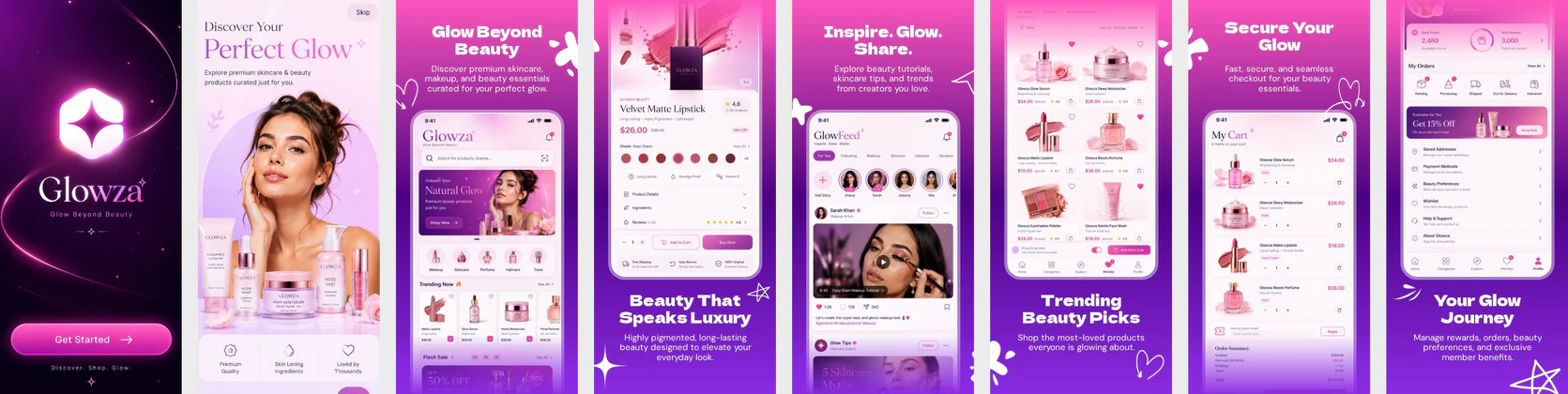 Beauty & Skincare App Store Screenshots – Luxury Cosmetics Shopping UI
 Shoe Shopping App Store Screenshot Template – Fashion E-commerce UI
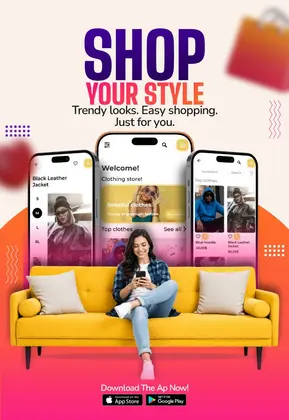
 Fashion Shopping App Store Screenshots – Modern eCommerce UI Template
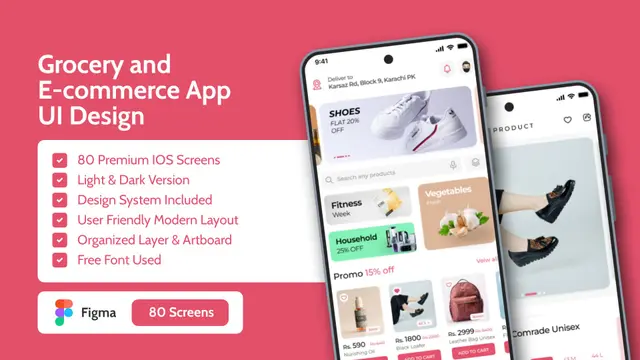
 Grocery Delivery App Store Screenshot Template – Fresh Food & Shopping UI Kit
 App Store Screenshot Template – E-commerce, Shopping & Marketplace Mobile UI Kit
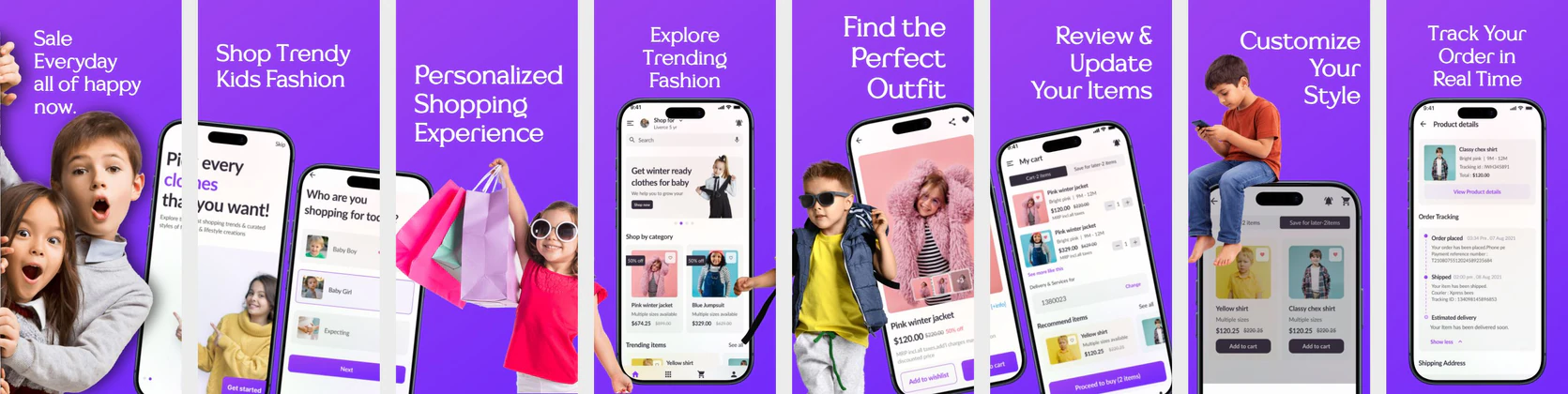 Kids Fashion App Store Screenshot Template – Children’s Clothing & Shopping UI Kit
 Job Finder App Store Screenshot Design – iOS Style | Easy to Edit
 Fashion Store App Store Screenshot Template by Nakxi
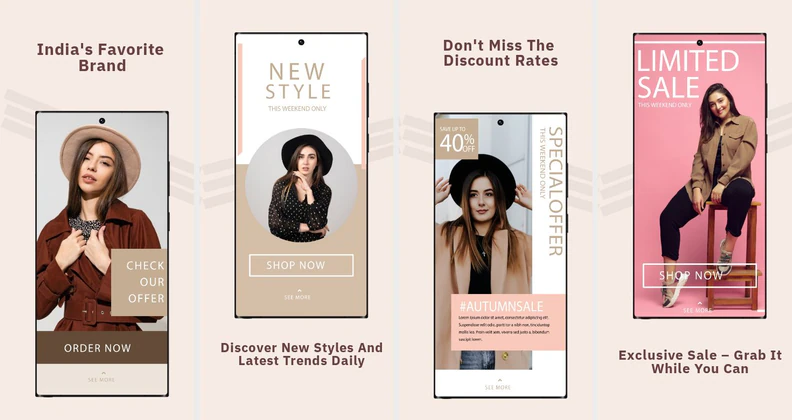 Premium UI Template for Fashion Shopping Apps
 Fashion App Screenshot Template
  Play Store Screenshot Templates
 Fashion Shopping App Play Store Screenshots – E-commerce Deals & Wishlist UI
 Fashion E-commerce Play Store Screenshot Template – Clothing App UI
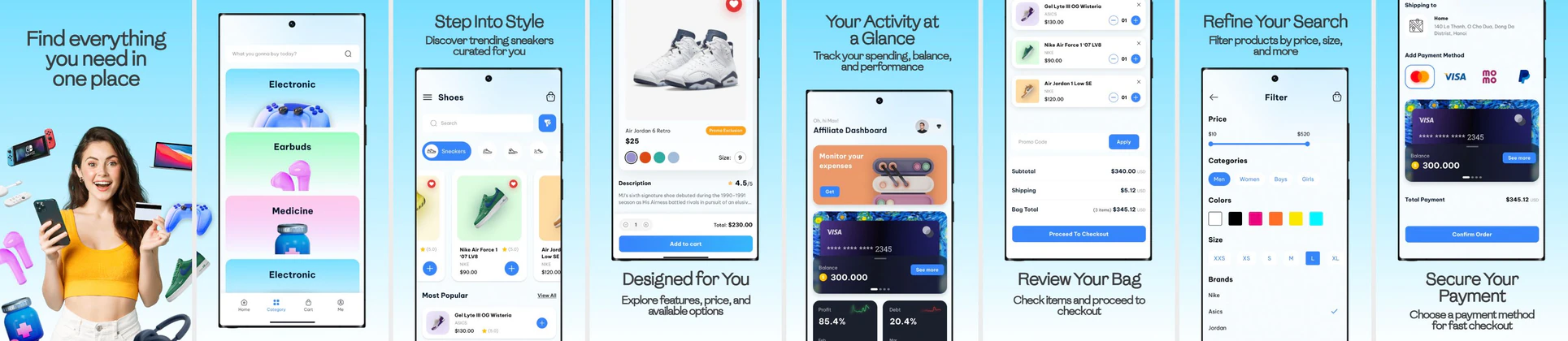 Modern Shopping App Play Store Screenshot Template for Online Retail Apps
 Fashion Shopping App Play Store Screenshot Template – Clothing & Ecommerce UI
 Sneaker Shopping App UI Design – E-commerce App Store Screeeshot Generator
 Play Store Template - Grocery Shopping App - Fully Customizable & Reusable
 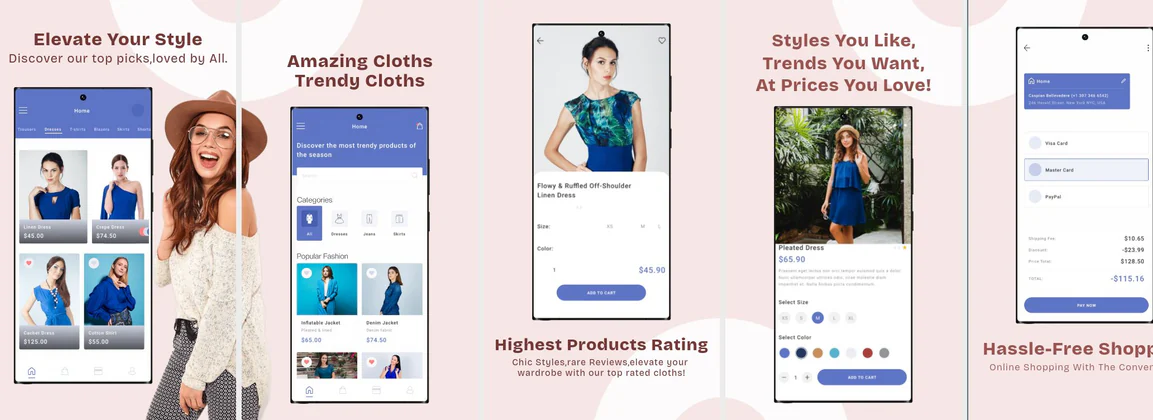 Trendy & Customizable Fashion Shopping App - Play Store Template
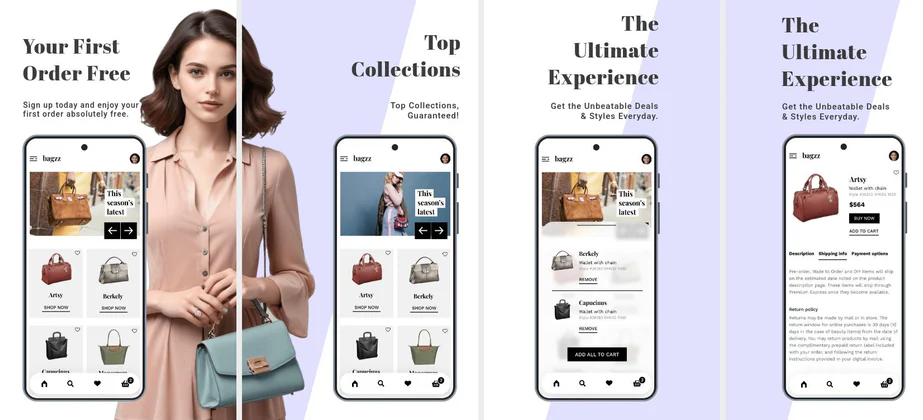 E-Commerce Shopping Site Template for Play Store
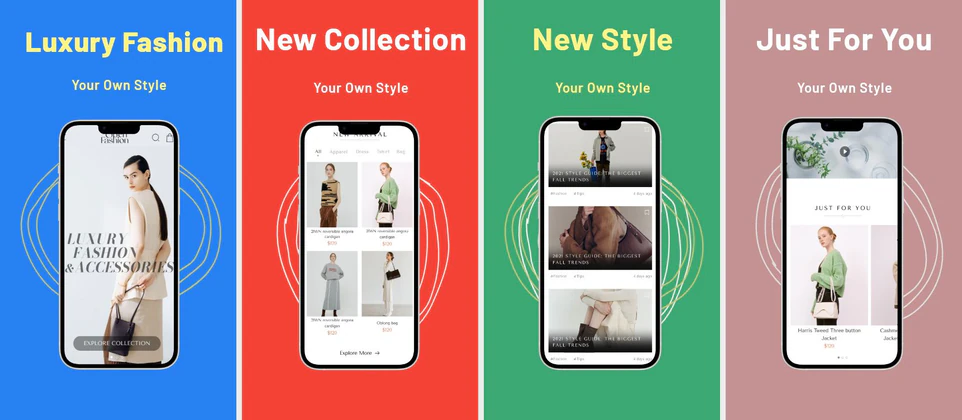 Fashion Store Marketplace Template for Play Store
✨ App Mockups, Ads & ASO Marketing Graphics
Grocery & Ecommerce Shopping App UI Kit Mockup TemplateFashion Shopping App Promo Mockup for Modern Clothing Store Apps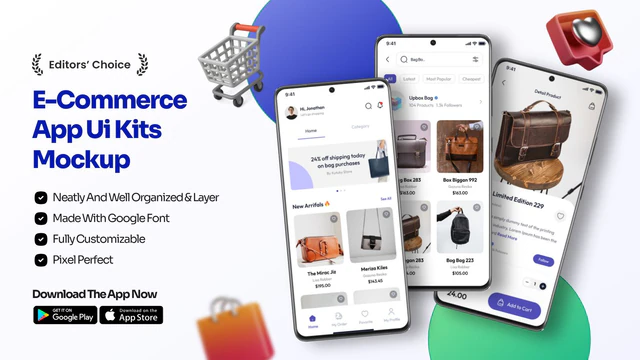 Modern E-Commerce App UI Mockup for Fashion & Bag Store Apps
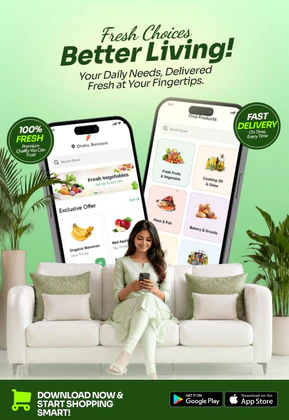 Grocery Delivery App Promotion – Fresh Food Shopping Mobile Design
 Fashion Shopping App UI Kit | Modern E-commerce Mobile Mockup
 Ecommerce App UI Mockup – Modern Shopping Mobile App Design
 Shopping App UI Mockup – Modern eCommerce Mobile Design
 Fashion Shopping App Advertisement – New Arrivals & Trendy Styles
 Fashion & Discovery App Promo Design – Modern Mobile UI Showcase
 Fashion Shopping App Promo Design – Modern eCommerce Mobile UI
 Kids Fashion Online Shopping App Promo | Editable E-commerce Banner
 Grocery App UI Mockup Template – Online Shopping & Delivery App Design
 Kids Shopping App UI Kit – Fashion Ecommerce Mobile App Screens for Children Store
 iPhone Mockup Held by Woman – App UI Showcase with Realistic Style
 Custom Tablet Mockup Template – Handcrafted Frame for Fashion & Portrait Showcases
ASO Guide: Aesthetic Standards for Fashion Apps
Fashion screenshots should look premium while proving shopping confidence. Start with curated style discovery, then show sizing assistance, wishlists, and checkout ease. Users in this category respond to visual taste, but installs often depend on fit reassurance and return clarity. Keep typography restrained and let product imagery breathe, while ensuring the interface remains understandable at small sizes.
Creative testing in fashion works best when each frame has one distinct purpose. StoreMaven has reported up to a 33% download lift from optimized screenshot sets, and fashion teams can benefit by testing lifestyle-led versus catalog-led openers. Maintain consistent visual tone across all frames so the listing feels intentional. Nakxi enables fast campaign adaptation for seasonal drops and audience segments without rebuilding your full screenshot system.
Fashion is entirely visual. The screenshots must feel like a premium catalog: spacious borders, high-quality outfit photos, and clean minimal devices. Highlight features like sizing advisors, styling grids, and instant cart reviews.
Avoid crowded designs; instead, use bold, elegant fonts for headlines and muted pastel backdrops. Call out benefits: 'Find Your Perfect Fit' or 'Shop Trending Looks'.
Fashion teams often scale efficiently in Nakxi by keeping a fixed editorial shell and swapping collection-specific imagery, fit guidance, and seasonal hooks for each release.
Frequently Asked Questions
What design style works best for fashion app screenshots?
A minimalist, aesthetic look with large image zones, soft neutral backgrounds (like cream, beige, or white), and clean typography works best.
Is it useful to highlight user reviews in fashion listings?
Yes, displaying star ratings or reviewer badges ('5-Star Rated Outfits') on product cards builds trust in clothing quality.
Should fashion screenshots prioritize lifestyle or product UI?
Use lifestyle visuals to attract attention, then transition to practical UI proof. Too much lifestyle can hide app utility, while too much UI can weaken brand appeal. A balanced sequence supports both inspiration and conversion. Keep the shift deliberate across frames.
How can fashion apps reduce fit anxiety in listings?
Include one screenshot that clearly shows sizing help, recommendations, or model context. This reassurance can significantly improve purchase intent. Keep wording concrete and avoid vague style claims. Fit clarity is often a decisive conversion factor.
How do I create fashion app screenshots with Nakxi?
Pick a fashion template from this page, open it in Nakxi's editor, swap in your UI captures, write outcome-led captions, and export App Store and Play Store sizes from one canvas. Most teams ship a first draft in under an hour without a design agency.
What screenshot sizes do fashion apps need in 2026?
Apple requires up to three iPhone display families (including 6.9-inch and 6.5-inch) per Apple's screenshot specifications. Google Play accepts 16:9 or 9:16 phone layouts between 320px and 3840px per side, as documented in Google Play listing best practices. Nakxi exports both store formats from a single design.