Beauty & Skincare App Store Screenshot Templates
Show transformation and daily usability together so your beauty app feels aspirational and practical.
Highlight makeup trials, skincare routines, and salon bookings. Elevate your app store listing with soft, elegant color schemes and layouts.
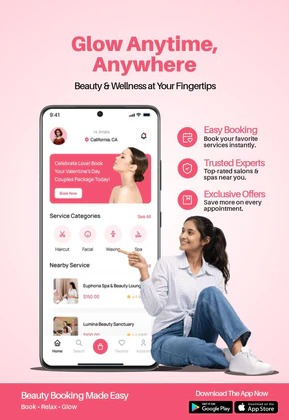
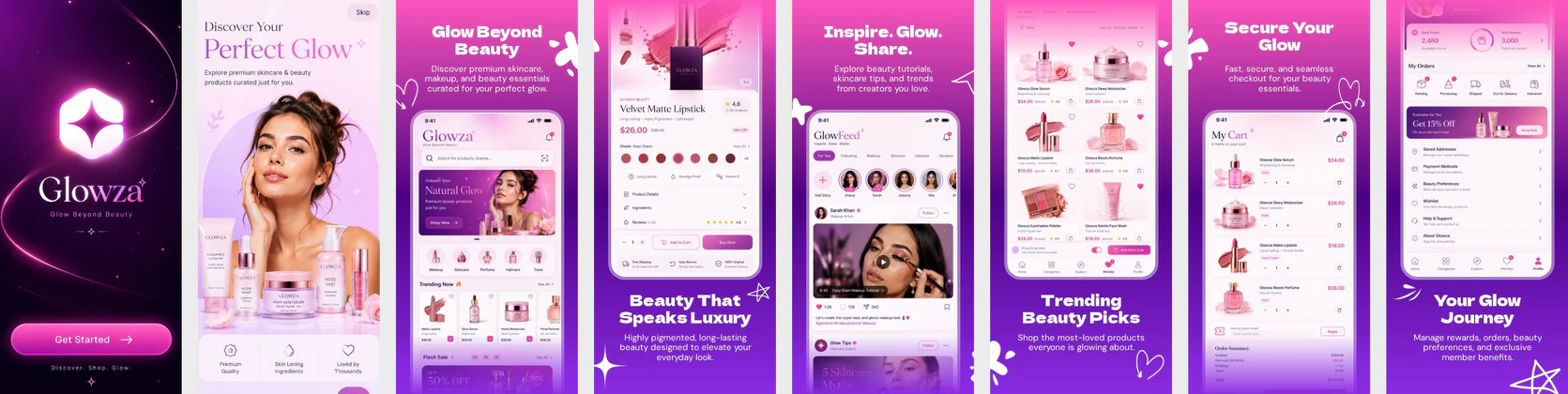
 App Store Screenshot Templates
 Play Store Screenshot Templates

✨ App Mockups, Ads & ASO Marketing Graphics
Beauty Salon App Promotion – Spa & Wellness Booking Mobile Design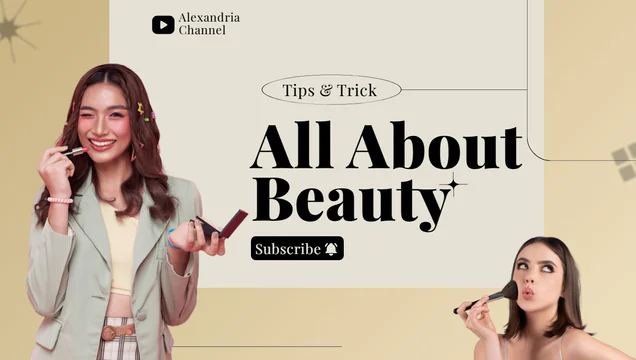 Beauty Tips & Tricks – YouTube Thumbnail & Social Media Post Template
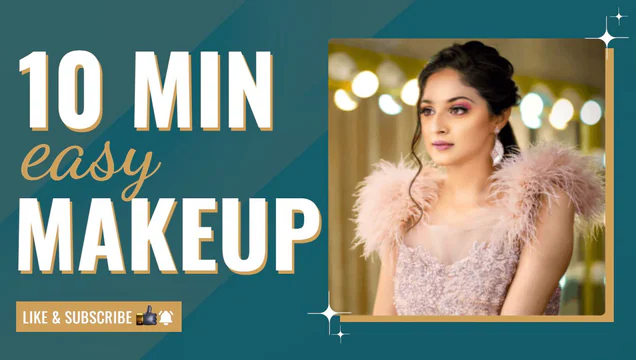 Easy Makeup Video – YouTube Thumbnail Template
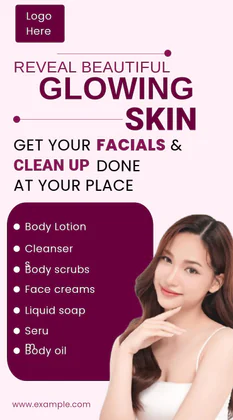 Skincare Treatment & Product Template
 Elegant Beauty Product Showcase Design - Nakxi
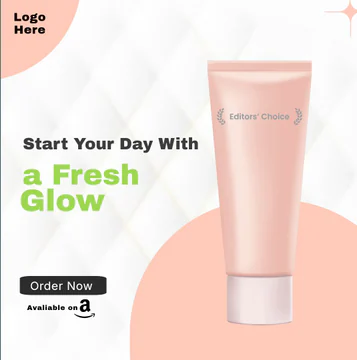 Glow & Tell – Beauty Product Promo Template
ASO Guide: Designing Visuals for Skincare & Cosmetics Listings
Beauty app screenshots should demonstrate visible outcome and personalization. Start with virtual try-on or skin analysis results, then show routine planning, product recommendations, and booking convenience if relevant. Users in this niche want confidence that results are tailored, not generic. Keep visuals elegant but functional so each promise is backed by clear interface evidence.
Listings perform better when messaging is precise and realistic. AppTweak benchmarks show stronger behavior when beauty creatives connect claims to concrete user actions such as shade match, progress tracking, or appointment booking. Avoid stacking too many decorative elements that obscure the core UI. Nakxi helps teams maintain premium aesthetics while quickly adapting content for skincare, makeup, and salon-focused acquisition campaigns.
Beauty and skincare apps target users seeking self-care. Use soft pink, warm peach, or light gold backdrops. Highlight visual tools: AR makeup filters, daily skincare trackers, or easy calendar booking for beauty salons.
Show clean UI panels outlining routines or appointments alongside modern phone frames. Captions should feel soothing and premium: 'Virtual Makeup Try-On', 'Log Your Skincare Routine', or 'Book Top Salons Near You'.
Beauty teams usually get better speed in Nakxi by building one polished template family, then swapping niche modules for AR try-on, skincare progress, or appointment-led campaigns.
Frequently Asked Questions
How should I present virtual try-on features in screenshots?
Feature a split-screen or overlay visual showing a user's portrait alongside makeup filters (e.g. lipstick shades) to demonstrate AR capabilities.
What color themes appeal most to beauty app users?
Clean cosmetic pastels, soft rose gold, and light creams match the beauty industry branding and convey elegance.
What should beauty apps show first in screenshots?
Lead with the feature that creates the clearest visible outcome. This is often try-on, skin analysis, or personalized routine generation. Users need quick proof that your app can adapt to them. Follow with supporting flow screens for credibility.
Do before-and-after visuals help beauty app conversion?
They can help when presented honestly and with clear context. Over-processed examples may reduce trust. Keep differences believable and pair them with actionable features. Authenticity tends to outperform exaggerated visual claims.
How do I create beauty app screenshots with Nakxi?
Pick a beauty template from this page, open it in Nakxi's editor, swap in your UI captures, write outcome-led captions, and export App Store and Play Store sizes from one canvas. Most teams ship a first draft in under an hour without a design agency.
What screenshot sizes do beauty apps need in 2026?
Apple requires up to three iPhone display families (including 6.9-inch and 6.5-inch) per Apple's screenshot specifications. Google Play accepts 16:9 or 9:16 phone layouts between 320px and 3840px per side, as documented in Google Play listing best practices. Nakxi exports both store formats from a single design.