
Pet Care & Vet App Store Screenshot Templates
Show pet parents how your app simplifies health, routines, and daily care decisions.
Showcase pet health checkups, vaccination calendars, and veterinary consultation screens. Design warm, animal-friendly layouts.

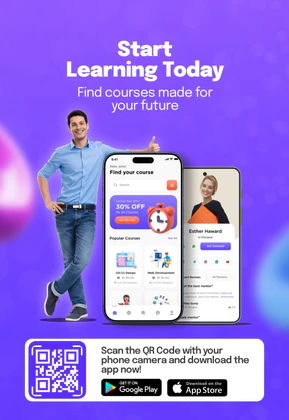
 App Store Screenshot Templates
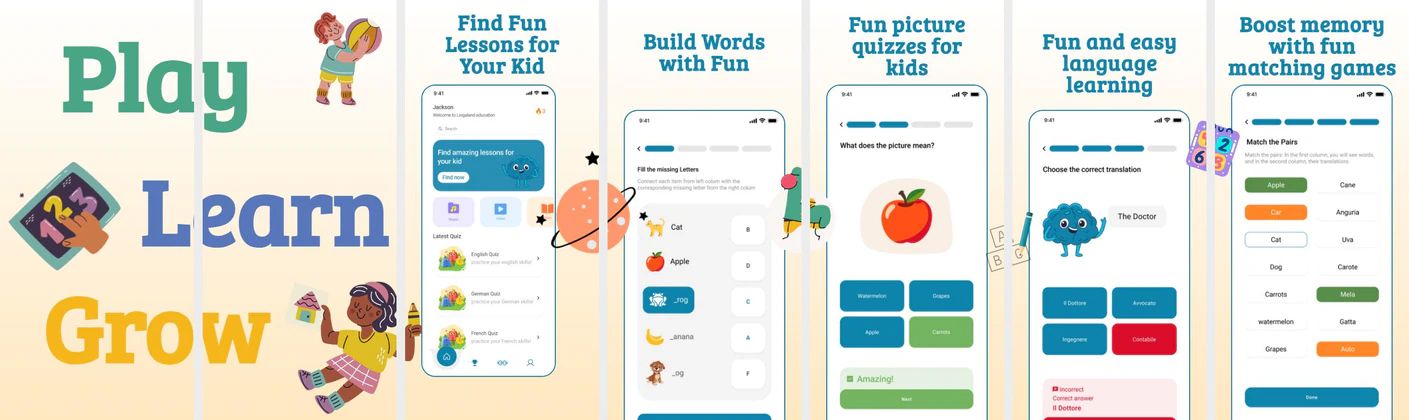


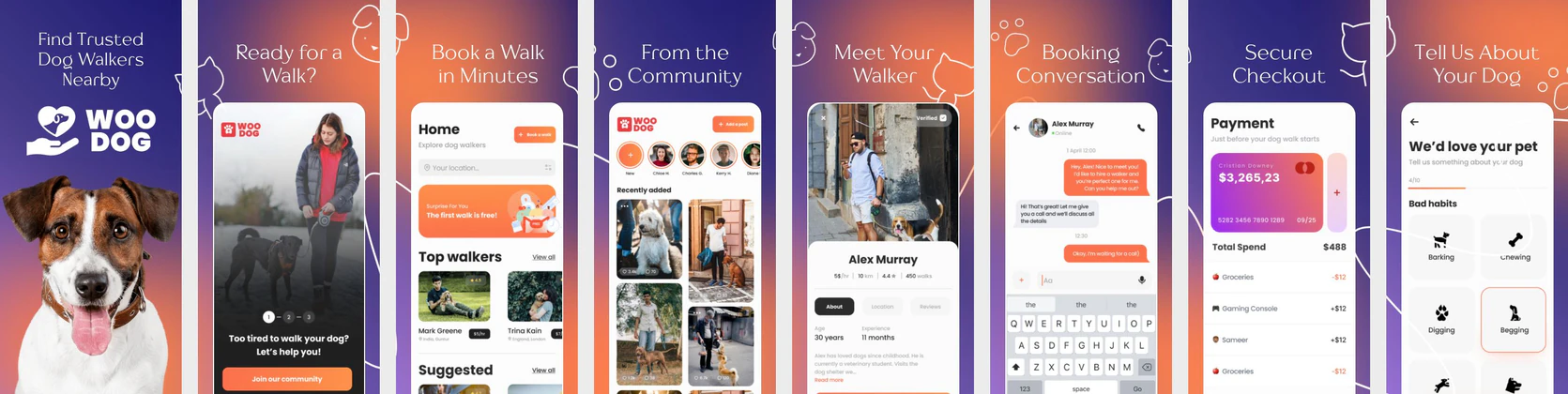
 Play Store Screenshot Templates

✨ App Mockups, Ads & ASO Marketing Graphics
AI Education App UI Mockup – E-Learning & Course Platform DesignE-Learning App Promo Design – Online Courses & Education Platform Kids Learning App UI Kit | Preschool Education Mobile Mockup
 Pet Ecommerce App UI Mockup – Dog Marketplace Mobile App Design
 New Week New Goals Motivational Poster Template | Editable Career & Education Flyer
 Smart Learning Poster Template – Education & eLearning Promo Design
 Poster Design – Build Their Future Campaign Template for NGOs & Education
 Vibrant App Download Banner Template – Eye-Catching Mobile Promotion Design
 Education App Mockup Template – Kids Learning Mobile App Design
 Educational YouTube Thumbnail Template
 Pet Products Marketing Template
 Colorful & Smart: Educational Toys Poster Branding
ASO Guide: Designing screenshots for Pet Tracking & Vet Services
Pet app screenshots should combine warmth with practical care value. Start with pet profile and routine tracking, then show health reminders, appointment flow, and activity logs. Pet parents evaluating apps want confidence that daily care is easy and organized. Keep visuals friendly but structured so important actions stay obvious.
Category performance often improves when trust and convenience are balanced. AppTweak benchmarks indicate stronger behavior when listings include concrete care tasks rather than only cute imagery. Show how users log meals, monitor medication, or access vet support in clear sequential frames. Nakxi helps pet teams produce campaign variants for wellness, training, or multi-pet households while keeping consistent listing quality.
Pet apps convert using animal cuteness and clinical organization. Show cute pet profile avatars (dogs/cats), vaccination calendars, daily feed logs, and online vet consultations. Use warm, yellow/orange backgrounds representing comfort and care.
Captions should focus on pet safety and lifestyle: 'Track Pet Health Records', 'Daily Feed & Walk Logs', or 'Talk to Online Vets 24/7'. Use clean minimal devices in Nakxi.
Pet product teams generally move quickly in Nakxi by maintaining a routine-care template base and rotating modules for vet support, training, or household management.
Frequently Asked Questions
How do I feature veterinary consultations in screenshots?
Show a video call layout displaying a certified veterinarian talking to a user, with a banner caption like '24/7 Virtual Veterinary Consults'.
What background illustrations work best for pet listings?
Subtle bone patterns, paw prints, or cartoon hearts around the device mockups make the layout feel fun and animal-centric.
Should pet apps emphasize emotional visuals or utility first?
Utility-first with warm tone usually performs best. Pet parents are emotionally engaged, but install decisions still depend on practical care outcomes. Use emotional visuals to support, not replace, functional proof. This balance improves conversion quality.
What care features should appear in screenshot sets?
Focus on the highest-frequency tasks such as feeding logs, reminders, and health records. If vet access is core, include it as a dedicated trust frame. Keep secondary features later in the sequence. Prioritize daily value first.
How do I create pet app screenshots with Nakxi?
Pick a pet template from this page, open it in Nakxi's editor, swap in your UI captures, write outcome-led captions, and export App Store and Play Store sizes from one canvas. Most teams ship a first draft in under an hour without a design agency.
What screenshot sizes do pet apps need in 2026?
Apple's required iPhone class is 6.9-inch (1320 × 2868 px, with 1290 × 2796 px and 1260 × 2736 px also accepted). If the app runs on iPad, the 13-inch class is required (2064 × 2752 px, 2048 × 2732 px also accepted). Google Play screenshots must be 320–3840 px per side, with the long side at most twice the short side. The feature graphic is exactly 1024 × 500 px. Nakxi exports both store formats from a single design.