Grocery & Supermarket App Store Screenshot Templates
Help shoppers see how your app simplifies weekly buying, delivery timing, and budget control.
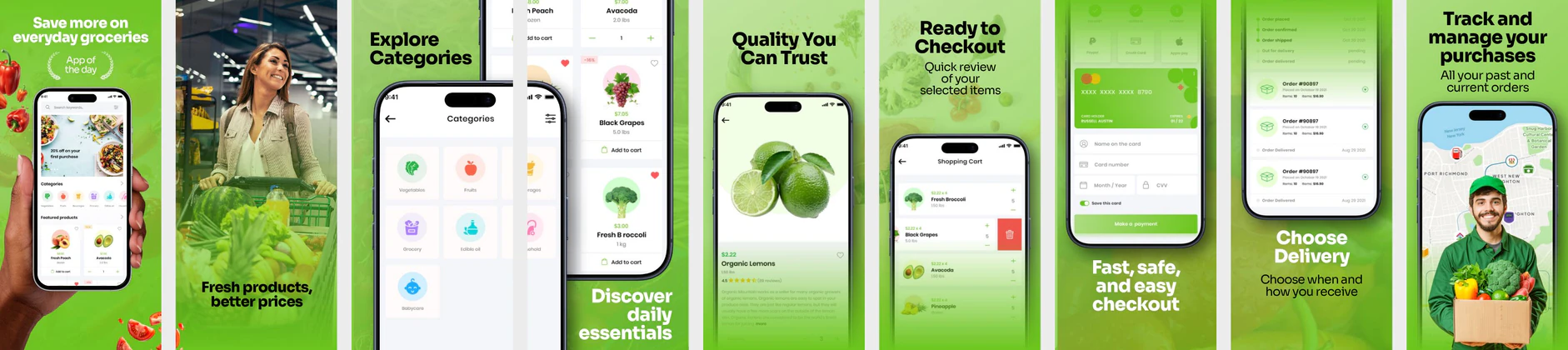
Showcase fresh grocery carts, easy list-builders, and order delivery times. Frame app features inside clean, highly readable screenshot templates.
 App Store Screenshot Templates

 Play Store Screenshot Templates

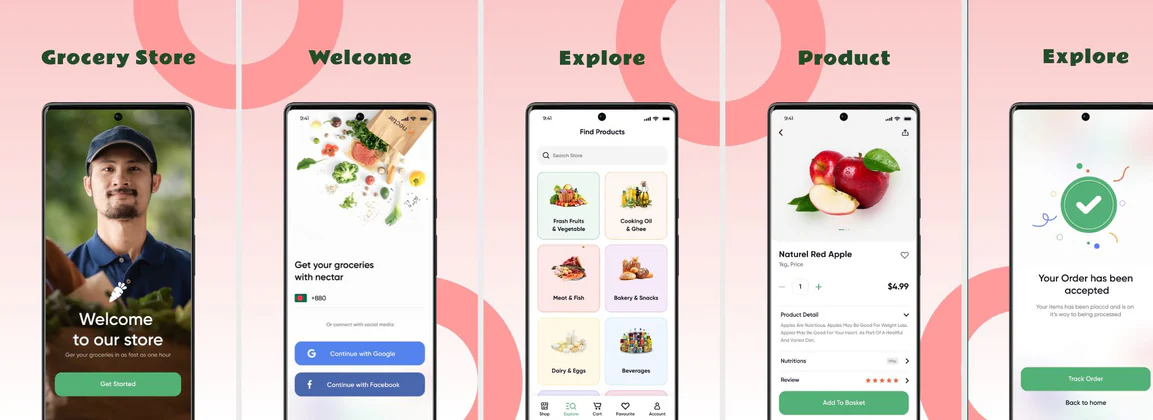
✨ App Mockups, Ads & ASO Marketing Graphics
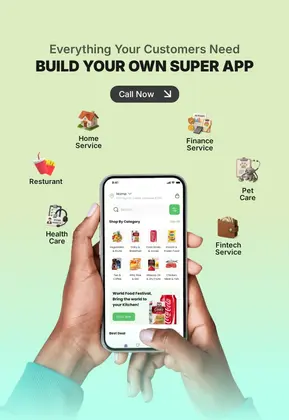
Multi-Service Super App Advertisement TemplateFresh Grocery Delivery App Promotion Poster Template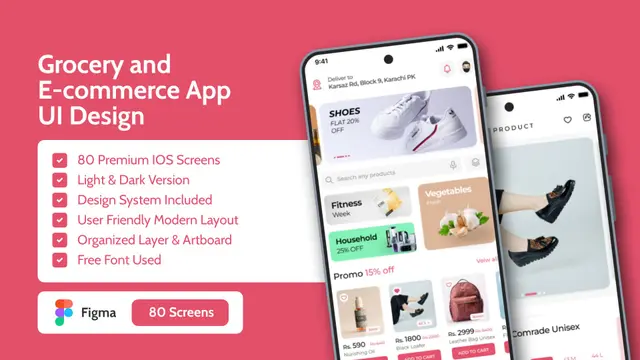 Grocery & Ecommerce Shopping App UI Kit Mockup Template
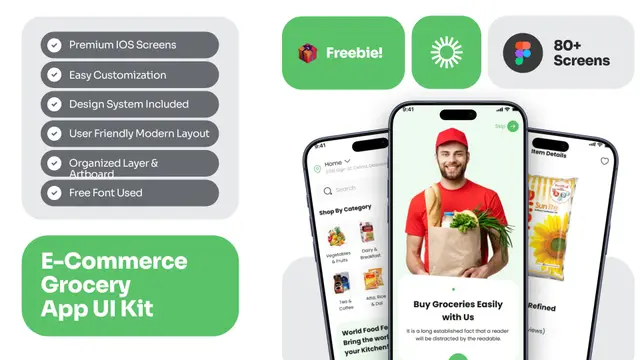 E-Commerce Grocery Delivery App UI Kit Mockup Template
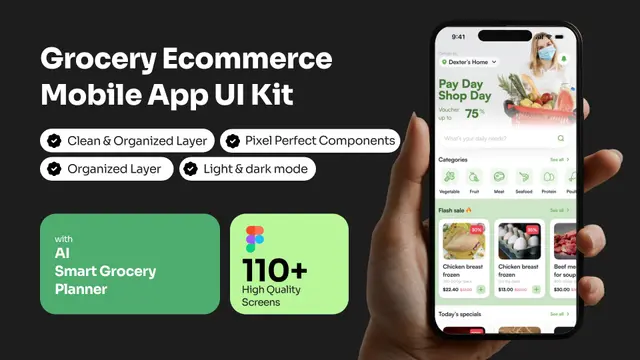 AI Grocery Ecommerce App UI Kit Mockup Template
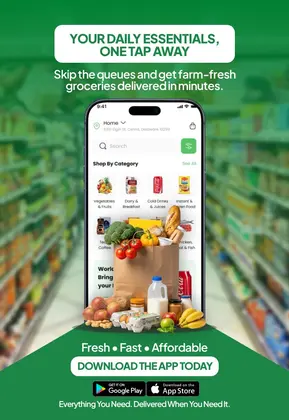
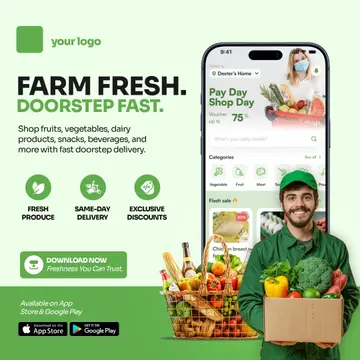 Fresh Grocery Delivery App Advertisement Template for Online Grocery Stores
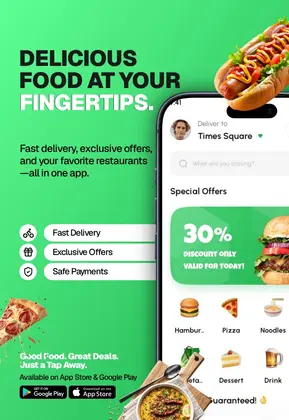 Food Delivery App Advertisement Template for Restaurants & Takeaway Apps
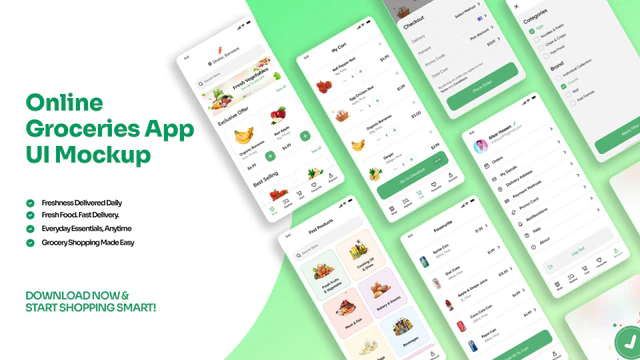 Online Grocery App UI Mockup – Fresh Food Delivery Mobile Screens
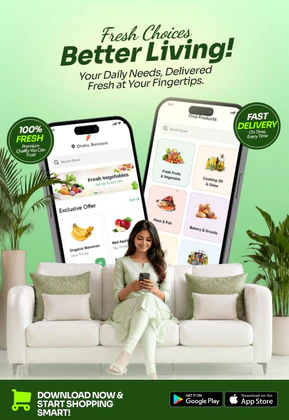 Grocery Delivery App Promotion – Fresh Food Shopping Mobile Design
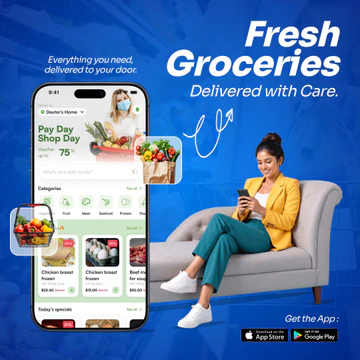 Fresh Grocery Delivery App Promotion Tempalte
 Food Delivery Advertisement Template – Grocery & Meal Ordering App Promo
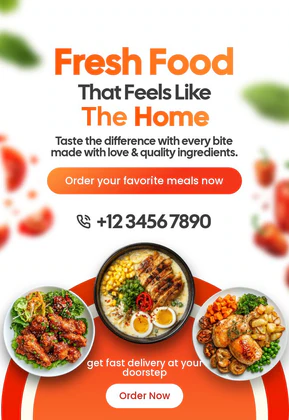 Fresh Food Delivery Poster Template | Editable Home-Style Meal Design
 Grocery App UI Mockup Template – Online Shopping & Delivery App Design
 Fresh Juice Mockup - Tangerine & Citrus Design
ASO Guide: Designing Visuals for Grocery Shopping Apps
Grocery screenshots should make routine shopping look faster and less stressful. Start with quick list or reorder flow, then show delivery scheduling, live tracking, and savings visibility. Users in this category are utility-driven, so practical clarity beats decorative design. Keep product visuals appealing but ensure app actions remain the focus.
Conversion tends to improve when convenience and reliability appear before promotions. StoreMaven has reported up to a 33% download lift from optimized screenshot sets, and grocery apps can leverage this by testing reorder-first versus discount-first openers. Use simple, high-contrast typography and realistic basket states. Nakxi helps teams refresh weekly campaigns quickly while preserving a consistent visual system across iOS and Android exports.
Grocery buyers care about speed, freshness, and saving money. Display fresh food item lists, easy cart builders, and courier delivery progress. Use clean, vibrant green accents to represent freshness and organic quality.
Keep headlines focused on speed and savings: 'Fresh Groceries in 1 Hour', 'Build Shopping Lists Fast', or 'Save with Weekly Coupons'. Make sure margins are clear so items stand out.
Grocery teams usually maintain strong velocity in Nakxi by using a fixed list-to-delivery storyboard and rotating category offers and seasonal assortments each campaign cycle.
Frequently Asked Questions
How do I show discount benefits in grocery app layouts?
Place bright coupon labels or discount banner cards (e.g. 'Get $10 Off Your First Order') on the second or third screenshot for high visibility.
What screenshot formats are best for supermarket apps?
Using a mix of close-up product list grids and delivery tracking maps provides a comprehensive overview of the convenience offered.
Should grocery listings highlight savings or speed first?
Speed and convenience often work better first because they address immediate friction. Savings can then reinforce value in later frames. Starting with only discounts can make listings feel generic. A balanced sequence usually improves install quality.
What screenshot proves grocery reliability best?
A clear delivery tracking or confirmed time-slot screenshot usually builds the strongest trust. It demonstrates operational confidence beyond product browsing. Keep timing and status information readable. This frame often reduces hesitation for first-time users.
How do I create grocery app screenshots with Nakxi?
Pick a grocery template from this page, open it in Nakxi's editor, swap in your UI captures, write outcome-led captions, and export App Store and Play Store sizes from one canvas. Most teams ship a first draft in under an hour without a design agency.
What screenshot sizes do grocery apps need in 2026?
Apple requires up to three iPhone display families (including 6.9-inch and 6.5-inch) per Apple's screenshot specifications. Google Play accepts 16:9 or 9:16 phone layouts between 320px and 3840px per side, as documented in Google Play listing best practices. Nakxi exports both store formats from a single design.