Social Media & Messaging App Store Screenshot Templates
Show vibrant community interaction while keeping creation and sharing workflows instantly clear.
Highlight active chat feeds, community threads, and media share grids. Use friendly layouts that project real-world connection and engagement.


✨ App Mockups, Ads & ASO Marketing Graphics
Professional Nutrition and Calorie Tracker App Promo | Modern Health UI Design TemplateSmart Branding Designs Poster Template | Editable Agency Marketing Flyer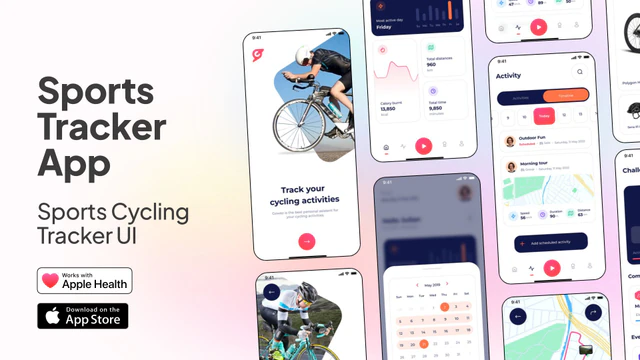 Sports Tracker App UI – Cycling Fitness Mobile App Template
 Creative Agency Banner – Design Service Promotion Template
 Marketing Agency Ad Template – Business Promotion Social Media Design
 Motivational Poster Template – Productivity Quote Social Media Design
 Car Insurance App UI Kit – Fintech Mobile Template
 Modern Product Showcase Template for Social Media Ads
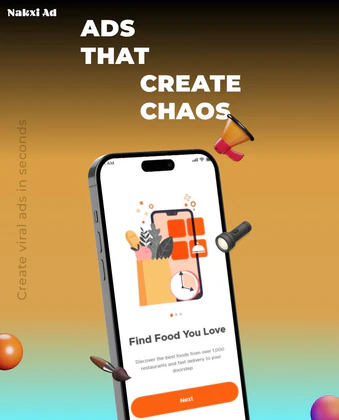 Creative Ads Banner Template — Make Viral Ad Designs in Seconds
 Billboard Advertising Template – Modern Ads That Matter Design for Marketing Campaigns
 Birthday Celebration Instagram Post Template
 Meeting Invitation Social Media Template
 Twitter Header Template for Social Media Influencer
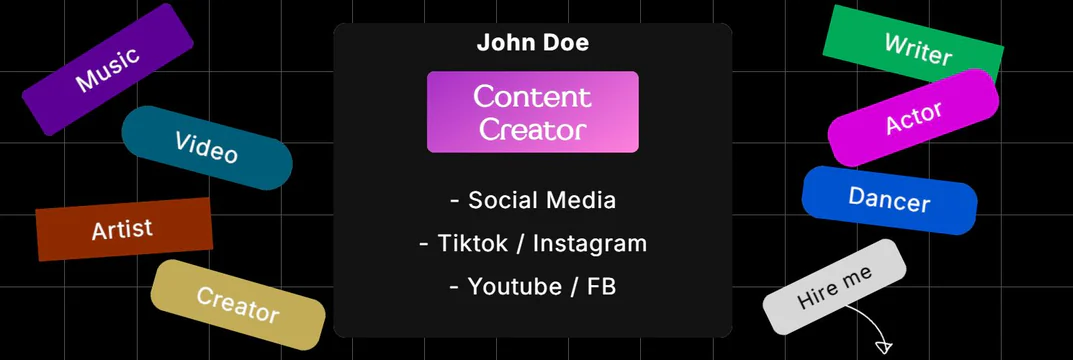 Twitter Header Design for Content Creator
 Twitter Blue Patterns Cover Header Design Template
ASO Guide: Crafting Visuals for Social Media & Messengers
Social media screenshots should communicate activity, identity, and ease of creation. Start with engaging feed value, then show posting tools, stories, and community interactions. Users deciding in this category need confidence that the app feels alive and easy to use, not just visually polished. Keep visual density controlled so content and controls remain distinct.
Listings improve when every frame maps to one social action. StoreMaven has reported up to a 33% download lift from optimized screenshot sets, and social products can apply this by testing creator-first versus community-first screenshot order. Show one trust feature if privacy is important, such as audience controls or safe sharing options. Nakxi helps teams scale campaign variants without fragmenting brand presentation across app stores.
Social apps need to feel active and populated. Showcase interactive post feeds with likes and comment streams, story grids, live group rooms, and profile galleries. Maintain a warm, high-contrast palette.
Keep screenshot copy centered on community benefits: 'Build Your Community', 'Share Daily Stories', or 'Connect in Real-Time'. Frame your mobile screens inside sleek device templates in Nakxi.
Social teams often use Nakxi efficiently by anchoring a feed-to-create narrative and swapping vertical-specific community examples for each acquisition channel.
Frequently Asked Questions
What style of user-generated content (UGC) works best in screenshots?
Vibrant, high-resolution lifestyle photos of smiling people and beautiful landscapes make social grids look active and attractive.
How can I show security or private sharing features?
Show a lock icon overlay or caption indicating privacy settings ('Private Group Sharing' or 'End-to-End Encrypted Group Chat') to reassure users.
Should social apps show creator tools in listings?
Yes, if creator workflows are central to user retention. A focused frame for editing, posting, or story tools helps users understand what they can do immediately. Keep controls readable and avoid feature overload. This improves clarity for both creators and casual users.
How can social media screenshots improve user quality?
Align screenshot messaging with your actual community behavior and moderation standards. Avoid broad claims that attract mismatched audiences. Show content style and interaction patterns honestly. Better expectation fit usually leads to healthier retention and engagement.
How do I create social media app screenshots with Nakxi?
Pick a social media template from this page, open it in Nakxi's editor, swap in your UI captures, write outcome-led captions, and export App Store and Play Store sizes from one canvas. Most teams ship a first draft in under an hour without a design agency.
What screenshot sizes do social media apps need in 2026?
Apple requires up to three iPhone display families (including 6.9-inch and 6.5-inch) per Apple's screenshot specifications. Google Play accepts 16:9 or 9:16 phone layouts between 320px and 3840px per side, as documented in Google Play listing best practices. Nakxi exports both store formats from a single design.