Crypto & Bitcoin Wallet App Screenshots
Translate complex crypto workflows into storefront visuals that feel secure and approachable.
Showcase real-time token charts, secure wallets, and instant trade executions. Match the cutting-edge crypto aesthetic with sleek dark glassmorphism.
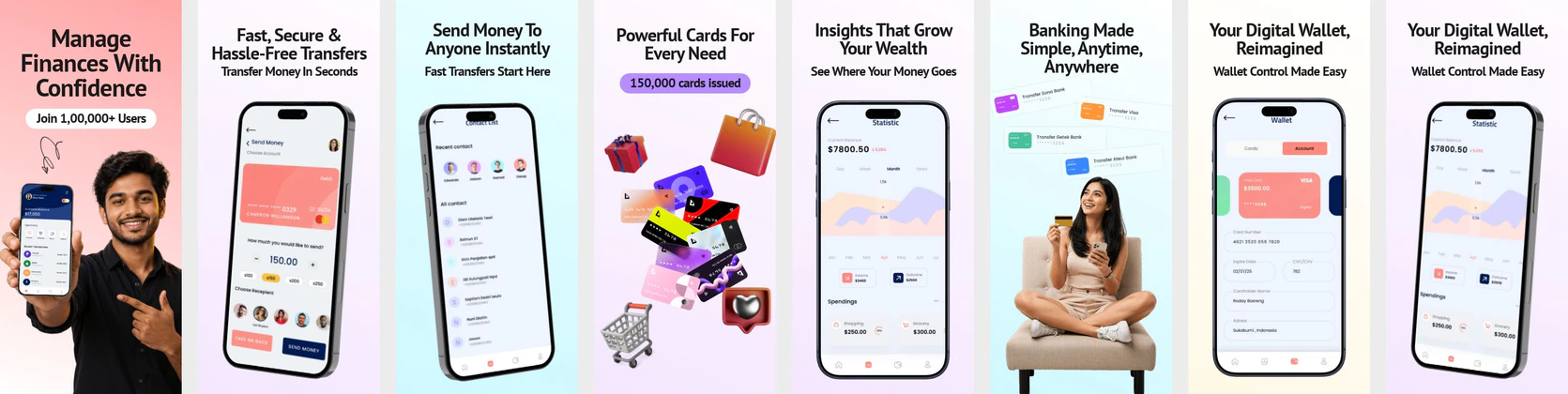
 App Store Screenshot Templates

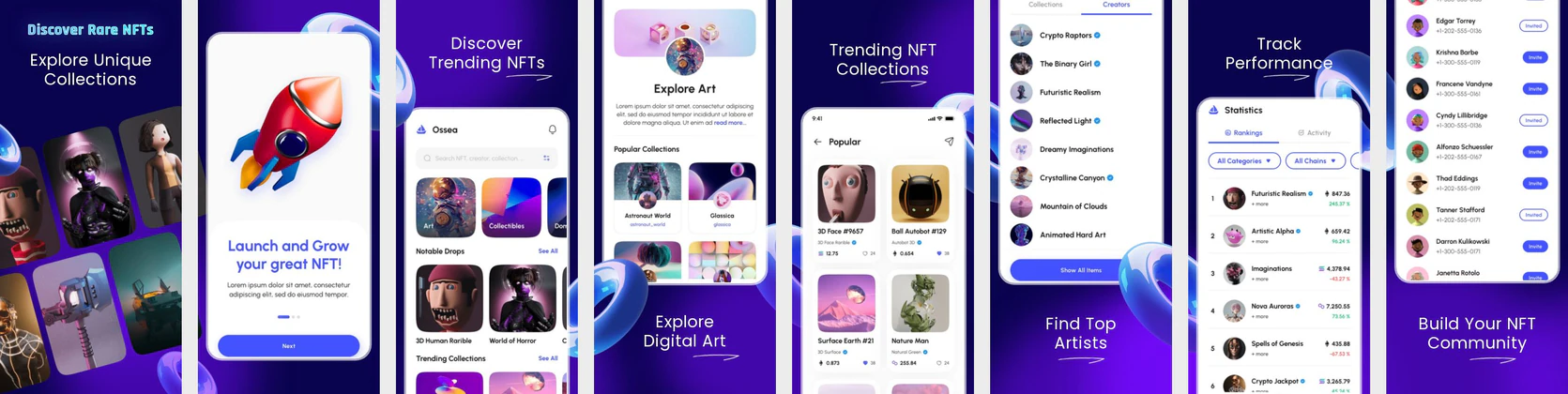
 Play Store Screenshot Templates
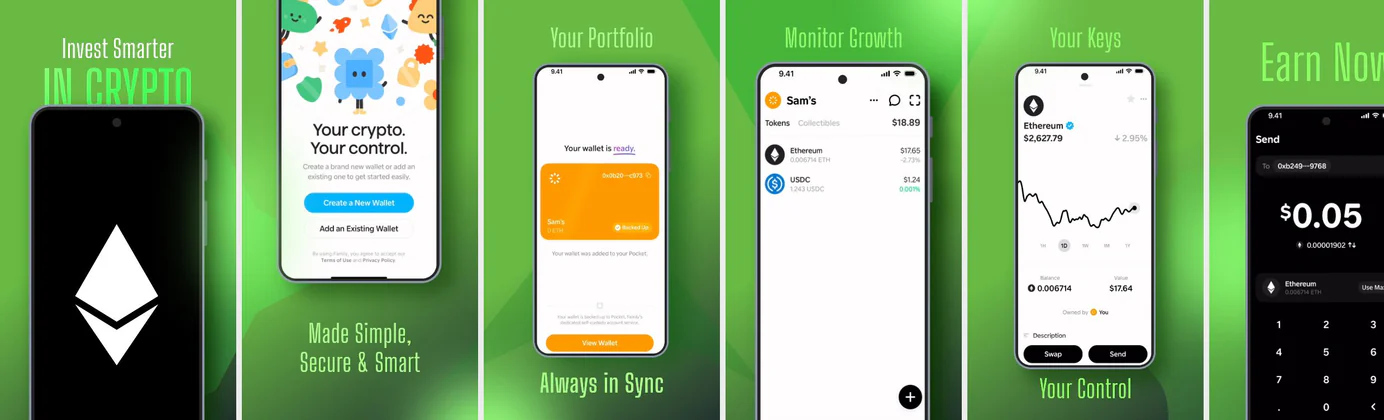

✨ App Mockups, Ads & ASO Marketing Graphics
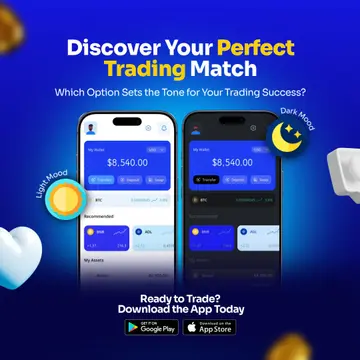
Crypto Trading App Promotion Design with Light & Dark Mode UI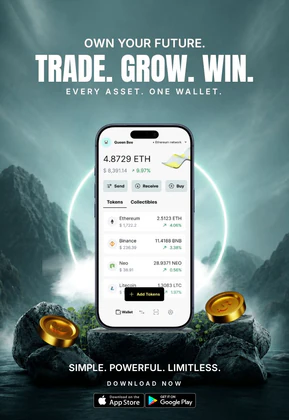 Crypto Wallet App Promotion – Digital Asset Trading & Web3 Finance Design
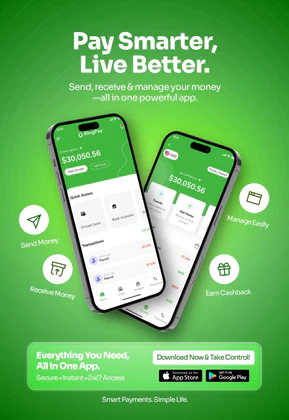 Smart Digital Wallet & E-Wallet App Advertisement Template
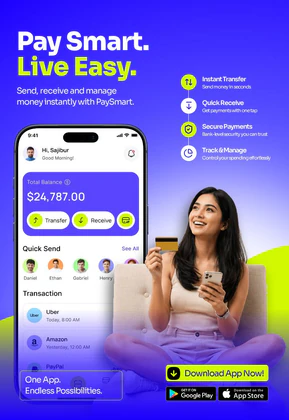 Digital Wallet & Mobile Banking App UI | Fintech Payment Template
 Crypto Portfolio App Promo – 3D Mobile UI Mockup with Trading Dashboard
 Crypto Investment App Promo – 3D Mobile UI Mockup with Portfolio Dashboard
 Crypto Trading App UI Kit | Real-time Bitcoin & Digital Asset Mockup
 Smart Wallet App Advertisement Banner – Fintech Mobile App Promo Design
 Crypto Trading App Promotion Banner – Convert Cash to Crypto Instantly
 Crypto Wallet & Digital Asset Tracker | Secure Portfolio Management Template
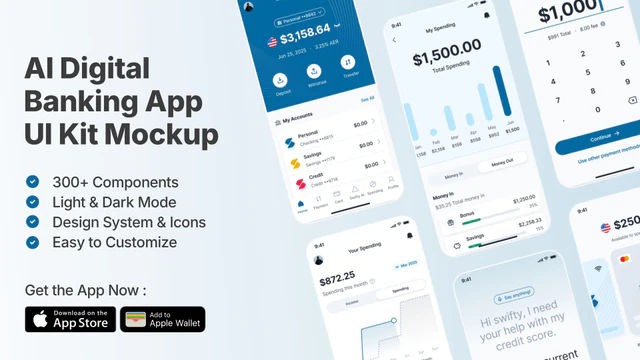 AI Digital Banking UI Kit | Fintech & Mobile Wallet Mockup
 Cryptocurrency Wallet App Advertisement – Crypto Trading & Portfolio UI
 Digital Wallet App Mockup – Fintech UI for Payments & Transactions
 Smart Payment App UI Mockup for Fintech & Digital Wallet Apps
 Crypto Trading App Promo Mockup
ASO Guide: Optimizing Screenshots for Crypto & Web3 Apps
Crypto users want confidence and capability at the same time. Your screenshots should open with portfolio clarity, then show protected wallet actions, trade execution, and alerts. Avoid packing every advanced chart type into early frames because first-time users often bounce when complexity appears before value. Use clear visual anchors like holdings, transfer confirmations, and simple risk cues. This keeps both beginners and active traders engaged while scanning thumbnails.
Search intent is critical in this category because users compare many near-identical apps quickly. Apple Search Ads reports around 65% of downloads start from search, so screenshot relevance at glance level matters more than decorative style. Keep messaging tightly aligned with on-screen UI and avoid hype-first claims. Nakxi helps teams iterate safely across wallet-first, trading-first, and earn-first narratives while keeping exports consistent across store requirements.
The Web3 and crypto audience expects professional, high-fidelity interfaces. To stand out, use high-contrast dark backgrounds, neon accents, and clean candle/line charts showing growth. Avoid basic templates; instead, present secure storage flows, gas fee estimates, and NFT previews.
A bitcoin wallet screenshot generator is really a listing tool: drop in your live wallet UI — balance, send, receive, backup — and export App Store sizes. Same workflow for a crypto wallet screenshot set. Do not fake balances or impersonate Trust Wallet; show your own product, on the current OS.
Crypto products usually get better creative control in Nakxi by locking a wallet-to-trade baseline sequence, then swapping emphasis by audience maturity and acquisition channel.
Frequently Asked Questions
Why are dark mode layouts preferred for crypto app screenshots?
Dark mode fits the modern Web3 design system and highlights neon charts, token icons, and trade actions (like Buy/Sell buttons) with maximum visual contrast.
Can I showcase multiple devices on my crypto app listing?
Yes, showing both mobile wallets and web browser extensions using Nakxi's desktop/mockup templates helps promote cross-device sync.
How do I create bitcoin wallet screenshots for the App Store?
Capture your real wallet screens (home balance, send/receive, security). Place them in current iPhone frames, write a 4–7 word outcome headline on frame 1, and export the 6.9-inch App Store size. Nakxi’s crypto templates are built for that sequence — not for fabricating another brand’s wallet.
Should crypto listings show candlestick charts first?
Usually no, unless your app is exclusively trader-focused. New users often prefer seeing account clarity and safety before deep market visuals. A chart can still appear later as proof of capability. This sequencing reduces intimidation and improves first-scroll comprehension.
How many crypto features should one screenshot highlight?
One major feature per screenshot is the safest approach. Too many labels in one frame makes high-volatility products look confusing. Keep each image tightly scoped, then build progression through the full sequence. This approach supports stronger conversion testing.
Is this a Trust Wallet screenshot generator?
No. Nakxi does not generate fake Trust Wallet or exchange receipts. Use it to build App Store screenshots for your own crypto wallet app: real UI, current device frames, and store-ready sizes. If you are studying competitor listings, use ScreenVault instead of cloning another brand.
How do I create crypto app screenshots with Nakxi?
Pick a crypto template from this page, open it in Nakxi's editor, swap in your UI captures, write outcome-led captions, and export App Store and Play Store sizes from one canvas. Most teams ship a first draft in under an hour without a design agency.
What screenshot sizes do crypto apps need in 2026?
Apple requires up to three iPhone display families (including 6.9-inch and 6.5-inch) per Apple's screenshot specifications. Google Play accepts 16:9 or 9:16 phone layouts between 320px and 3840px per side, as documented in Google Play listing best practices. Nakxi exports both store formats from a single design.