E-Wallet & Digital Wallet App Screenshots
Show everyday payment convenience and security in a sequence users instantly understand.
Showcase seamless contactless payments, multi-card wallets, and quick QR transactions. Instill security and ease of use in every screen.
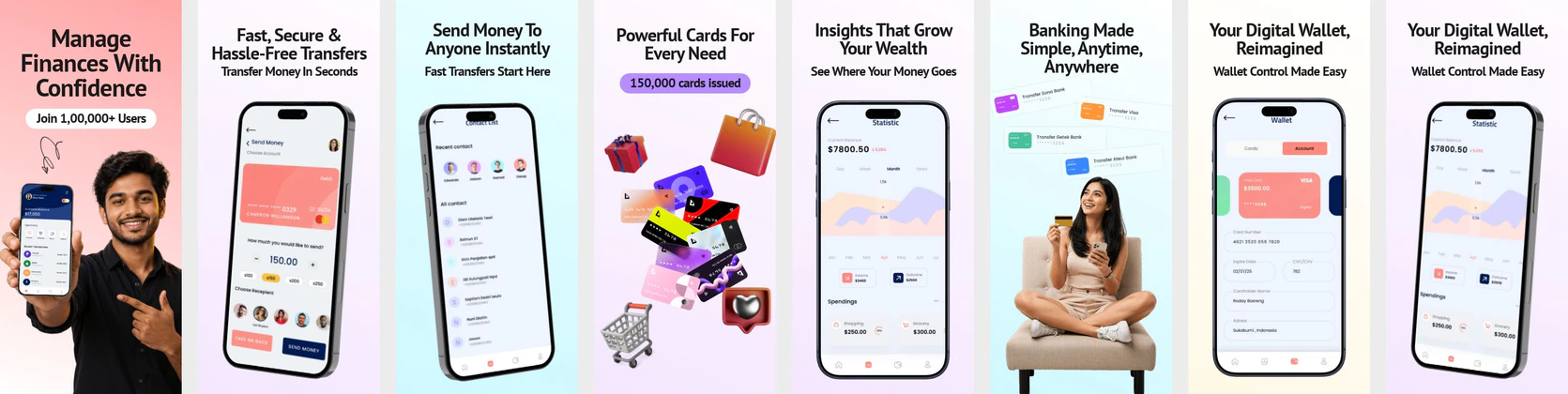
 App Store Screenshot Templates

 Play Store Screenshot Templates

✨ App Mockups, Ads & ASO Marketing Graphics
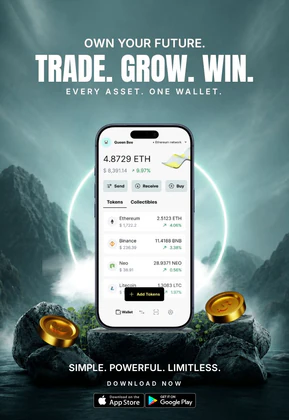
Crypto Wallet App Promotion – Digital Asset Trading & Web3 Finance Design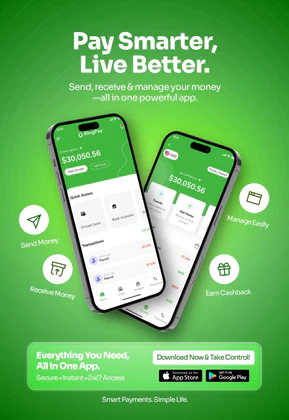 Smart Digital Wallet & E-Wallet App Advertisement Template
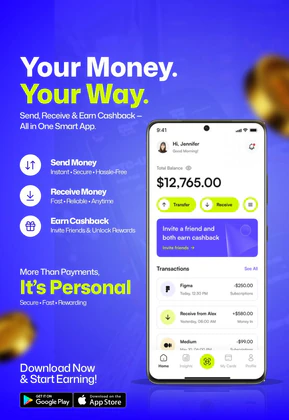 Fintech E-Wallet App Promo Banner
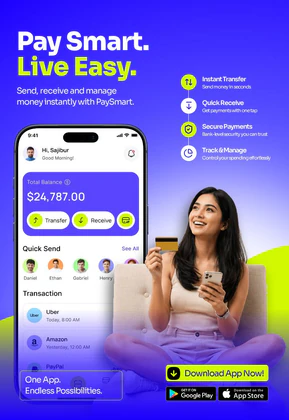 Digital Wallet & Mobile Banking App UI | Fintech Payment Template
 Smart Wallet App Advertisement Banner – Fintech Mobile App Promo Design
 Crypto Wallet & Digital Asset Tracker | Secure Portfolio Management Template
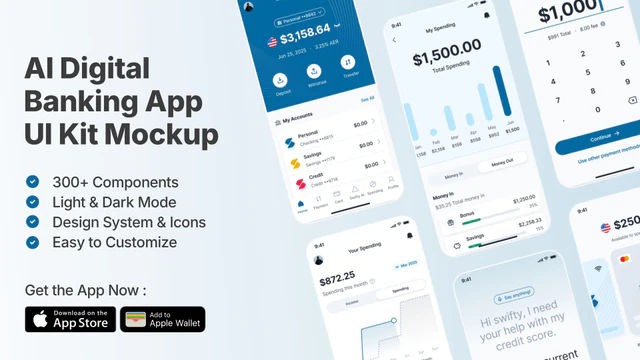 AI Digital Banking UI Kit | Fintech & Mobile Wallet Mockup
 Cryptocurrency Wallet App Advertisement – Crypto Trading & Portfolio UI
 Digital Wallet App Mockup – Fintech UI for Payments & Transactions
 Smart Payment App UI Mockup for Fintech & Digital Wallet Apps
ASO Guide: Designing Digital Wallet Screenshot Mockups
Digital wallet screenshots should mirror real payment moments users already recognize. Open with successful tap-to-pay or QR checkout, then move to card controls, rewards, and pass storage. People deciding on wallet apps need fast proof that the app is both accepted and safe. Keep message structure simple: one action, one benefit, one confirmation. Overly abstract visuals can look polished but fail to communicate practical value during quick listing scans.
Conversion improves when your screenshots clarify payment flexibility without clutter. AppTweak benchmarks indicate stronger listing performance when wallet creatives separate convenience screens from control screens. This helps users understand both speed and security in sequence. Nakxi lets teams create reusable wallet layouts and quickly test variants by region, payment behavior, or campaign priority while maintaining visual consistency across iOS and Android assets.
Digital wallet apps need to show how they replace physical wallets. Focus on contactless NFC payments, card organizers, loyalty cards, and digital tickets. Visually highlight speed: showing a card near an NFC reader or a QR code being scanned.
People searching for an e-wallet screenshot usually want to see the listing, not a fake bank receipt. Use your real home, pay, and card-control screens. Keep the design clean and current so the store page matches the installed app.
Wallet teams often get the cleanest rollout in Nakxi by building a reusable checkout hero and then swapping card, pass, and security modules for market-specific campaigns.
Frequently Asked Questions
How do I show contactless payments in static screenshots?
Use an overlay graphic like a checkmark badge or a small graphic representing waves near the top of the card preview to symbolize a successful NFC tap.
Is it important to feature credit cards in digital wallet designs?
Featuring mock credit cards with generic branding helps demonstrate how multi-card organization works, but keep details abstract to protect copyright.
How do I make an e-wallet screenshot for the App Store?
Capture the screens a new user needs to trust: pay success, cards, and a clear balance — your UI, not a stock mock. Frame them on a current iPhone, keep the headline to a few words, and export the 6.9-inch size. This hub is an e-wallet screenshot generator for listings, not a fake-receipt tool.
Should wallet apps include loyalty and passes in screenshots?
Yes, if those features are used regularly and improve everyday convenience. Show them after the core payment flow so your primary value stays clear. A single focused frame is enough to communicate breadth. Avoid overloading early screenshots with secondary features.
What copy style works best for wallet screenshots?
Short, confidence-oriented lines usually perform best. Use action words like tap, pay, track, and lock that map directly to visible UI states. Keep captions concrete and avoid generic fintech language. This improves scanability and trust.
How do I create digital wallet app screenshots with Nakxi?
Pick a digital wallet template from this page, open it in Nakxi's editor, swap in your UI captures, write outcome-led captions, and export App Store and Play Store sizes from one canvas. Most teams ship a first draft in under an hour without a design agency.
What screenshot sizes do digital wallet apps need in 2026?
Apple requires up to three iPhone display families (including 6.9-inch and 6.5-inch) per Apple's screenshot specifications. Google Play accepts 16:9 or 9:16 phone layouts between 320px and 3840px per side, as documented in Google Play listing best practices. Nakxi exports both store formats from a single design.