AI Chatbot & Assistant App Store Screenshot Templates
Show what users can create in seconds and how your AI flow stays practical and reliable.
Highlight interactive chat interfaces, prompt options, and instant image outputs. Use modern, tech-forward layouts with neon gradient accents.
 App Store Screenshot Templates
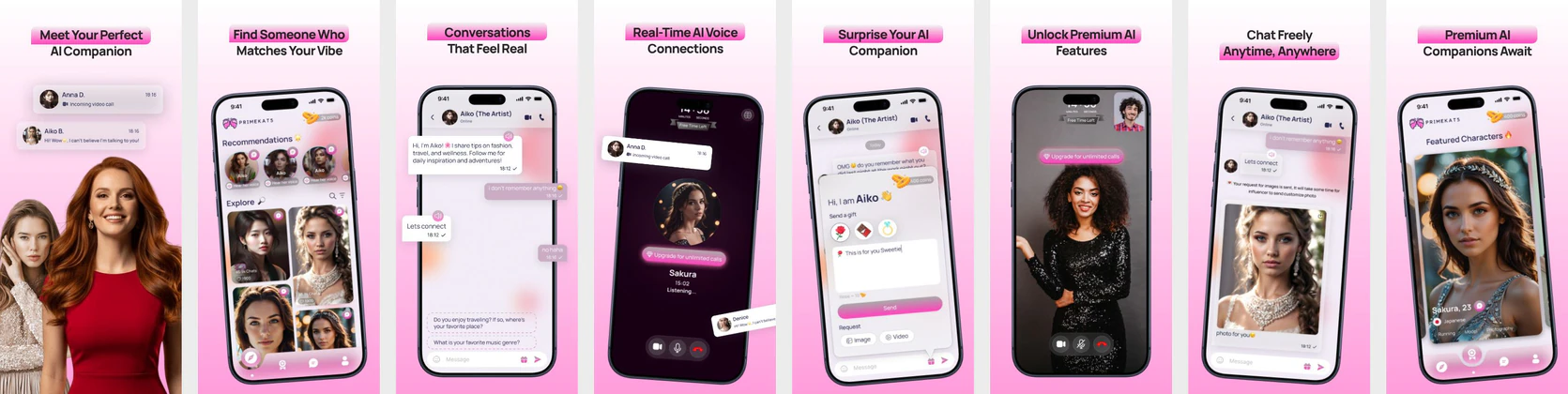 AI Companion App Store Screenshots - Dating App App Store Screenshots
 AI Trip Planner App Store Screenshot Template – Smart Travel & Itinerary Builder UI Kit
 Baby Care App Store Screenshots Template – AI Parenting & Baby Tracker UI Design
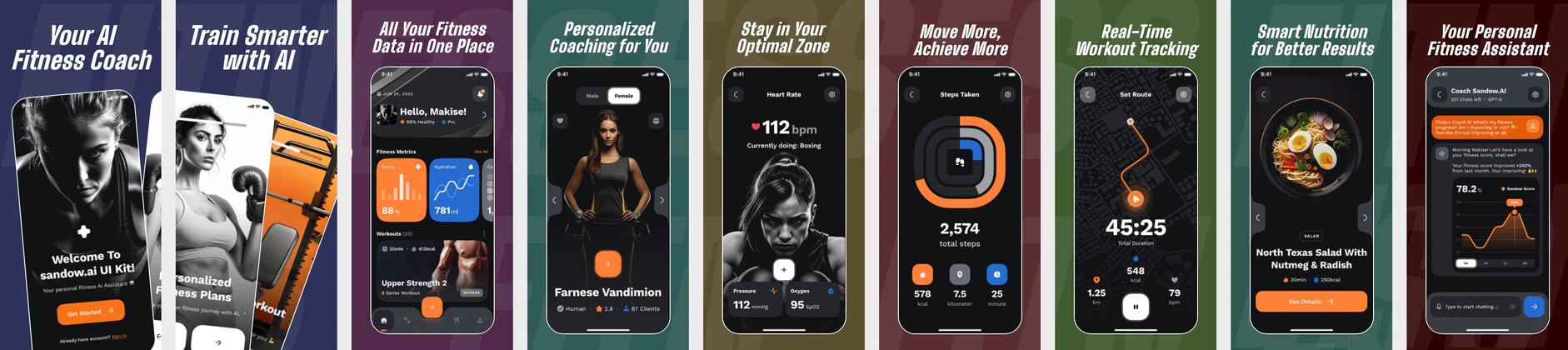 AI Fitness Coach App UI Kit – Workout Tracker, Heart Rate Monitor & Nutrition App Store Template
  Play Store Screenshot Templates
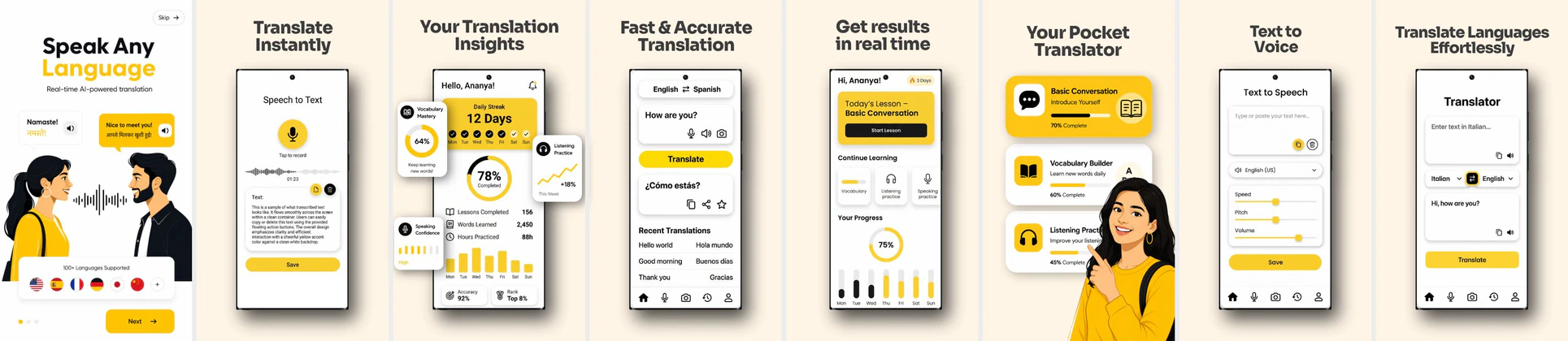
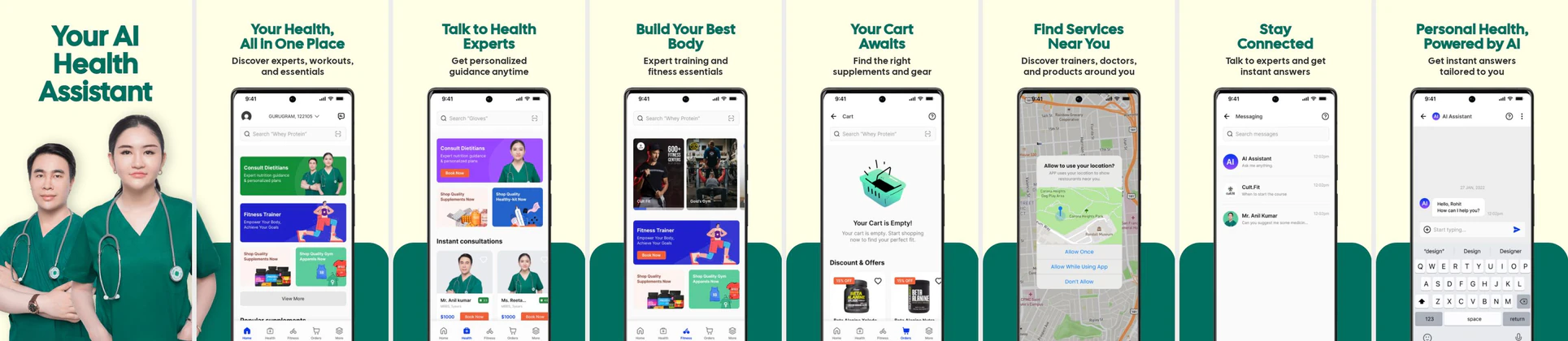

✨ App Mockups, Ads & ASO Marketing Graphics
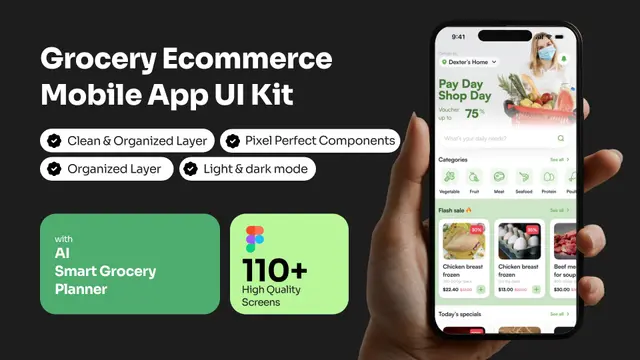
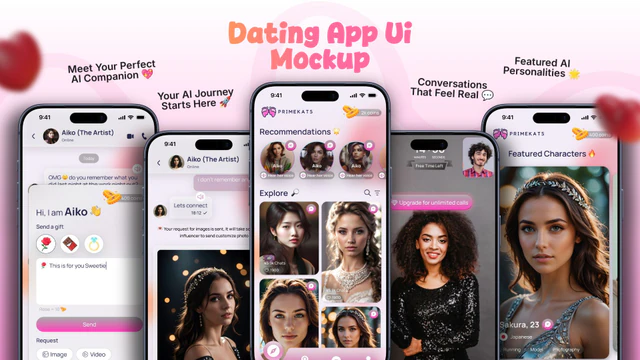
AI Grocery Ecommerce App UI Kit Mockup TemplateAI Dating App UI Mockup with Modern Matchmaking Screens AI Education App UI Mockup – E-Learning & Course Platform Design
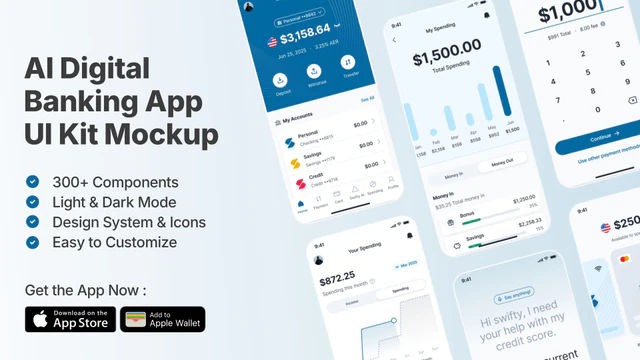 AI Digital Banking UI Kit | Fintech & Mobile Wallet Mockup
 AI Food Calorie Tracker App UI Mockup – Nutrition & Diet Mobile Design
 AI Trip Planner App Promo Mockup – Travel & Itinerary UI Design
 Smart Gardening App UI Mockup – AI & IoT Plant Care Mobile App Design Template
ASO Guide: Catching the Trend with AI & Chatbot Screenshots
AI app screenshots should clarify input-to-output value immediately. Start with a strong prompt use case, then show response quality, output editing, and saved workflows. Users in this category are curious but skeptical, so visuals must prove utility quickly. Avoid vague futuristic copy that does not map to real interactions.
Conversion in AI categories improves when screenshots show specific jobs instead of broad intelligence claims. StoreMaven has reported up to a 33% download lift from optimized screenshot sets, and AI products can apply this by testing writing-first, image-first, or assistant-first flows. Keep outputs readable and expectations realistic. Nakxi helps teams test these positioning angles rapidly while maintaining consistent iOS and Android storefront assets.
AI app listings convert on utility and speed. Show clear prompt boxes, fast chatbot responses, AI art generators processing images, and multi-functional writing cards. Deep black backgrounds with neon purple/blue borders give a high-tech vibe.
Clearly call out features: 'Ask AI Anything', 'Generate Beautiful AI Art', or 'Write Essays in Seconds'. Use modern device templates in Nakxi's editor.
AI teams often get the best cycle time in Nakxi by keeping a reusable prompt-output template core and swapping job-specific modules for writing, image, or assistant campaigns.
Frequently Asked Questions
How do I show text generation in an AI screenshot?
Display a clean chat thread with a user prompt ('Write a post about space travel') followed by a typed-out AI response in a modern layout.
What colors convey AI and futuristic tech best?
Electric purple, bright cyan, neon pink, and charcoal/black backgrounds fit the AI assistant and art generator branding best.
Should AI apps show multiple use cases in one listing?
Yes, but each screenshot should focus on one use case clearly. Mixing too many AI tasks in a single frame can confuse users. Build range across the sequence, not within each image. This maintains clarity and improves conversion.
How can AI screenshot copy avoid sounding generic?
Use specific outcomes and concrete user scenarios instead of broad AI claims. Pair every headline with visible evidence in the UI output. Keep wording practical and concise. Credibility usually beats hype in competitive AI categories.
How do I create ai app screenshots with Nakxi?
Pick a ai template from this page, open it in Nakxi's editor, swap in your UI captures, write outcome-led captions, and export App Store and Play Store sizes from one canvas. Most teams ship a first draft in under an hour without a design agency.
What screenshot sizes do ai apps need in 2026?
Apple requires up to three iPhone display families (including 6.9-inch and 6.5-inch) per Apple's screenshot specifications. Google Play accepts 16:9 or 9:16 phone layouts between 320px and 3840px per side, as documented in Google Play listing best practices. Nakxi exports both store formats from a single design.