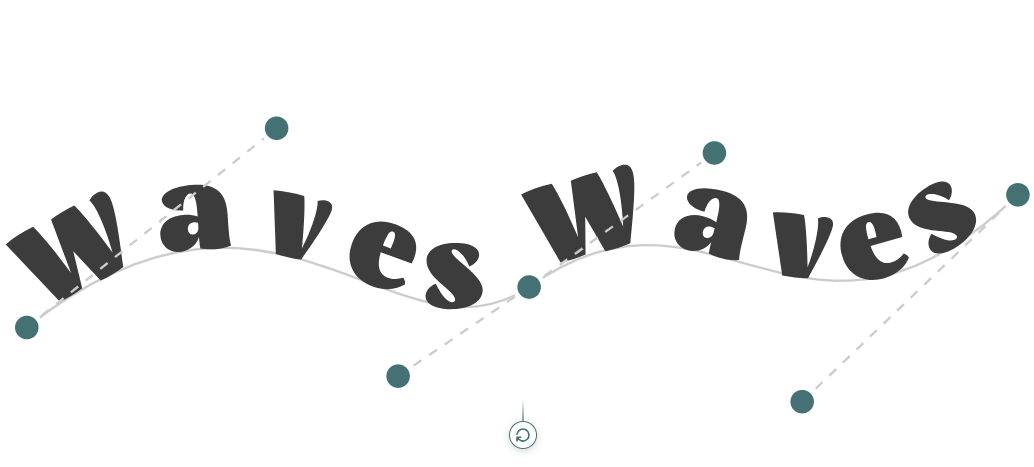
Text Transform: Render Text on SVG Paths
By Nakxi team
Published
Text on Path (SVG) is here
We’ve added new Text Transform properties that let you render text on SVG paths. This makes it easy to create headings that follow shapes like a slant line, circle, half circle, curves, waves, or even a free-drawn custom path.
How the path works
Drag the handles to control the path and the way your text flows along it.
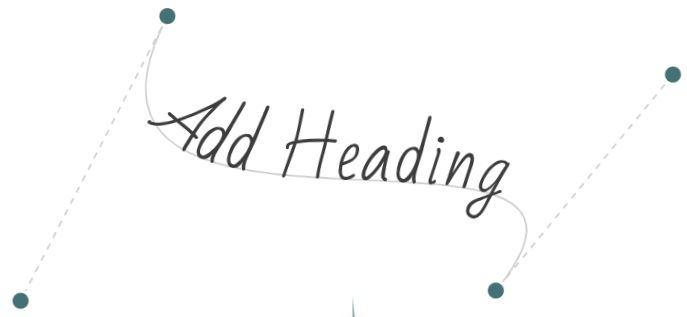
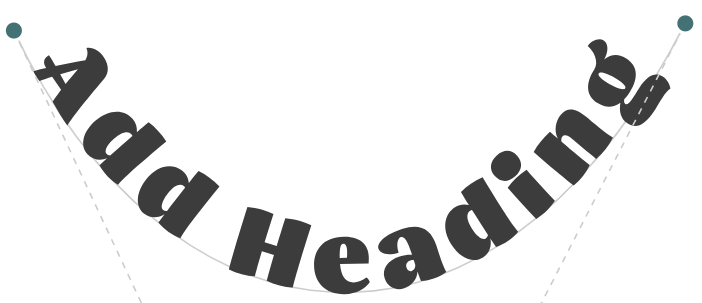
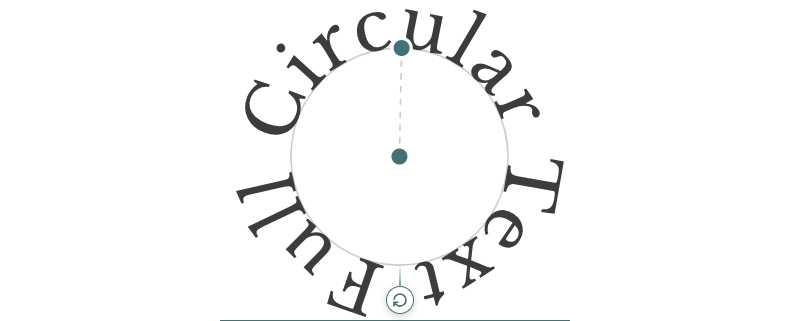
Demos
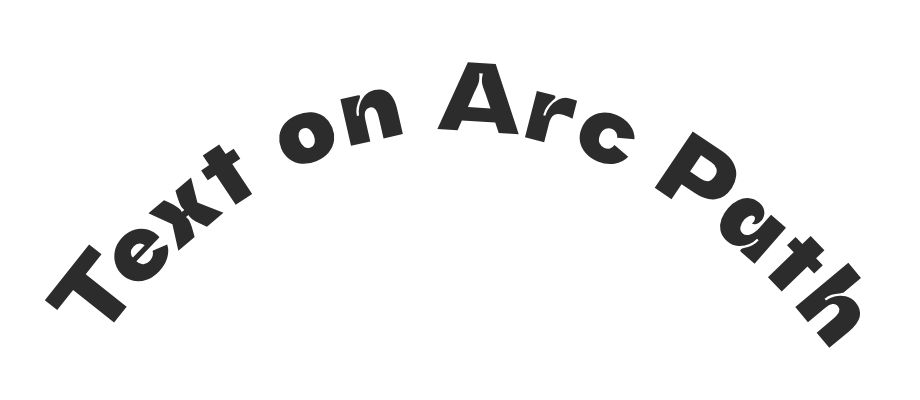
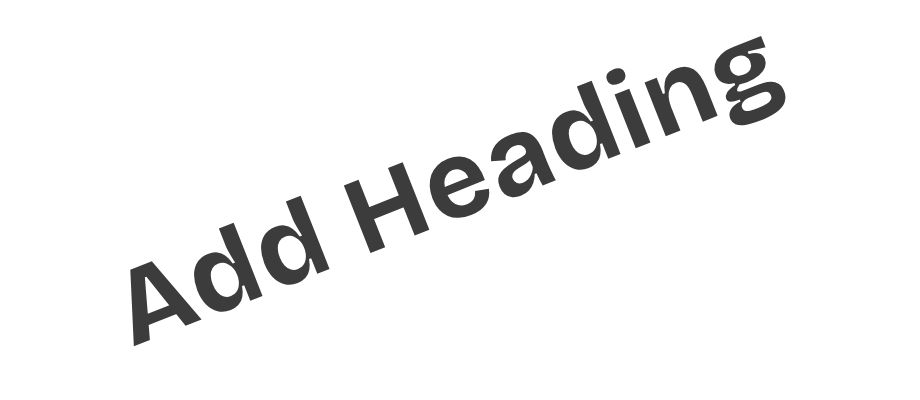
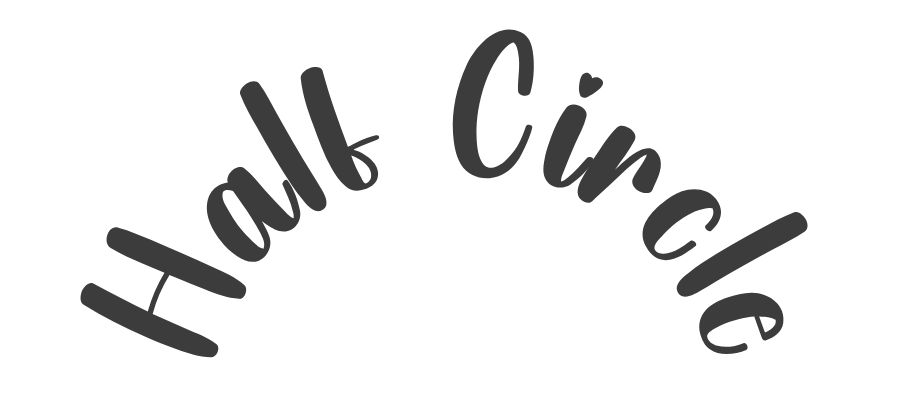
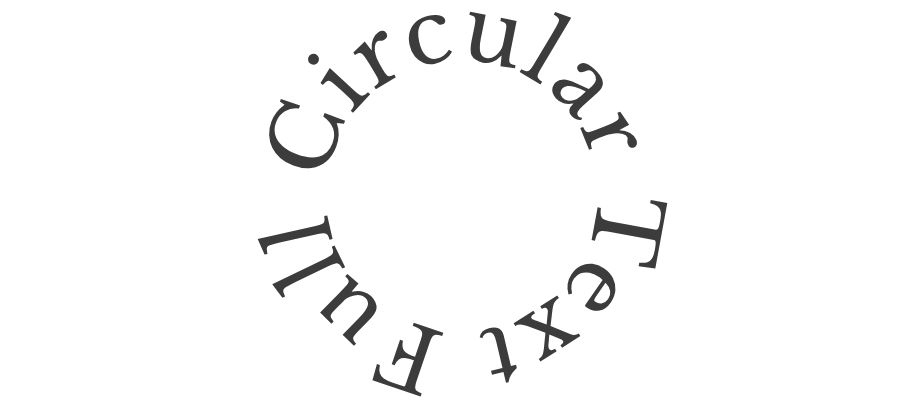
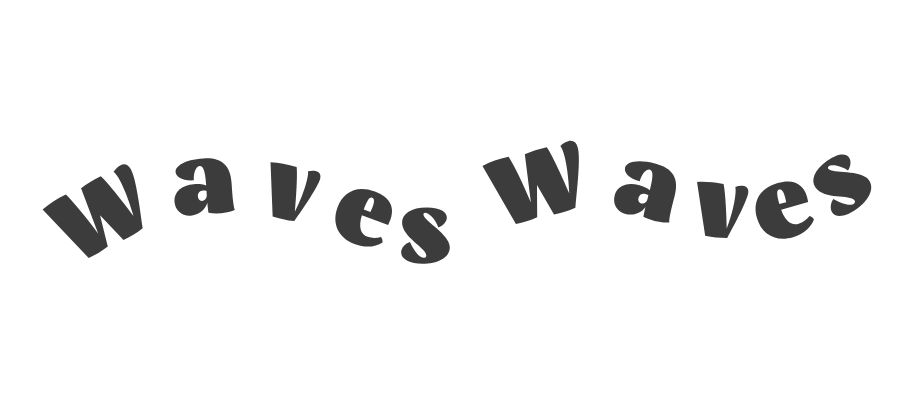
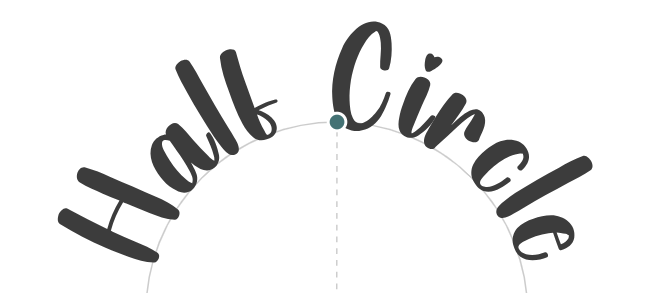
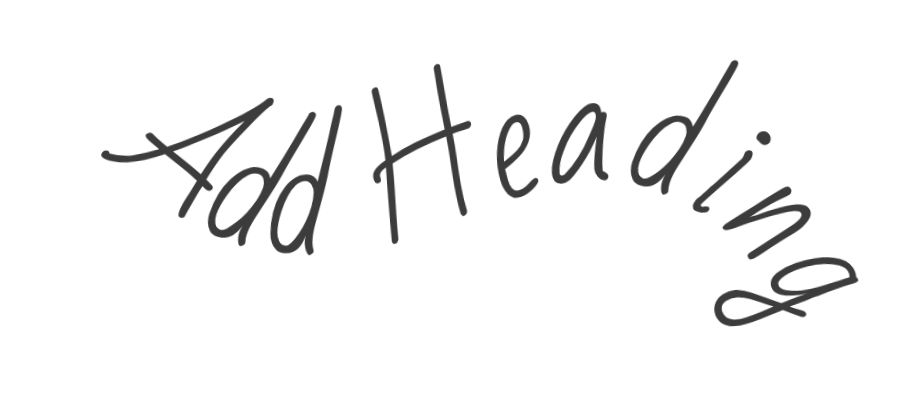
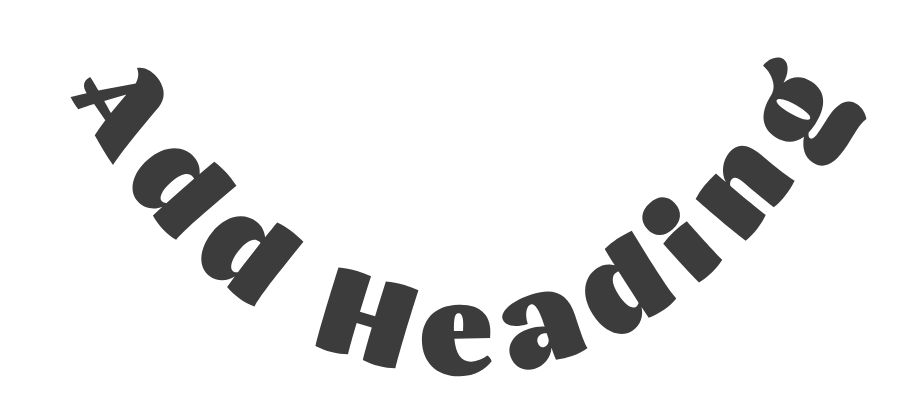
New Text Transform options
These are the new transformation properties you can apply to text:
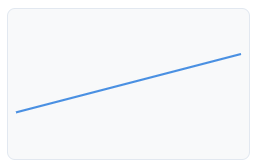
Slant line

Circle
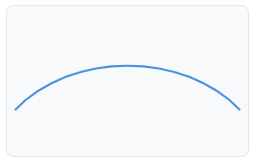
Half circle
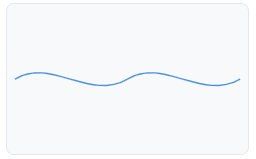
Wave
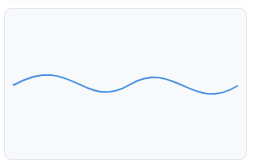
Wave (variant)
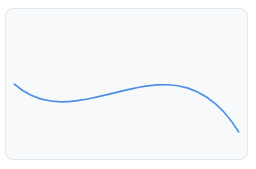
Free path drawer
Where to find it: Select a text layer → open Text Transform → pick a path type and adjust handles/controls.