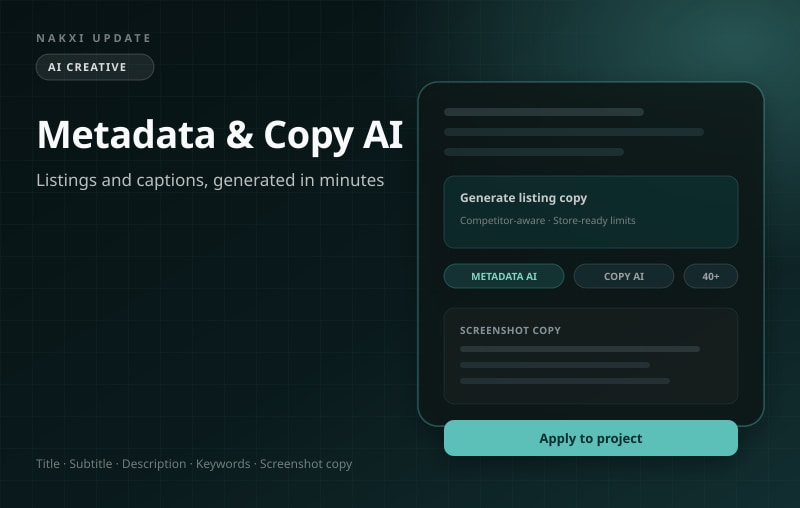
AI Metadata, Screenshot Copy & Localization
By Nakxi team
Published
From blank listing to store-ready copy in minutes
Writing App Store metadata and screenshot captions is repetitive, slow, and easy to get wrong — especially when character limits, keyword strategy, and tone all matter at once. Nakxi’s Metadata AI, Screenshot Copy AI, and AI Localization turn your project context into polished, store-ready text you can apply with one click.
Metadata AI — listing copy that respects store limits
Open any App Store or Play Store listing project and click the ✨ AI button next to any metadata field — or generate the full listing at once.
Metadata AI produces:
- Title and subtitle / short description optimized for search and conversion
- Full description with benefit-led opening lines and feature bullets
- Promotional text (App Store) tailored to your launch goal
- Keywords field — AI-generated ASO keyword strings that avoid title duplication, skip competitor brand names, and pack high-value terms within Apple’s 100-character limit
Generation modes let you choose how aggressively to optimize: balanced, creative, or conservative. Competitor-aware generation uses your Competitor Insights data (Growth) to differentiate from rivals or match category conventions. Pick a goal — drive downloads, highlight features, build trust, or app launch — and select tone from professional to playful.
Every suggestion shows character counts against live store limits before you apply.
Screenshot Copy AI — captions that sell the benefit
In Screenshot Studio, select text layers and open AI Copy. Nakxi reads your slide layout, identifies headline vs. supporting text roles, and generates multiple caption variations per element.
Configure:
- Goal — downloads, conversions, feature highlights, trust, launch, or retargeting
- Tone — from professional and minimal to bold and playful
- Length — short punchy headlines or longer explanatory copy
- Variations — compare options side by side before applying
Copy AI uses your project’s app context so captions stay on-brand and relevant — not generic placeholder text.
AI ASO Keywords — one click, store-optimized
Don’t guess your keywords field. From the project dashboard, run Generate Keywords to produce an ASO-optimized keyword string that:
- Prioritizes core product search terms from your title and description
- Incorporates rival keyword gaps when competitor data is available
- Excludes words already in your title and filters out marketing fluff
- Respects the 100-character App Store keywords limit
Review, edit, and save — or regenerate with different strategy inputs.
AI Localization — 40+ languages without leaving the editor
Prepare for global launches with AI Localization:
- Quick mode — translate all text overlays in your screenshot project to a target locale
- Full mode — localize listing metadata and creative text together
- Preview before apply — see translated text in context before committing
- 40+ languages supported with store-appropriate phrasing
Free accounts include one localized locale. Creator and Growth unlock full localization across all your projects.
The editor language selector (added in a previous update) still lets you preview creatives in any supported language — Localization goes further by generating and applying translations with AI.
Included in: Creator ($19/mo) and Growth ($29/mo) plans. Free accounts receive 5 one-time AI credits to try Metadata AI and Copy AI.