
ScreenVault · ASO inspiration
Forest app screenshots
Original ASO commentary on how Forest presents itself on the stores — first frame, captions, and tests worth running. Not affiliated with Forest.
What we measure
- First frame
- UI close-up
- Caption position
- above device
- Avg caption words
- 3
- Background
- photo backdrop
- Device treatment
- partial frame
Listing thumbnails
Reduced-size screenshots for commentary. Copyright belongs to the app publisher. Request removal.


What this listing does well
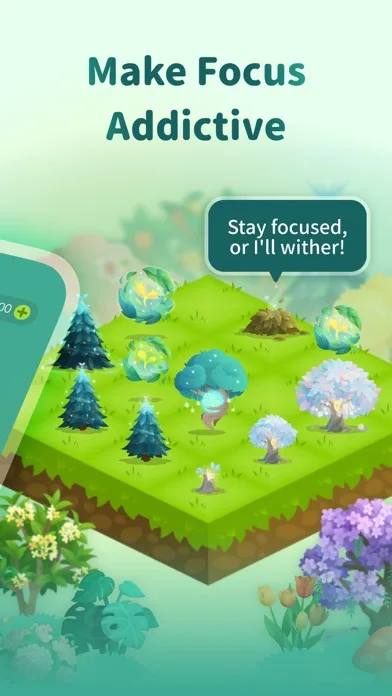
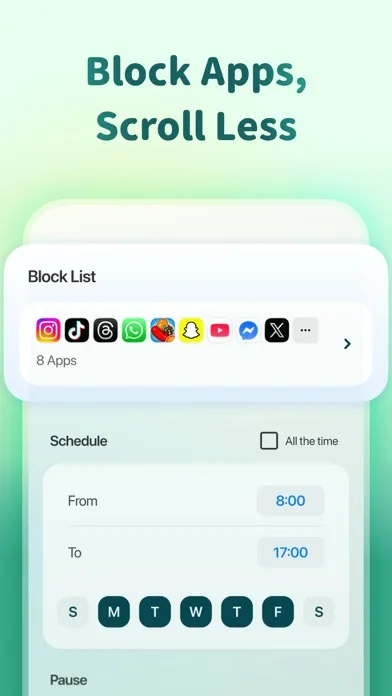
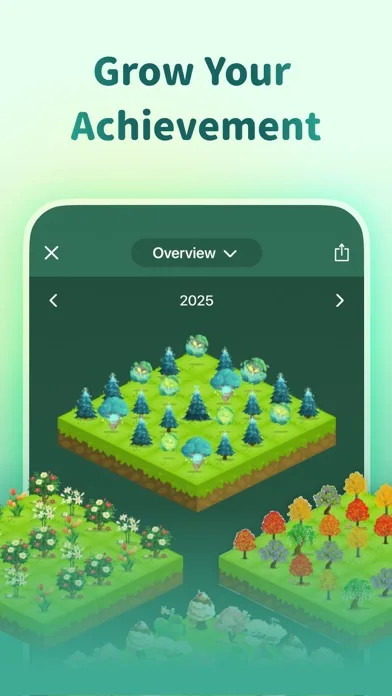
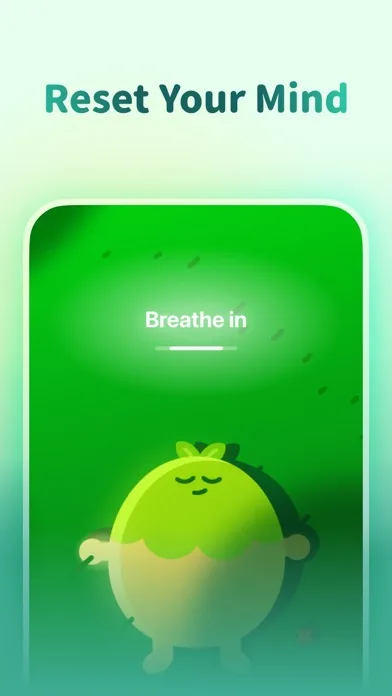
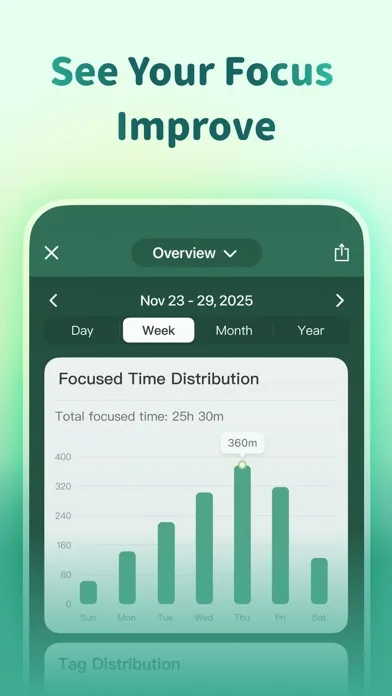
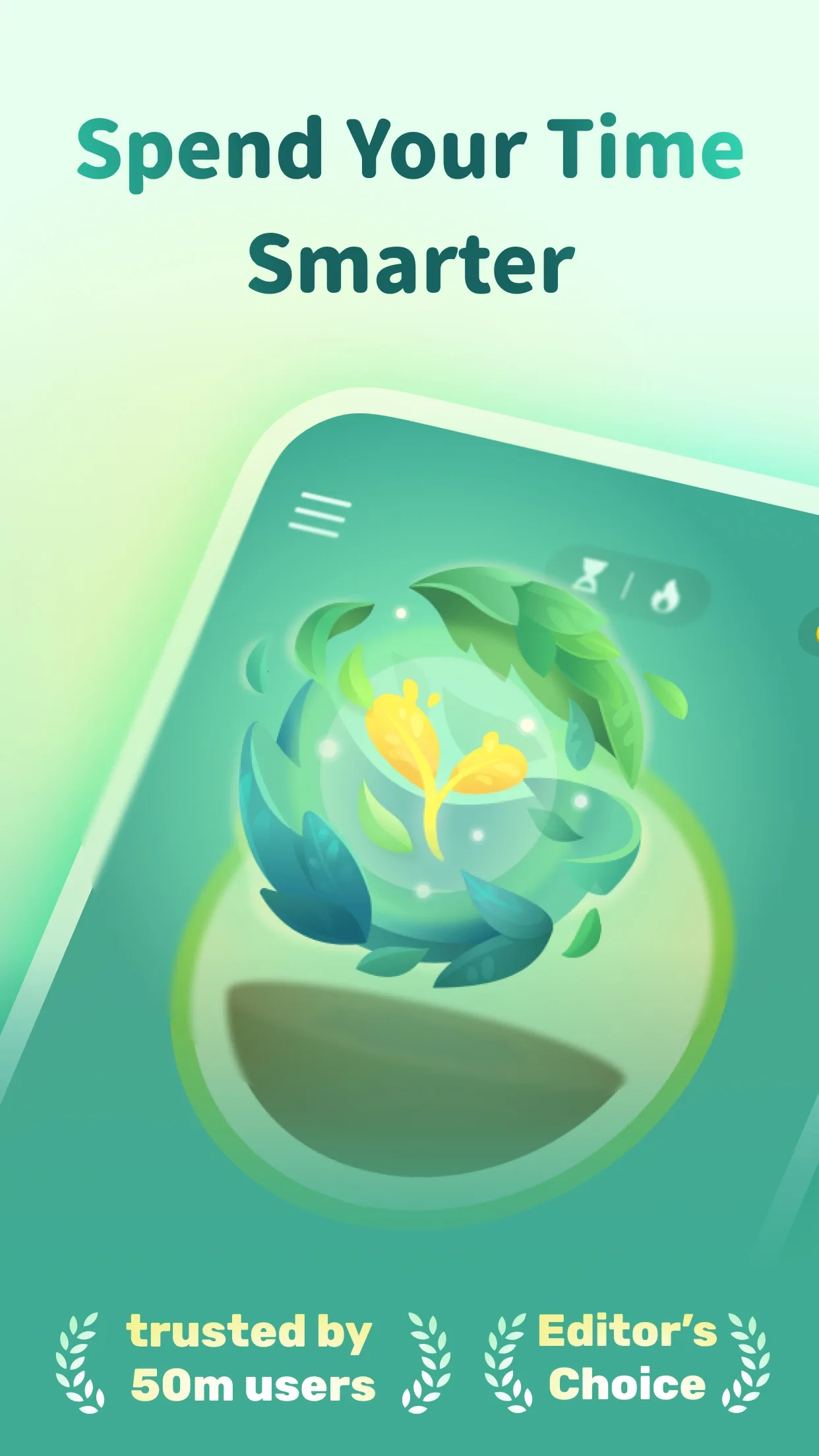
Forest's store set leads with a UI close-up first frame, which helps visitors understand the product in one glance. Captions sit in the above device with roughly 3 words on average — short enough to read at thumbnail size. The gallery uses a photo backdrop behind a partial frame, keeping focus on the product UI rather than decorative noise. Across 6 captured slides, the sequence stays consistent with the storytelling / flow-based category patterns ScreenVault tracks.
What you could test
Test a stronger benefit line on slide 1 if the UI close-up still feels UI-heavy for cold traffic. Try moving captions from the above device to the opposite third on one variant to measure readability on small phones. A/B a cleaner solid background to see whether contrast or atmosphere wins installs. Compare frameless vs framed exports — this set currently reads as partial frame.
Forest's store set leads with a UI close-up first frame, which helps visitors understand the product in one glance. Captions sit in the above device with roughly 3 words on average — short enough to read at thumbnail size. The gallery uses a photo backdrop behind a partial frame, keeping focus on the product UI rather than decorative noise. Across 6 captured slides, the sequence stays consistent with the storytelling / flow-based category patterns ScreenVault tracks. Test a stronger benefit line on slide 1 if the UI close-up still feels UI-heavy for cold traffic. Try moving captions from the above device to the opposite third on one variant to measure readability on small phones. A/B a cleaner solid background to see whether contrast or atmosphere wins installs. Compare frameless vs framed exports — this set currently reads as partial frame. This page is for ASO inspiration and commentary only. Screenshots remain the property of Forest's publisher. Use Nakxi Screenshot Studio to rebuild a similar story structure with your own UI — not a pixel copy of Forest. Browse more Productivity & Utilities examples in the ScreenVault Productivity & Utilities collection for adjacent patterns.
Start from this layout in Nakxi App Store screenshot generator