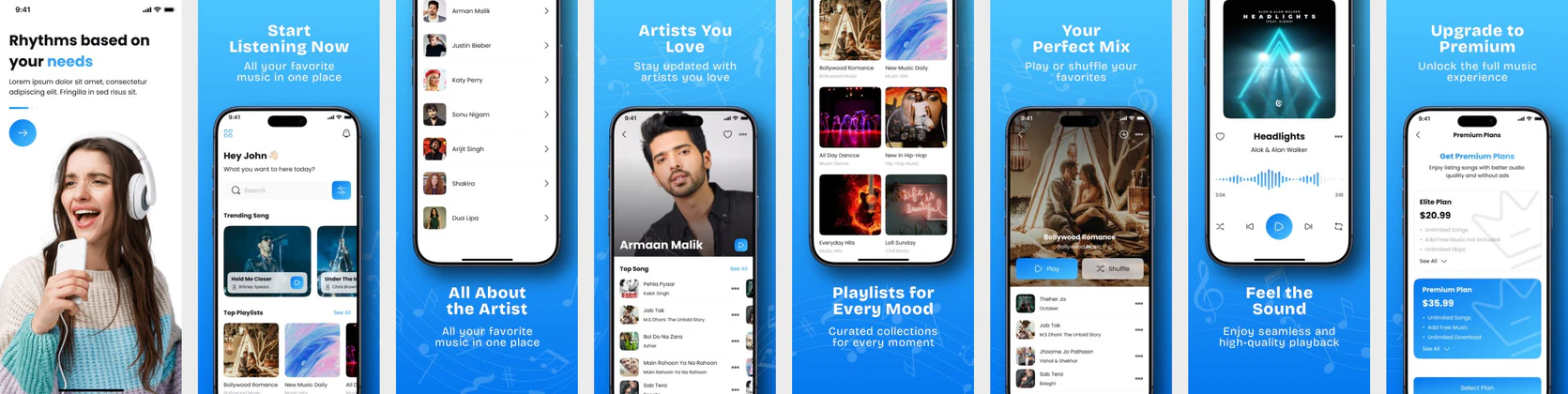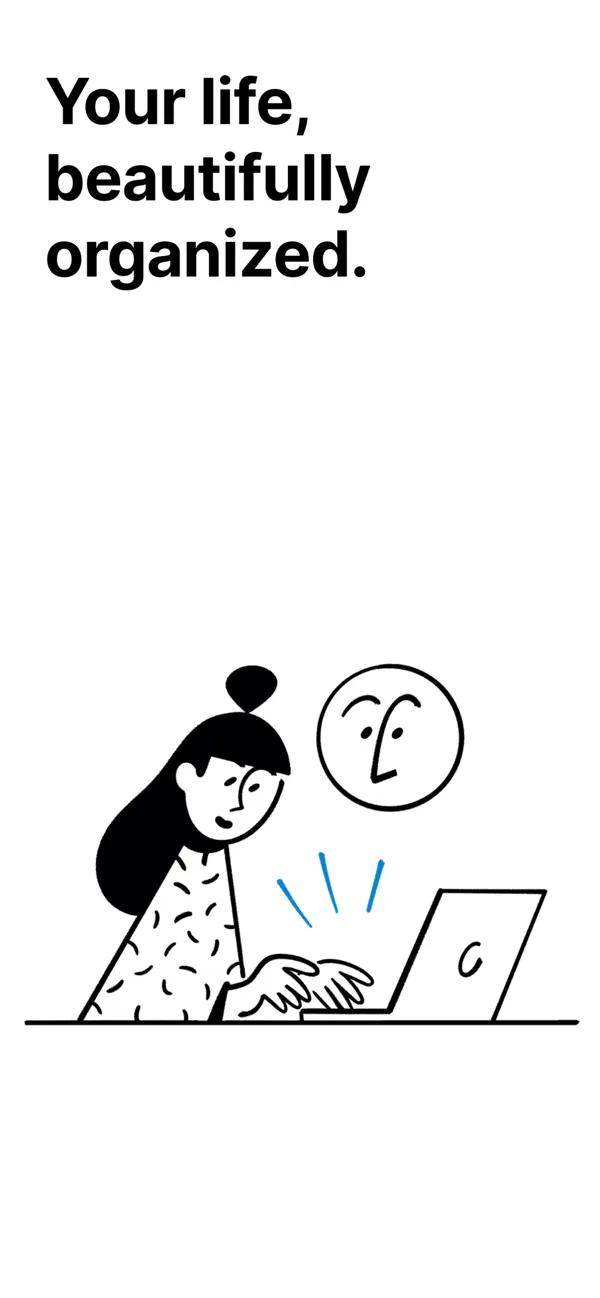
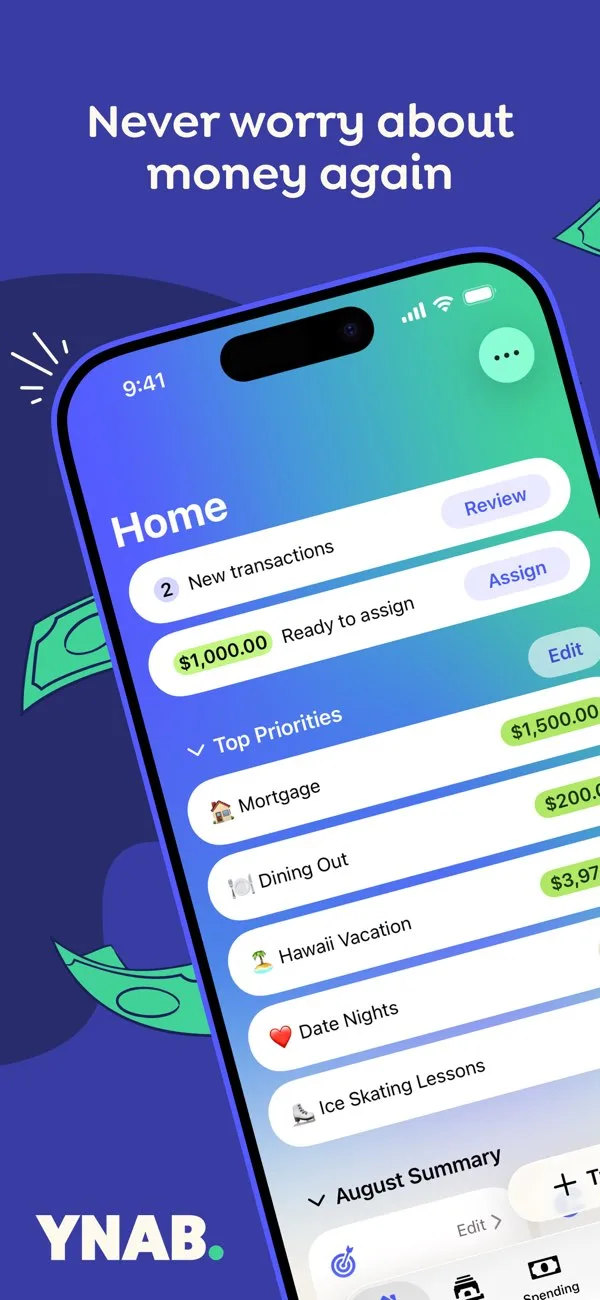
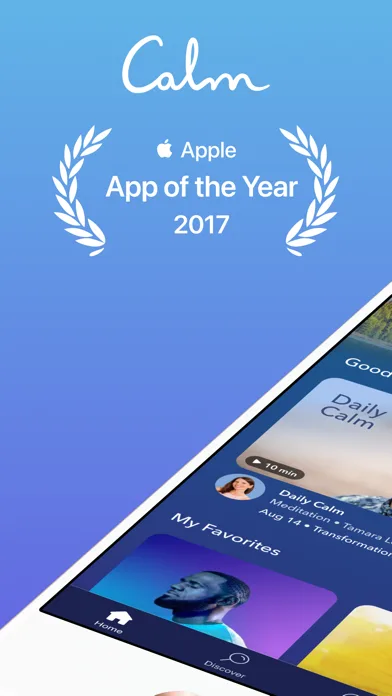
Top-ranked listings
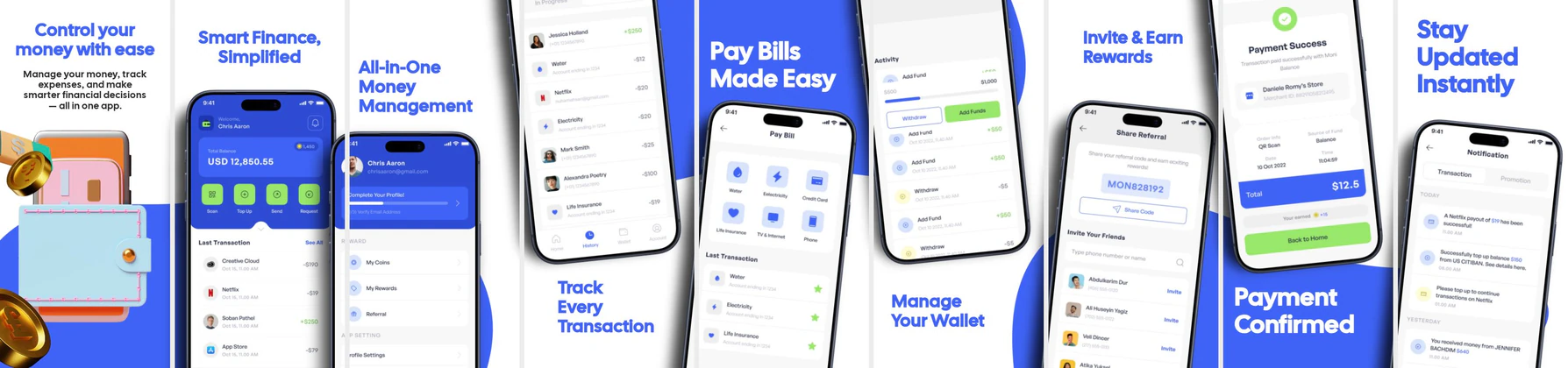
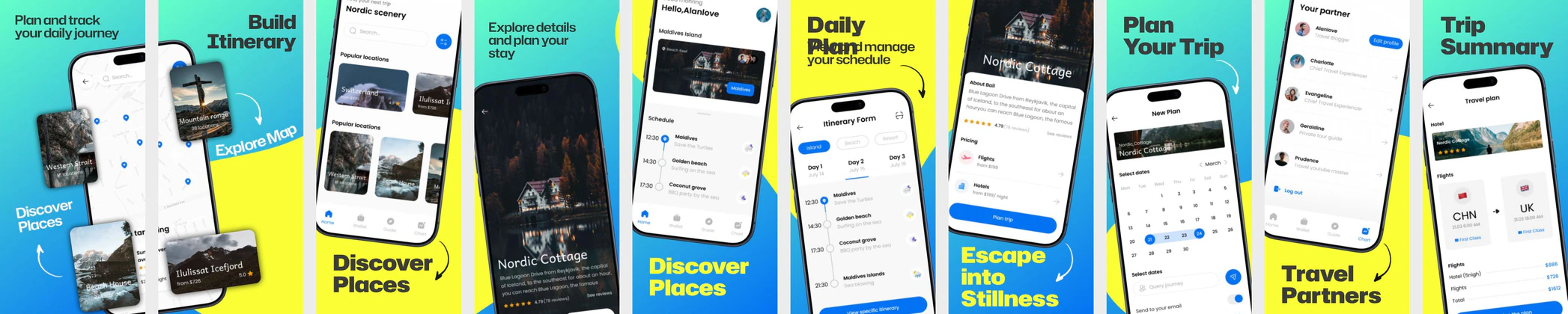
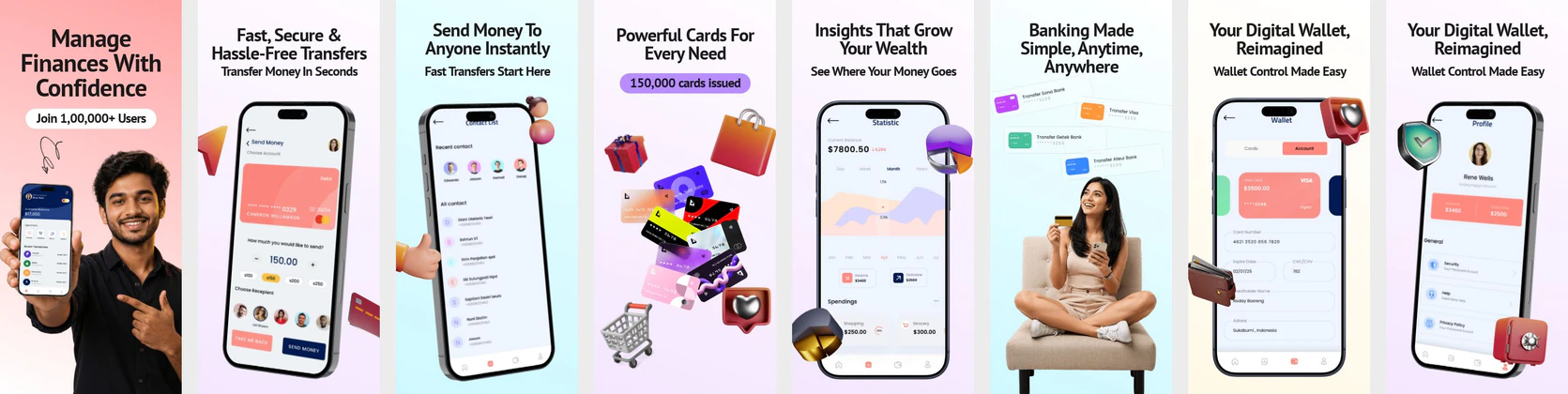
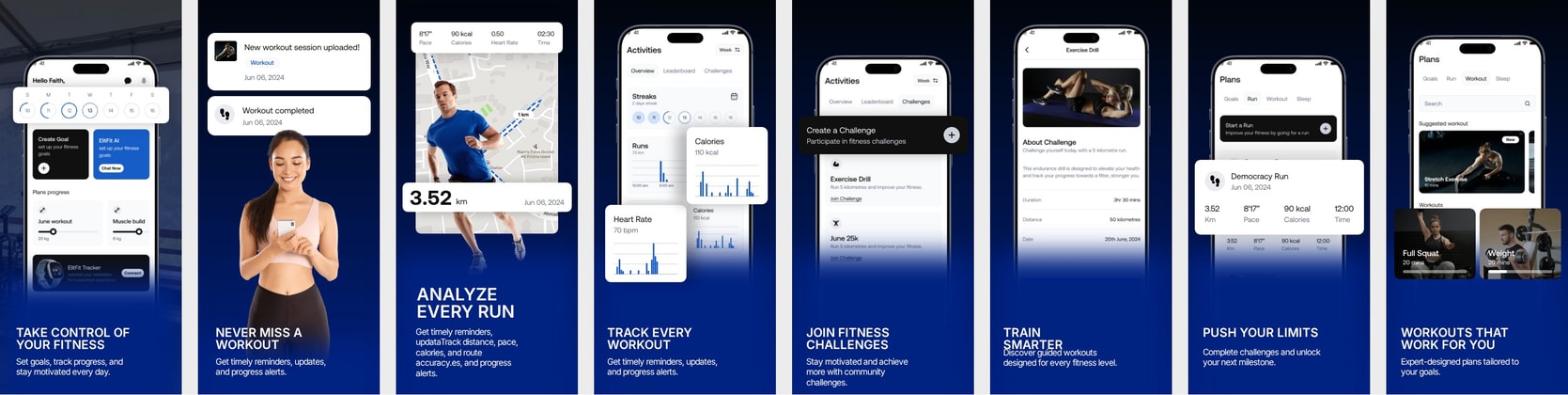
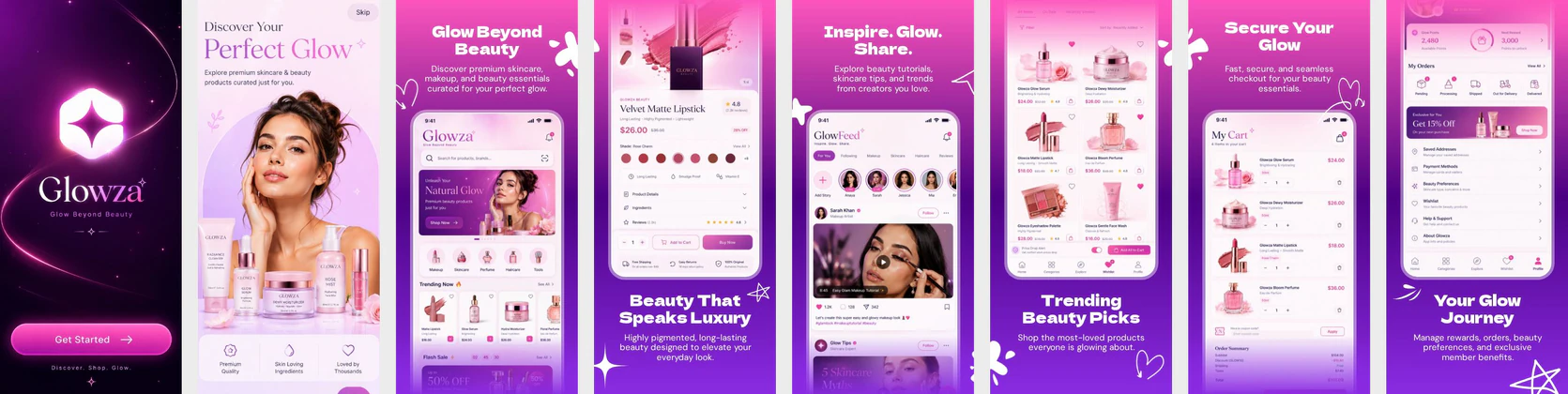
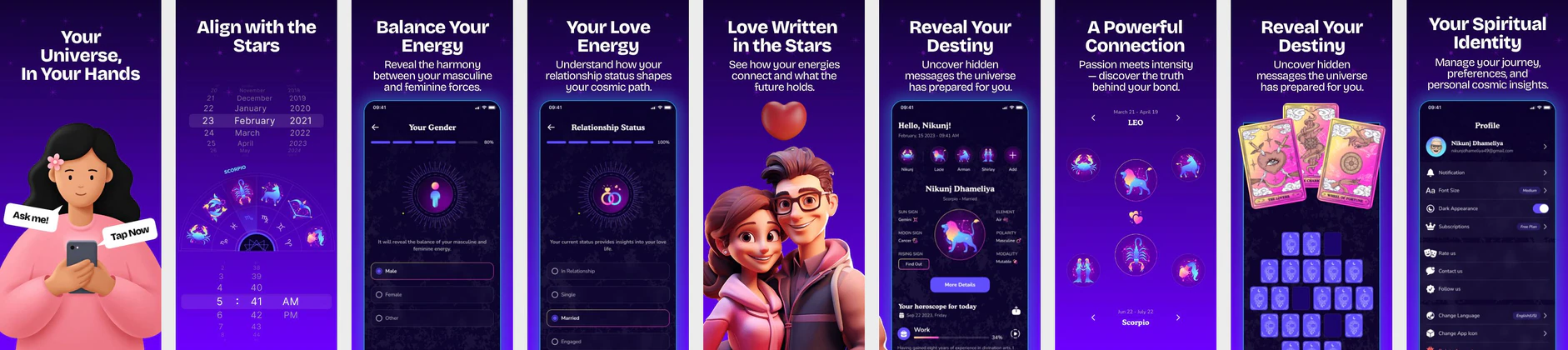
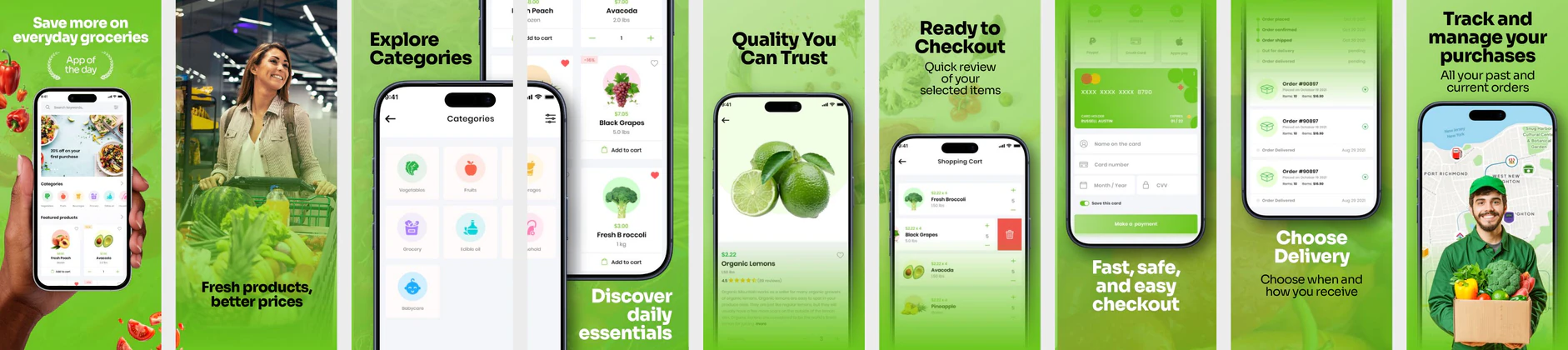
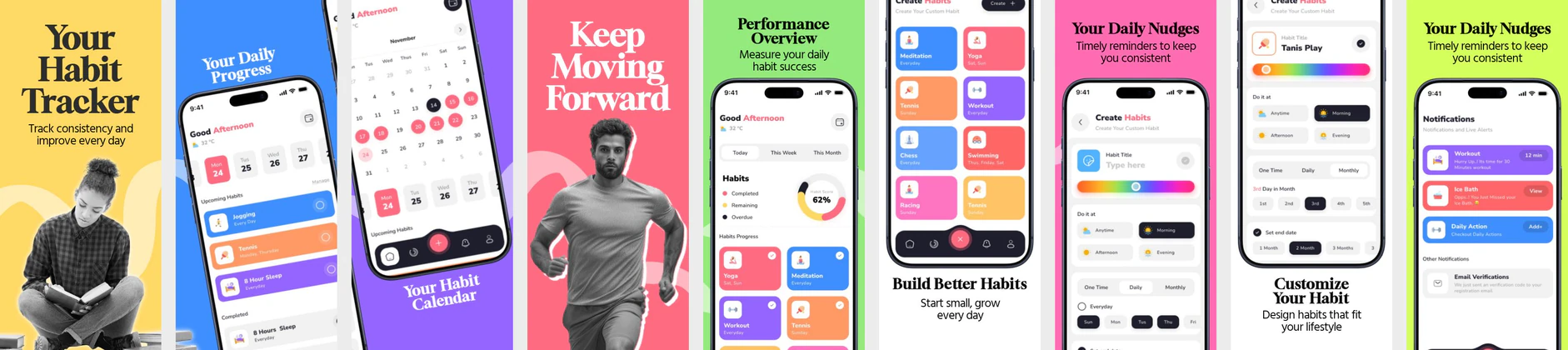
See what top-ranked apps are actually running in their listings right now.
Turn your raw app screens into store-ready screenshots with AI in minutes, then write your metadata, localize into 80+ languages and publish.




 Trusted by 2,300+ indie devs and mobile teamsNo credit card required
01 AI
Upload raw screens. AI writes the headlines, picks the device frames and builds the full set.
Finish the listing in one project: screenshots, the words on them, and publishing. Design iPhone and iPad sizes in the App Store screenshot generator, or turn raw screens into a set with the AI screenshot generator. New to the work? Read what App Store Optimization covers.
Industry research
of store visitors decide from the first screen and never scroll further.
Source: StoreMaven
Design the screenshots, write the listing copy, check rivals and keywords, localize, and publish — without switching tools.

Templates
Panoramic layouts, benefit-led captions and store-ready sizes. Pick one, drop in your screens, and publish.
54 apps monitored · updated from live store listings · iOS & Android
ScreenVault shows live App Store and Google Play screenshots from top apps. Study what works, then build better screenshots in Nakxi.
See what top-ranked apps are actually running in their listings right now.
Spot layout patterns — headline hierarchy, caption pacing, first-frame hooks.
Skip the blank canvas — start your design from proven structure.
One click to open any layout directly in the Nakxi editor.
No designer required · App Store & Google Play · Ready in minutes
Upload your app screens. Nakxi writes headlines, designs each slide, and gives you an editable App Store and Google Play screenshot pack — ready to customize and export.
See the AI App Screenshot Maker & Generator page, or design manually with the App Store screenshot maker or the Google Play screenshot maker.
Drop in PNGs, JPGs, or a ZIP. AI picks your strongest screens and builds a compelling story—no blank canvas.
Every slide gets benefit-driven copy and polished layouts designed to win installs on the App Store and Google Play.
Titles, subtitles, keywords, and supporting metadata ship with your creatives—so the whole listing converts together.
Fine-tune every slide in Screenshot Studio before you publish—nothing is locked, everything stays yours.
Start free on real App Store and Google Play projects. Upgrade to Creator for Metadata AI and creative tools, or Growth for Competitor and Keyword Intelligence.
Try Nakxi on a real listing.
$0
All AI creative tools — design, copy, scoring, and localization.
$12 / month
Billed $144 / year, or $19 / month billed monthly
🛡️ Secured by Paddle · Cancel anytime
Creator plus competitor intel, keyword suggestions and review analysis.
$19 / month
Billed $228 / year, or $29 / month billed monthly
🛡️ Secured by Paddle · Cancel anytime
Quick answers about Nakxi — App Store screenshots, ASO, pricing, and publishing.
Nakxi is a workspace for shipping an App Store or Google Play listing. You research keywords and competitors, design the screenshots, write the listing copy, localize it in 80+ languages, and publish to App Store Connect and Google Play Console from the same project.
Yes. Start free with no credit card — one project, exports, AI credits, and core tools to try the full workflow. Upgrade to Creator or Growth when you need unlimited projects, more AI credits, localization, or publishing.
Indie developers, startups, agencies, and ASO teams who need App Store and Google Play screenshots and listings without a design team or expensive ASO stack.
Screenshots are often the first thing store visitors see. Clear, benefit-led App Store and Google Play screenshots can improve install conversion in A/B tests — results vary by app, category, and listing quality. Nakxi helps you create competing visual stories, score those assets, and remember which narrative won; it does not guarantee a conversion lift.
Canva and Figma are general design tools. Nakxi is built for store listings: correct App Store and Play Store sizes, device frames, Smart Resize, Metadata AI, screenshot scoring, localization, and publishing in one workflow.
Yes. Build your screenshots and listing in Nakxi, then publish assets to App Store Connect and Google Play Console without re-uploading through separate tools.
Create a free account — no credit card needed. Open the App Store Screenshot Generator, pick a template or start blank, then export or publish from the same workspace.
Weak screenshots, vague metadata, missed keywords, and stalled localization cost downloads every day. Fix the App Store and Google Play listing in one Nakxi project.