New Localization Feature Added
By Nakxi team
Published
Instantly Translate Your Creative Projects
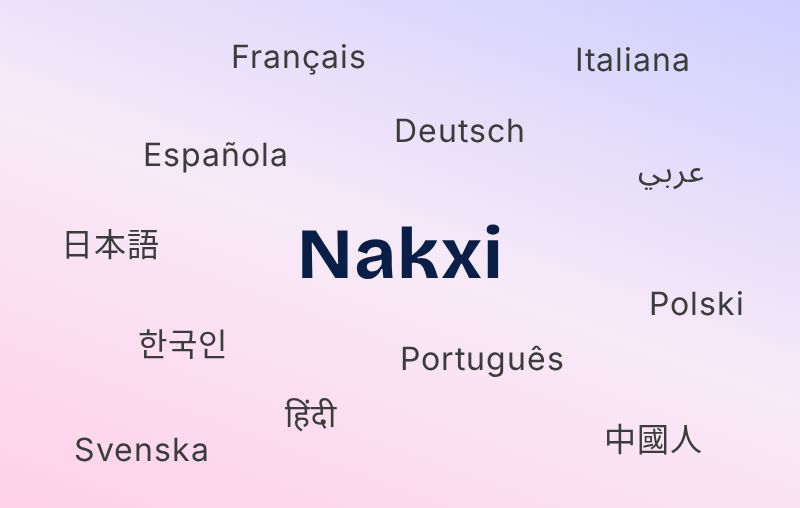
The new localization feature allows you to instantly translate your creative projects into multiple languages with just a click. Simply use the new language selector in the Nakxi editor to preview your content in Spanish, French, German, Japanese, and more—no manual copy-pasting required. All supported interface elements, text overlays, and mockup labels will update automatically to reflect your chosen language.
Whether you’re preparing App Store screenshots for international launches or customizing visuals for global audiences, Nakxi’s built-in translation tool saves you time and keeps your creative workflow smooth. This update is perfect for designers, developers, and marketers who want to reach wider audiences with less effort.
Key highlights:
- Instantly switch between major global languages from the editor sidebar
- Preview creative assets in multiple translations before download
- No need for external translation tools or manual edits
- More languages and custom translation controls coming soon!
Try out the new language selector today to make your next creative truly universal.